Nét đứt quãng · Icon

Những nét cố tình ngắt quãng tạo cảm giác nhẹ, thoáng và mở.
Thẻ
- nét đứt
- khoảng hở
- nhẹ nhàng
- thoáng đãng
Cách hoạt động
1
Describe the icon
Write one line naming the object or what the app does. No image is needed.
2
Pick an icon style
Choose a platform look, a 3D finish, a line style or a themed set.
3
Generate and export
Generate, pick the best version and crop or scale it to the size your platform needs.
Thêm phong cách trong Icon
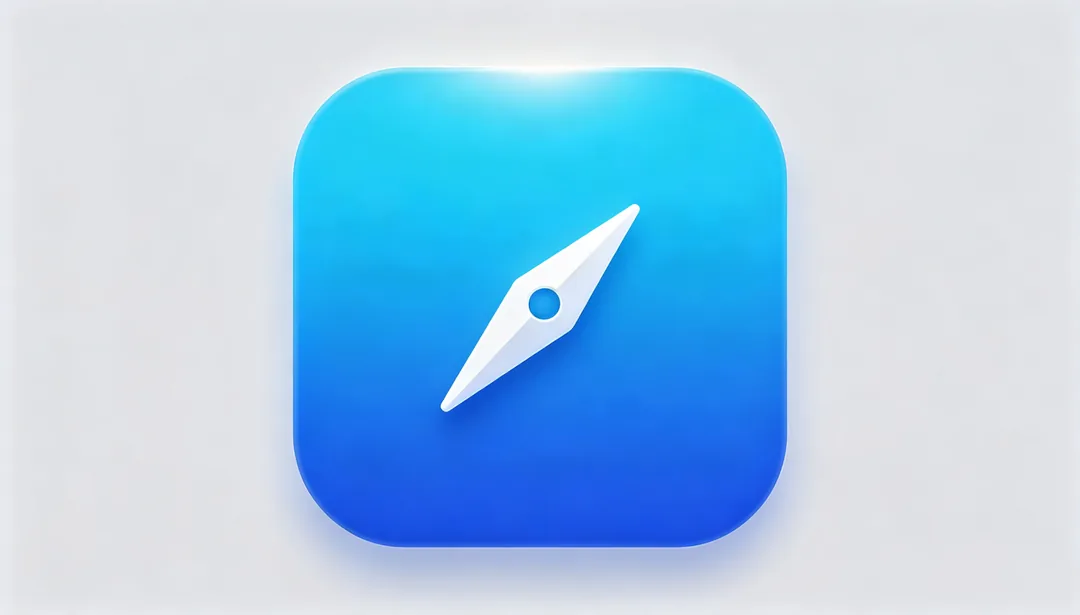
iOS bo góc gradient
Bóng vuông bo góc chuẩn Apple với lớp gradient nhẹ, cho vẻ sạch sẽ và tươi sáng.
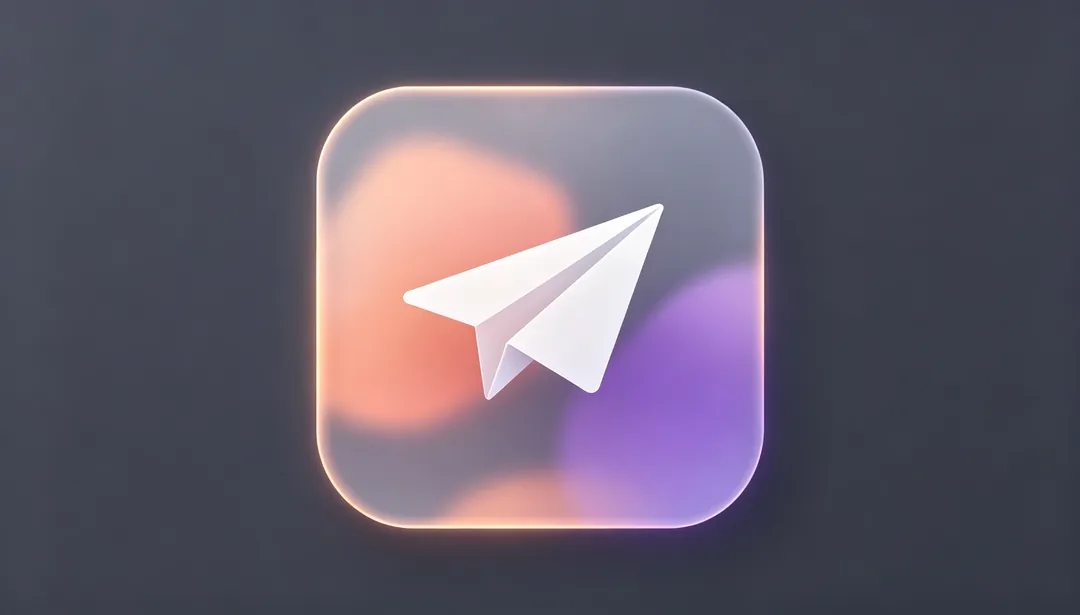
iOS Glassmorphism
Các lớp kính mờ bán trong suốt với blur mềm tạo nên vẻ glassmorphism đúng chất iOS.
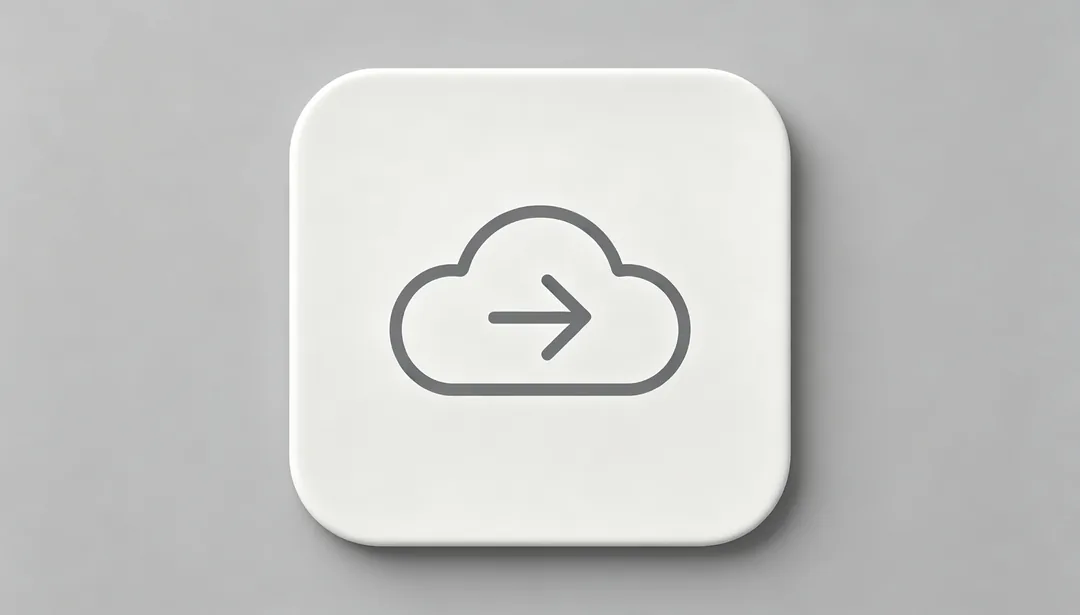
Phong cách SF Symbols
Glyph tuyến tính gọn gàng theo đúng ngôn ngữ thiết kế SF Symbols của Apple.
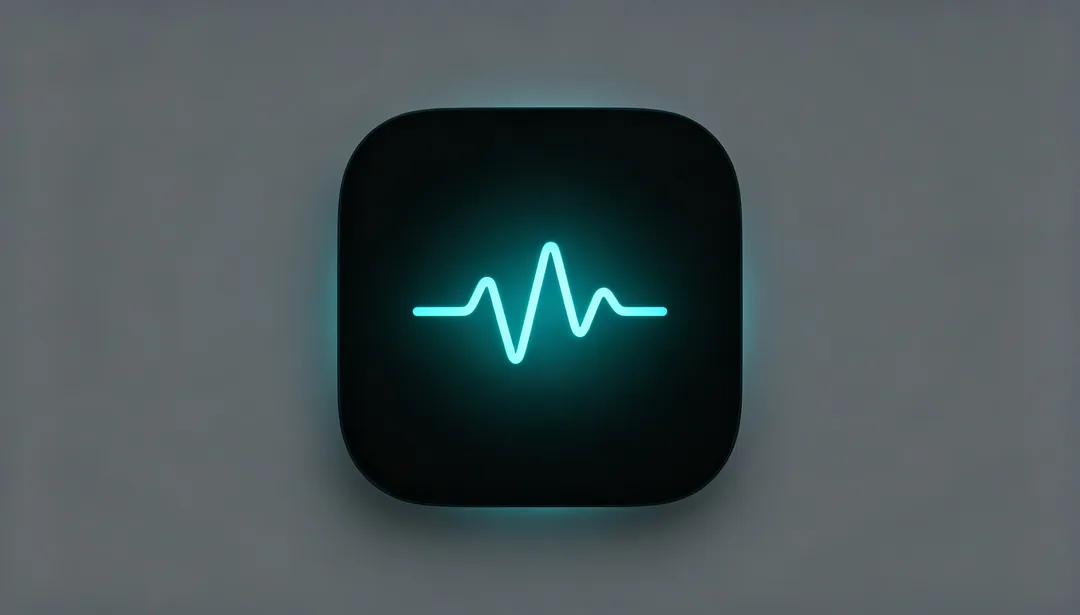
iOS Dark Mode
Glyph phát sáng trên nền tối sâu, tinh chỉnh riêng cho chế độ tối của iOS.
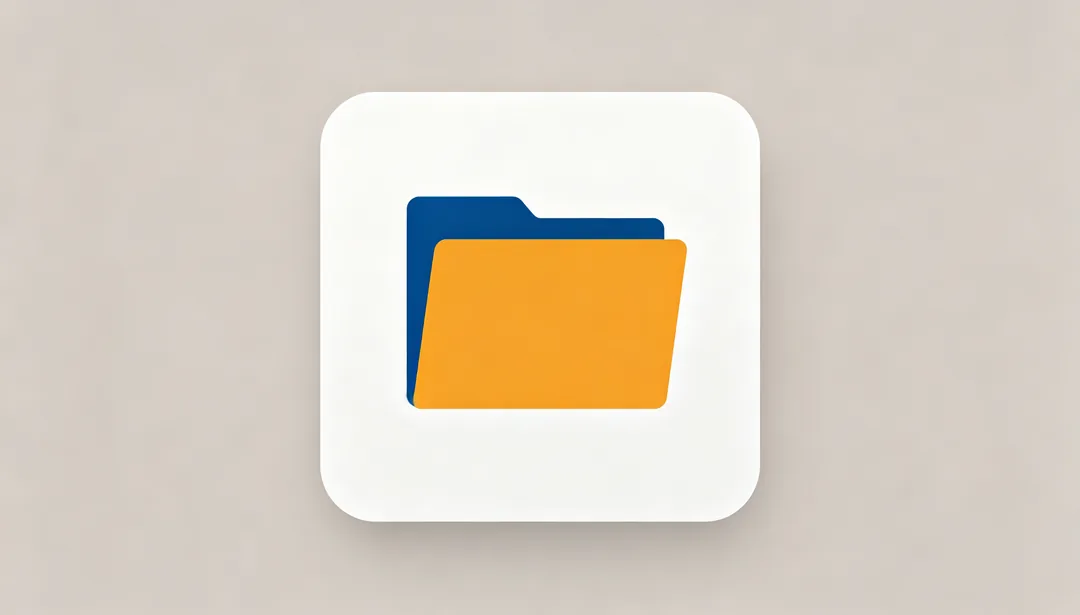
Material Flat
Những mảng màu phẳng mạnh mẽ theo chuẩn Material Design của Google.
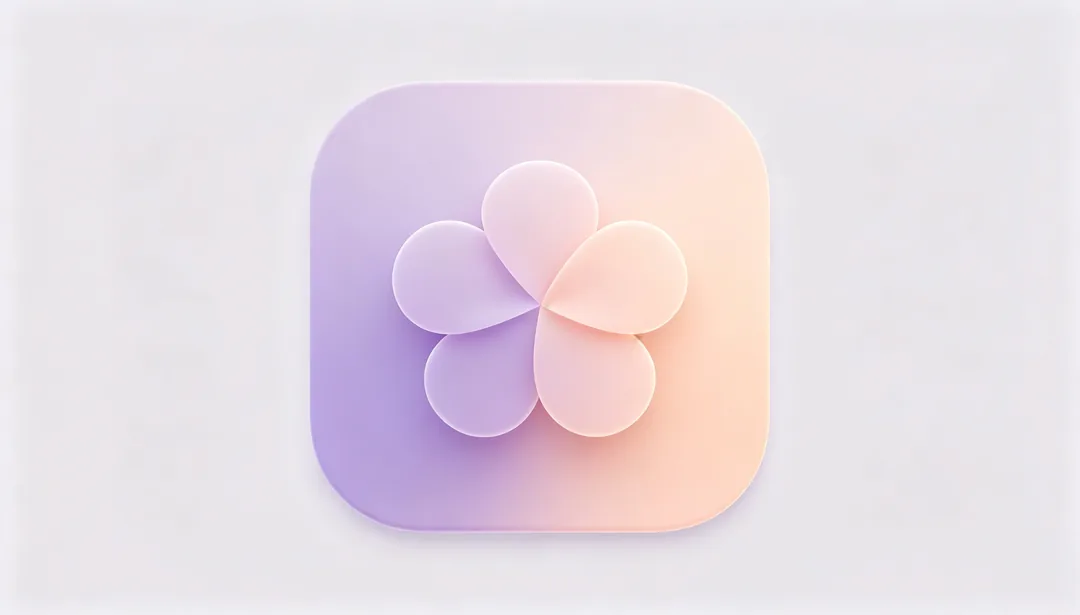
Material You
Hòa sắc động và hình khối bo tròn mềm làm nên vẻ cá nhân hóa của Material You.

Adaptive Icon
Bố cục nhiều lớp gồm tiền cảnh và hậu cảnh, dựng theo chuẩn adaptive icon của Android.

macOS phối cảnh skeuomorphic
Render skeuomorphic isometric 45 độ kinh điển theo phong cách icon ứng dụng macOS đời cũ.