Buang Calar · Pulih Foto
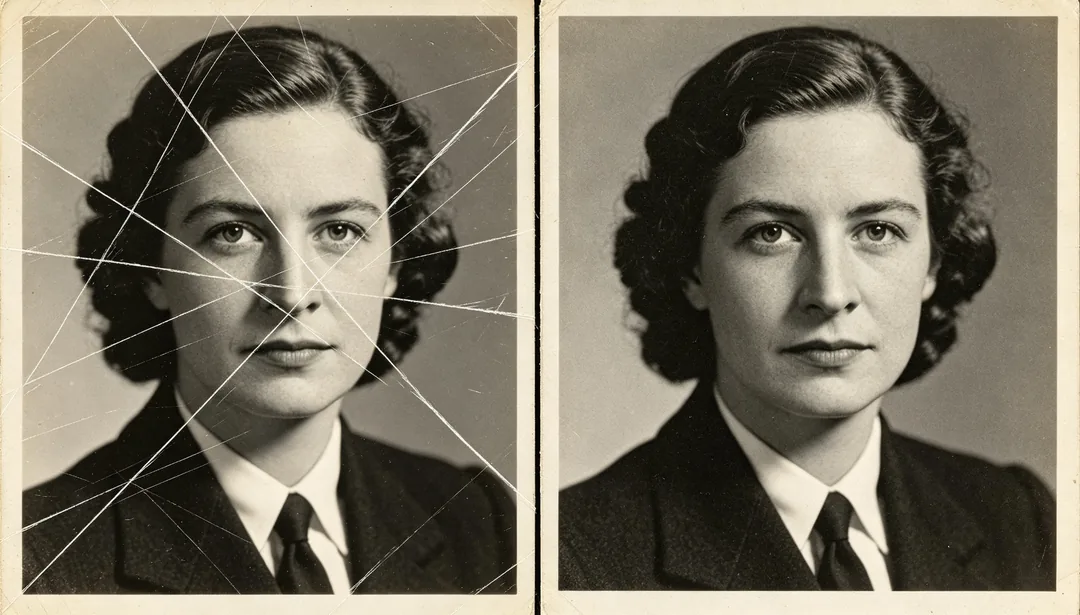
Membuang calar permukaan dan kesan rosak berbentuk garis halus untuk memulihkan imej yang bersih.
Tag
- calar
- baiki
- bersih
- permukaan
Cara ia berfungsi
1
Upload the scan
Add a scan or photo of the old print. Add extra copies if you have several damaged versions of the same picture.
2
Pick a restoration style
Choose the era, colour finish or repair you want.
3
Generate and download
Generate, compare with the original and download the version you want to keep.
Lagi gaya dalam Pulih Foto
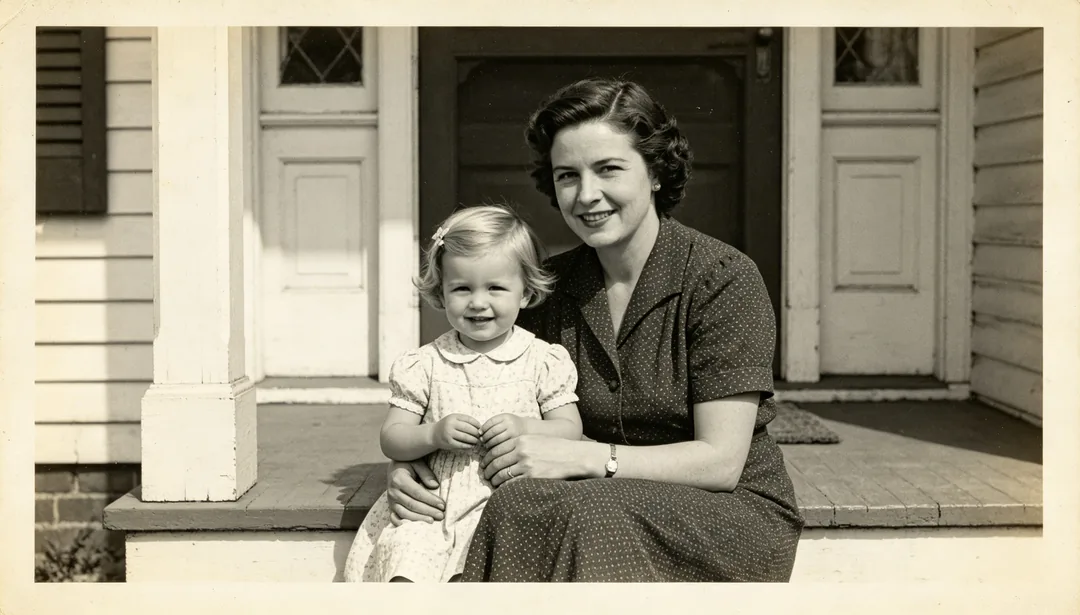
Peningkatan Pantas
Larian pantas yang menerapkan super-resolusi 2x yang ringan dan peningkatan wajah yang lembut untuk menajamkan foto lama dengan cepat.
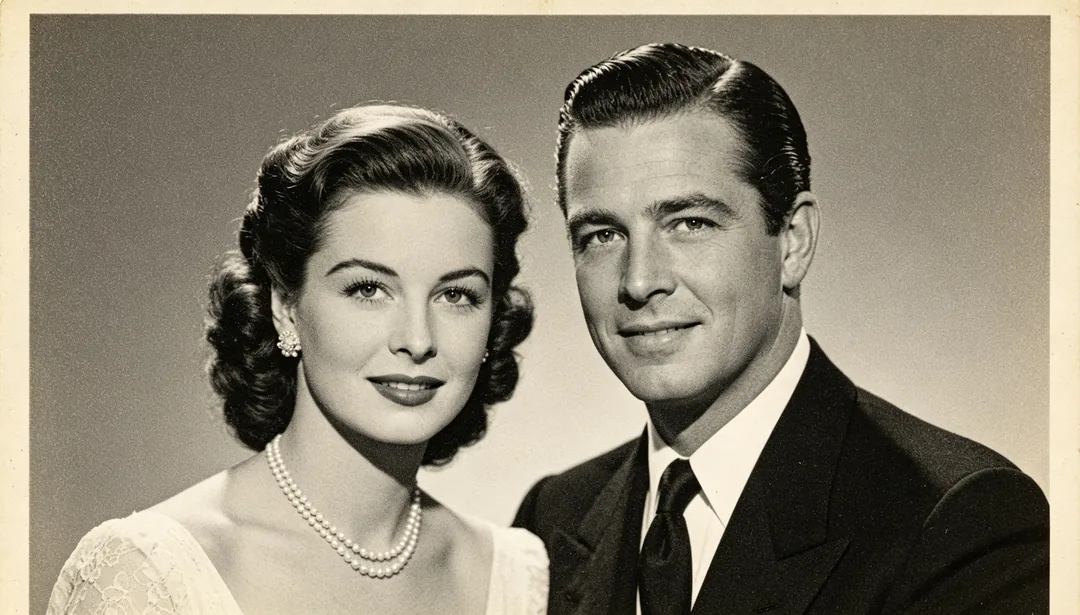
Pemulihan Standard
Aliran pemulihan standard yang menggabungkan super-resolusi 4x, peningkatan wajah dan pembuangan noise untuk kebanyakan foto lama.
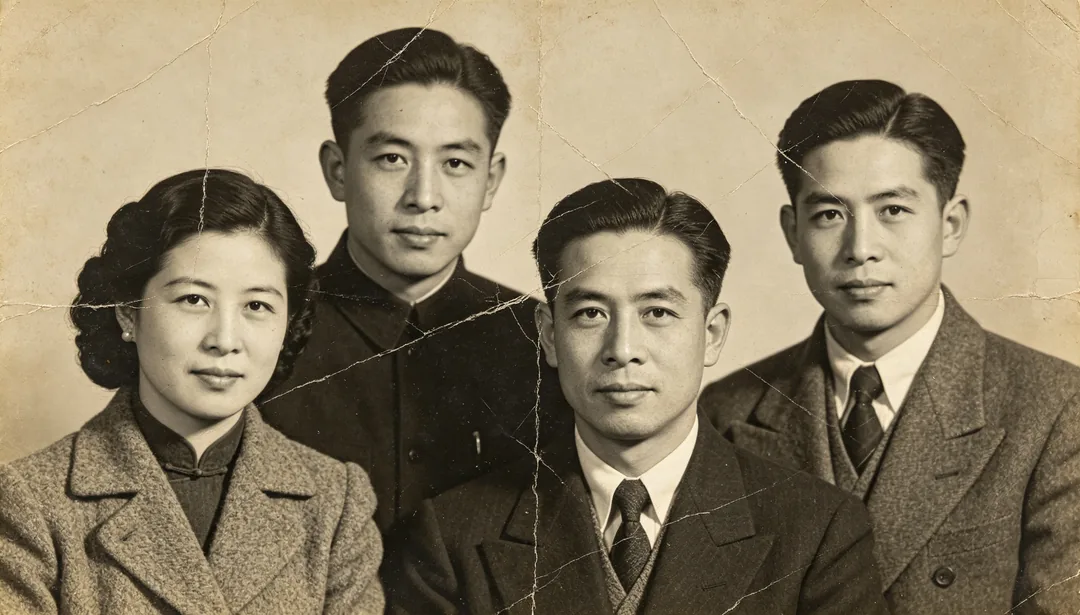
Pemulihan Mendalam
Aliran pemulihan mendalam yang lengkap dengan super-resolusi 8x untuk foto lama yang rosak teruk atau amat kabur.
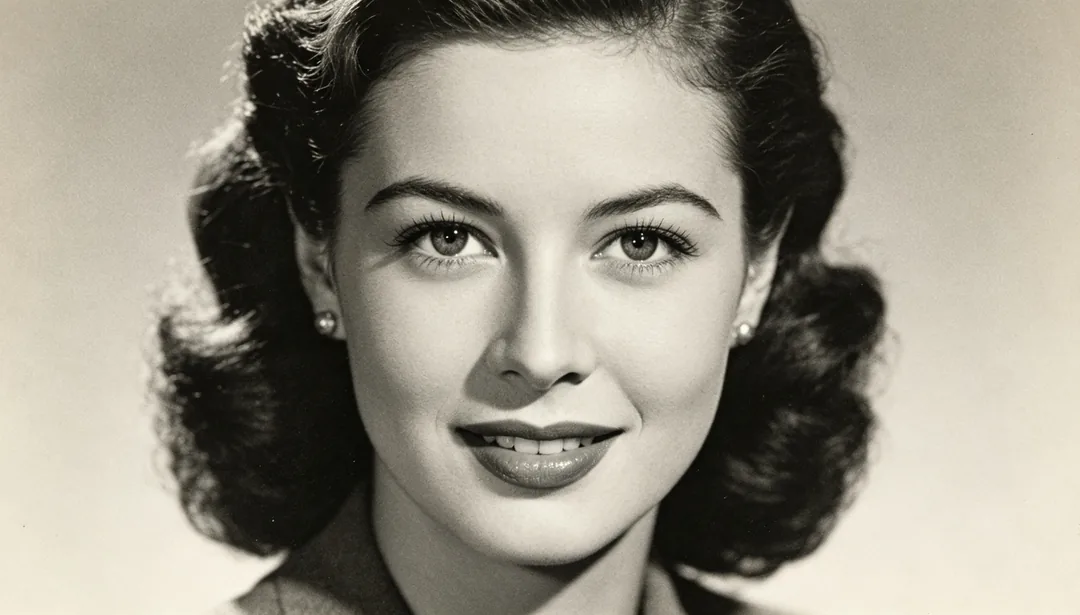
Fokus Wajah
Menajamkan ciri wajah sahaja demi kejelasan sambil membiarkan bahagian lain bingkai tidak tersentuh.
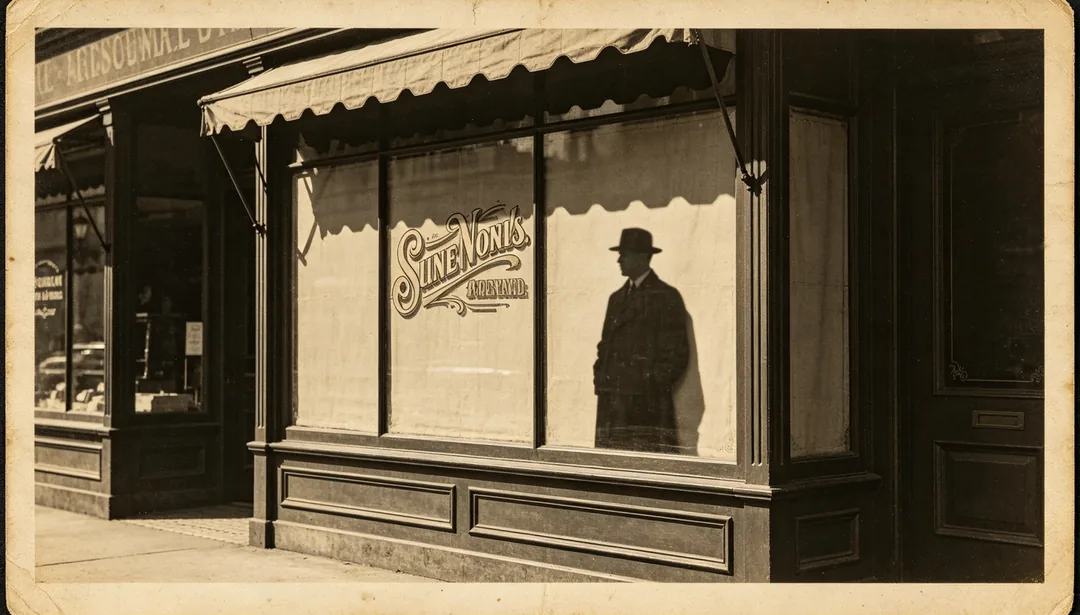
Penajaman Tepi
Meningkatkan ketajaman garis luar, siluet dan tepi teks bercetak dalam foto.
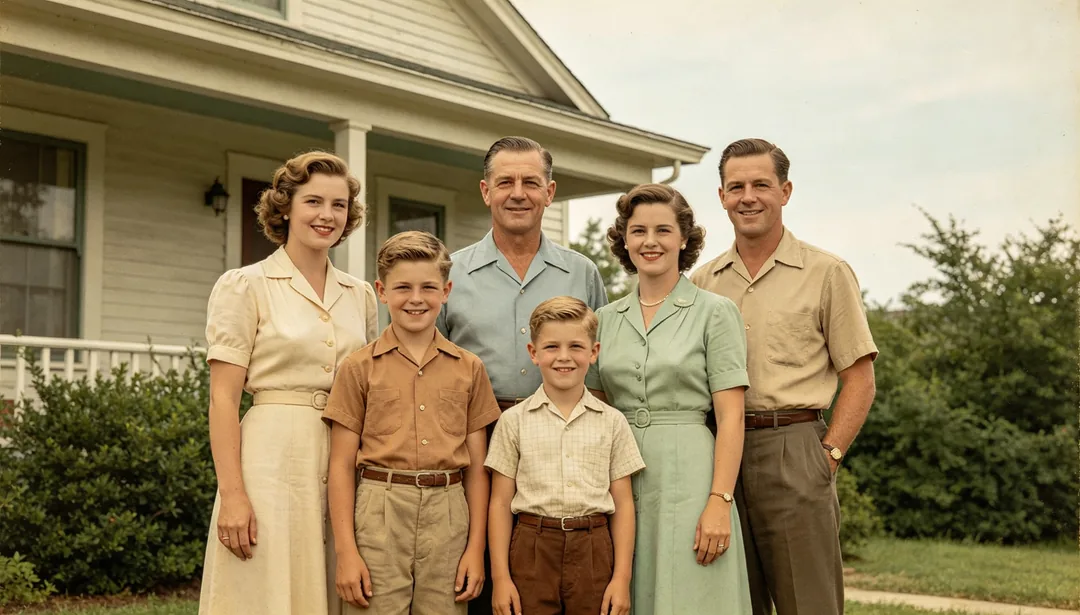
Pewarnaan Semula Jadi
Memulihkan warna semula jadi yang meyakinkan dan seperti asal pada foto hitam putih.

Pewarnaan Nada Hangat
Mewarnakan foto hitam putih dengan palet keemasan yang hangat untuk suasana yang selesa dan nostalgik.
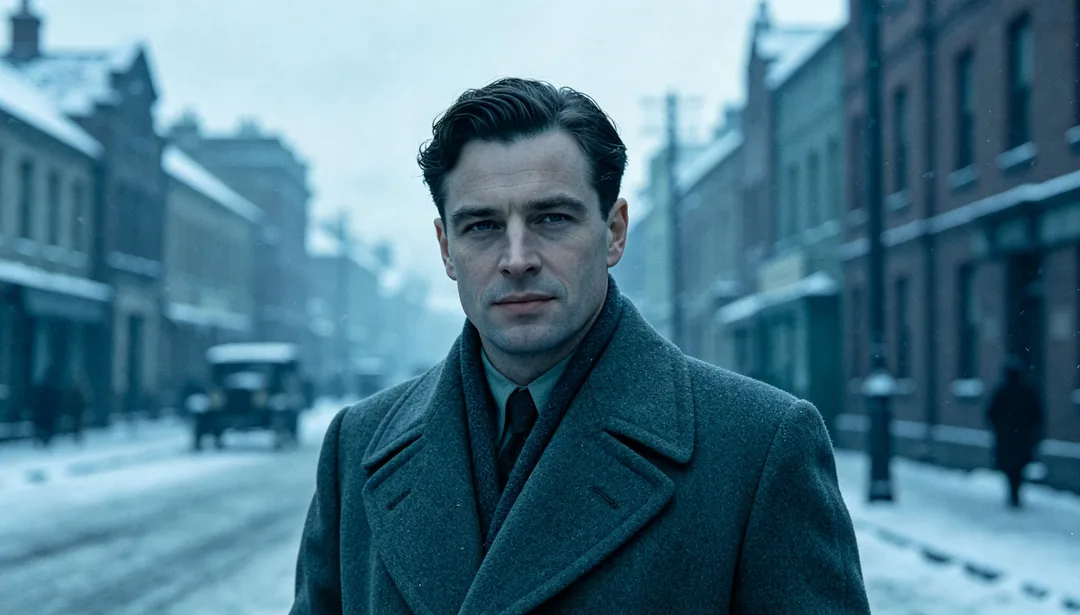
Pewarnaan Nada Sejuk
Mewarnakan foto hitam putih dengan palet kebiruan yang sejuk untuk suasana yang tenang dan lembut.