Equilibrio de contraste · Restaurar foto
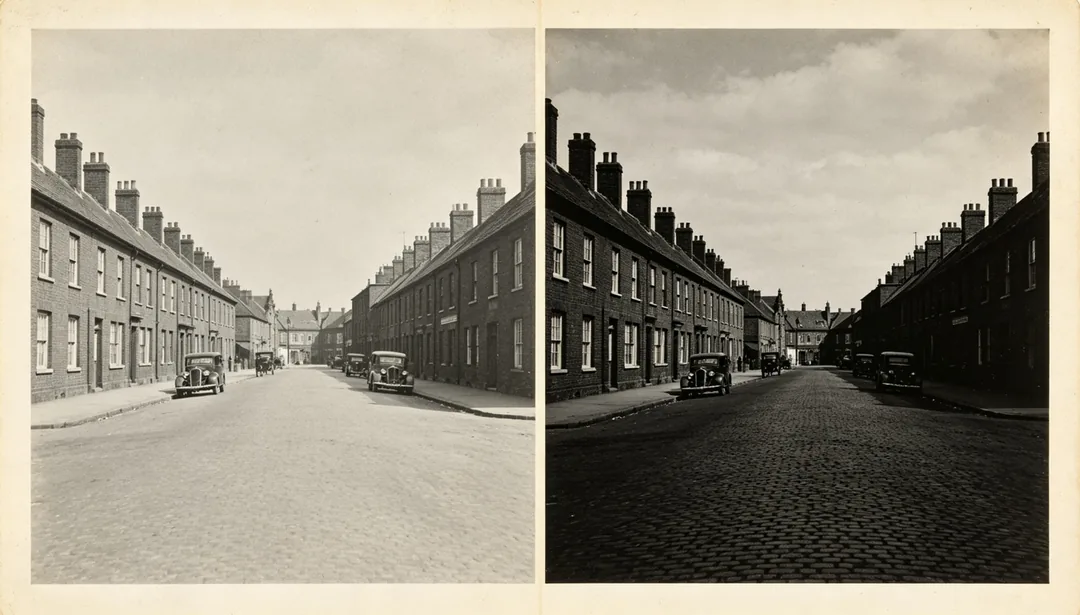
Ajusta el contraste y el brillo generales de la foto para un rango tonal equilibrado.
Etiquetas
- contraste
- brillo
- equilibrio
- tono
Cómo funciona
1
Upload the scan
Add a scan or photo of the old print. Add extra copies if you have several damaged versions of the same picture.
2
Pick a restoration style
Choose the era, colour finish or repair you want.
3
Generate and download
Generate, compare with the original and download the version you want to keep.
Más estilos de Restaurar foto
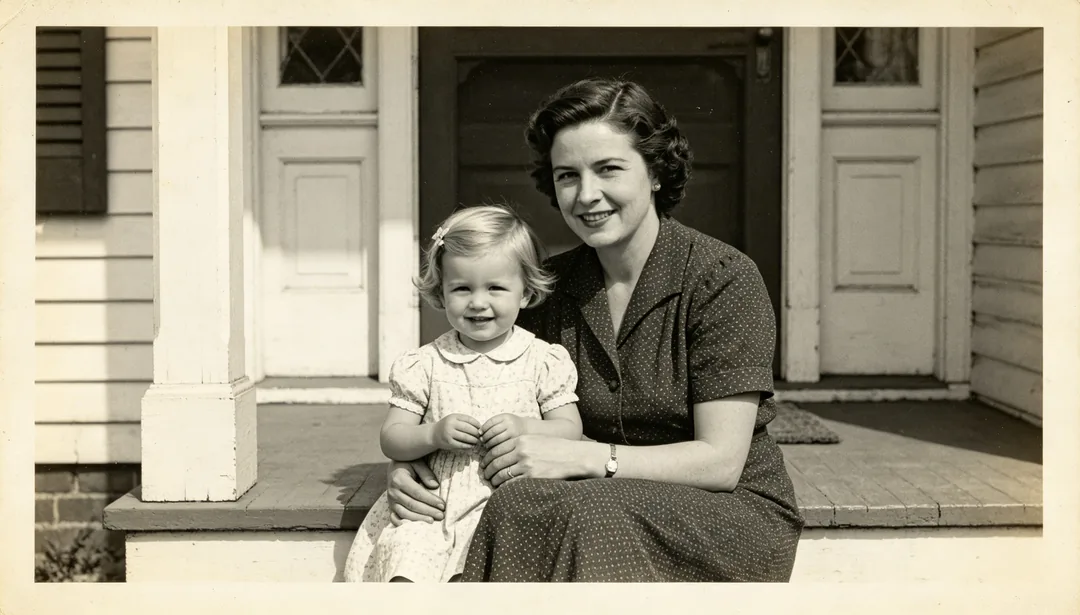
Mejora rápida
Una pasada rápida con superresolución ligera x2 y una mejora suave del rostro para dar nitidez a una foto antigua en poco tiempo.
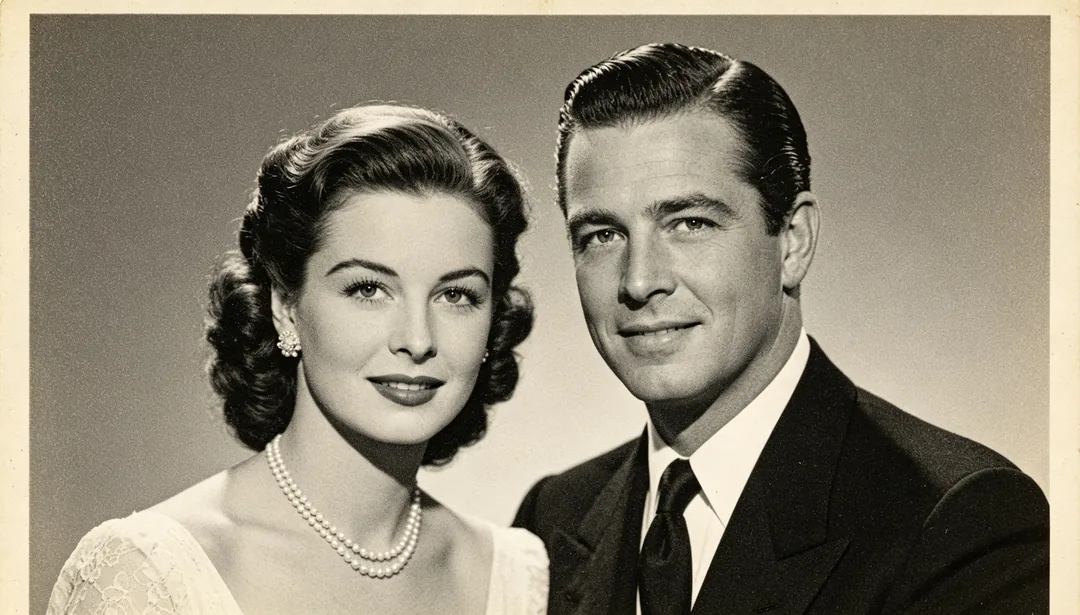
Restauración estándar
Un proceso de restauración estándar que combina superresolución x4, mejora del rostro y reducción de ruido, válido para la mayoría de fotos antiguas.
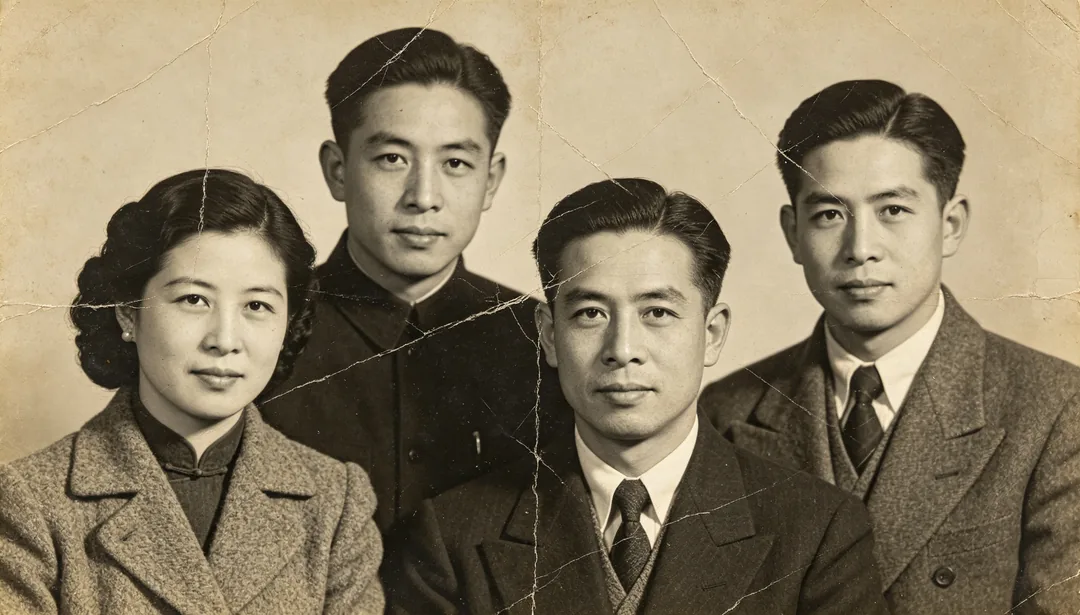
Restauración profunda
Un proceso completo de restauración profunda con superresolución x8 para fotos antiguas muy dañadas o muy borrosas.
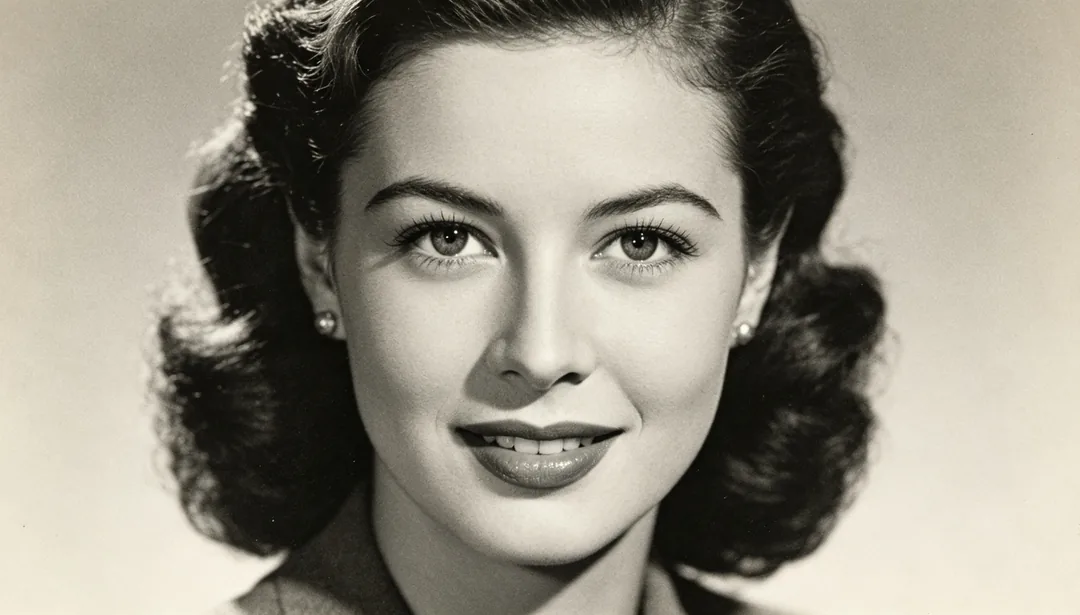
Enfoque en el rostro
Da nitidez solo a los rasgos de la cara y deja intacto el resto de la imagen.
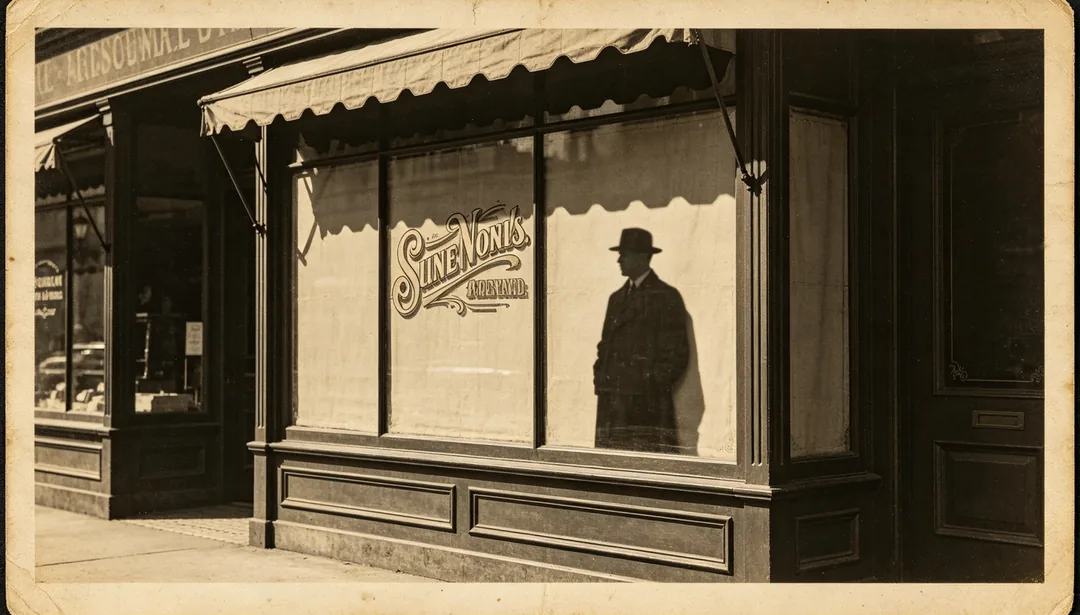
Nitidez de bordes
Hace más nítidos los contornos, las siluetas y los bordes del texto impreso en la foto.
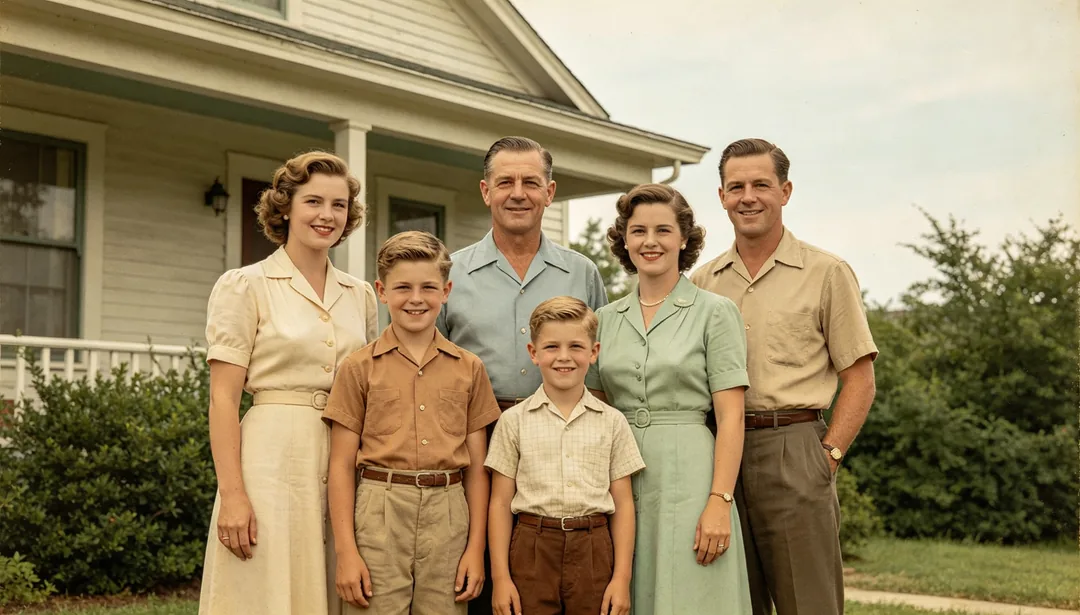
Colorear con tonos naturales
Devuelve a una foto en blanco y negro unos colores naturales, creíbles y fieles a la realidad.
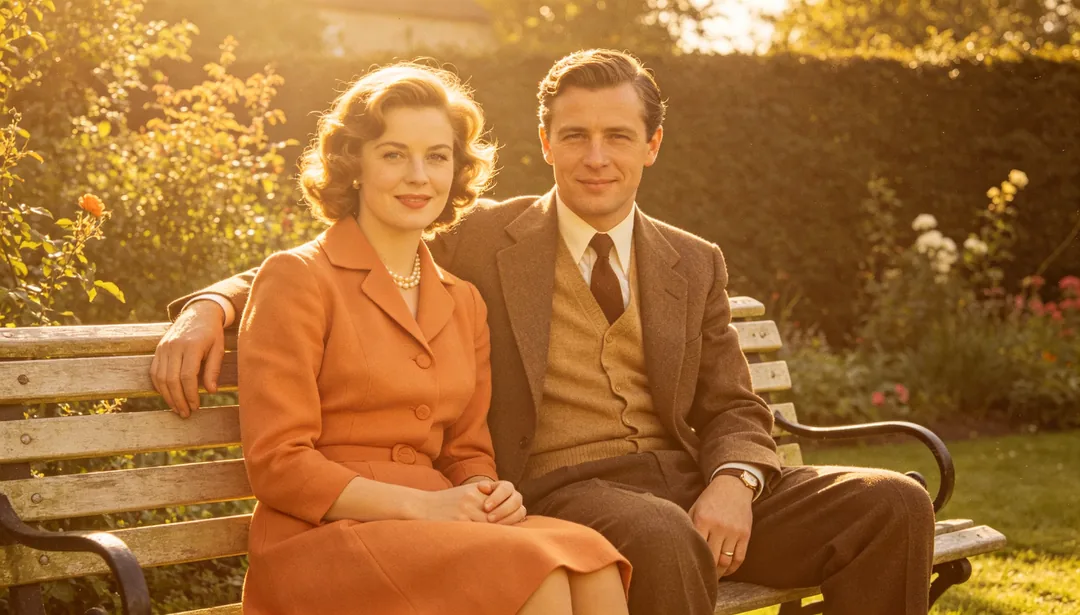
Colorear en tonos cálidos
Colorea una foto en blanco y negro con una paleta dorada y cálida, para un ambiente acogedor y nostálgico.
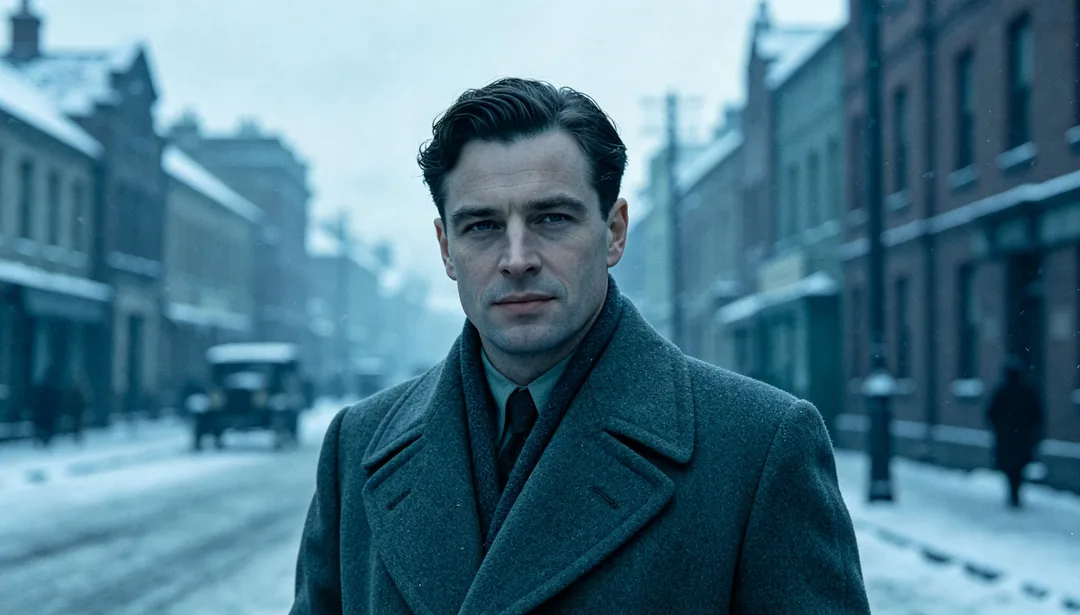
Colorear en tonos fríos
Colorea una foto en blanco y negro con una paleta fría y azulada, para un ambiente sereno y contenido.