Grok Imagine AI 圖片與影片生成器:所有版本
Grok Imagine 是 xAI 推出的一組圖片與影片模型。Zero Kit 在同一個編輯器裡提供它的圖片版與影片版。
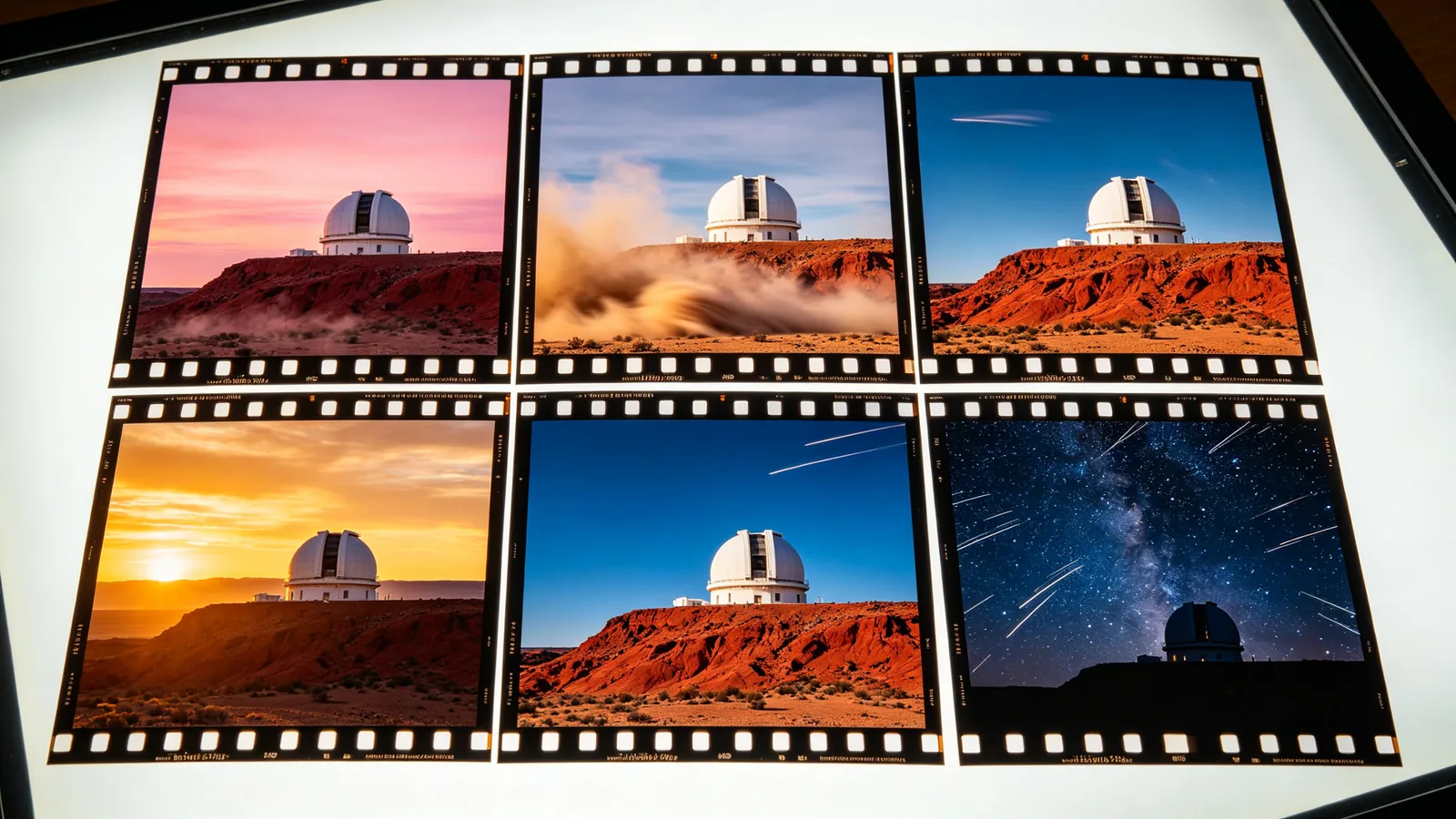
xAI 把 Grok Imagine 打造成一整套圖片與影片模型,涵蓋從頭到尾的創作流程。圖片方面,Grok Imagine Image 2.0 是較新的模型:依 xAI 的說法,它能把指令執行到細節,像設計師一樣規劃字型與版面,並在多次生成與編輯之間保留你提供的內容。初代 Grok Imagine Image 仍適合快速做些隨手的社群風格圖片。
影片方面,Grok Imagine Video 能把提示詞或圖片變成短片,支援變焦、推軌、橫搖、俯仰等運鏡。Grok Imagine Video 1.5 在動作、物理效果與音訊上都有提升,音效、環境音與對白會和畫面一次生成,還能用參考圖鎖定人臉、商品或地點。
圖片模型和影片模型可以搭配使用。先用 Grok Imagine Image 2.0 產出一張靜態畫面,檢查構圖與文字,再把它當作參考圖交給某個影片版本,描述它該怎麼動。兩段提示詞對主體用同樣的說法,影片就會更貼近你認可的那張圖。
在 Zero Kit 上,所有版本都在同一個編輯器裡執行,Plus 以上方案可用。下表依即時模型清單比較解析度、單支片長、參考素材、起價與方案;每個版本都有獨立頁面,附範例提示詞與完整價格表。
Grok Imagine 各版本比較
| 版本 | 解析度 | 片長 | 參考圖 | 起價 | 方案 |
|---|---|---|---|---|---|
| Grok Imagine Image 2.0 | 1K 和 2K | 不提供 | 3 | 8 點/張 | Plus |
| Grok Imagine Image | 1K 和 2K | 不提供 | 3 | 6 點/張 | Plus |
| Grok Imagine Video 1.5 | 480p、720p 和 1080p | 1–15 秒 | 1 | 20 點/秒 | Plus |
| Grok Imagine Video | 480p 和 720p | 1–15 秒 | 1 | 13 點/秒 | Plus |
Grok Imagine 該選哪個版本?
做有設計感的圖片與文字:Grok Imagine Image 2.0
封面、海報、帶文字或需要規劃版面的圖片,以及希望畫面其餘部分維持不變的編輯,選 Image 2.0。
快速產出社群圖片:Grok Imagine Image
初代圖片模型適合發文、做梗圖這類隨手快速、版面不必精準的圖片。
做影片:要聲音與參考用 Video 1.5,簡單鏡頭用 Video
影片需要聲音,或人臉、商品要前後一致時,選 Grok Imagine Video 1.5;初代 Grok Imagine Video 適合單一、簡單的鏡頭。
Zero Kit 上的 Grok Imagine 各版本
Grok Imagine Image 2.0
Designer-level typography and pixel-level controllable fine retouching
開啟 Grok Imagine Image 2.0Grok Imagine Image
Fast social image generation wins on atmosphere and a high degree of freedom.
開啟 Grok Imagine ImageGrok Imagine Video 1.5
Native audio-visual synchronization, multi-shot continuity, film-grade directing
開啟 Grok Imagine Video 1.5Grok Imagine Video
A one-shot social video crash course tool
開啟 Grok Imagine Video
Grok Imagine 常見問題
最後更新: