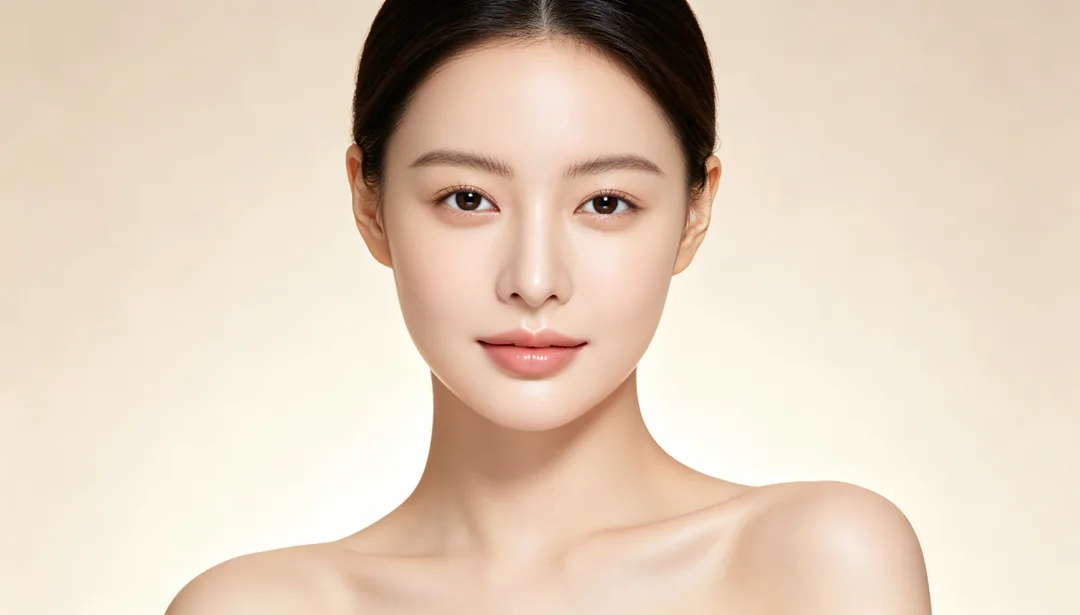
暖調黃金時刻 · 美顏修圖

使用方式
1
Upload a portrait
Add a clear photo of the face you want to retouch.
2
Pick a look
Choose what to change: skin, makeup, lighting, colour, face shape or hair.
3
Generate and compare
Generate, compare the result with your original and download the one you want.