Zero Kit AI

Kling 3.0 AI Video Generator

Kling 3.0 from Kuaishou's Kling AI turns a prompt or a first frame into a video that can cut between several shots, and Kling 3.0 Turbo in the same editor returns every clip with sound.

  • KlingKling
  • Up to 4K
  • Up to 2 reference images
  • Up to 4 videos per run
  • 3–15 seconds
  • Credits per second: from 28
  • Included in Plus and above
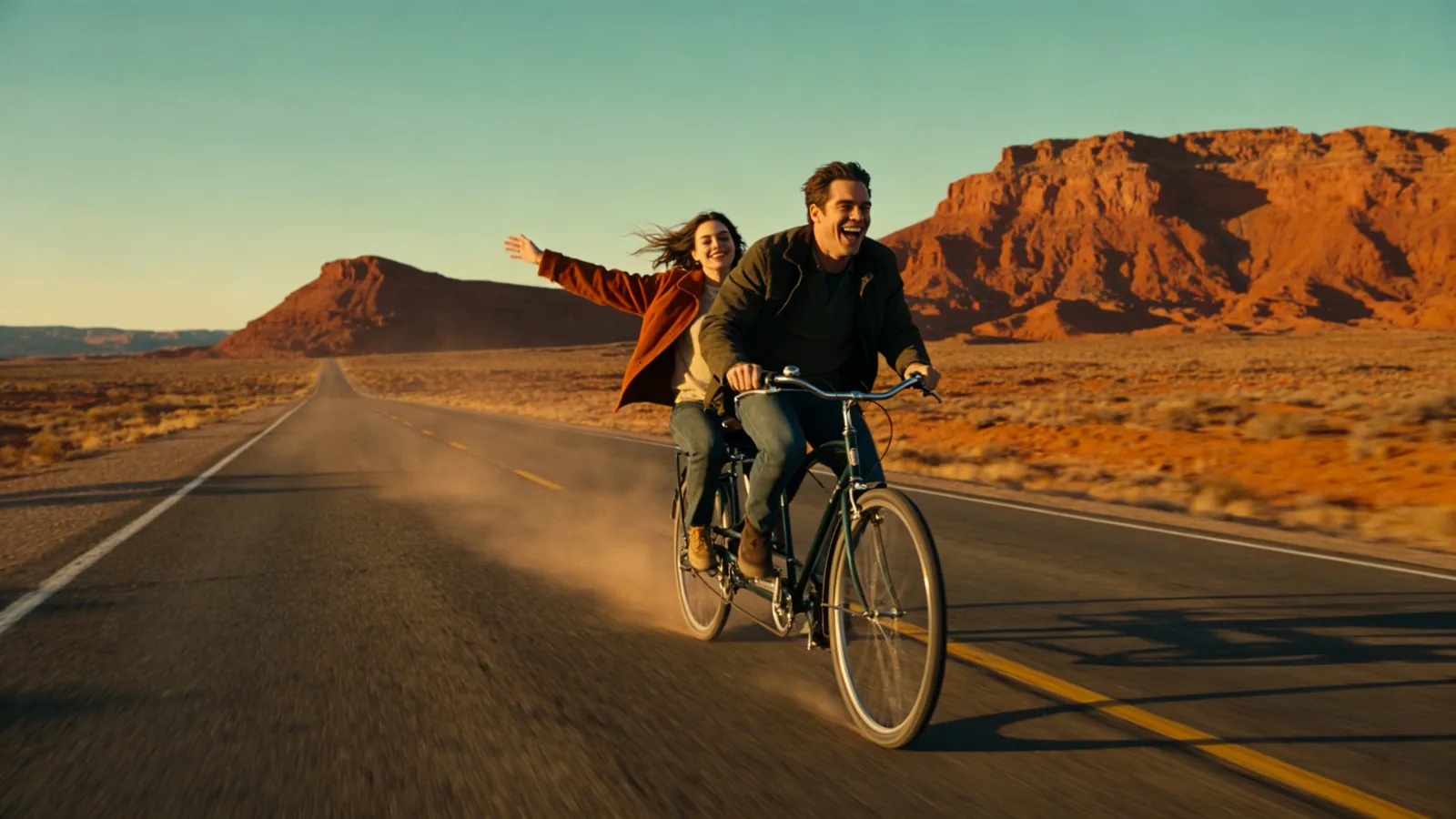
Two friends ride a tandem bicycle down an empty desert highway at golden hour, red mesas behind them.

Sample prompts to try with Kling 3.0

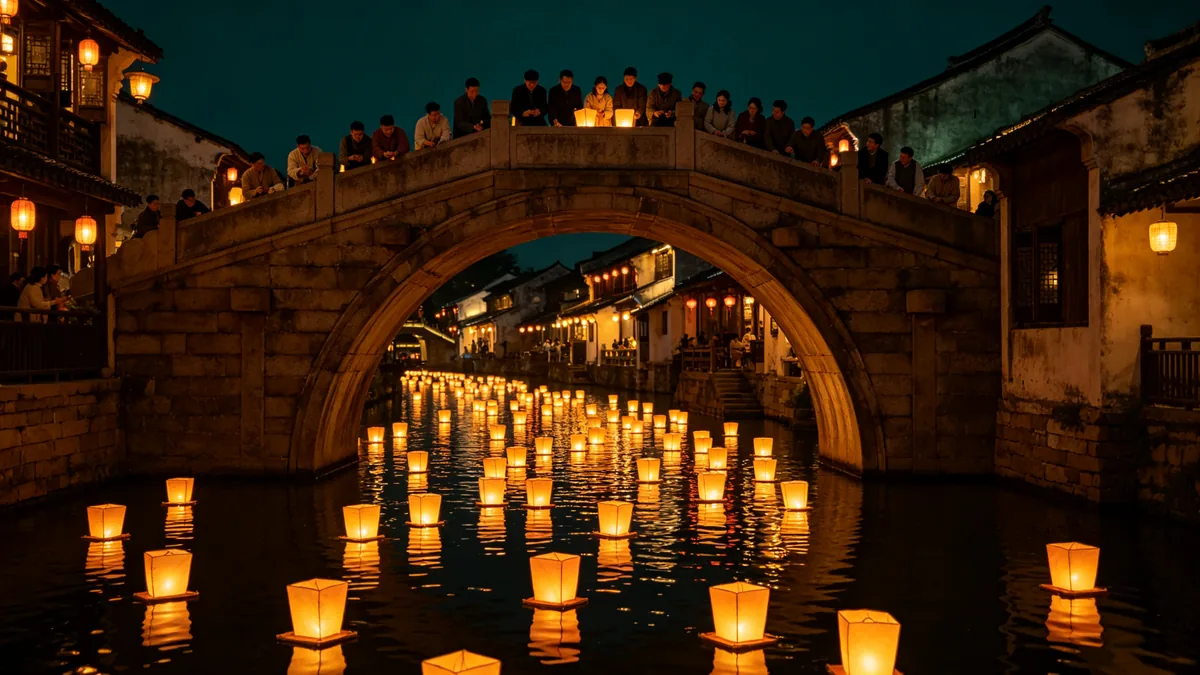
  • Paper lanterns float down a river past a crowd on a stone bridge at night.

    Lantern parade along the river

    Cinematic 16:9 video keyframe, a slow crane shot rising over a stone bridge in an old river town at night as hundreds of glowing paper lanterns drift downstream, people on the bridge leaning over the railing to watch, reflections rippling on the black water. Warm amber lantern light against deep teal night, gentle motion in the water, festive and calm.

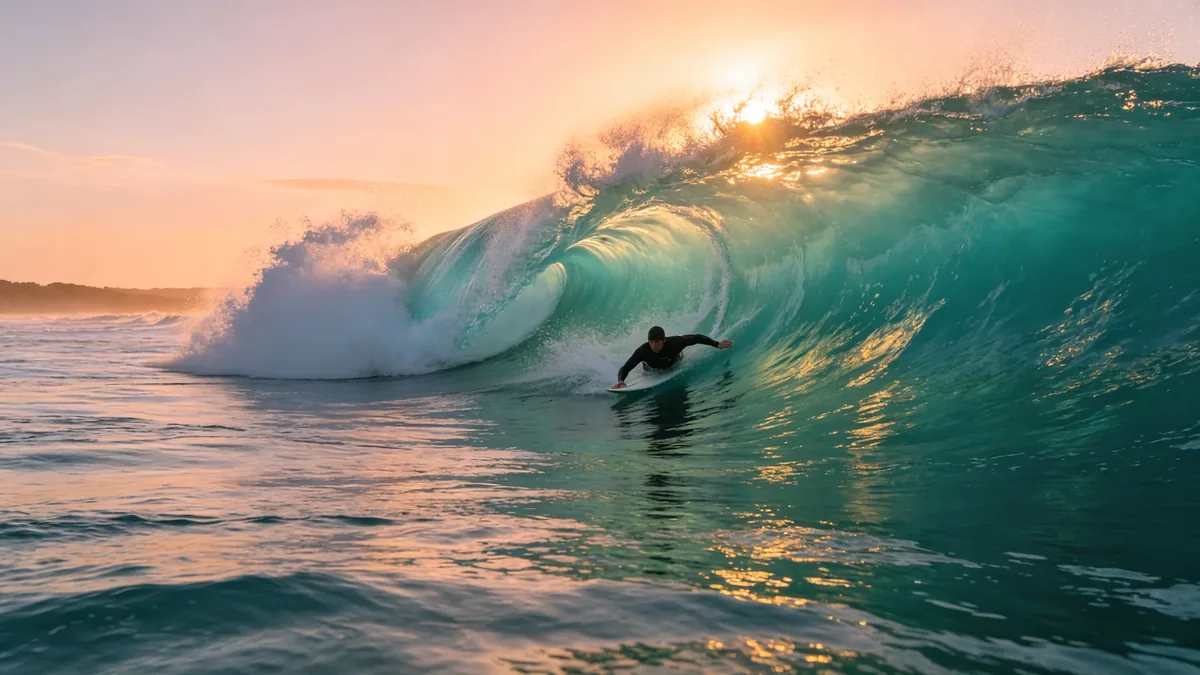
  • A surfer rides through a curling turquoise wave at sunrise, the sun glowing behind the lip.

    Inside the wave at sunrise

    Cinematic 16:9 video keyframe, a low drone shot skimming over the sea toward a surfer paddling through a glassy turquoise wave at sunrise, spray catching the light, the rising sun behind the curling lip. Peach and teal palette, crisp water detail, fast forward camera motion.

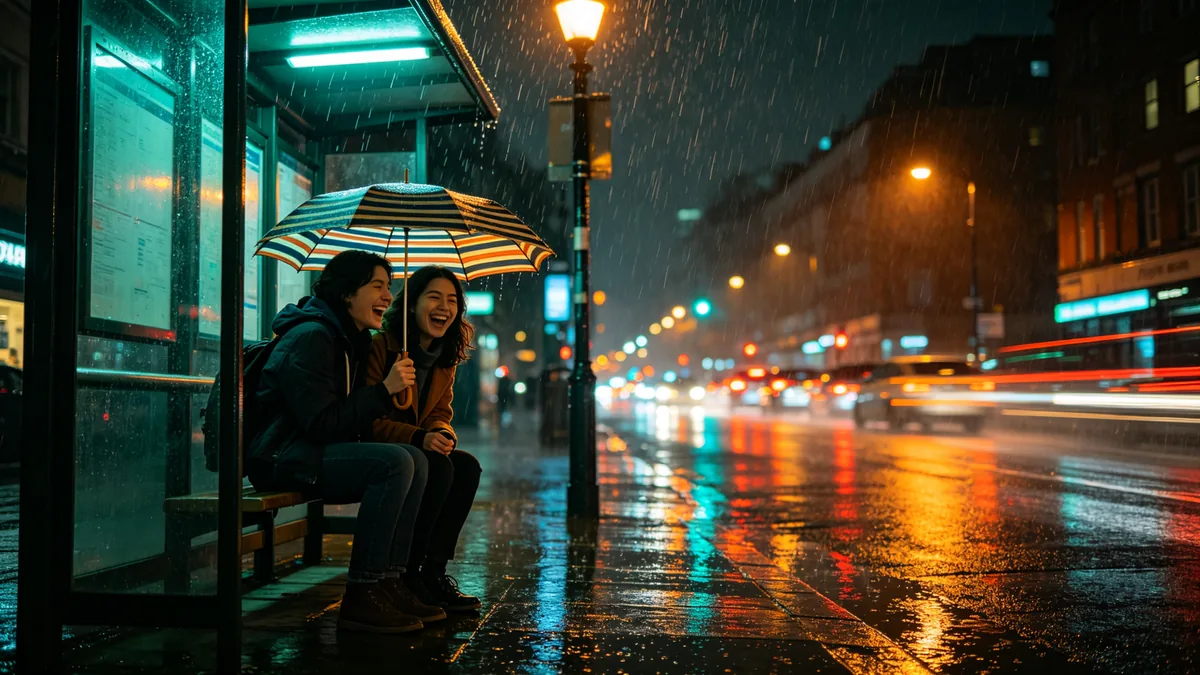
  • Two friends share one umbrella at a rainy bus stop while car lights streak past.

    Sharing an umbrella

    Cinematic 16:9 video keyframe, a medium shot of two friends laughing under one striped umbrella at a rainy city bus stop at night, headlights and tail lights streaking past in the wet street, rain drops lit by a street lamp. Teal and tangerine city light, reflections on the pavement, handheld camera feel.

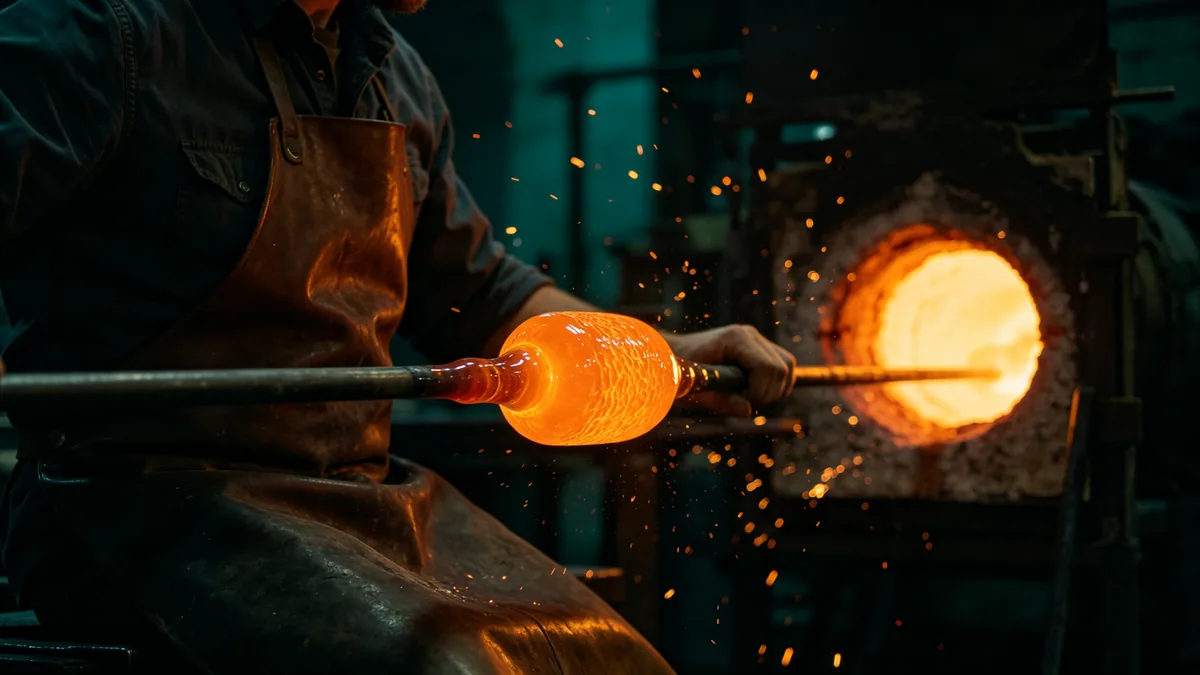
  • A glassblower turns a glowing blob of molten glass at the end of a pipe in a dark workshop.

    Shaping molten glass

    Cinematic 16:9 video keyframe, a close tracking shot of a glassblower in a leather apron turning a glowing orange blob of molten glass on the end of a long blowpipe in a dark workshop, sparks and heat shimmer in the air, the furnace mouth glowing behind. Deep teal shadows, intense orange light, fine texture on the glass.

Sample images are illustrative; results vary by model.

About Kling 3.0

Kling 3.0 is a video model from Kling AI, the AI video service run by Kuaishou. Kling describes it as the version with improved native audio, more consistent subjects and multi-shot storytelling: one generation can hold several shots, each with its own framing and action, cut together in the order you write them. It works from text alone, from a first frame, or from a first frame and a last frame, and it renders natively at up to 4K.

This page covers Kling 3.0 and Kling 3.0 Turbo. Both run from the editor above, and you switch between them with the model button. Kling 3.0 is the one for high-resolution takes and planned transitions: it goes up to 4K and accepts a last frame as well as a first. On Zero Kit its clips come out silent, because the editor has no audio switch for it. Kling 3.0 Turbo is what Kling calls the better-value version of 3.0. Every Turbo clip comes back with sound made in the same pass as the picture; in exchange, Turbo does not offer 4K and starts from text or a single first frame.

Both versions make clips of 3 to 15 seconds, charged per second at the resolution you pick, and a clip made from text can use any of 3 aspect ratios. They suit short ads, travel and sports sequences, and social clips that need a cut or two: anything you want to see as a sequence rather than one continuous take. If you only need one photo to move, the Animate tool linked below is the quicker route.

What Kling 3.0 does well

Several shots in one clip

Kling 3.0 and Turbo cut one clip into several shots when the prompt follows Kling's shot format: "shot 1, 2, <description>; shot 2, 3, <description>;". The first number is the shot's place in the order, the second is its length in seconds, and a semicolon closes each shot. Kling allows up to six shots, each at least one second long with a description of up to 512 characters, and the lengths must add up to the duration set in the editor. For the stadium sequence in the sample, set the clip to 5 seconds and write "shot 1, 2, wide shot of an evening athletics stadium under floodlights; shot 2, 2, medium shot of a young woman in a plain teal running vest sprinting down the lane; shot 3, 1, close-up of the woman in the teal vest breaking the finish tape;". Two seconds, two seconds and one second make five. Describe the runner the same way in every shot so she stays the same person across the cuts.
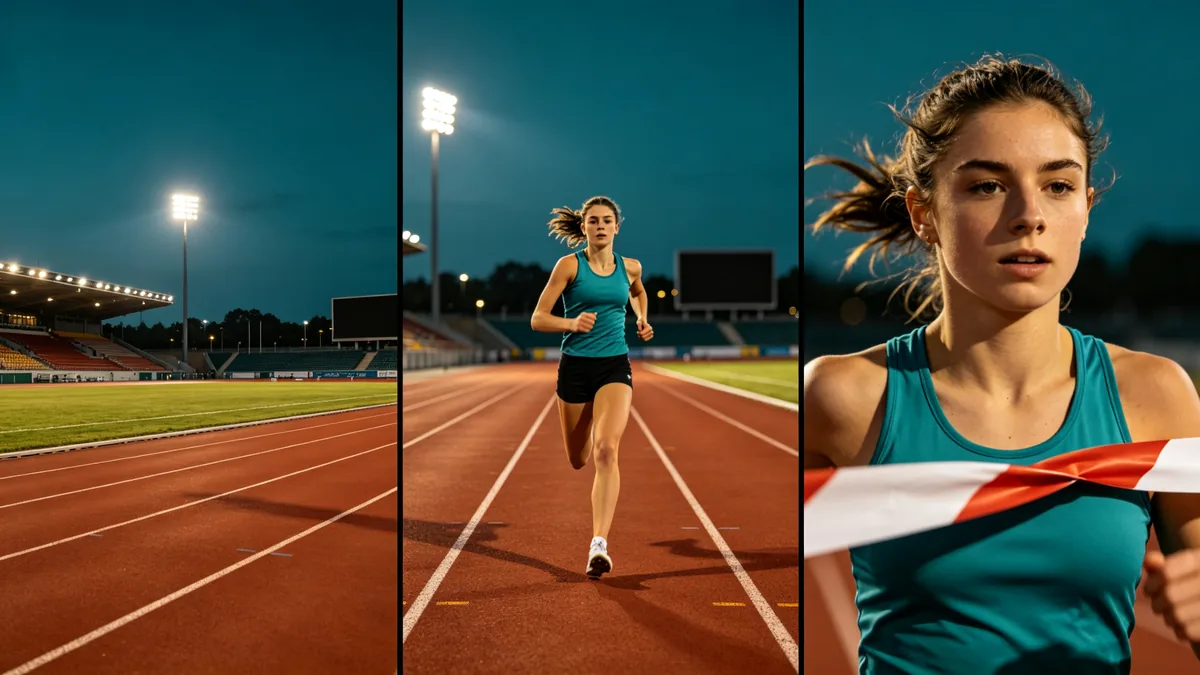
Three frames from one clip side by side: a wide shot of a stadium, a medium shot of a runner, and a close-up of her face at the finish line.

Cinematic 16:9 video keyframe, a triptych of three frames from the same short sequence, separated by thin dark gutters: left, a wide shot of an evening athletics stadium under floodlights; middle, a medium shot of a young woman in a plain teal running vest with no logos sprinting down the lane; right, a close-up of her face as she crosses the finish line, tape breaking. Consistent character, costume and lighting across all three frames, terracotta track and teal sky, cinematic storytelling, no brand marks, no text.
From a first frame to a last frame

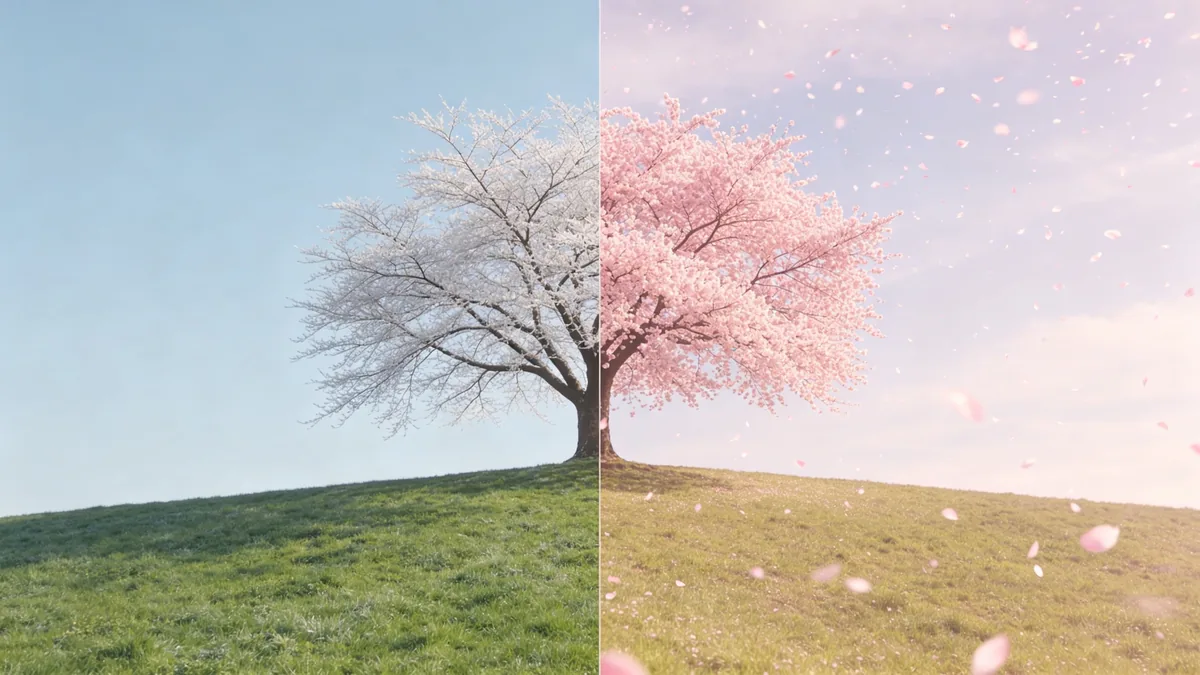
Kling 3.0 generates the motion between a first frame and a last frame, which suits any change with a fixed start and end: a tree going from winter frost to full blossom, an empty room being furnished, a street going from day to night. In the editor, switch the reference mode to First & Last Frame and add two images taken from the same camera position, the start first and the end second. The prompt then only has to describe what happens in between, for example "the frost melts, buds open and the branches fill with pink blossom, petals begin to drift, the camera stays still". Kling accepts a first frame alone or a first frame with a last frame, but not a last frame alone. The clip takes the shape of the first frame, so crop it to the aspect ratio you want before you upload. Turbo takes a first frame only.

A split frame showing the same hillside cherry tree covered in white frost on the left and in full pink bloom on the right.

Cinematic 16:9 video keyframe, a split-frame comparison divided down the middle: left half, a lone cherry tree on a green hillside in late winter with bare branches and pale frost; right half, the identical tree from the exact same camera position in full pink blossom under a spring sky, petals drifting. Same composition, horizon and framing in both halves, clean seam, soft natural light.

Fine detail at high resolution

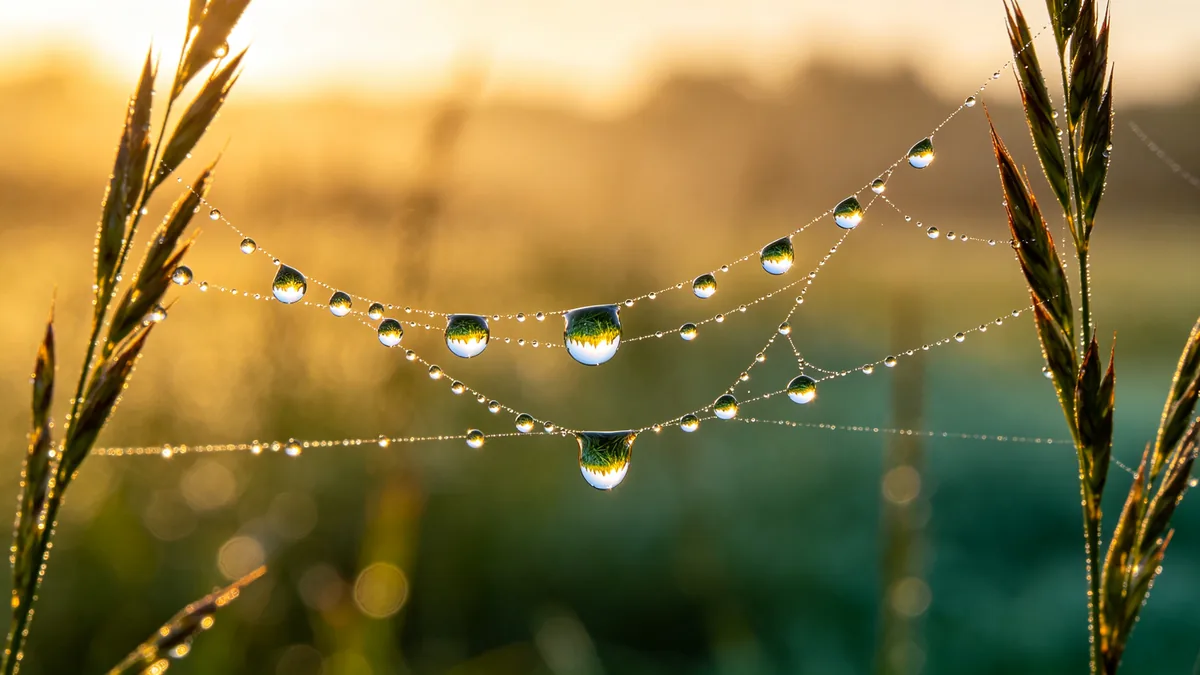
Kling 3.0 renders natively at up to 4K, and fine texture is where the extra resolution shows: dew along a spider web, woven fabric, sand, hair, wood grain. Turbo does not offer 4K, so pick Kling 3.0 when a clip will play on a large screen or be cropped in the edit. Slow camera moves make the most of it. A macro push-in or a slow pan keeps texture readable, while fast action blurs detail at any resolution. Name the material and the light in the prompt, such as "dew drops along silk threads, warm gold backlight, shallow depth of field". A higher resolution costs more per second, so test the motion at a lower one and render the final take at 4K.

A macro shot of dew drops on a spider web at sunrise, each drop reflecting the meadow.

Cinematic 16:9 video keyframe, a slow macro push-in on a spider web strung between two wild grass stems at sunrise, dozens of dew drops along the silk threads each reflecting a tiny upside-down meadow, a single drop slowly sliding down a thread. Extremely fine detail, shallow depth of field, warm gold backlight and soft teal shadows.

Kling 3.0 specs and pricing

Every price below comes from the live price list, so it changes here as soon as rates change. Credits are charged per image, or per second of video.

Credits per second
ResolutionPlanKling 3.0Kling 3.0 Turbo
720pPlus2828
1080pPlus3835
4KPlus100Not available

Limitations to know

  • Kling 3.0 clips on Zero Kit have no sound. Kling offers native audio for 3.0, but the editor has no audio switch for it, so choose Turbo when a clip needs sound, or add music and effects in an editor.
  • A last frame cannot be used on its own, and a clip made from an image follows the shape of its first frame, so the aspect ratio setting does not apply to it. Images must be JPG or PNG, at least 300 pixels on each side and no narrower than 1:2.5 or wider than 2.5:1, or the request is rejected.
  • Hands, small lettering and fast action can still distort, and in a multi-shot prompt the shot lengths have to add up to the clip length exactly. Check faces and hands frame by frame, add titles in an editor, and count the seconds before you generate.

How to write prompts for Kling 3.0

  1. For a single shot, write it in order: subject, action, place, camera move, light. "A glassblower turns molten glass on a blowpipe, close tracking shot, dark workshop lit by the furnace" is enough to start.
  2. For several shots, check the arithmetic before you generate: in a 5-second clip, "shot 1, 3, ...; shot 2, 2, ...;" adds up, while two 3-second shots do not.
  3. Give each shot its own framing, such as wide shot, medium shot or close-up, so the cuts read as a sequence rather than the same frame three times.
  4. With Turbo, describe the sound along with the picture, for example "rain drums on the umbrella, cars hiss past on the wet road", and listen to the result before you publish it.
  5. Test the motion at the lowest resolution and a short duration, then render the take you like at 4K.

Kling 3.0 FAQ

No. Kling 3.0 and Kling 3.0 Turbo are included in Plus and above on Zero Kit, and each second of video costs credits. On the free plan you can still write a prompt and see the price; the pricing page lists which models the free plan includes.

Ready to try Kling 3.0?

Write a line or pick a sample prompt, then press generate.

Last updated: