Turn a photo into pixel art with AI
Convert a photo into pixel art. The picture is redrawn as a visible grid of pixels in a limited color palette, like a sprite from a retro video game, while the composition stays yours.
- Nothing to install
Photos converted to pixel art
Drag the divider to see the before and after.
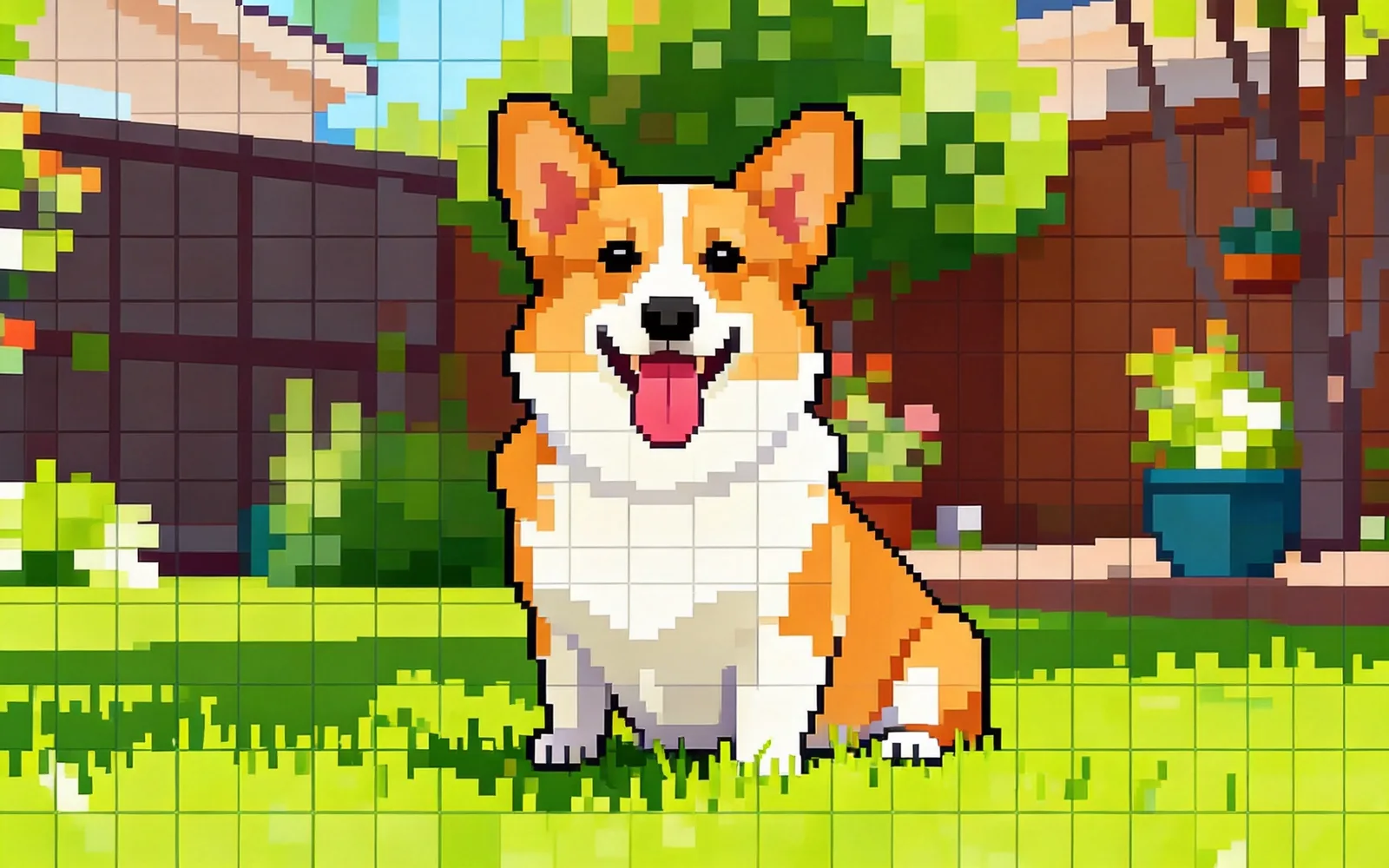
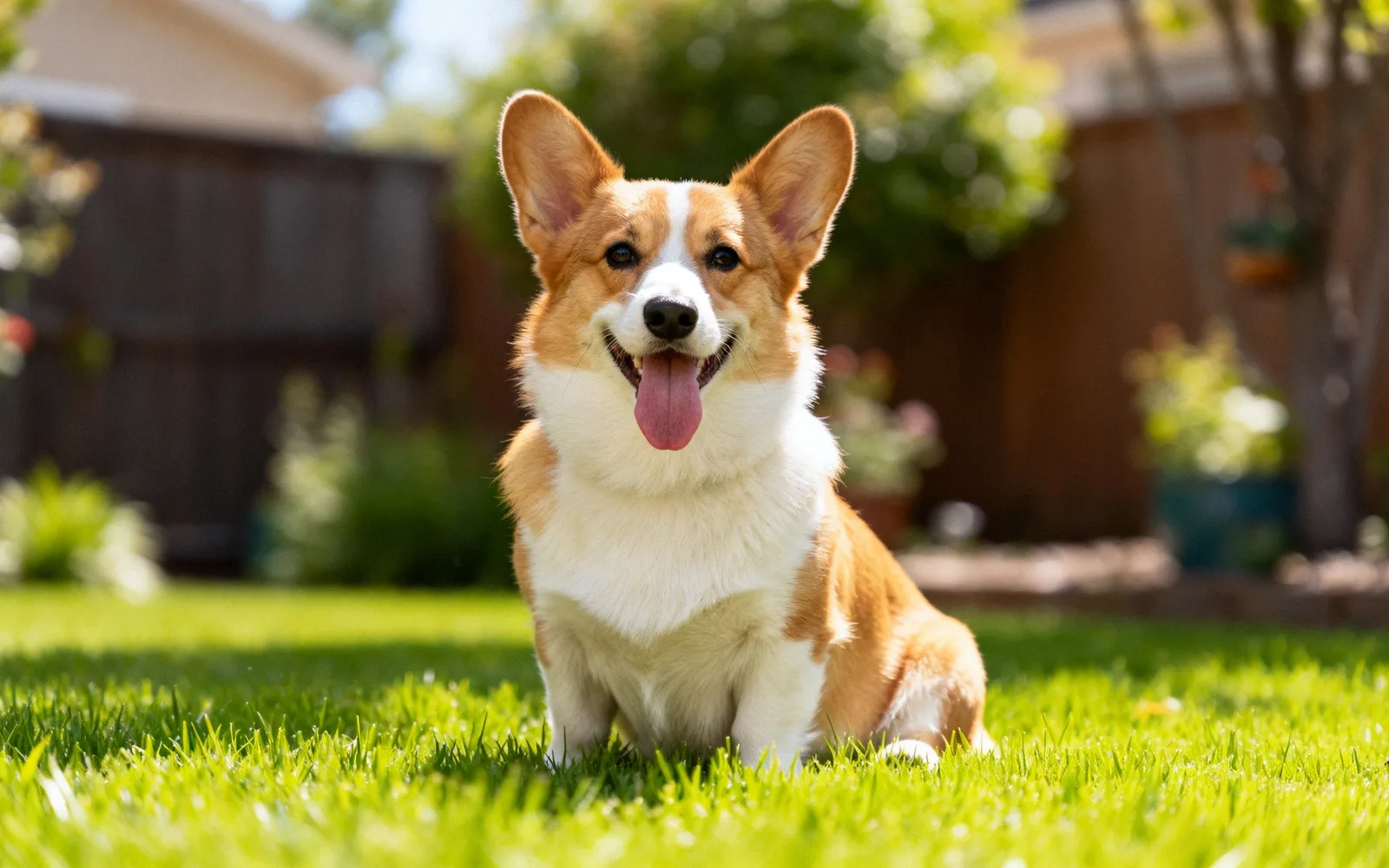
Turn a pet photo into pixel art
A corgi photo redrawn as 16-bit pixel art
Try this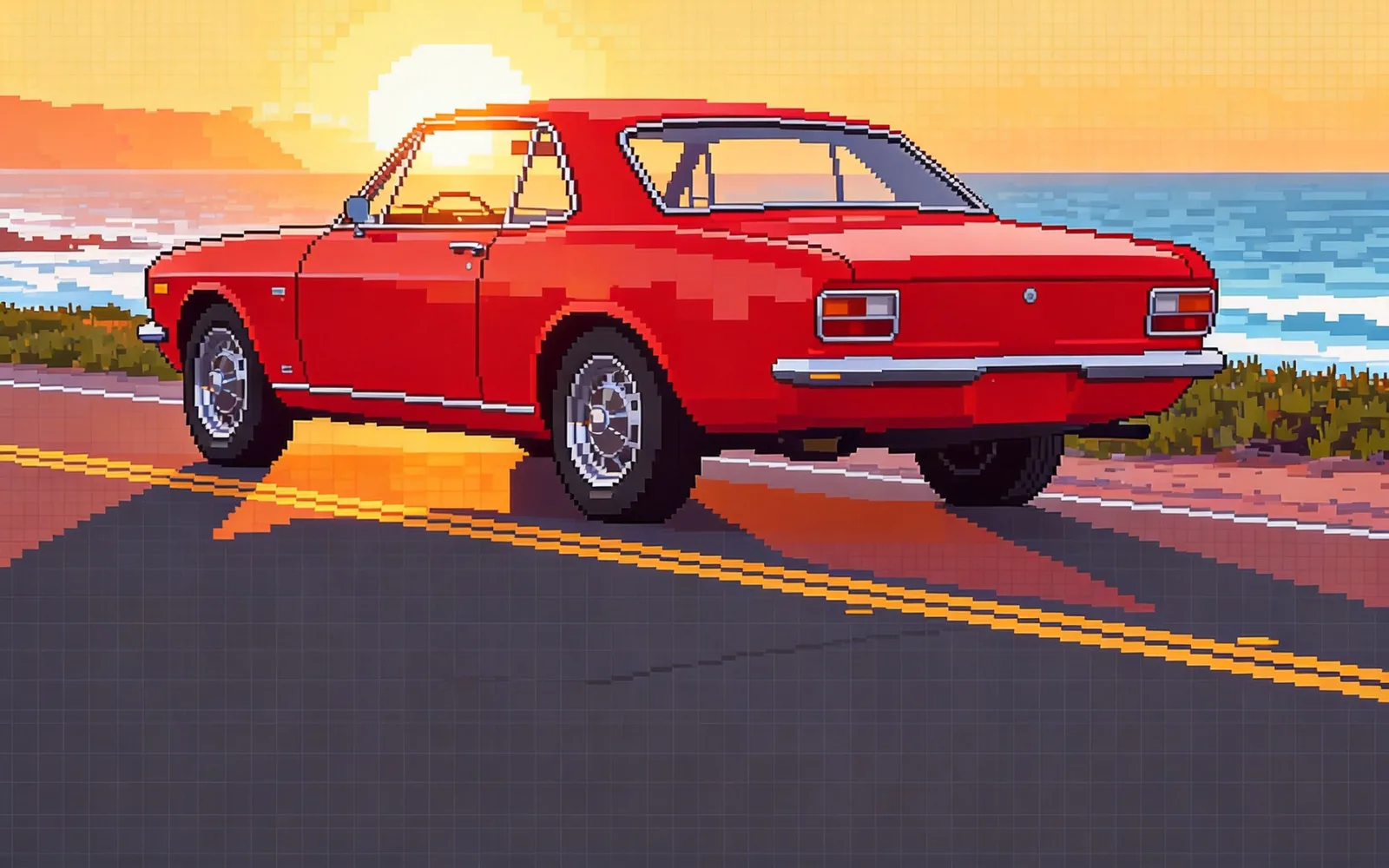
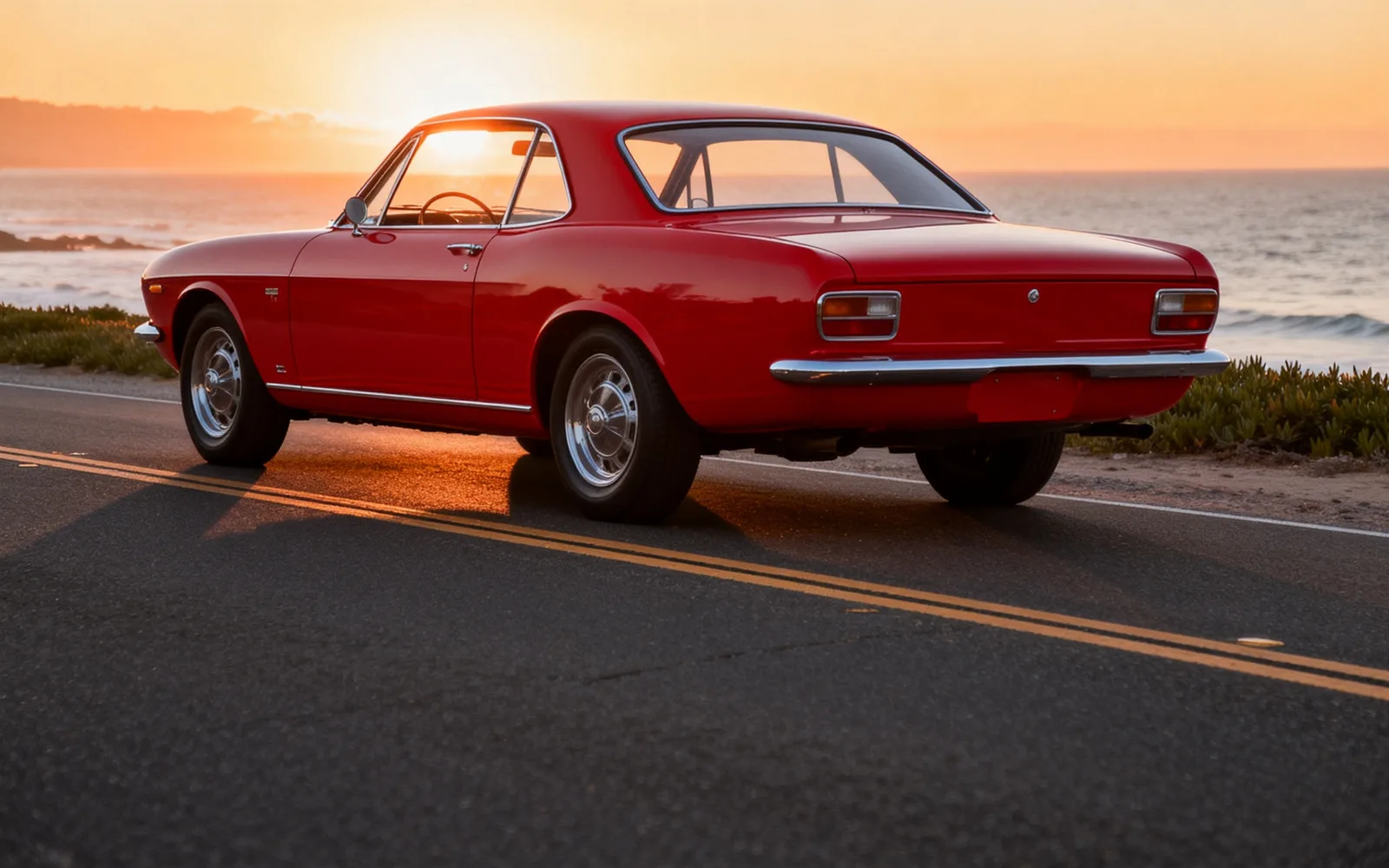
Turn a car photo into pixel art
A vintage sports car rebuilt from a limited palette of pixels
Try this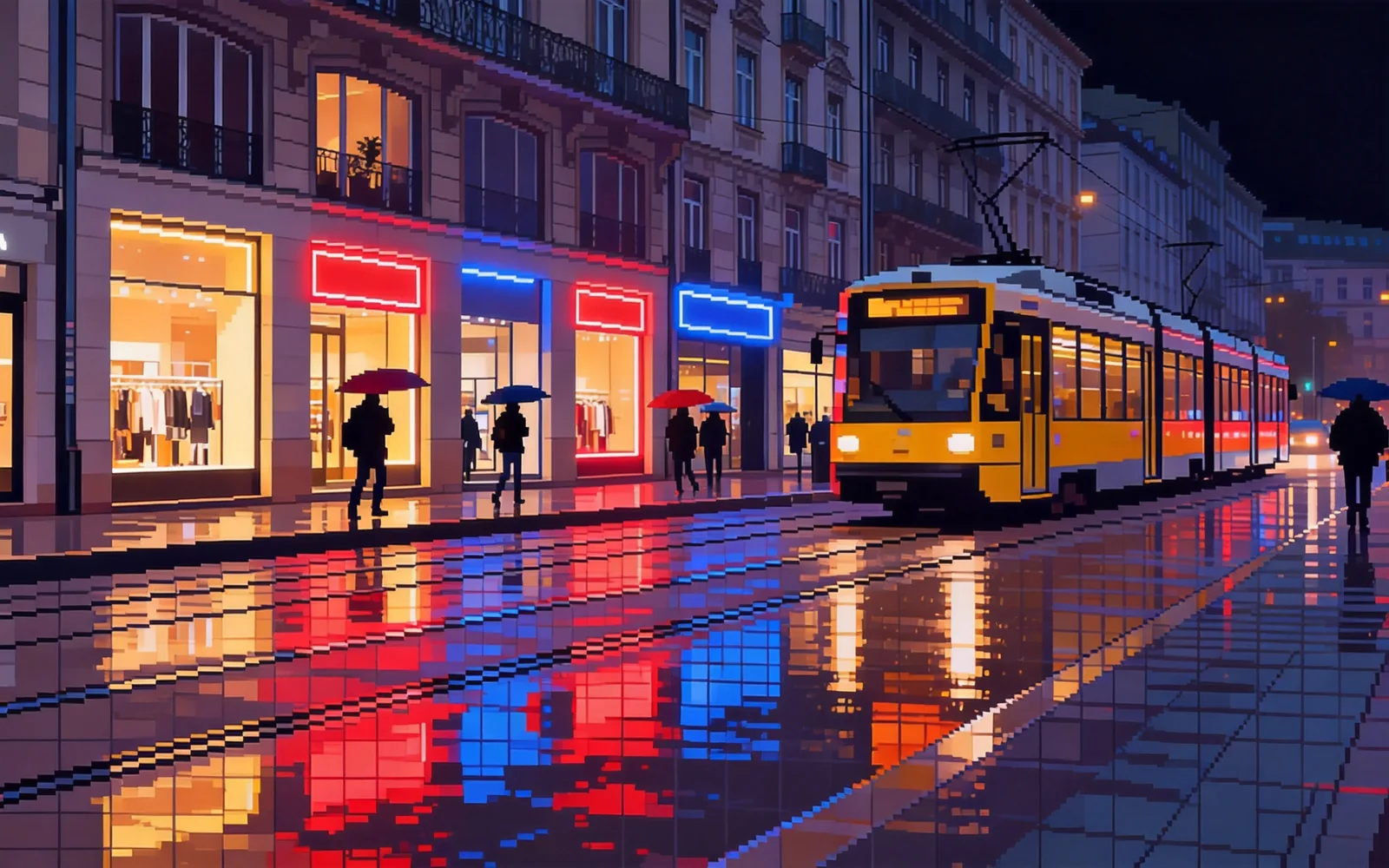
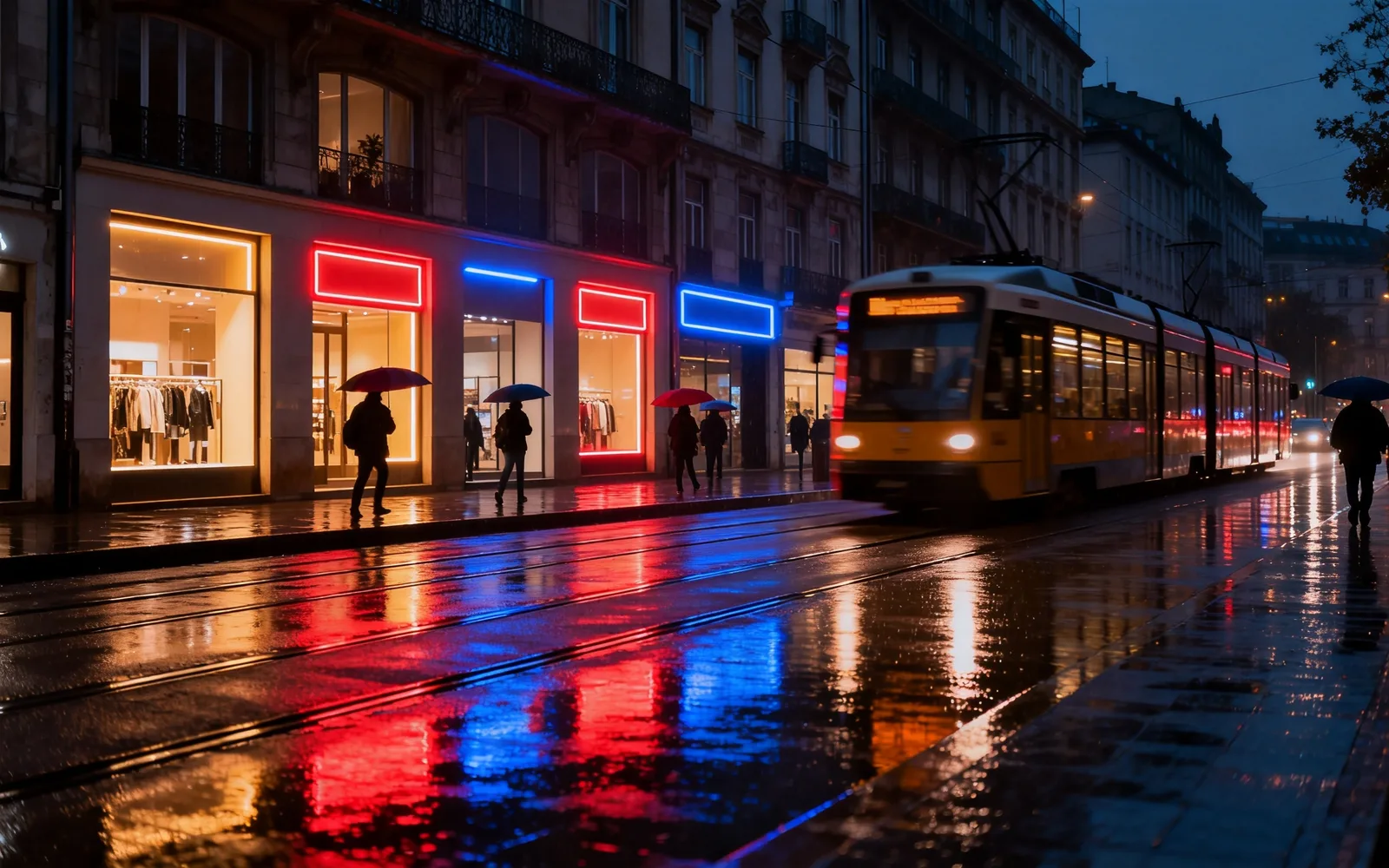
Turn a city photo into pixel art
A night street turned into a pixel art game scene
Try this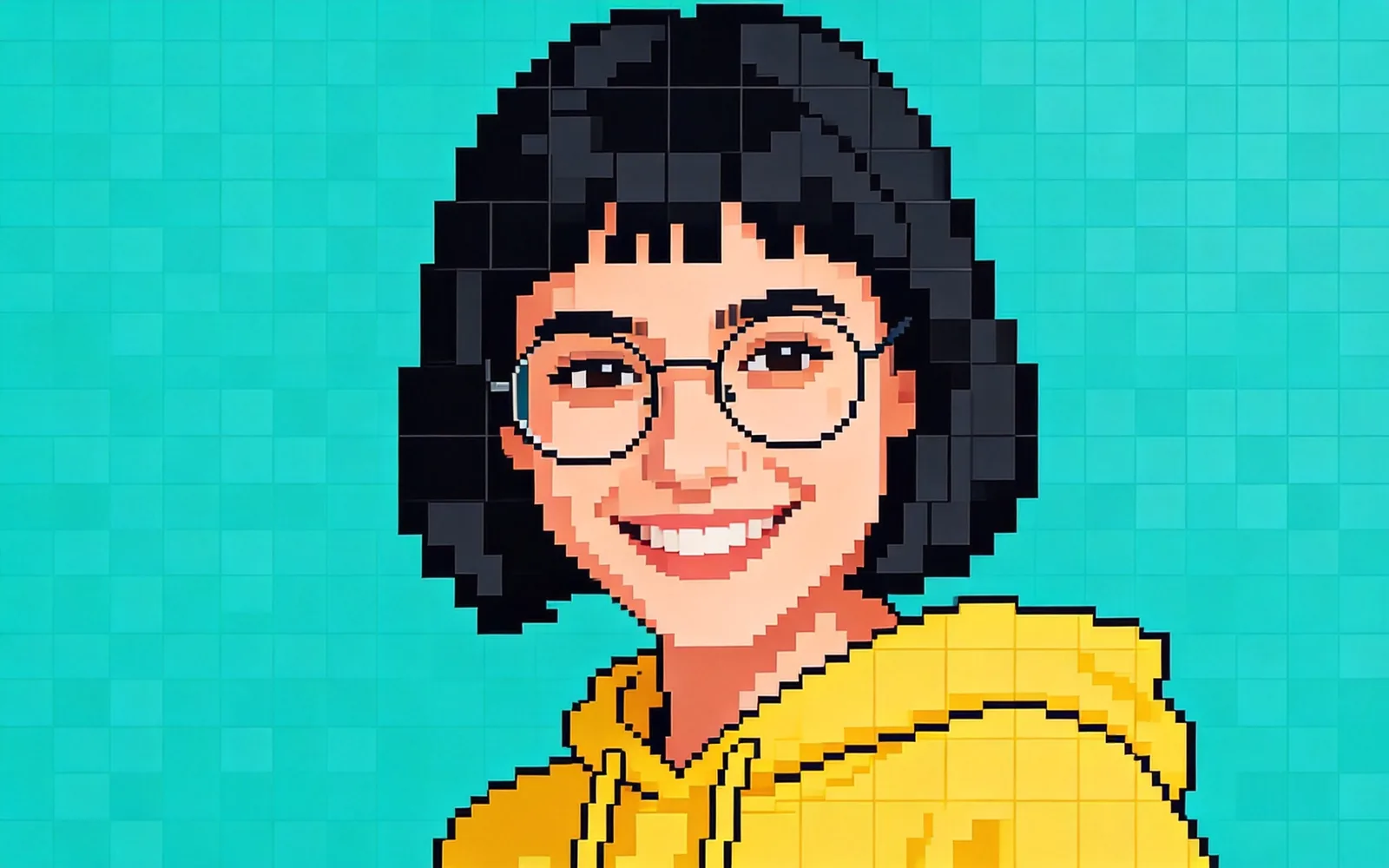
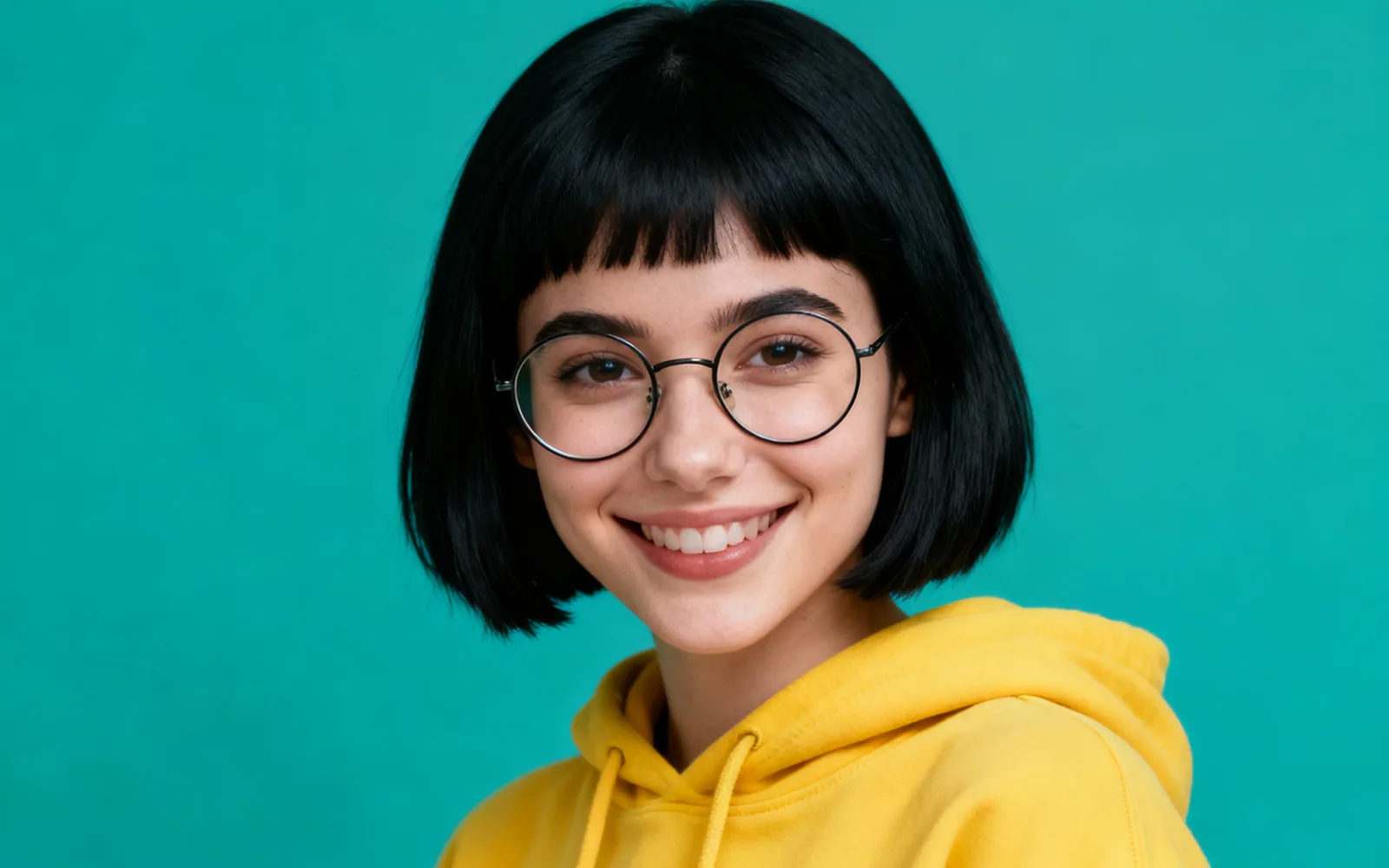
Make a pixel art avatar from a portrait
A head-and-shoulders portrait turned into a pixel art avatar
Try thisHow to convert a photo to pixel art
- 1
Upload the photo
Choose an image or drop it onto the page, up to 5 MB. A clear subject against a simple background converts best.
- 2
Check that Pixel art is selected
Opening the tool from this page selects the Pixel art style. If you open it another way, pick Pixel art from the six styles.
- 3
Set the strength
The slider starts at 60. Lower it to keep more of the photo's shapes; raise it for a result that looks less like a photo.
- 4
Process and download
Click Process, compare the result with the divider, and download it. Click Run again to try another strength on the same photo.
What makes a photo work as pixel art
Pixel art keeps only big shapes and a few colors, so small details disappear. Photos with one clear subject, strong outlines and a simple background give the clearest result.
- Works well: pets, cars, buildings, food and single objects.
- Works well: night scenes with bright lights against dark areas.
- Harder: group photos, where each face is only a few pixels wide.
- Harder: busy scenes such as markets or dense foliage, which turn into noise.
Pixel art avatars and profile pictures
For an avatar, start from a head-and-shoulders photo with a plain background and even light. Crop close to the face before you upload, so that the face takes up most of the pixel grid.
Hair, glasses and clothing colors carry the likeness at this scale. If the result loses too much, lower the strength and run it again.
Converting a photo or generating from text
This converter starts from your photo, so the composition, pose and colors come from your picture. To create pixel art from a written description instead, such as a game character or a tile set, use the game asset styles, which work as a pixel art generator.
Using the result in a game or print
The result is a normal image drawn in a pixel art style, not a file built from an exact grid. If you need a sprite at a precise size, such as 64 × 64, scale it down in an image editor with nearest-neighbor resampling and tidy the edges by hand.
For posters, stickers and T-shirts, the image can be used as it is, or run through the image upscaler first for a larger print.