Zero Kit AI

GPT Image 2 AI Image Generator

OpenAI's GPT Image 2 follows detailed instructions, sets short text cleanly and edits the images you upload.

  • OpenAIOpenAI
  • Up to 4K
  • Up to 16 reference images
  • Up to 8 images per run
  • Credits per image: from 2 (about $0.02)
  • 1K and 2K on the Free plan; 4K on Plus and above
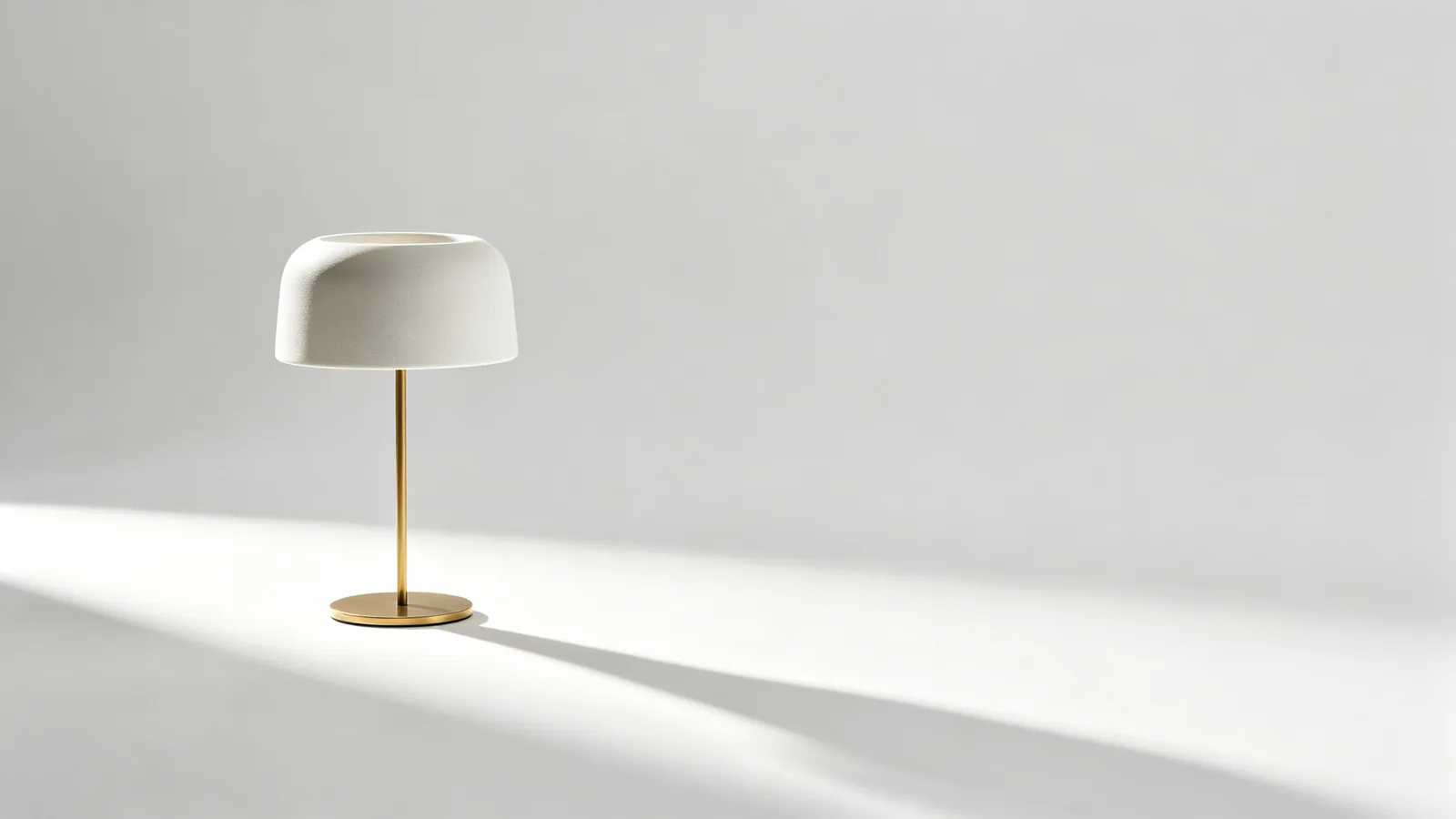
A matte white ceramic desk lamp on a seamless white studio sweep, casting one sharp shadow.

What is GPT Image 2?

OpenAI introduced GPT Image 2 alongside ChatGPT Images 2.0 as one model for both generating and editing. It describes the model as stronger at editing, better at layouts, better at rendering text and more reliable at following instructions than its earlier image models.

That makes it a good fit when the picture has to match a brief: a poster with a headline, a product on a clean background, the same object placed into a new scene.

GPT Image 2.5, which follows it, splits into a fast version and a precision version.

On Zero Kit it runs from the editor at the top of this page, from 2 credits per image.

What you can set:

  • A resolution: 1K, 2K and 4K.
  • A quality level: low, medium or high.
  • Up to 16 reference images, when the result has to keep a product, a face or a layout.
  • Up to 8 images in one run.

Low quality is quick and cheap for drafts. High quality takes longer and costs more, and is the setting for finished images with fine texture and small type.

On Zero Kit, GPT Image 2 works on every plan at 1K and 2K, while 4K need Plus or above.

Images made without a paid plan are for personal, non-commercial use only, so move to Plus or above before you use a result for a shop, an ad or a client.

What GPT Image 2 does well

Short headlines that read correctly

OpenAI calls out better text rendering as one of the main improvements in GPT Image 2.

Keep the words short, put them in quotes in the prompt and say where they go: top centre, on the label, across the banner. The model sets them in place with the style you describe.

It is reliable for a word or a short line, which suits posters, labels and short slogans. Long paragraphs of small text still need checking.
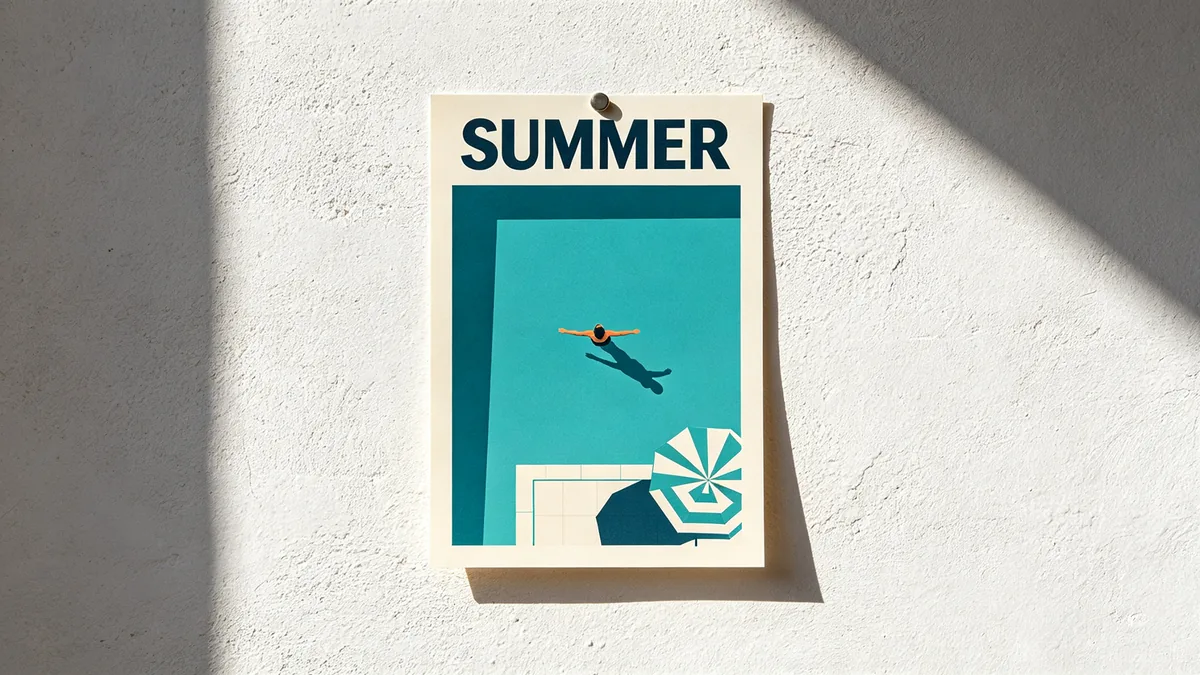
A bold summer poster with the word SUMMER above a stylized swimming pool seen from above.

A graphic travel-style poster pinned to a white plaster wall. The poster shows a turquoise swimming pool seen from directly above with a single swimmer, a striped umbrella and sharp midday shadows, rendered in flat screen-print colors. Across the top, the single word "SUMMER" in bold condensed sans-serif capitals, spelled correctly and evenly kerned. Warm sunlight hits the wall at an angle, a small shadow under the poster edge, crisp print texture.
Studio shots and lifestyle scenes

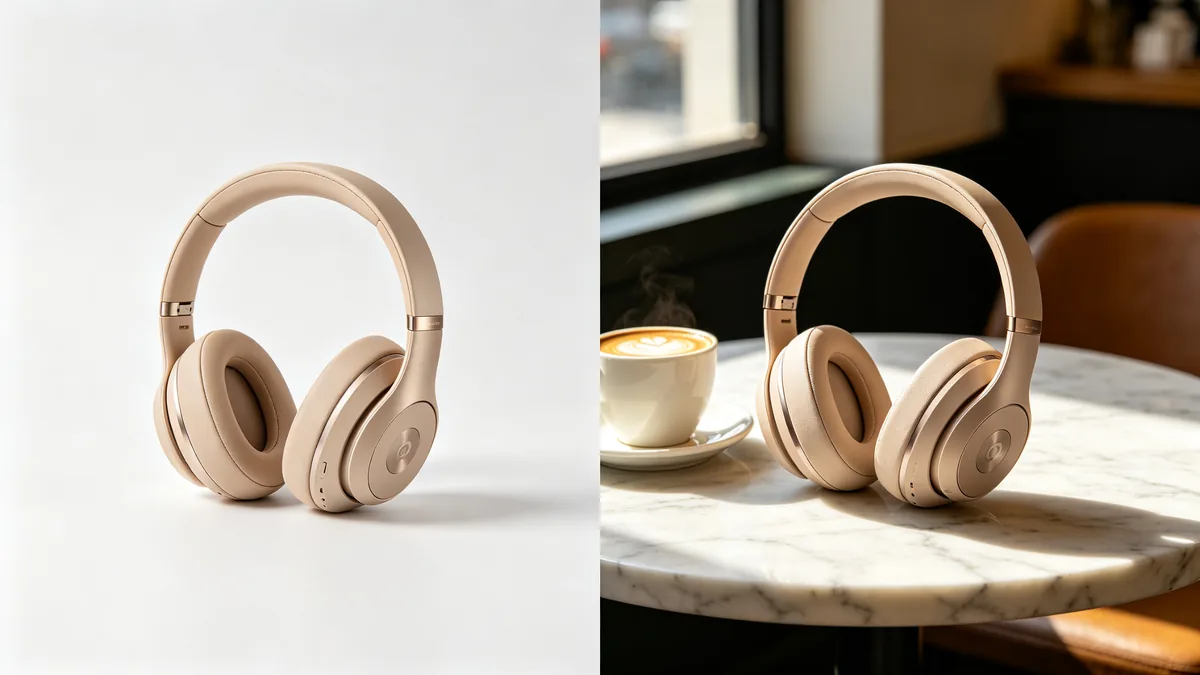
Describe the product once and ask for it in two settings: a plain studio sweep for the listing, and a real place for social posts.

GPT Image 2 keeps shape, material and colour steady between the two, which saves a separate shoot for each channel.

Add a reference photo of the real product when the details have to be exact.

A split frame showing the same headphones on a white studio background on the left and on a café table on the right.

A split composition divided vertically down the middle. Left half: unbranded over-ear headphones in sand beige with a brushed metal band, on a clean white seamless studio background with soft even light. Right half: the exact same headphones resting on a marble café table beside a cappuccino, morning light through a window, blurred café interior. The headphones are identical in angle, color and design on both sides. Commercial product photography, 70mm lens.

Same product, new background

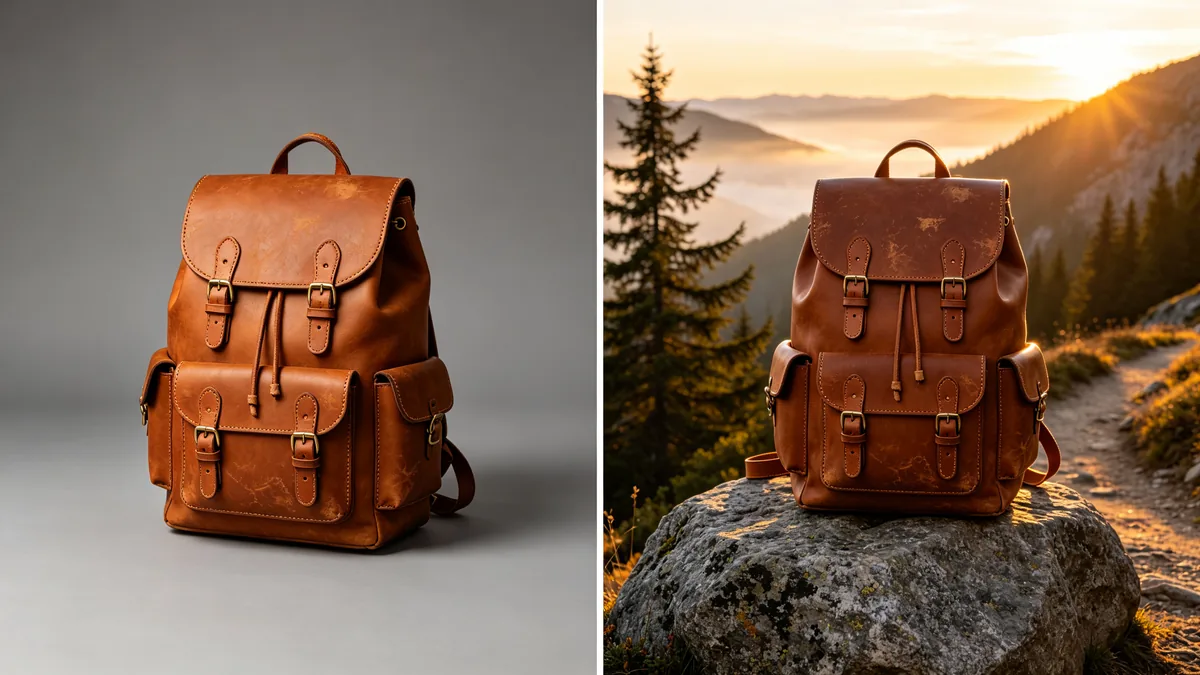
Upload a product photo and ask for a new background, surface or light. GPT Image 2 edits around the object instead of redrawing it from scratch.

This is the quickest way to turn one clean product shot into a set of seasonal or themed images. Say what must stay unchanged, such as the logo or the colour, and what may change.

To widen the frame for a banner instead, the AI image extender adds matching scenery past the edges.

The same leather backpack shown twice: on a grey studio backdrop and on a mountain trail at sunrise.

A side-by-side diptych of the same unbranded cognac leather backpack with brass buckles, identical pose and angle in both panels. Left panel: plain mid-grey studio backdrop with soft box lighting. Right panel: the backpack sits on a granite boulder beside a mountain trail at sunrise, pine trees and a misty valley behind, warm rim light on the leather. Consistent product detail, stitching and scuffs across both panels, outdoor gear catalog photography.

How to write prompts for GPT Image 2

  1. Start a GPT Image 2 prompt with the subject and the purpose, such as "product photo of a glass perfume bottle for an online shop".

  2. Put any text you want in the image inside quotes, and say where it goes and how large it is.

  3. Describe the light and the background in plain words: "soft window light from the left, seamless white sweep".

  4. When you edit an uploaded image, list what must stay exactly the same before you describe the change.

  5. Use low quality to find the composition, then rerun the same prompt at high quality.

Sample prompts to try with GPT Image 2

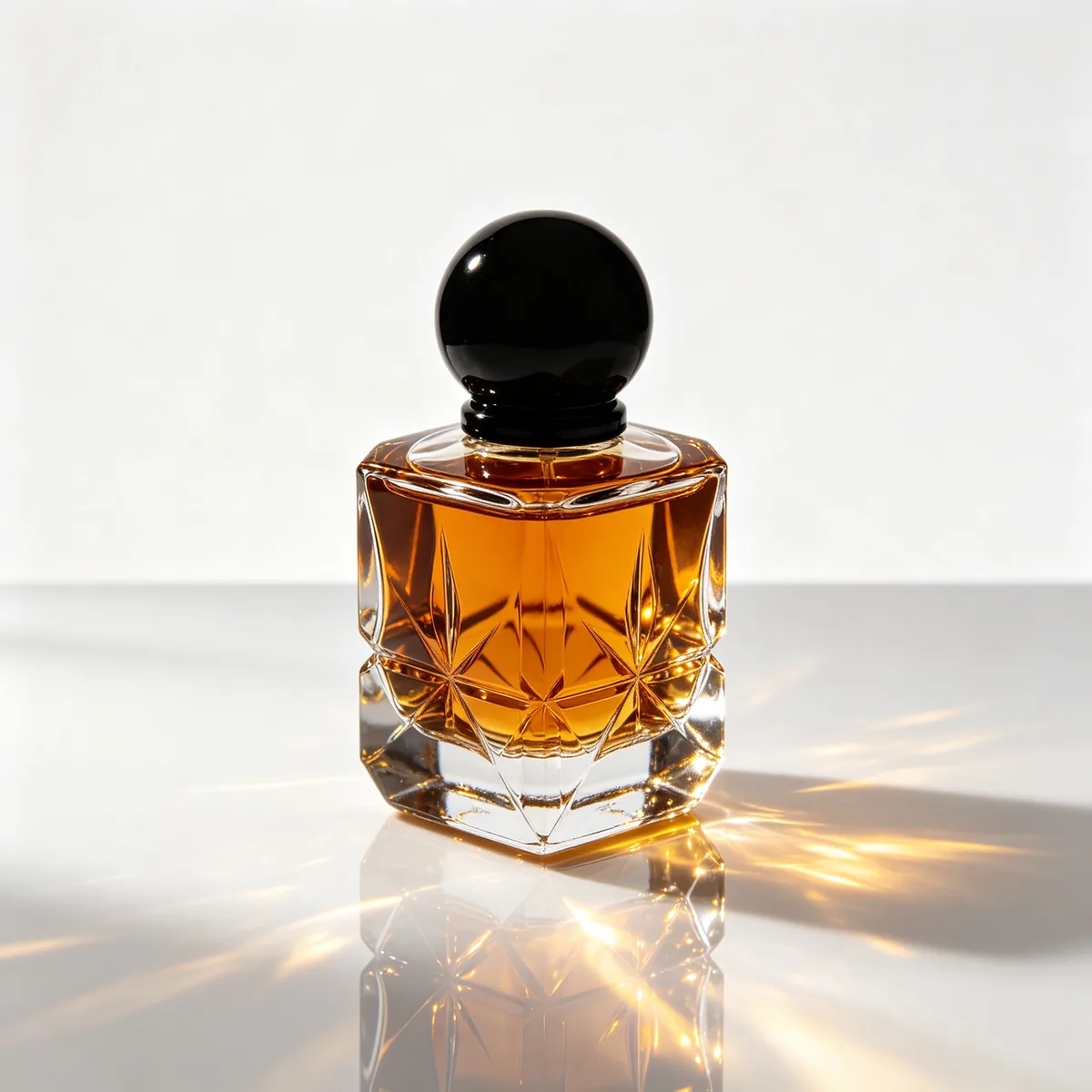
  • An unlabeled faceted glass perfume bottle on a white background with caustic light patterns beneath it.

    Glass bottle on white

    A faceted clear glass perfume bottle with a smoky amber liquid and a round black stopper, no label, standing on a glossy white acrylic surface against a pure white background. Light passes through the glass and throws golden caustic patterns onto the surface. Centered composition, crisp edges, soft graduated reflection below, high-key e-commerce photography, 90mm macro lens.

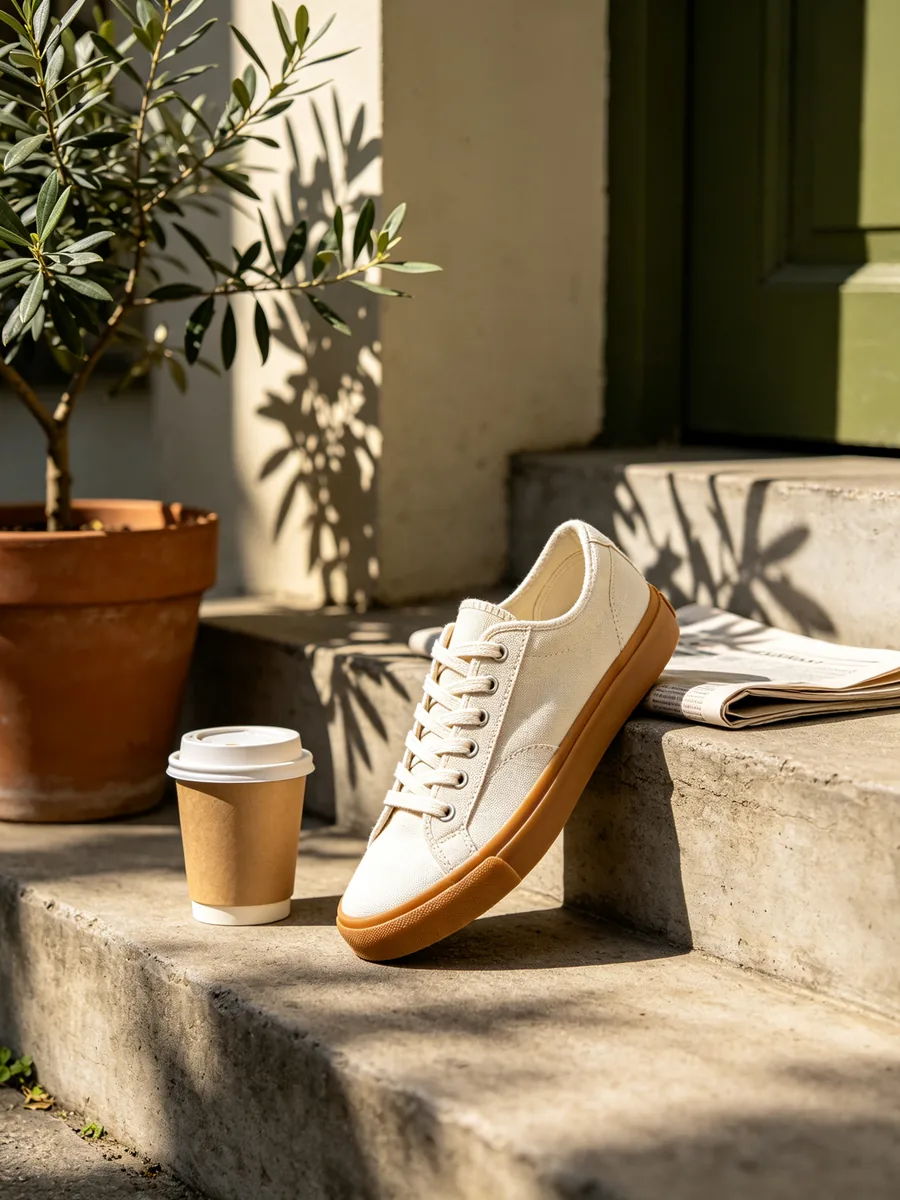
  • An unbranded canvas sneaker resting on a sunlit concrete step next to a folded newspaper and a coffee cup.

    Sneaker in a lifestyle scene

    An unbranded off-white canvas sneaker with a gum sole resting on a sunlit concrete step outside a townhouse, next to a paper coffee cup without any print and a folded plain newspaper. Morning sun rakes across the canvas weave and laces, a potted olive tree casts leafy shadows, background softly blurred. Warm neutral palette with olive green, lifestyle product photography, 50mm lens at f/2.8.

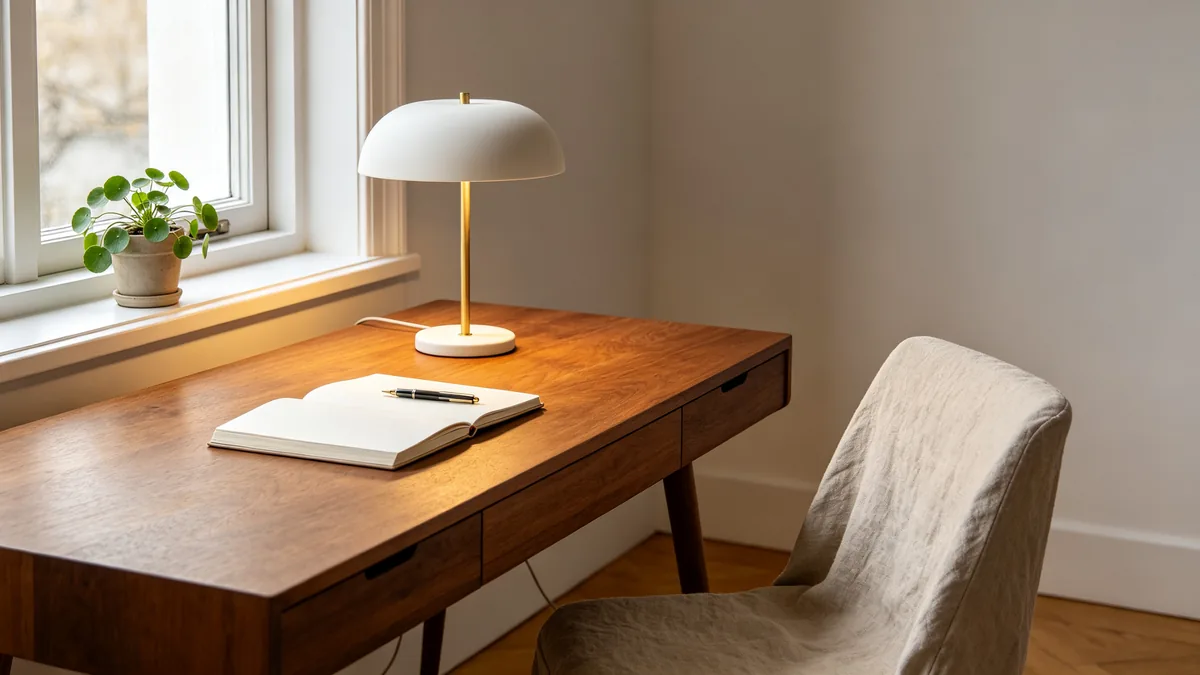
  • The white ceramic desk lamp on a walnut desk beside a notebook and a potted plant in morning light.

    The same lamp at home

    The same unbranded matte white ceramic desk lamp with a slim brass stem, now placed on a warm walnut writing desk by a window. Beside it: an open notebook with a fountain pen, a small potted pilea plant, and a linen-covered chair pushed in. Soft morning light, a gentle glow from the lamp, calm Scandinavian interior with white walls and oak floor, lifestyle catalog photography, 35mm lens.

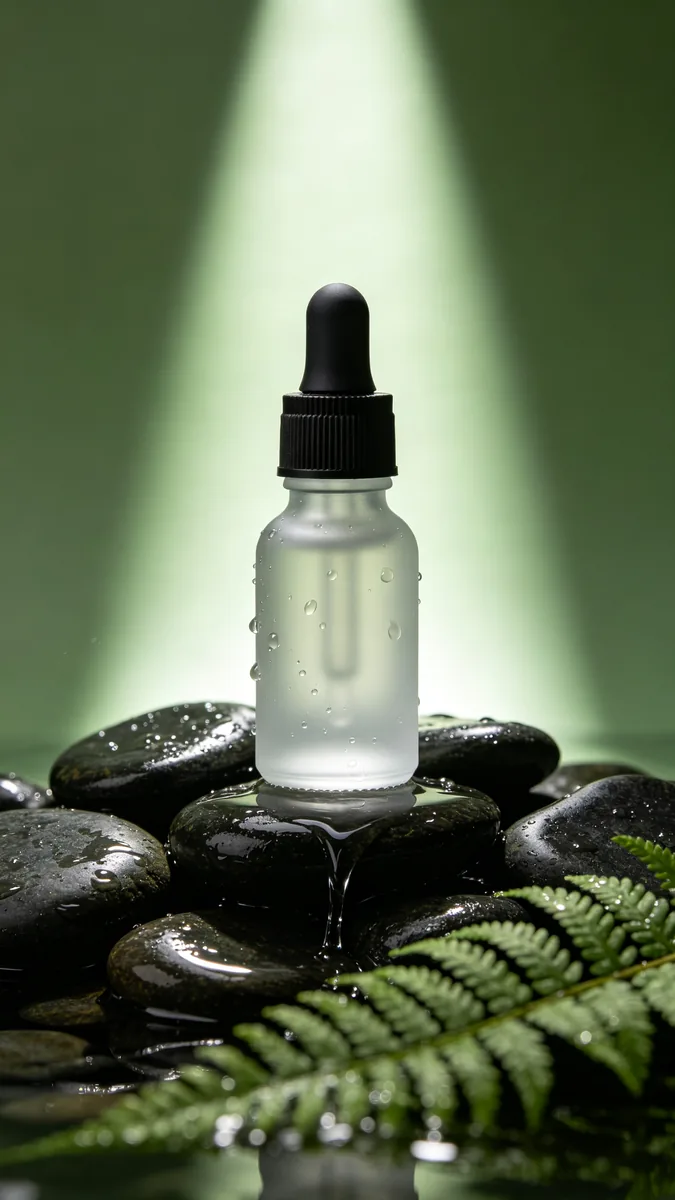
  • A frosted glass dropper bottle standing on dark wet river stones with water droplets and soft green light.

    Serum bottle on wet stone

    A frosted glass dropper bottle with a black rubber bulb and no label, standing on a pile of dark wet river stones. Tiny water droplets on the glass, a thin sheet of water flowing over the stones, a blurred fern frond in the foreground, soft green ambient light with one crisp rim light from behind. Vertical beauty product photography, 100mm macro lens, shallow depth of field.

Sample images are illustrative; results vary by model.

GPT Image 2 specs and pricing

Every price below comes from the live price list, so it changes here as soon as rates change. Credits are charged per image, or per second of video.

Credits per image Dollar amounts are approximate, based on monthly subscription prices.
ResolutionSize at 1:1PlanLow qualityMedium qualityHigh quality
1K1024 × 1024Free2 about $0.028 about $0.0830 about $0.30
2K2048 × 2048Free4 about $0.0425 about $0.2596 about $0.96
4K2880 × 2880Plus7 about $0.0760 about $0.60230 about $2.30

GPT Image 2 limitations

  • Long passages of small text can still come out with wrong letters. Check every word on a poster or label before you publish it.

  • Hands, fingers and small objects held in hands can be distorted, especially in busy scenes.

    Generate a few versions and keep the cleanest, or repaint just the hand with inpainting.

  • High quality at the top resolutions takes noticeably longer and costs more credits. Draft at low quality and switch up only for the final image.

More GPT Image models

Related AI tools

Related style categories

GPT Image 2 FAQ

Not on OpenAI's developer platform, which has no free tier for GPT Image 2. ChatGPT lets free users create images within usage limits through ChatGPT Images, which OpenAI has updated to Images 2.5.

On Zero Kit it works on the free plan at 1K and 2K, while 4K need Plus or above. New accounts get 10 free credits.

Ready to try GPT Image 2?

Write a line or pick a sample prompt, then press generate.

Last updated: