AI watermark remover for your own photos
Clear a watermark, a corner logo or a signature from a photo you own or have permission to edit. Brush over the mark and the picture underneath is repainted to match.
- Free daily credits
- Nothing to install
Watermarks removed from sample photos
Drag the divider to see the before and after.

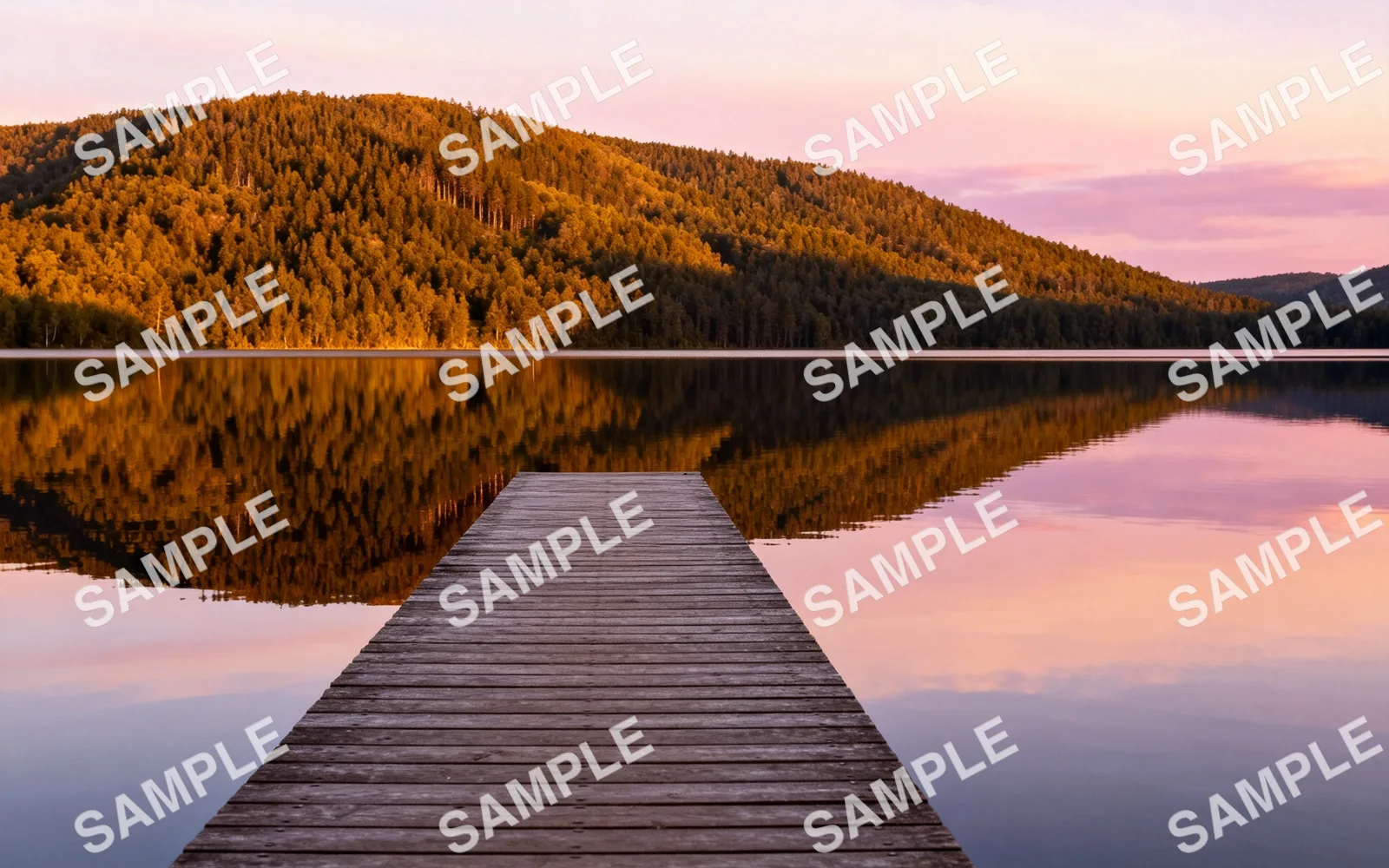
Remove a repeated text watermark
A tiled SAMPLE watermark removed from a lake view
Try this

Remove a logo from the corner of a photo
A made-up brand mark removed from a sneaker photo
Try this

Remove a signature from a portrait
A handwritten signature removed from the corner of a portrait
Try this

Remove a sale badge from a product photo
A round sale badge removed from a headphone photo
Try thisHow to remove a watermark from a photo
- 1
Upload your photo
Choose an image you own or have permission to edit, up to 5 MB. JPG, PNG, WebP, GIF, AVIF and TIFF are accepted.
- 2
Brush over the mark
Paint over the watermark, logo or signature with a small margin. For a watermark repeated across the image, brush every copy.
- 3
Process the photo
Click Process. Only the brushed area is repainted, from the colors and texture around it.
- 4
Compare and download
Drag the divider to compare, run again on any faint traces, then download the cleaned photo.
Only for photos you have the right to edit
Use this on your own work: a photo you watermarked before posting and no longer have the original of, a product image your supplier allows you to edit, or an old design file with a draft label on it.
Removing a watermark from a stock photo or from someone else's image can infringe their copyright, and our Acceptable Use Policy does not allow it. To use a stock photo, license it from the seller.
Corner logos and signatures
A logo or signature in a corner covers a small area, often on sky, a wall or a plain backdrop. These are the easiest marks to clear: brush the mark with a small margin and process once.
A badge on top of a product, such as a sale sticker on a pair of headphones, is harder because the product edge under it has to be redrawn. Check that edge after processing.
Watermarks across the whole image
Semi-transparent text repeated over the full picture is the hardest case. Every copy has to be brushed, and together they cover a large share of the photo, so more of it is repainted.
Work in passes: brush the copies in one half of the image, process, upload the result and do the other half. Faces and fine text under the watermark are repainted rather than recovered, so compare them with the original closely.
Use the original file when you have it
Removal repaints the area under the mark from its surroundings; it cannot recover detail the mark was hiding. If you still have an unmarked original, such as the export from your camera or design app, that file will always be more accurate than a cleaned copy.