Colorize black and white photos with AI
Turn black-and-white and sepia photos into color. The colorizer adds natural color to skin, hair, clothing, sky and plants, and repairs scratches and fading in the same run.
- Free daily credits
- Nothing to install
Black and white photos colorized
Drag the divider to see the before and after.
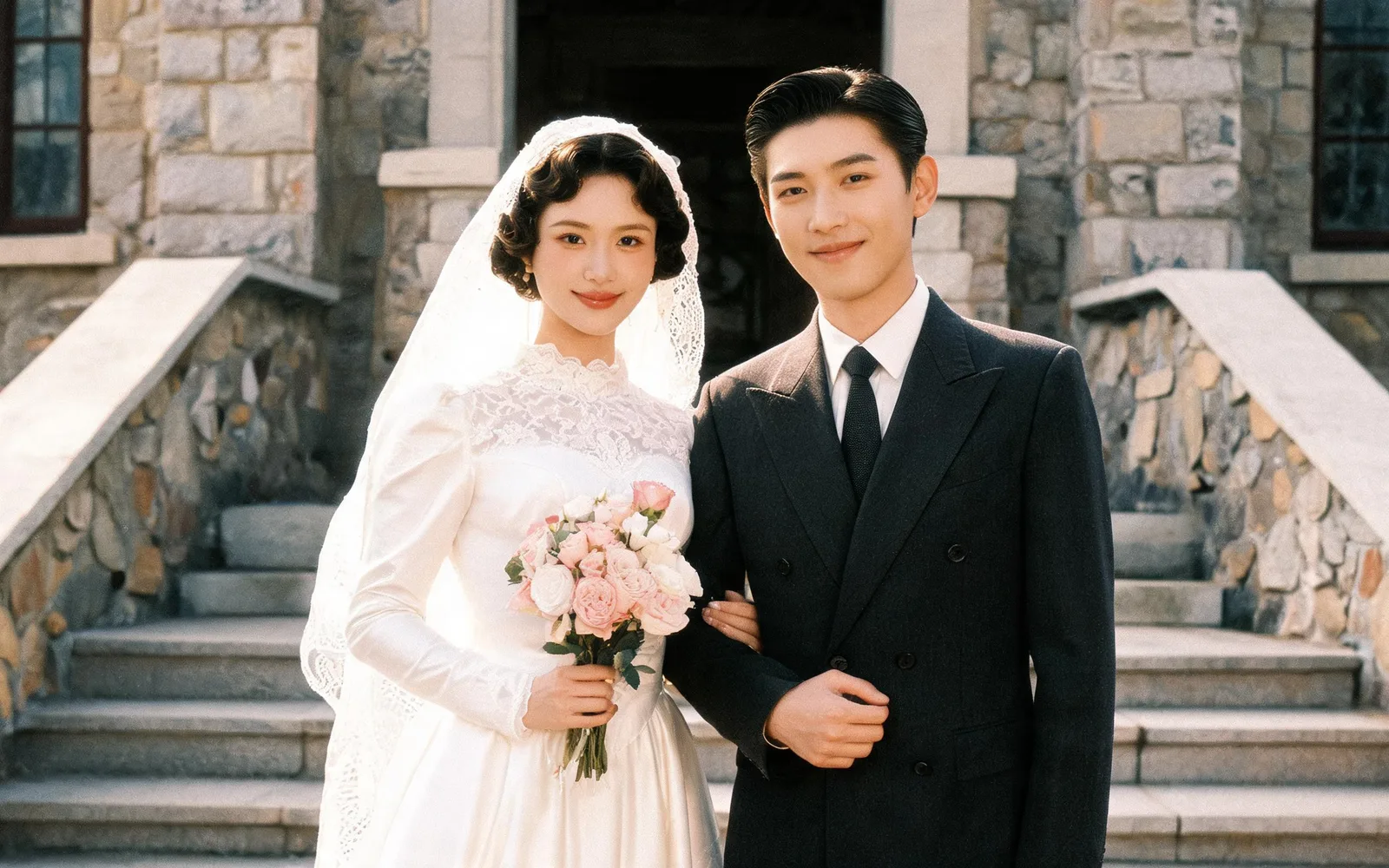
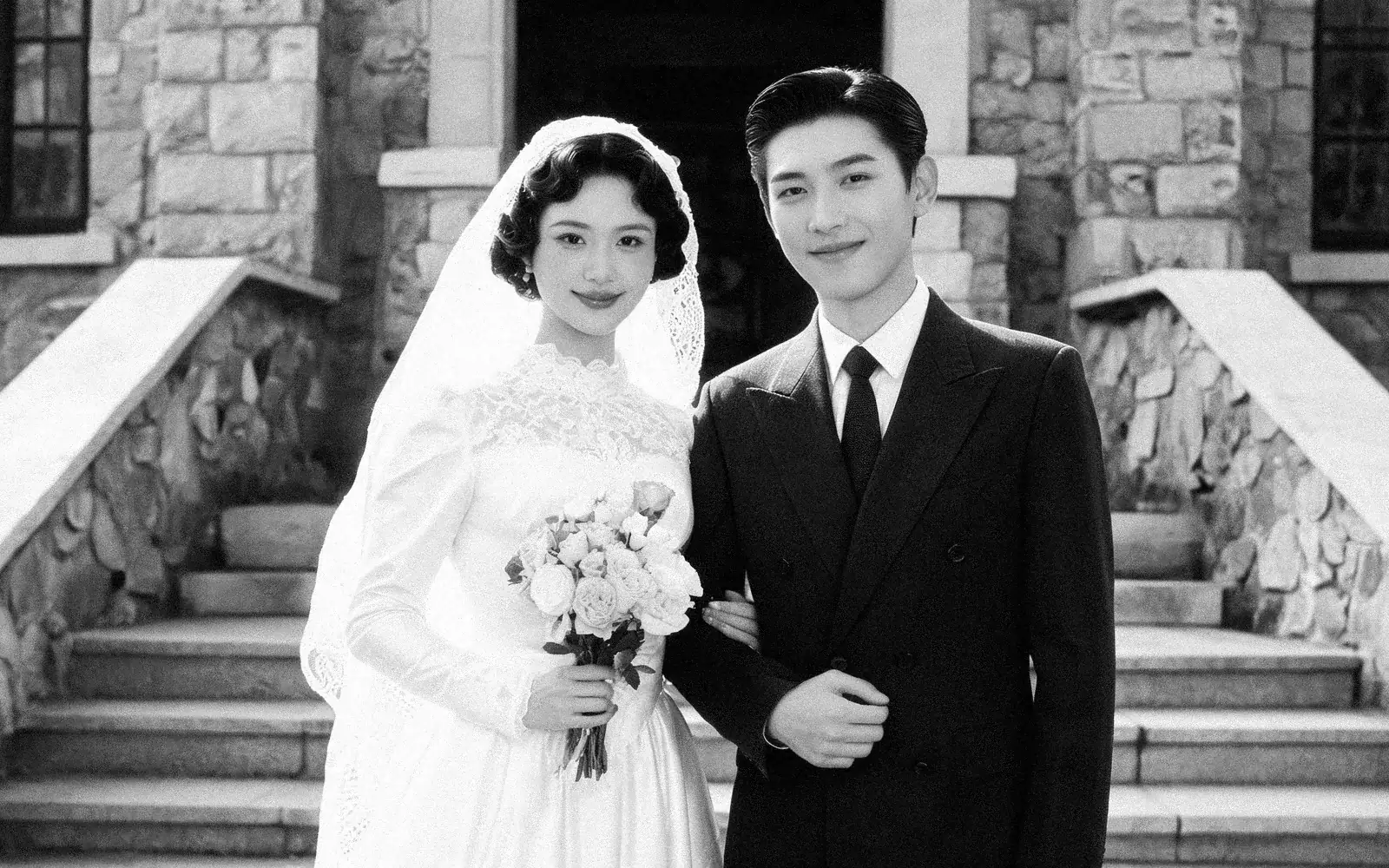
Colorize a black and white wedding photo
A 1940s wedding portrait brought back in natural color
Try this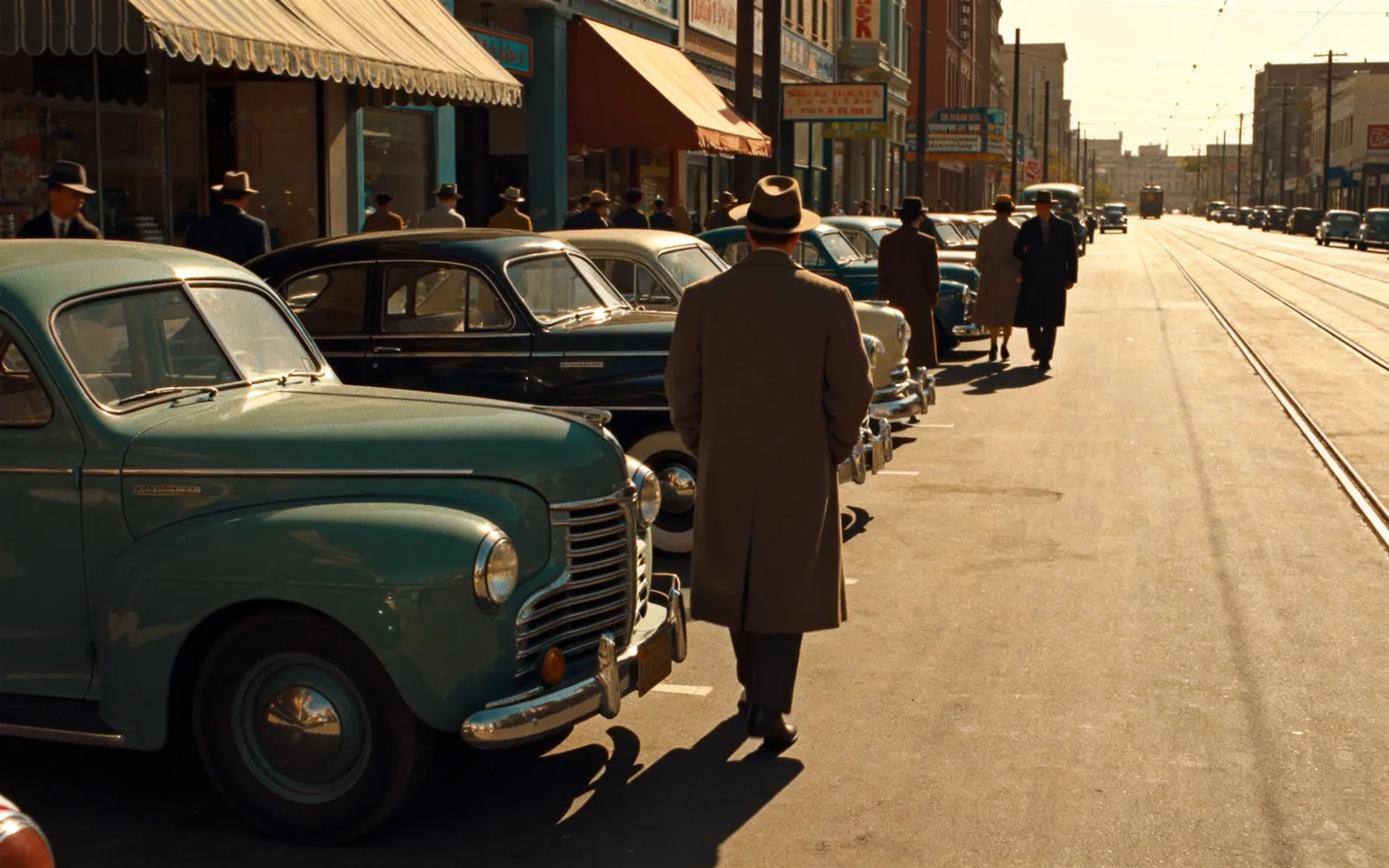
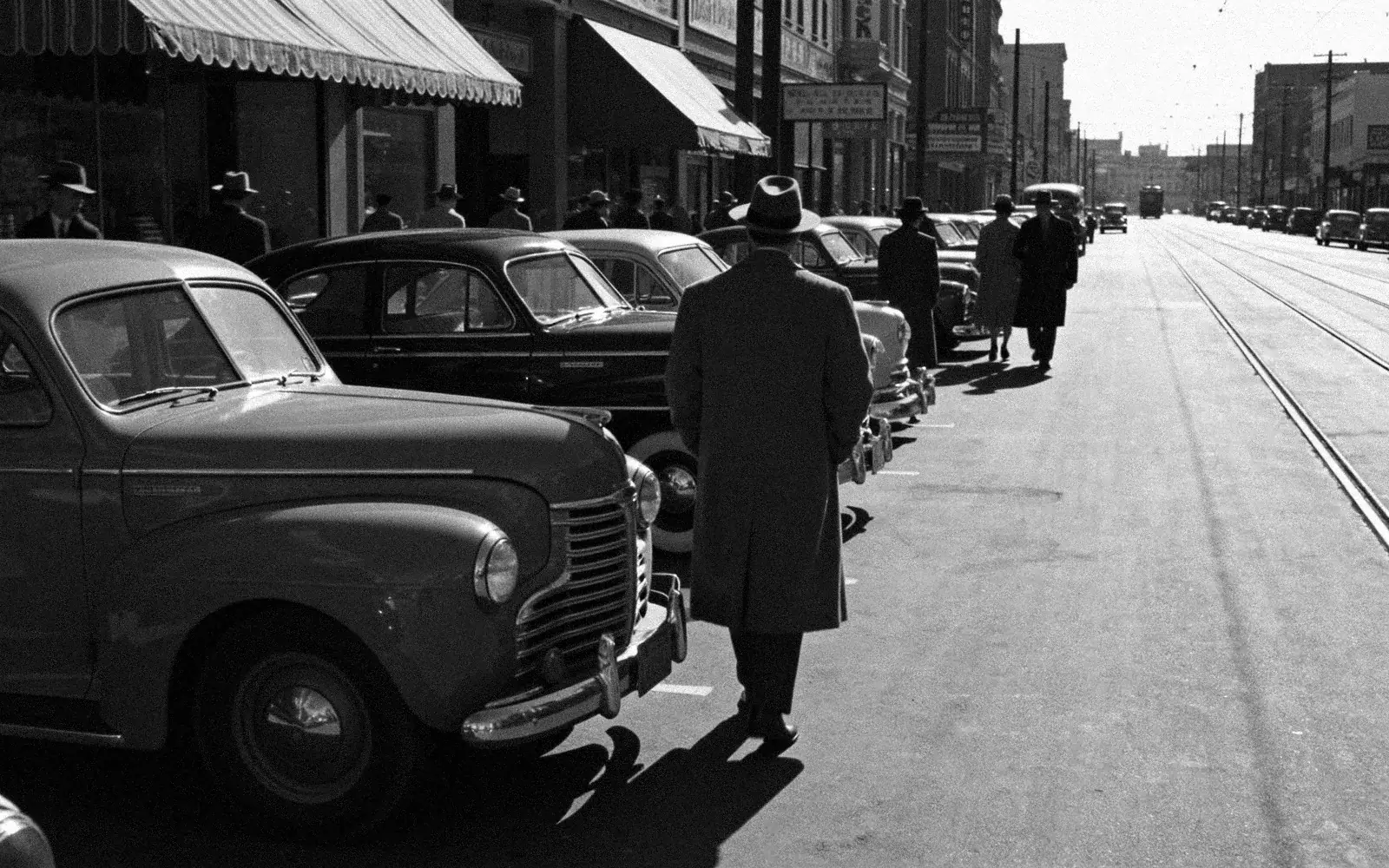
Colorize an old street photo
A 1950s street scene with shopfronts and cars in color
Try this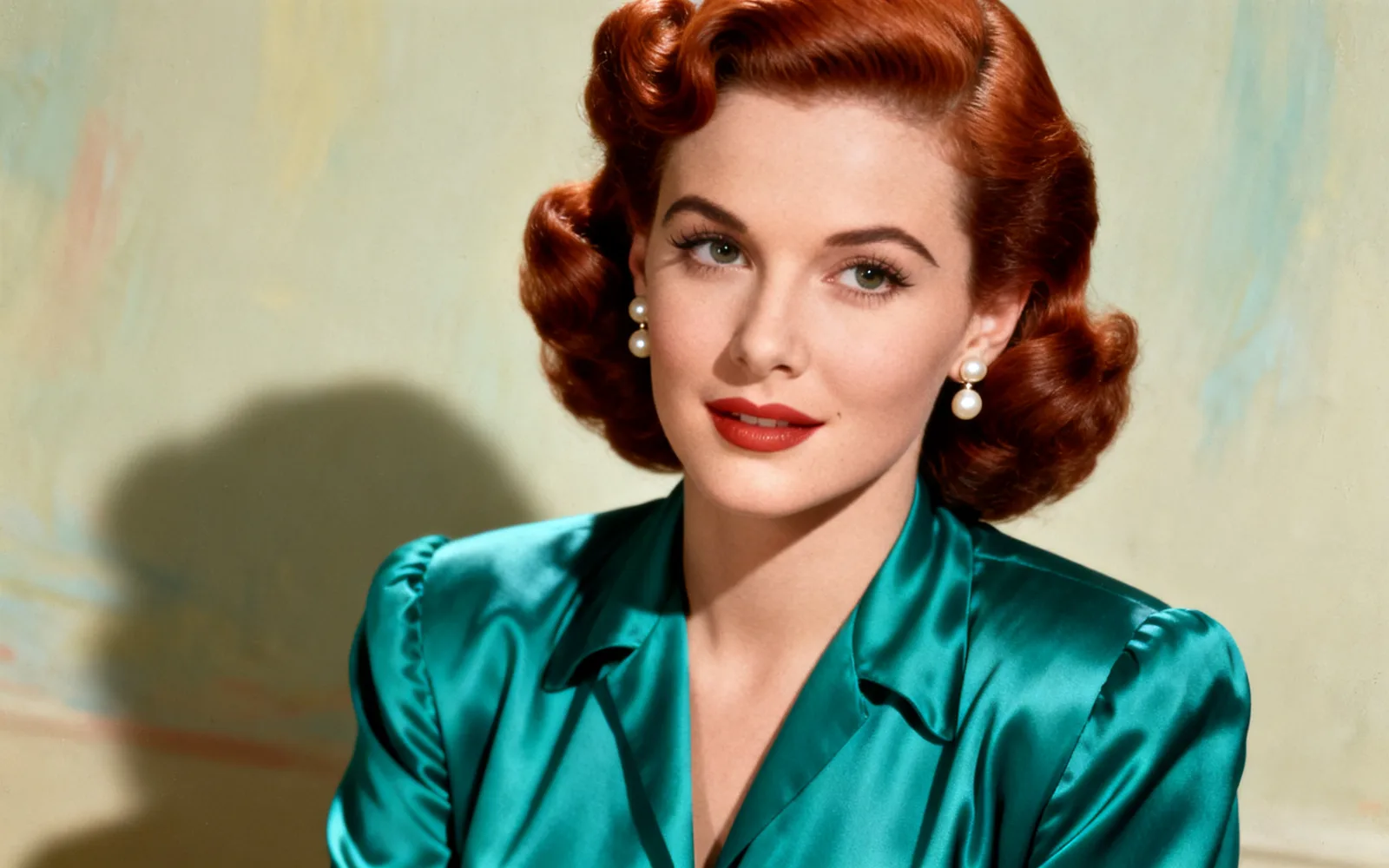
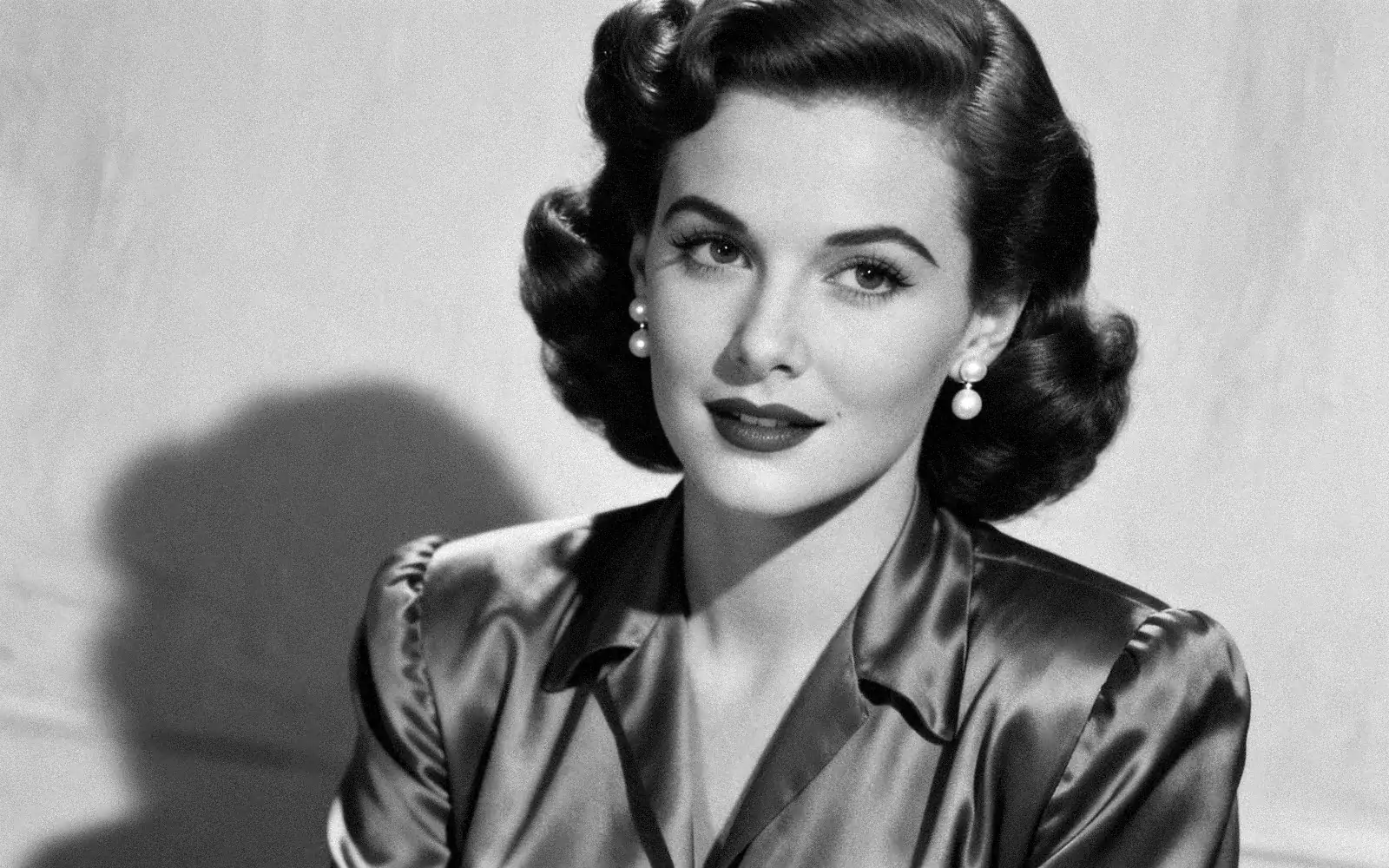
Colorize a black and white portrait
A vintage studio portrait with natural skin and hair color
Try this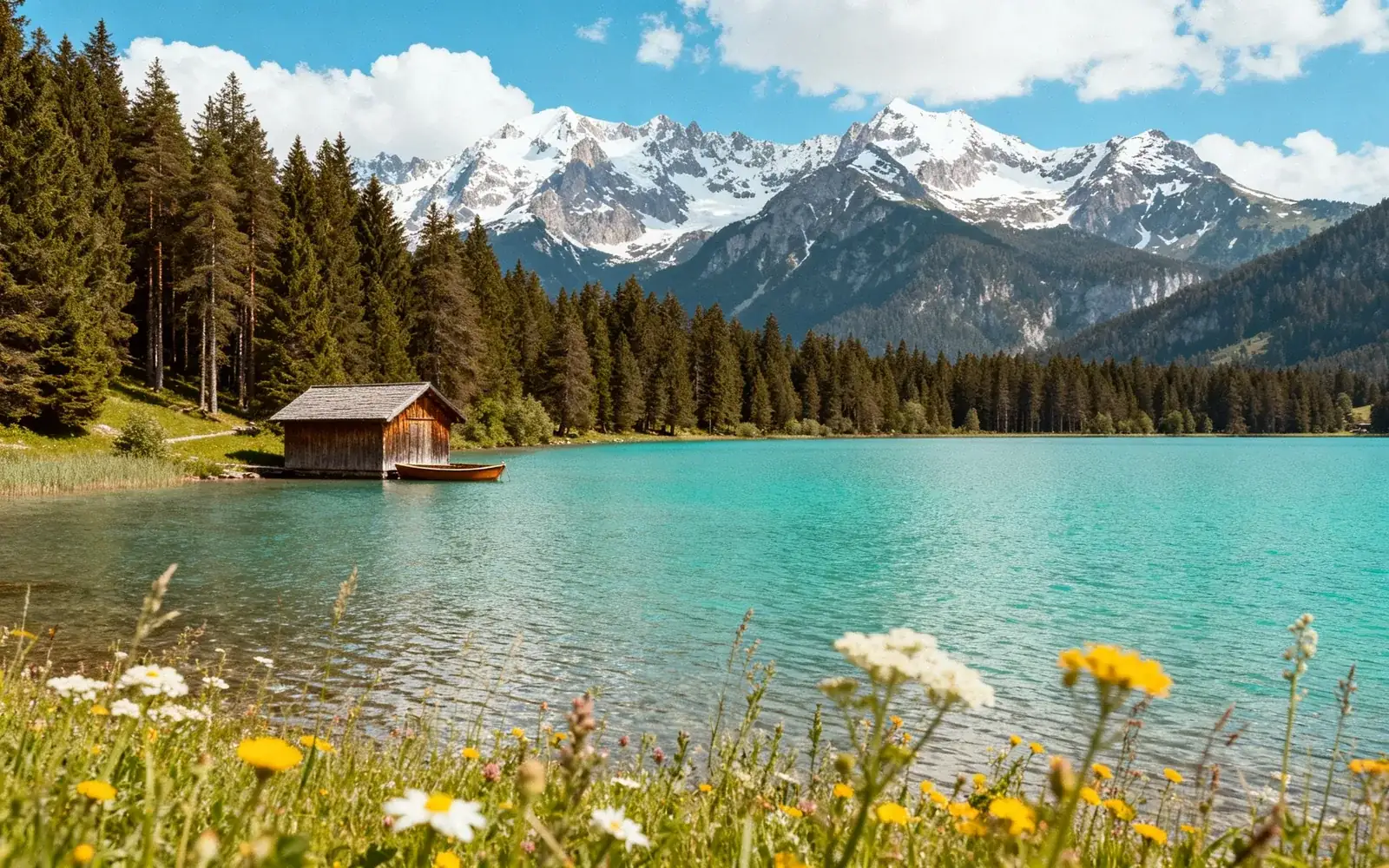
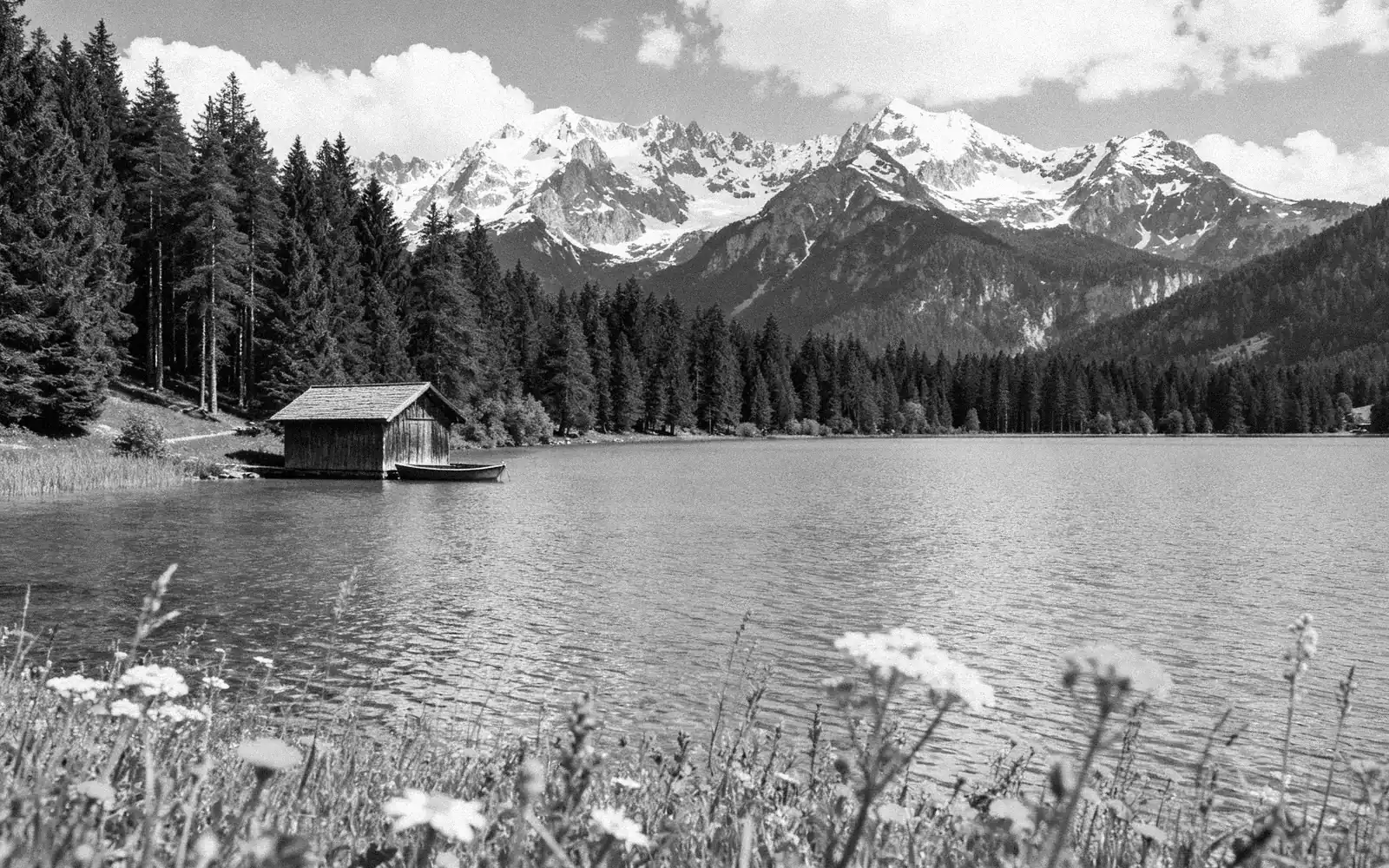
Colorize a black and white landscape
A mountain lake photographed in black and white, now in color
Try thisHow to colorize a black and white photo
- 1
Scan the photo
Scan the print at 600 dpi, or photograph it flat in daylight without flash. Save it as JPG under 5 MB.
- 2
Upload it with Colorize on
Opening the tool from this page switches Colorize on. If you open it another way, turn the Colorize switch on before you process.
- 3
Process the photo
Click Process. Color is added and scratches, creases and fading are repaired in the same run.
- 4
Compare and download
Drag the divider to compare the black and white original with the color result, then download it.
How AI chooses the colors
A black and white photo records brightness, not color. The model recognizes what is in the picture, such as skin, sky, grass, wood or brick, and gives each the color it most likely had.
Skin, sky, plants and water come out reliably. Clothing, cars, painted walls and flowers could have been almost any color, so the result is an informed estimate: a blue dress may come back green.
When you know the real color
The colorizer has no text box, so you cannot tell it that the car was red. If a family member remembers a color, colorize the photo first, then open the result in AI inpainting, brush the item and write, for example, "a dark red dress".
Old letters, the back of the print and other photos from the same day are good sources. A handwritten note such as "blue Sunday dress" is enough to correct one item afterwards.
Sepia prints and faded color photos
Sepia and brown-toned prints work the same way as black and white ones: the tone is read as brightness, and full color is added on top.
A color photo that has only faded or turned red or yellow does not need colorizing. The photo restoration tool repairs its colors and damage without adding new ones.
Several photos of one person
You can add up to four photos of the same person in one run, for example two damaged copies of one portrait. They are merged into a single colorized photo that uses the best parts of each. Photos of different people or scenes need separate runs.