Kling AI Video Generator and Image Models: Every Version
Kling AI is Kuaishou's family of video and image models. Zero Kit runs its 3.0 video models, Kling O1 and Kling Image in one editor.
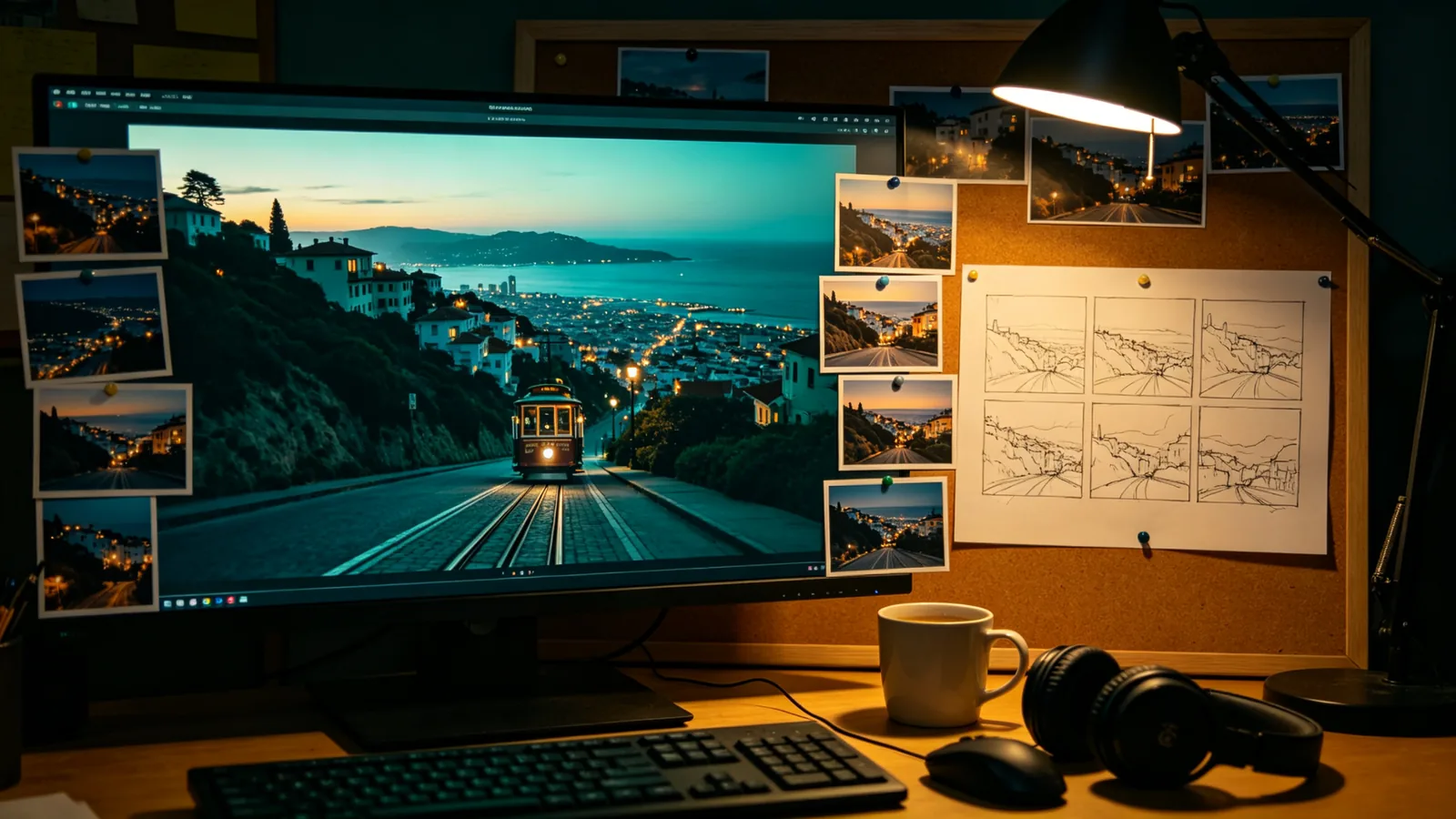
Kuaishou builds Kling AI as a line of generative models for video and still images. On Zero Kit the family has a page each for Kling 3.0, which also covers Kling 3.0 Turbo, for Kling 3.0 Omni, for Kling O1 and for Kling Image. The video versions turn a text prompt or an uploaded image into a clip of up to 15 seconds, depending on the version, and the image versions work from a prompt, reference photos or both.
Kling 3.0 is the main video model. Kling says it improves subject consistency and supports multi-shot storytelling: one prompt describes several shots in order, each with its own length, and the lengths add up to the length of the clip. On Zero Kit it can start from a first frame, or from a first and a last frame, and together with 3.0 Omni it has the highest video resolution in the family. Kling 3.0 Turbo shares its page. Kling describes Turbo as consistent quality at better value, and it is the version that delivers sound on Zero Kit: every Turbo clip comes with audio, while Kling 3.0 clips are silent here even though Kling lists native audio for the model.
Kling 3.0 Omni is the all-in-one version. Kling describes it as taking multimodal input in a single request; on Zero Kit that means several reference images for a character, a scene and a style in one clip, or a first frame with an optional last frame. It supports multi-shot prompts as well, and like Kling 3.0 its clips are silent on Zero Kit. Kling O1 is what Kling calls its unified video model, built for consistency across multimodal instructions. It takes several reference images, or a first frame with an optional last frame, offers two fixed clip lengths and produces no sound.
For pictures, Kling Image puts its versions on one page. Kling Image 3.0 works from a prompt or a single photo, Kling Image 3.0 Omni takes many references and renders at the highest resolution in the image line, and Kling Image O1 is tuned for consistent subjects, precise edits and style transfer. A still made there can become the first frame of a Kling video.
Every version runs from the same editor on Zero Kit and is included in Plus and above. Video costs credits per second of the clip, and images cost credits per image. The table below compares resolution, clip length, references, starting price and plan from the live model list, and each version has its own page with sample prompts and a full price table.
Every Kling version compared
| Version | Resolutions | Length | Reference images | From | Plan |
|---|---|---|---|---|---|
| Kling 3.0 | 720p, 1080p and 4K | 3–15 s | 2 | 28 credits / s | Plus |
| Kling 3.0 Omni | 720p, 1080p and 4K | 3–15 s | 7 | 21 credits / s | Plus |
| Kling Image | 1K, 2K and 4K | Not available | 10 | 6 credits / image | Plus |
Which Kling version should you use?
For sound or top resolution: Kling 3.0 Turbo or Kling 3.0
Both live on the Kling 3.0 page. Pick Turbo when the clip needs sound: every Turbo clip comes with audio, starting from a prompt or a single first frame. Pick Kling 3.0 when the clip needs the top resolution, a last frame you supply or several shots in one prompt; its clips are silent on Zero Kit. Silent Kling 3.0 clips can cost less per second than Turbo, so compare the two rates on the Kling 3.0 page.
For several references in one shot: Kling 3.0 Omni or Kling O1
Choose Kling 3.0 Omni to combine reference images of a character, a place and a style in one clip, at up to the top resolution and with multi-shot prompts. Kling O1 takes references too and puts consistency first; it offers two fixed clip lengths and no sound.
For still images: Kling Image
Go to Kling Image for pictures. Use Kling Image 3.0 for a prompt or a single-photo restyle, Kling Image O1 to blend several references or change one detail while keeping the rest, and Kling Image 3.0 Omni when the image needs the highest resolution.
Kling versions on Zero Kit
Kling 3.0
4K peak quality and multi-camera framing, perfect for professional filmmaking that requires cinematic lens control
Open Kling 3.0Kling 3.0 Omni
All-in-one referencing and strong consistency, perfectly locking the specific characters, art styles, and native audio from your reference materials.
Open Kling 3.0 OmniKling Image
Inpainting and multi-image blending, offering precise text-guided control for graphic designs requiring detailed edits on elements and textures.
Open Kling Image
Kling FAQ
Last updated: