Turn a photo into a painting or anime with AI
Repaint a photo as anime, oil painting, watercolor or Chinese ink wash while the subject and composition stay recognizable. One slider decides how far the style goes.
- Nothing to install
Photos turned into paintings and anime
Drag the divider to see the before and after.
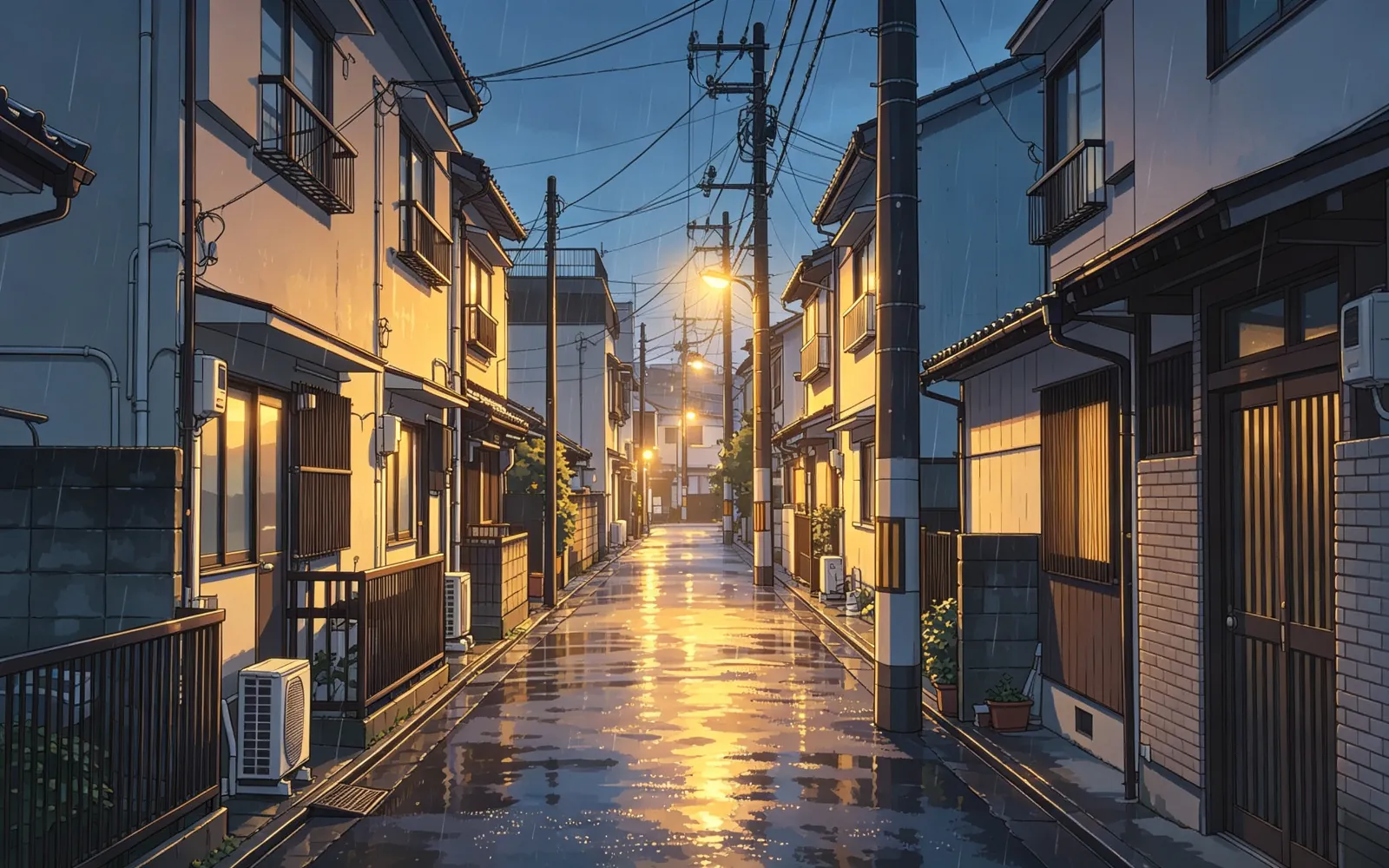
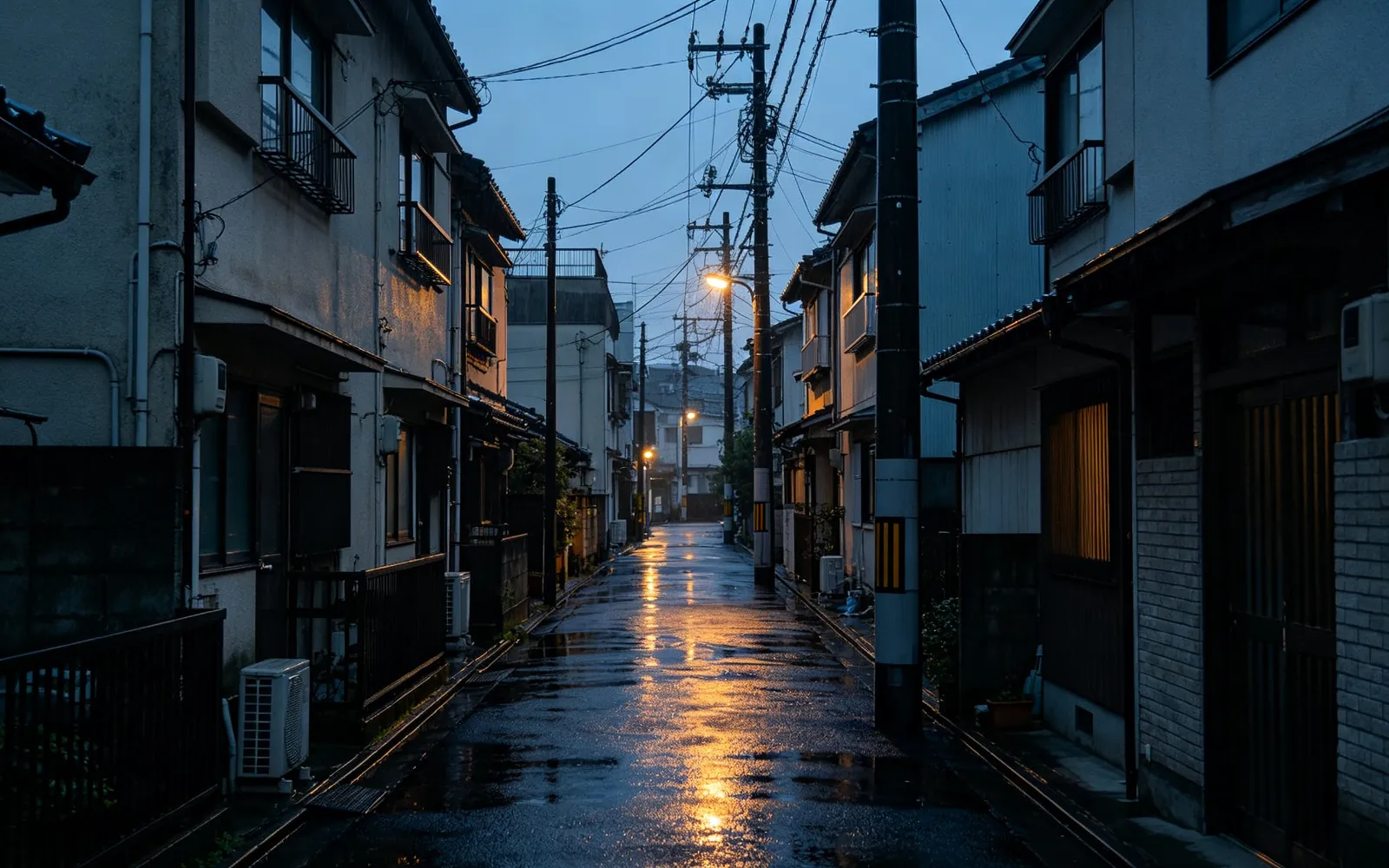
Turn a street photo into anime
A rainy alley turned into a hand-drawn anime frame
Try this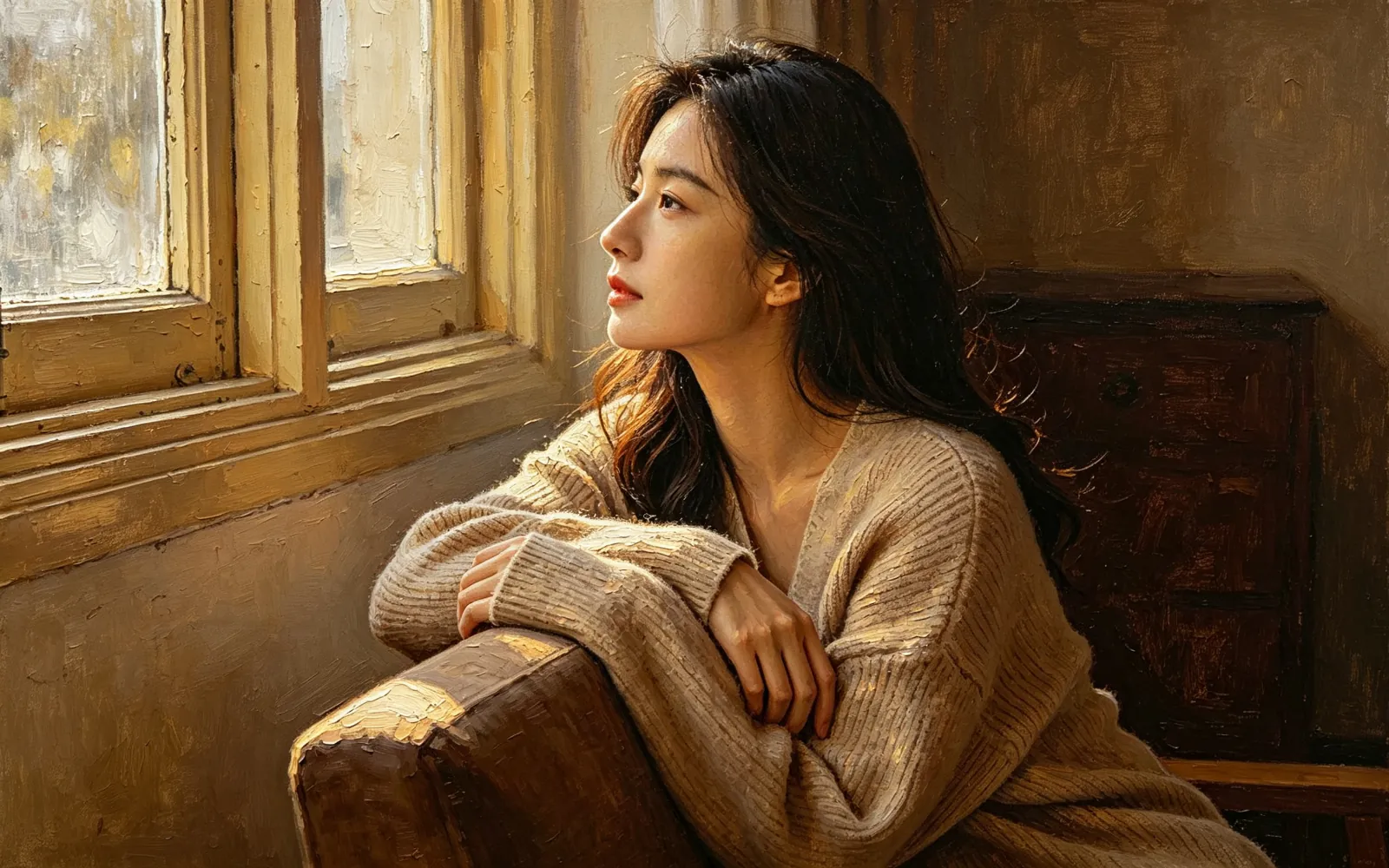
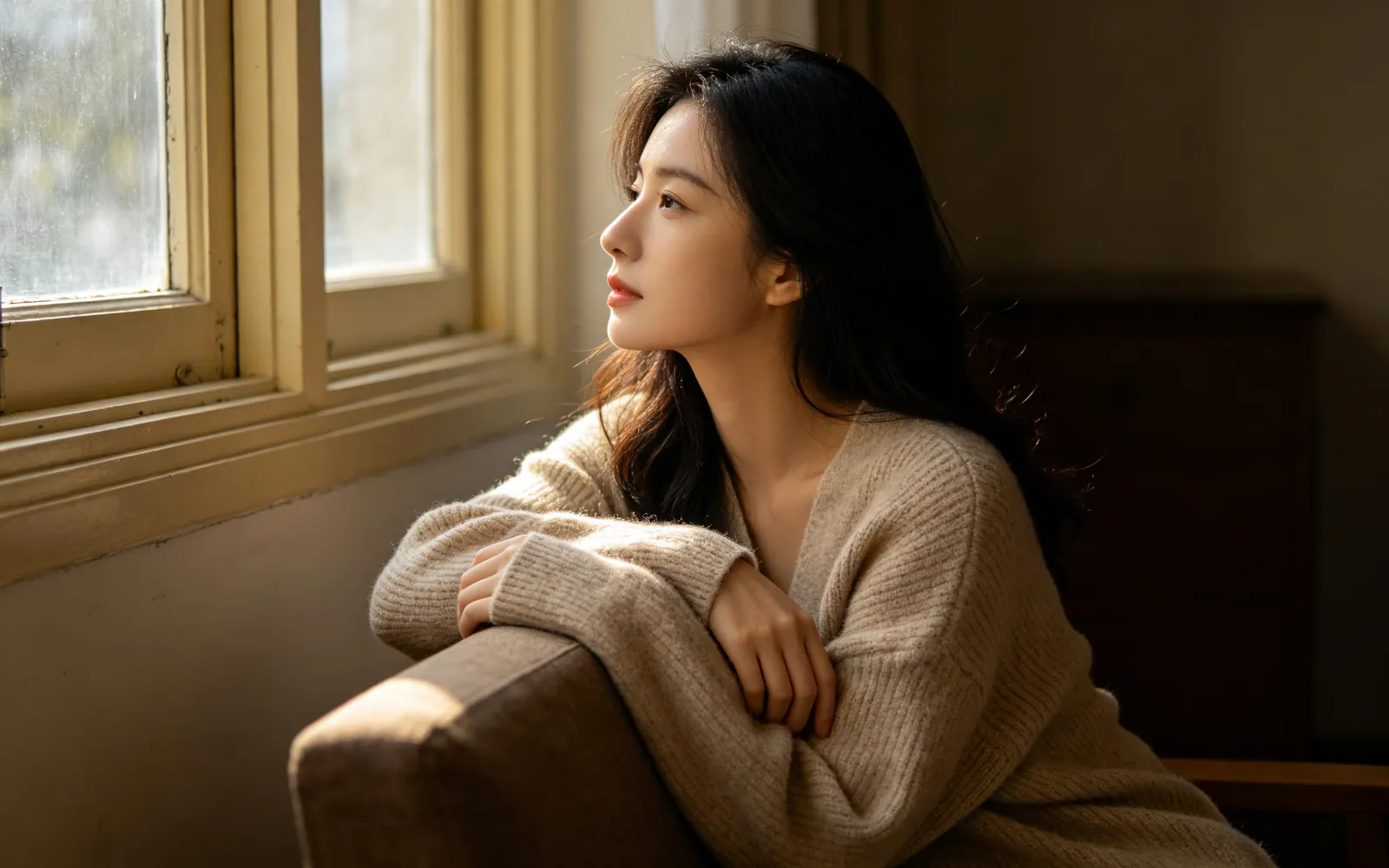
Turn a portrait into an oil painting
A window-light portrait repainted as a classical oil painting
Try this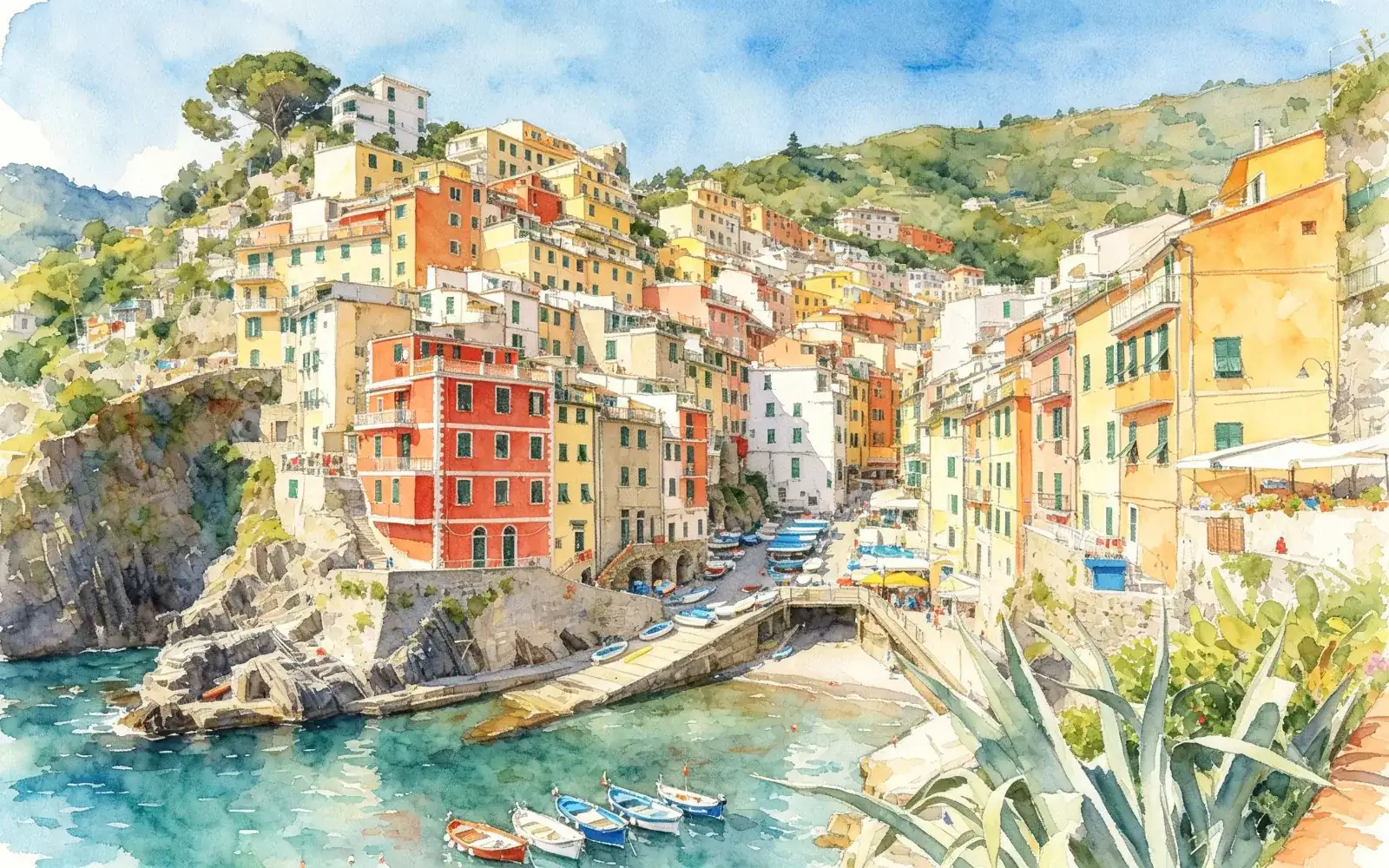
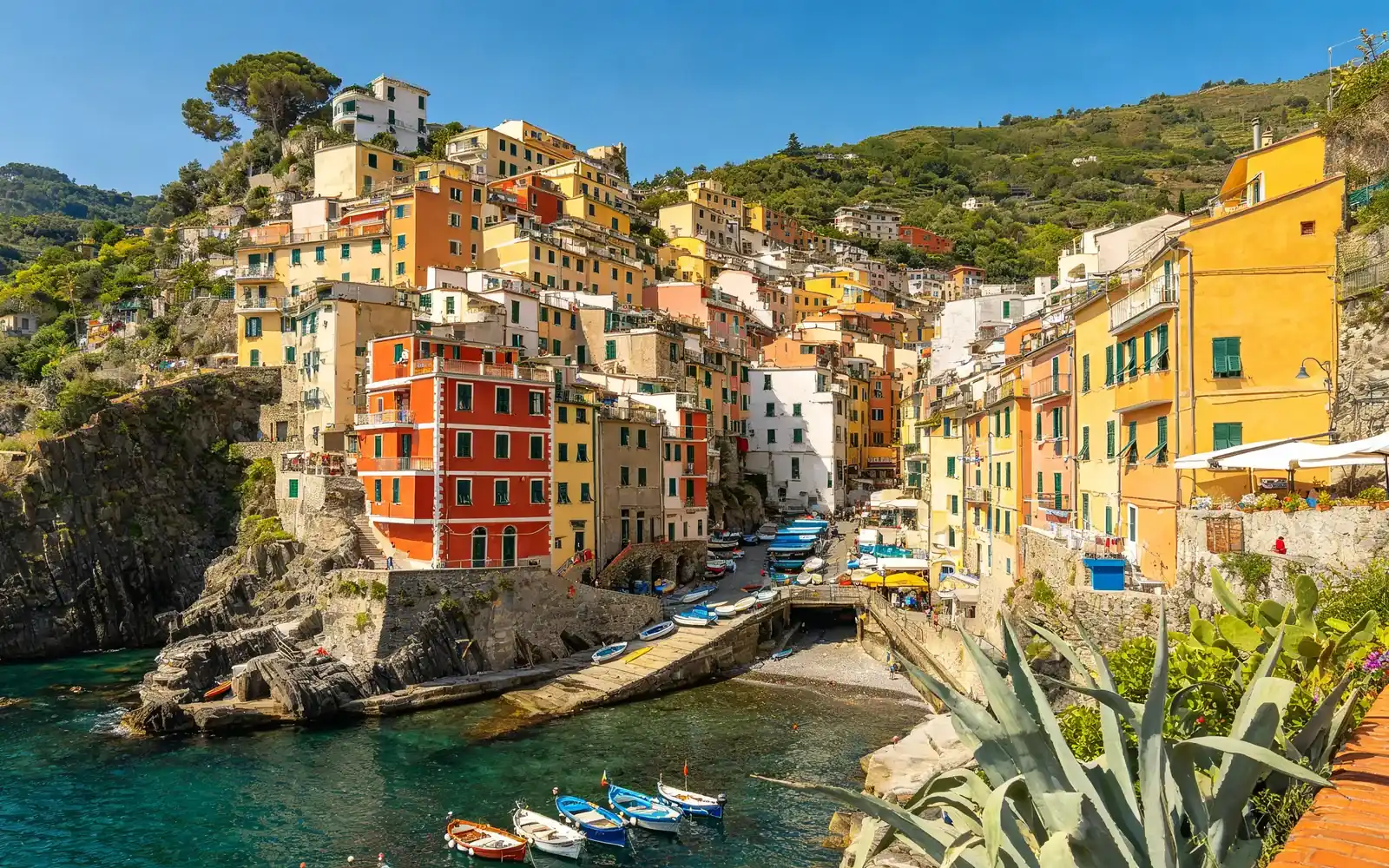
Turn a travel photo into a watercolor painting
An Italian hill town repainted in loose watercolor
Try this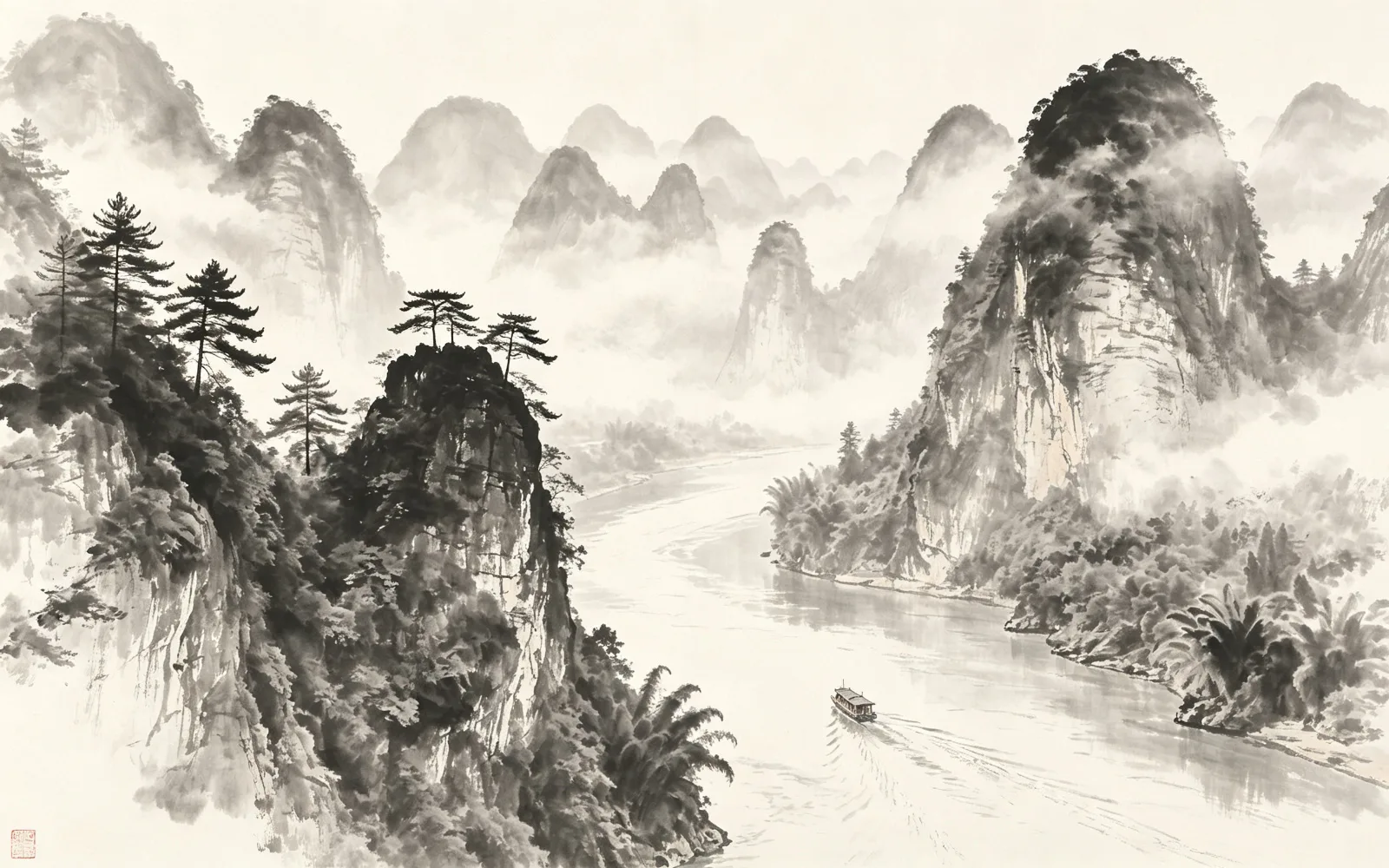
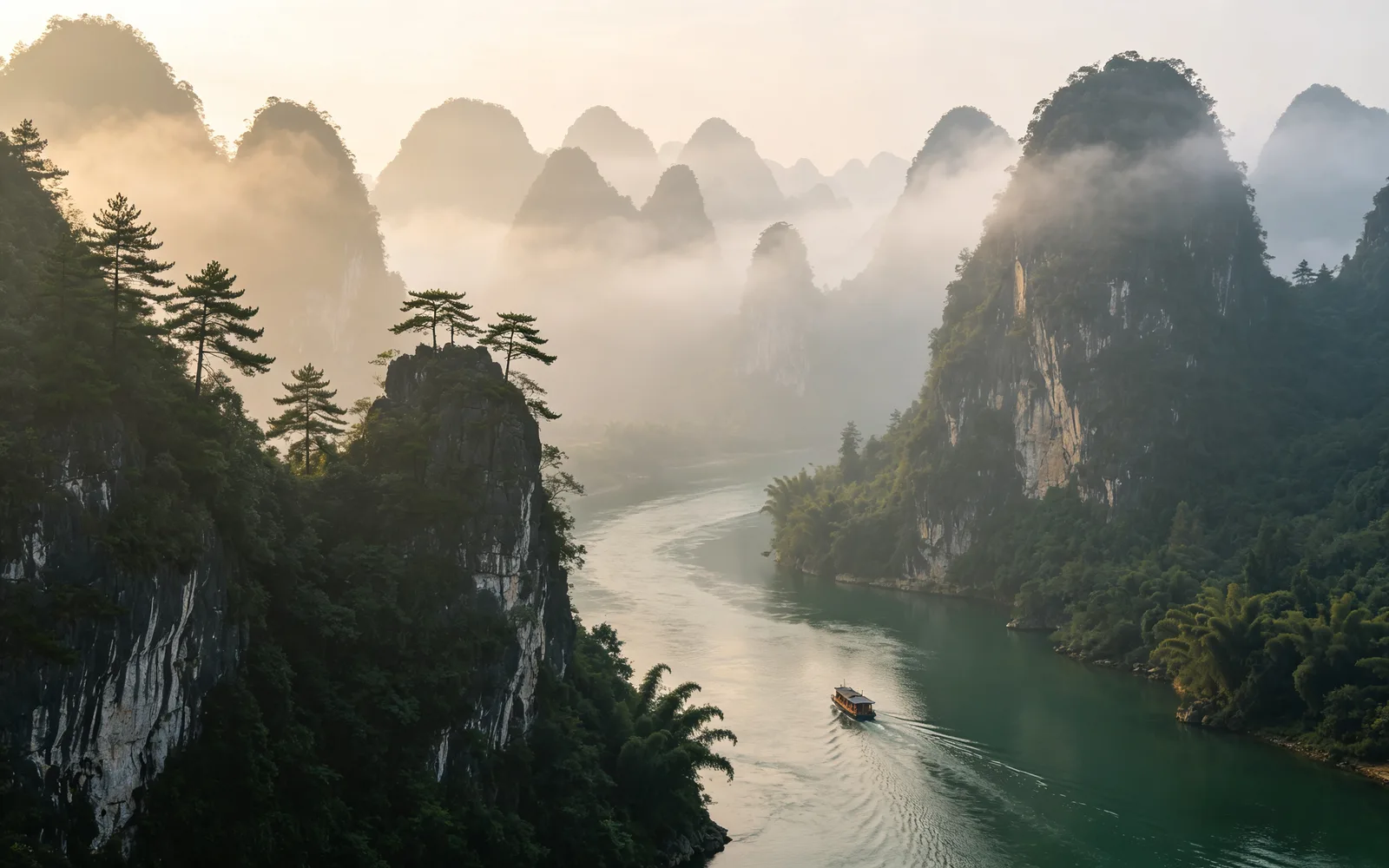
Turn a landscape into an ink wash painting
Misty mountains repainted as a Chinese ink wash painting
Try thisHow to turn a photo into a painting or anime
- 1
Upload the photo
Choose an image or drop it onto the page. Files up to 5 MB are accepted.
- 2
Pick a style
Choose anime, oil painting, watercolor, ink wash, pixel art or cyberpunk. No style is selected until you pick one.
- 3
Set the strength
The Strength slider runs from 0 to 100 and starts at 60. Lower values keep the result closer to the photo.
- 4
Process and try another
Click Process and compare the result with the divider. Click Run again to go back to the same photo and try a different style or strength.
Turn a photo into anime
The anime style redraws the photo as a frame from Japanese animation: clean outlines and flat areas of color. Faces, clothing and backgrounds all get the same line work, so the result looks like one drawn scene rather than a filter on top of a photo.
Clear portraits, street scenes and rooms with strong light work well. Small faces in a crowd have little detail to work from and may change more than a close-up.
Oil painting, watercolor or ink wash
Three of the styles imitate real paint and ink:
- Oil painting: thick paint with visible brushstrokes and texture. It suits portraits and still life.
- Watercolor: transparent layers of color with soft edges where the paint spreads. It suits landscapes, flowers and travel photos.
- Ink wash: Chinese ink painting with open empty space and ink from pale gray to deep black. It suits mountains, water, trees and simple subjects.
Portraits or landscapes: which style fits
Portraits hold up best in oil painting and anime, where faces keep clear shapes. Watercolor and ink wash loosen edges on purpose, which flatters scenery but can blur the features of a small face.
Two more styles are available. Cyberpunk adds neon light and strong warm and cool contrast, and works best on night streets. Pixel art rebuilds the photo from a visible grid of pixels, and has its own guide on this site.
How strong should the style be?
Strength decides how far the result moves away from the photo. The tool aims to keep the subject and composition recognizable at every setting; what changes is how much of the picture is redrawn.
Start at the default of 60. If a face no longer looks like the person, lower it. If the result still looks too much like a photo, raise it. Portraits usually need less strength than landscapes, because small changes to a face are easy to notice.