Zero Kit AI

Kling AI Image Generator

Kuaishou's Kling AI image models build a picture from a prompt and your reference photos, change one detail while keeping the rest, and render at up to 4K.

  • KlingKling
  • Up to 4K
  • Up to 10 reference images
  • Up to 4 images per run
  • Credits per image: from 6
  • Included in Plus and above
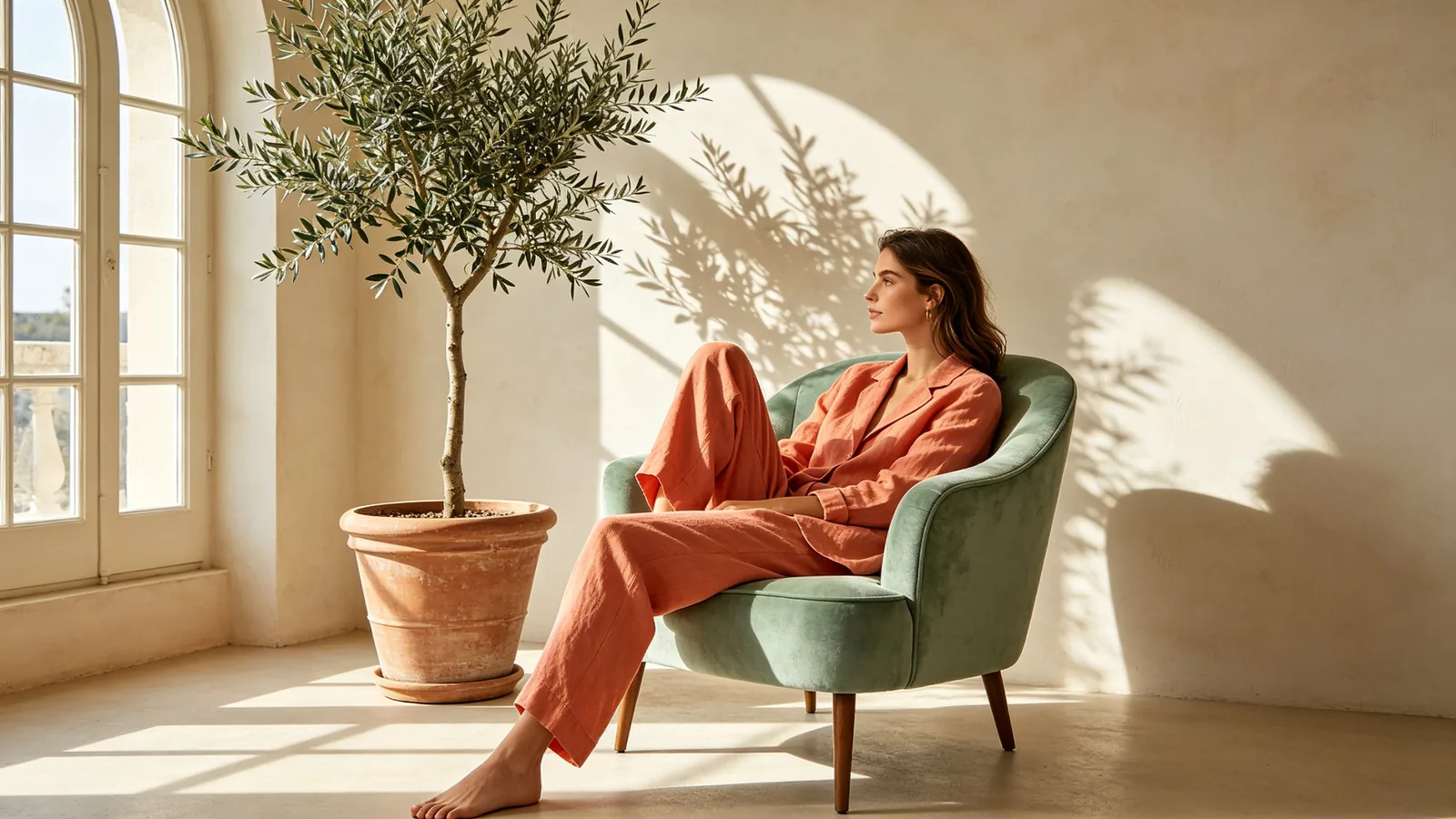
A model in a coral linen suit sits on a mint armchair in a sunlit studio with arched windows.

Sample prompts to try with Kling Image

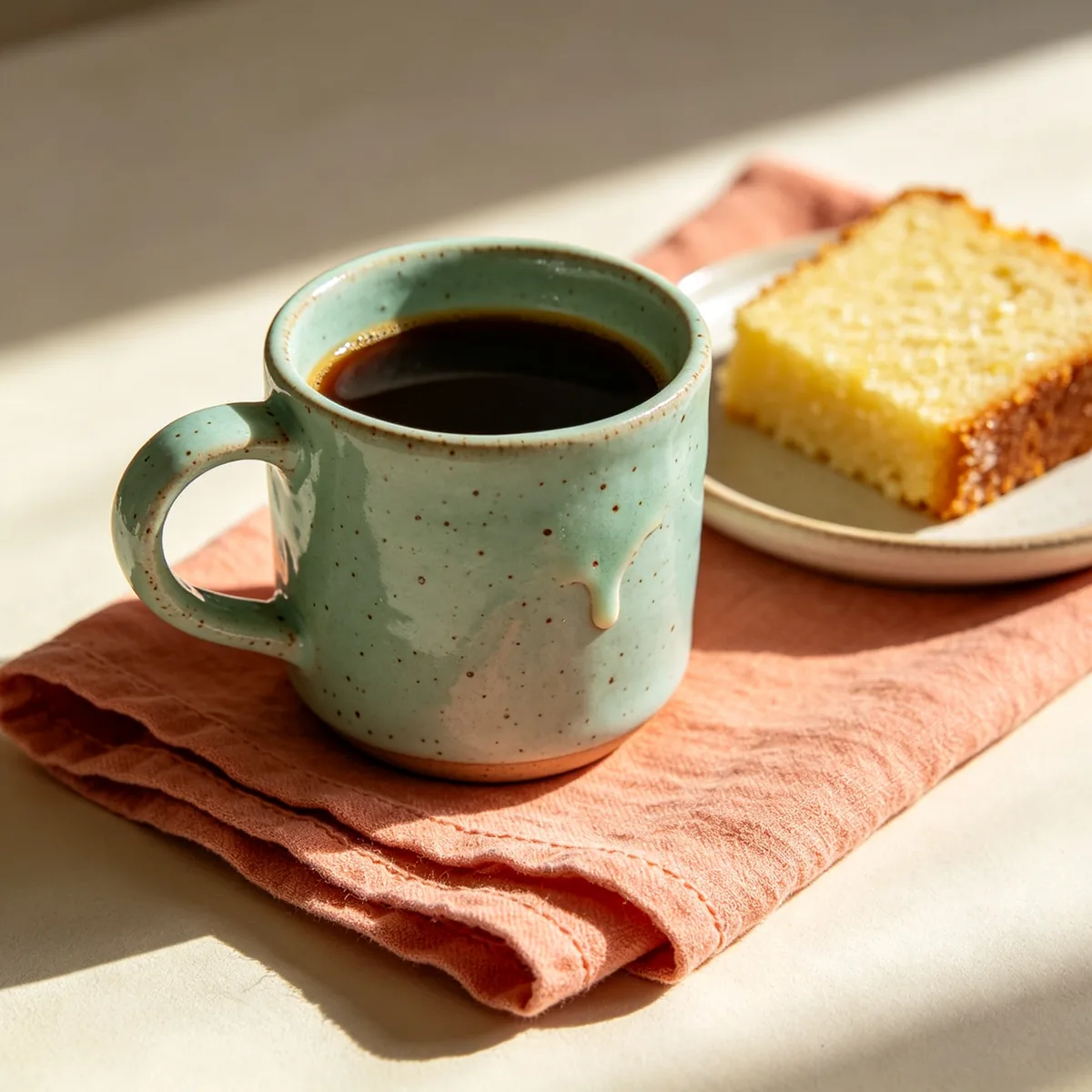
  • A speckled mint ceramic mug of coffee sits on a folded coral linen napkin beside a slice of lemon cake.

    Handmade mug on linen

    Close product photograph of a handmade speckled mint ceramic mug filled with black coffee on a folded coral linen napkin, a slice of lemon drizzle cake on a small plate beside it, morning light raking across the table, visible glaze drips and linen weave. Mint, coral and cream palette, 85mm lens, shallow depth of field, cozy still life.

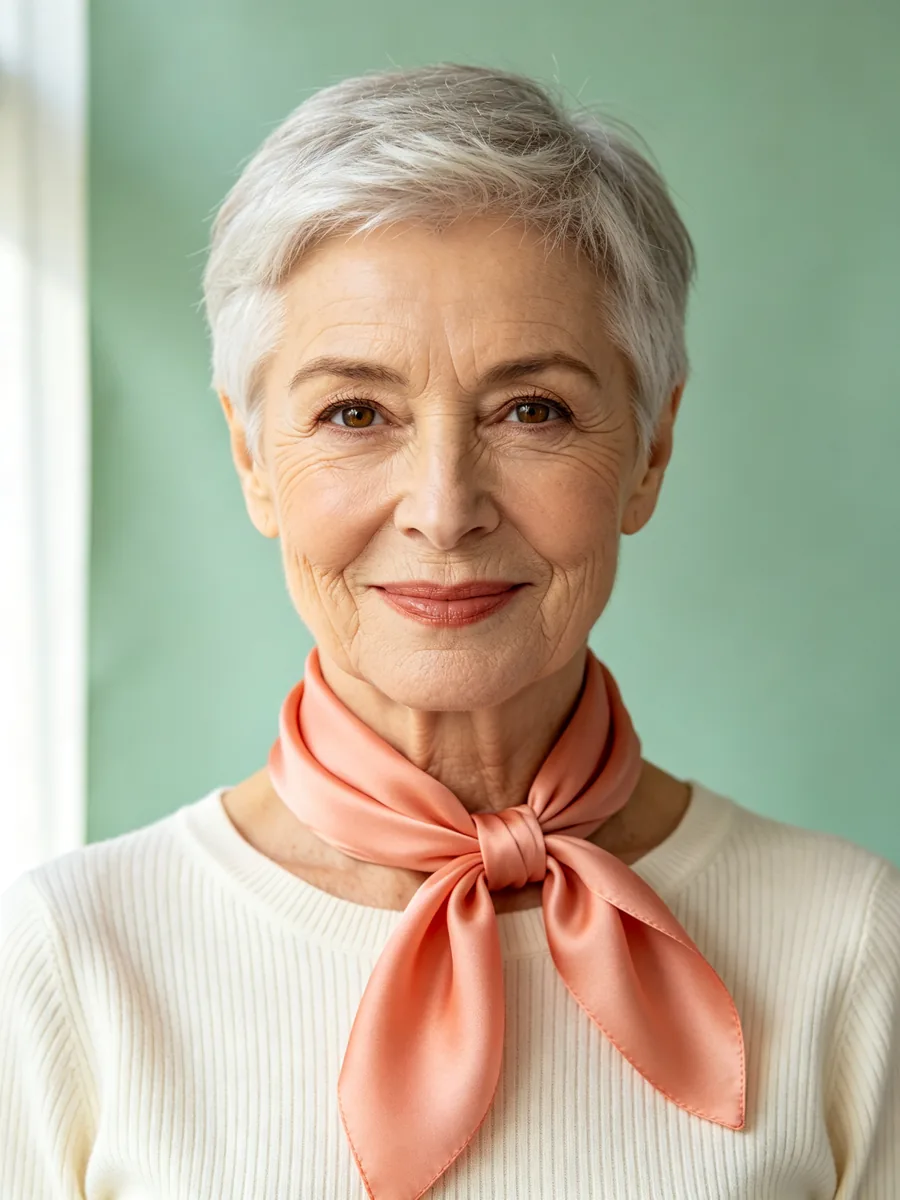
  • A woman with short silver hair wears a cream knit top and a coral silk scarf in a portrait against a mint backdrop.

    Portrait with a silk scarf

    Studio portrait of a woman in her sixties with a short silver pixie cut and warm brown eyes, wearing a cream ribbed knit top with a coral silk scarf knotted at her neck, soft smile, against a seamless mint green paper backdrop. Soft window light from the left, natural skin texture and fine wrinkles, 85mm lens, elegant editorial portrait, no text.

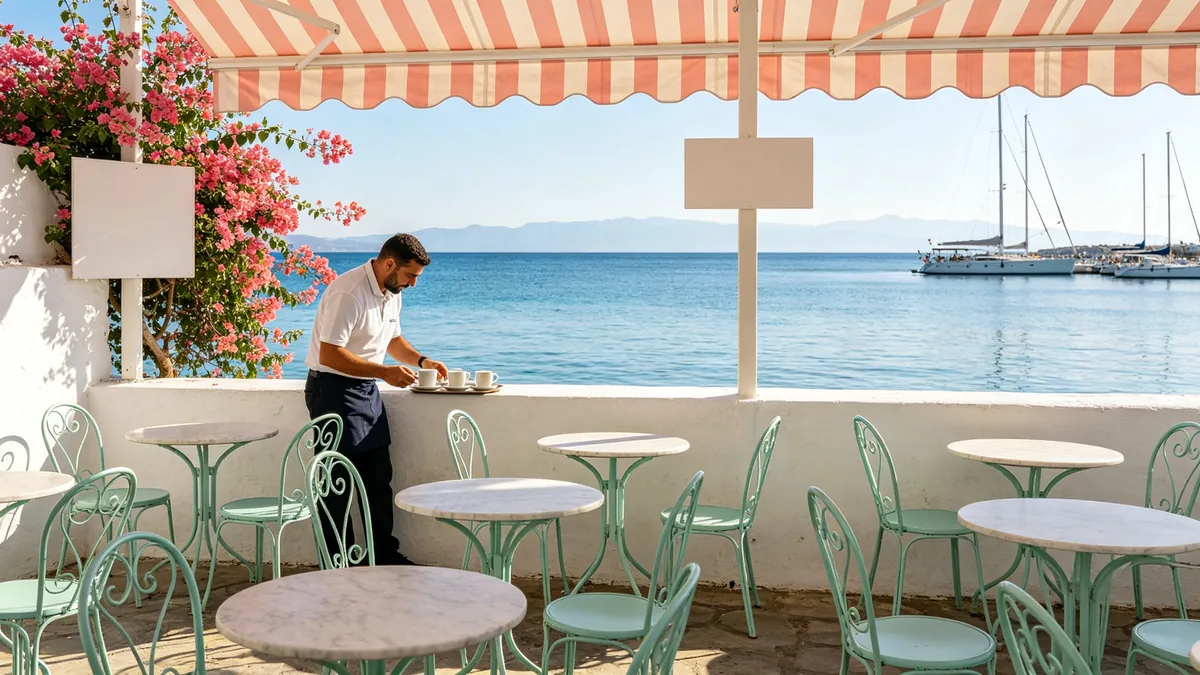
  • A small seaside cafe terrace with mint chairs and coral awnings faces a calm blue bay in the morning.

    Morning at a seaside cafe

    A small seaside cafe terrace in the morning: mint painted metal chairs and round marble tables under coral striped awnings, a waiter setting out cups, a calm blue bay with a few moored sailboats beyond a low white wall, bougainvillea spilling over the corner. Bright clean light, mint, coral and sea blue palette, 35mm lens, travel photography, blank signs, no text.

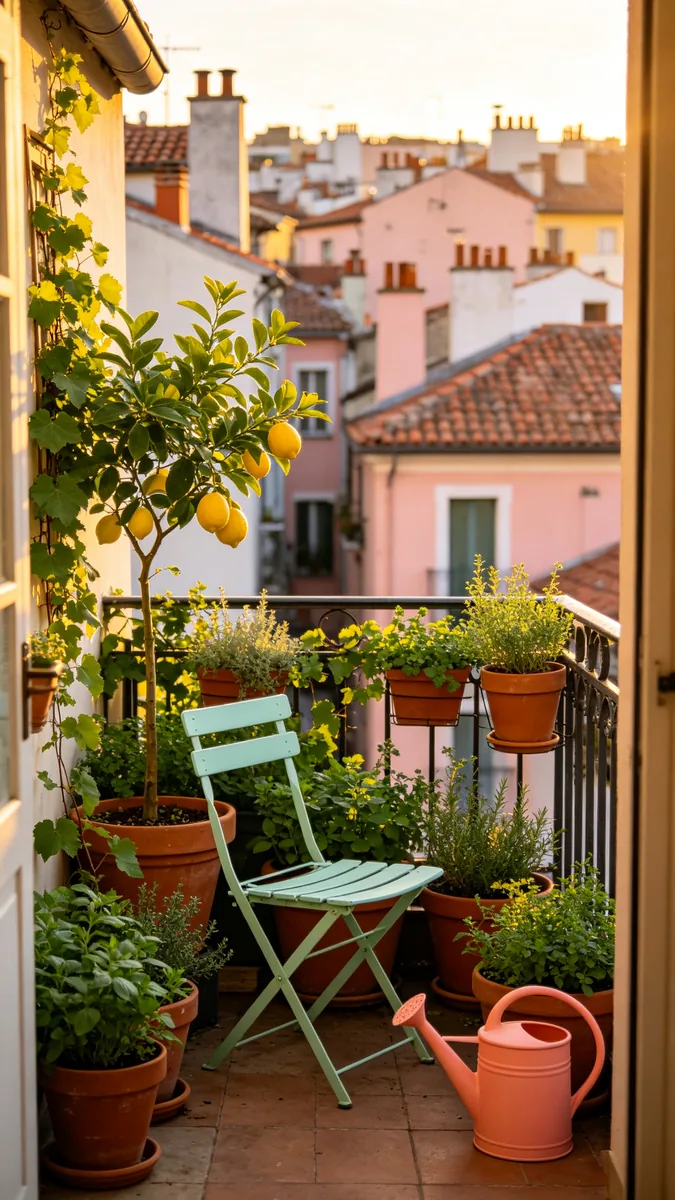
  • A narrow balcony full of potted plants overlooks a city of pastel rooftops at golden hour.

    Balcony garden above the city

    Vertical photograph of a narrow city balcony crowded with potted herbs, a lemon tree and trailing ivy, a mint painted bistro chair and a coral watering can, overlooking a dense city of pastel rooftops and chimneys at golden hour. Warm low sunlight, mint, coral and terracotta palette, fine detail in the leaves and tiles, 28mm lens, calm lifestyle photography, no text.

Sample images are illustrative; results vary by model.

About Kling Image

Kling Image is the image side of Kling AI, the family of generative models from Kuaishou that is best known for video. This page covers Kling Image 3.0 and Kling Image 3.0 Omni. All of them turn a written prompt into a picture and can start from photos you upload. They differ in how many references they accept, how high they render and what kind of work they are tuned for.

Kling Image 3.0 is the general version. Kling describes it as a broad upgrade with stronger consistency, and on Zero Kit it works from a prompt alone or from a single reference image. Kling Image 3.0 Omni is aimed at cinematic, story-like stills and is the only version here that renders natively at 4K; Kling says native output keeps textures and lighting that an upscaler would lose. Kling Image O1 is tuned for consistency, and Kling lists three things it does well: keeping a subject's features stable, editing details precisely and transferring a style accurately. Omni and O1 each accept up to 10 reference images.

Pick the version by the job. For a new picture from a prompt, or a restyle of one photo, start with Kling Image 3.0. When several references have to end up in one image, such as a face, an outfit and a room, or when one detail has to change and nothing else, use Kling Image O1. When the picture is headed for print, a large screen or a close crop, render it on Kling Image 3.0 Omni at the top resolution; Omni takes several references too, so it can also combine them.

On Zero Kit you switch versions in the editor at the top of this page. Every version offers 8 aspect ratios, from square to ultra-wide, and returns up to 4 images per run. The Kling image models are included in Plus and above, and the price table further down lists the credits for each version and resolution.

What Kling Image does well

Several references, one picture

Kling Image 3.0 Omni and Kling Image O1 take up to 10 reference images and merge them into a single scene, and Kling says O1 holds on to the outline, key elements and tone of each one. The sample lays out the idea. On the left are a headshot of a young man in a white T-shirt, a coral cropped jacket on a hanger and a mint velvet armchair; on the right is one editorial photo of him wearing the jacket over the T-shirt and sitting in that chair. Kling advises saying in the prompt which reference supplies the subject, which the setting and which the style, so the result reads as one photograph rather than a collage.
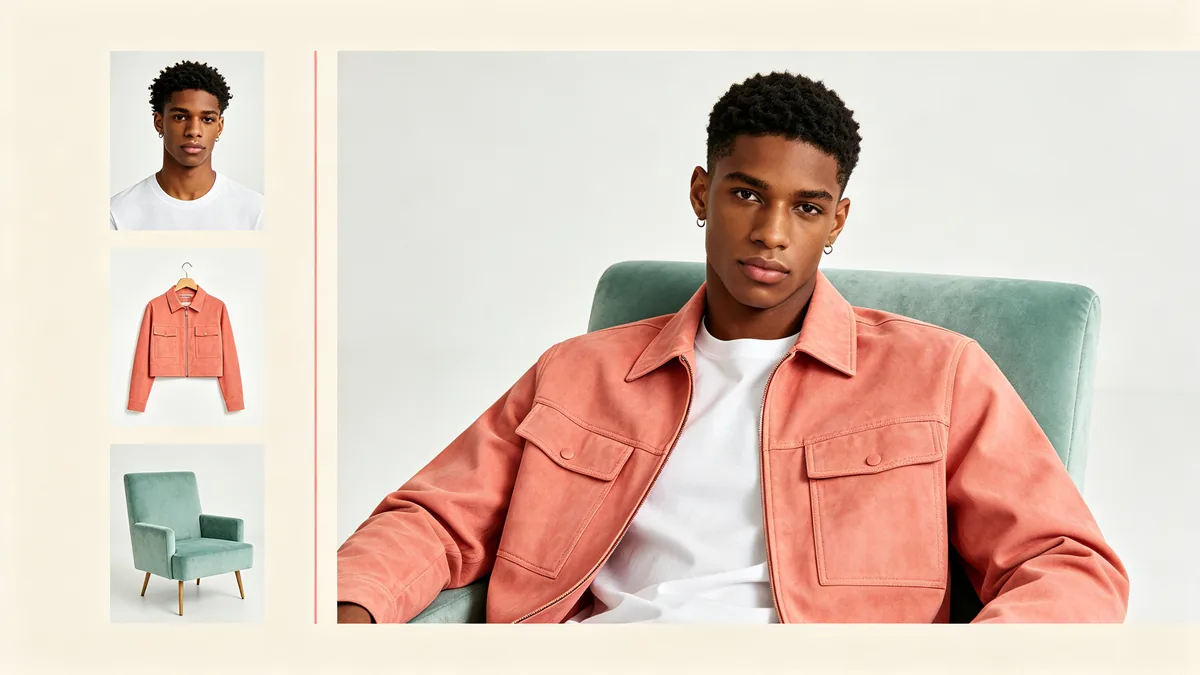
Three reference photos of a young man in a white T-shirt, a coral jacket and a mint armchair on the left, and one combined photo of him wearing the jacket in the armchair on the right.

A clean layout on a pale cream background: on the left a vertical column of three small reference photos, a headshot of a young man with a curly black fade wearing a plain white T-shirt, a coral cropped jacket on a hanger, and a mint green velvet armchair; on the right a large finished editorial photo of that same young man wearing that same coral jacket over the same white T-shirt, sitting in that same mint armchair in a bright studio. Matching face, jacket details and chair shape, thin coral dividing line, no text, no labels.
Change one detail, keep the rest

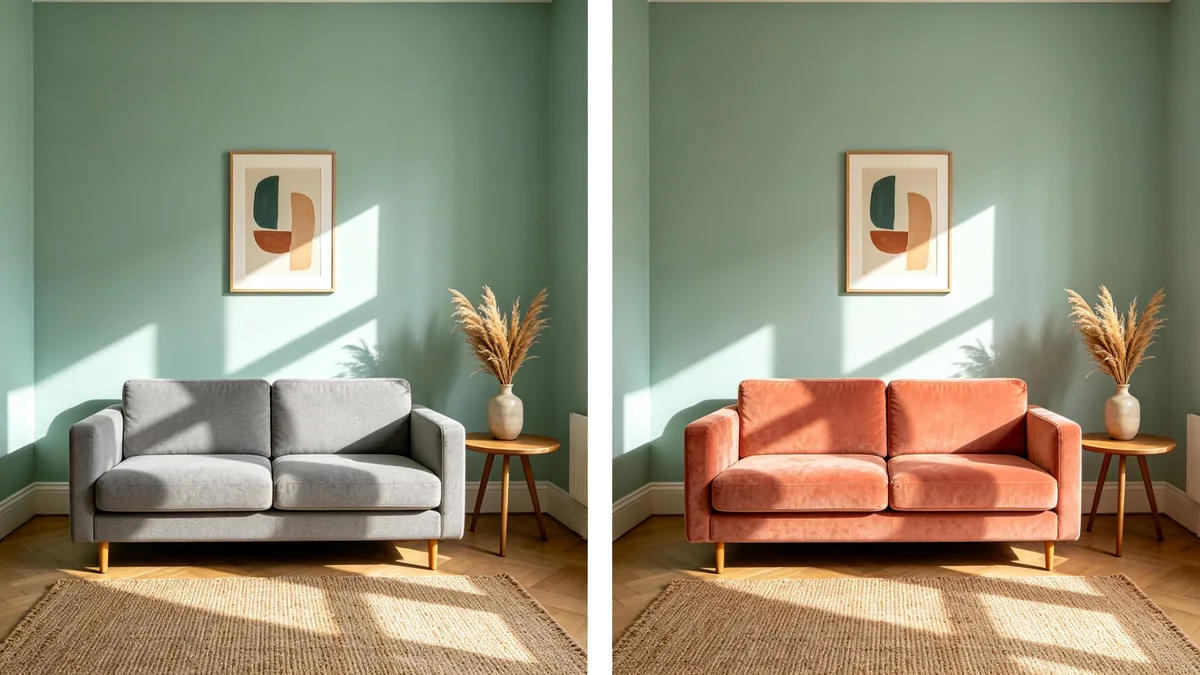
Kling names precise detail editing as a core skill of Kling Image O1: upload a photo, say what to change, and the rest of the picture should stay as it was. The sample shows the goal of such an edit. The same sunlit living room appears twice from the identical camera position, and only the sofa changes, from plain grey to coral velvet in the same shape, while the mint wall, the oak side table, the vase of dried grass, the framed print and the rug stay where they were. Kling's guide lists the kinds of change this covers, including lighting, color, outfit, expression, pose, background and material, and suggests writing the request as "keep everything else unchanged, change this to that".

A before-and-after pair of the same sunlit living room where only the sofa changes from grey to coral.

A side-by-side diptych with a thin white divider showing two copies of one interior photograph taken from the identical camera position: a small sunlit living room with a mint painted wall, a round oak side table with a ceramic vase of dried grass, a framed abstract print and a woven rug. Left half: a plain grey three-seat sofa against the wall. Right half: exactly the same room, light, shadows, objects and framing, and only the sofa has changed to a coral velvet sofa of the same shape. Straight-on view, 35mm lens, clean natural light, interior photography, no text.

Fine detail at the top resolution

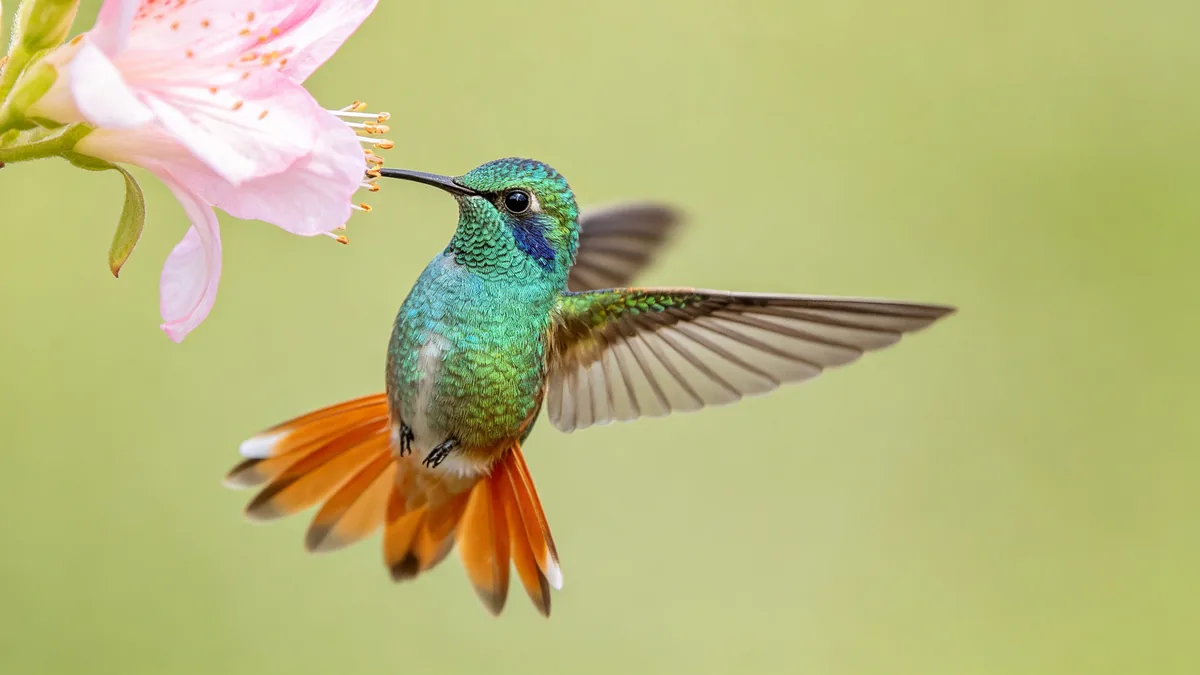
Kling Image 3.0 Omni renders natively at up to 4K, the highest resolution on this page. Kling says native output needs no separate upscaling step, so textures and color transitions come from the model itself, and it names film boards, posters, product texture shots and brand images as the uses. The hummingbird sample is the kind of subject that benefits: iridescent mint and coral feathers, wings frozen mid-beat and pollen on a pale pink blossom, all sharp against a soft green background. Name the textures that should stay crisp in the prompt, and check the price table for what the top resolution costs per image.

A macro photograph of a mint and coral hummingbird feeding from a blossom, every feather sharp.

Macro photograph of a tiny hummingbird with iridescent mint green and coral feathers hovering at a pale pink blossom, wings frozen mid-beat, every feather barb and pollen grain sharp, soft creamy green background. Extremely fine detail, natural light, 180mm macro lens, wildlife photography, no text.

Kling Image specs and pricing

Every price below comes from the live price list, so it changes here as soon as rates change. Credits are charged per image, or per second of video.

Credits per image
ResolutionPlanKling Image 3.0Kling Image 3.0 Omni
1KPlus66
2KPlus88
4KPlusNot available14

Limitations to know

  • Series mode, which Kling offers for Kling Image 3.0 Omni on its own platform, is not available on Zero Kit. Each image in a run is generated on its own, so to keep a character the same across a set, reuse the same reference images and the same description in every prompt.
  • Reference images must be JPG or PNG, at least 300 pixels on each side, with the long side no more than 2.5 times the short side; anything smaller, narrower or in another format is rejected. Kling Image 3.0 accepts only one reference, so switch to Omni or O1 when you need to combine several.
  • Hands and small printed text can still come out wrong, so check them at full size before you use an image. Vague edit requests fail more often too: Kling's guide warns that an unclear instruction has a high chance of an incorrect result, so name the exact object and the exact change.

How to write prompts for Kling Image

  1. Give every reference a job and name it by what it shows: "the man from the headshot, wearing the coral jacket, sitting in the mint armchair".
  2. For an edit, write "keep everything else unchanged" and then the one change, naming the object and its new look: "change the grey sofa to a coral velvet sofa of the same shape".
  3. Be literal about direction and position. Kling's guide gives the example of asking to rotate a figure so his head points down, rather than asking to swap his head and feet.
  4. List the textures that should stay sharp, such as feather barbs, glaze drips or linen weave, when an image is meant for a large print or a close crop.
  5. Draft at a lower resolution, then run the final prompt on Kling Image 3.0 Omni at 4K. Kling suggests the same routine for its top resolution.

Kling Image FAQ

No. On Zero Kit, the Kling image models are included in Plus and above, and each image costs credits by version and resolution. See the pricing page for the models on the free plan.

Ready to try Kling Image?

Write a line or pick a sample prompt, then press generate.

Last updated: