Zero Kit AI

Kling 3.0 Omni AI Video Generator

Kling 3.0 Omni from Kuaishou's Kling AI builds a video from several reference images at once, so the person, the place and the look you supply end up in the same shot.

  • KlingKling
  • Up to 4K
  • Up to 7 reference images
  • Up to 4 videos per run
  • 3–15 seconds
  • Credits per second: from 21
  • Included in Plus and above
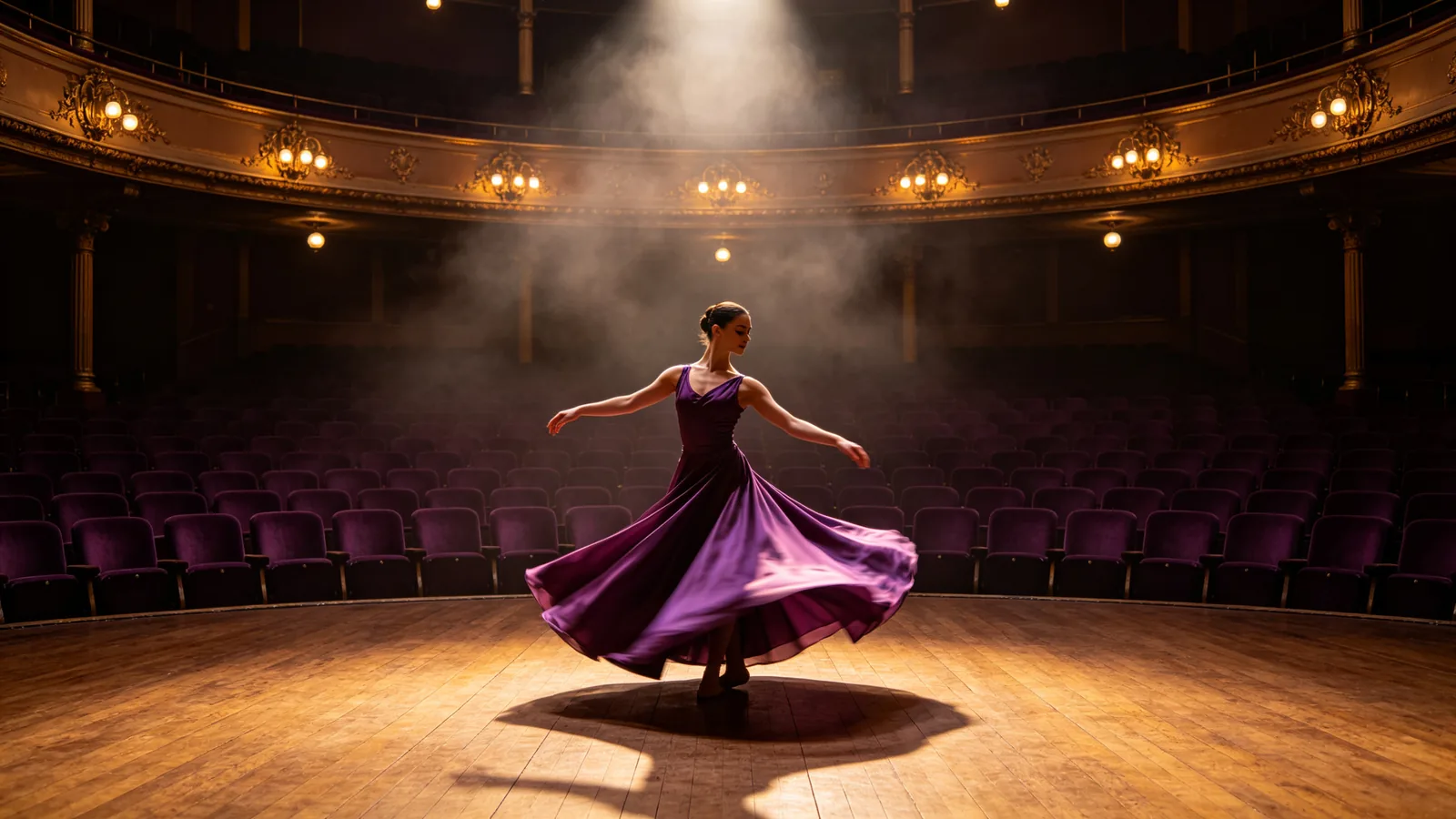
A dancer in a plum dress rehearses on a brass-lit theater stage while the camera circles her.

Sample prompts to try with Kling 3.0 Omni

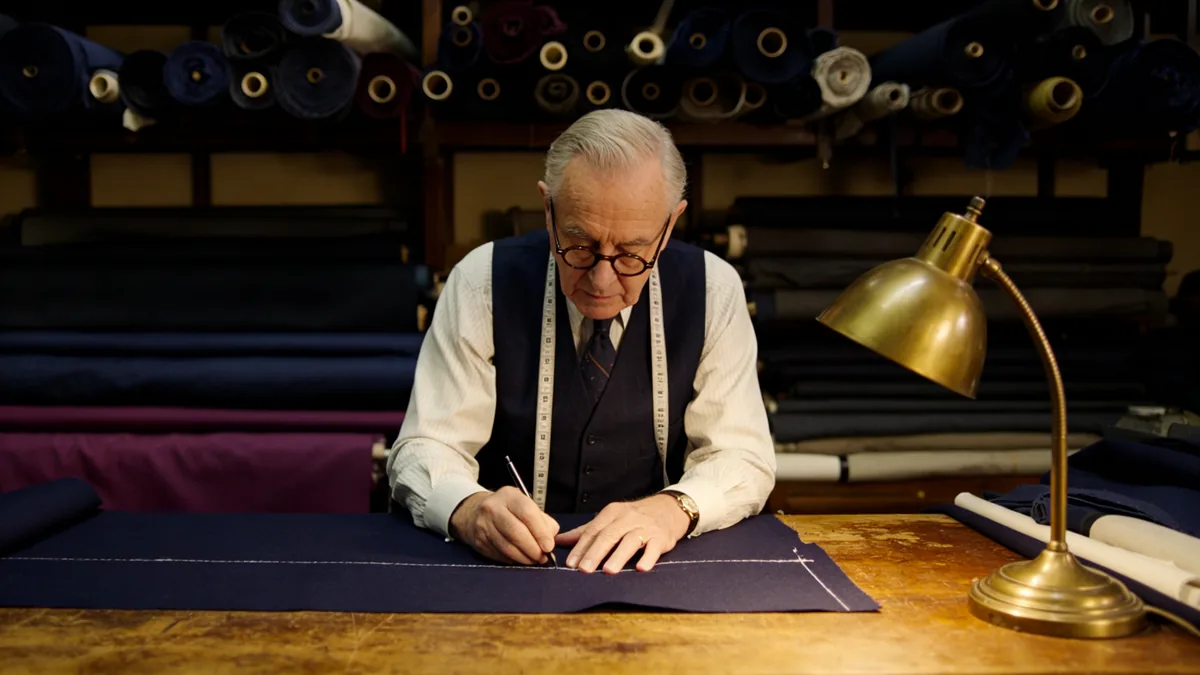
  • A tailor chalks a line on navy cloth in a narrow shop lined with fabric rolls.

    A tailor at work

    Cinematic 16:9 video keyframe, a slow push-in on an elderly tailor in round glasses marking a chalk line on a length of navy wool at a worn wooden cutting table, rolls of fabric stacked to the ceiling behind him, a brass desk lamp and a tape measure around his neck. Warm brass light, plum and navy fabric tones, calm and precise.

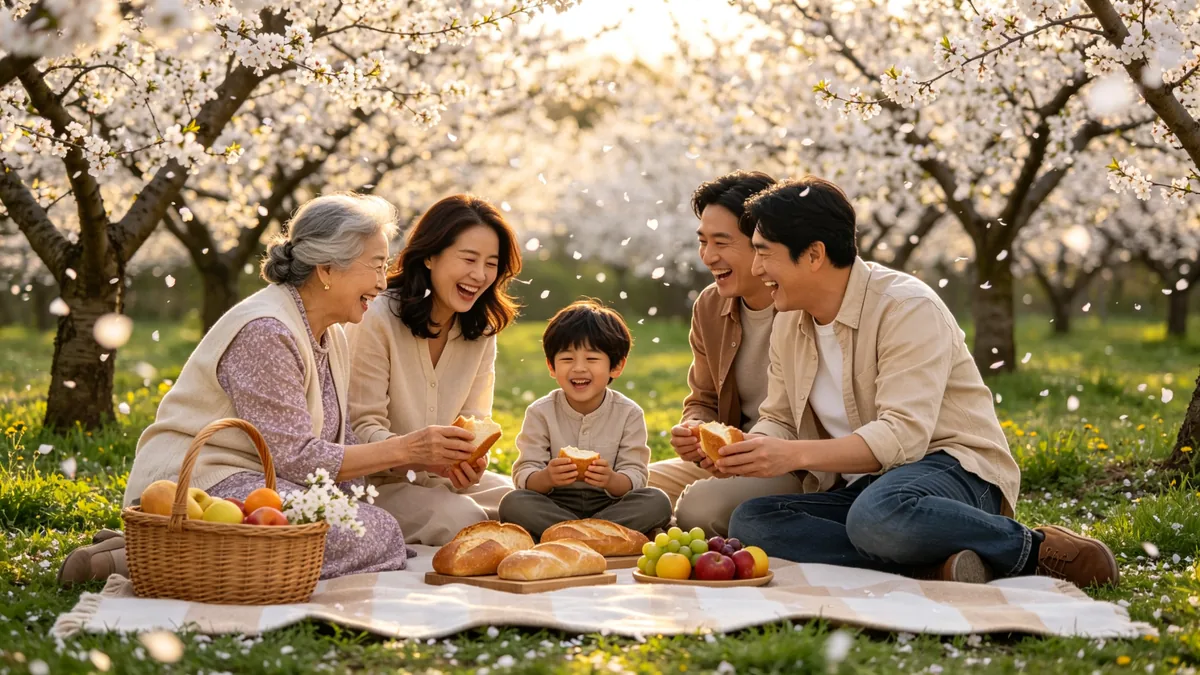
  • A family laughs around a picnic blanket in an orchard as blossom petals fall.

    Picnic under the plum trees

    Cinematic 16:9 video keyframe, a gentle dolly shot along a picnic blanket in a plum orchard in spring, a grandmother, two parents and a small boy laughing over bread and fruit as white blossom petals drift down in the breeze. Soft afternoon light, plum, cream and green palette, warm and natural.

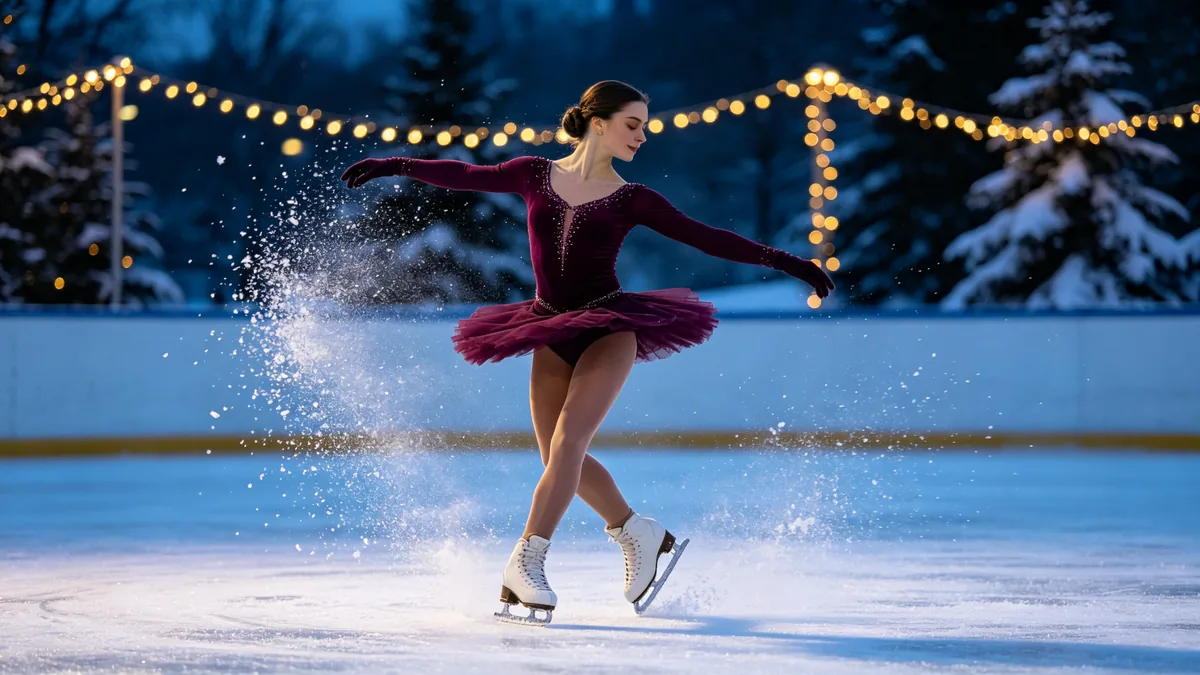
  • A figure skater spins on an outdoor rink at dusk while the camera circles close.

    A spin on the ice

    Cinematic 16:9 video keyframe, a close circling shot of a figure skater in a deep plum costume spinning on an outdoor ice rink at dusk, ice shavings flying from her blades, string lights and snowy pines blurred behind. Cool blue ice against warm brass string lights, crisp motion, elegant.

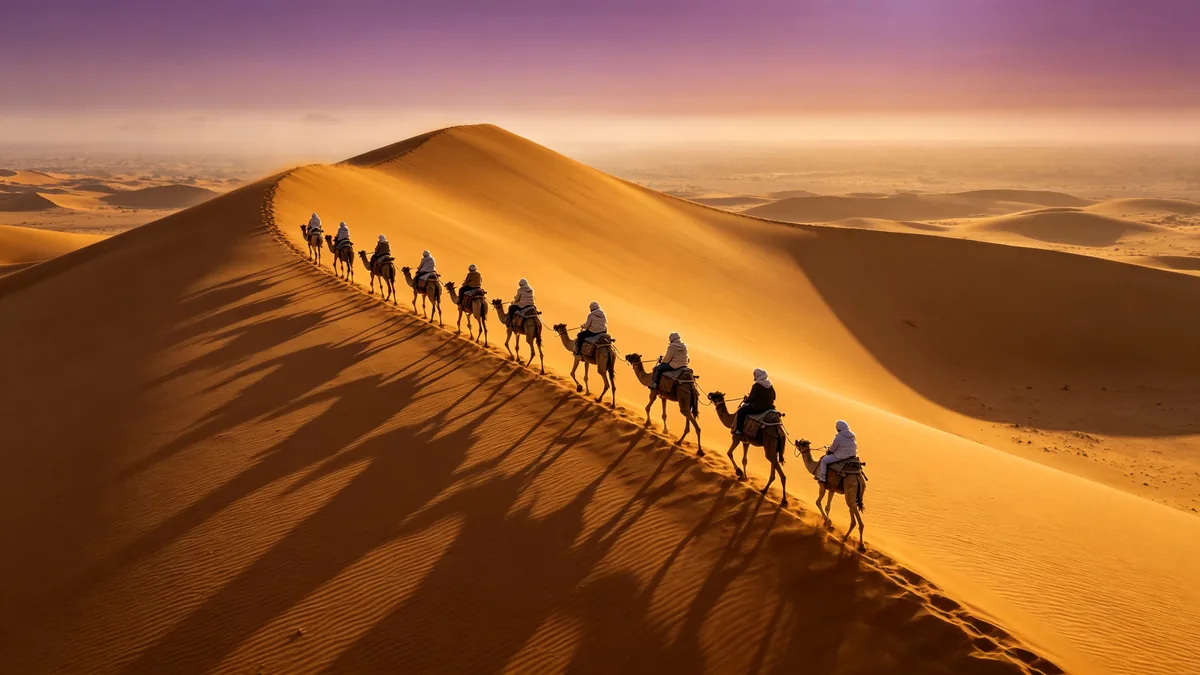
  • A line of camels crosses a dune ridge at dawn, seen from a slow drone.

    Caravan at dawn

    Cinematic 16:9 video keyframe, a slow high drone shot tracking a line of camels and riders in wrapped scarves crossing the crest of a tall sand dune at dawn, long shadows stretching across rippled sand, a faint haze on the horizon. Brass gold sand and plum sky, epic scale, calm movement.

Sample images are illustrative; results vary by model.

About Kling 3.0 Omni

Kling 3.0 Omni is the all-in-one input model in Kling AI's 3.0 line. Kling describes it as a unified multimodal model that treats the images and text you give it as one prompt, and says it remembers the main characters, objects and scenes of a video and keeps their features stable however the camera moves. Kling presents it as the upgrade of Kling O1, with more consistent subjects and fewer visual distortions.

On Zero Kit it takes up to 7 reference images in one generation: a character, a product, a location, or a painting whose style you want. You describe in the prompt how they come together. It can also start from a first frame, or from a first frame and a last frame, the same way Kling 3.0 does. Clips run from 3 to 15 seconds and go up to 4K; without a first frame you can pick any of 3 aspect ratios. Like Kling 3.0, it cuts a clip into several shots when the prompt uses Kling's shot format, "shot 1, 2, <description>; shot 2, 3, <description>;".

Choose Omni when the inputs matter more than the wording: a brand character who has to look the same in every ad, a real location, a product from a catalog photo, an illustration style. For a clip from text alone or from a single first frame, Kling 3.0 is the simpler choice. On Zero Kit, 3.0 Omni clips come out silent: Kling offers native audio for this model, but the editor has no audio switch for it.

What Kling 3.0 Omni does well

Several references in one prompt

Kling 3.0 Omni combines several reference images in one shot, each supplying one part of the scene. In the sample, three cards, a woman in a yellow raincoat, a red-and-white lighthouse and a vintage red bicycle, become one frame of her riding that bicycle past that lighthouse. On Zero Kit, keep the reference mode on Universal Reference, add the images, and write a prompt that names what each one shows and what should happen: "the woman in the yellow raincoat rides the red bicycle along a coastal path past the red-and-white lighthouse, tracking shot, late afternoon light". Use clear, well-lit images with one subject each, since a busy photo gives the model several things to copy. The limit is 7 images, but a few focused references are easier to check in the result.
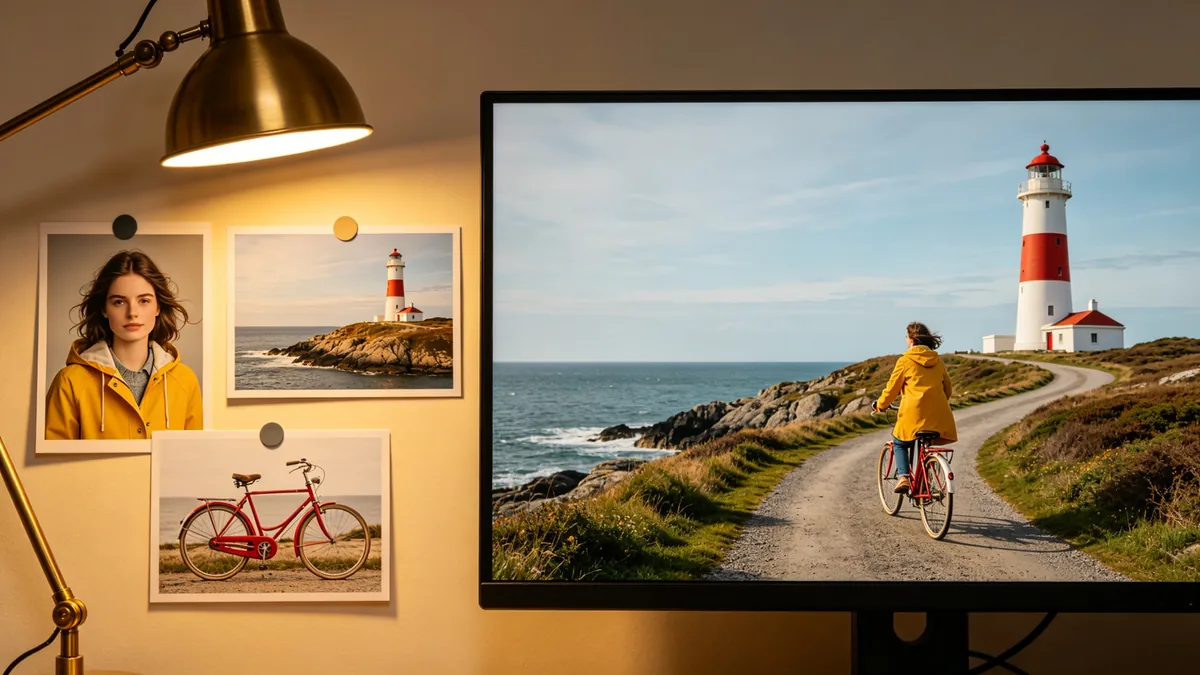
Three reference cards of a woman in a yellow raincoat, a red lighthouse and a red bicycle, beside a finished frame of her riding the bicycle past the lighthouse.

Cinematic 16:9 video keyframe, a creative workspace wall: on the left three pinned reference cards, a portrait photo of a young woman in a yellow raincoat, a photo of a red-and-white lighthouse on a rocky point, and a photo of a vintage red bicycle; on the right a large monitor showing the finished cinematic frame of that same woman riding that bicycle along a coastal path past that lighthouse. Consistent colors and details between references and frame, warm brass lamp light, no readable text.
One character across scenes

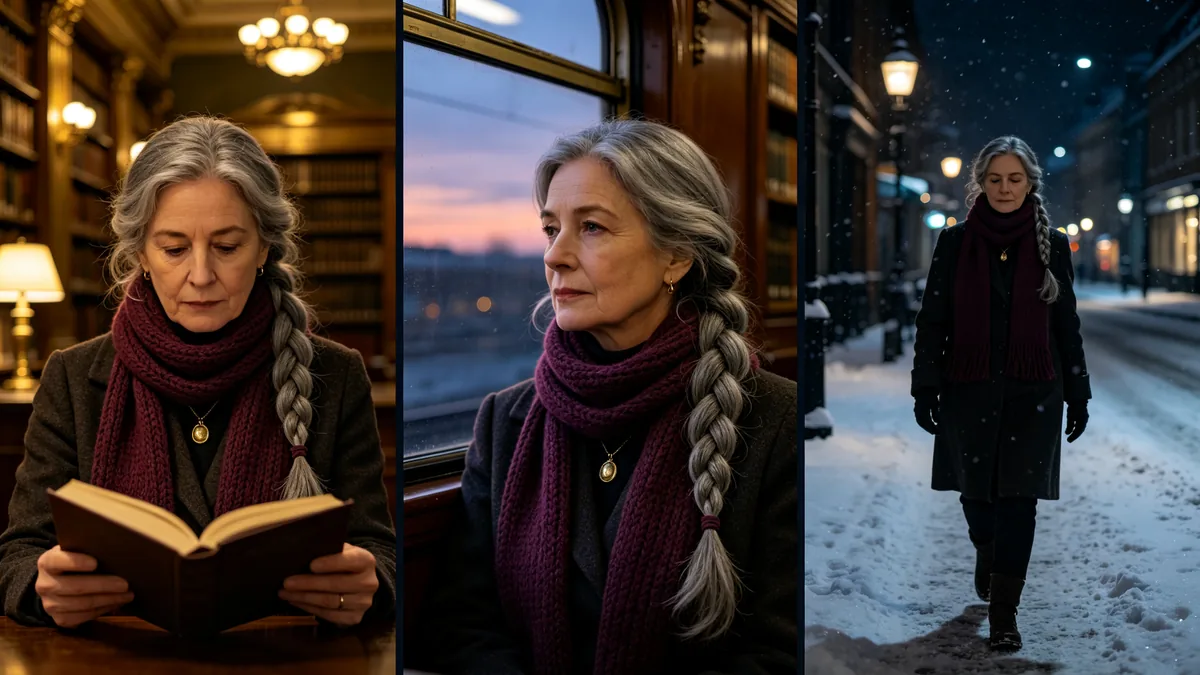
Kling says 3.0 Omni remembers the main characters of a video and keeps their features steady as the camera moves, which suits a recurring character. Add a clear portrait as a reference, such as the woman in the sample with a long grey braid, a plum knitted scarf and a small brass pendant, and keep the same image in every generation: one clip in a library, one on a train at dusk, one on a snowy street. Describe her in the same words each time and change only the place, the action and the light. To keep the scenes in one clip, write them as shots, for example a 6-second clip as "shot 1, 2, the woman with the grey braid reads in a brass-lit library; shot 2, 2, the same woman looks out of a train window at dusk; shot 3, 2, the same woman walks down a snowy street at night;".

The same woman with a long grey braid and a plum scarf appears in three frames: a library, a train and a snowy street.

Cinematic 16:9 video keyframe, a triptych of three frames with thin dark gutters showing the same woman in her fifties with a long grey braid over one shoulder, a plum knitted scarf and a small brass pendant: left, reading in a brass-lit library; middle, looking out of a train window at dusk; right, walking down a snowy street at night. Identical face, braid, scarf and pendant in every frame, consistent character design, cinematic lighting, no text.

Match a painted style

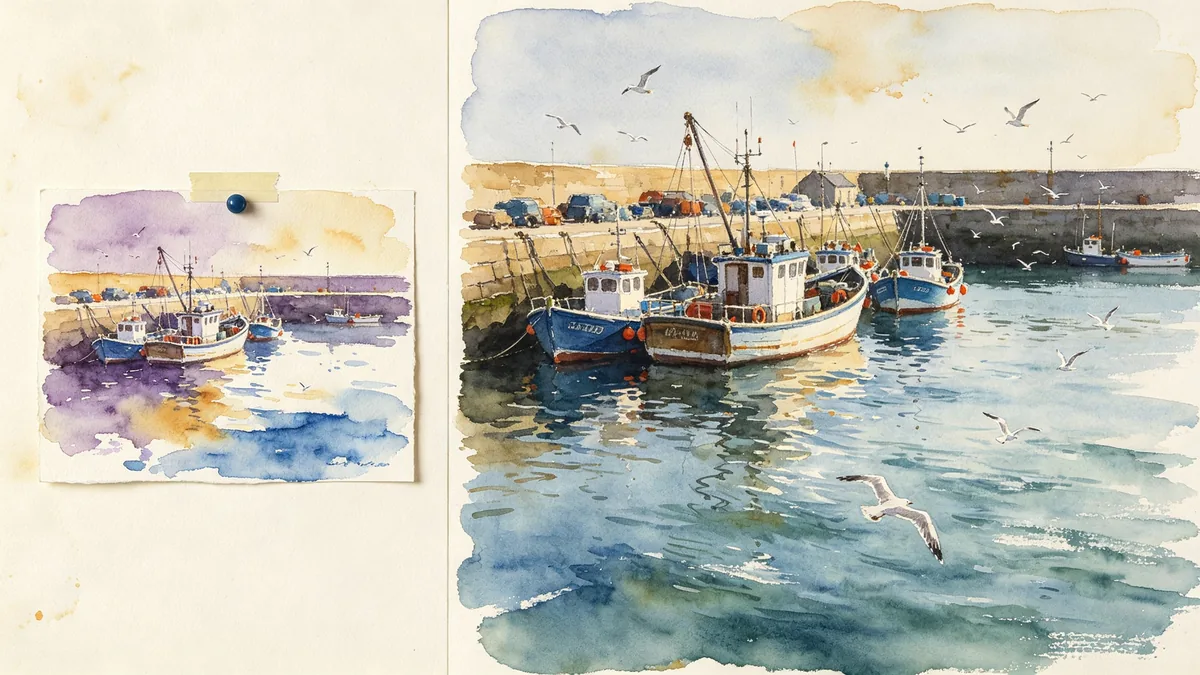
A reference image can carry a style instead of a subject; Kling lists styles and scenes among the things a reference image can set. Add a painting or illustration whose look you want, like the loose watercolor of a fishing harbor in the sample, and describe the new scene in the prompt, ending with the style to carry over: "boats rock in a small harbor as gulls circle overhead, in the loose watercolor style of the reference, soft paper texture, bleeding edges". Say which parts of the reference to take, the palette, the brushwork or the paper texture, so the painting is not read as a place to reproduce. To combine a style with a character, add both images and say what each one contributes.

A watercolor painting of a harbor pinned beside a video frame of the same harbor rendered in the same watercolor look.

Cinematic 16:9 video keyframe, a side-by-side composition: on the left a small watercolor painting of a fishing harbor with loose washes of plum, ochre and blue pinned to a board; on the right a video frame of a real harbor with boats and gulls rendered in the same loose watercolor look, soft paper texture and bleeding edges, gentle motion in the water. Matching palette and brushwork, no text.

Kling 3.0 Omni specs and pricing

Every price below comes from the live price list, so it changes here as soon as rates change. Credits are charged per image, or per second of video.

Credits per second
ResolutionPlanCredits
720pPlus21
1080pPlus28
4KPlus100

Limitations to know

  • Kling 3.0 Omni clips on Zero Kit have no sound. Kling offers native audio for this model, but the editor has no audio switch for it; use Kling 3.0 Turbo for a Kling clip with sound, or add sound in an editor.
  • References are images only: reference videos, video editing, Kling's element library and custom voices are not available on Zero Kit. With a first frame, the clip follows that image's shape and the aspect ratio setting does not apply, and a last frame cannot be used on its own.
  • Hands, small lettering and fast action can still distort, so check faces and hands frame by frame and add titles in an editor. Reference images must be JPG or PNG, at least 300 pixels on each side and no narrower than 1:2.5 or wider than 2.5:1. Using a real person's face as a reference needs their permission.

How to write prompts for Kling 3.0 Omni

  1. Give every reference a job in the prompt: "the woman from the portrait", "the lighthouse in the background", "in the style of the painting".
  2. Use one subject per reference image, on a plain background where possible, and reuse the same image every time that character or product comes back.
  3. After the references, write the action, then the camera move, then the light: "she turns toward the sea, slow push-in, low evening sun".
  4. For several scenes in one clip, use the shot format and make the lengths add up to the clip length, such as "shot 1, 3, ...; shot 2, 2, ...;" in a 5-second clip.
  5. Test at a low resolution and a short duration, then render the take you like at up to 4K.

Kling 3.0 Omni FAQ

No. Kling 3.0 Omni is included in Plus and above on Zero Kit, and each second of video costs credits. On the free plan you can still write a prompt and see the price; the pricing page lists which models the free plan includes.

Ready to try Kling 3.0 Omni?

Write a line or pick a sample prompt, then press generate.

Last updated: