AI 海報與傳單生成器:把商品照做成促銷海報
圍繞你自己的商品做電商與活動海報。上傳商品照當參考,再補上要露出的資訊,排版、光線與配色由風格決定。只給文字描述也能做。
It is for online sellers, small brands and marketers who need campaign visuals often and do not have a designer for each one.
Use the posters for listing images, detail-page headers, social posts, livestream covers, holiday promotions, event flyers and display banners.
50 種風格
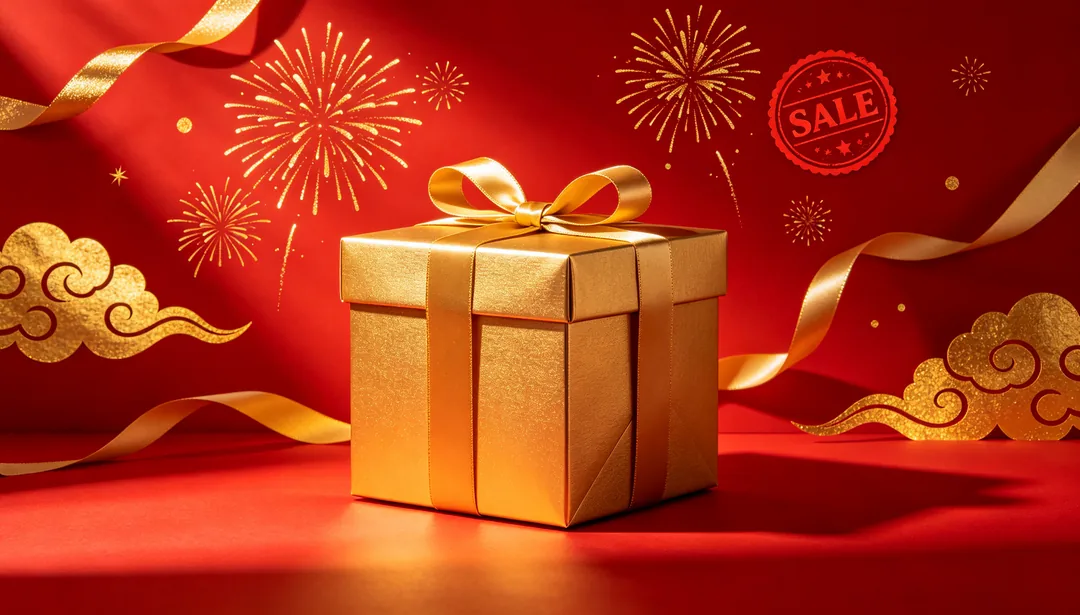
紅金喜慶
濃烈紅配亮金,經典的雙 11/618 大促視覺
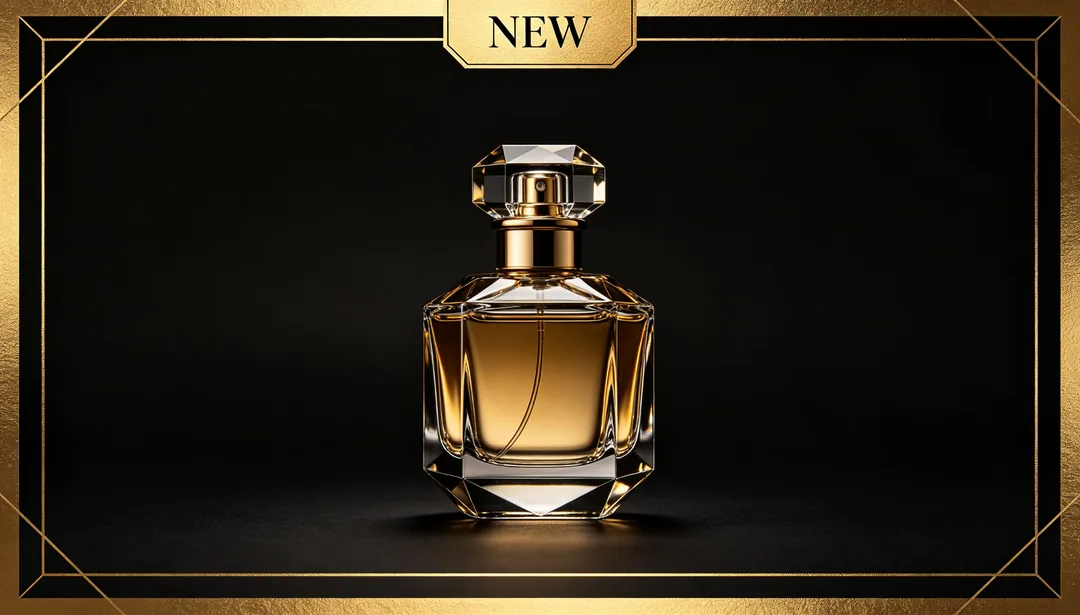
黑金奢華
深色底配金色字體,營造高端限定的促銷感
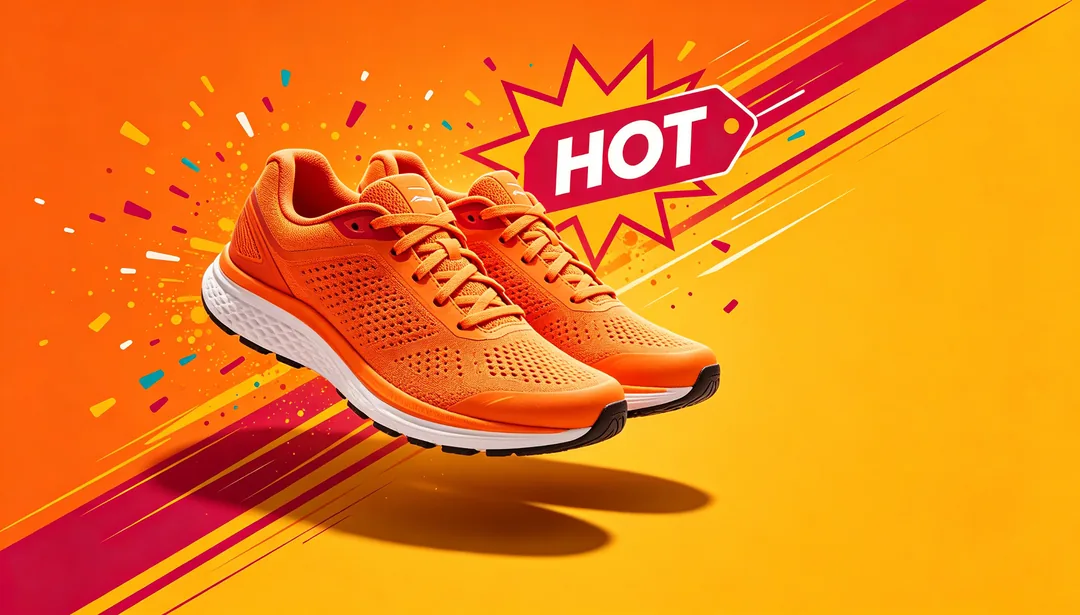
活力橘
高飽和的暖色調,散發活力與熱度
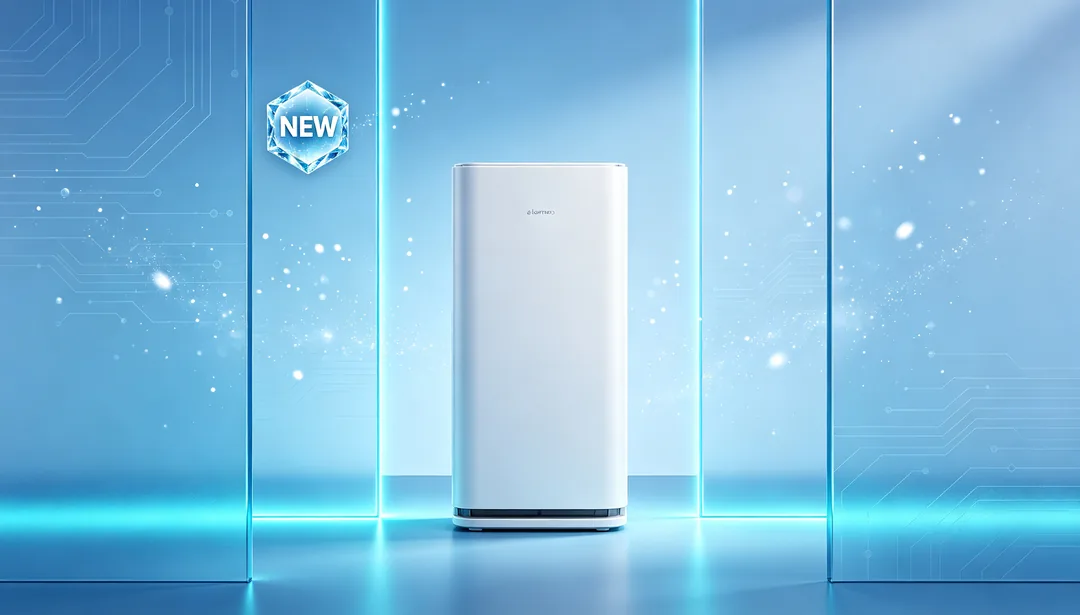
冰藍科技
冷色漸層調性,適合 3C 與家電促銷
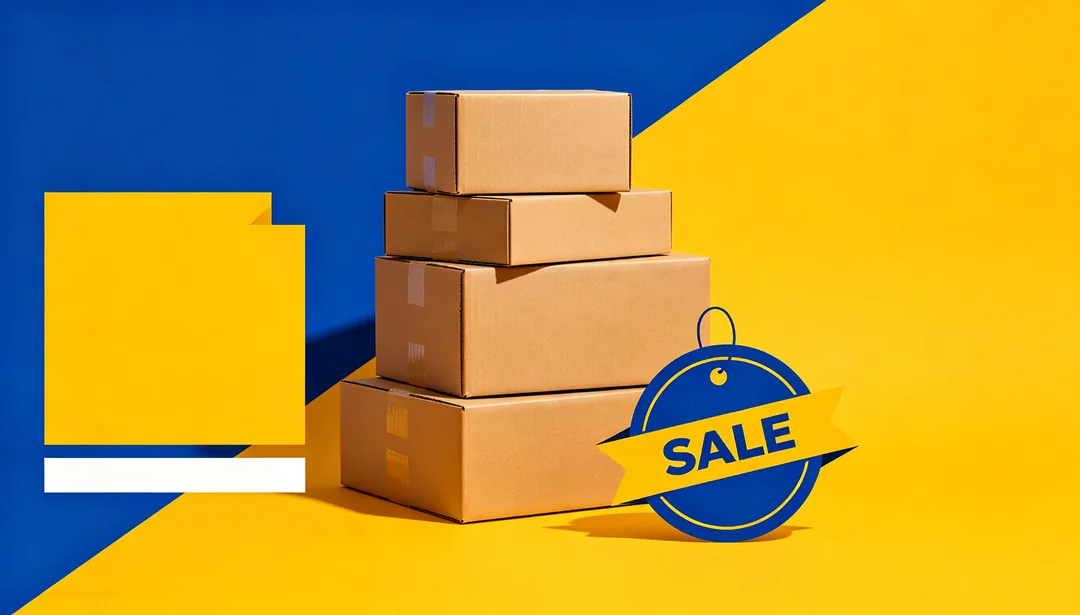
平台補貼
大膽撞色搭配超大價格標圖形
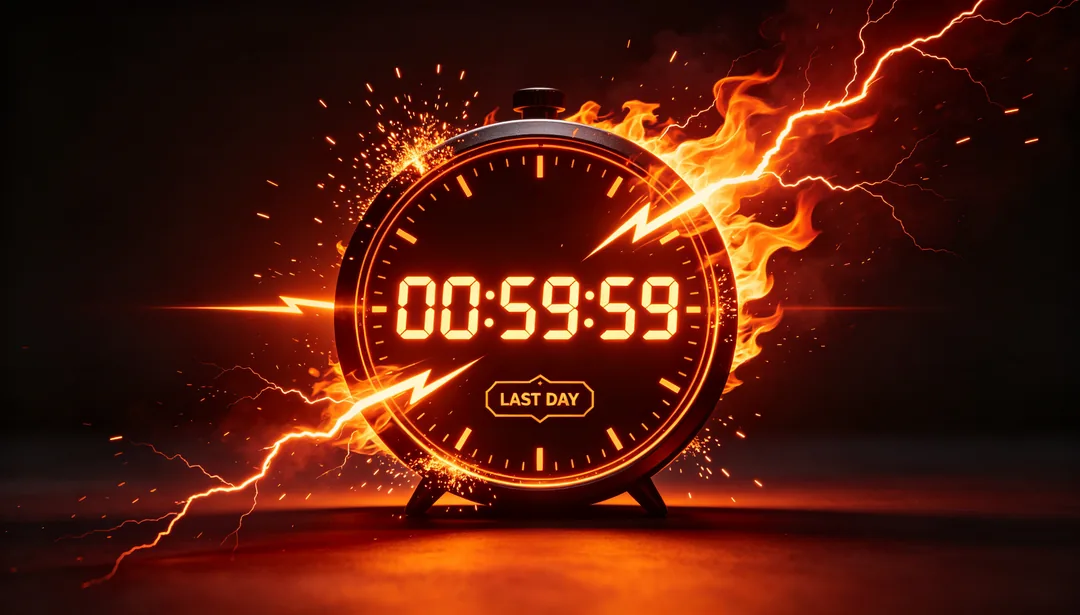
倒數急迫
倒數時鐘、閃電與火焰元素,營造截止在即的緊迫感
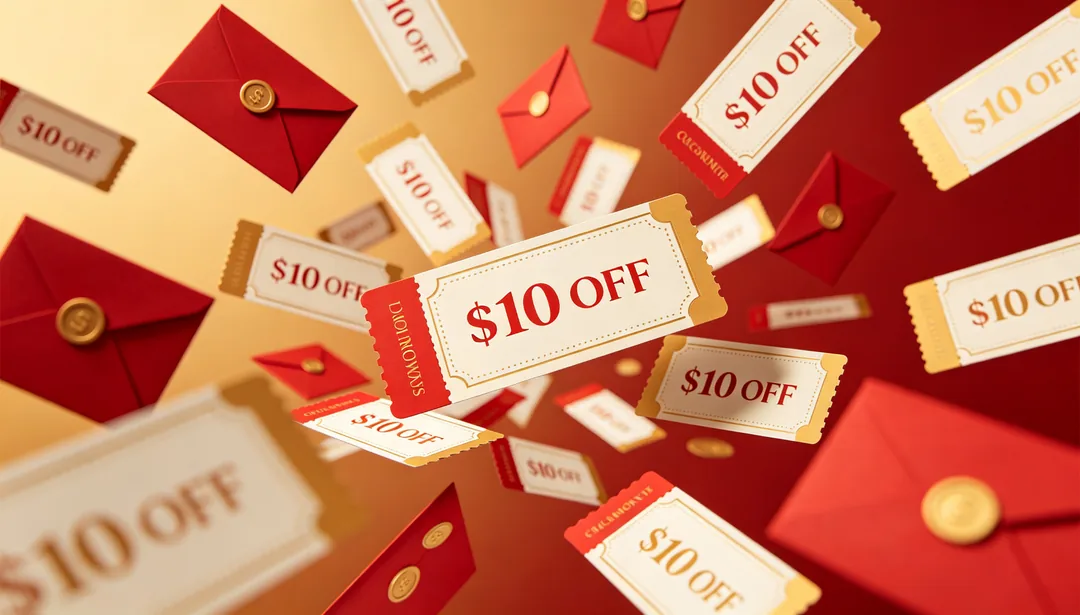
優惠券雨
滿畫面落下的優惠券卡片與紅包造型
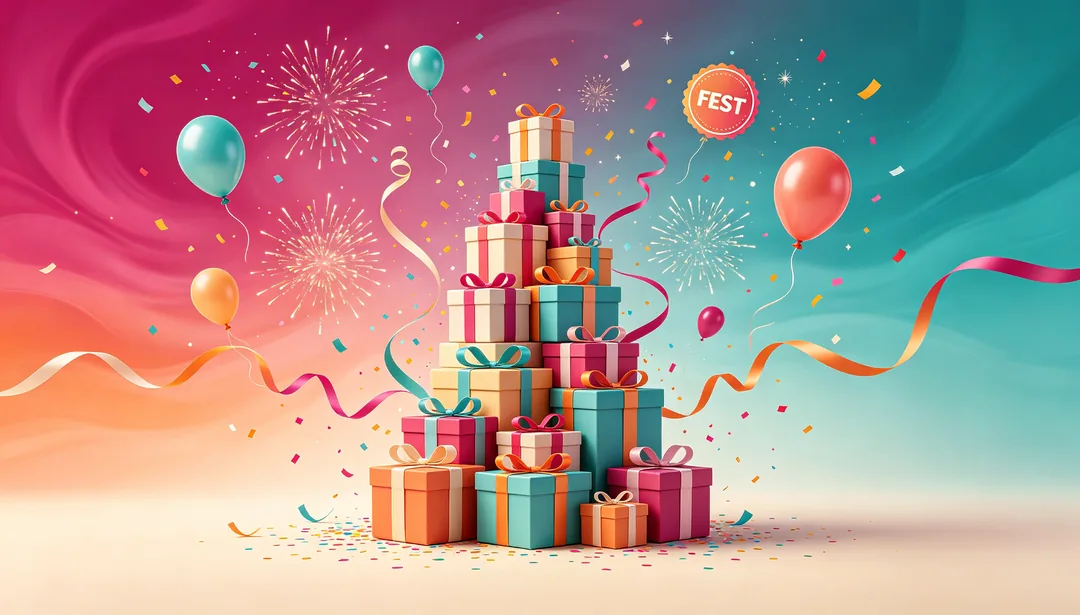
漸層嘉年華
多彩漸層背景搭配歡慶的嘉年華元素
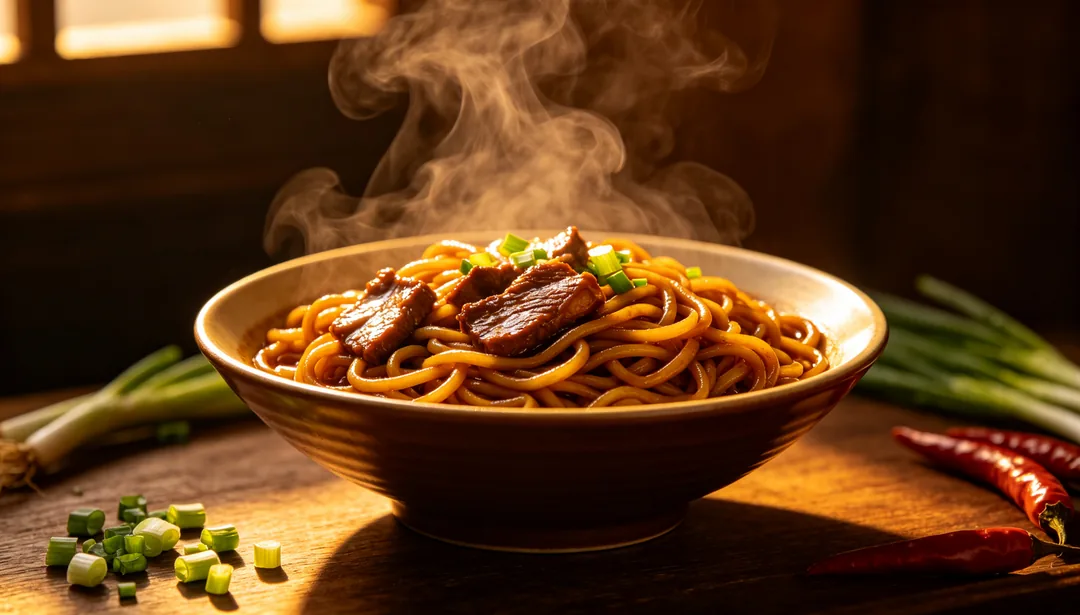
暖光食慾
暖琥珀色燈光加上貼近取景,讓美食促銷更勾人食慾
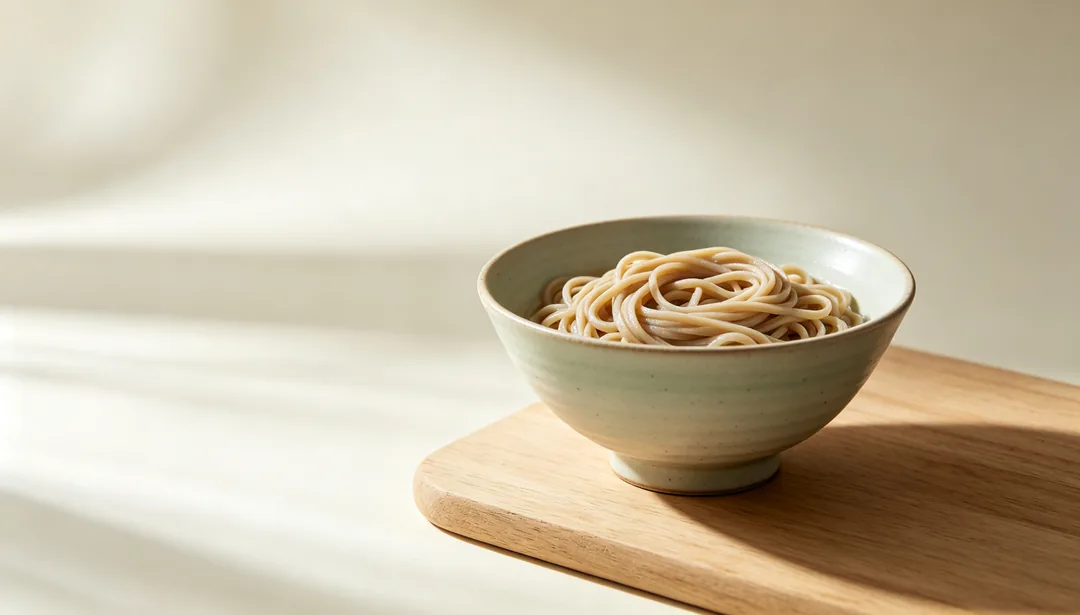
日式清爽
大量留白與低彩度色調,取自日式飲食美學
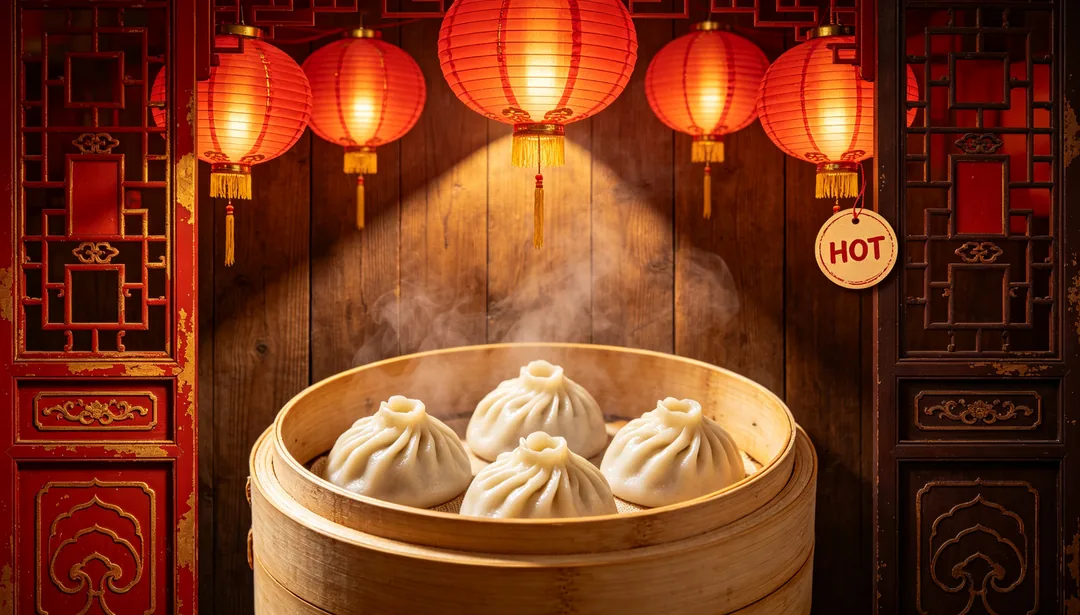
中式傳統餐飲
紅燈籠、木紋與傳統紋樣,適合經典中式餐飲
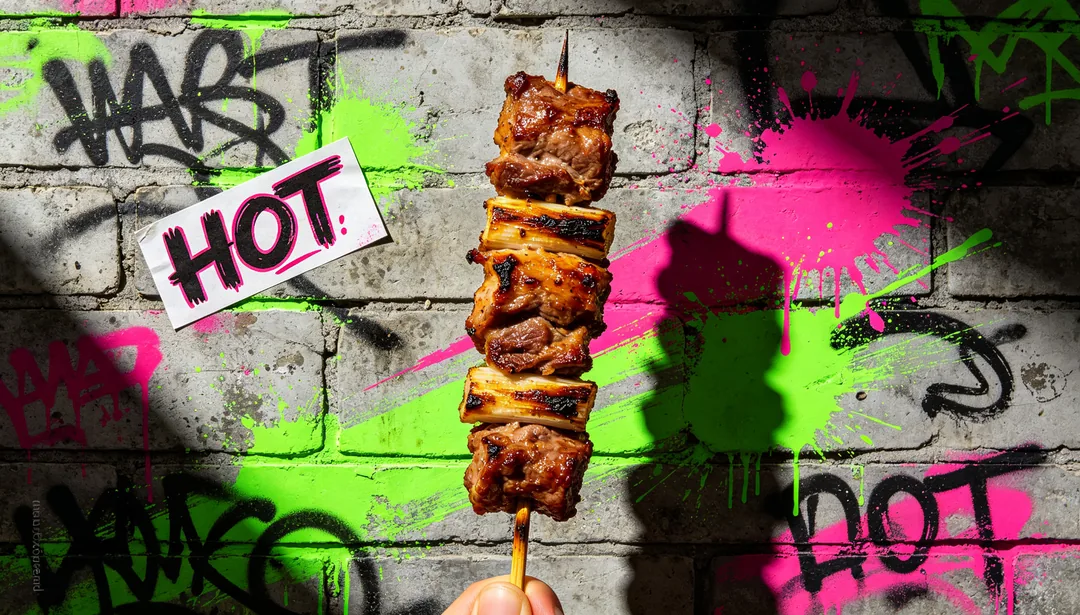
潮流街頭小吃
塗鴉、霓虹與街拍能量,獻給潮流餐飲品牌
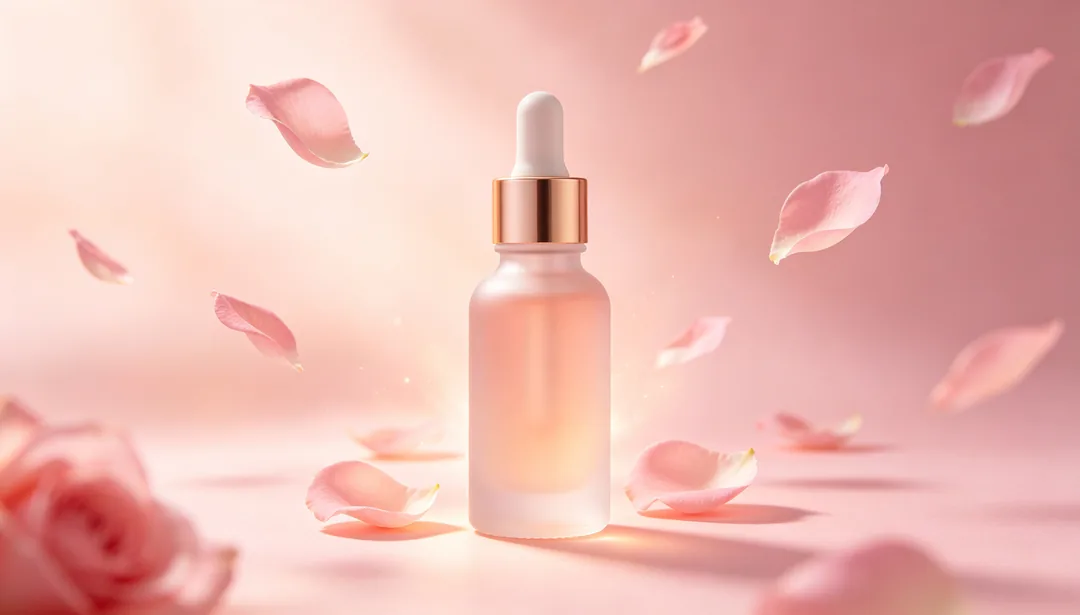
粉嫩美妝
腮紅色調、柔焦光暈與花瓣元素,適合美妝產品
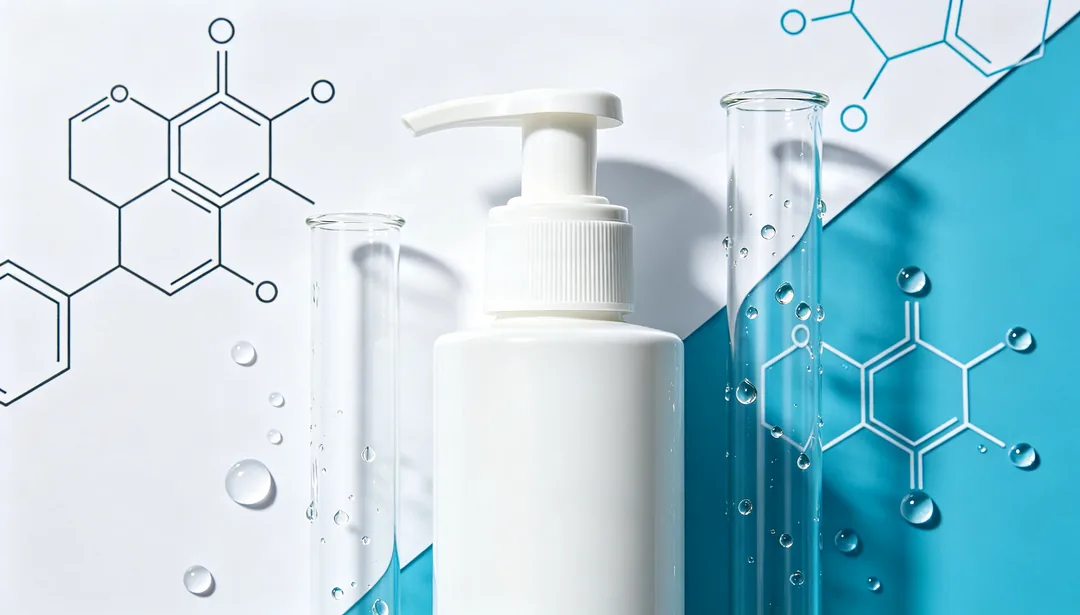
實驗室功效
分子圖示與醫療感的藍白色調,凸顯科學功效
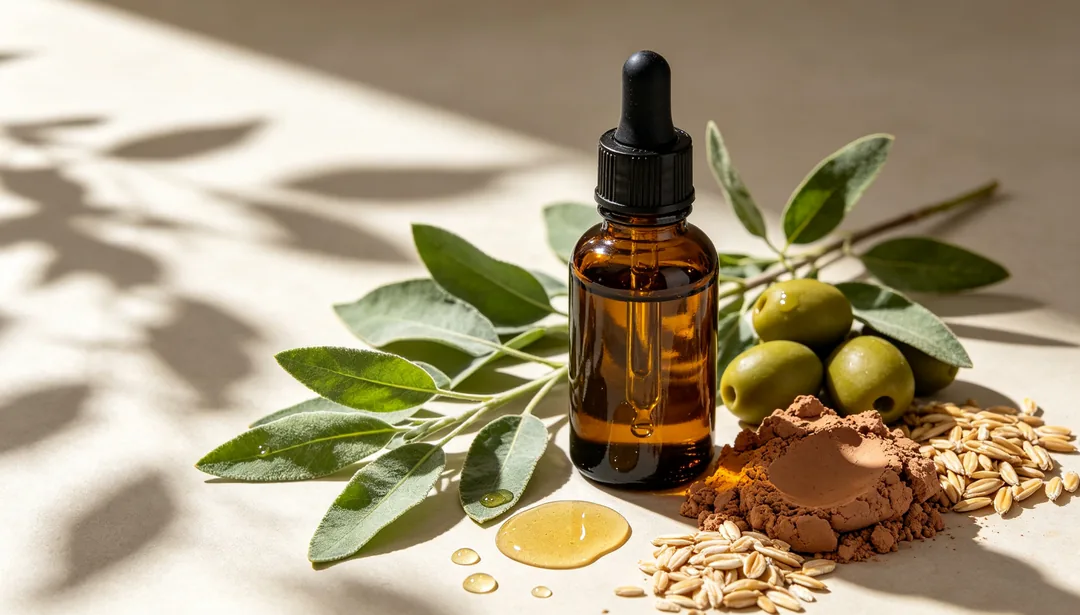
草本自然
植物葉片與大地色調,適合天然植萃美妝
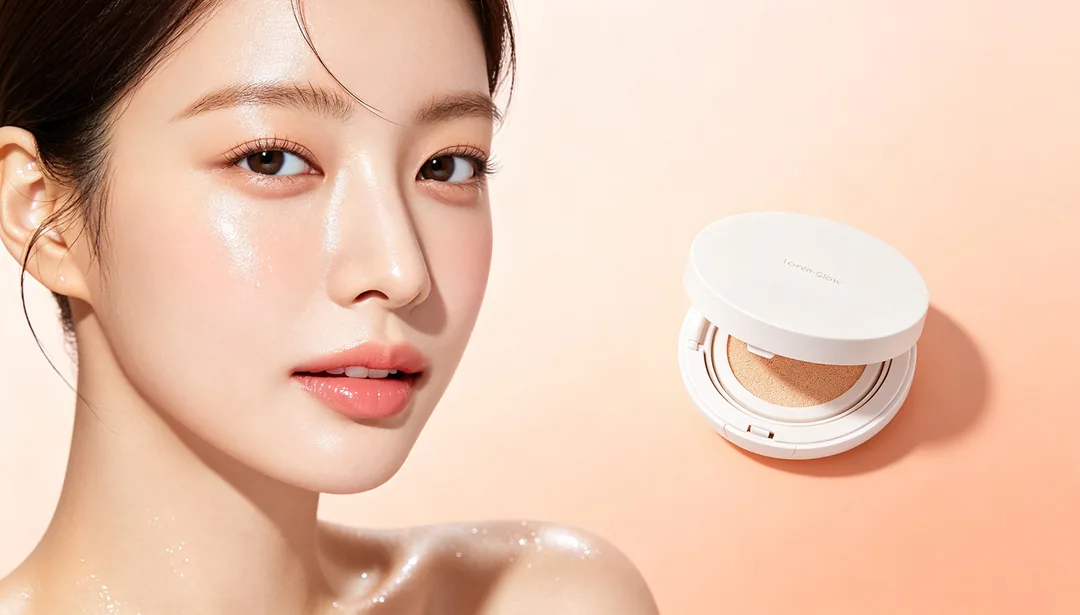
韓系水光
水潤透亮的膚感與極簡版面,靈感來自韓系美妝
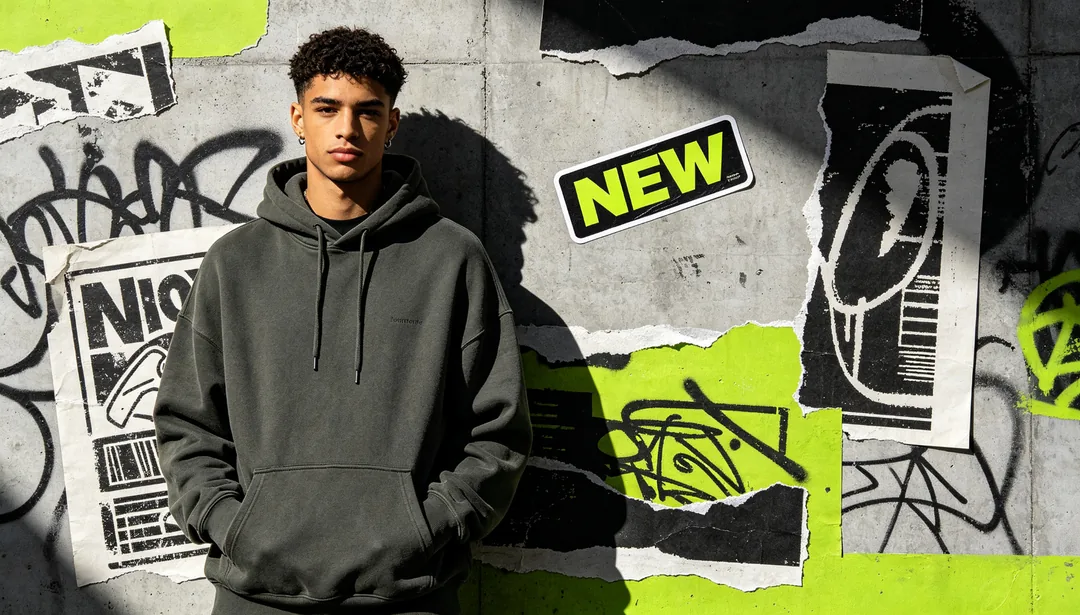
街頭潮流服飾
塗鴉、拼貼與超大鏤空字圖形,獻給街頭潮牌
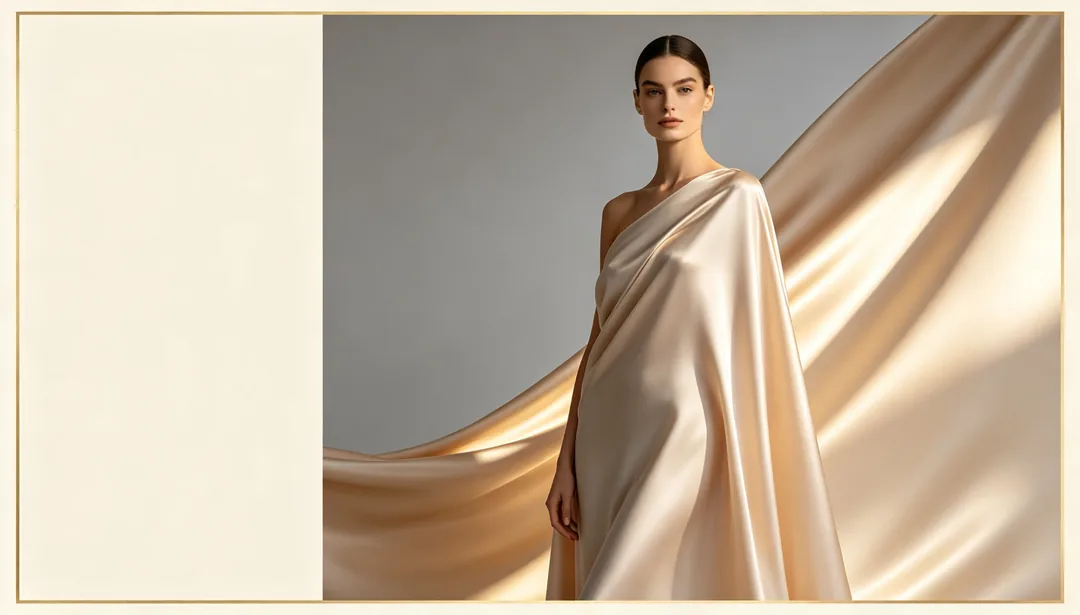
輕奢雜誌感
雜誌編輯式構圖,走灰調與香檳金色系
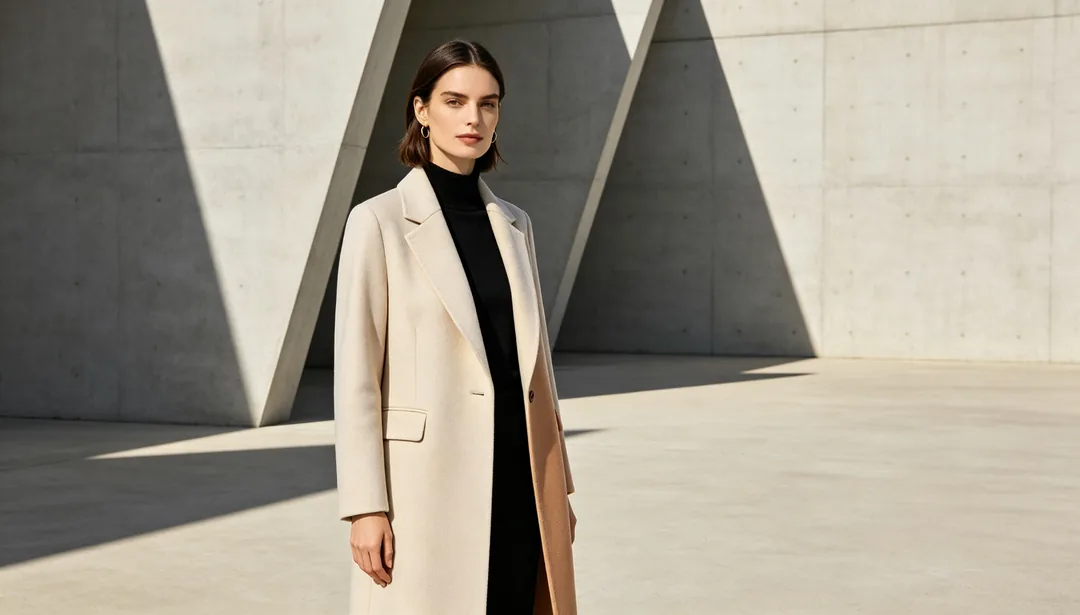
通勤極簡
俐落線條與中性色調,適合通勤服飾品牌
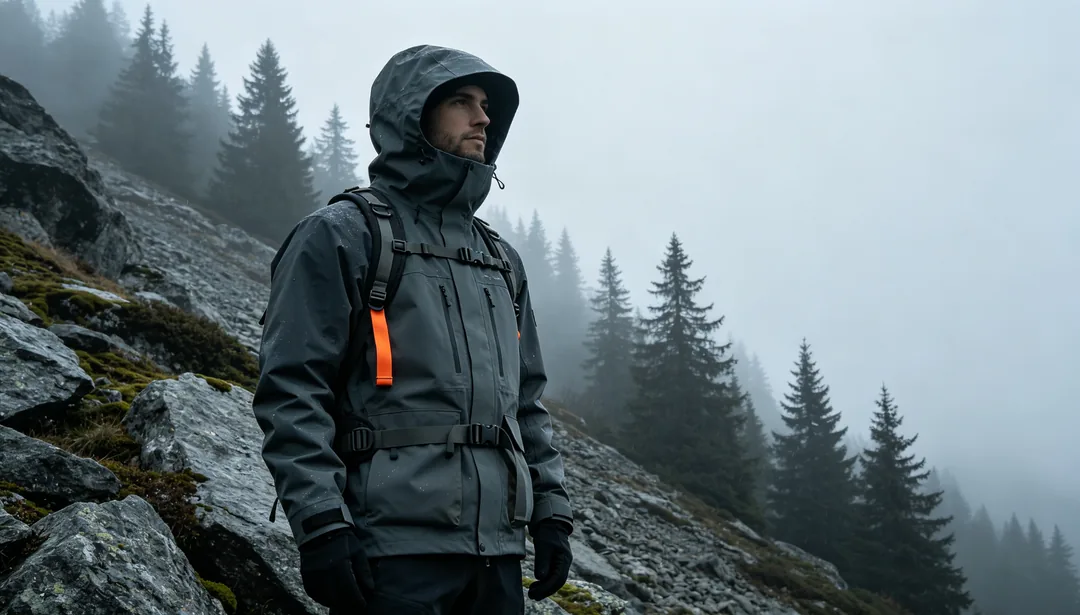
戶外機能服
迷彩與機能細節,放進自然的戶外場景裡
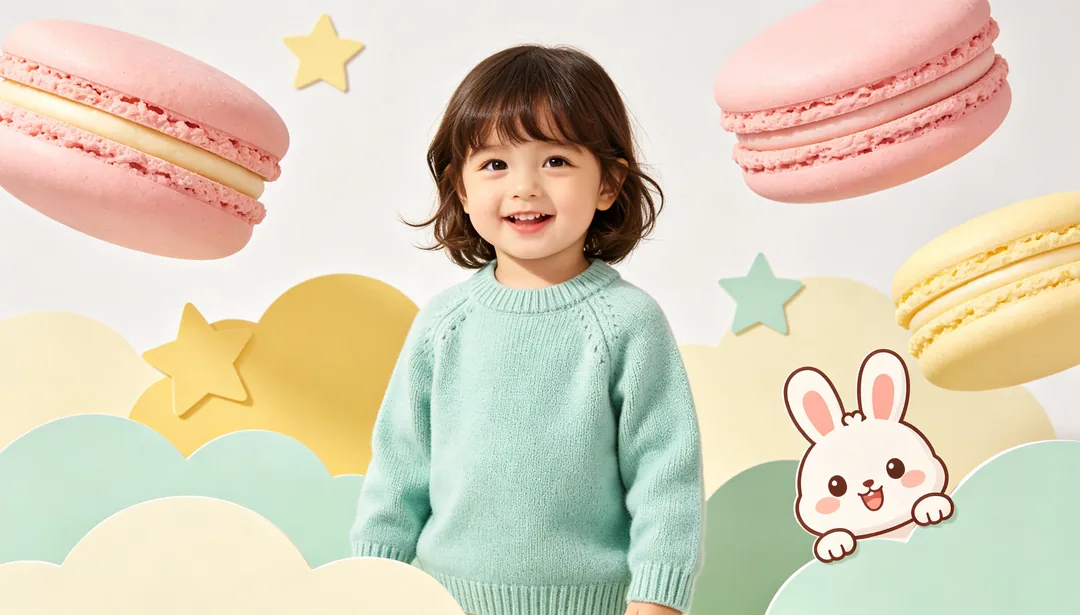
童裝可愛風
馬卡龍色與圓潤卡通造型,適合童裝品牌
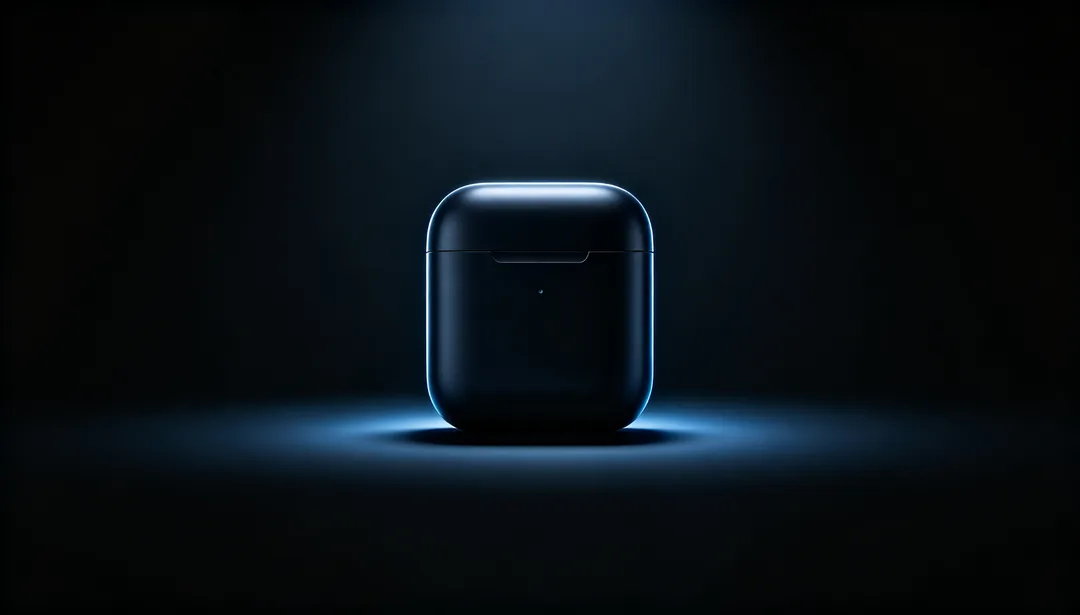
深色科技產品
深黑背景上一道發光的裝置輪廓
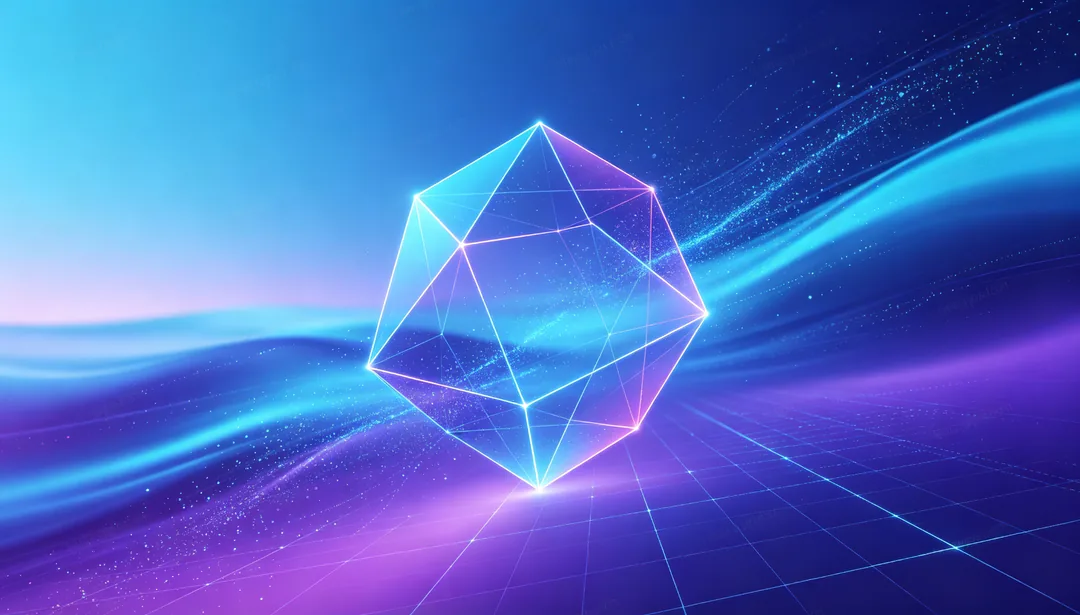
漸層未來科技
藍紫漸層加上粒子效果,做出未來感
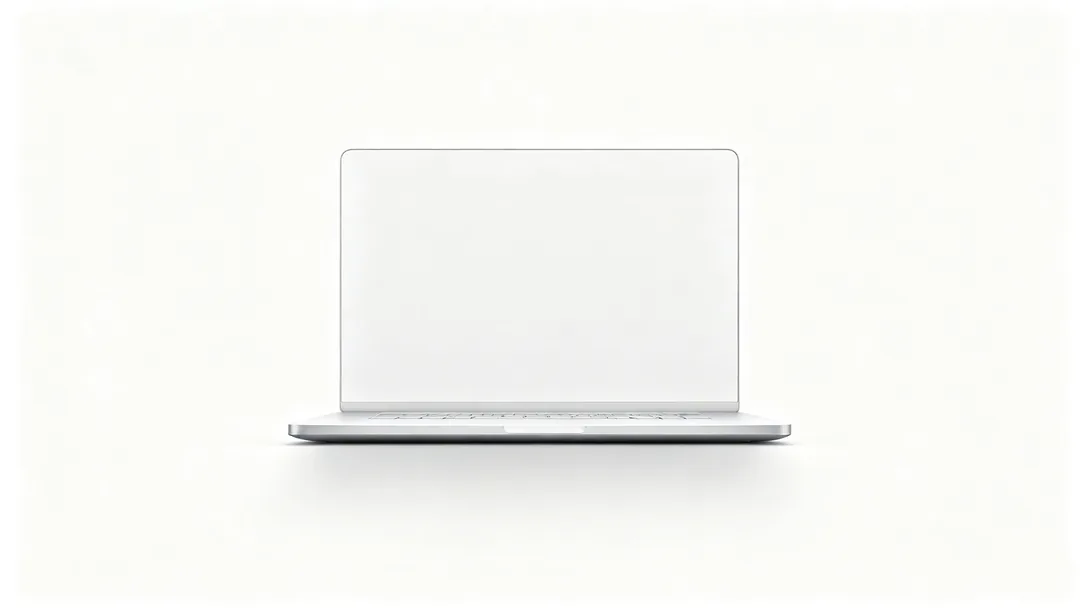
極簡科技產品
純白棚拍背景上置中的單一裝置
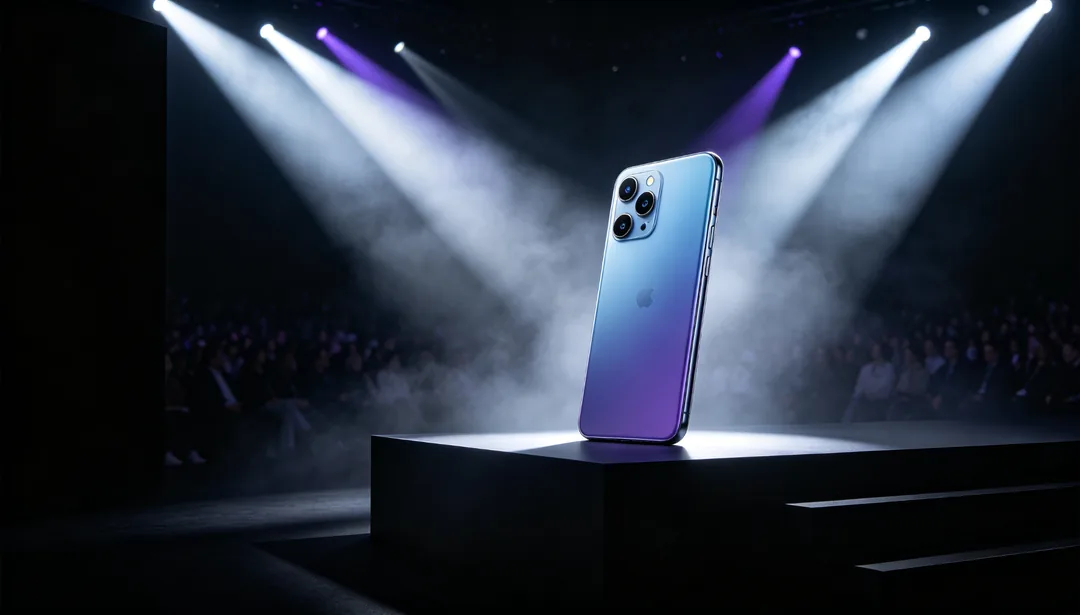
新品發表會
舞台燈光與粗體字型,做出新品發表會的氣勢
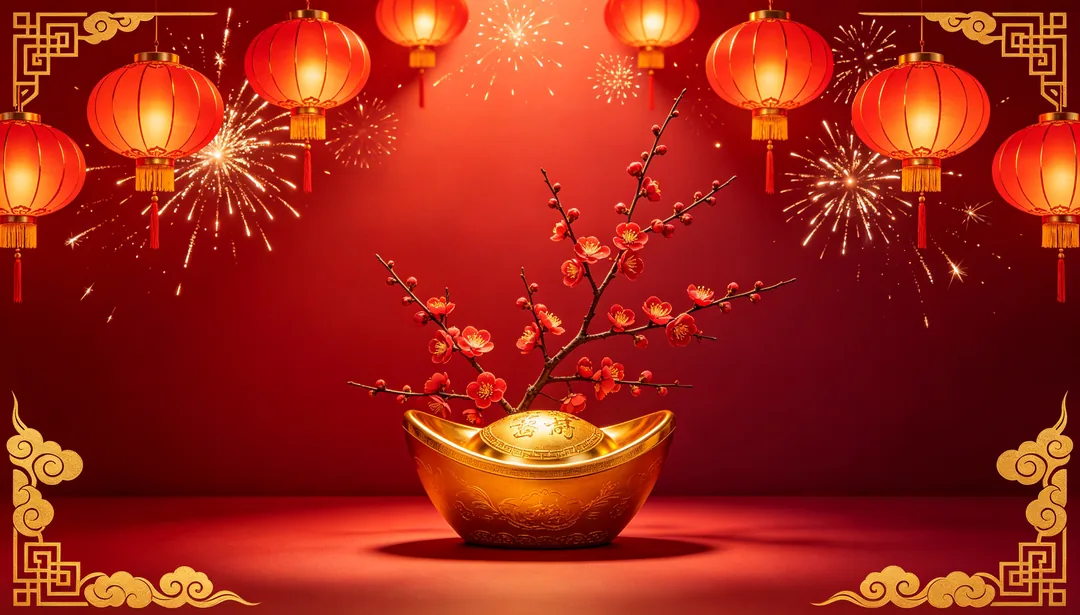
春節喜紅
中國紅搭配燈籠、煙火與福字元素,迎接農曆新年
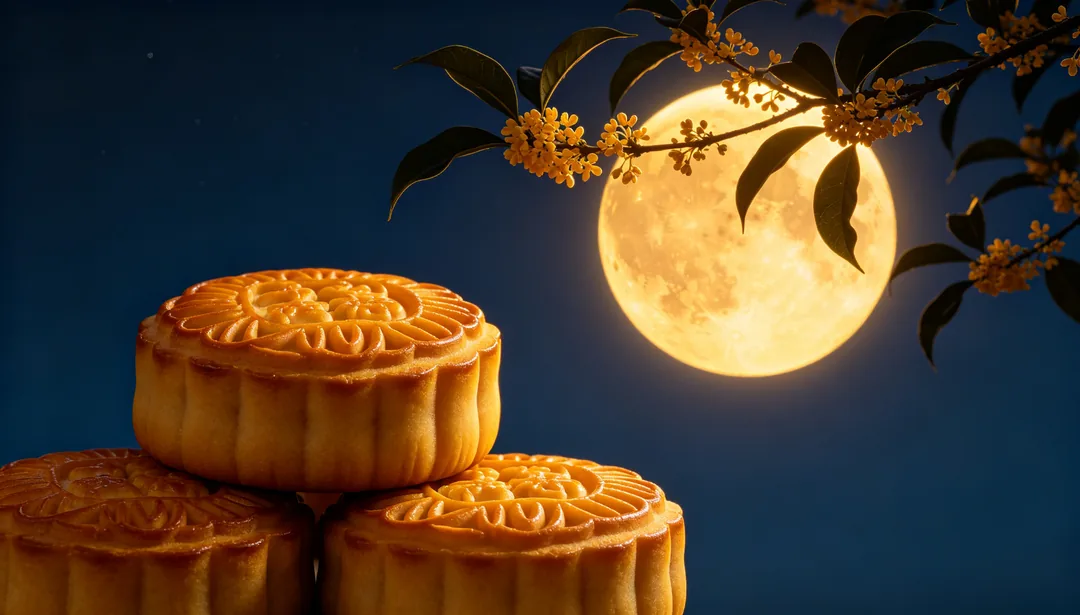
中秋金月
明月、桂花與月餅,以暖金色調呈現中秋
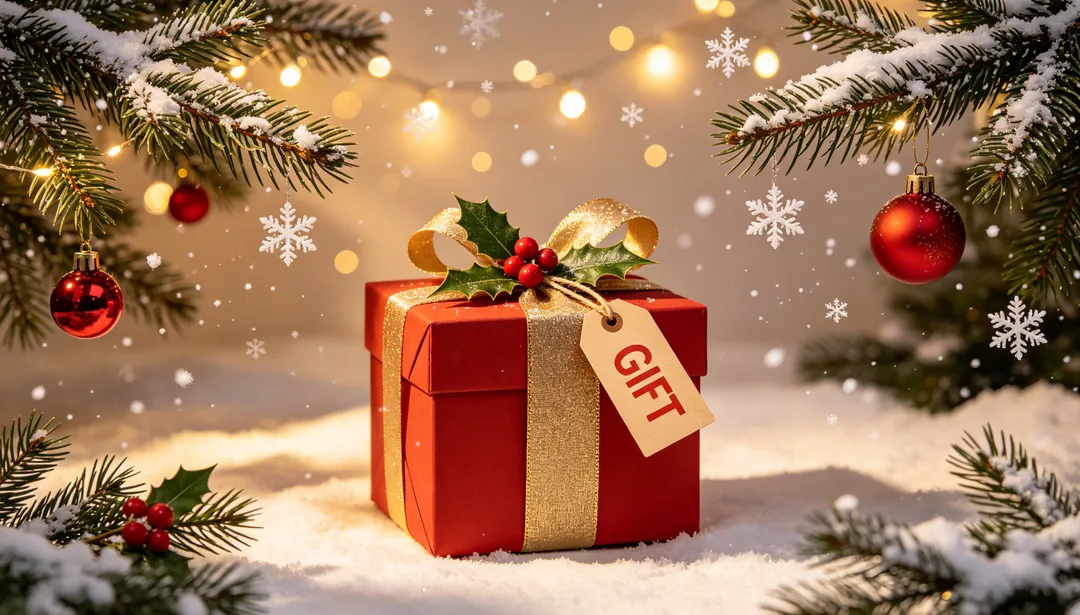
聖誕紅綠
松枝、雪花與吊飾球,用經典的聖誕紅綠配色
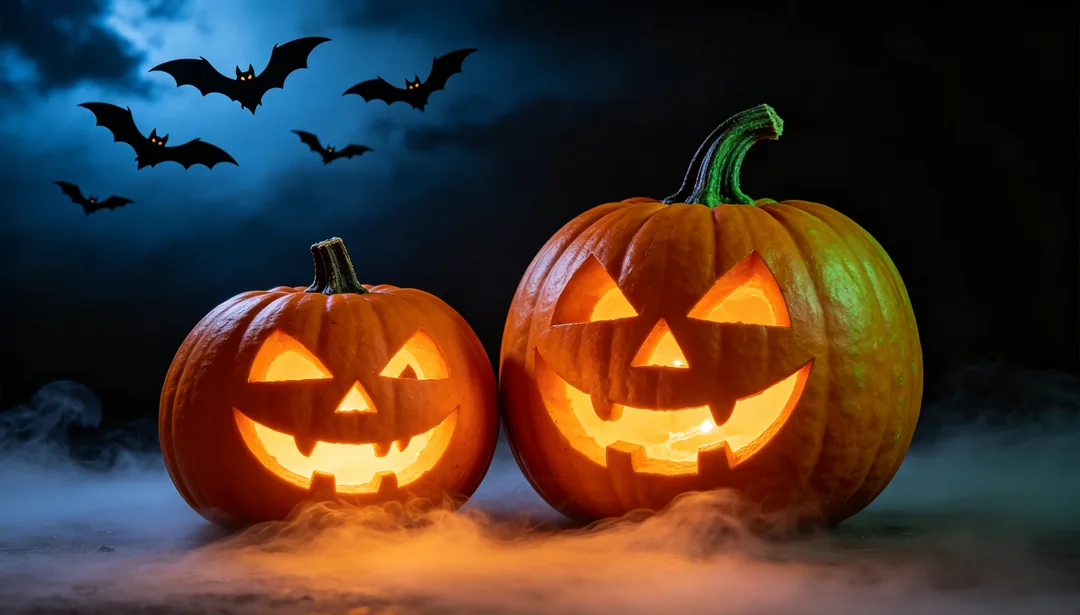
萬聖橘黑
南瓜、蝙蝠與霧氣,構成陰森的橘黑場景
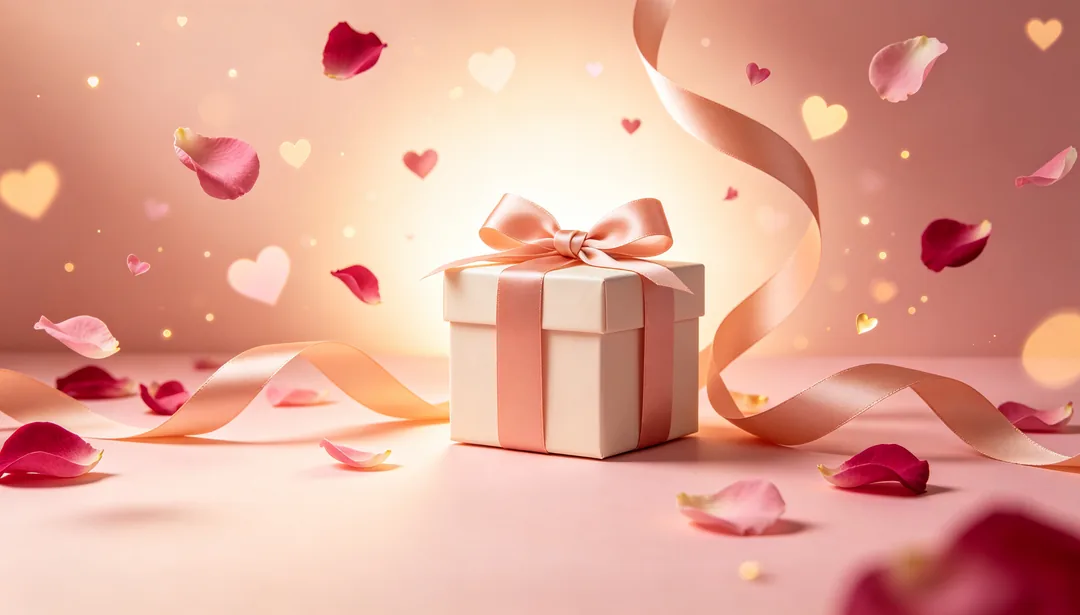
情人節粉
玫瑰、愛心與緞帶,用浪漫粉色迎接情人節
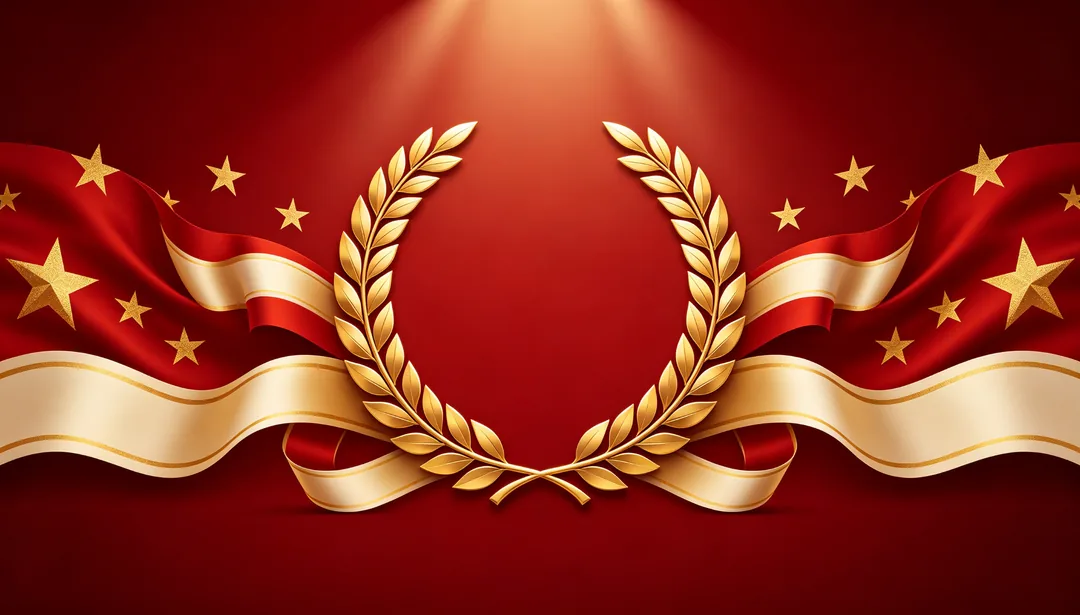
國慶紅
五星元素與飄帶橫幅,營造莊重的國慶氛圍
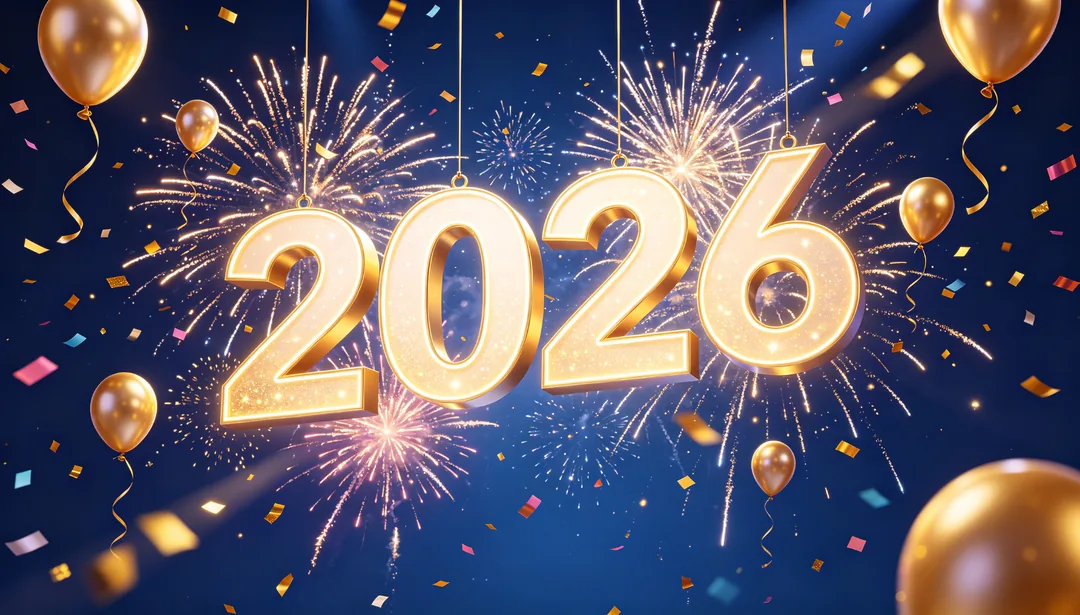
跨年慶典
煙火、氣球與倒數數字,迎接跨年夜
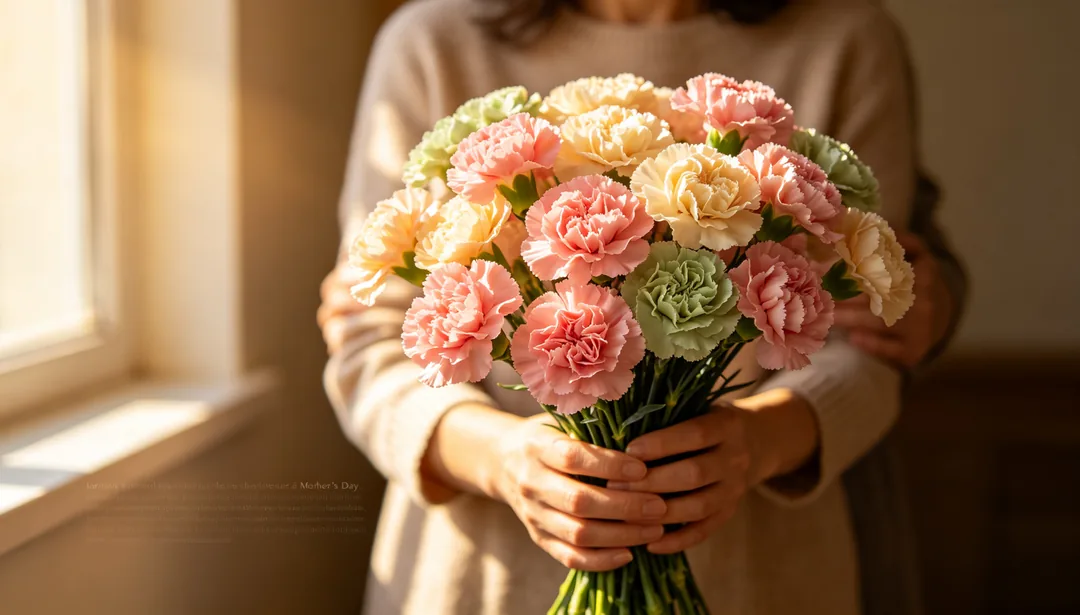
母親節溫情
康乃馨與溫柔擁抱的氛圍,獻給母親節
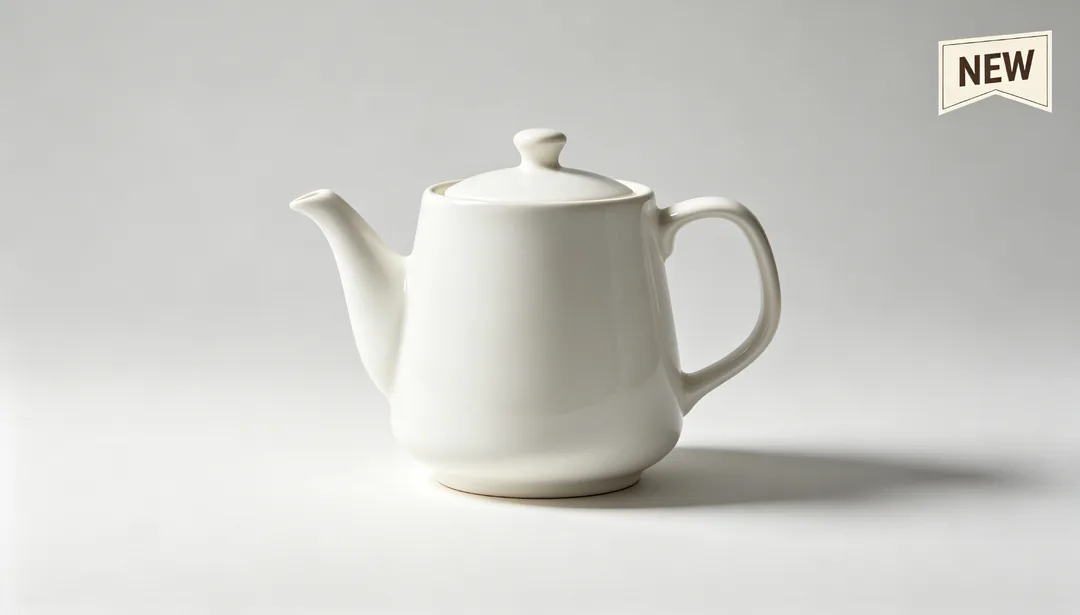
電商主圖
標準的產品置中構圖,加上賣點標籤
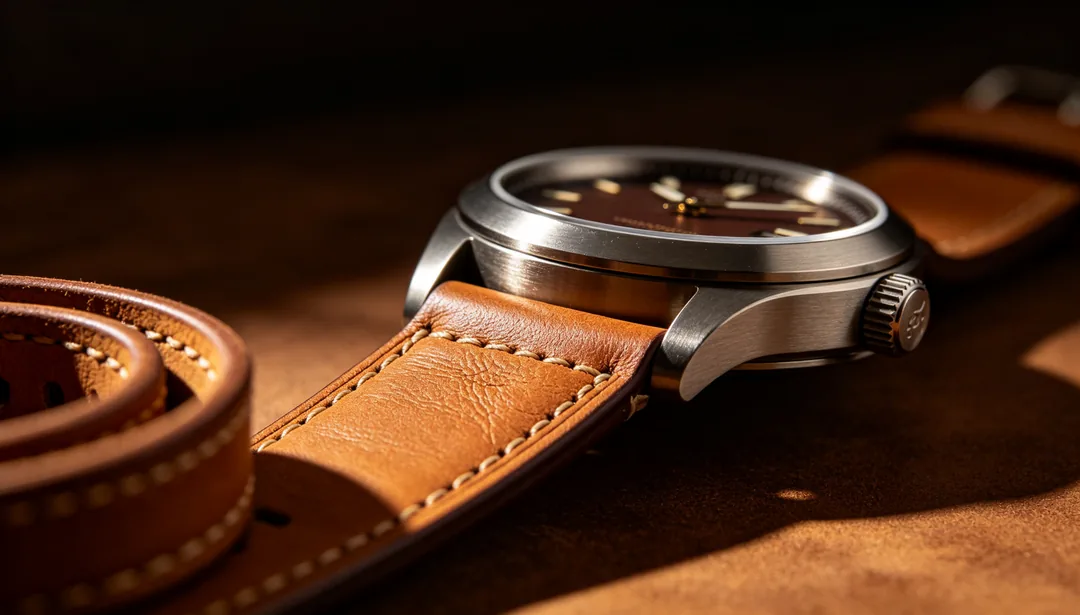
詳情頁首圖
直式沉浸感產品首圖,放在商品詳情頁最上方
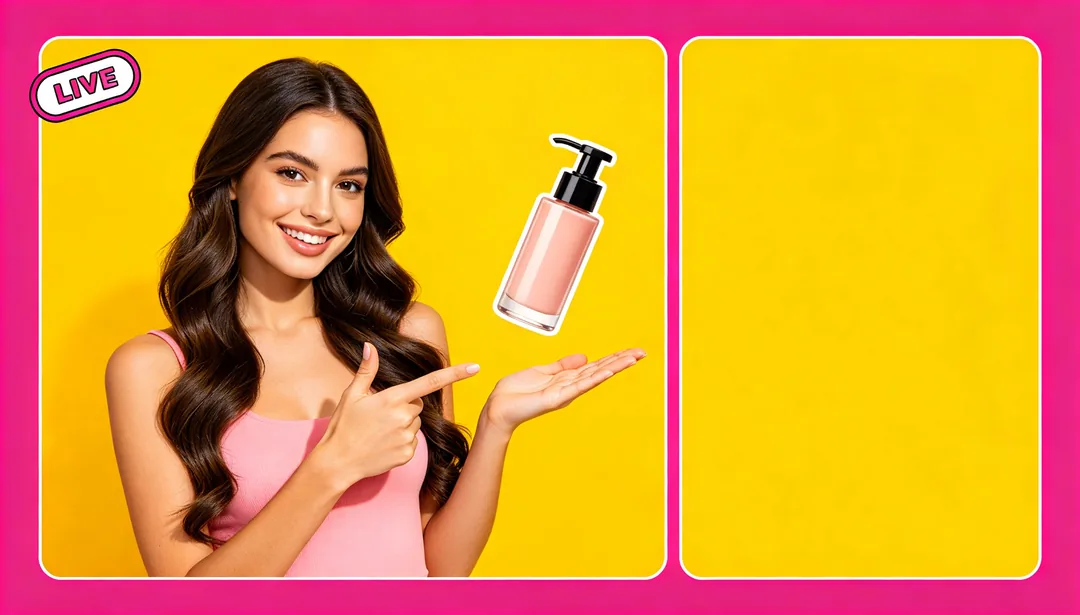
直播封面
主播剪影與促銷資訊,組成高彩度的直式封面
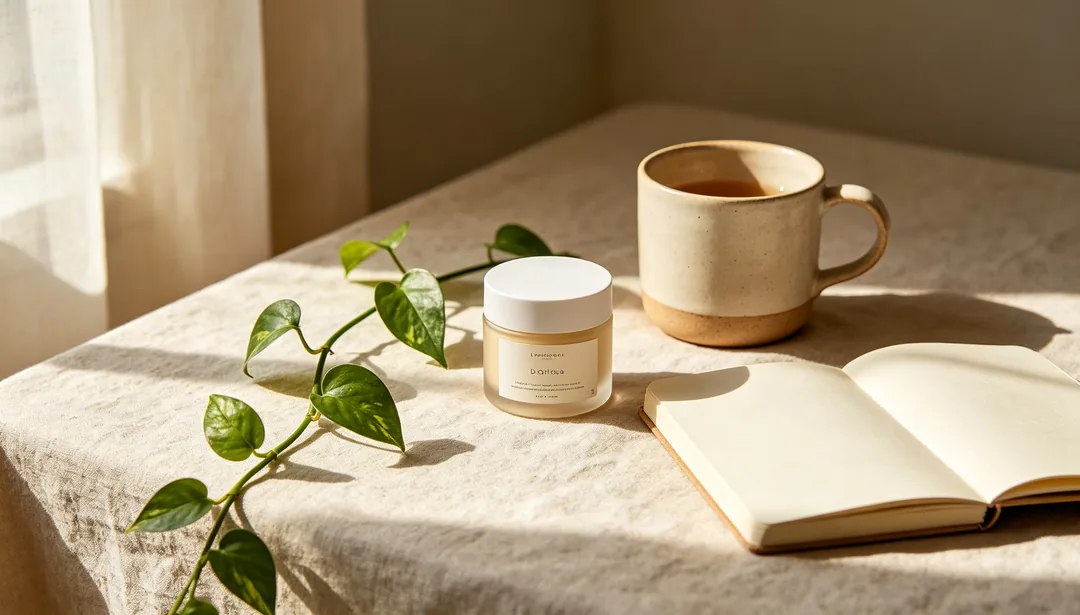
小紅書生活卡片
自然的生活場景,留出清楚好讀的標題空間

社群方形貼文
簡潔而品牌感強烈的構圖,適合方形社群貼文
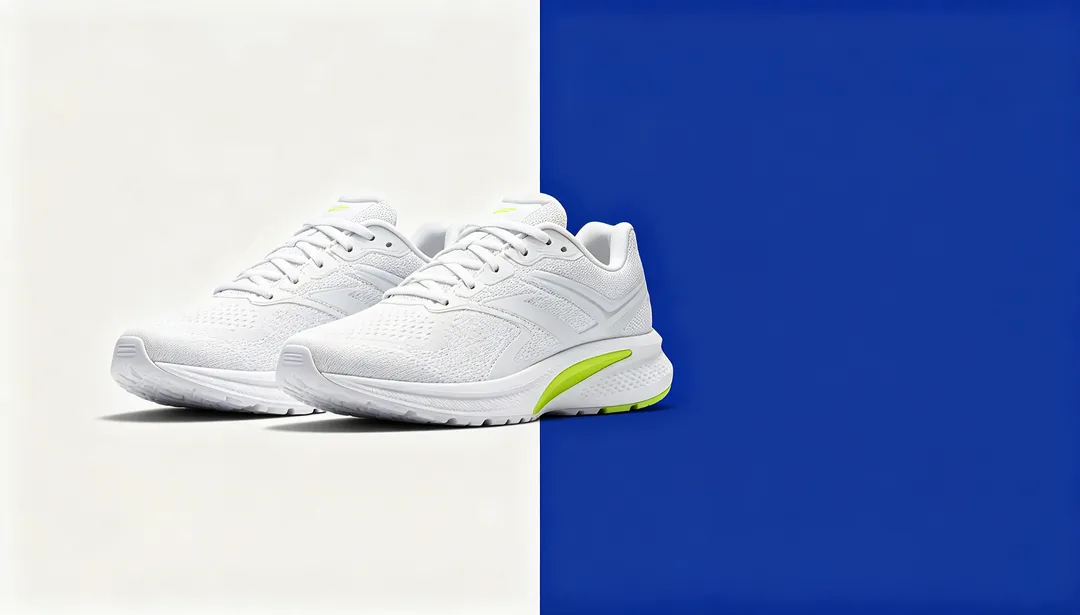
橫式橫幅
左右分割版面,專為資訊流廣告橫幅設計
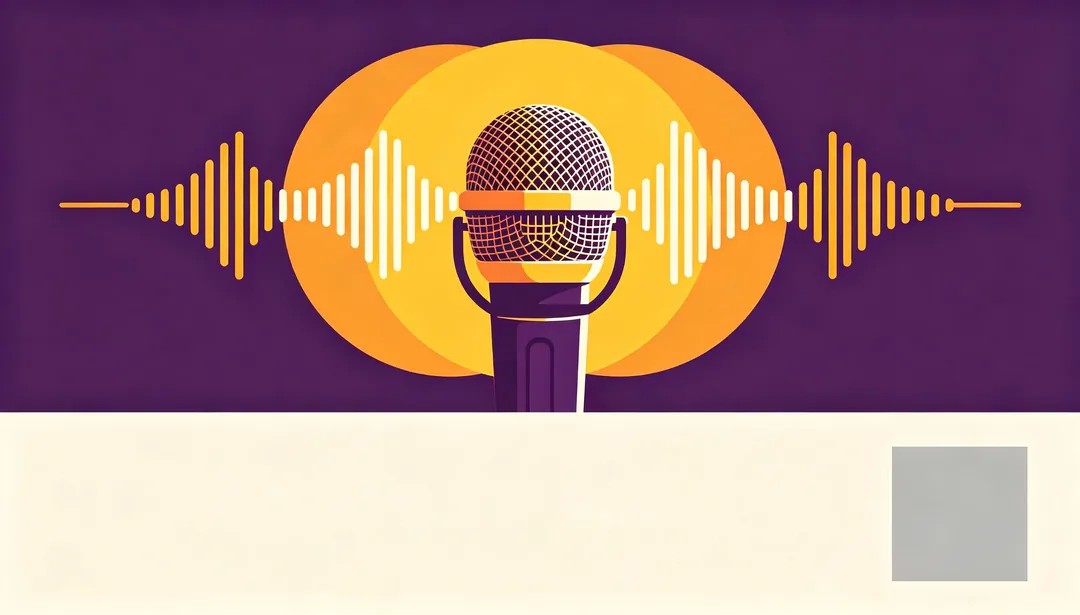
實體活動海報
可直接印刷的版面,留好活動資訊與 QR Code 的位置
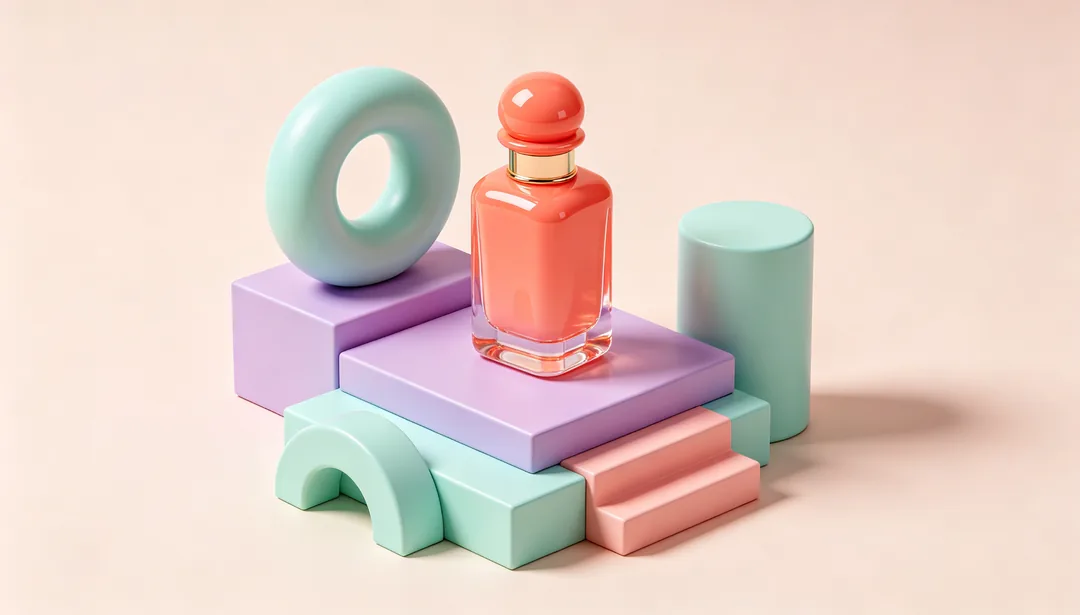
3D 產品場景
以產品為中心搭建的風格化 3D 微縮場景
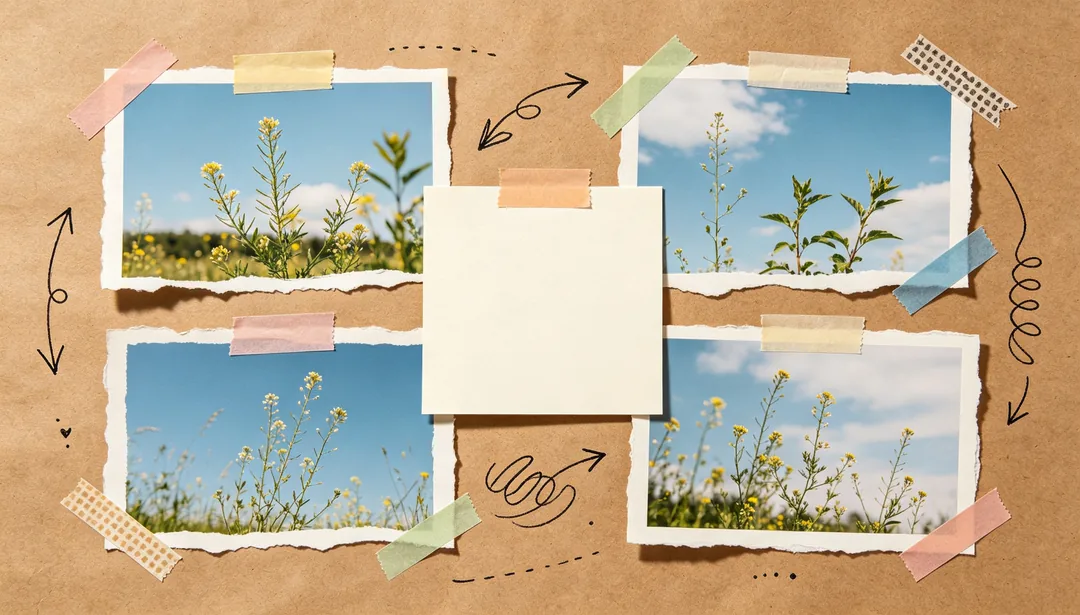
拼貼手帳
照片、圖形與手寫筆記自由碰撞
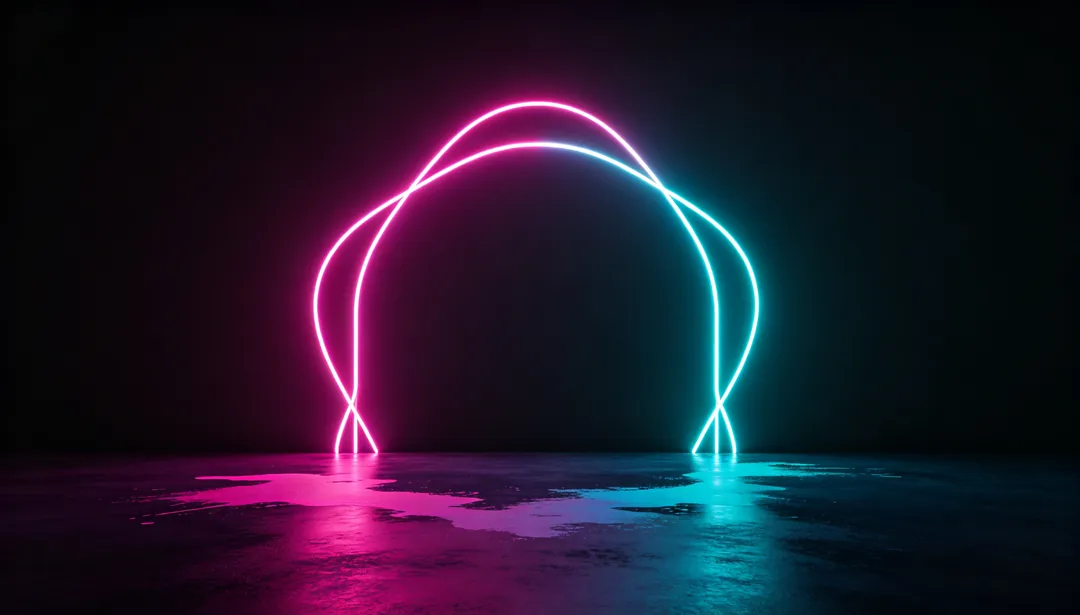
霓虹暗色
近乎全黑的背景上打出電光般的霓虹效果
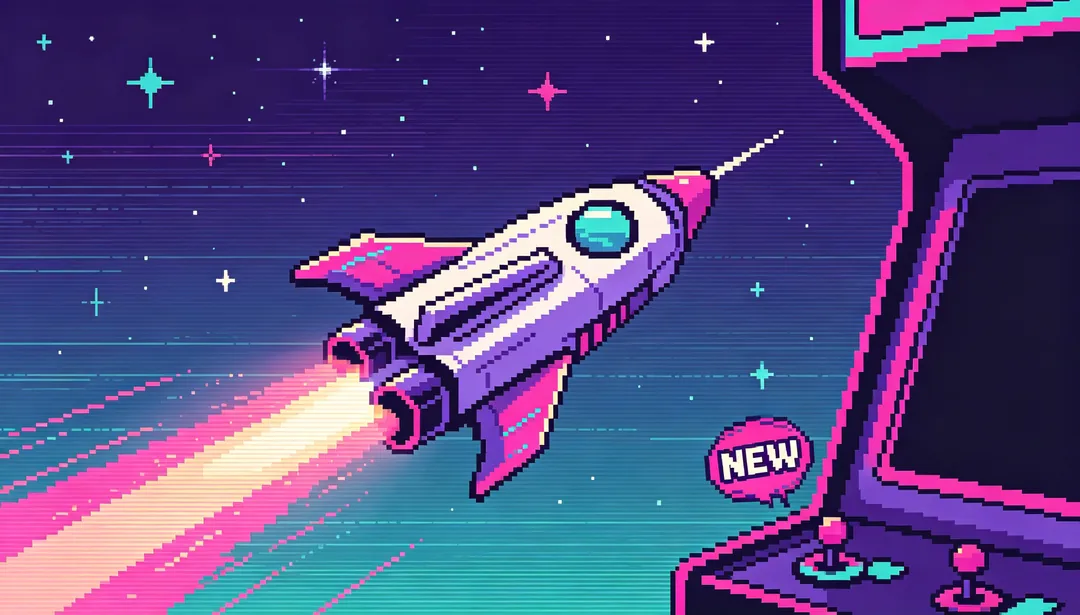
復古像素街機
像素遊戲美學,喚起街機年代的懷舊廣告感

扁平插畫
溫暖親切的向量人物與場景,用乾淨的扁平造型呈現
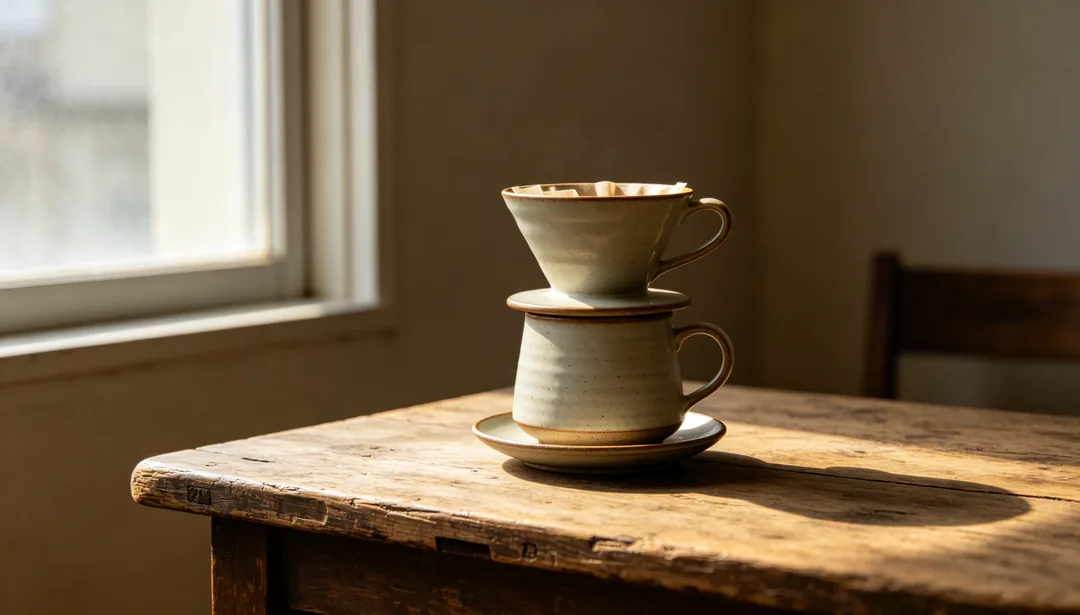
寫實攝影
高品質的實拍產品或模特兒照片,搭配乾淨版面
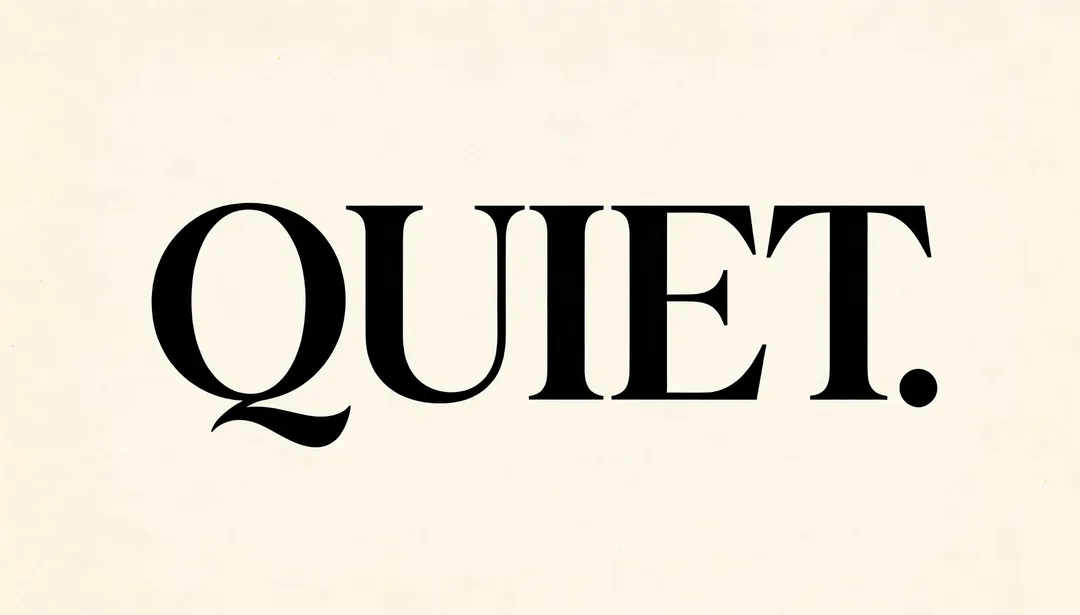
極簡文字
大量留白搭配超大標題字
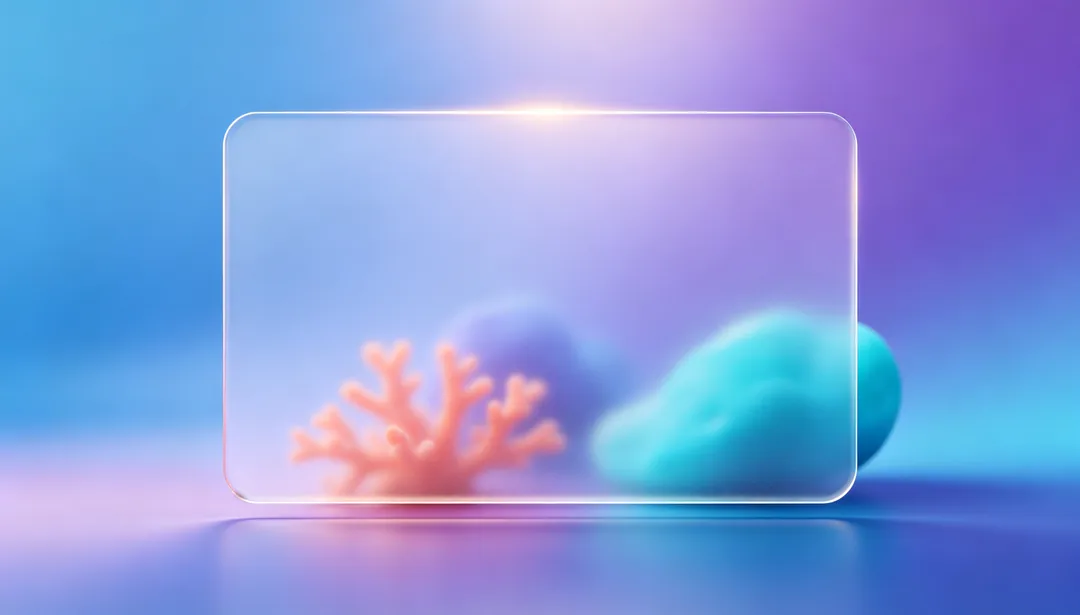
漸層玻璃擬態
半透明毛玻璃卡片浮在柔和的漸層背景上
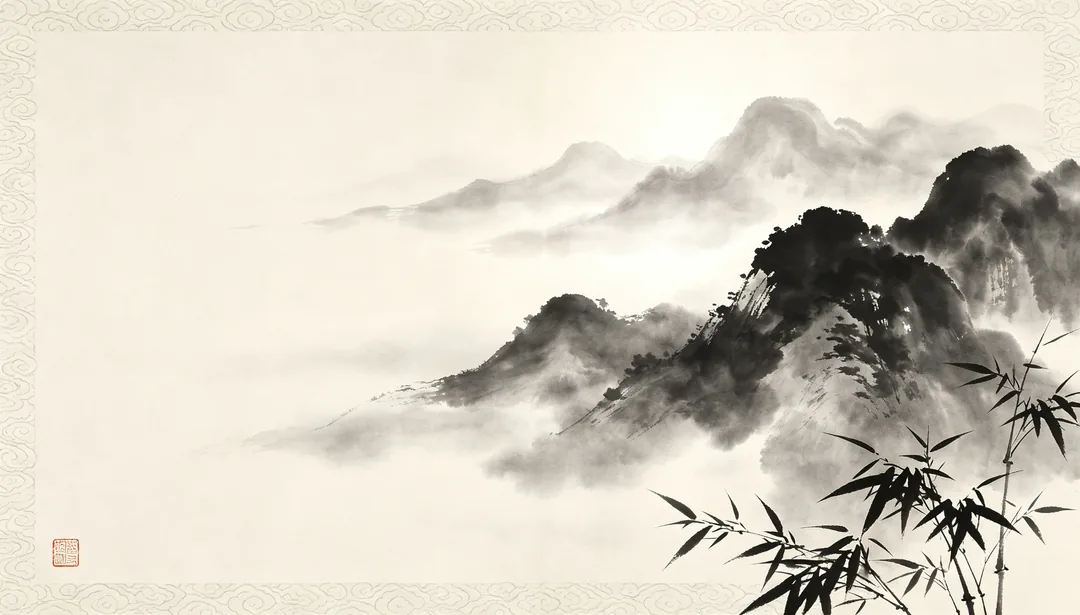
中式水墨
單色水墨山水流動,襯上傳統紋樣
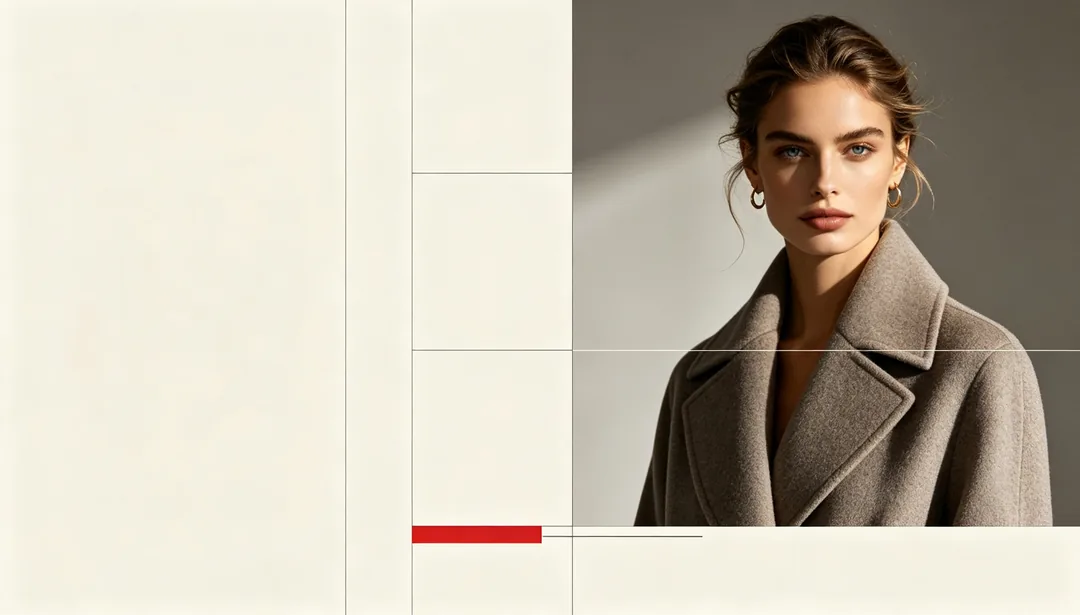
雜誌編輯
高級時尚的印刷跨頁,採多欄編輯網格
AI poster styles for products
Posters, flyers and banners
E-commerce Main Image and Detail Page Header suit product pages; Social Media Square, Xiaohongshu Lifestyle Card and Livestream Cover suit social feeds; Offline Event Poster lays out a print-ready flyer with space for event details and a QR code; Horizontal Banner suits websites and ad slots.
Sales and holiday promotions
Countdown Urgency, Coupon Rain and Platform Subsidy are made for sales; Spring Festival Red, Christmas Green & Red, Halloween Orange & Black and Valentine Pink cover seasonal campaigns.
Looks by product type
There are styles tuned for food, beauty, fashion and tech, from Warm Appetite and Soft Pink Beauty to Streetwear Fashion and Minimal Tech Product.
How to get a good product poster
- Use a sharp product photo on a plain background, with the whole product in the frame.
- Keep the text short: a headline and a price or offer comes out more reliably than a paragraph.
- Pick the aspect ratio for where the poster will go before you generate.
- Check logos, labels and small print on the product afterwards; the model redraws them and can change details.
使用方式
1
Upload your product photo
Add a clear product shot, or describe the product in one line.
2
Pick a poster style
Choose a layout for the channel and the campaign, and add your headline or offer in the prompt box.
3
Generate and download
Generate a few versions and download the one that fits.