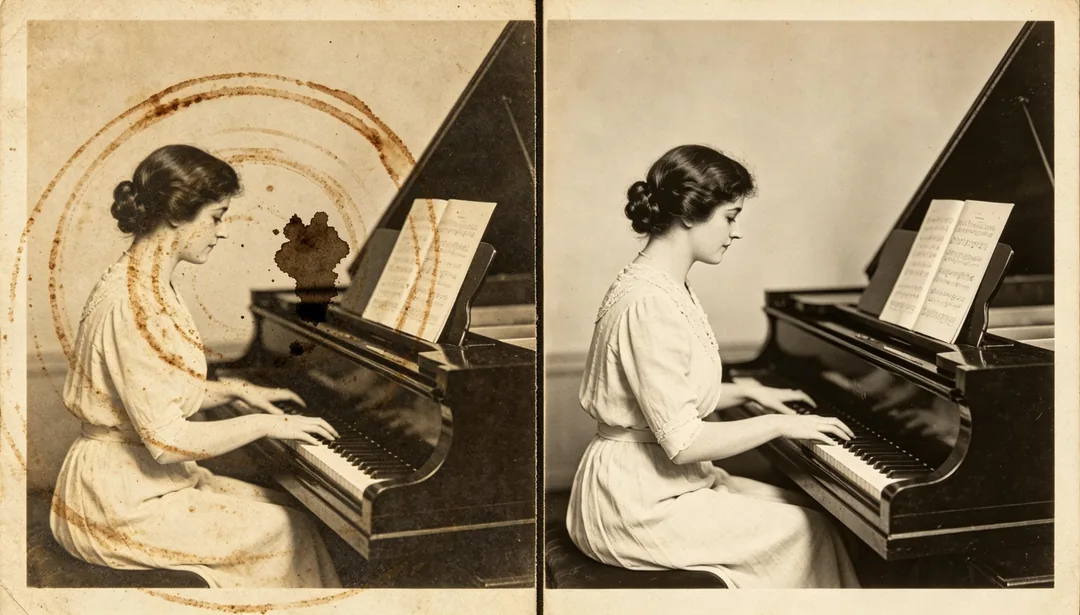
シミの除去 · 写真修復
使い方
1
Upload the scan
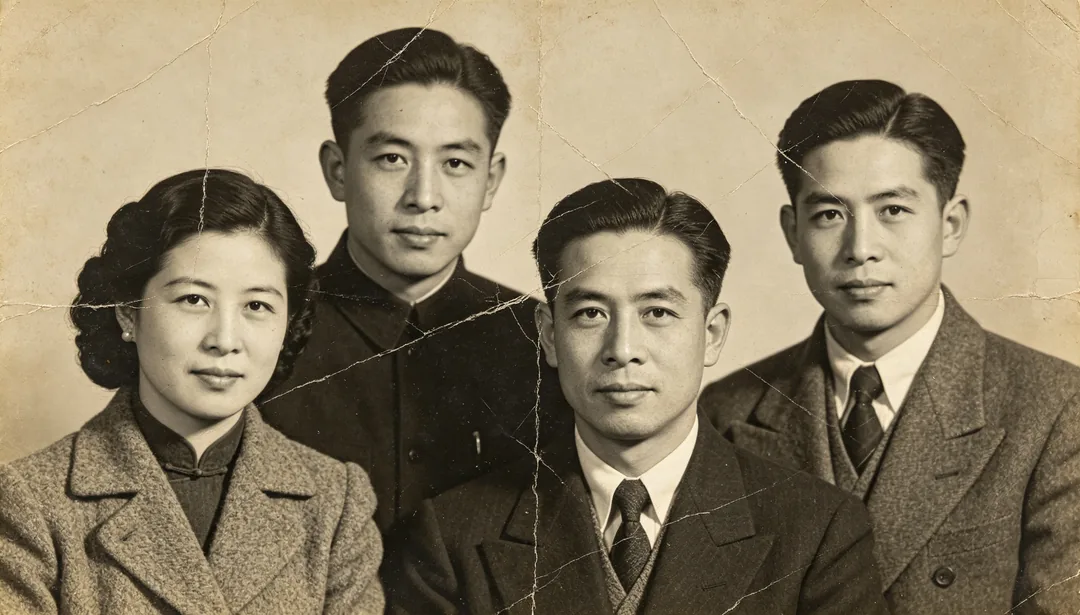
Add a scan or photo of the old print. Add extra copies if you have several damaged versions of the same picture.
2
Pick a restoration style
Choose the era, colour finish or repair you want.
3
Generate and download
Generate, compare with the original and download the version you want to keep.