Sepia-Tönung · Fotorestaurierung
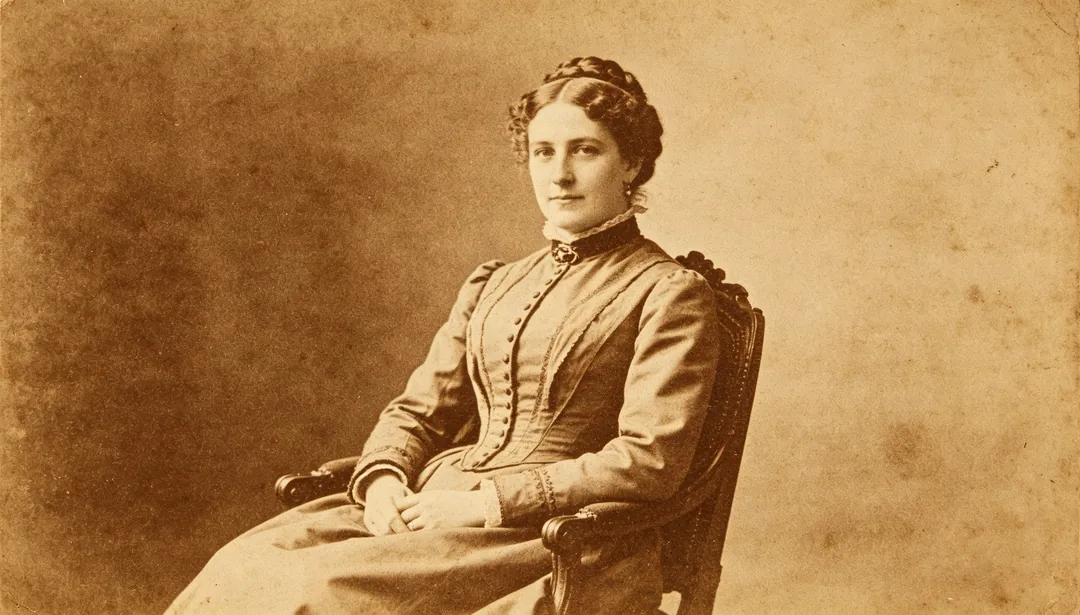
Wandelt ein Schwarz-Weiß-Foto in einen warmen Sepiaton für einen klassischen Vintage-Look.
Tags
- Sepia
- Monochrom
- Vintage
- Tönung
So funktioniert es
1
Upload the scan
Add a scan or photo of the old print. Add extra copies if you have several damaged versions of the same picture.
2
Pick a restoration style
Choose the era, colour finish or repair you want.
3
Generate and download
Generate, compare with the original and download the version you want to keep.
Weitere Stile in Fotorestaurierung
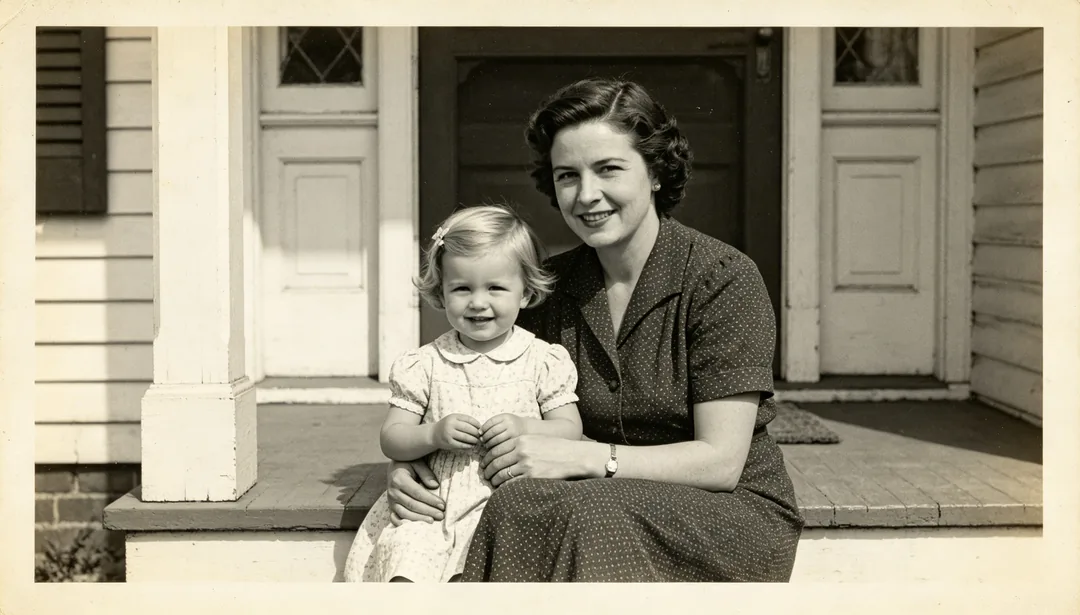
Schnelle Aufwertung
Ein zügiger Durchgang mit leichter 2-facher Superauflösung und sanfter Gesichtsaufbereitung, um ein altes Foto rasch zu schärfen.
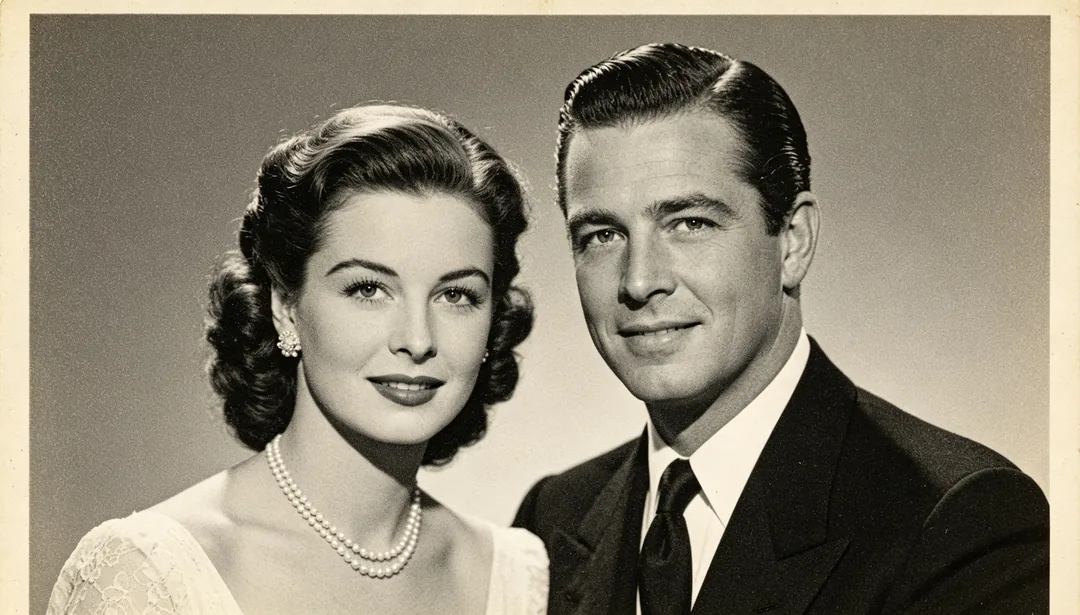
Standardrestaurierung
Eine Standardrestaurierung aus 4-facher Superauflösung, Gesichtsaufbereitung und Entrauschen für die meisten alten Fotos.
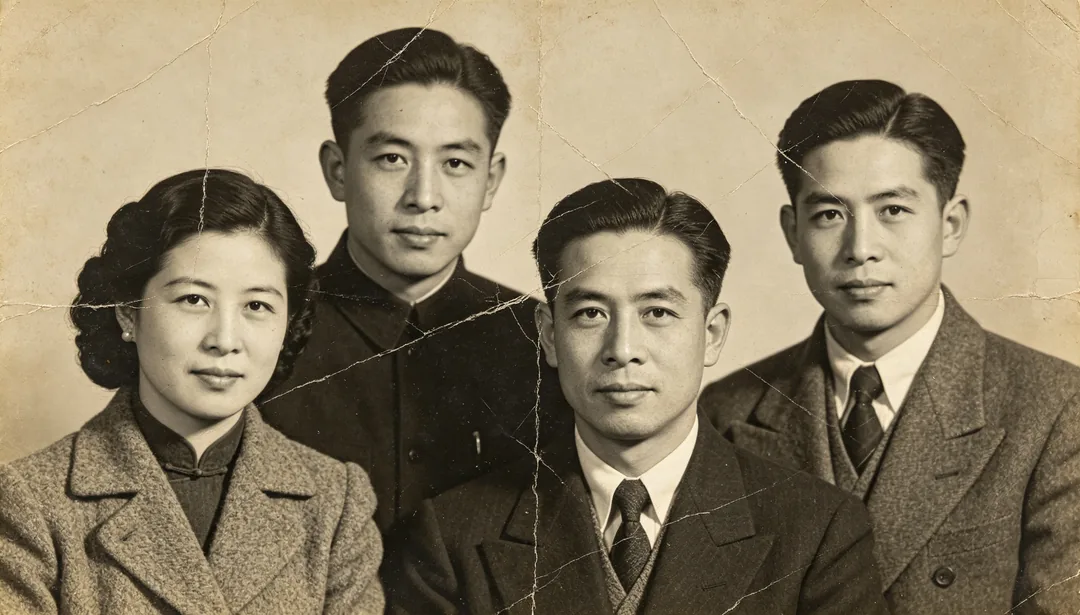
Tiefenrestaurierung
Eine vollständige Tiefenrestaurierung mit 8-facher Superauflösung für stark beschädigte oder extrem unscharfe alte Fotos.
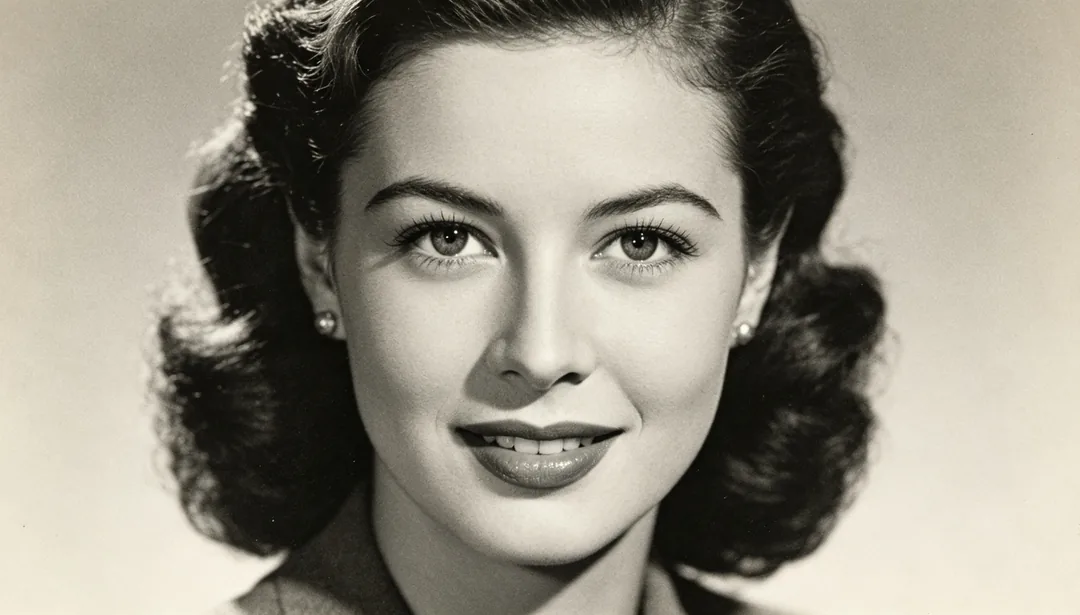
Gesichtsfokus
Schärft allein die Gesichtszüge und lässt den Rest des Bildes unberührt.
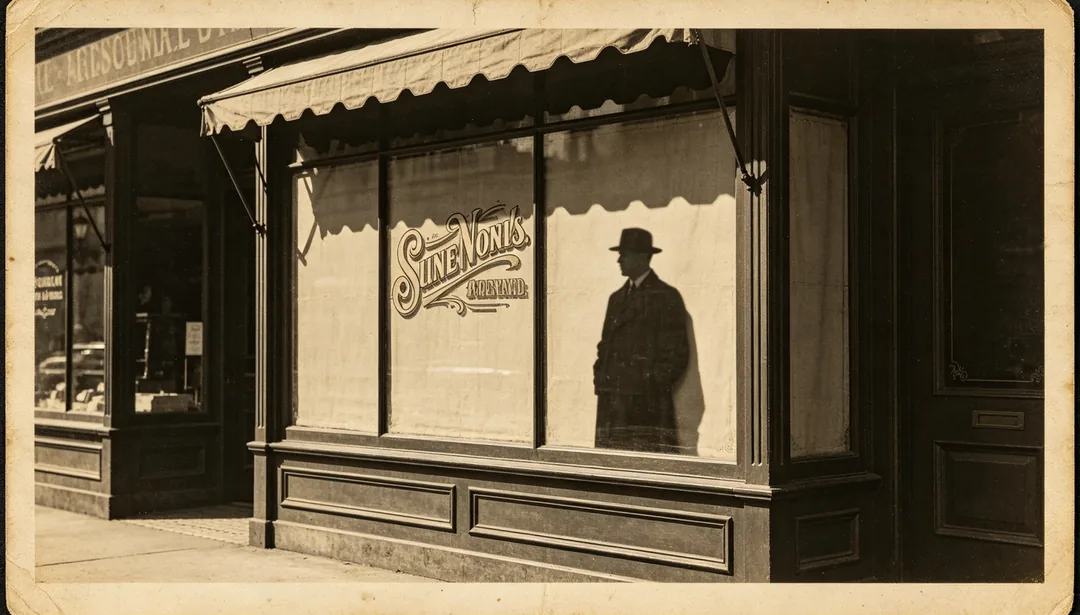
Kanten schärfen
Verstärkt die Schärfe von Konturen, Silhouetten und gedruckten Textkanten im Foto.
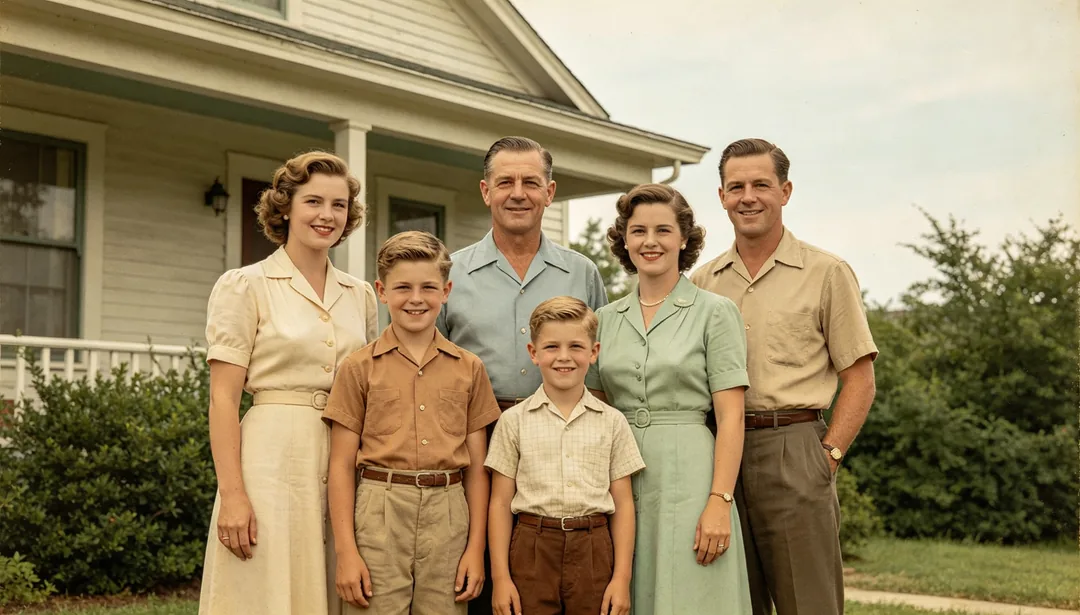
Natürlich Kolorieren
Gibt einem Schwarz-Weiß-Foto glaubwürdige, naturgetreue Farben zurück.
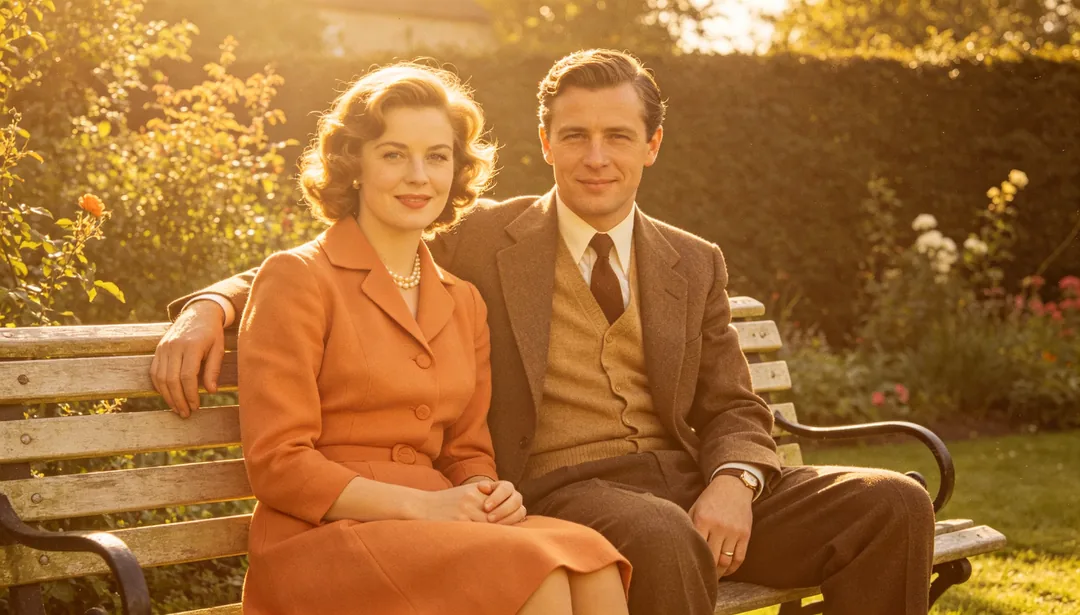
Warm Kolorieren
Koloriert ein Schwarz-Weiß-Foto mit warmer, goldener Palette für eine behagliche, nostalgische Stimmung.
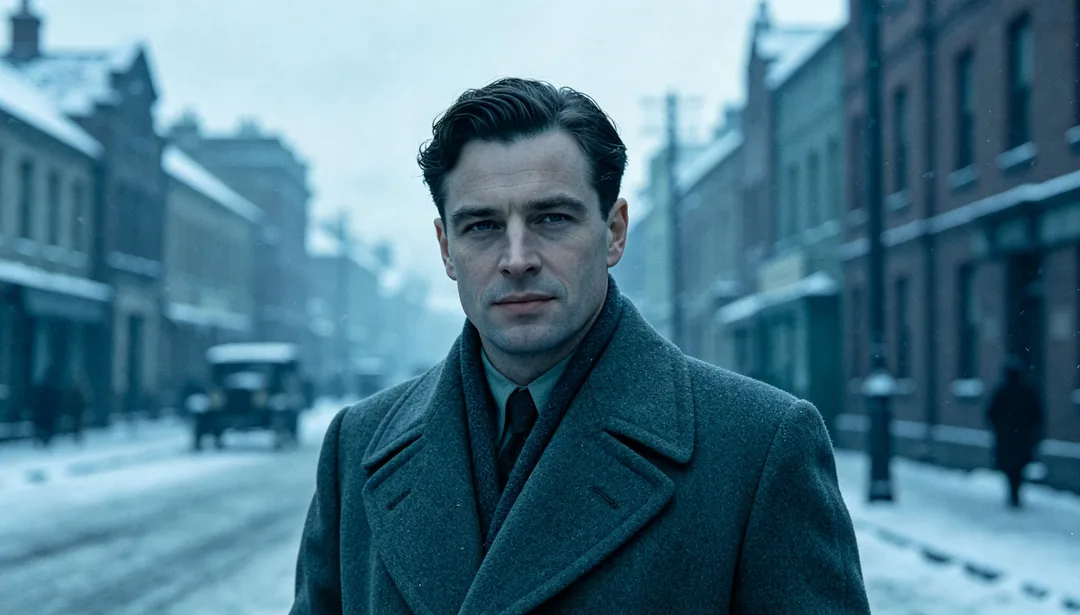
Kühl Kolorieren
Koloriert ein Schwarz-Weiß-Foto mit kühler, bläulicher Palette für eine ruhige, zurückgenommene Stimmung.