Zero Kit AI

Veo 3.1 AI Video Generator

Veo 3.1 is Google DeepMind's video model: it turns a prompt or a photo into a short, realistic clip, and on Zero Kit you can run it as Veo 3.1 Fast, Pro or Lite from one editor.

  • GoogleGoogle
  • Up to 4k
  • Up to 2 reference images
  • Up to 4 videos per run
  • 4 / 6 / 8 seconds
  • Credits per second: from 13 (about $0.13)
  • Included in Plus and above
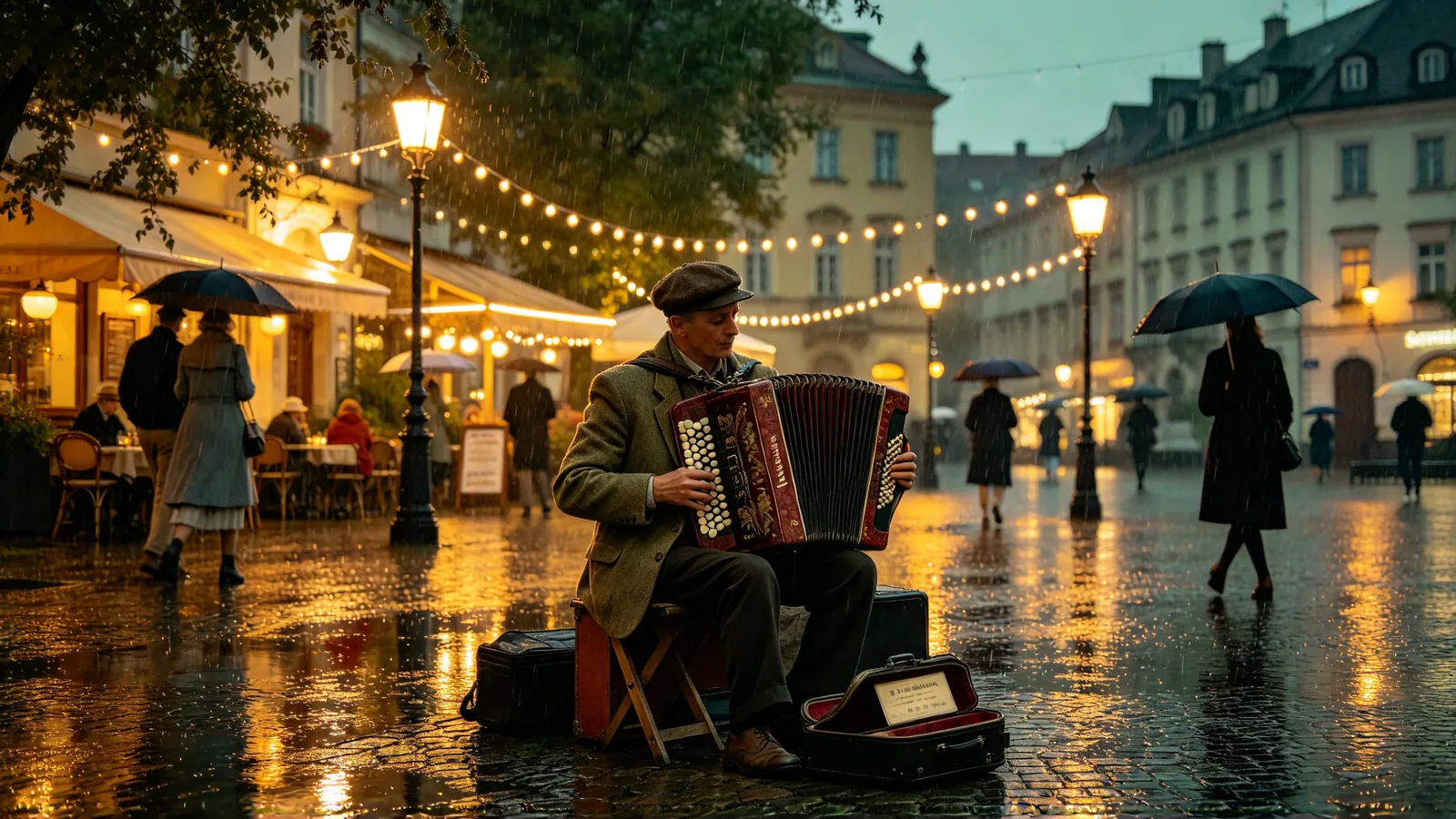
An accordion player performs on a rain-washed cobbled square at dusk, café lights shimmering in the puddles around him.

What is Veo 3.1?

Veo 3.1 replaces Veo 3 in the Google Veo line, which is known for generating sound together with the picture.

Give it a written scene and it returns a clip with natural camera movement, believable physics and lighting that holds together from the first frame to the last.

Give it a photo and it uses that photo as the opening frame. On Veo 3.1 Fast and Pro you can also add a last frame, and the model works out the motion between the two.

This page covers Veo 3.1 Lite, Veo 3.1 Fast and Veo 3.1 Pro. How the versions differ:

  • Veo 3.1 Fast is tuned for speed and everyday work such as ads, quick A/B tests and social clips.
  • Veo 3.1 Pro is the full-quality model, which Google lists simply as Veo 3.1.
  • Veo 3.1 Lite is the lowest-cost version, for drafts and high-volume work. It starts from text or a single photo and does not offer 4k.

On Zero Kit all three share one editor, on Plus and above. Fast returns every clip with sound; Pro runs with sound off, for shots where the picture matters more than the soundtrack.

Every version makes clips of 4 / 6 / 8 seconds in landscape or vertical format, and Fast and Pro go up to 4k.

Veo 3.1 suits:

  • Short ads and product reveals.
  • Travel and food scenes.
  • Talking-head moments.
  • Anything that should look filmed rather than animated.

If you only need one photo to move, Animate photos is the quicker route.

What Veo 3.1 does well

Native audio: dialogue and sound effects in one pass

The headline feature of the Veo 3 family is native audio: the soundtrack is made with the video. Footsteps land on the beat of the walk, a door slam matches its frame, and dialogue moves with the speaker's lips.

It suits talking scenes, street and nature ambience, product clips with a satisfying click or pour, and social videos that play with the sound on.

Google's advice is to put spoken lines in quotation marks and to describe sound effects and background noise plainly: the barista says "Your usual?" as the espresso machine hisses and rain taps on the window.

On Zero Kit, where Veo 3.1 is included in Plus and above, Fast returns every clip with sound and Pro runs with sound off. Use Fast when the audio carries the moment.

Listen to every result before you publish it, because a voice or an accent can still differ from what you wrote.
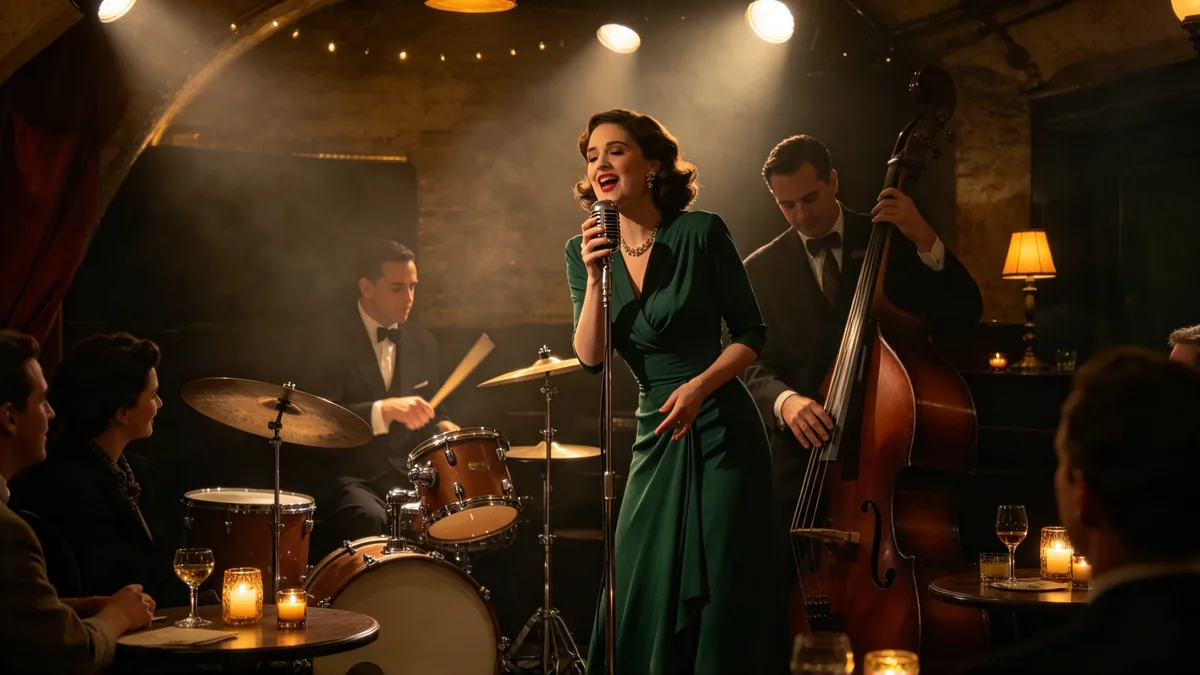
A jazz trio plays in a small basement club, the singer leaning into the microphone while the drummer keeps time on the snare.

Cinematic 16:9 video keyframe, a medium shot inside a small basement jazz club, a singer in a dark green dress leaning into a vintage microphone, a drummer sweeping brushes across a snare, an upright bass player nodding along, low amber stage light and a haze of warm air, a few listeners at candlelit tables in the foreground. Warm amber and deep green palette, intimate atmosphere, no text, no logos.
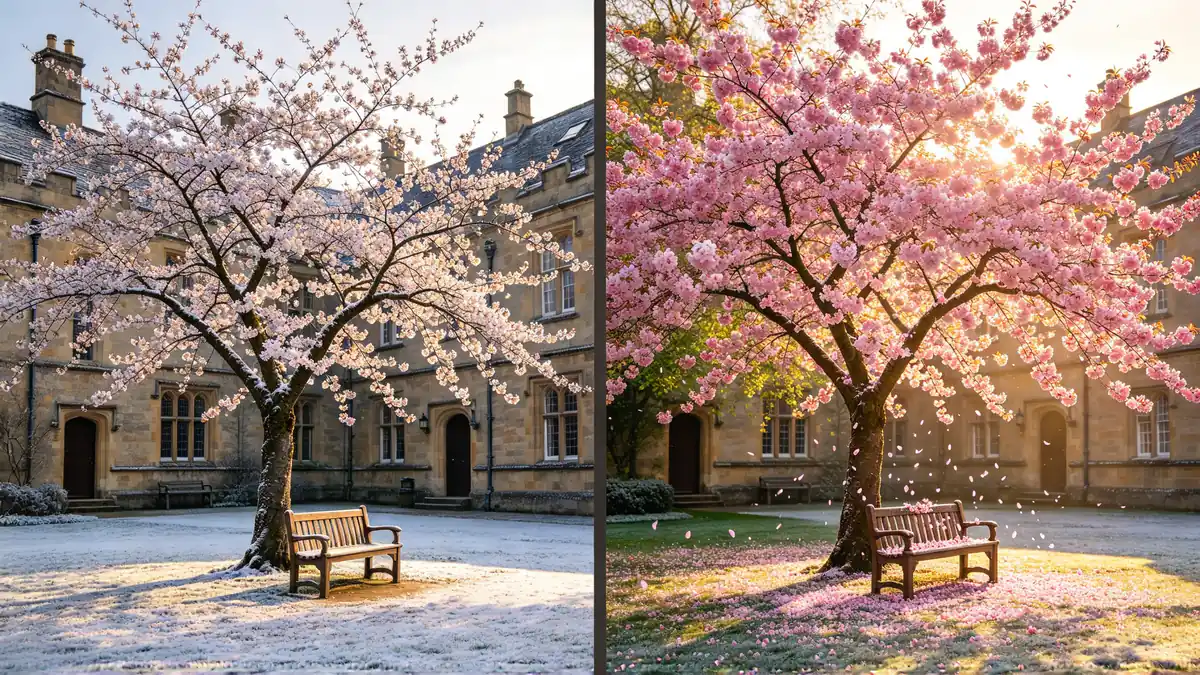
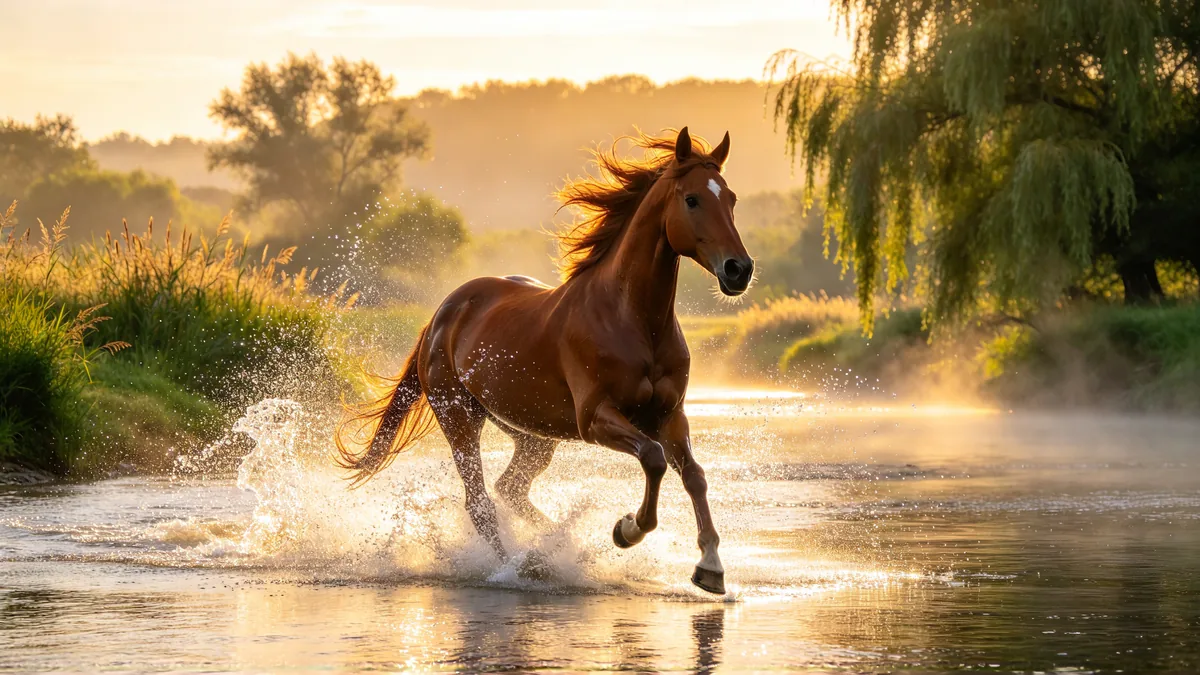
Image to video with a first and last frame

Veo 3.1 does not need a blank page. Upload an image and the model treats it as the opening frame, keeping the subject, the setting and the light while it adds motion.

A product shot turns on its stand, a portrait takes a breath and looks up, a landscape photo gains drifting clouds and moving water.

On Veo 3.1 Fast and Pro you can add a second image as the last frame, and the model fills in everything between. Use it for a planned change, such as a winter courtyard that blossoms into spring.

Take both frames from the same camera position, keep the lighting consistent, and use the prompt to describe only what happens during the clip. Veo 3.1 Lite takes a first frame but not a last one.

Two frames side by side: a stone courtyard with a frost-covered cherry tree in winter, and the same courtyard with the tree in full pink blossom.

Cinematic 16:9 video keyframe, a diptych of two panels separated by a thin dark gutter, both from the identical camera position: left, a quiet stone courtyard with a bare cherry tree and a wooden bench under a pale winter sky, a dusting of frost on the ground; right, the same courtyard in spring, the cherry tree in full pink blossom, petals drifting onto the bench, warm golden light. Consistent framing and architecture across both panels, amber and sage palette, no text, no logos.

Lifelike motion and fine detail

Veo 3.1 is at its best with real-world motion: water that splashes and settles, fabric that catches the wind, animals whose weight shifts from leg to leg, hands that pick up a cup without passing through it.

It also follows camera language well. A slow dolly, a crane rising over a rooftop or a handheld shot trailing a runner comes out close to what the prompt describes.

Fast and Pro render at up to 4k, which leaves room to crop in the edit or play the clip on a large screen.

A slow camera move keeps hair, bark, spray and knitted wool readable, where fast action blurs texture at any resolution.

Test the motion at the default resolution first, then render the final take at a higher one once the prompt is settled.

A chestnut horse gallops through a shallow river at sunrise, water spraying up around its legs.

Cinematic 16:9 video keyframe, a low tracking shot beside a chestnut horse galloping through a shallow river at sunrise, water spraying up in bright droplets around its legs, mane flying, reeds and willow trees on the far bank, mist hanging over the water. Warm amber backlight, sage-green foliage, crisp detail in the spray and the horse's coat, fast smooth camera motion, no text, no logos.

How to write prompts for Veo 3.1

  1. Good Veo 3.1 prompts read like a shot list: subject, action, setting, camera move, light, then sound.

    "A fisherman mends a net on the dock at dawn, slow push-in, soft mist, gulls calling and water lapping against the hull" is enough to start.

  2. Put spoken lines in quotation marks and say who speaks them, for example: the old man looks up and says "You're late again." Keep each line short enough to say in the clip's length.

  3. Name sound effects and background noise explicitly, such as "tires hiss on the wet road, a distant siren fades", so the model knows what the clip should sound like.

  4. Use camera language the model knows: dolly in, crane up, tracking shot, handheld, rack focus, slow motion. One clear camera move per clip works better than several.

  5. Write prompts in English. Google says it has not evaluated other languages, so an English prompt gives the most predictable result.

Videos made with Veo 3.1

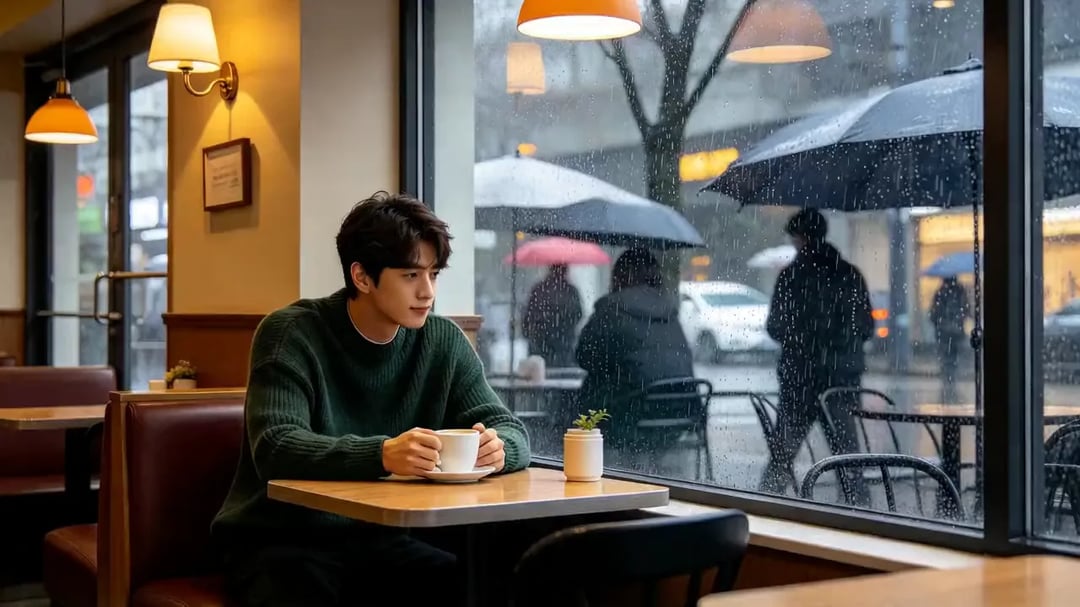
  • Rain on the café window

    Generated with Veo 3.1

    A single continuous shot inside a quiet corner café on a rainy afternoon. A young man in a dark green knit sweater sits at the window, wraps both hands around a white coffee cup, lifts it and takes a slow sip while watching rain stream down the glass and blurred umbrellas pass outside. The camera starts wide and pushes in gently to a medium close-up. Warm amber interior light against cool grey daylight, soft reflections on the window, cinematic natural film look.

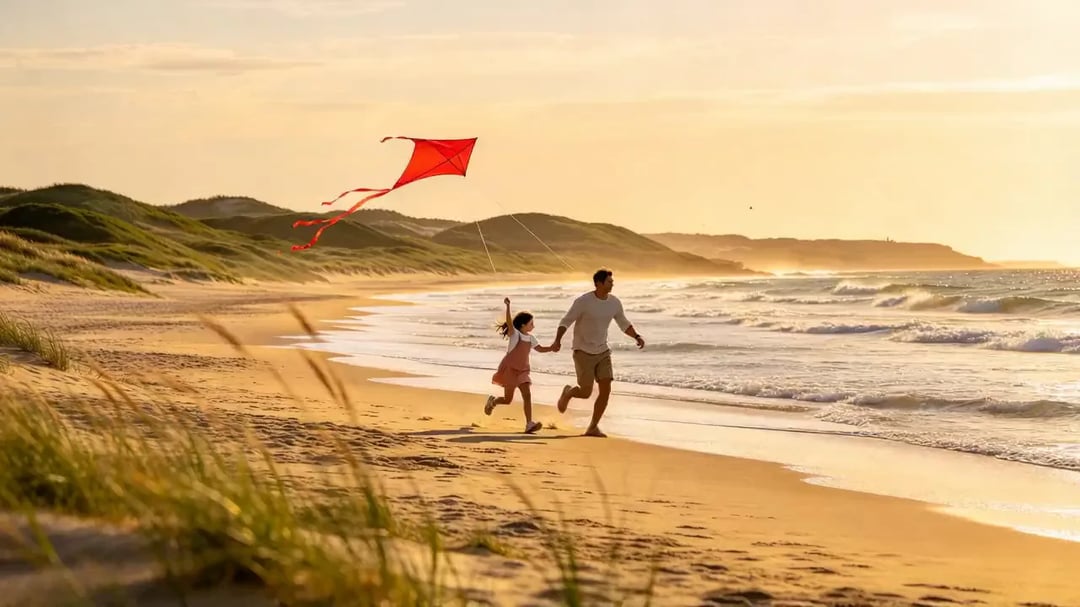
  • Flying a kite on the beach

    Generated with Veo 3.1

    A single continuous shot on a wide sandy beach at golden hour. A father and his young daughter run along the waterline, and she lets go of a bright red kite that climbs into the wind as he pays out the line; she jumps and points up at it, laughing. The camera tracks alongside them at a low angle, dune grass bending in the foreground, gentle waves rolling in. Warm amber sunlight, sage-green dunes, smooth tracking movement, cinematic.

Sample prompts to try with Veo 3.1

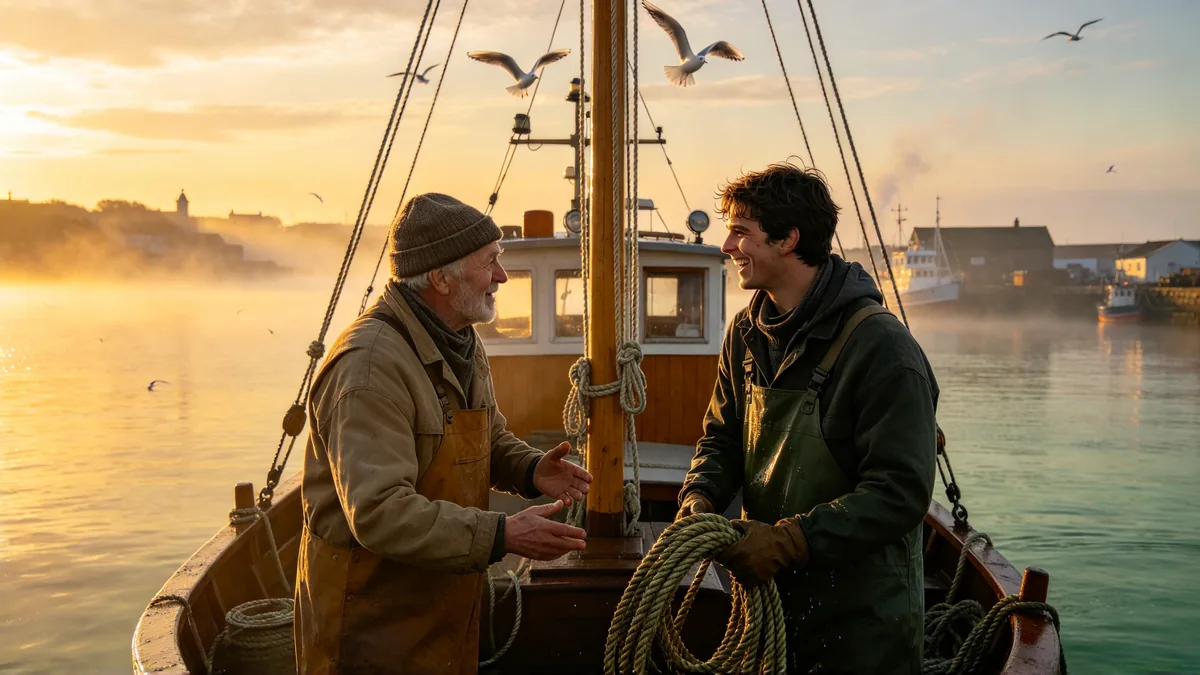
  • Two fishermen in wool caps talk and laugh while coiling rope on the deck of a small boat at dawn.

    Conversation on a fishing boat

    Cinematic 16:9 video keyframe, a medium two-shot on the deck of a small wooden fishing boat at dawn, an older fisherman in a wool cap says something to his younger colleague, who laughs while coiling a wet rope, gulls circling the mast, mist lifting off a calm harbor behind them. Warm amber sunrise and soft sage-green water, gentle handheld movement, natural film grain, no text, no logos.

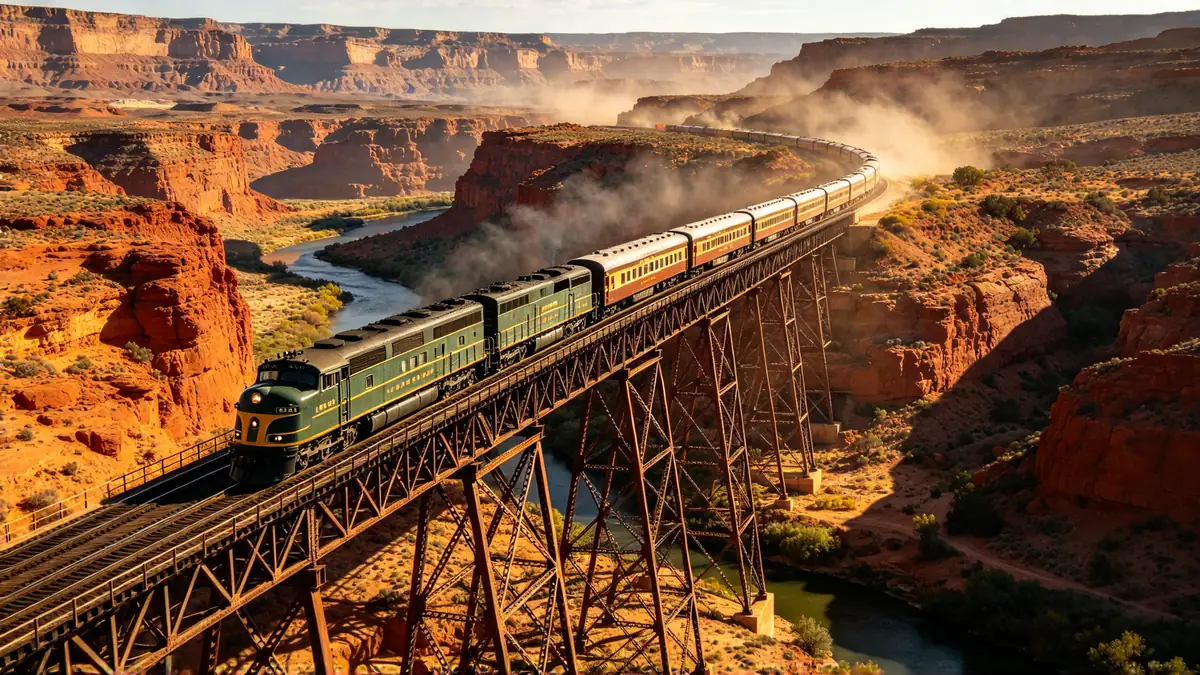
  • A vintage passenger train crosses a tall iron bridge over a desert canyon in late afternoon light.

    Train across the canyon

    Cinematic 16:9 video keyframe, a slow aerial shot tracking alongside a vintage passenger train as it crosses a tall iron trestle bridge over a red desert canyon, long shadows from the late afternoon sun, a thin river glinting far below, dust drifting in the warm air. Amber and sage palette, smooth drone motion, sweeping sense of scale, no text, no logos.

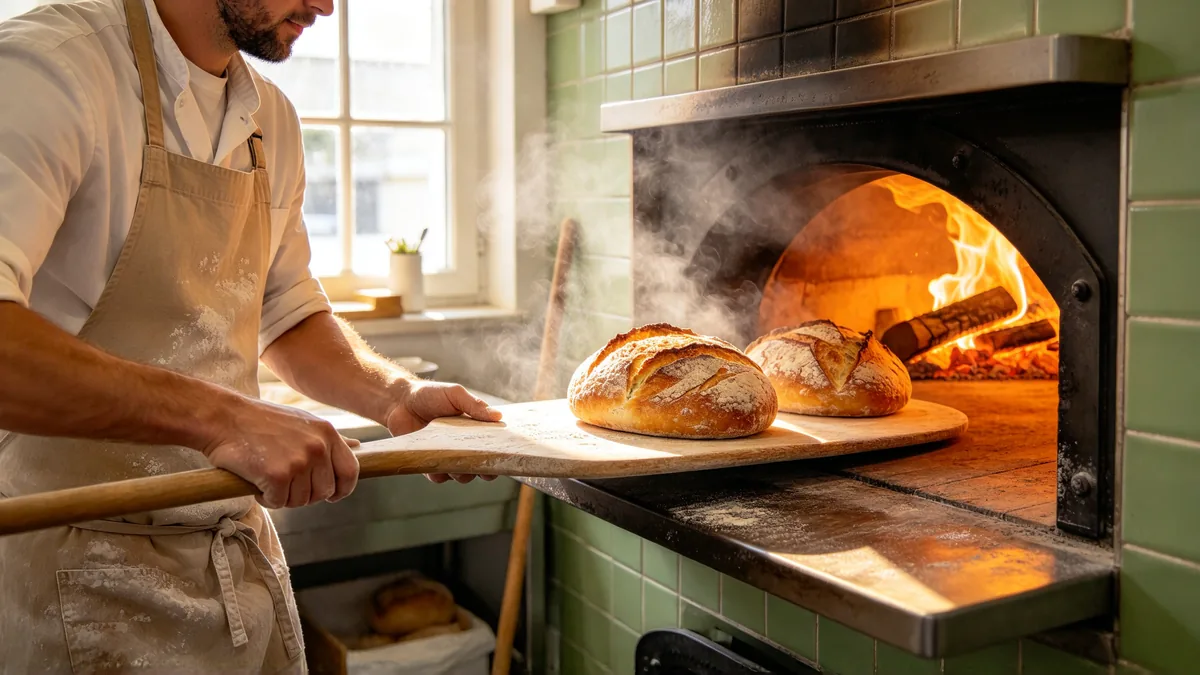
  • A baker slides a tray of crusty loaves out of a glowing wood-fired oven, steam curling into the morning light.

    Bread out of the oven

    Cinematic 16:9 video keyframe, a close shot of a baker in a flour-dusted apron sliding a long wooden peel out of a glowing wood-fired oven, crusty round loaves crackling as they meet the cool air, steam curling up through a beam of early morning window light. Warm amber glow against soft green tiles, shallow depth of field, slow push-in, no text, no logos.

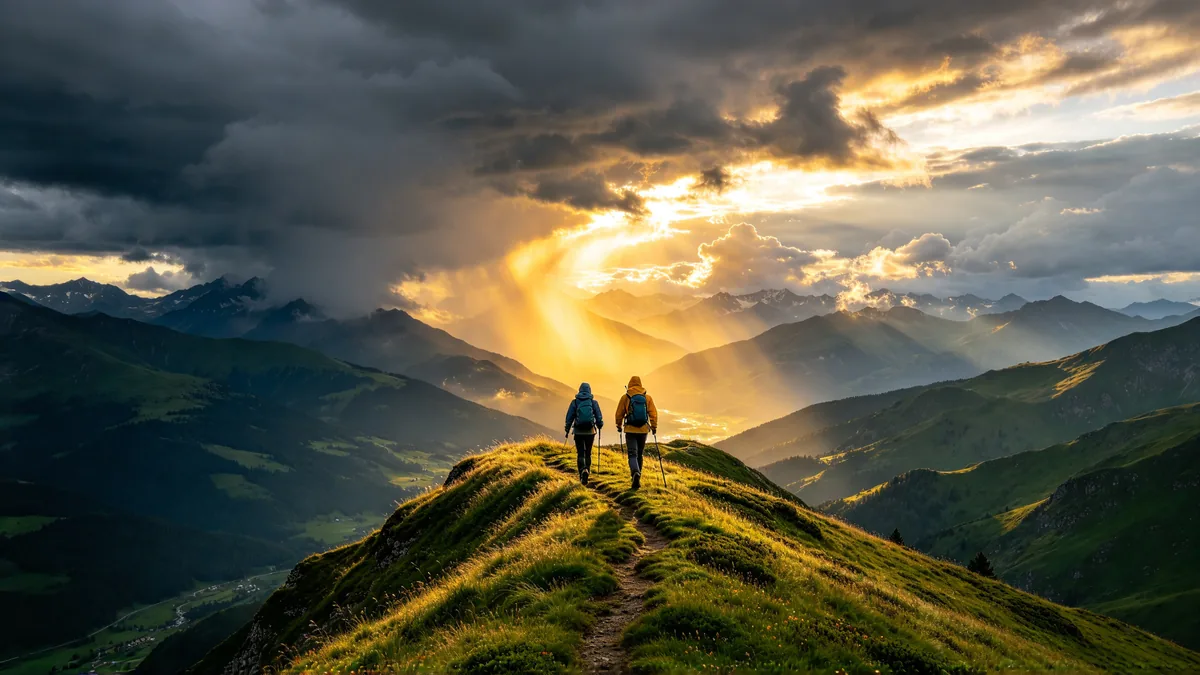
  • Two hikers in rain shells walk along a grassy mountain ridge as dark storm clouds roll in over the valley.

    Storm over the ridge

    Cinematic 16:9 video keyframe, a wide tracking shot of two hikers in plain rain shells walking along a narrow grassy mountain ridge, dark storm clouds rolling over the valley behind them, wind flattening the grass, a shaft of golden light breaking through the clouds on the far peaks. Sage green hills, slate sky, warm amber highlights, epic and windswept, no text, no logos.

Sample images are illustrative; results vary by model.

Veo 3.1 specs and pricing

Every price below comes from the live price list, so it changes here as soon as rates change. Credits are charged per image, or per second of video.

Credits per second Dollar amounts are approximate, based on monthly subscription prices.
ResolutionPlanVeo 3.1 LiteVeo 3.1 FastVeo 3.1 Pro
720pPlus13 about $0.1332 about $0.3260 about $0.60
1080pPlus20 about $0.2043 about $0.4380 about $0.80
4kPlusNot available64 about $0.64110 about $1.10

Veo 3.1 limitations

  • Clips are short: 4 / 6 / 8 seconds, and no lengths in between.

    For a longer story, generate several clips and cut them together, or end one clip on a frame you reuse as the first frame of the next.

  • On Zero Kit, where all three versions are included in Plus and above, only Veo 3.1 Fast returns sound. Pro runs with sound off, and Lite has no sound setting.

    Google's documentation ties the higher resolutions to the longest clip length, so if a short clip at a high resolution fails, try 8 seconds.

  • Google embeds an invisible SynthID watermark in every Veo video, and its safety filters can block prompts or images, especially ones showing real people.

    Faces, hands and on-screen lettering can still slip in busy scenes, so check the result frame by frame before you publish.

Veo 3.1 FAQ

Partly, through Google: Google Flow gives every user free daily credits that cover a few short Veo 3.1 Lite or Fast clips, while Google's developer platform has no free tier for Veo.

On Zero Kit it is included in Plus and above, and each run costs credits. Signing up is free, so you can open the editor, write a prompt and see the price before you upgrade.

Ready to try Veo 3.1?

Write a line or pick a sample prompt, then press generate.

Last updated: