
Zero Kit AI

Grok Imagine Video 1.5 AI Video Generator

xAI's Grok Imagine Video 1.5 turns a prompt or a still image into a clip whose motion holds together and whose sound lands on the action, a solid base for a story told across several shots.

  • GrokxAI
  • Up to 1080p
  • Up to 1 reference images
  • Up to 4 videos per run
  • 1–15 seconds
  • Credits per second: from 20
  • Included in Plus and above
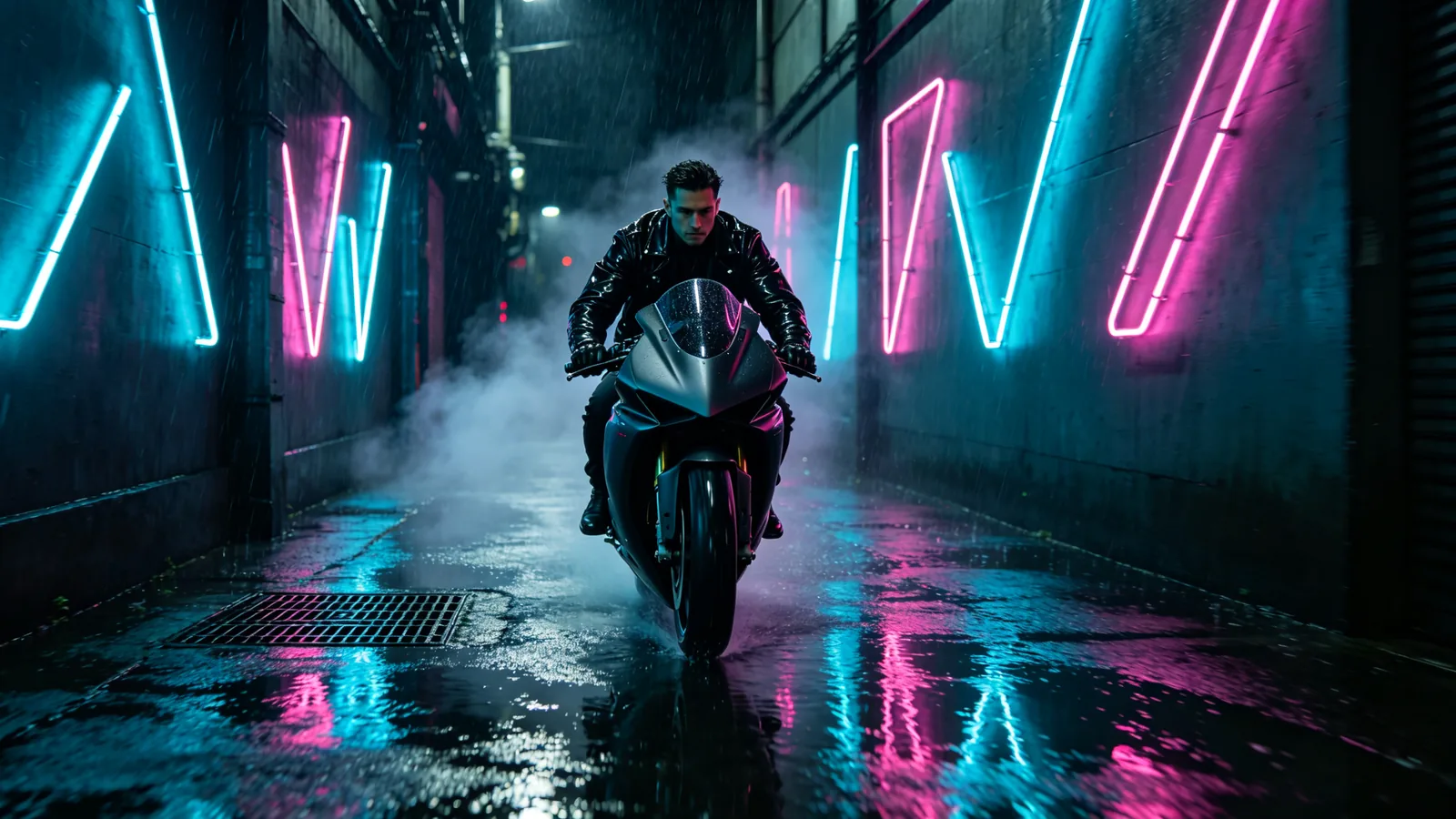
A motorcycle rider cruises through a rain-soaked alley lined with abstract neon shapes.

Sample prompts to try with Grok Imagine Video 1.5

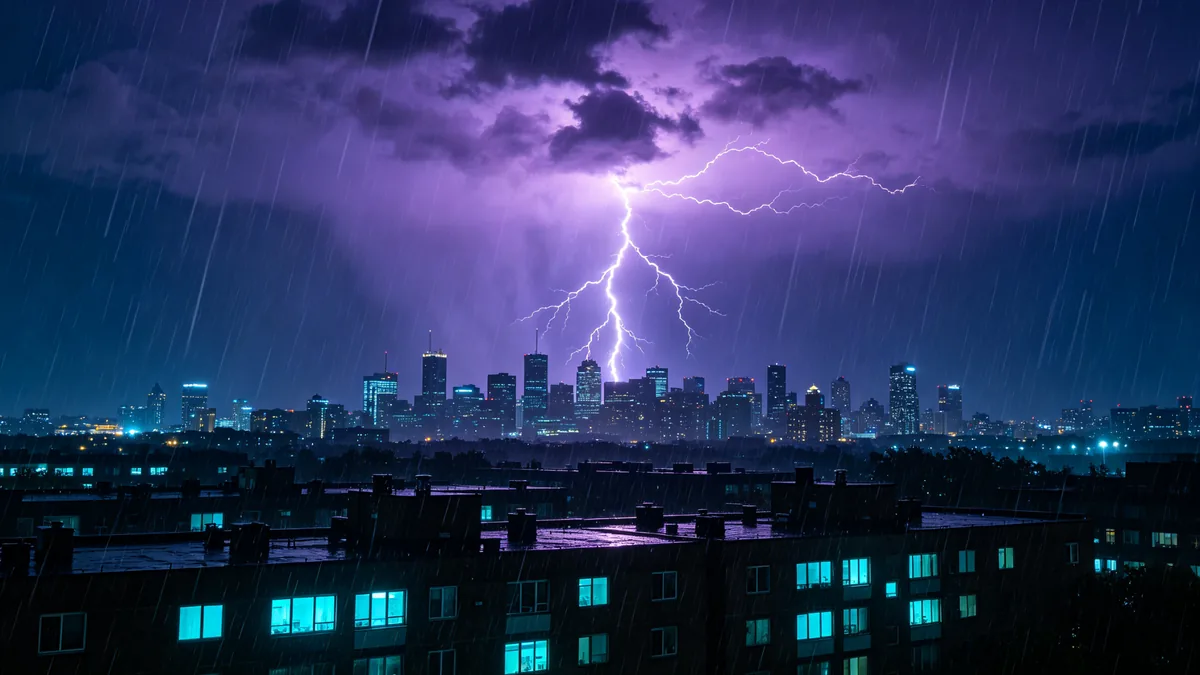
  • Forked lightning strikes behind a city skyline at night.

    Lightning over the city

    Cinematic 16:9 video keyframe, a wide shot of forked lightning striking behind a city skyline at night, the flash illuminating low clouds in violet, rain falling in sheets over the rooftops, windows glowing cyan. The moment of the strike, dramatic and loud-looking.

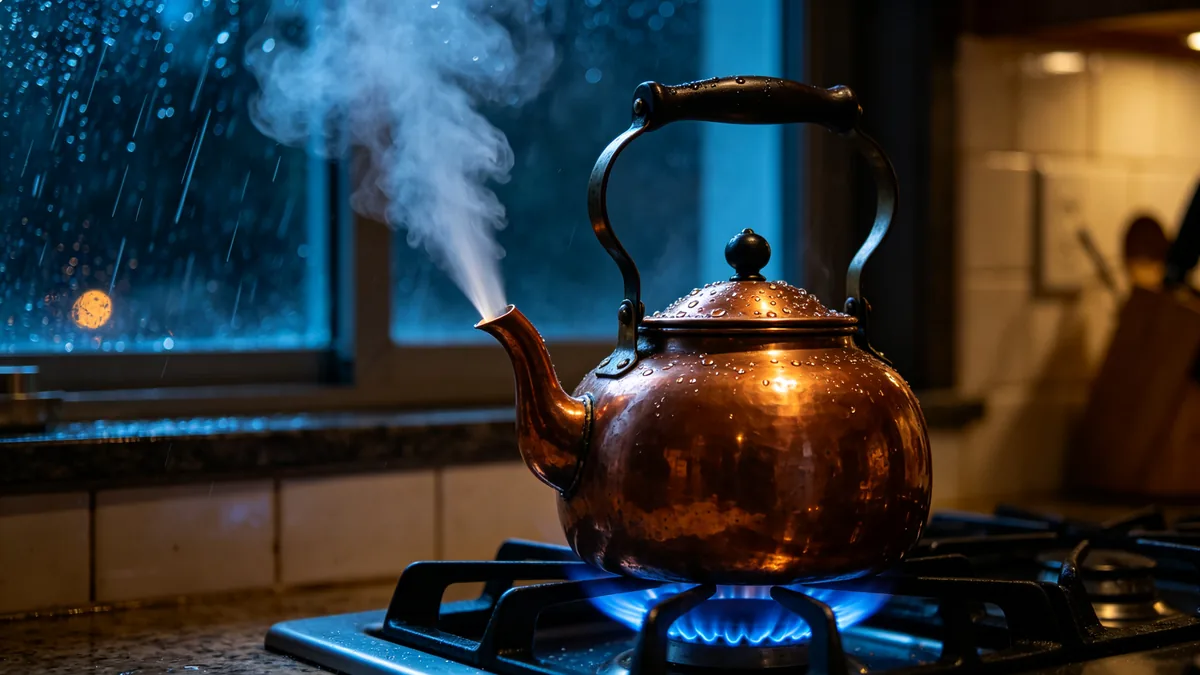
  • A close-up of a kettle whistling on a gas stove with a burst of steam.

    Whistling kettle

    Cinematic 16:9 video keyframe, a close-up of a copper kettle on a blue gas flame at the moment it starts to whistle, a sharp jet of steam shooting from the spout, droplets on the lid, a kitchen window with a rainy night outside. Cyan flame and warm copper, tactile and sonic.

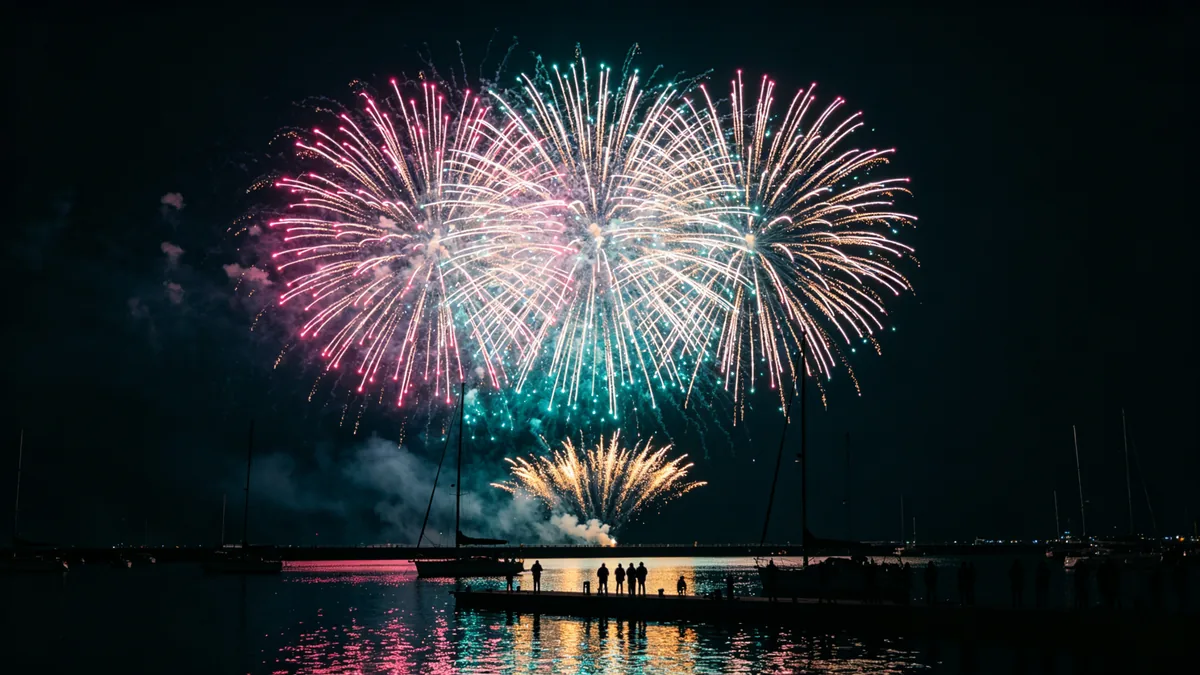
  • Fireworks burst above a harbor, reflected in the dark water.

    Fireworks over the harbor

    Cinematic 16:9 video keyframe, fireworks bursting in large chrysanthemum shapes over a harbor at night, sparks in magenta, cyan and gold reflected in the dark water, silhouettes of sailboats and people on the pier. The frame caught at the peak of a burst.

  • A bartender shakes a cocktail as ice and liquid splash in slow motion.

    Cocktail shake

    Cinematic 16:9 video keyframe, a bartender in a black shirt shaking a steel cocktail shaker behind a dim neon-lit bar, then pouring it with ice and a splash of magenta liquid frozen in slow motion above a coupe glass. Cyan backlight, sharp droplets, rhythmic and precise.

Sample images are illustrative; results vary by model.

About Grok Imagine Video 1.5

Grok Imagine Video 1.5 is the newer video model in xAI's Grok Imagine line. xAI describes it as its strongest image-to-video model so far, with better motion, better physics and better audio: movement holds together over the length of a clip, with fewer warps and more believable weight and momentum, and sound effects, ambience and dialogue come out in the same pass as the picture. It also works from text alone when you have no starting image.

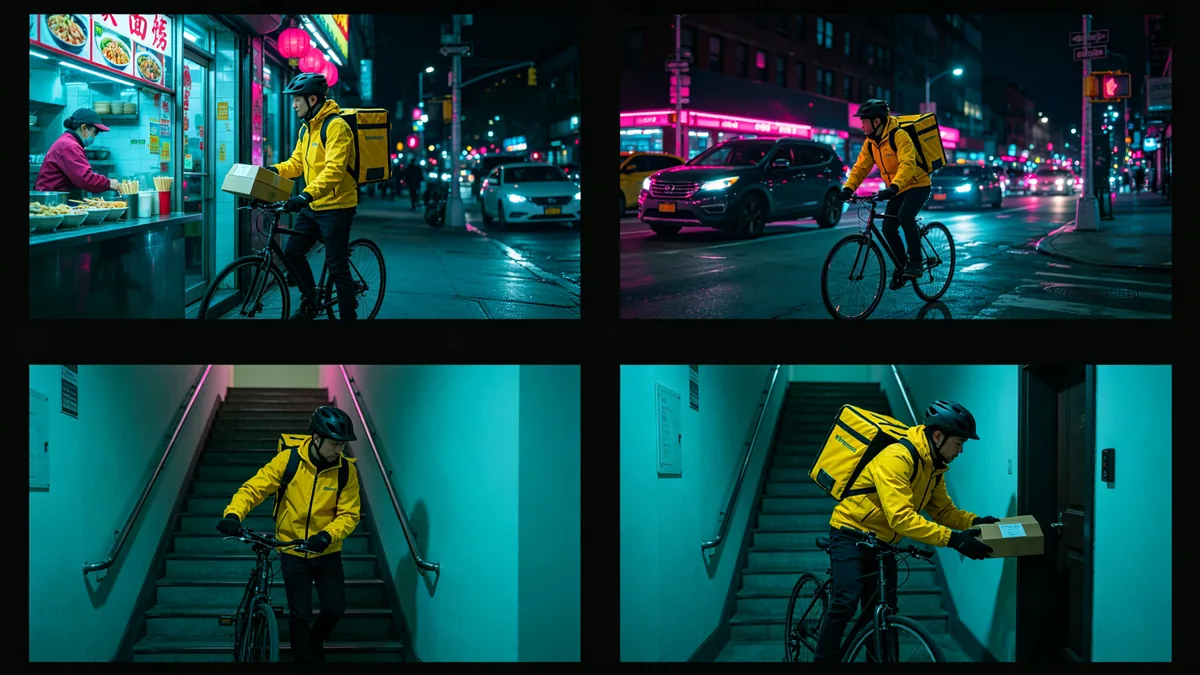
Where it earns its place is work built from several shots. Each clip holds its character steady and can start from an image you choose, so you can plan a short story beat by beat, for example a courier picking up a package, weaving through traffic, climbing a stairwell and handing it over, and generate each beat as its own shot from the same starting still. xAI's notes for this version put the same emphasis on continuity, on keeping a face, a product or a place fixed from scene to scene. For a single quick social clip, the original Grok Imagine Video in the same family is the lighter option.

On Zero Kit it runs from the editor at the top of this page. Write the shot or add a starting image, set the length between 1 and 15 seconds and generate; the clip is charged per second at the resolution you pick. Short clips are the cheapest way to check whether the motion works before you commit to a longer take.

What Grok Imagine Video 1.5 does well

Picture that implies sound

Grok Imagine Video 1.5 makes sound in the same pass as the picture, and xAI says effects, ambience and dialogue land on the action, with clearer and better-synced speech than before. The way to use that is to give the sound a visible moment to hit: a drop striking still water, a kettle starting to whistle, a firework at the peak of its burst. The macro splash in the sample is that kind of frame, one sharp impact with a crown of droplets and rings spreading out. Describe what is heard and when, in the same sentence as the action, and check your first result on Zero Kit to confirm the sound track comes through.
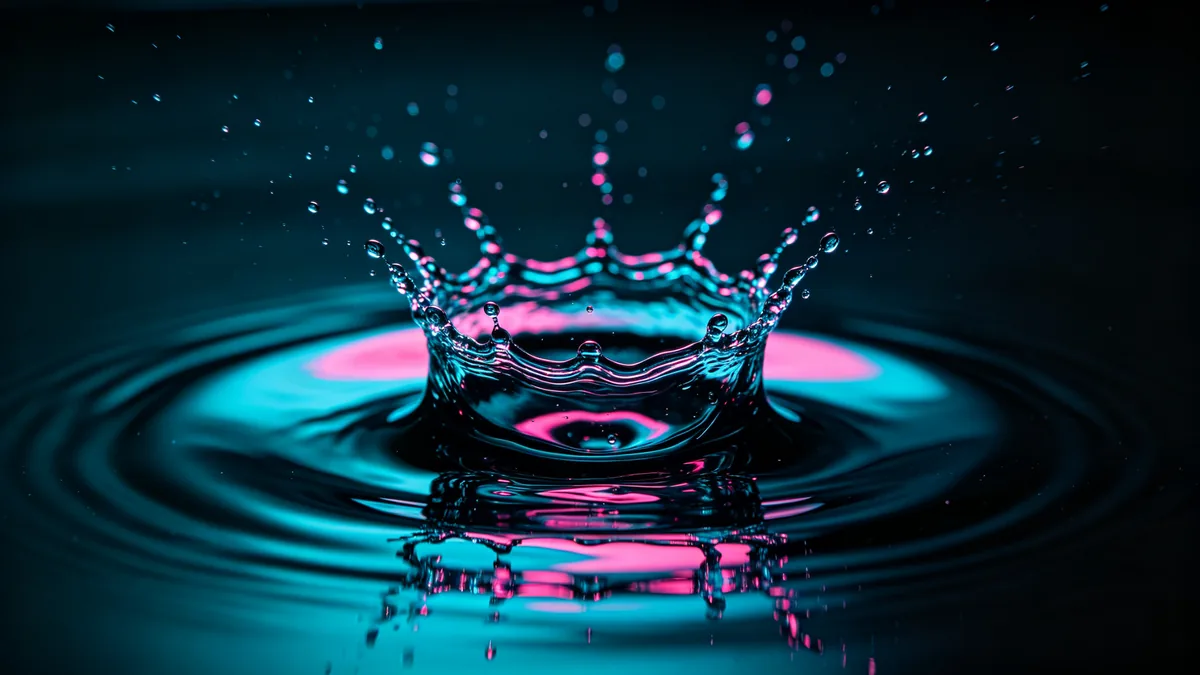
A macro shot of a water drop hitting a still surface and forming a crown splash.

Cinematic 16:9 video keyframe, a macro slow-motion shot of a single water drop striking a still dark water surface, forming a clean crown splash with tiny droplets suspended in the air, cyan and magenta light reflected in the ripples. The exact moment of impact, crisp and resonant.
Several shots, one story

A story across several shots works well with Video 1.5 when you build it one shot at a time. Plan the beats first, as in the sample grid: the pick-up at a noodle bar, the ride through traffic, the stairwell and the hand-over at a door. Then generate each beat as its own clip. Start every shot from a still of the same courier, and repeat the same words for the yellow jacket, the black helmet and the bicycle in each prompt, so the character carries across the cuts. Keep the colour grade identical in every prompt, then join the clips in an editor.

A two-by-two storyboard of the same courier in a yellow jacket moving through the city at night.

A two-by-two grid of four cinematic video frames following the same bicycle courier in a bright yellow jacket and black helmet at night: picking up a package at a noodle bar, weaving through traffic under neon light, climbing a stairwell, and handing the package over at a doorway. Same person, outfit and bicycle in every frame, consistent cyan and magenta grade, thin black borders.

Mood and continuity

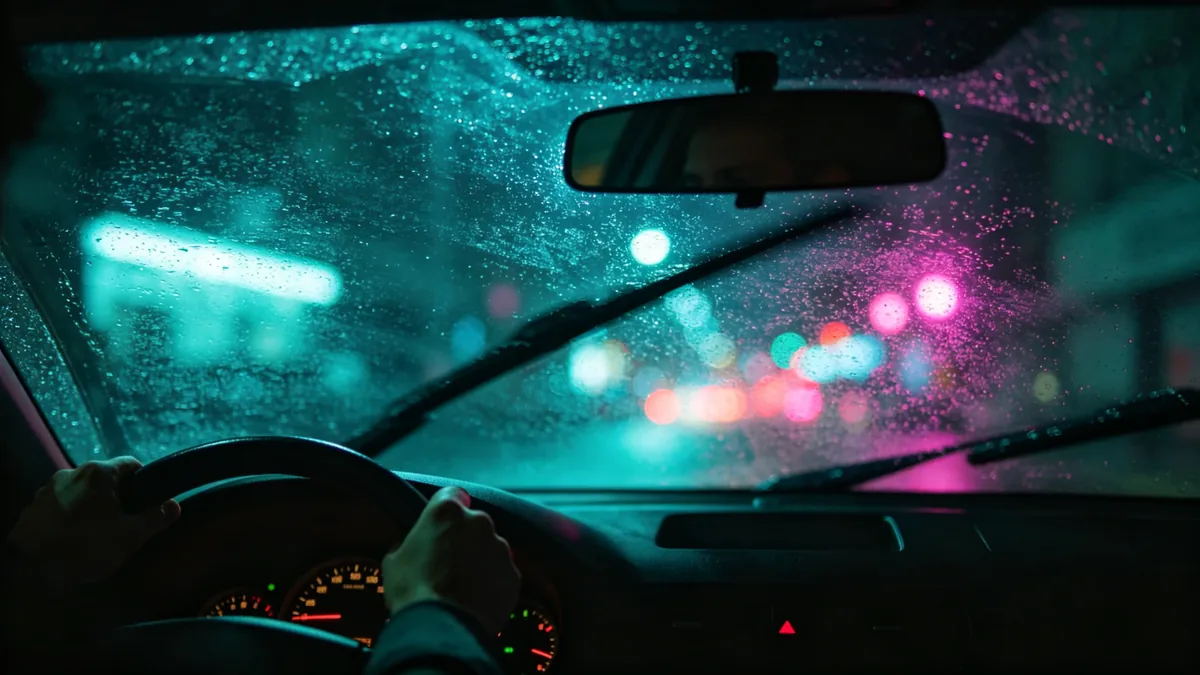
Video 1.5 is good at keeping one mood for a whole clip. xAI says movement holds together over the length of a clip, and ambience comes out together with the picture, so a scene can keep its rhythm from the first second to the last. A night drive is a good test: rain on the windscreen, the wipers sweeping on a steady beat, neon ahead blurring into cyan and magenta bokeh, the driver's hands lit by the dashboard. Name the repeating elements, such as the wipers, the rain and the passing lights, and keep the light sources the same from start to end.

Rain on a car windscreen at night with neon bokeh and wipers sweeping.

Cinematic 16:9 video keyframe, the view from inside a car at night looking through a rain-covered windscreen, wipers mid-sweep, blurred cyan and magenta neon bokeh from the street ahead, the driver's hands on the wheel softly lit by the dashboard. Moody, rhythmic, immersive.

Grok Imagine Video 1.5 specs and pricing

Every price below comes from the live price list, so it changes here as soon as rates change. Credits are charged per image, or per second of video.

Credits per second
ResolutionPlanCredits
480pPlus20
720pPlus35
1080pPlus63

Limitations to know

  • Each generation is its own clip, so continuity across a sequence is up to you. Even with the same starting image and wording, details such as a logo on a jacket or the shape of a bag can shift between shots; generate a few takes of each beat and keep the ones that match.
  • Speech is clearer than in earlier Grok Imagine video, but lip sync on long lines, or with several people talking at once, still needs checking. Keep dialogue short and give each shot a single speaker.
  • Lettering inside the frame is not reliable, and busy action where many people touch can still warp. Leave on-screen text for the edit and keep fast group action simple.

How to write prompts for Grok Imagine Video 1.5

  1. Write the shot in one line: subject, action, camera move, light. "A courier weaves through traffic, handheld tracking shot, neon at night" is enough to start.
  2. Give the sound a cue: name what is heard and the moment it starts, such as "the kettle whistles as the steam bursts out".
  3. For a sequence, keep the same description of the character and the same grade in every prompt, and change only the action and the place.
  4. Start from an image when the look matters. The image becomes the first frame, so the prompt only has to describe the movement.
  5. Draft at a short length and a low resolution, then render the take you like at up to 1080p.

Grok Imagine Video 1.5 FAQ

No. Grok Imagine Video 1.5 is included in Plus and above on Zero Kit, and each second of video costs credits. On the free plan you can still write a prompt and see the price; the pricing page lists what the free plan includes.

Ready to try Grok Imagine Video 1.5?

Write a line or pick a sample prompt, then press generate.

Last updated: