AI hairstyle changer: try on a new haircut with your photo
See a new haircut on your own face before you book the salon. Only the hair changes: your features, skin tone, makeup, clothes and background stay as they were.
- Nothing to install
Hairstyle try-on examples
Drag the divider to compare.


Try a pixie cut on your photo
Long straight black hair changed to a short textured pixie cut
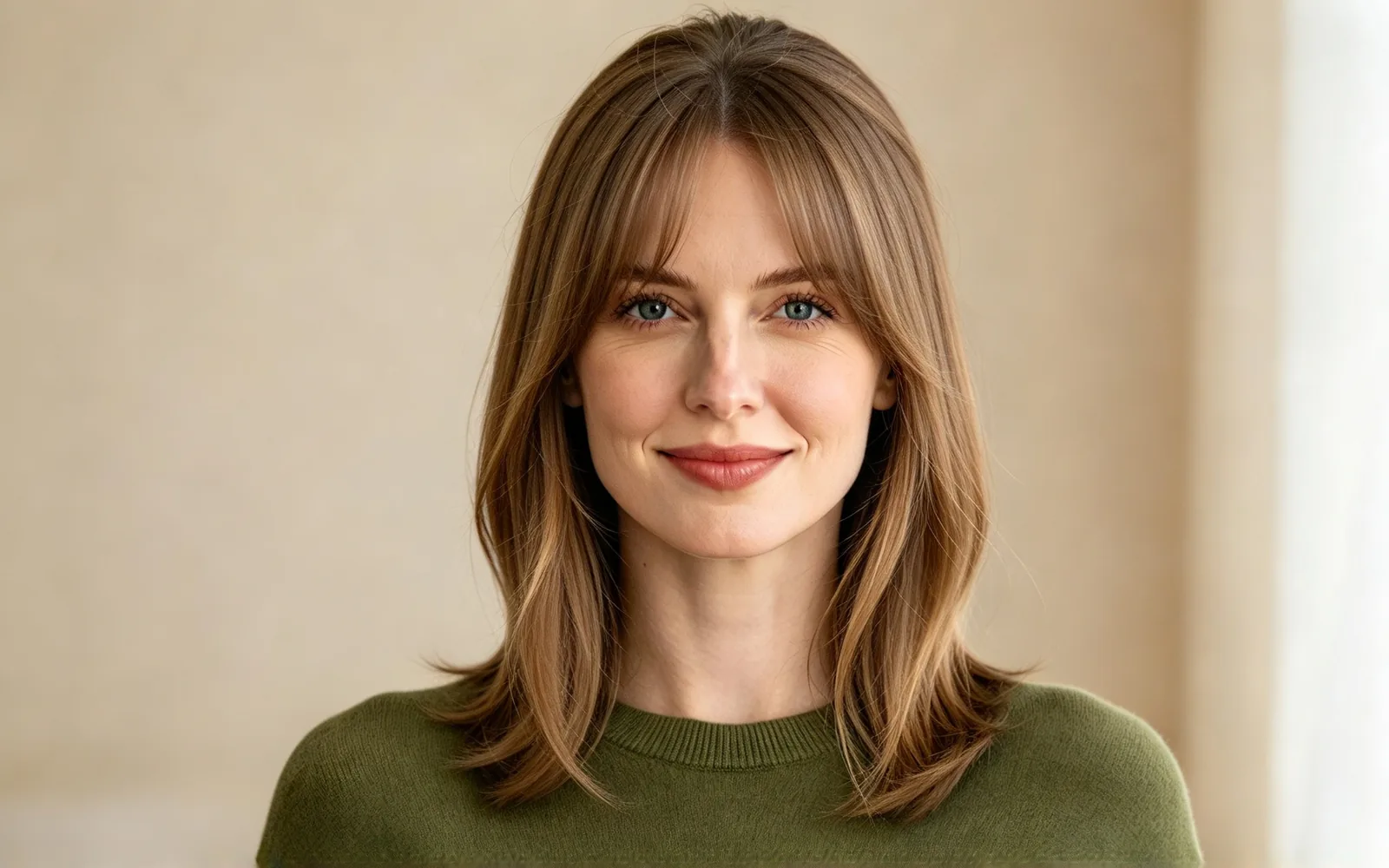
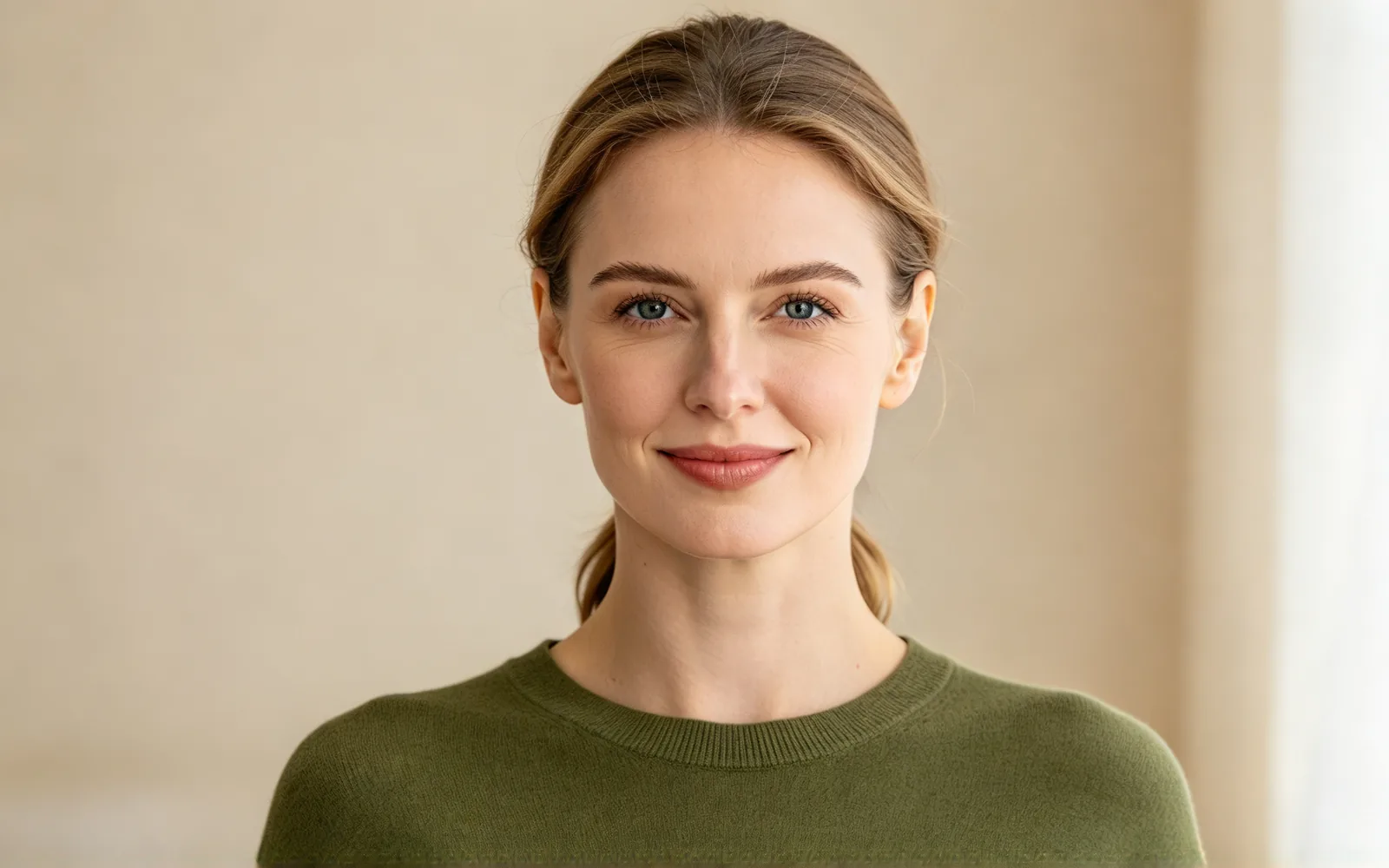
See yourself with curtain bangs
A tight low ponytail turned into mid-length hair with curtain bangs

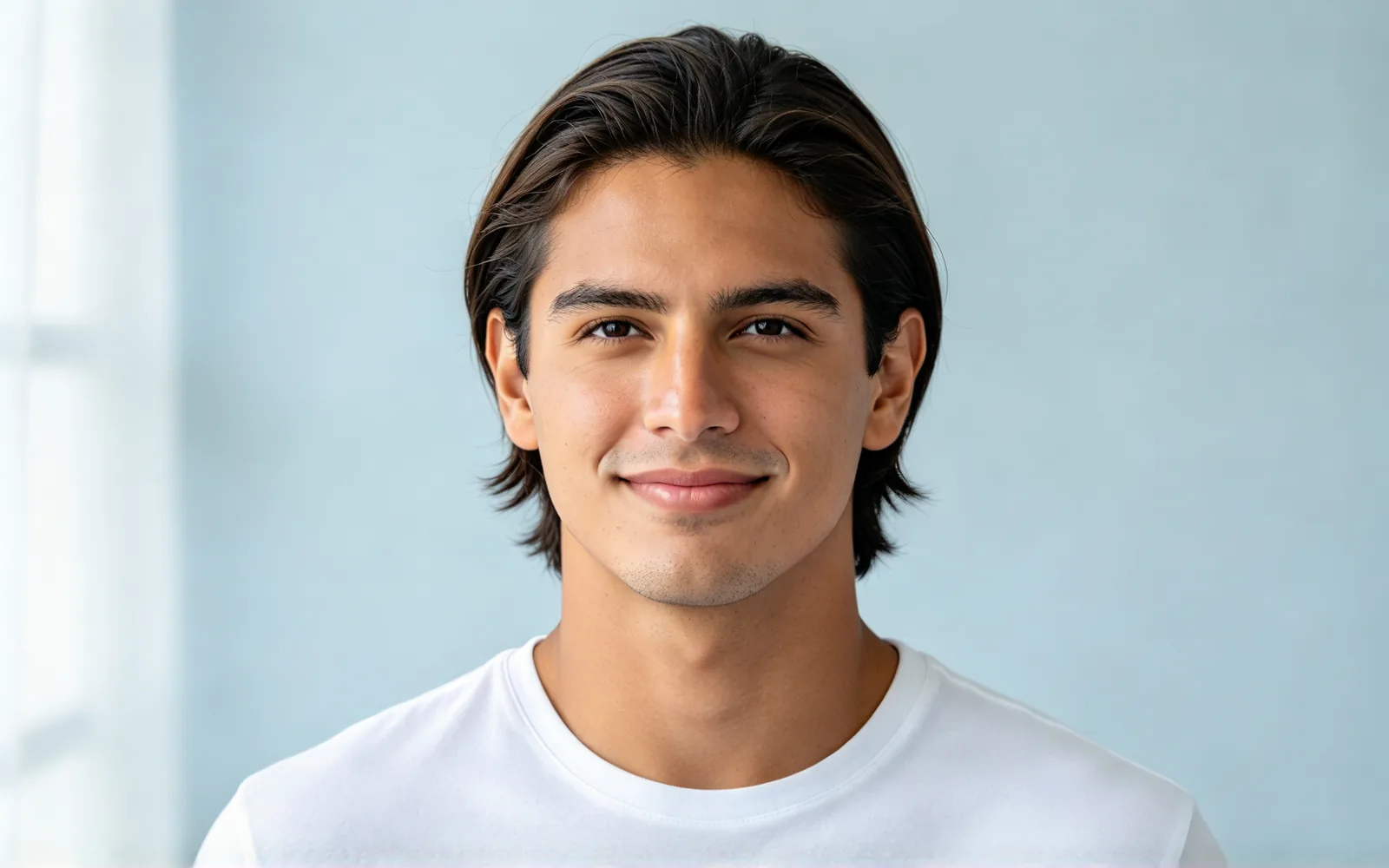
Preview a curly perm before the salon
Straight side-combed hair turned into a full curly perm


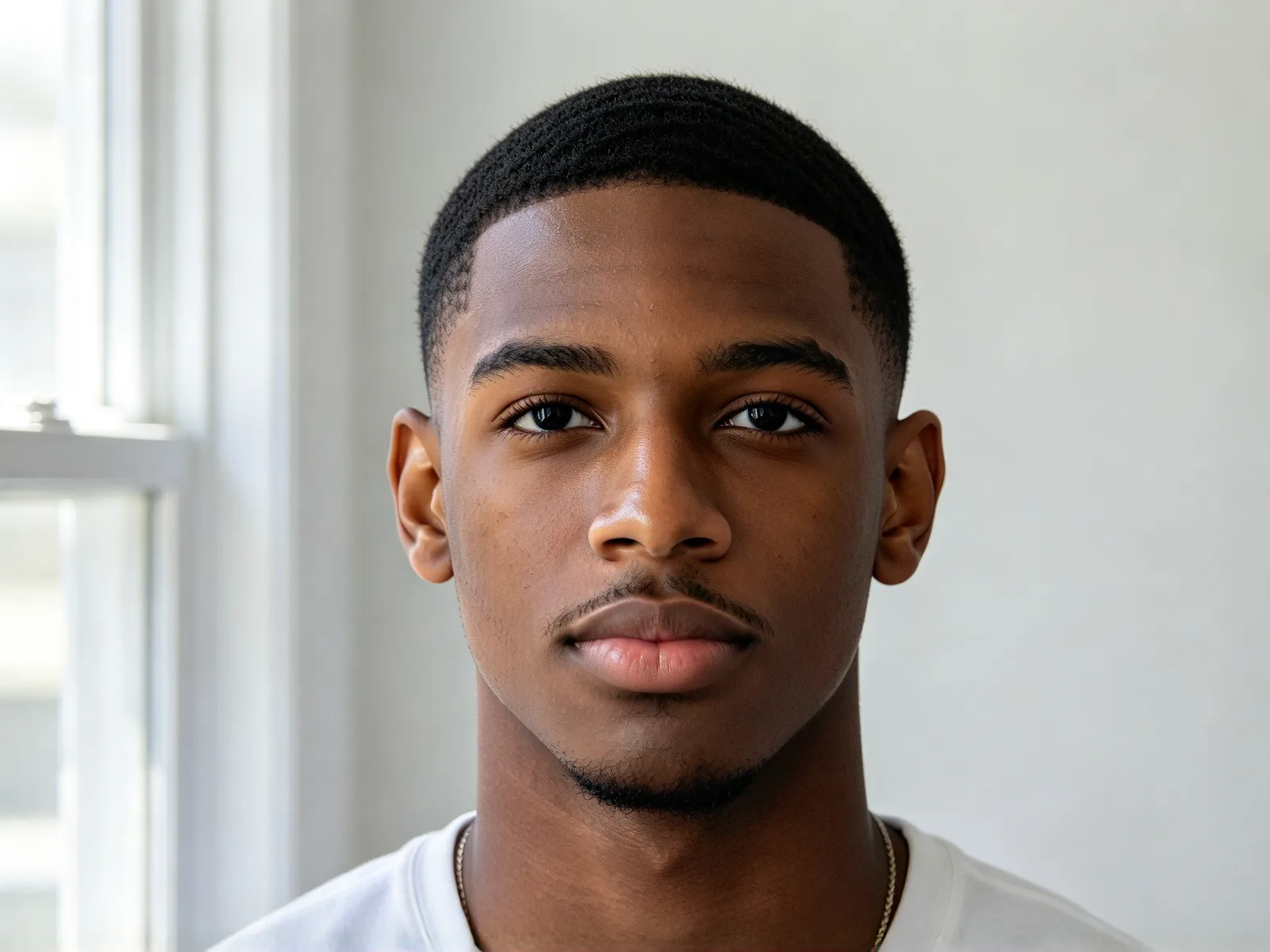
Try a buzz cut without cutting your hair
Shoulder-length wavy hair cut down to a short buzz cut, beard kept
How to try on hairstyles with AI
- 1
Upload a portrait
A front-facing photo with the whole head in frame works best.
- 2
Pick a hairstyle
Choose a cut, from Pixie cut and Bob to Wolf cut.
- 3
Generate and compare
Compare the new hair with the original, then try another cut.
AI hairstyle changer for salon visits, stylists and fun
A haircut takes months to undo, so see it first. Pick the use closest to yours.
Before the barber or salon
See a new cut on your face before you commit, long to short or the other way round.
- Try pixie, bob or buzz cut
- Compare lengths on the same photo
- Save the result as a reference
Stylists and barbers
Show a client options before the first snip.
- Agree on a look in one visit
- Compare two or three cuts side by side
- Send the picture as a reference
Social media and fun
Post a wild new look without touching your hair.
- Try curls, braids or an afro
- Share the before and after
Try on haircuts: what changes and what stays
Only the hair is edited, and the new cut is drawn around your own head.
- Your face, skin tone and expression stay.
- Makeup, clothes, background and light stay.
- The new hair follows your head shape and neckline.
- The hairline and ends blend naturally.
- Beards are not part of the hair edit.
- Earrings and glasses frames can shift slightly.
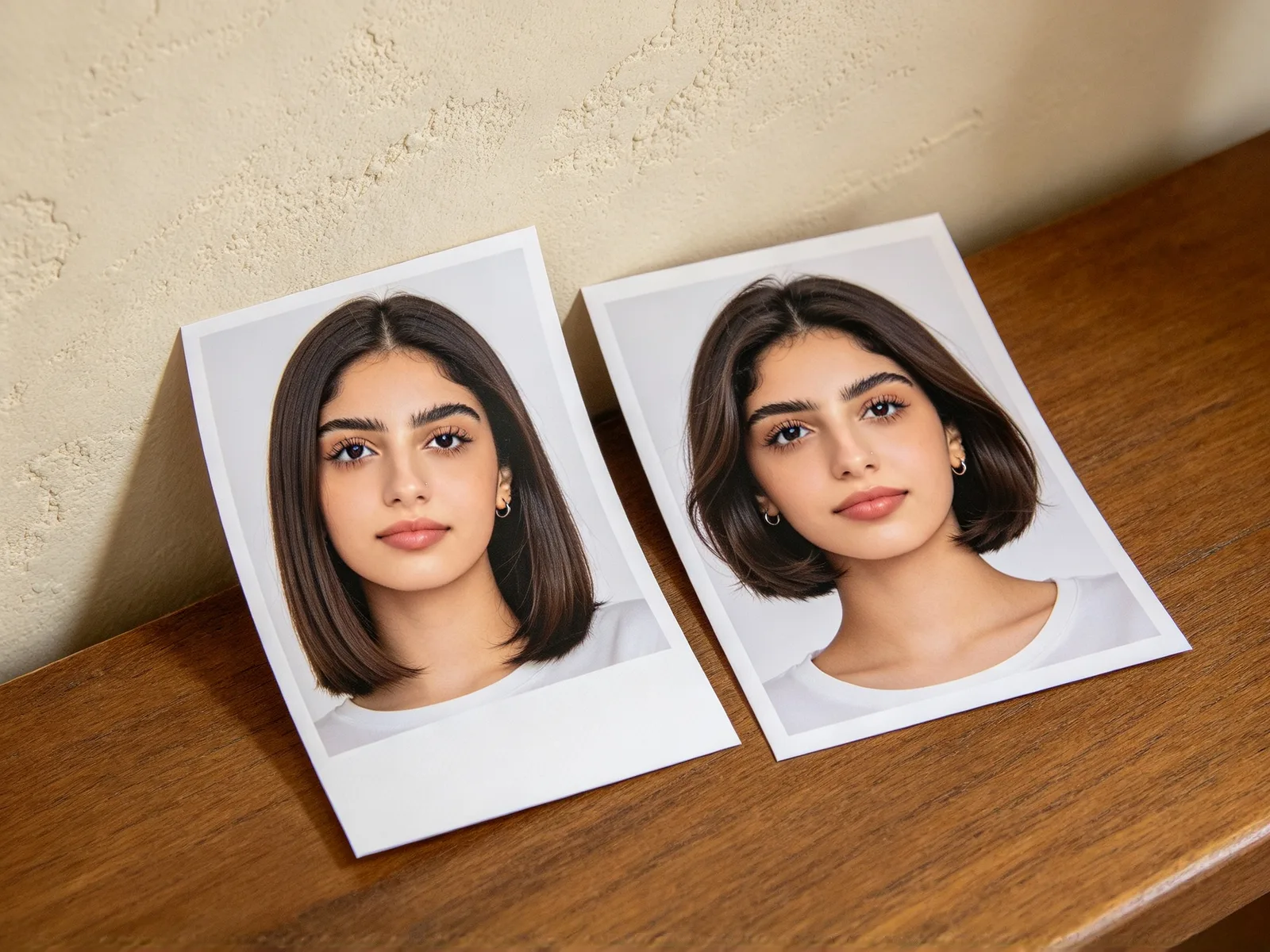
Hairstyles you can try on with a haircut simulator
The Hairstyle list covers short, medium and long cuts, curls and tied-up styles. Anything else goes in Extra details.
- Short: Pixie cut, Buzz cut, Undercut, Slicked back and Bald.
- Medium: Bob, Lob, Curtain bangs and Wolf cut.
- Long: Long layers, Beach waves and Long straight.
- Curls and texture: Curly and Afro.
- Tied up: Braids, High bun and High ponytail.
- Leave Hair color on Keep current to change only the cut.
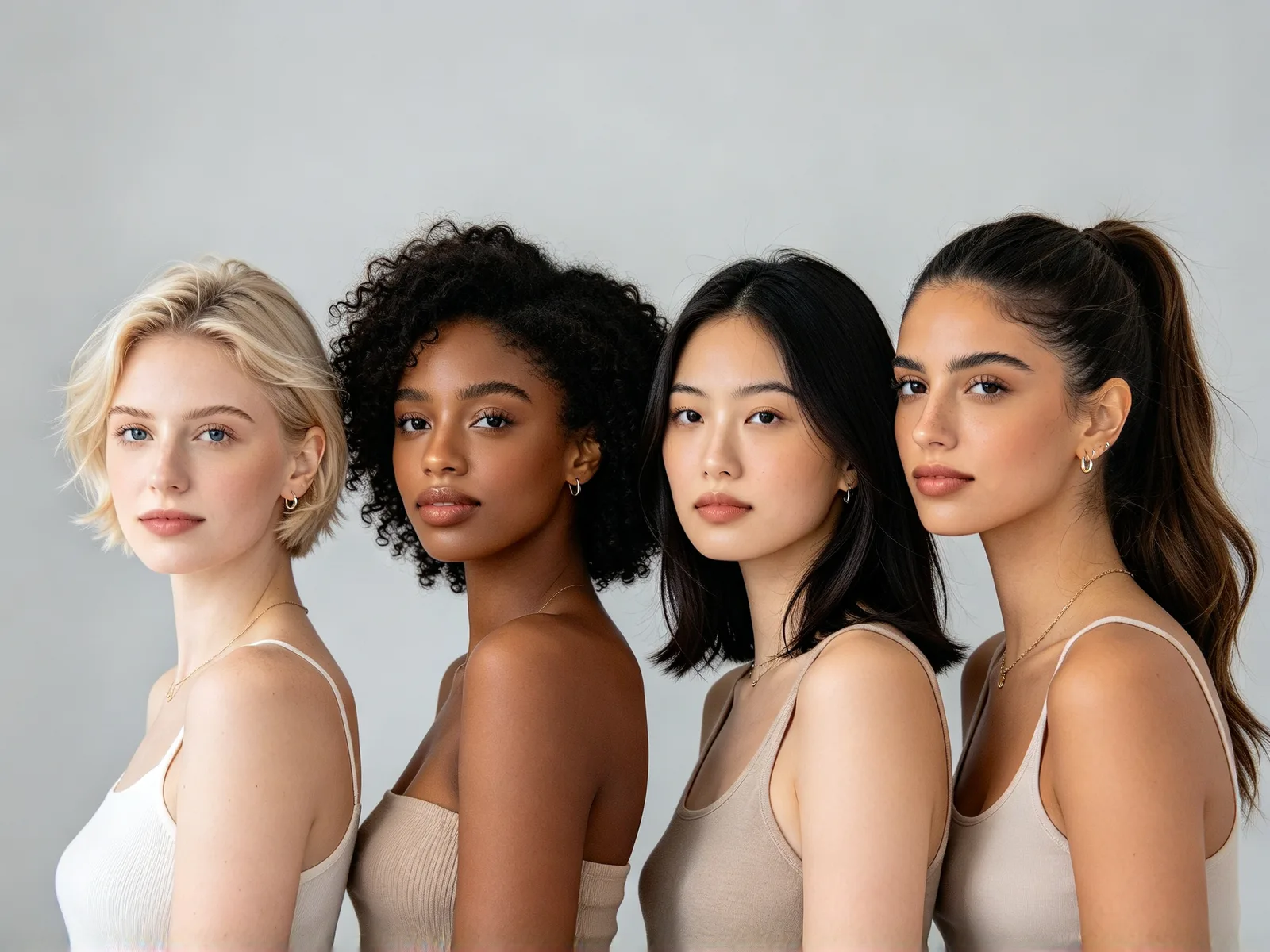
Photo tips for a realistic hairstyle try-on
These habits get a preview close to what a stylist can cut.
- Face the camera in sharp, even light.
- Keep the whole head in frame, with space above for tall styles.
- Take off hats and hoods, and move hands out of your hair.
- Try the same cut on two photos from different angles.
- Click Try another model if a result looks off.