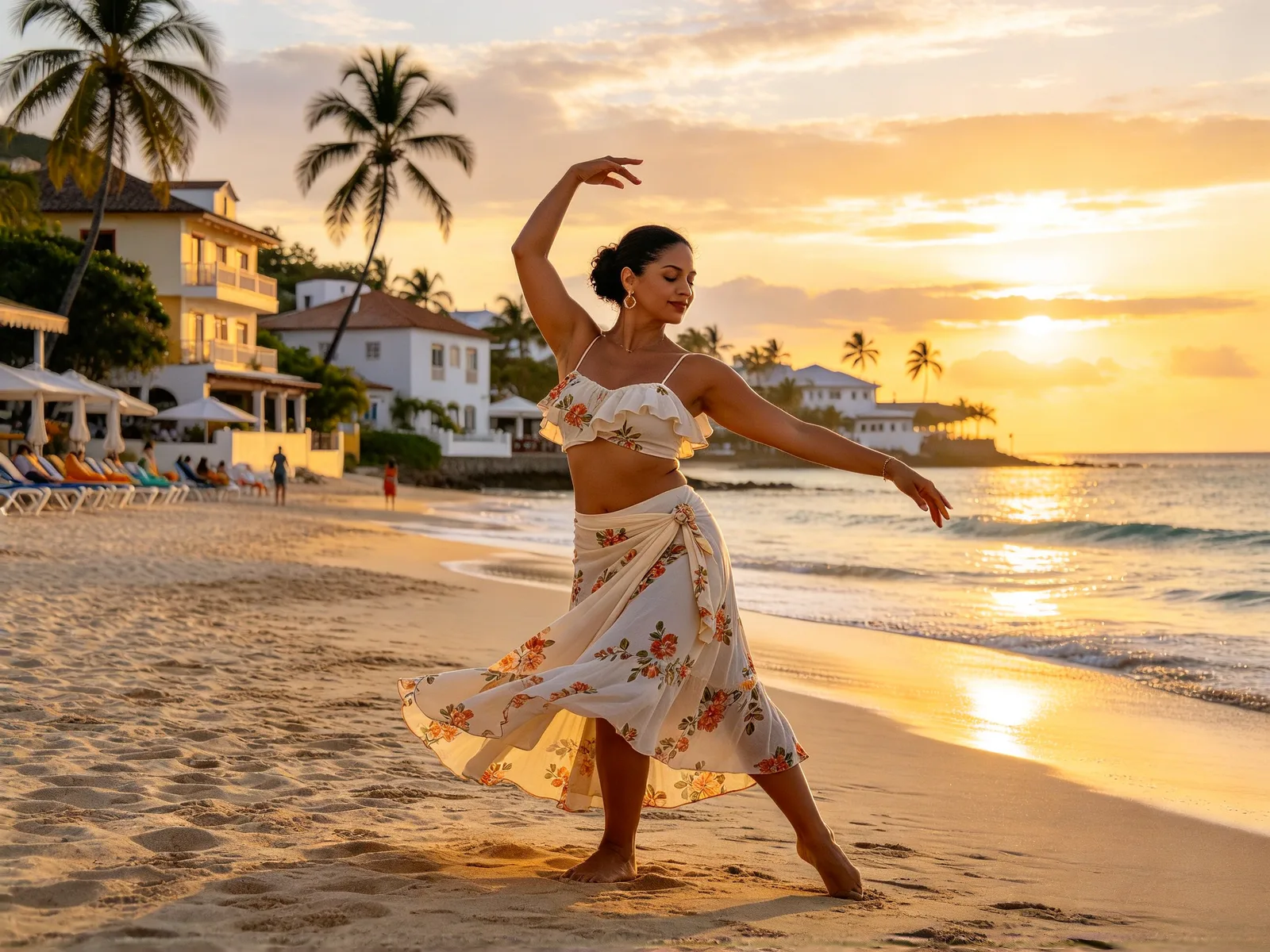
AI dance generator: make any photo dance
Pick a ready-made dance, add a photo, and the person, pet or cartoon in it performs the routine in a new video. Your own dance clip works too.
- Nothing to install
Pick a dance to start
Hover to preview a dance. Click one to open the tool with it loaded, then add your photo.
AI dance videos made from one photo
Hover a clip to play the source video and the result together.
 Character
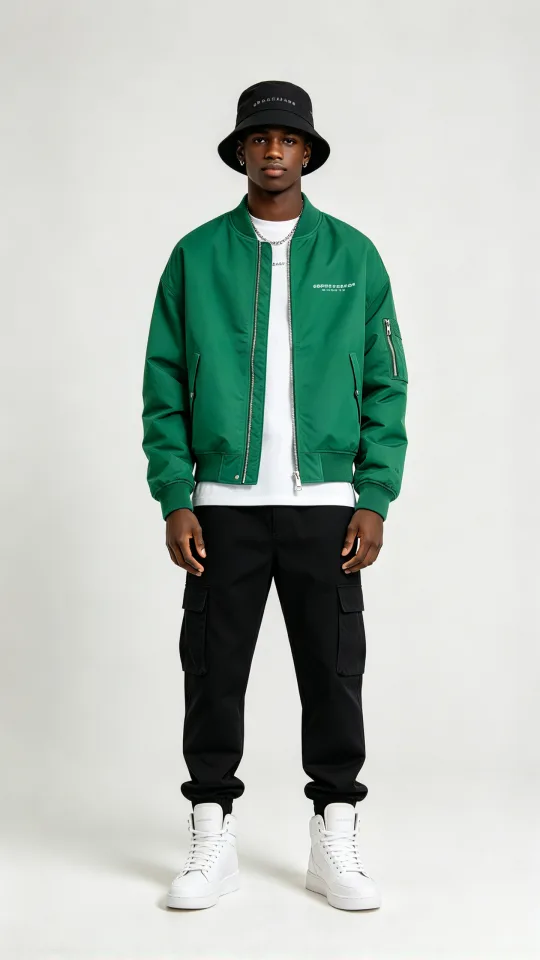
Make a street photo dance hip-hop
A man in streetwear dances the hip-hop routine from the preset clip
Made with Seedance 2.0 Mini
 Character
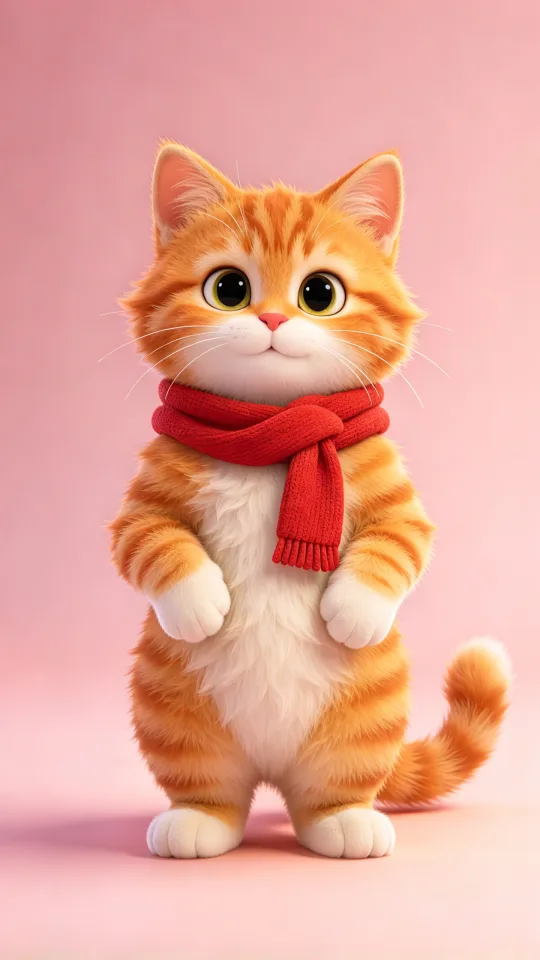
Make an AI cat dance video
A cartoon orange cat dances the viral trend routine
Made with Seedance 2.0 Mini
 Character
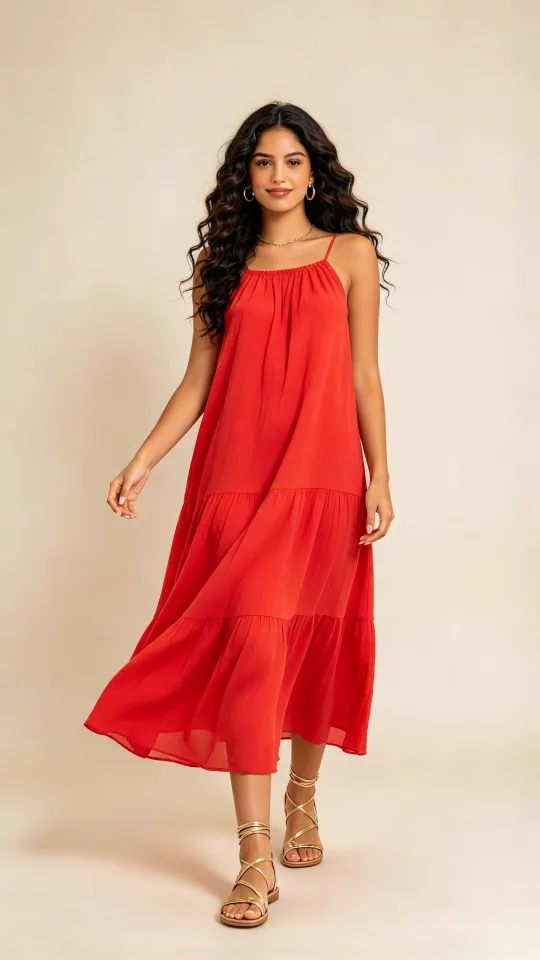
Turn a portrait into a happy dance
A woman in a red dress dances the carefree moves from the park dance clip
Made with Seedance 2.0 Mini
How to make an AI dance video
- 1
Choose a dance
Pick one of six ready-made dances, or upload your own dance clip.
- 2
Add a photo
Use a full-body photo of the person, pet or character, standing upright.
- 3
Pick a model and generate
Choose a video model that accepts dance clips, check the price, then start.
AI dance generator for trends, pets and greetings
Make a dance video from a single photo, with no filming needed.
Trend followers
Put a viral routine on your own photo or character.
- Hip-hop, street and trend routines ready to pick
- Upload your own dance clip instead
- Try the same dance on several photos
Cat and dog owners
Make an AI cat dance video or a dancing dog from one photo.
- Sitting or standing photos work best
- Expect the rhythm and main moves
- Cartoon pets and mascots dance too
Birthday and holiday greetings
Send a dancing message made from a photo or mascot.
- A dancing mascot for a birthday message
- A holiday card video from a character photo
- Cartoon characters keep their drawn style
Make a picture dance: what changes and what stays
The photo supplies the look and the dance supplies the moves.
- The face and outfit come from your photo.
- The moves and rhythm come from the dance clip.
- Six ready-made dances cover hip-hop, trend, street and retro styles.
- Cartoons and 3D figures keep their drawn style.
- The dance is imitated, not copied frame by frame.
Photos that make a photo dance best
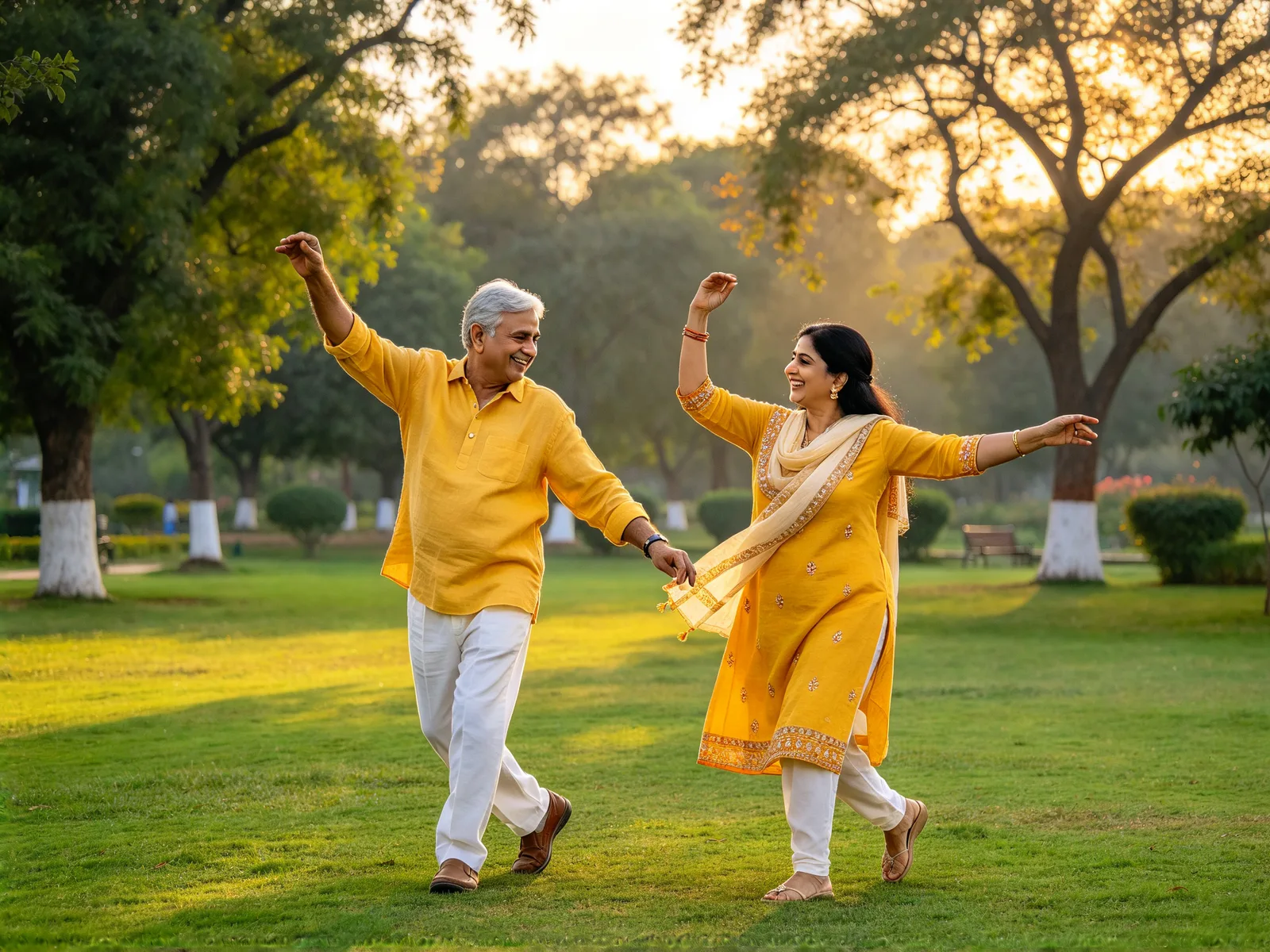
Pick a photo where the whole body is easy to see.
- Works: a person, pet or cartoon in full-body view.
- Works: one person or animal, arms away from the body, simple background.
- Works: clothes that show where the legs are.
- Weaker: a close-up face gives little to move.
- Weaker: several people or animals in one photo.
- Weaker: fast spins and floor moves drift from the original.
AI dance video tips and limits
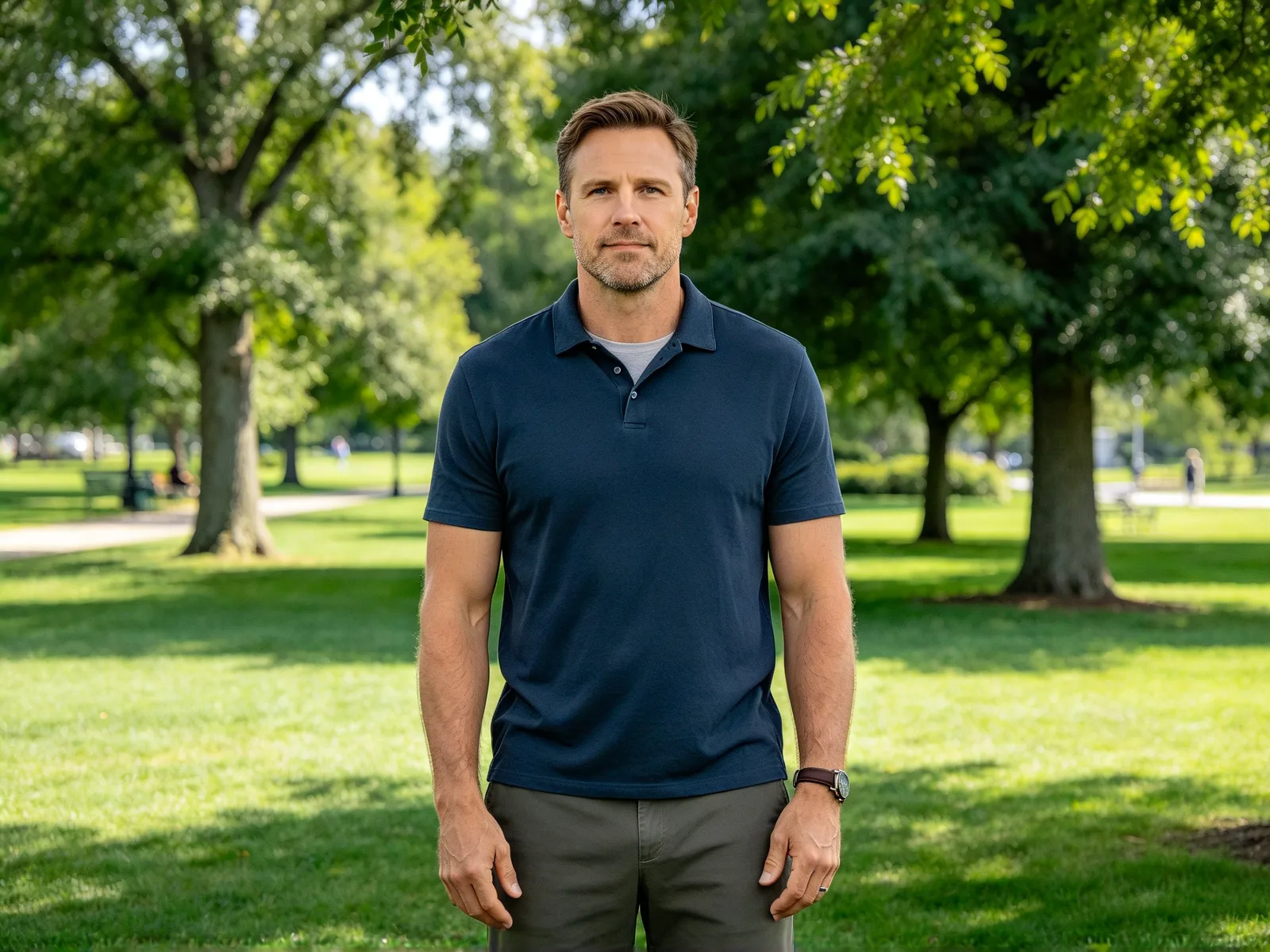
Slower routines stay closest to the original.
- Start with a standing photo.
- Upload a clip of your own for a custom routine.
- Use photos of yourself or people who agreed to it.
- Choose Kling 3.0 Omni, Kling O1 or MiniMax H3 for presets and real faces.
- Seedance 2.0 and 2.5 refuse real faces; a refused run is refunded.
- Expect pets to follow the rhythm, not the exact footwork.