Bald filter: see what you would look like bald
See yourself bald before you pick up the clippers. The hair on your head is removed, and your face, expression, clothes and background stay the same.
- Nothing to install
Bald head filter examples
Drag the divider to compare.


See yourself bald from short hair
Short black hair with grey temples removed, leaving a smooth scalp


Try the bald filter on long hair
Shoulder-length wavy hair removed completely while the beard stays
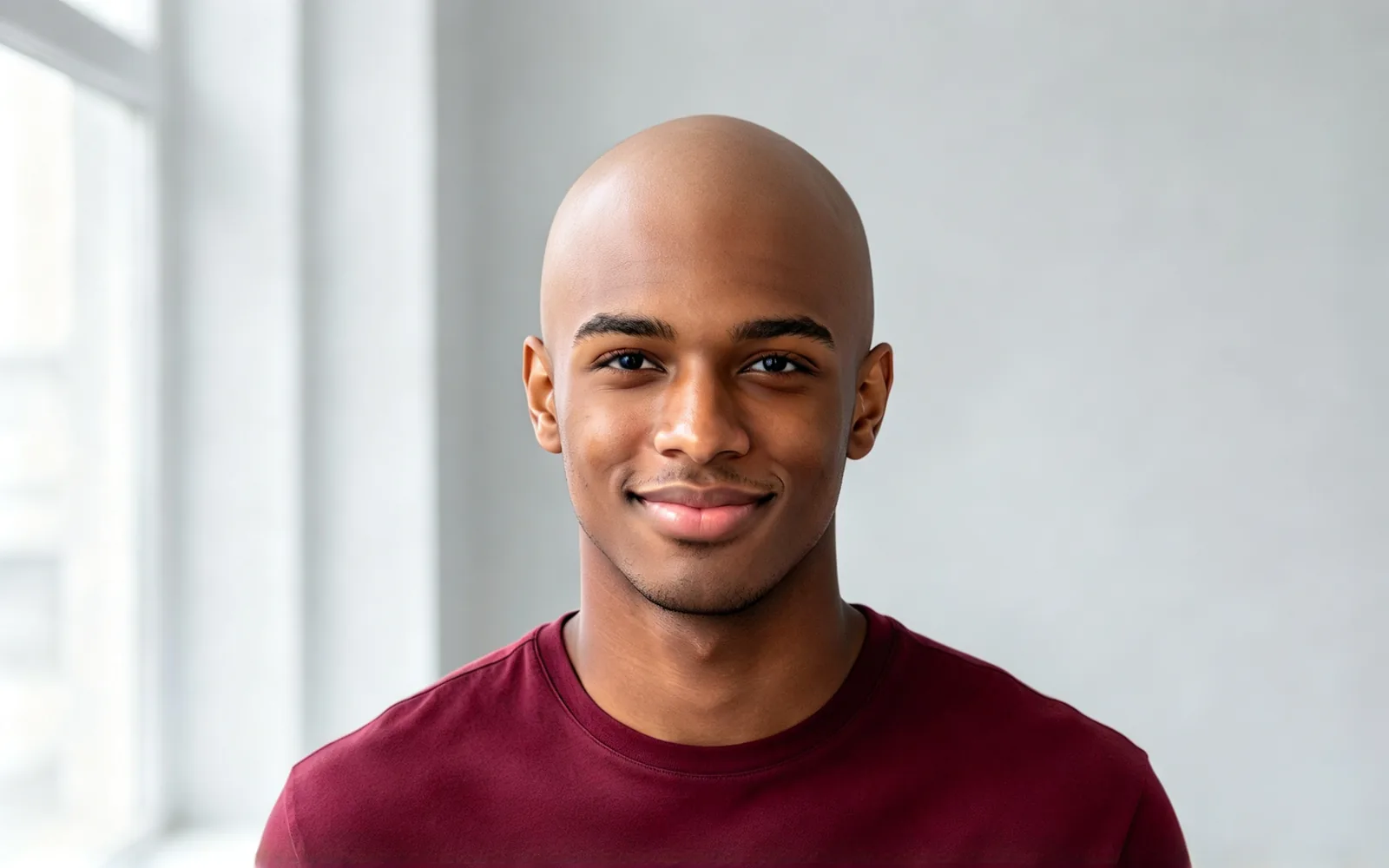

What you would look like bald with curly hair
Voluminous curls removed to show the natural shape of the head
How to see yourself bald
- 1
Upload a photo
A front-facing photo with the top of the head in frame works best.
- 2
Keep Bald selected
This page opens the tool with Bald already chosen.
- 3
Generate and compare
Compare the photo with hair against the bald one, then download your favorite.
Bald filter for shaving decisions, thinning hair and laughs
See the answer on your own face. Pick the situation closest to yours.
Thinking of shaving
Will I look good bald? Check before you shave.
- See your head shape without hair
- Compare Bald with a Buzz cut
- Check it from a front-facing photo
Worried about thinning
Preview where a receding hairline could end up.
- Judge a shaved head as an option
- Share it with your barber
- Decide before you cut anything
Friends and social posts
Prank a friend or post a bald look for laughs, with the face left as it is.
- Works on any portrait
- Share the before and after
- Try it on friends' photos too
Bald head filter: what changes and what stays
Only the hair on your head is removed.
- A natural scalp follows your head shape.
- Scalp skin matches your face and the light.
- Face, expression and skin tone stay.
- Clothes, background and lighting stay.
- Beards and eyebrows usually stay.
- Short hair, long hair and curls all work.
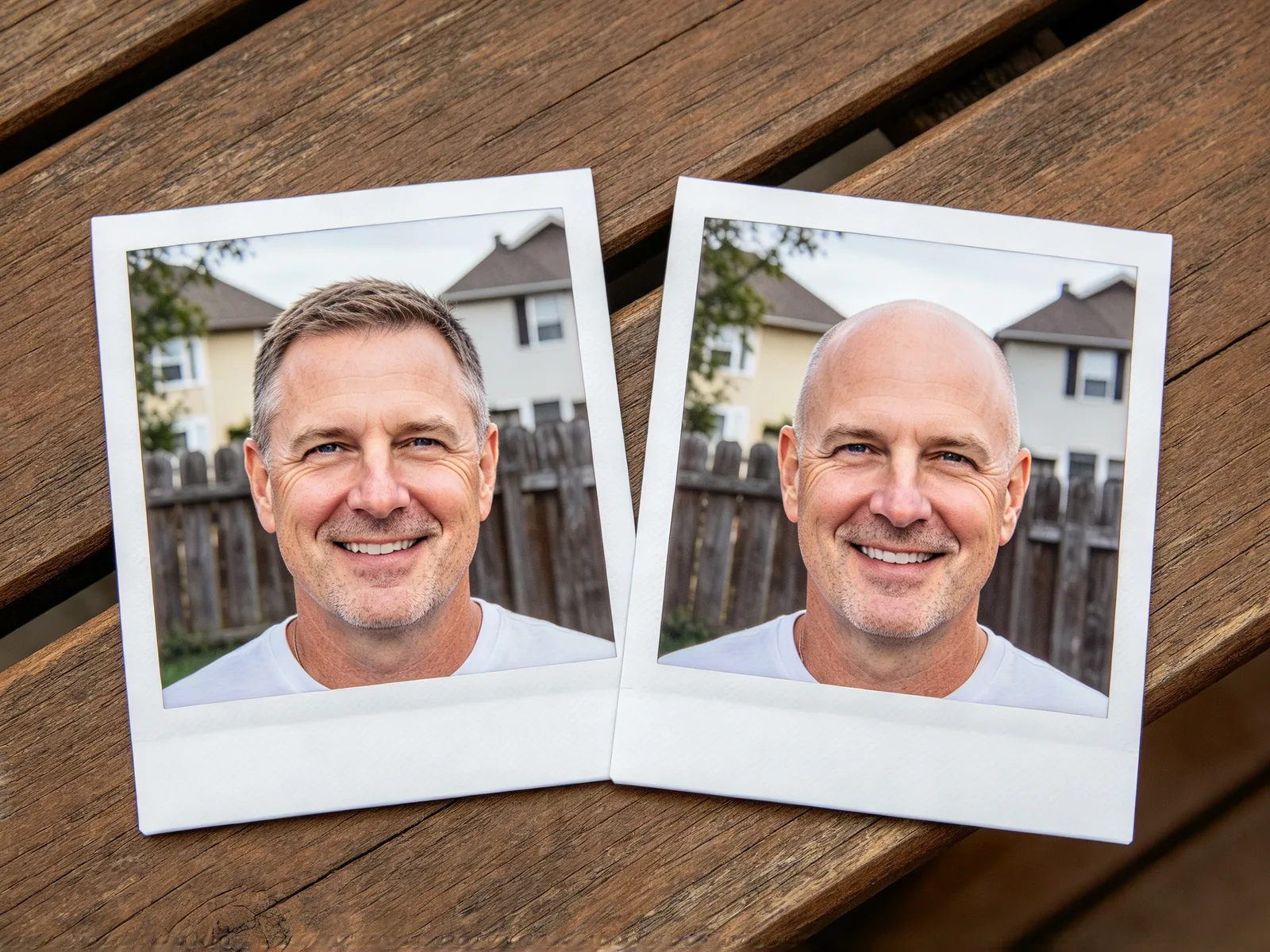
Bald filter on photos with short, long or curly hair
Short hair is the easiest case. Long and curly hair hide more of the head.
- Works well: short hair with the head shape visible.
- Works well: long and curly hair, as the examples above show.
- Works well: portraits of any gender or age.
- Harder: hats, hoods and headbands over the hair.
- Harder: photos that crop off the top of the head.

Shaved head filter vs. buzz cut: tips and limits
Bald removes the hair completely. Choose Buzz cut under Hairstyle for a close, even layer instead, or add "almost shaved" in Extra details.
- Keep the whole head in frame.
- Write "keep the beard" in Extra details to be sure.
- Click Try another model if the scalp looks too shiny.
- Pick a photo with no hat, hood or headband.
- Use the hairstyle changer for longer cuts and the hair color changer for new shades.