Zero Kit AI

Seedance 2.0 AI Video Generator

ByteDance's Seedance 2.0 turns a prompt or a reference image into a short video with directed camera moves, and you can switch between the full, Fast and Mini versions in the same editor.

  • ByteDanceByteDance
  • Up to 1080p
  • Up to 9 reference images
  • Up to 3 reference videos
  • Up to 3 reference audio clips
  • Up to 4 videos per run
  • 4–15 seconds
  • Credits per second: from 7
  • Included in Plus and above
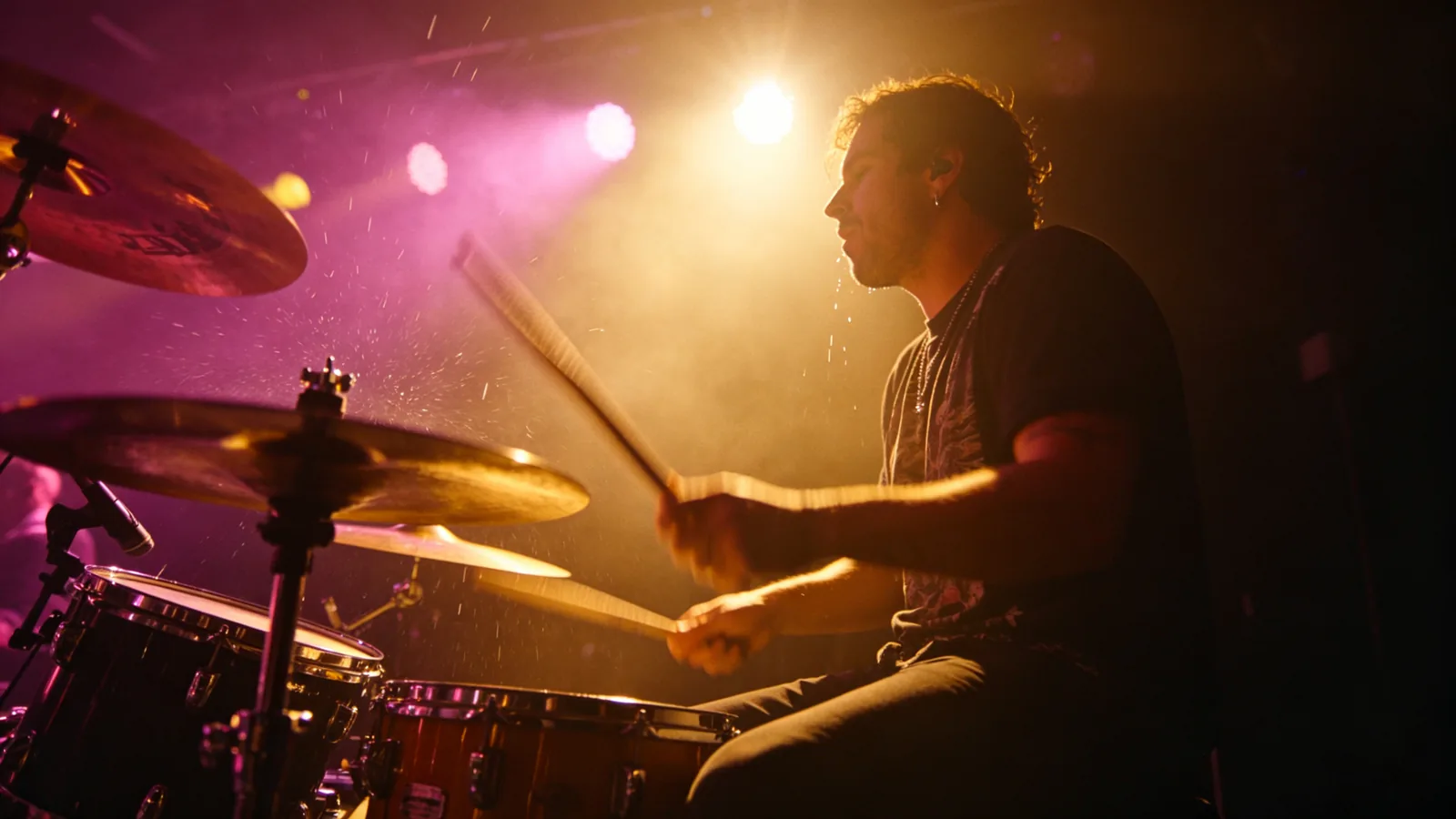
A drummer strikes a cymbal on a smoky stage under magenta and amber lights.

Videos made with Seedance 2.0

  • Singer moving across a stage

    Generated with Seedance 2.0 Mini

    A single continuous shot on a dark club stage. A singer in a loose black shirt holds a handheld microphone and sings, walking slowly from the left of the stage to the center as the camera tracks alongside. The stage lights change during the shot: warm amber spotlight at first, then shifting to deep magenta and blue beams cutting through haze. His mouth moves in time with the song, sweat catches the light, the audience is a soft blur of raised hands in the foreground. Cinematic live performance, smooth camera movement.

  • Street tracking shot, turning back

    Generated with Seedance 2.0 Mini

    A handheld tracking shot following a young woman in a long camel coat walking away down a sunlit tree-lined street in autumn, leaves drifting across the pavement, passing cafe tables and bicycles. After a few seconds she slows, turns around toward the camera with a slight smile, her hair swinging with the turn, as the camera slows and settles on her face. Warm golden light, shallow depth of field, cinematic street style.

Sample prompts to try with Seedance 2.0

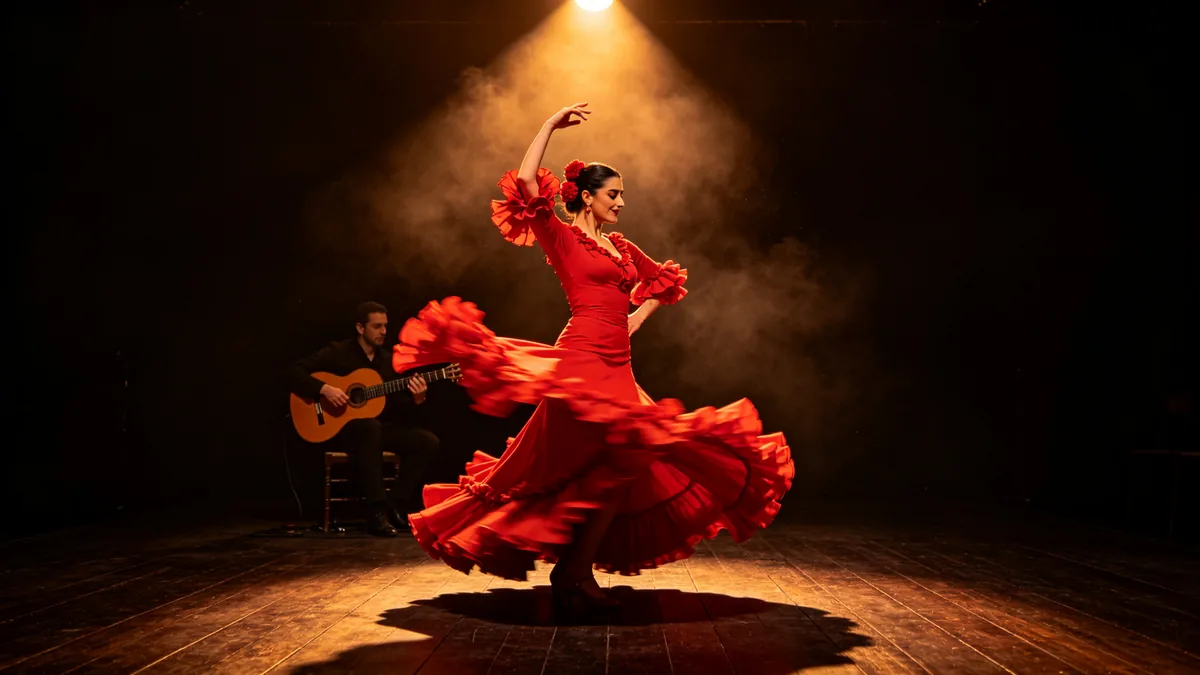
  • A flamenco dancer spins in a red skirt on a wooden stage, the fabric blurred with motion.

    Flamenco spin

    Cinematic 16:9 video keyframe, a flamenco dancer spinning on a dark wooden stage, her red ruffled skirt flaring outward in a blur of motion, one arm raised, a guitarist seated in shadow behind her. A single warm spotlight from above, dust in the light, the camera circling slightly. Passionate, rhythmic, deep red and amber palette.

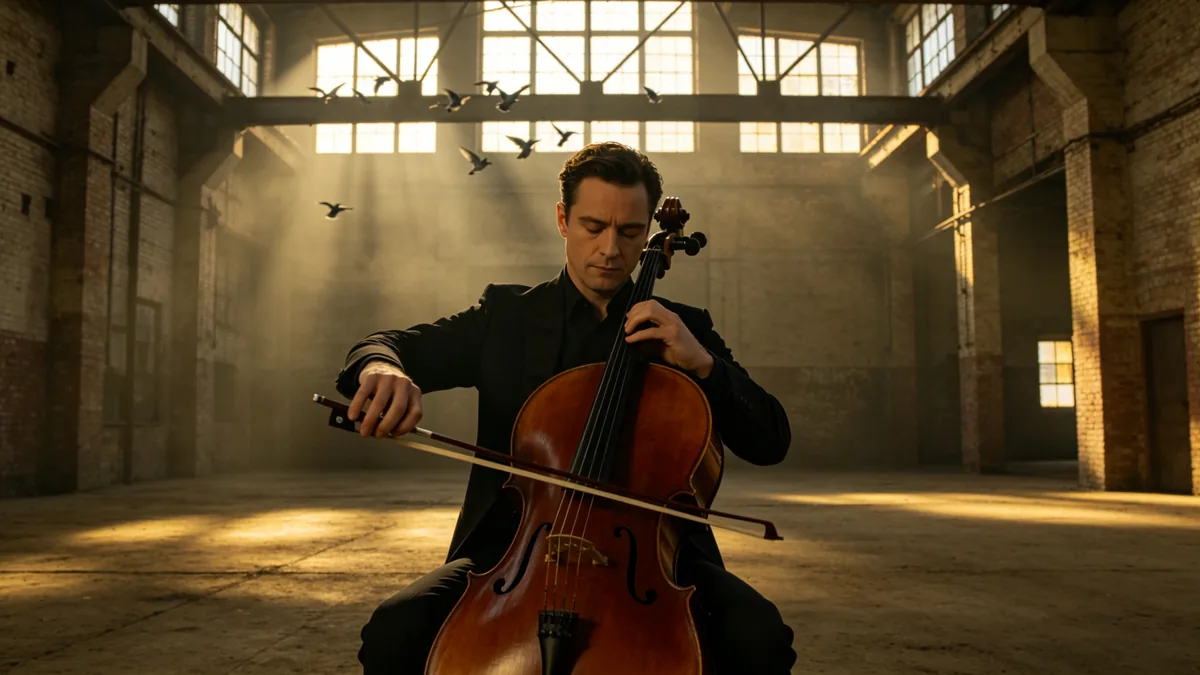
  • A cellist plays alone in an empty warehouse as light pours through high windows.

    Cellist in a warehouse

    Cinematic 16:9 video keyframe, a slow push-in on a cellist playing alone in a vast empty brick warehouse, bow mid-stroke, eyes closed, sunlight pouring through high industrial windows in dusty beams. Pigeons lifting off a beam in the background, warm amber light against cool shadow, intimate and resonant.

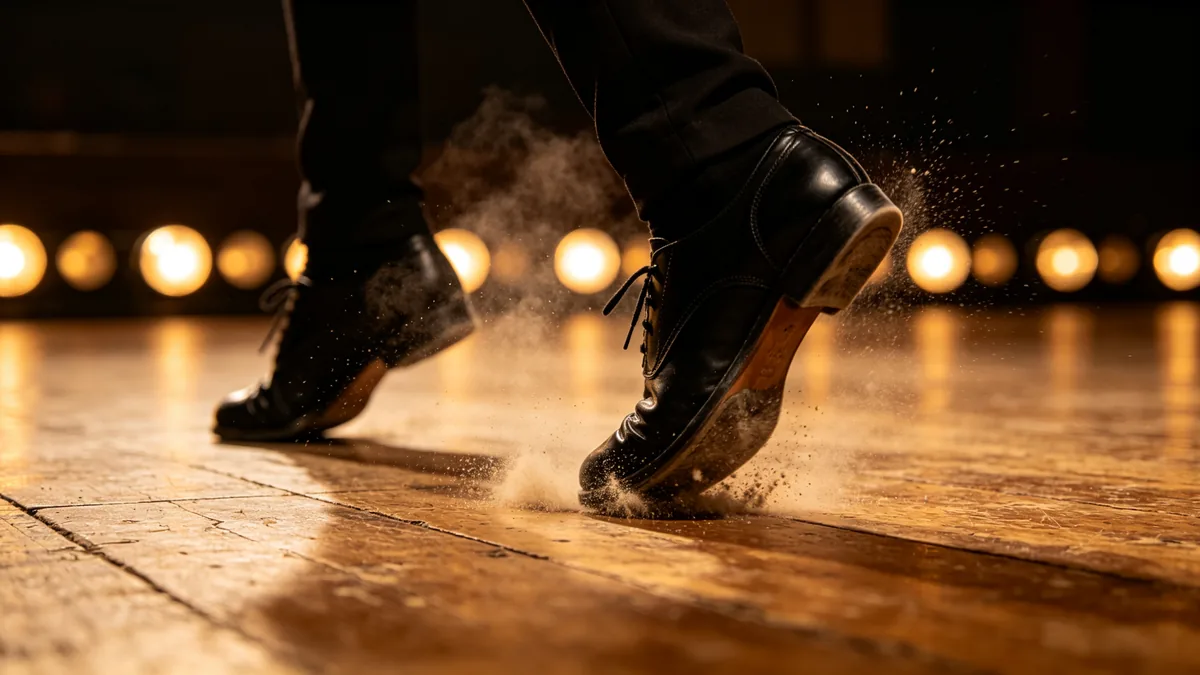
  • A low-angle close-up of tap shoes striking a wooden floor, dust lifting with each step.

    Tap shoes on a wooden floor

    Cinematic 16:9 video keyframe, a floor-level close-up of a dancer's black tap shoes striking a scuffed wooden stage, tiny clouds of dust bursting from each step, the heel mid-strike with slight motion blur, a row of warm footlights glowing in the background bokeh. Rhythmic, tactile, amber and black palette.

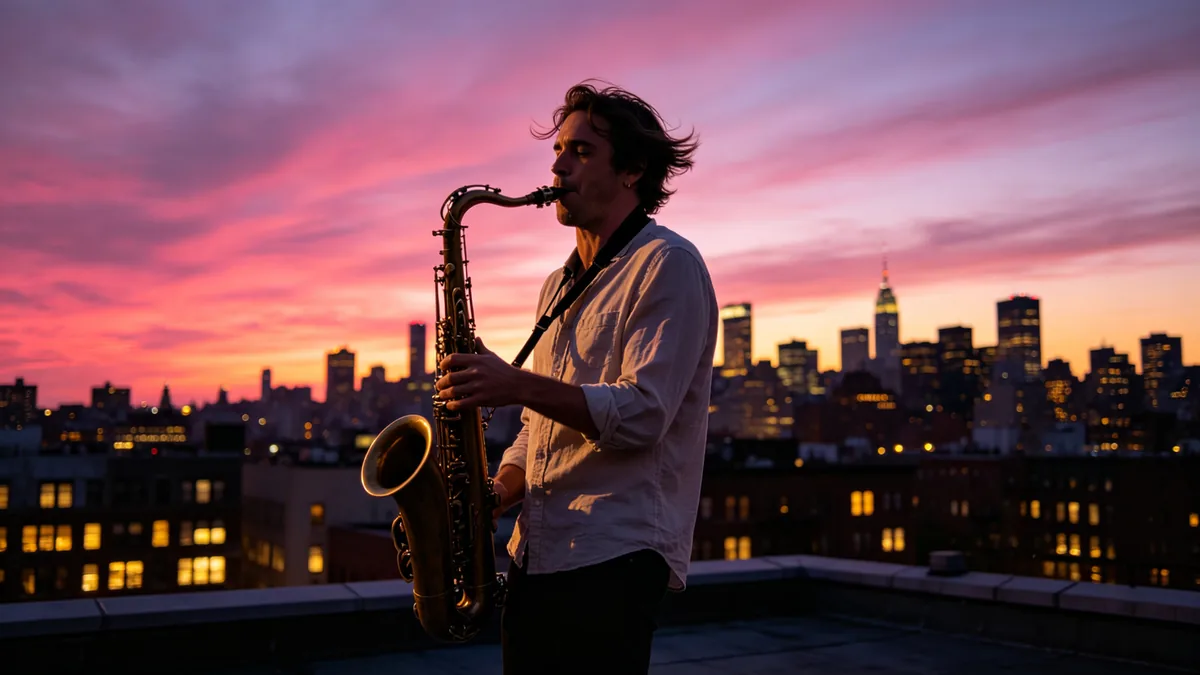
  • A saxophonist plays on a rooftop at dusk as the camera cranes up to reveal the city.

    Saxophone at dusk

    Cinematic 16:9 video keyframe, a crane shot rising behind a saxophonist playing on a rooftop at dusk, brass catching the last magenta light, the city skyline unfolding behind him as windows light up one by one, a gentle breeze moving his loose shirt. Magenta and amber sky, sweeping upward camera movement.

Sample images are illustrative; results vary by model.

About Seedance 2.0

Seedance 2.0 is the video model from ByteDance's Seed team. ByteDance describes it as a multimodal model: it reads text, images, audio and video as input and generates sound and picture together. It is built for motion that is hard to fake — several people moving at once, a dancer spinning, a camera orbiting a subject — and it plans the shot from camera directions written in plain language.

On Zero Kit this page covers Seedance 2.0 itself, Seedance 2.0 Fast and Seedance 2.0 Mini. They all run from the editor above; pick one with the model button, write the shot, set the length between 4 and 15 seconds and generate. Seedance 2.0 gives the most detail and goes up to 1080p. Fast and Mini cost less per second and come back sooner, which makes them the better choice while you are still trying out an idea.

It suits short social clips, music and performance scenes, product reveals and any shot where the movement matters more than a single frame. If you already have a still image you like, add it as a reference and describe how it should move; if you only need one photo to come alive, the Animate tool linked below is the quicker route.

What Seedance 2.0 does well

Sound and picture in sync

ByteDance builds Seedance 2.0 to generate audio and video in one pass, so music, footsteps and voices can land on the same beat as the motion. Describe the sound the way you describe the picture: what is heard, when it starts and how loud it is. A singer holding a note or a drummer hitting a cymbal is a good first test, because any drift between sound and movement is easy to spot.
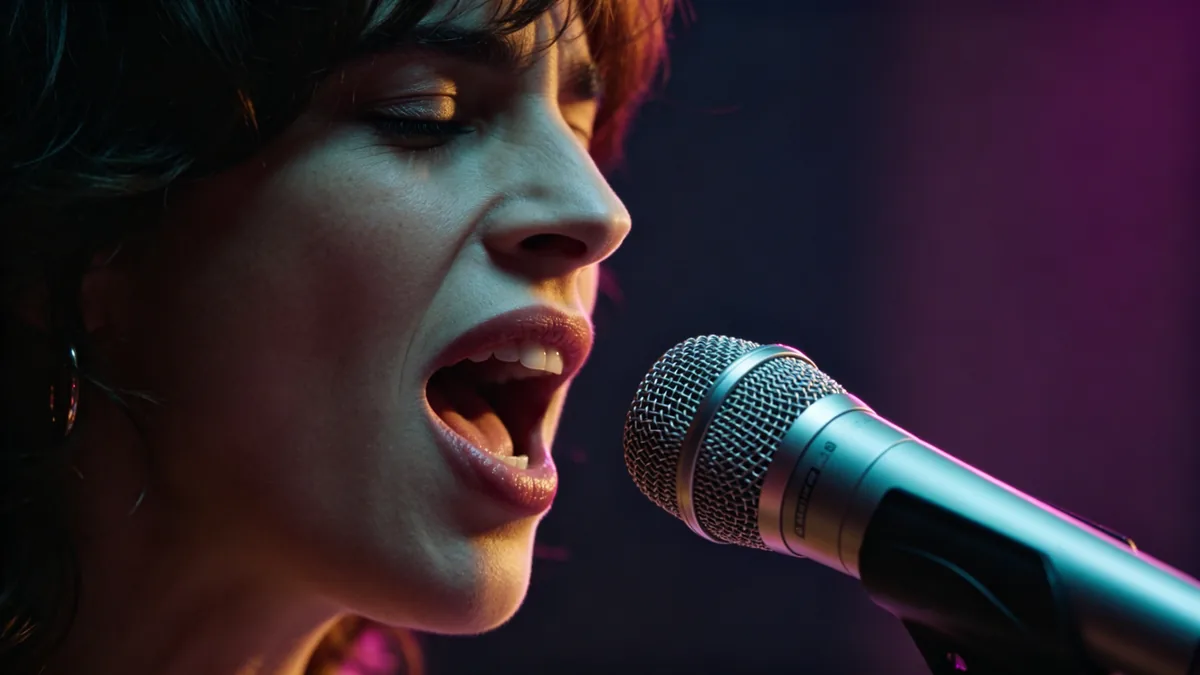
A close-up of a singer at a vintage microphone holding a note, breath visible in the cold air.

Cinematic 16:9 video keyframe, a tight close-up of a singer at a vintage chrome ribbon microphone, mouth open mid-note, throat tensed, eyes shut, breath faintly visible in cool air, a warm key light on one side of the face and a magenta rim light on the other. The frame captures the exact beat of a sung note, intimate and emotional.
Camera moves written in plain words

Write the camera move the way a director would say it — orbit around the dancer, dolly in on the face, crane up over the roof — and Seedance 2.0 plans the shot around it. It keeps the subject sharp while the camera travels, which is what makes dance, sport and product shots look directed instead of random. One clear move per shot works better than three competing ones.

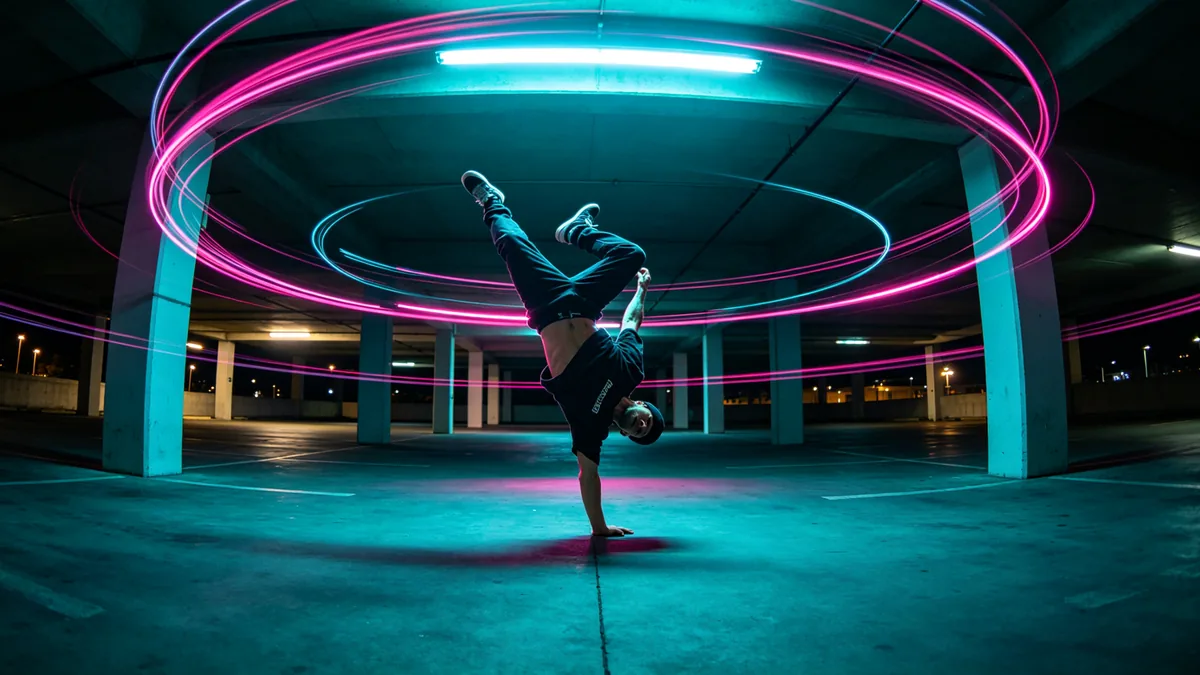
An orbiting shot circles a breakdancer frozen mid-move, the background streaking in a circular blur.

Cinematic 16:9 video keyframe, an orbiting 360-degree camera move around a breakdancer balanced in a one-hand freeze in the middle of an empty parking deck at night, the background of pillars and lights streaking into a circular motion blur while the dancer stays sharp. Cyan and magenta light, dynamic choreography of camera and body.

Wide reveals and busy scenes

Seedance 2.0 handles several subjects moving at the same time, one of the strengths ByteDance highlights for this version. A slow crane or pull-back over a concert crowd, a market street or a stage is a good way to use it: say where the camera starts, where it ends and what the crowd is doing while it moves.

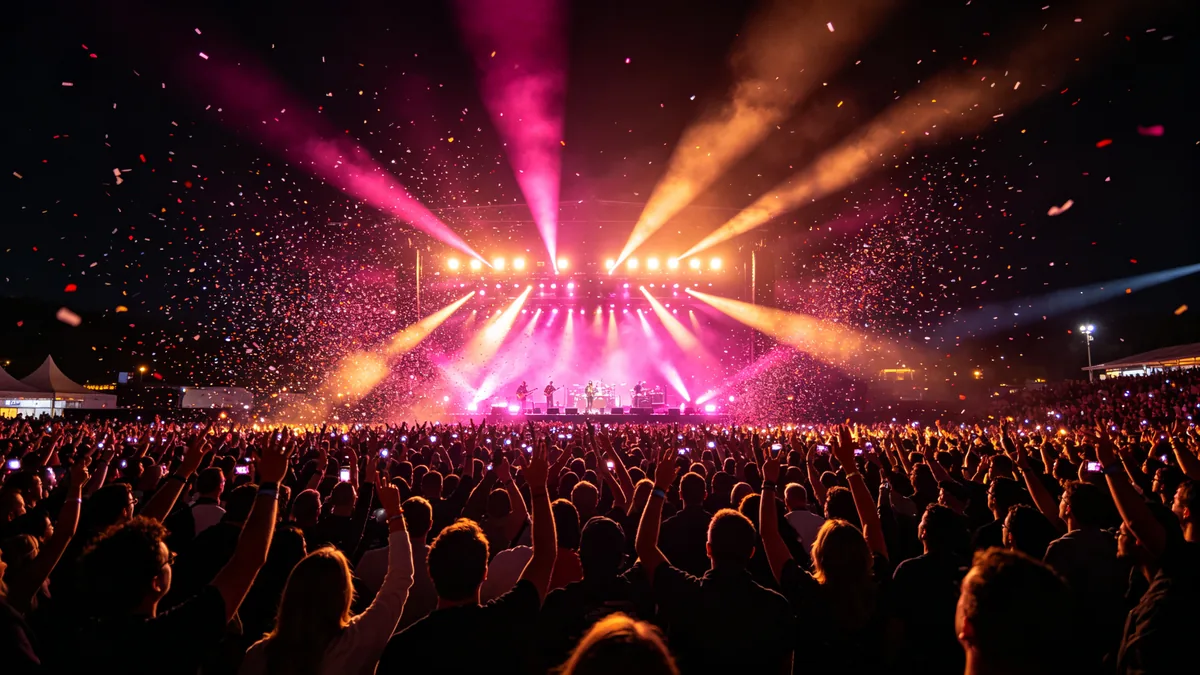
A high crane pulls back over a night concert crowd to reveal the whole stage.

Cinematic 16:9 video keyframe, a high crane shot pulling back and up over a night open-air concert, revealing a sea of raised hands and small lights in the crowd, a stage washed in magenta and amber beams, confetti drifting through the lights. Grand scale, sweeping motion, energy of a live show.

Seedance 2.0 specs and pricing

Every price below comes from the live price list, so it changes here as soon as rates change. Credits are charged per image, or per second of video.

Credits per second
ResolutionPlanSeedance 2.0Seedance 2.0 FastSeedance 2.0 Mini
480pPlus14117
720pPlus302514
1080pPlus95Not availableNot available

Limitations to know

  • Fine detail can drift from shot to shot. ByteDance says detail stability and realism are still being refined, so check faces and hands frame by frame before you publish.
  • Sound can occasionally distort, and lettering inside the frame is not reliable. Leave on-screen text out of the prompt and add titles in an editor afterwards.
  • Keeping several characters identical across a long sequence is still hard. Generate each shot separately and keep the takes that match. Using a real person's face as a reference needs their permission.

How to write prompts for Seedance 2.0

  1. Write the shot in order: who is in frame, what they do, then how the camera moves.
  2. Give one camera move per shot — orbit, dolly in, crane up, handheld follow. Several moves at once blur into a vague result.
  3. Name the light and the time of day, such as "warm spotlight through haze" or "blue hour street"; the model follows lighting cues closely.
  4. Try the idea on Mini or Fast at a low resolution first, then run the take you like on Seedance 2.0 at a higher one.
  5. Keep clips short while you iterate. You pay per second, and a short clip already shows whether the motion works.

Seedance 2.0 FAQ

No. Seedance 2.0, Seedance 2.0 Fast and Seedance 2.0 Mini are included in Plus and above on Zero Kit. On the free plan you can still open the editor, write a prompt and see the price, but generating with Seedance 2.0 asks you to upgrade. The pricing page lists what the free plan includes.

Ready to try Seedance 2.0?

Write a line or pick a sample prompt, then press generate.

Last updated: