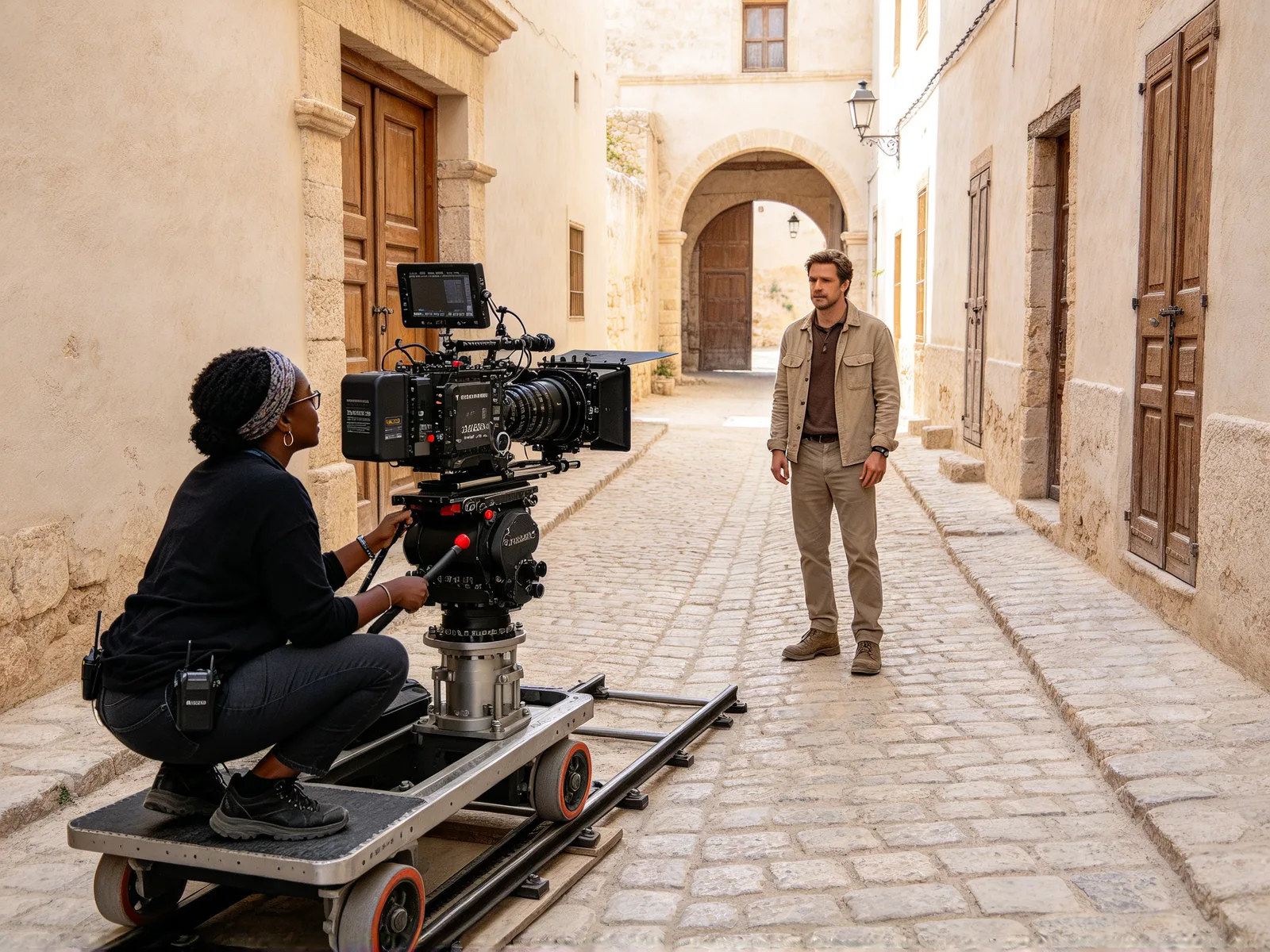
AI character swap: replace the person in any video
Replace the person in a video with your own character. The movement, camera, background and lighting stay as they were; use your own photos or characters you have the rights to.
- Nothing to install
Character swap AI video examples
Hover a clip to play the source video and the result together.
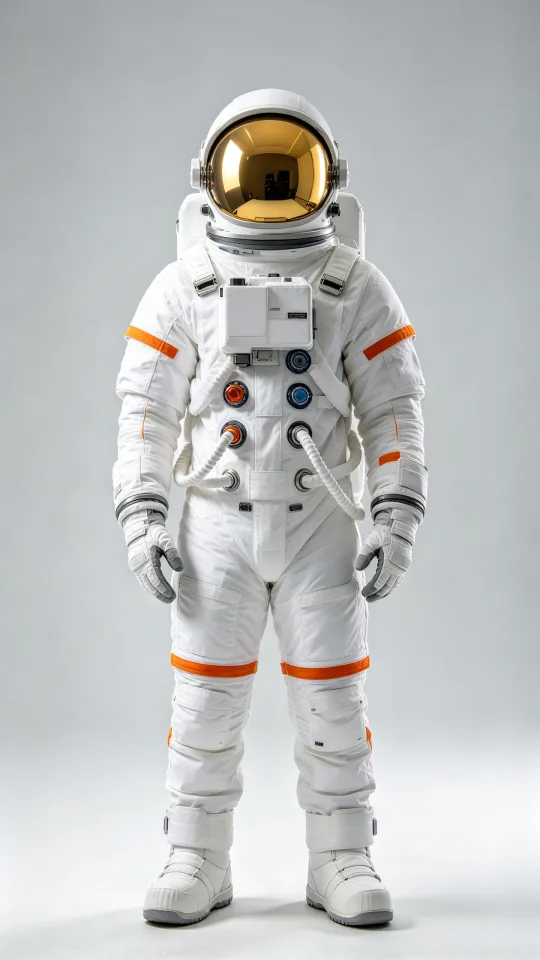 Character
Turn a street walk into an astronaut walk
A person walking across a city square is replaced by an astronaut in a white suit
Made with Seedance 2.0 Mini
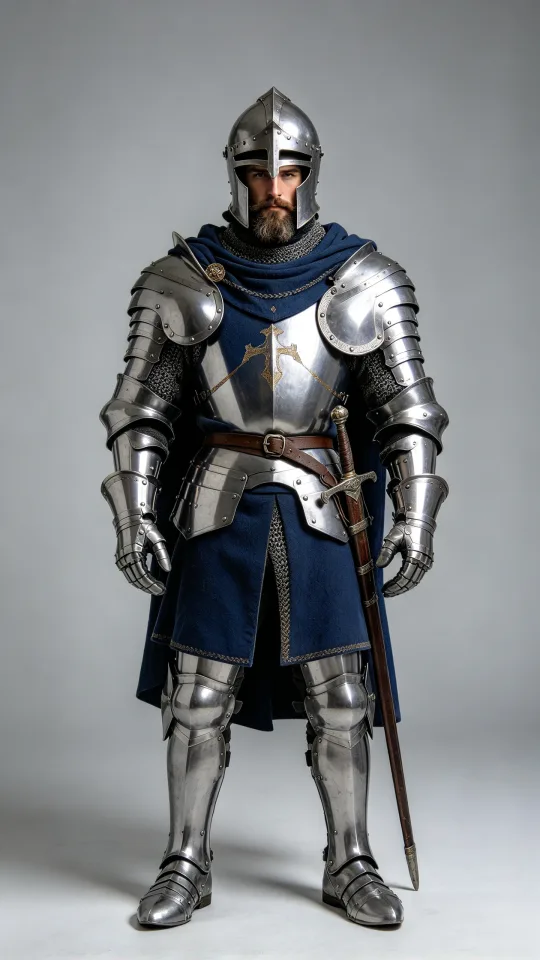 Character
Put a knight at a laptop
A woman in glasses working on a laptop at her desk becomes a knight in armor with the same movements
Made with Seedance 2.0 Mini
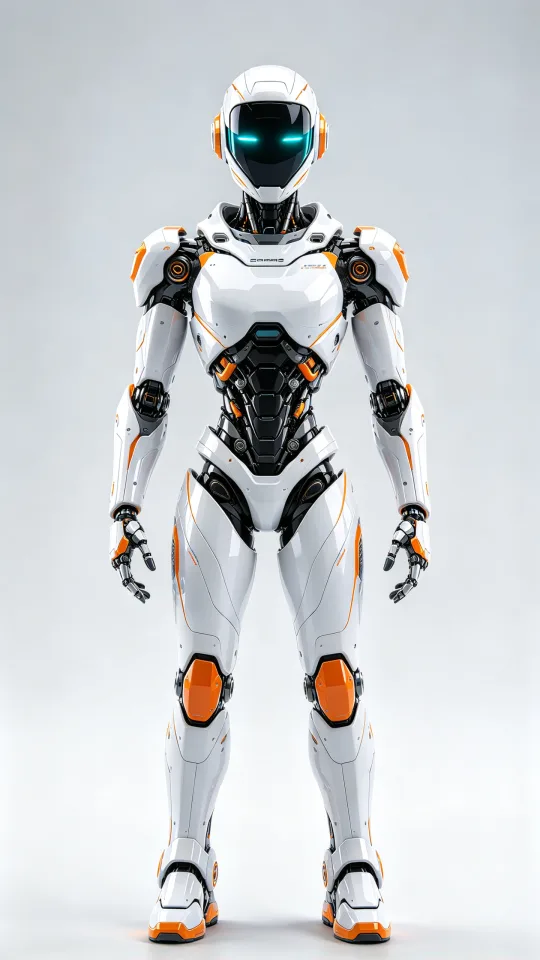 Character
Replace a kitchen dancer with a robot
A man dancing in a retro kitchen is replaced by a white humanoid robot that copies his moves
Made with Seedance 2.0 Mini
How to replace a character in a video
- 1
Upload the video
Add a clip in which one clearly visible person is the one to replace.
- 2
Add the new character
Upload one to three images of the same character, from different angles.
- 3
Pick a model and generate
Choose a video model, check the price shown, then start the run.
AI character swap for creators, marketers and storytellers
Change who is on screen without reshooting the scene.
Video creators
Put your character in place of the person on camera.
- Keep your original footage and timing
- Try several characters on one clip
- Swap a presenter for a branded character
Marketing teams
Reuse one ad with a different person or mascot.
- Same scene, camera and lighting
- A new character for each campaign
- Test several characters on one ad
Story and short drama makers
Recast a scene without filming it again.
- Swap in an anime or 3D character
- Keep the original acting and movement
- Use a cartoon cast for a short film
What character swap AI keeps and changes
Only the person is replaced; everything around them stays as it was in your video.
- Motion, camera movement and background stay as shot.
- Lighting stays as in your video.
- Face, body, outfit and style come from your image.
- A photo, an anime character or a 3D render all work.
- Body swap here replaces the whole person, head to feet.
- A face swap video changes only the face; this does more.
Videos and characters that swap well
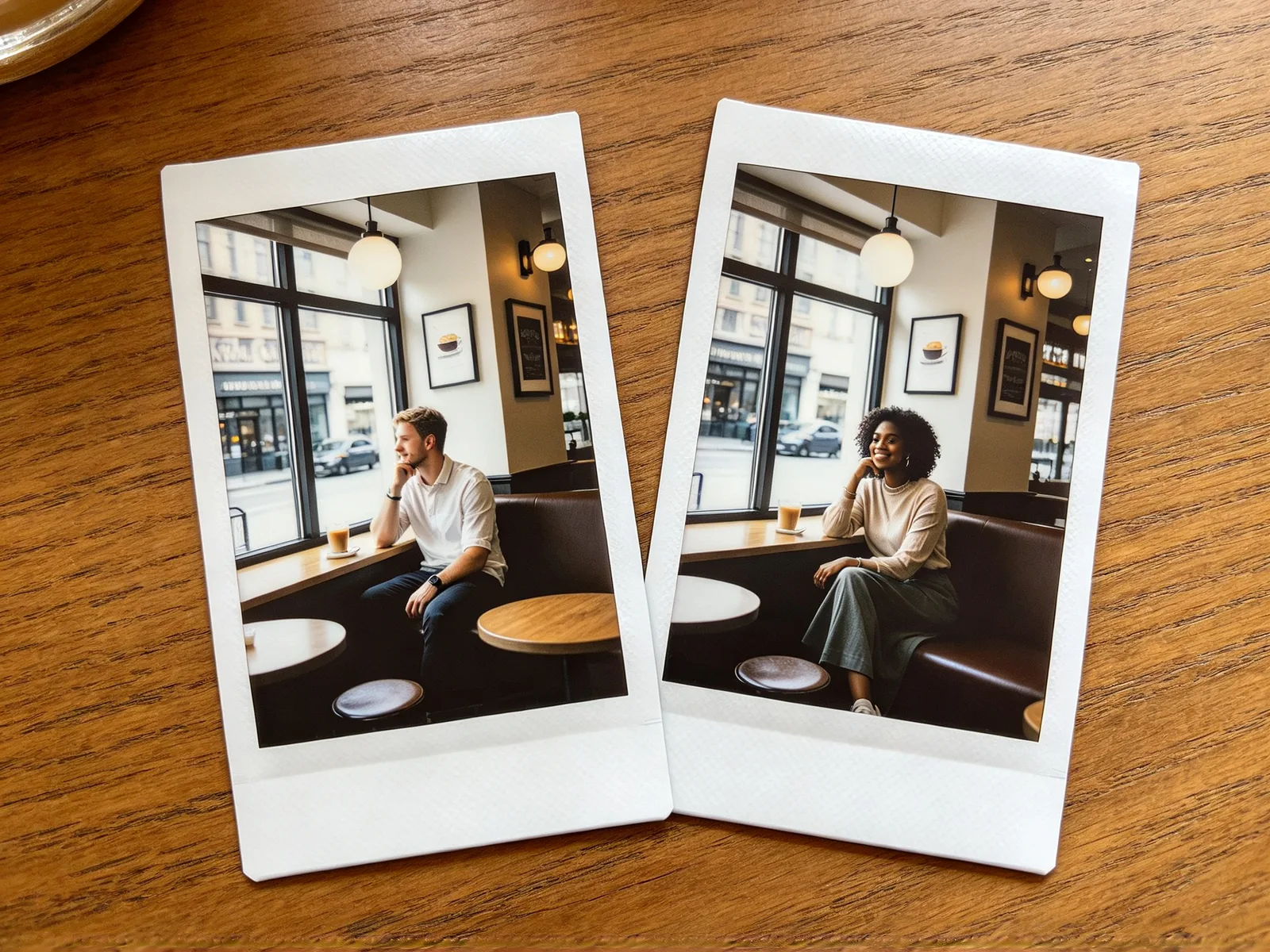
Pick footage where the person is easy to follow.
- Works: one main person, visible for most of the clip.
- Works: a steady camera or a slow camera move.
- Works: a full-body character image for a full-body shot.
- Works: similar proportions, such as a person replaced by a humanoid.
- Works: clear light in both the video and the character image.
- Weaker: characters with very different proportions from the person.
Character swap tips and limits
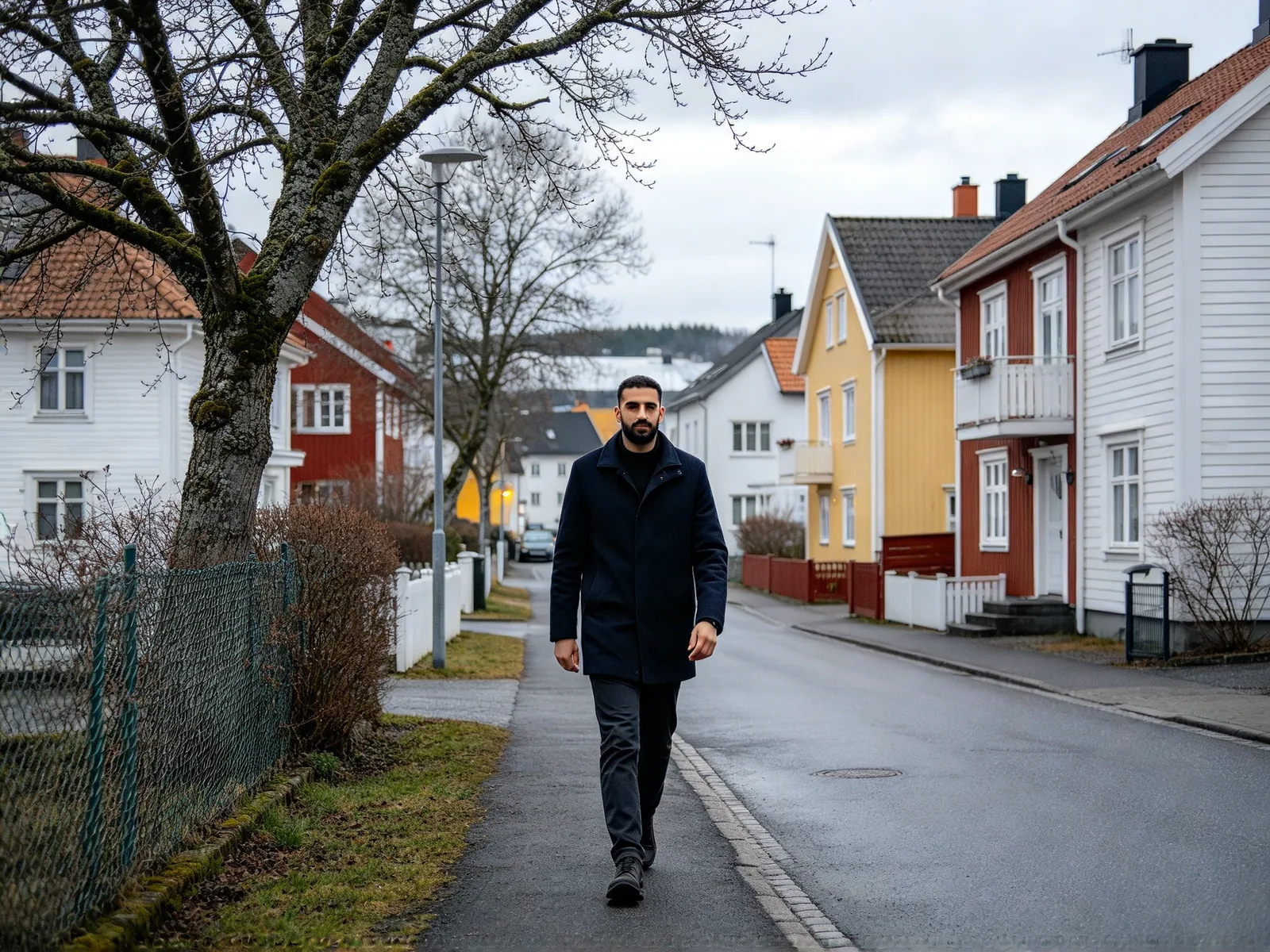
Check the result before you publish it.
- Use your own photos or characters you have the rights to.
- Do not impersonate anyone or use a person without consent.
- Add extra angles of the same character for consistency.
- Check hands, held objects and on-screen text.
- Choose Kling 3.0 Omni, Kling O1 or MiniMax H3 for real faces.
- Expect small background details to differ from the original.