Zero Kit AI

Qwen Image 3.0 AI Image Generator

Qwen Image 3.0 is the third generation of Alibaba's Qwen image model, built to fill a picture with real, usable content: long instructions, small readable text and fine texture, in a standard version and a Pro version.

  • QwenQwen
  • Up to 2K
  • Up to 3 reference images
  • Up to 4 images per run
  • Credits per image: from 6 (about $0.06)
  • Included in Plus and above
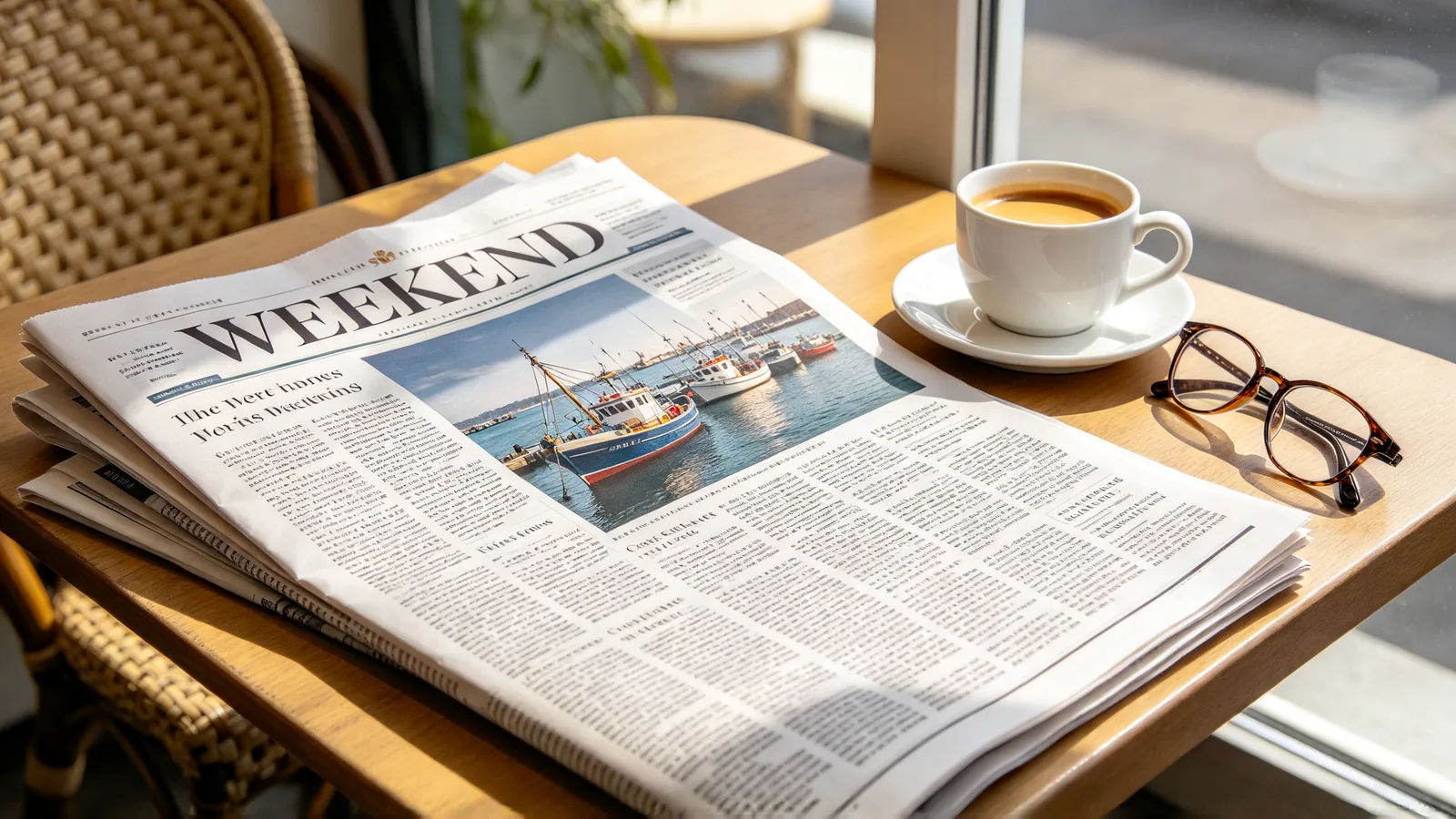
A printed weekend newspaper on a café table, its front page laid out in columns with a large photo of a harbor, beside a cup of coffee and reading glasses.

What is Qwen Image 3.0?

Qwen Image 3.0 comes from Alibaba's Qwen team, which sums up this generation with one word: "real". The goal is an image that is useful, not only good-looking.

What the team highlights:

  • Very long prompts turned into dense pages, such as a newspaper front page, a storyboard or a worksheet.
  • Fine detail, from text as small as 10 pixels to skin pores and strands of hair.
  • Wide knowledge of fonts, art styles and screen layouts, with native text rendering in 12 languages.

It is part of the Qwen Image family.

On Zero Kit, Qwen Image 3.0 is included in Plus and above and runs in the editor at the top of this page, in two versions: Qwen Image 3.0 and Qwen Image 3.0 Pro. Both generate from a prompt and both edit a photo you upload.

Alibaba describes the standard version as the one that balances quality and speed. Pro is the full 3.0 model, which Alibaba recommends first for generating from text.

What you can set:

  • Up to 3 reference images.
  • 5 aspect ratios.
  • Output at 1K and 2K.

Each image costs credits by version and resolution, starting from 6.

Use it when an image has to carry information:

  • An event poster with a headline and a schedule.
  • A slide with labels.
  • A magazine-style page or an annotated diagram.
  • A product photo that needs a believable surface.

Draft on the standard version, then run the final prompt on Pro. For transparent stickers and pictures built from many reference photos, Qwen Image 2.1 is the better fit.

What Qwen Image 3.0 does well

Dense layouts and infographics from a long prompt

Qwen Image 3.0 is built to read a long, detailed prompt and keep every part of it. Alibaba's own examples include a full newspaper page, a grid of nine different infographics from one prompt, and screens nested inside other screens.

That suits briefs with many parts:

  • A weekly schedule poster.
  • A recipe card with steps and an ingredient list.
  • A presentation slide that explains a process.

Write the brief in reading order, give each block a short heading, and say how the page is divided before you describe what goes in each part.
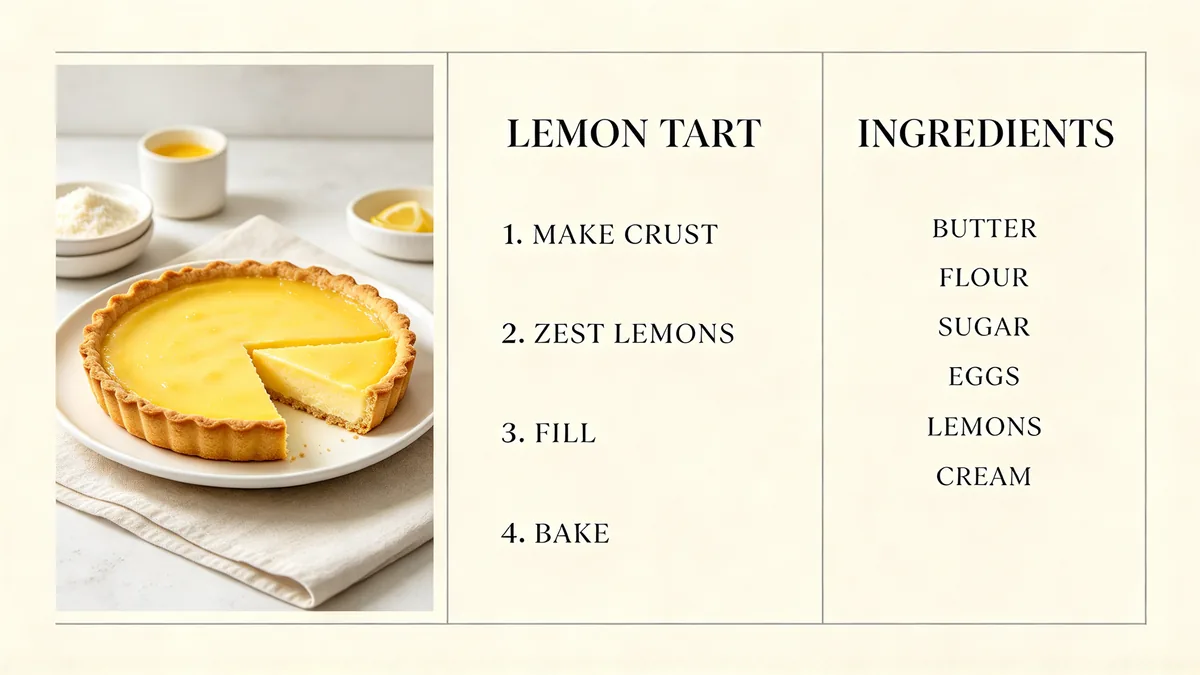
A recipe card laid out in three columns, with a photo of a lemon tart, a numbered list of steps and a small list of ingredients under the heading "LEMON TART".

A clean recipe card layout on cream paper, wide format, divided into three columns. Left column: a photo of a lemon tart with a slice cut out on a white plate. Middle column: the heading "LEMON TART" in bold serif capitals, then a numbered list of four short steps. Right column: the heading "INGREDIENTS" and a short list of six items. Thin grey divider lines, generous margins, editorial cookbook design, crisp readable type, no logos. The steps read exactly "1 MAKE CRUST", "2 ZEST LEMONS", "3 FILL", "4 BAKE" and the ingredient list reads exactly "BUTTER", "FLOUR", "SUGAR", "EGGS", "LEMONS", "CREAM", correctly spelled, no other text.
Small text and fine texture

Alibaba says this generation renders text as small as 10 pixels and shows detail down to pores and strands of hair.

The result is images that hold up when someone looks closely: the label on a jar, the fine print under a headline, the weave of a sweater, the grain of a wooden table.

For product shots, ask for the material by name and describe the light, so the surface has something to show. For text, keep each line short, put it in quotation marks and check it at full size before you publish.

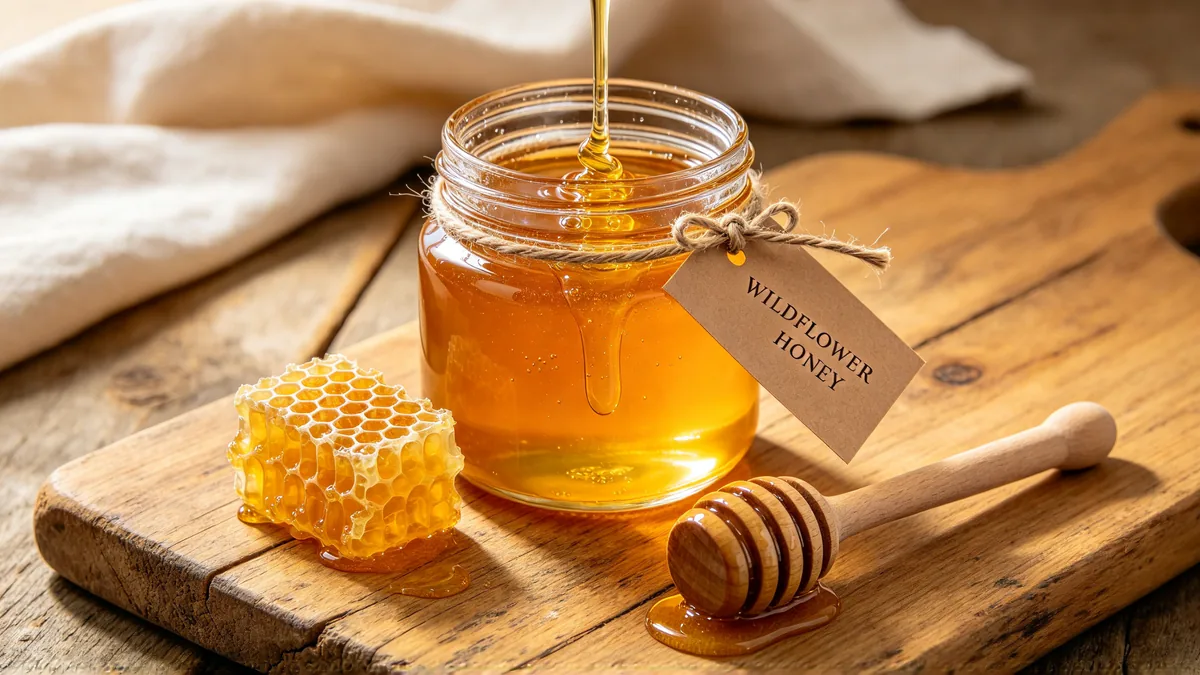
A glass jar of honey with a kraft paper label reading "WILDFLOWER HONEY", on a wooden board beside a honeycomb and a wooden dipper.

Close product photo of a glass jar of golden honey on a worn oak board, a kraft paper label tied with twine that reads "WILDFLOWER HONEY" in small neat serif letters, a piece of honeycomb and a wooden dipper beside it, light catching the drips on the glass. Visible wood grain and paper fibers, warm morning light, shallow depth of field, wide composition, no other text, no logos.

Photo edits that keep the original

Both versions edit as well as generate. Upload a photo or a scan and describe the change:

  • Add handwritten notes to a page.
  • Clean up a stain.
  • Change a background.
  • Put a product into a new scene.

Alibaba shows Qwen Image 3.0 restoring a damaged painting while keeping the original brushwork. In an edit like that, the untouched parts matter as much as the change.

Say clearly what to change and list what must stay the same. Use the extra reference slots for a style or an object you want brought in, as you would in image to image.

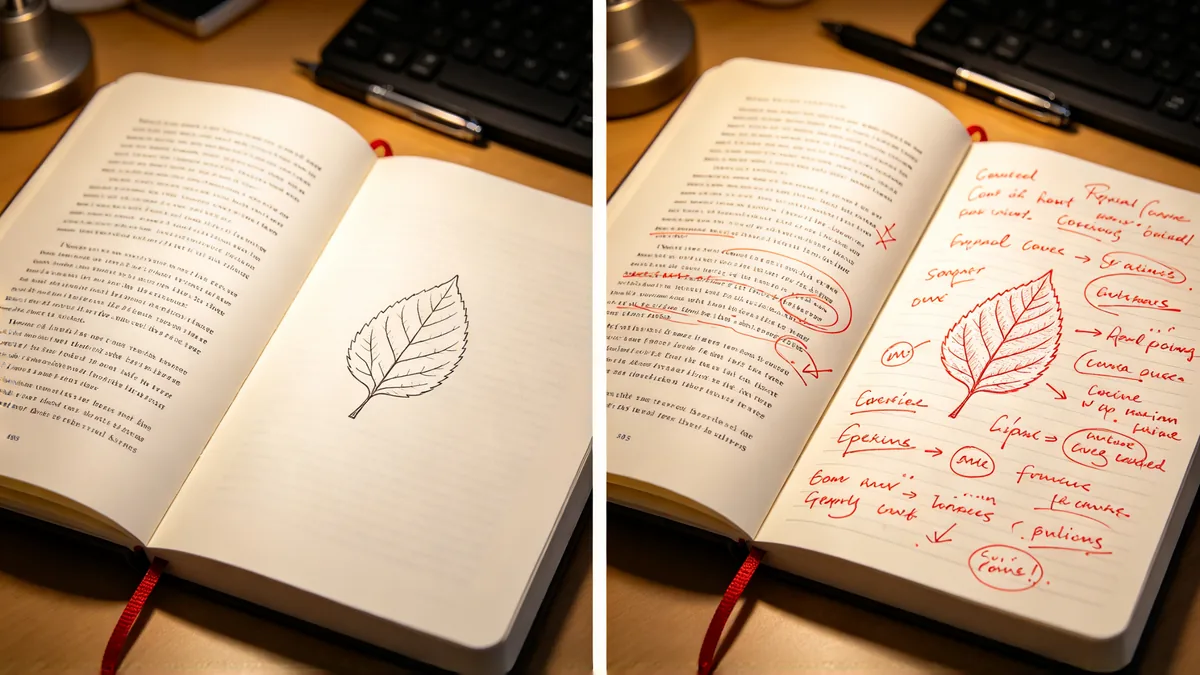
A side-by-side pair of the same open notebook page: on the left plain printed text, on the right the same page with red handwritten circles and margin notes.

A side-by-side diptych with a thin white divider, showing the exact same open notebook page twice from the same angle. Left: a clean printed page of short paragraphs with a simple diagram of a leaf. Right: the same page with added red ballpoint annotations, circled words, arrows and short handwritten notes in the margin, everything else identical. Soft desk lamp light, realistic paper texture, no logos. The leaf diagram stays in exactly the same place on both pages; only the red handwritten notes are added.

How to write prompts for Qwen Image 3.0

  1. Start by naming what the image is, such as "a vertical event poster" or "a recipe card in three columns", then describe each part in reading order.

  2. Put every word that must appear in quotation marks, keep each line short, and finish with "no other text" so the model does not add captions.

  3. For texture, name the material and the light: "brushed steel under a cool window light" gives the model more to work with than "a nice metal finish".

  4. When editing, name the one change first, then list what must stay the same, such as the layout, the face or the product shape.

  5. Draft on Qwen Image 3.0, then run the same prompt on Qwen Image 3.0 Pro for the final version.

Sample prompts to try with Qwen Image 3.0

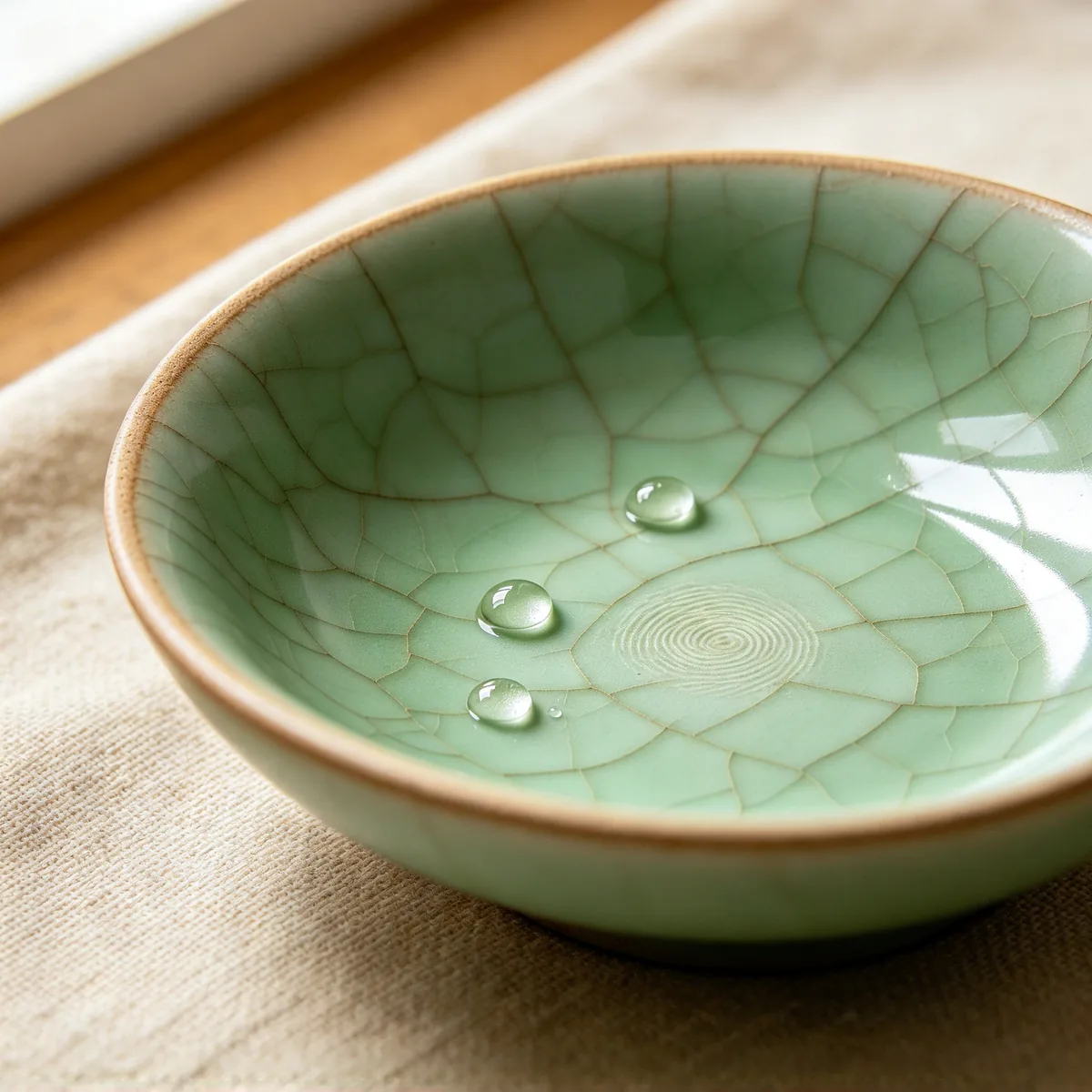
  • A close-up of a shallow hand-thrown celadon bowl with fine crackle glaze, a thumbprint in the glaze at its center and a few drops of water on the surface.

    Glaze up close

    Macro product photo of a hand-thrown celadon ceramic bowl, fine crackle lines in the pale green glaze, a faint thumbprint pressed into the unglazed clay rim, three small drops of water beading on the surface. Soft side light from a window, shallow depth of field, warm linen cloth underneath, square composition, no text, no logos.

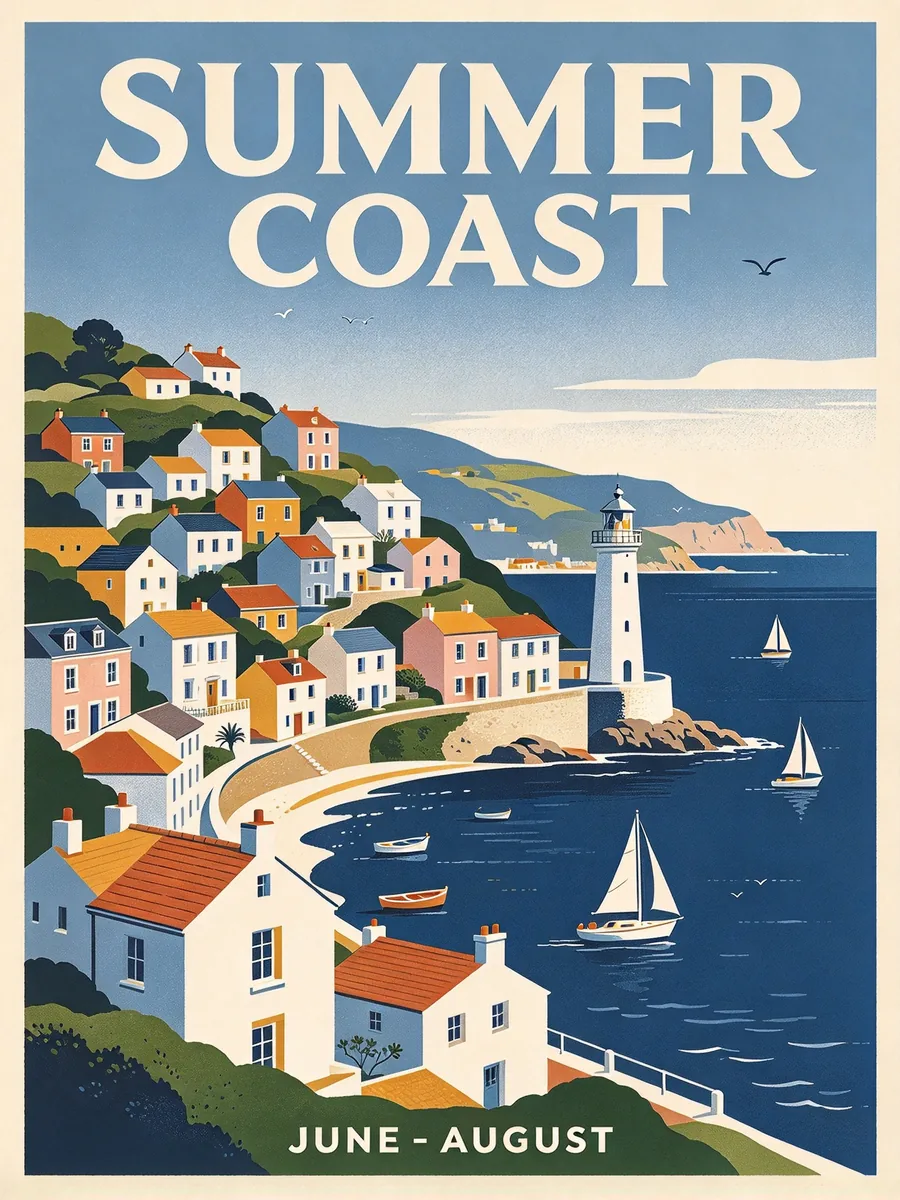
  • A vintage-style travel poster of a coastal town with terraced houses and a lighthouse, the headline "SUMMER COAST" at the top and a small line of dates at the bottom.

    Poster with a headline and dates

    A vintage-style travel poster of a coastal town: pastel terraced houses climbing a hill, a white lighthouse on the point, sailboats in a deep blue bay. Flat illustrated shapes with a fine paper grain. At the top, a large bold headline that reads "SUMMER COAST". At the bottom, one small line that reads "JUNE - AUGUST". Correct spelling, no other text, no logos, vertical layout.

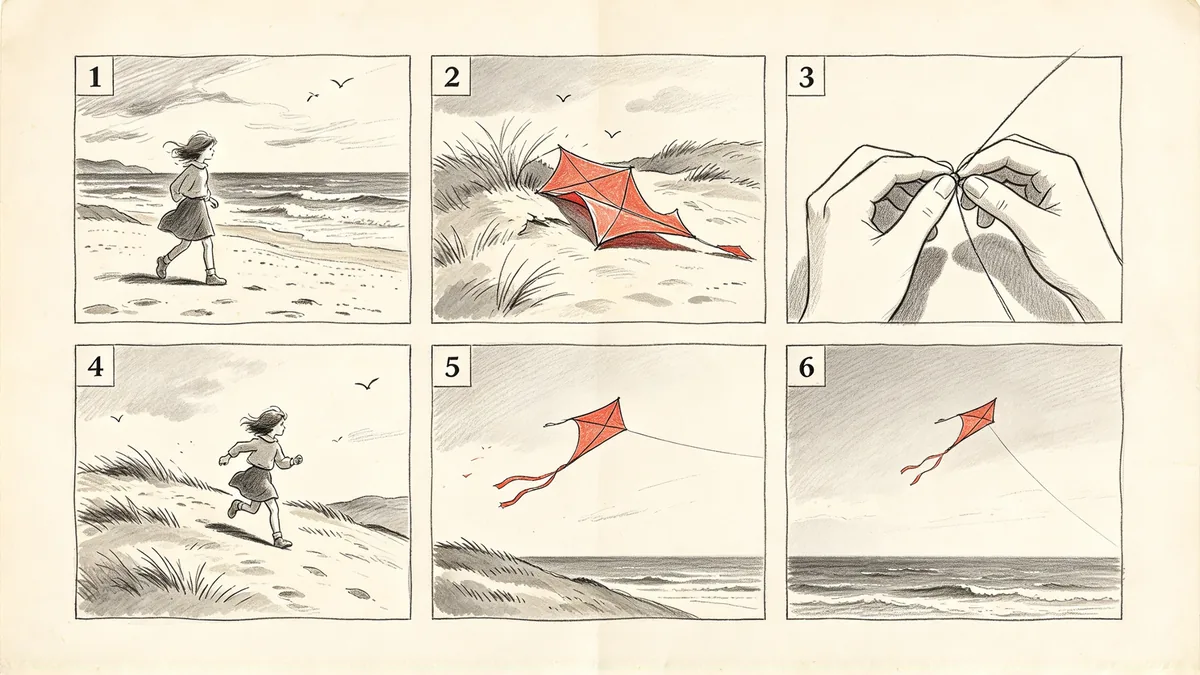
  • A storyboard sheet with six numbered pencil-and-wash panels showing a girl finding a lost kite and flying it on a hill.

    Storyboard sheet

    A film storyboard sheet on off-white paper with six panels in two rows of three, each panel numbered 1 to 6 in the top left corner. Pencil and grey wash drawings: 1 a girl walking along a windy beach, 2 she spots a torn red kite in the dunes, 3 close-up of her hands fixing the string, 4 she runs up a grassy hill, 5 the kite lifts into the air, 6 wide shot of the kite high above the sea. Consistent character in every panel, only the panel numbers as text, wide layout, no logos.

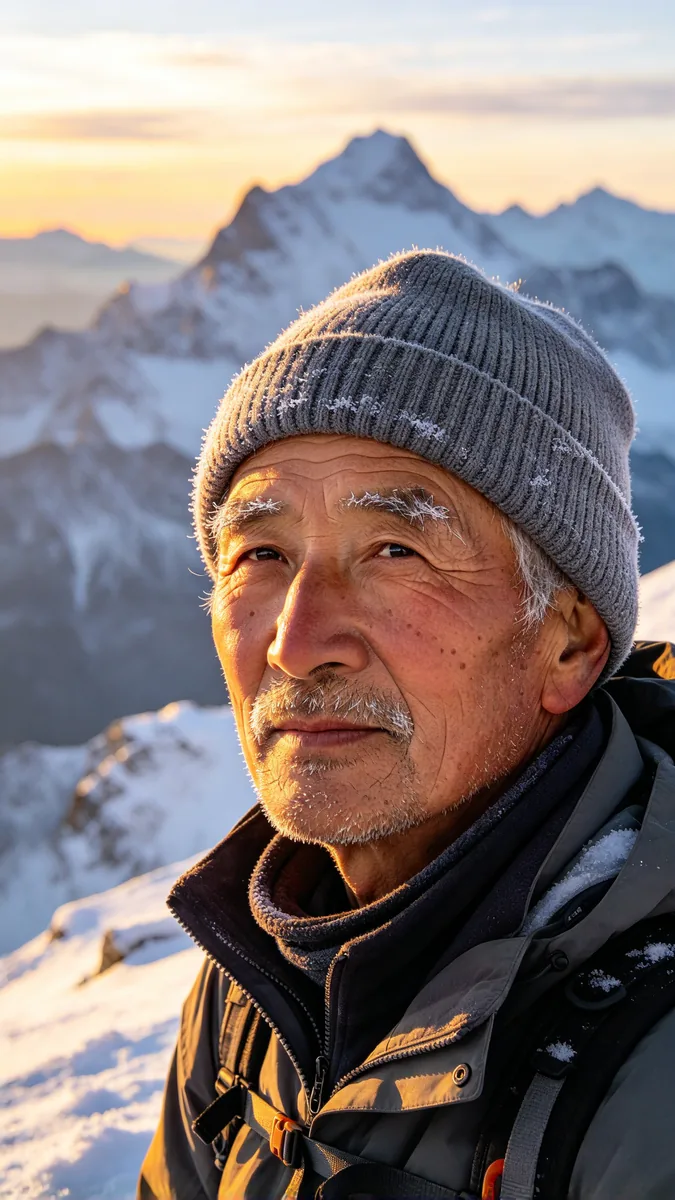
  • An older mountain guide in a wool cap looks toward the camera on a snowy ridge, with weathered skin, frost on his eyebrows and soft morning light.

    Portrait with real texture

    Vertical portrait of an older mountain guide on a snowy ridge at sunrise, knitted grey wool cap, weathered skin with visible pores and fine wrinkles, frost on his eyebrows and stubble, calm eyes looking just past the camera. Soft golden side light, snow-covered peaks blurred behind him, 85mm lens, natural documentary photography, no text, no logos.

Sample images are illustrative; results vary by model.

Qwen Image 3.0 specs and pricing

Every price below comes from the live price list, so it changes here as soon as rates change. Credits are charged per image, or per second of video.

Credits per image Dollar amounts are approximate, based on monthly subscription prices.
ResolutionPlanQwen Image 3.0Qwen Image 3.0 Pro
1KPlus6 about $0.0610 about $0.10
2KPlus8 about $0.0820 about $0.20

Qwen Image 3.0 limitations

  • Small text is much better than in earlier versions but still not guaranteed, especially long passages and less common scripts. Read every word at full size before you publish, and shorten a line that comes out wrong.

  • Each run returns a single image, so a set of variations takes several runs. Keep the prompt the same between runs when you want a consistent series.

  • Long prompts help with dense pages but can also make the model drop or merge parts of the brief. If something goes missing, cut the prompt down to the parts that matter and say them in order.

Qwen Image 3.0 FAQ

Qwen Image 3.0 is the third generation of the Qwen image model from Alibaba. It generates images from text and edits images you upload.

Its focus is dense layouts, small readable text and fine texture.

Ready to try Qwen Image 3.0?

Write a line or pick a sample prompt, then press generate.

Last updated: