Zero Kit AI

Seedream 4.0 AI Image Generator

ByteDance's Seedream 4.0 generates and edits in a single model and takes a stack of references, which makes it quick for illustrations, story panels and icon sets in one style.

  • ByteDanceByteDance
  • Up to 4K
  • Up to 14 reference images
  • Up to 4 images per run
  • Credits per image: from 6
  • Available on the Free plan
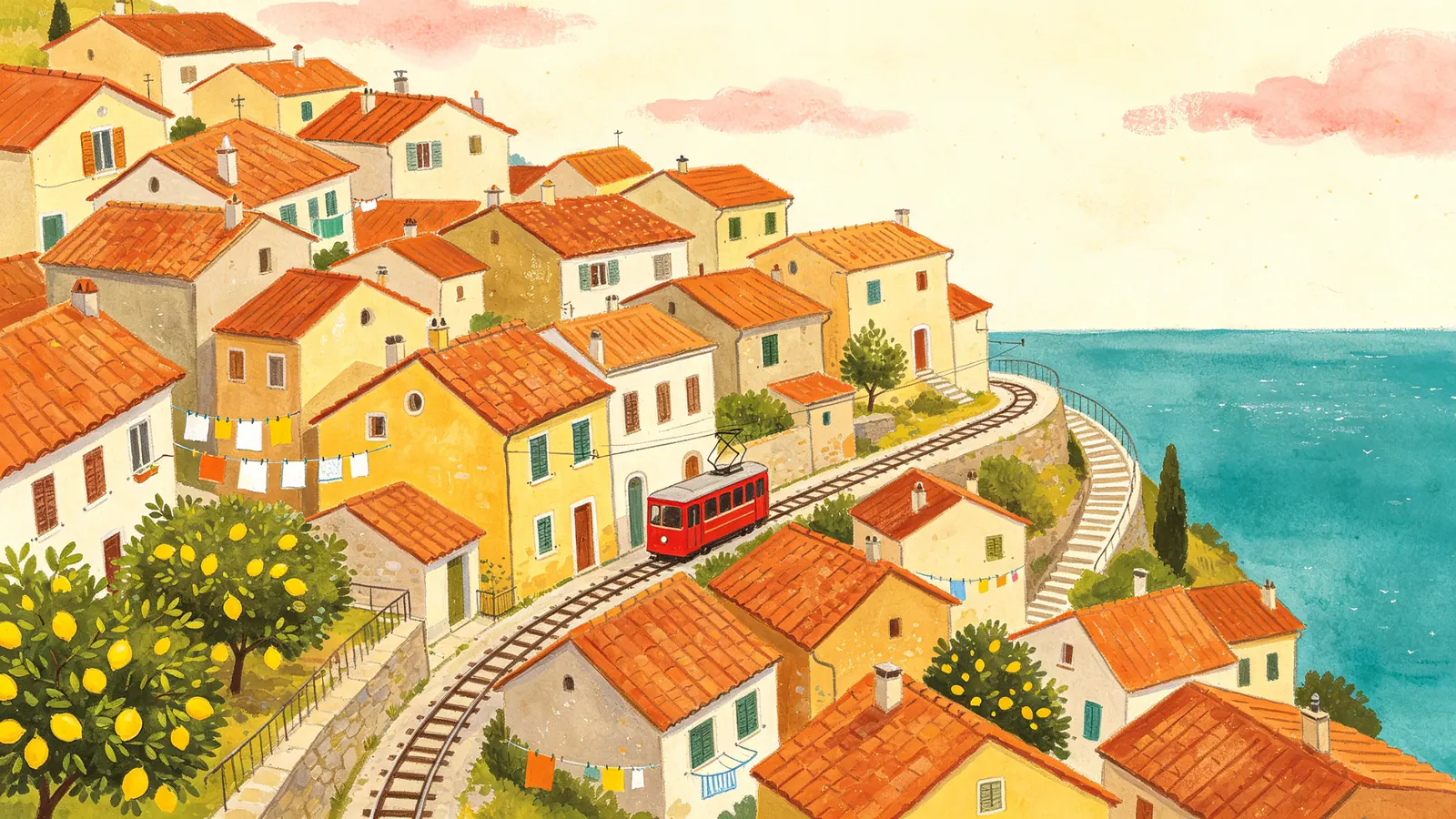
A gouache illustration of a hillside village with a red funicular climbing between terracotta roofs.

Sample prompts to try with Seedream 4.0

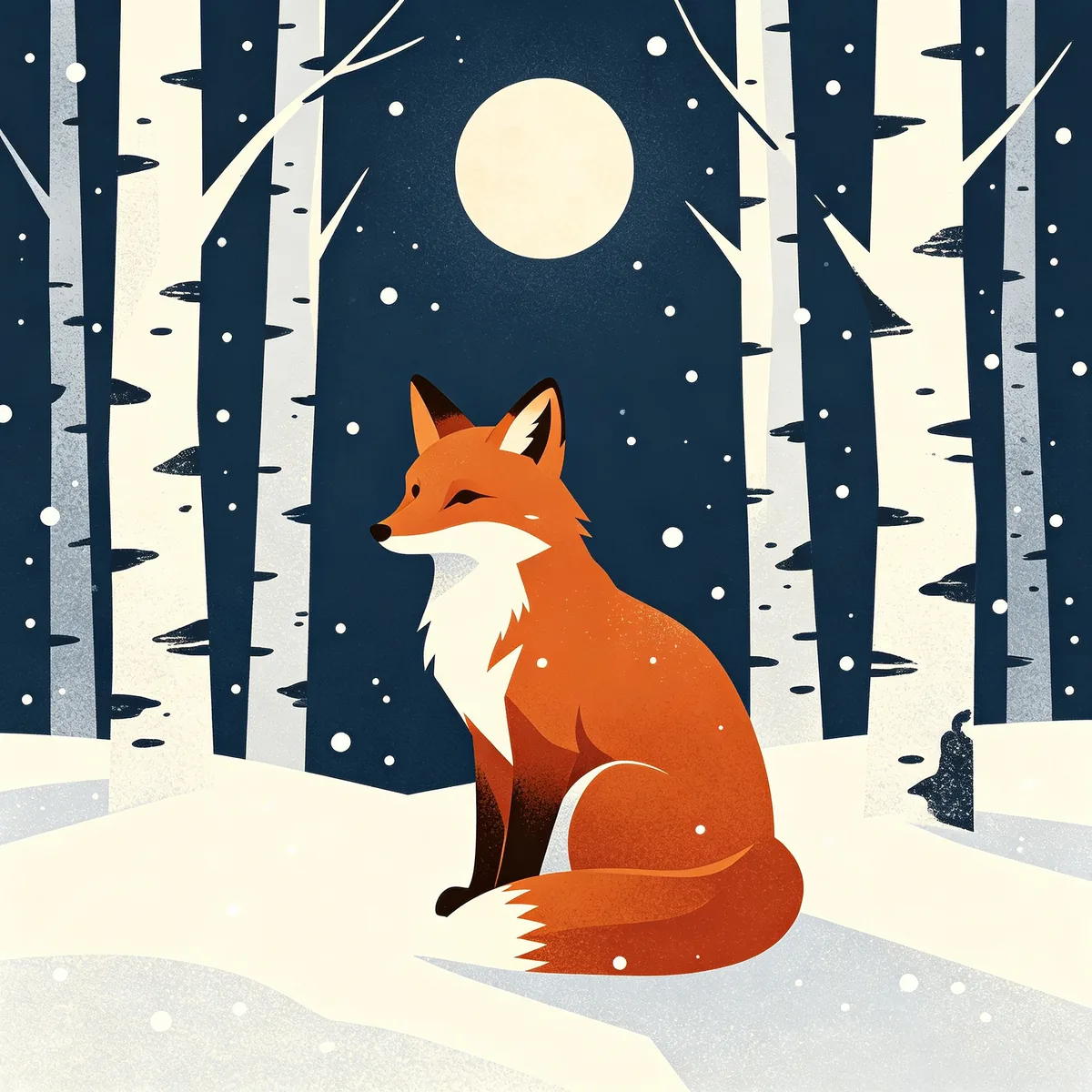
  • A flat vector illustration of a red fox sitting in a snowy birch forest under a pale moon.

    Fox in a winter forest

    A flat vector illustration of a red fox sitting in a snowy birch forest at night, a pale round moon above, tall white birch trunks with dark marks, gentle falling snow, subtle grain texture. Limited palette of rust orange, midnight blue and off-white, clean geometric shapes, square composition, modern editorial illustration.

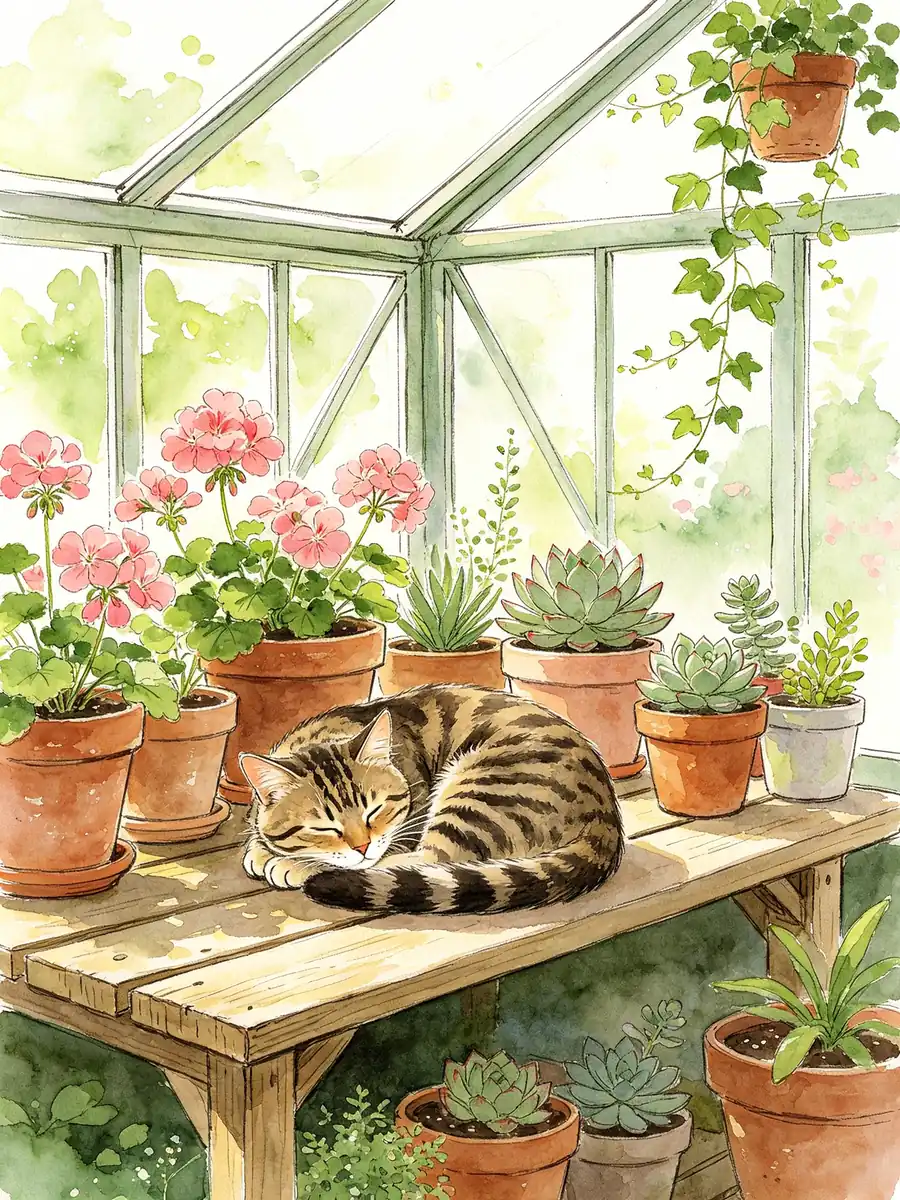
  • A loose watercolor of a tabby cat napping among potted plants in a small greenhouse.

    Watercolor greenhouse cat

    A loose watercolor illustration of a tabby cat curled up asleep on a wooden potting bench inside a small greenhouse, surrounded by terracotta pots of geraniums, succulents and a trailing ivy. Soft washes of green and rose, white paper showing through as light, delicate ink linework, dreamy morning light through the glass panes.

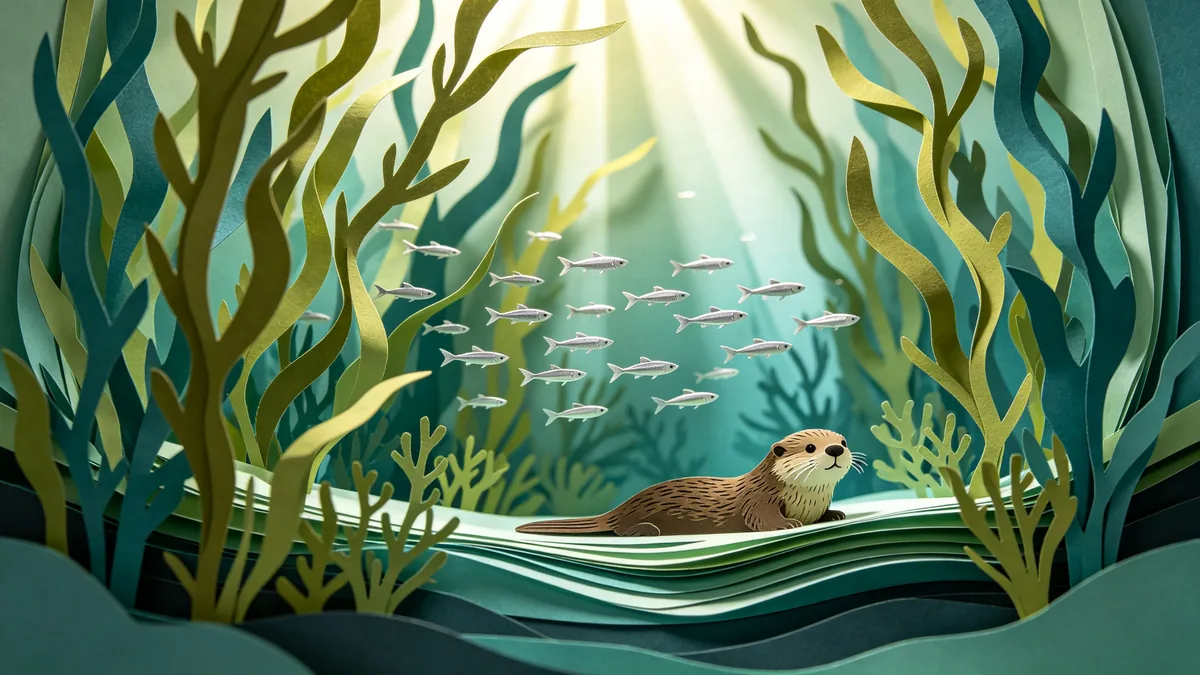
  • A layered paper-cut illustration of an underwater kelp forest with fish and shafts of light.

    Paper-cut kelp forest

    A layered paper-cut illustration of an underwater kelp forest, built from many sheets of colored paper stacked with real depth and soft shadows between layers. Swaying kelp in olive and teal, a school of small silver fish, a curious sea otter near the surface, shafts of pale light from above. Handcrafted diorama look, soft studio lighting.

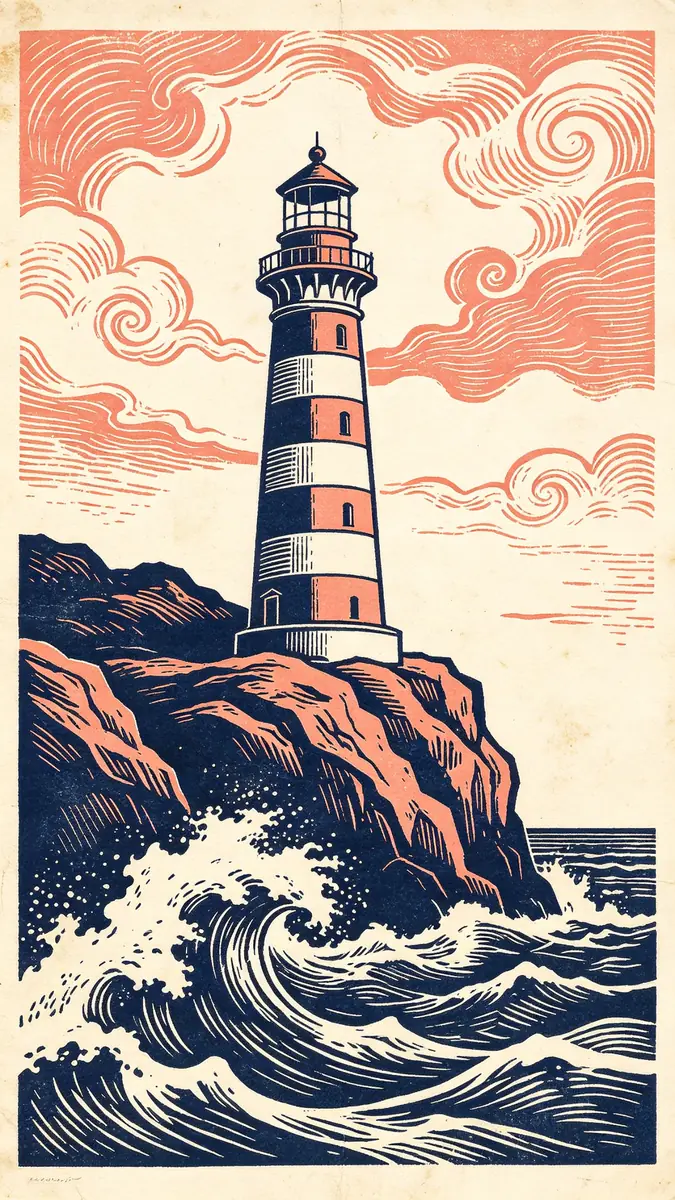
  • A two-color linocut print of a lighthouse on a rocky cliff with crashing waves.

    Linocut lighthouse

    A two-color linocut print of a striped lighthouse on a rocky cliff with stylized crashing waves and swirling clouds, carved line texture visible throughout, printed in deep navy and coral on cream paper, slight ink unevenness. Vertical composition, printmaking aesthetic, bold graphic shapes.

Sample images are illustrative; results vary by model.

About Seedream 4.0

Seedream 4.0 is the version in which ByteDance Seed merged text-to-image generation and image editing into one architecture, trained together from the start. ByteDance describes it as taking many reference images at a time while keeping scale and physical structure coherent, and as producing image sequences with the same characters and a unified style, the raw material of storyboards, comics and sticker packs. It moves between artistic styles from Baroque to cyberpunk, and ByteDance says it can reason about content such as puzzles, formulas and charts before it draws.

On Zero Kit it runs from the editor on this page at 1K, 2K and 4K. Upload up to 14 reference images, for example a sketch, a texture sample and a colour palette, and one run can return up to 4 images, which is handy for a row of comic panels or a set of game icons.

On the free plan you can use Seedream 4.0 at 1K, 2K and 4K. Anything you make on the free plan is for personal, non-commercial projects, so switch to a paid plan before you sell a design or hand it to a client.

Seedream 4.0 suits illustration, game art, icons and quick edits of a product or a drawing. When a portrait has to hold a face from a reference photo closely, Seedream 4.5 is the next version; see its page for how the two compare.

What Seedream 4.0 does well

Generate, then edit

Because generation and editing share one model, you can make an image and keep working on it in the same place. The sneaker sample shows the edit half: a plain white canvas sneaker becomes a hand-painted one covered in red poppies, blue cornflowers and green leaves, while the laces, sole and silhouette stay as they were. Upload the original, describe the new surface, and say which parts must not change. The same approach works for recolouring a character, adding an object to a scene or replacing the background of an illustration.
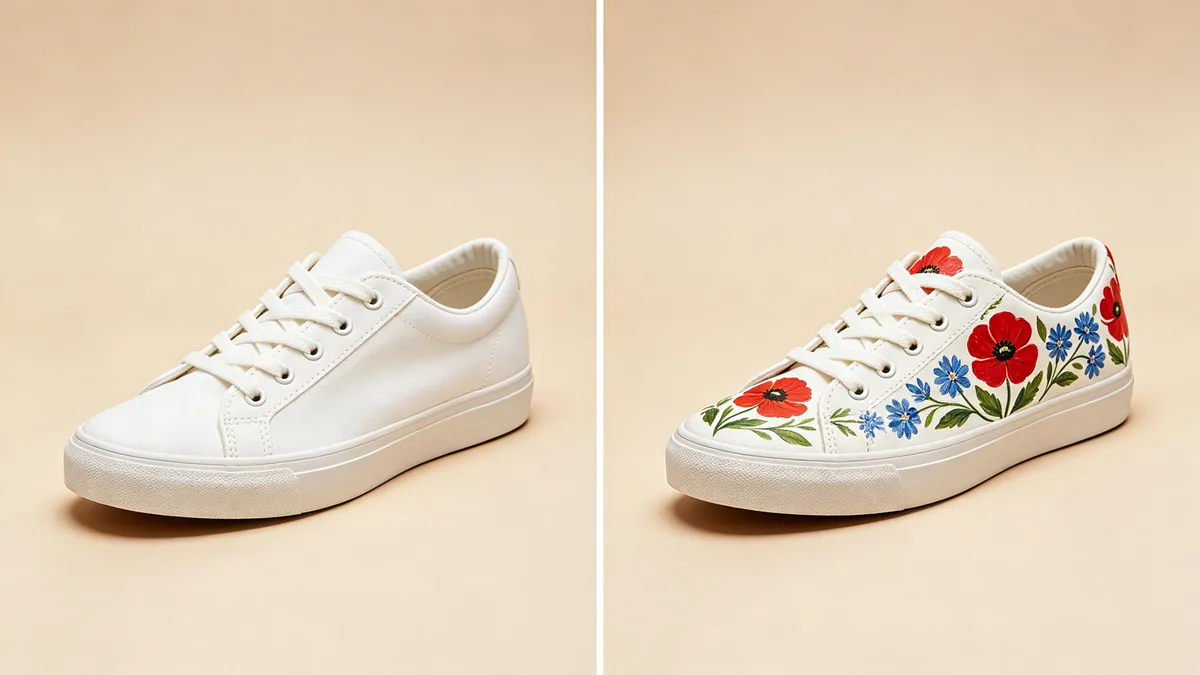
Before and after: a plain white canvas sneaker on the left, and the same sneaker hand-painted with flowers on the right.

A before-and-after diptych on a soft beige background with identical camera angle. Left: a plain unbranded white canvas low-top sneaker. Right: the same sneaker edited so the canvas is hand-painted with a folk-art pattern of red poppies, blue cornflowers and green leaves, while the laces, sole and shape stay exactly the same. Clean product photography, soft even light.
Several references, one illustration

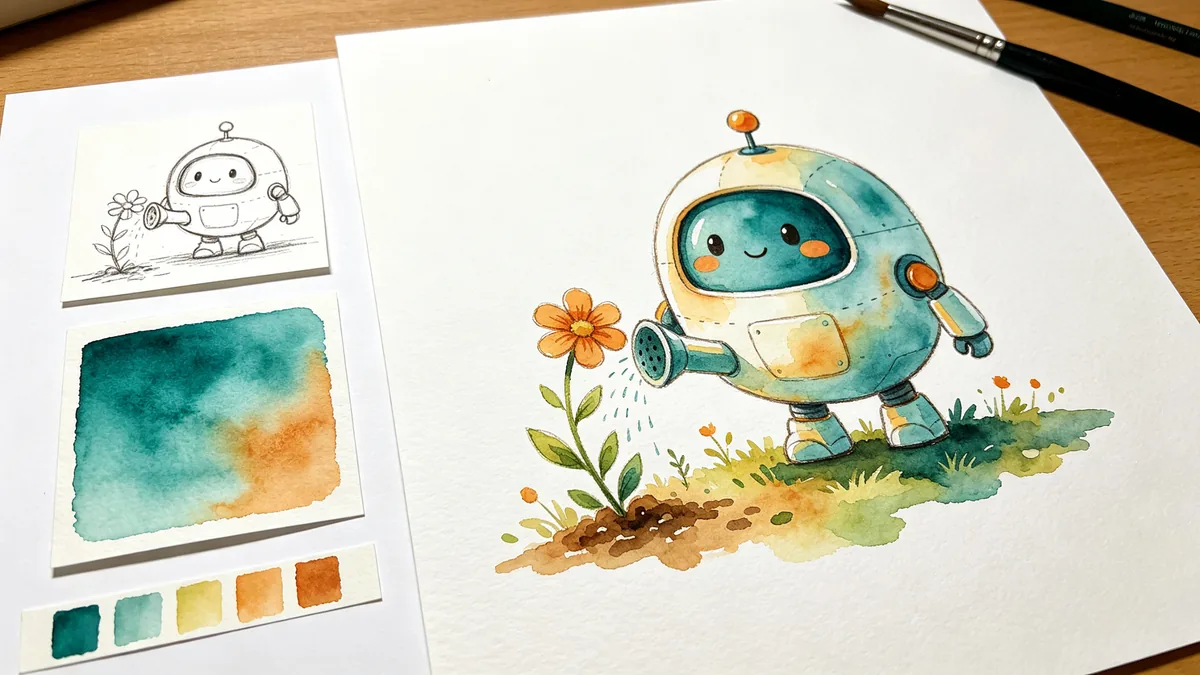
Seedream 4.0 reads each reference for a different job. In the sample, a pencil sketch fixes the robot's shape, a watercolour swatch fixes the texture and a strip of colour chips fixes the palette, and the finished illustration of the robot watering a flower uses all three. Tell the model which image supplies the subject, which the medium and which the colours, and it keeps those roles apart. This is a fast route from a rough sketch to a finished piece in a look you have already chosen.

A pencil robot sketch, a watercolor texture sample and a palette strip on the left, combined into a finished robot illustration on the right.

A creative desk layout on white paper. On the left, three small reference pieces: a pencil sketch of a round friendly robot, a square watercolor texture sample in teal and ochre, and a strip of five color chips. On the right, a large finished illustration of the same round friendly robot watering a flower, painted in the watercolor texture and exactly the five-color palette. Clear visual link between references and result, no text.

Illustration style

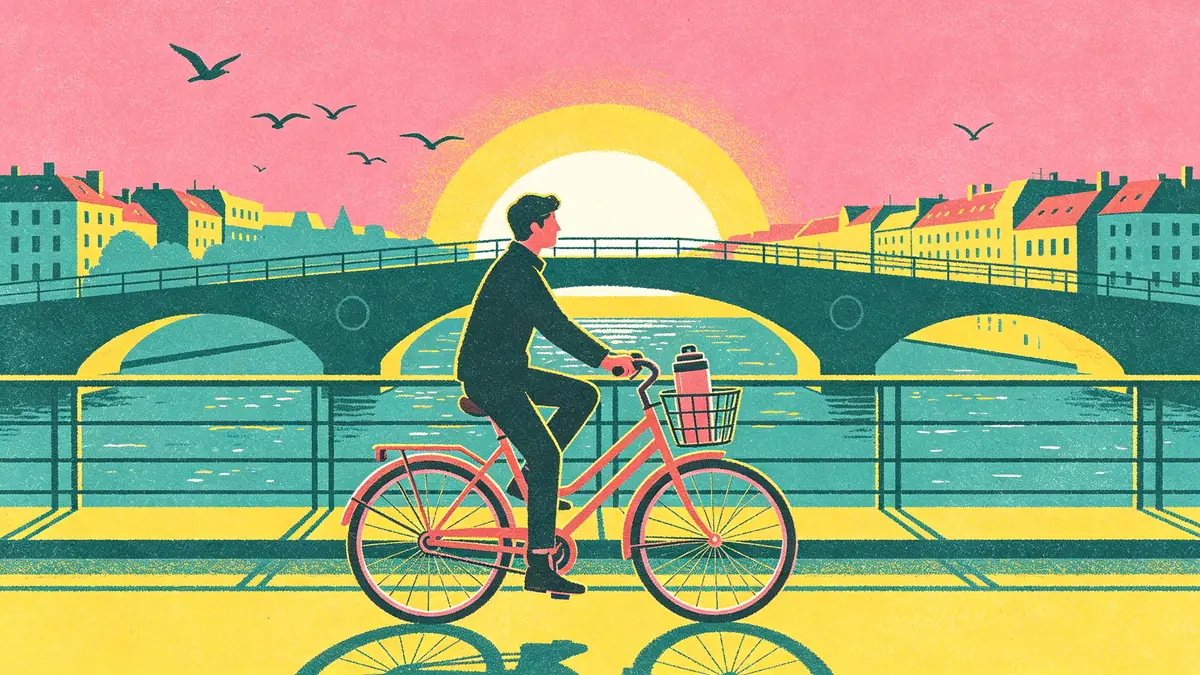
Seedream 4.0 covers a wide range of illustration techniques and keeps their marks instead of smoothing everything into generic digital art. The risograph sample shows a commuter cycling over an arched bridge at sunrise in fluorescent pink, teal and yellow, with visible grain, slight misregistration and overlapping ink. The gallery on this page adds flat vector, loose watercolour, layered paper-cut and linocut. Name the technique and its tell-tale details, such as grain, carved lines or stacked paper, and keep the palette to a few named colours.

A risograph-style illustration of a commuter cycling across a bridge at sunrise.

A risograph-style illustration of a commuter cycling across an arched bridge over a river at sunrise, a thermos in the bicycle basket, birds flying, city rooftops behind. Printed look in fluorescent pink, teal and yellow with visible grain, slight misregistration and overlapping ink tones, playful editorial illustration, no text.

Seedream 4.0 specs and pricing

Every price below comes from the live price list, so it changes here as soon as rates change. Credits are charged per image, or per second of video.

Credits per image
ResolutionSize at 1:1PlanCredits
1K1024 × 1024Free6
2K2048 × 2048Free6
4K4096 × 4096Free8

Limitations to know

  • Faces hold less firmly than on Seedream 4.5. ByteDance made preserving facial features from a reference a focus of 4.5, so when one person must look identical in every image, use that version.
  • Lettering beyond a word or two can come out garbled. Typography and dense text were among the improvements ByteDance made after 4.0, so keep text short here, or add it afterwards in a design tool.
  • A long sequence can drift. Characters and style stay coherent across a set, but later panels may change small things such as clothing patterns or props; repeat the character description in every prompt and regenerate the frames that stray.

How to write prompts for Seedream 4.0

  1. Name the medium first (flat vector, watercolour, paper-cut, linocut, risograph), then the subject and the scene.
  2. Keep the palette to a few named colours, such as "deep navy and coral on cream paper".
  3. For a sequence, number the panels and describe each in one line, with the character description word for word the same in all of them.
  4. When you combine references, give each one a role: subject, texture or palette.
  5. For an edit, describe the new element and list what must stay: the shape, the outline, the background.

Seedream 4.0 FAQ

Yes, you can use Seedream 4.0 on the Free plan at 1K, 2K and 4K. Each image is paid for with credits, and anything made on the free plan is for personal, non-commercial projects; selling a design or using it for a client needs a paid plan.

Ready to try Seedream 4.0?

Write a line or pick a sample prompt, then press generate.

Last updated: