


Zero Kit AI

MiniMax H3 AI Video Generator

MiniMax H3, the newest video model from the team behind Hailuo AI, turns a prompt, a first frame or a set of image, video and audio references into a short video, and H3 Max in the same editor is the version built for faster generation.

  • MinimaxMiniMax
  • Up to 2K
  • Up to 9 reference images
  • Up to 3 reference videos
  • Up to 3 reference audio clips
  • Up to 4 videos per run
  • 4–15 seconds
  • Credits per second: from 10
  • Included in Plus and above
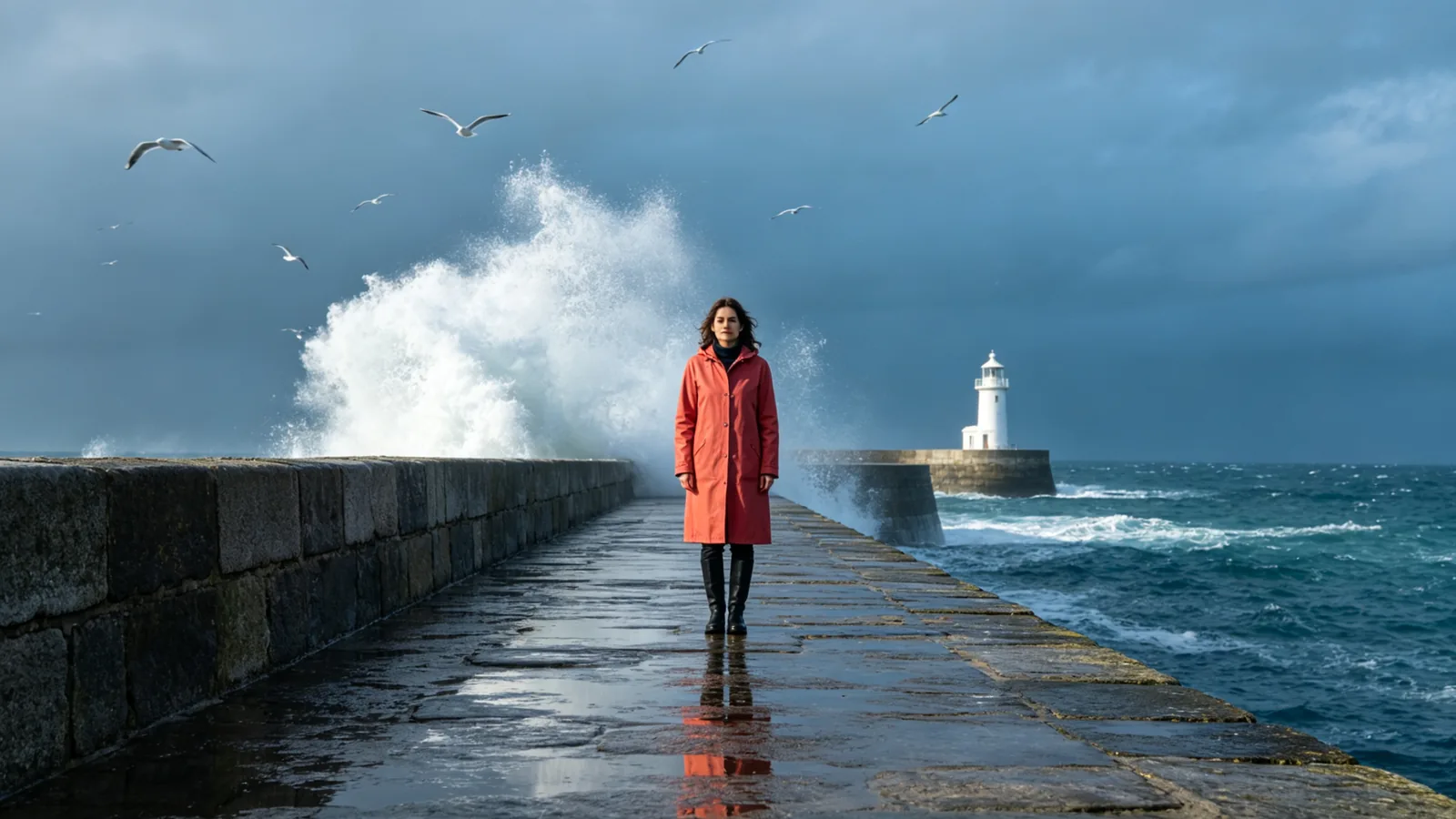
A woman in a coral raincoat stands at the end of a stone pier as a wave bursts white behind her, a lighthouse in the distance.

Videos made with MiniMax H3

  • Listening to a seashell

    Generated with MiniMax H3

    A single continuous shot on a rocky shore at dawn. A young woman in a mustard-yellow raincoat crouches beside a tide pool, lifts a large spiral seashell out of the water, shakes off the drops and slowly holds it to her ear, a smile spreading across her face. The camera starts low and wide and pushes in gently to a medium close-up. Waves roll in softly behind her under a pale pink and blue sky, cinematic natural light.

  • Up the lighthouse stairs

    Generated with MiniMax H3

    A single continuous shot inside a lighthouse. An older keeper in a heavy navy wool coat climbs the last turns of a white spiral staircase with a lantern in his hand, the camera following close behind and rising with him. He pushes open a small iron door and steps out onto the balcony; the camera follows him through the doorway and swings around to reveal a stormy sea below, waves breaking white against the rocks, the great lamp sweeping its beam through the rain. Cold blue storm light against warm lantern glow, cinematic, smooth continuous camera movement.

Sample prompts to try with MiniMax H3

  • Vendors under strings of warm bulbs sort the night's catch on ice at a harbor fish market.

    Night fish market

    Cinematic 16:9 video keyframe, a tracking shot along a harbor fish market at night, vendors in rubber aprons lifting silver fish from crushed ice under strings of warm bulbs, steam rising from a soup stall, boats bobbing at the dock behind. Deep blue night and coral-orange lamplight, wet reflections on the concrete, lively and crowded, no text, no logos.

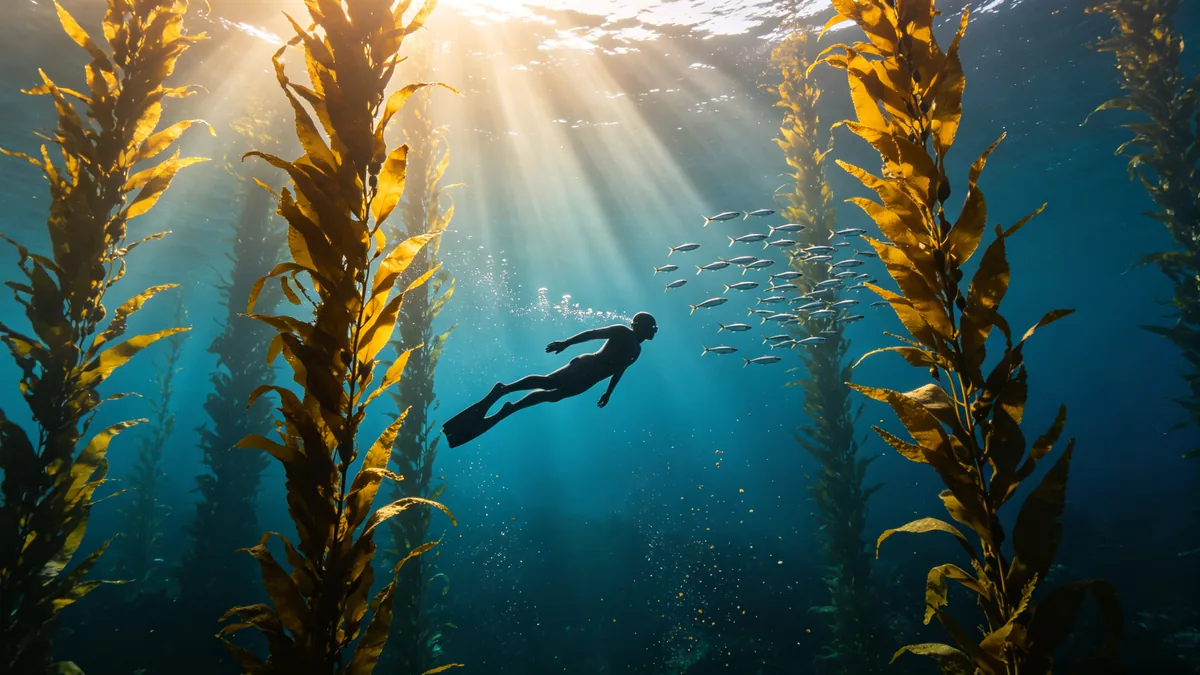
  • A free diver glides between tall kelp stalks as sunbeams slant down through the water.

    Diver in a kelp forest

    Cinematic 16:9 video keyframe, a slow underwater tracking shot following a free diver in a plain dark wetsuit gliding between towering golden kelp stalks, sunbeams slanting down from the surface, a school of small silver fish turning in unison, particles drifting in the water. Deep ocean blue with warm gold light, calm and weightless, no logos.

  • A small tram runs along a cliff road above the sea at dusk, its windows glowing.

    Tram on the coast road

    Cinematic 16:9 video keyframe, an aerial shot following a small two-car tram as it curves along a cliff road above the sea at dusk, warm light glowing in its windows, waves breaking white on the rocks far below, a village of pastel houses on the next headland. Coral and violet sky over deep blue water, smooth drone motion, no text, no logos.

  • A craftsman's hands carve a spiral pattern into a pearl-white seashell at a wooden workbench.

    Carving a seashell

    Cinematic 16:9 video keyframe, a close shot of a craftsman's weathered hands carving a fine spiral pattern into a pearl-white seashell at a wooden workbench, shell dust catching a beam of window light, small carving tools laid out on a linen cloth. Soft blue shadows and warm coral light, shallow depth of field, slow push-in.

Sample images are illustrative; results vary by model.

About MiniMax H3

MiniMax H3 is a video model from MiniMax, the company that makes the Hailuo AI video generator. Its earlier video models carried the Hailuo name, such as Hailuo 02, and MiniMax set that architecture aside to build H3. MiniMax describes H3 as a model that reads text, images, video and audio together, so one prompt can combine a character from a photo, a camera move from a clip and a voice from a recording. It starts from text alone, from a first frame, from a first and a last frame, or from a set of references, and MiniMax says it generates native stereo sound along with the picture.

This page covers MiniMax H3 and MiniMax H3 Max. Both run from the editor above, and you switch between them with the model button. MiniMax H3 is the full model: it goes up to 2K, takes references, and is the version MiniMax describes with stereo sound. H3 Max is a version of H3 that fal post-trained for high-speed generation. MiniMax says it generates faster than H3, and it tops out at a lower resolution. Use Max while you are still testing an idea and H3 for the final version.

Clips run from 4 to 15 seconds and are charged per second at the resolution you pick, and a clip made from text can use any of 6 aspect ratios. H3 suits short ads, music and performance clips, product shots, and scenes that need a look, a voice or a camera move carried over from material you already have. If you only need one photo to move, the Animate tool linked below is the quicker route.

What MiniMax H3 does well

Image, video and audio references in one prompt

MiniMax H3 takes up to 9 reference images, 3 reference videos and 3 audio clips in one generation, and it reads them together rather than one at a time. MiniMax's own example asks the model to copy the camera move from a video, have the character from an image sing, and match the vocals to an audio clip, all in one sentence. The prompt is where you say what each reference is for: "keep the face and the navy sweater from the portrait, follow the dolly move in the reference video, and have him sing the melody from the audio clip on the harbor at dusk". Without that sentence the model has to guess which input controls what. References and a first or last frame cannot be combined in one generation, so choose one approach per clip, and pick H3 in the model menu for clips built on references. Use your own material, or material you have permission to use, especially for faces and voices.
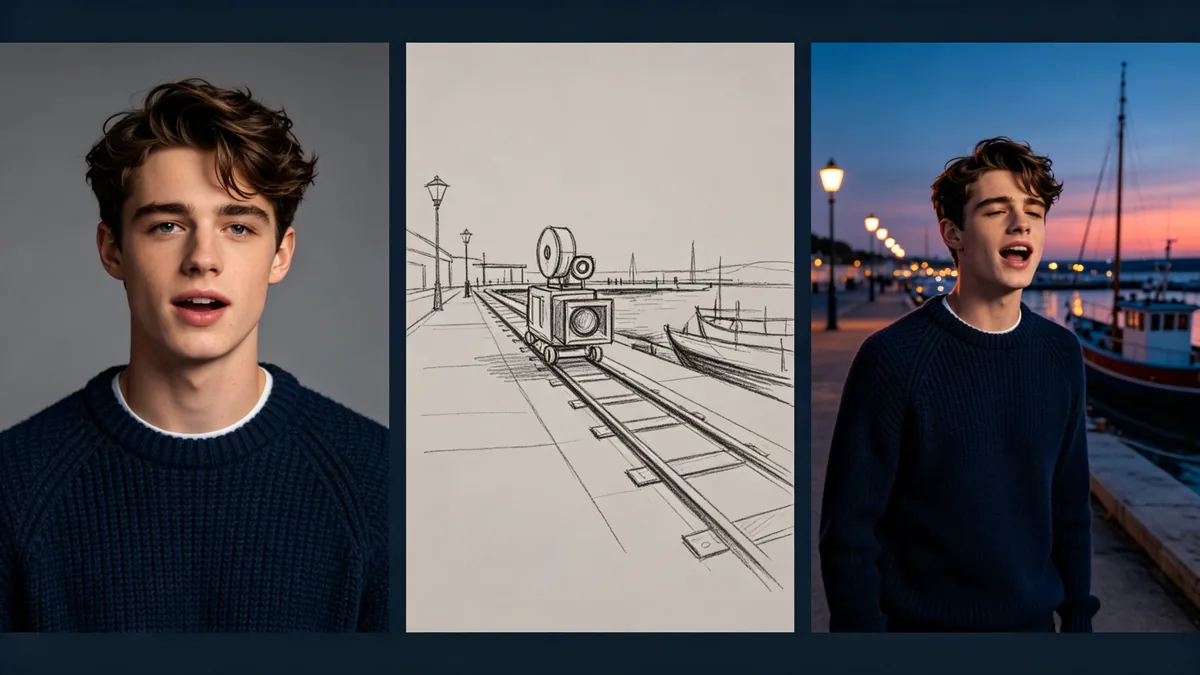
Three frames side by side: a portrait of a young man in a navy sweater, a pencil sketch of a camera move along a harbor, and the same man singing on the harbor at dusk.

Cinematic 16:9 video keyframe, a triptych of three panels separated by thin dark gutters: left, a plain studio portrait of a young man in a navy knit sweater against a grey backdrop; middle, a pencil storyboard sketch of a camera dollying along a harbor quay; right, the same young man in the same navy sweater singing on the harbor quay at dusk as the camera moves alongside him, moored boats and lamps behind. Consistent face and clothing across the panels, deep blue and coral palette, no text, no logos.
Sound made together with the picture

MiniMax says H3 generates native stereo sound, with voice, sound effects and music modeled together with the video rather than added afterwards. That makes it a fit for scenes where the sound carries the moment: a band on a promenade, footsteps on a wooden pier, a line of dialogue. Describe the sound in the same sentence as the action it belongs to, for example "the tuba swings toward the camera on the downbeat, the snare rattles, gulls cry over the waves", and say when each sound starts. MiniMax describes stereo sound for H3 and does not say the same about H3 Max, so pick H3 when sound matters. Listen to every result before you publish it, because a voice or an instrument can still come out wrong.

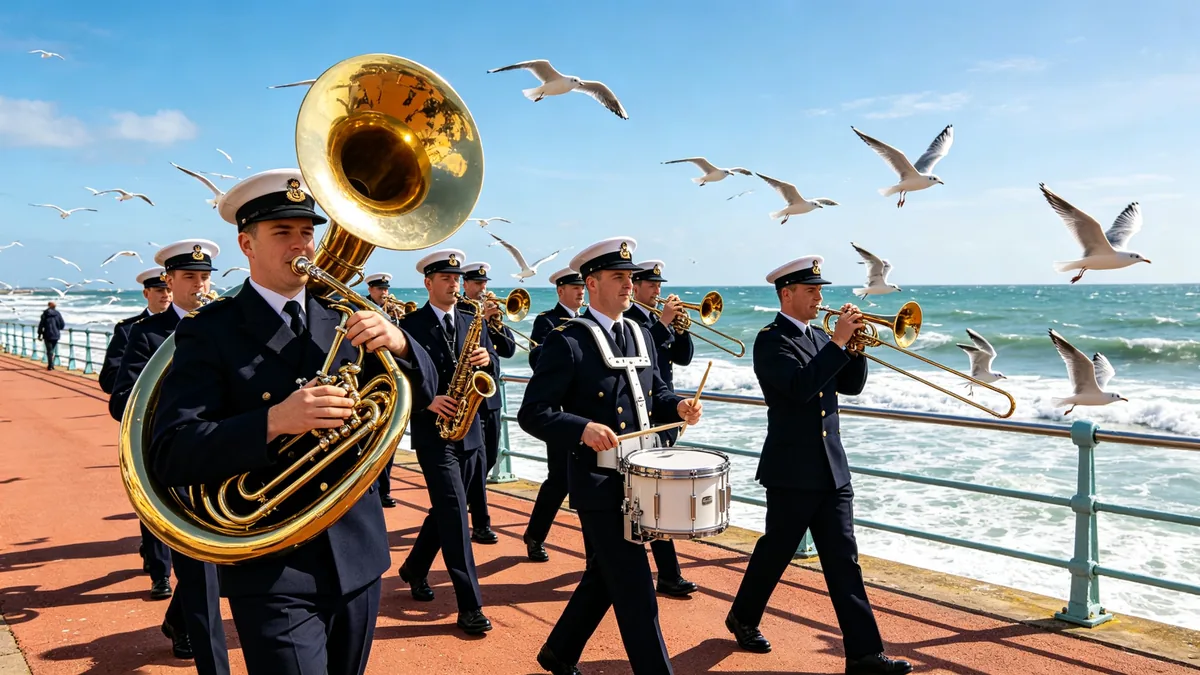
A brass band marches along a seaside promenade, a tuba bell swinging toward the camera and gulls lifting off the railing.

Cinematic 16:9 video keyframe, a low wide-angle shot of a small brass band in plain navy uniforms marching along a seaside promenade on a bright windy afternoon, a tuba bell swinging toward the camera, a snare drummer mid-beat, gulls lifting off the railing, waves rolling in behind. Crisp coral and ocean blue palette, energetic parade rhythm, no text, no logos.

Fine detail at high resolution

MiniMax H3 renders at up to 2K. MiniMax explains that H3 reaches its top resolution by regenerating its own lower-resolution output in context, and says this recovers fine detail and small text better than ordinary upscaling. Texture is where it shows: beads of seawater on a shell, grains of sand, knitted wool, hair, weathered wood. Slow camera moves make the most of it. A macro push-in or a slow pan keeps texture readable, while fast action blurs detail at any resolution. H3 Max does not offer 2K, so pick H3 for clips that will play on a large screen or be cropped in the edit. A higher resolution costs more per second, so test the motion at a lower one first.

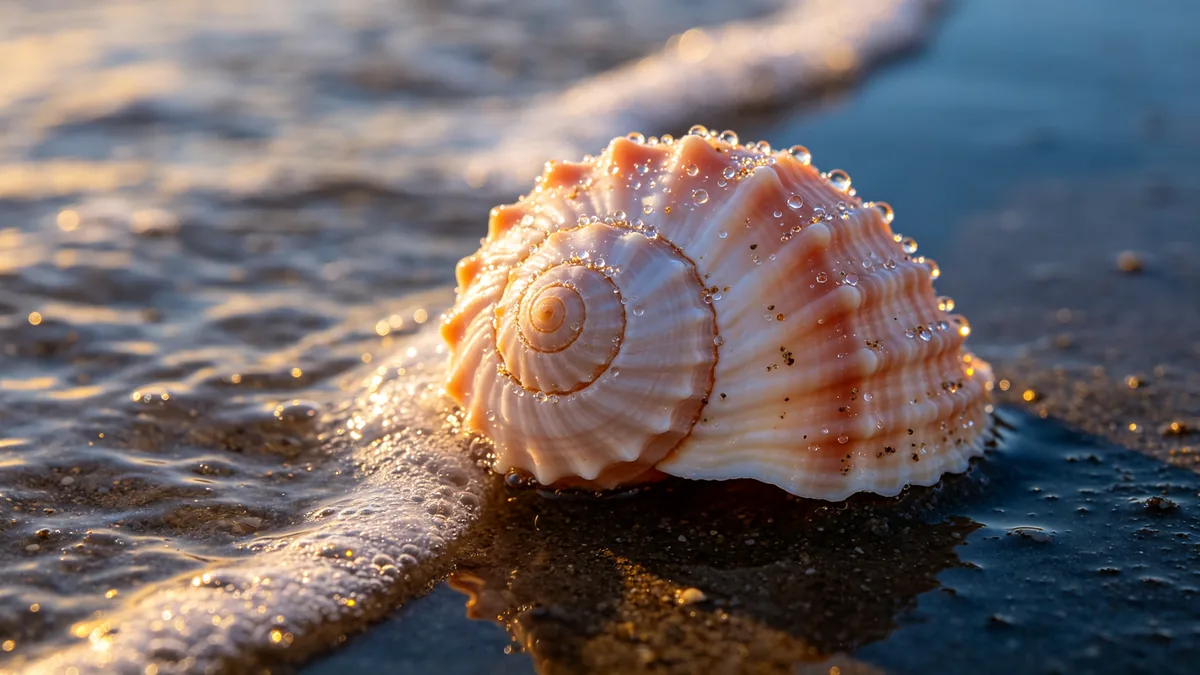
A macro shot of a spiral sea snail shell on wet sand at sunrise, with beads of seawater and grains of sand in sharp detail.

Cinematic 16:9 video keyframe, a slow macro push-in on a spiral sea snail shell resting on wet sand at sunrise, tiny beads of seawater on its ridged surface, individual sand grains sparkling, a thin sheet of wave foam sliding in and pulling back. Extremely fine detail, shallow depth of field, pearl and coral tones against deep blue shadow.

MiniMax H3 specs and pricing

Every price below comes from the live price list, so it changes here as soon as rates change. Credits are charged per image, or per second of video.

Credits per second
ResolutionPlanMiniMax H3MiniMax H3 Max
768PPlus2025
2KPlus40Not available
480PPlusNot available10

Limitations to know

  • MiniMax says H3's understanding of mixed inputs still has significant room to improve, and that visual detail can still slip in some scenes. Expect a reference to be followed loosely now and then, and check faces, hands and small lettering frame by frame before you publish.
  • H3 Max trades range for speed. It does not offer 2K, and MiniMax describes native stereo sound for H3 only. Use H3 for high-resolution takes, clips built on references and clips where the sound matters.
  • References and a first or last frame cannot be mixed in one generation, and a clip made from a frame follows the shape of that image, so the aspect ratio setting does not apply to it. Very small images and images with an extreme aspect ratio are rejected, so crop them to a common shape before you upload.

How to write prompts for MiniMax H3

  1. Write the shot in order: subject, action, place, camera move, light, then sound. "A lighthouse keeper climbs a spiral staircase, the camera follows close behind, cold storm light, rain drumming on the glass" is enough to start.
  2. When you add references, say in the prompt what each one is for, such as the face from the portrait, the camera move from the video and the voice from the audio clip. MiniMax's own examples refer to them in the order they were added, as Image 1, Video 1 and Audio 1.
  3. Describe what is heard alongside what is seen, and tie each sound to a moment in the action, such as "the iron door bangs open and the wind roars in".
  4. For a change with a fixed start and end, use a first and a last frame taken from the same camera position, and let the prompt describe only what happens in between.
  5. Test the idea on H3 Max at the lowest resolution and a short duration, then generate it again on H3 at 2K once the prompt is settled.

Related AI tools

MiniMax H3 FAQ

Not quite. Hailuo AI is the video app from MiniMax, and MiniMax H3 is MiniMax's newest video model. MiniMax's earlier video models carried the Hailuo name, such as Hailuo 02, which is why the two names are often searched together. This page runs H3 and H3 Max in the Zero Kit editor, so you pay with Zero Kit credits rather than a Hailuo AI plan.

Ready to try MiniMax H3?

Write a line or pick a sample prompt, then press generate.

Last updated: