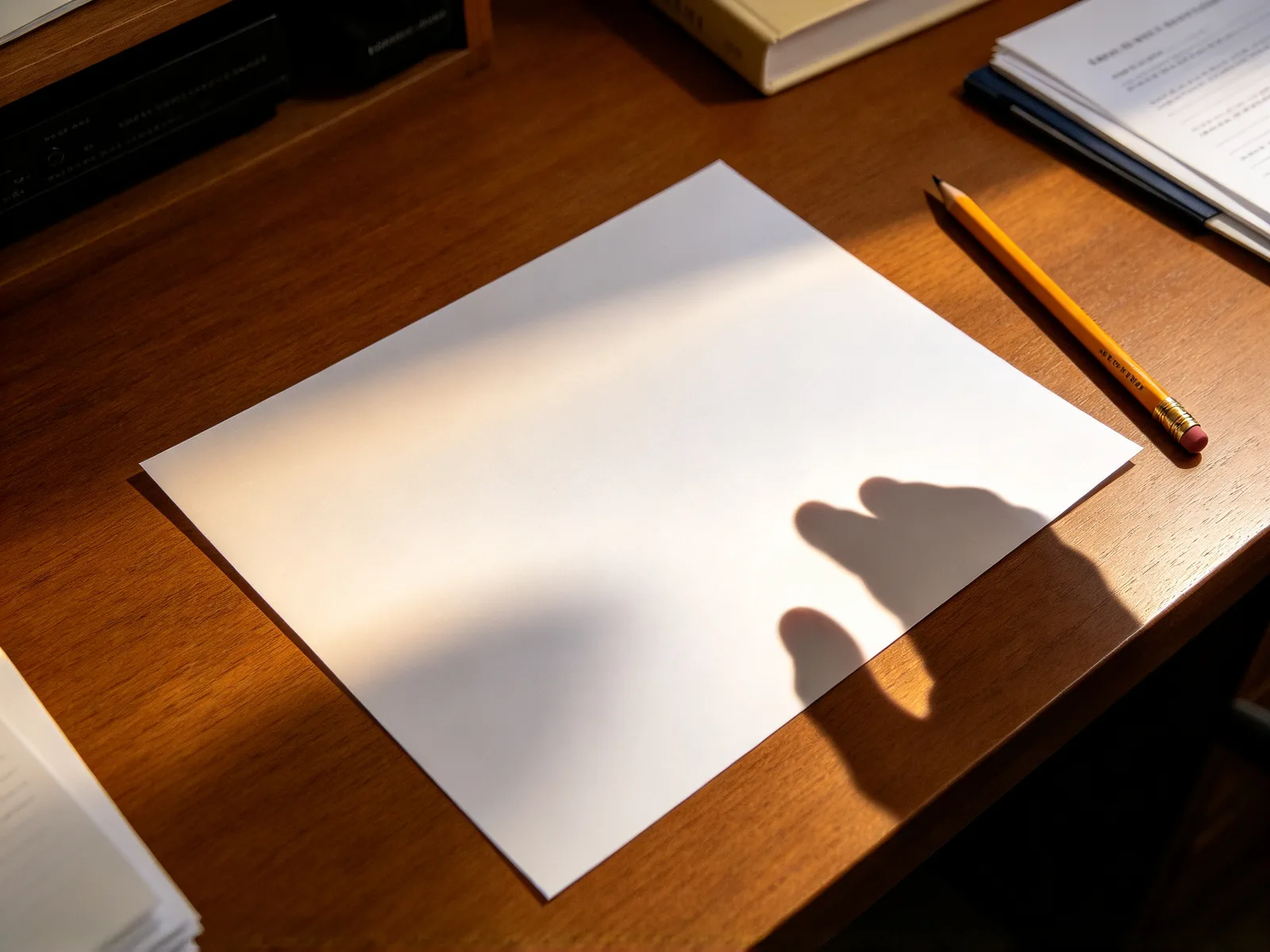
Remove shadows from a photo with AI
Clear shadows from documents, product shots and the ground. Brush over the shadow and the surface fills back in; shadows on faces are not supported.
- Free credits to start
- Nothing to install
Remove shadows from photos, before and after
Drag the divider to compare.
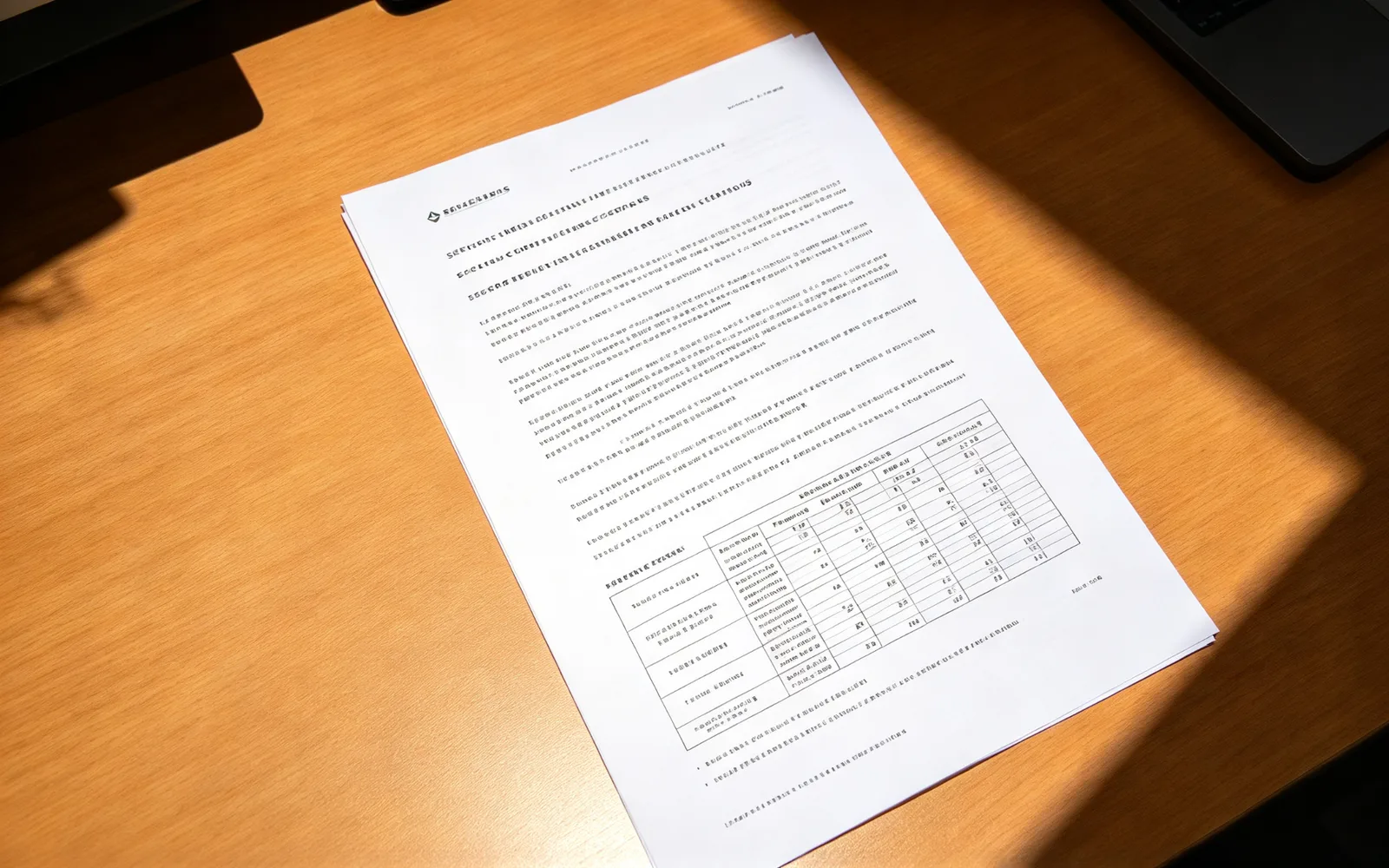
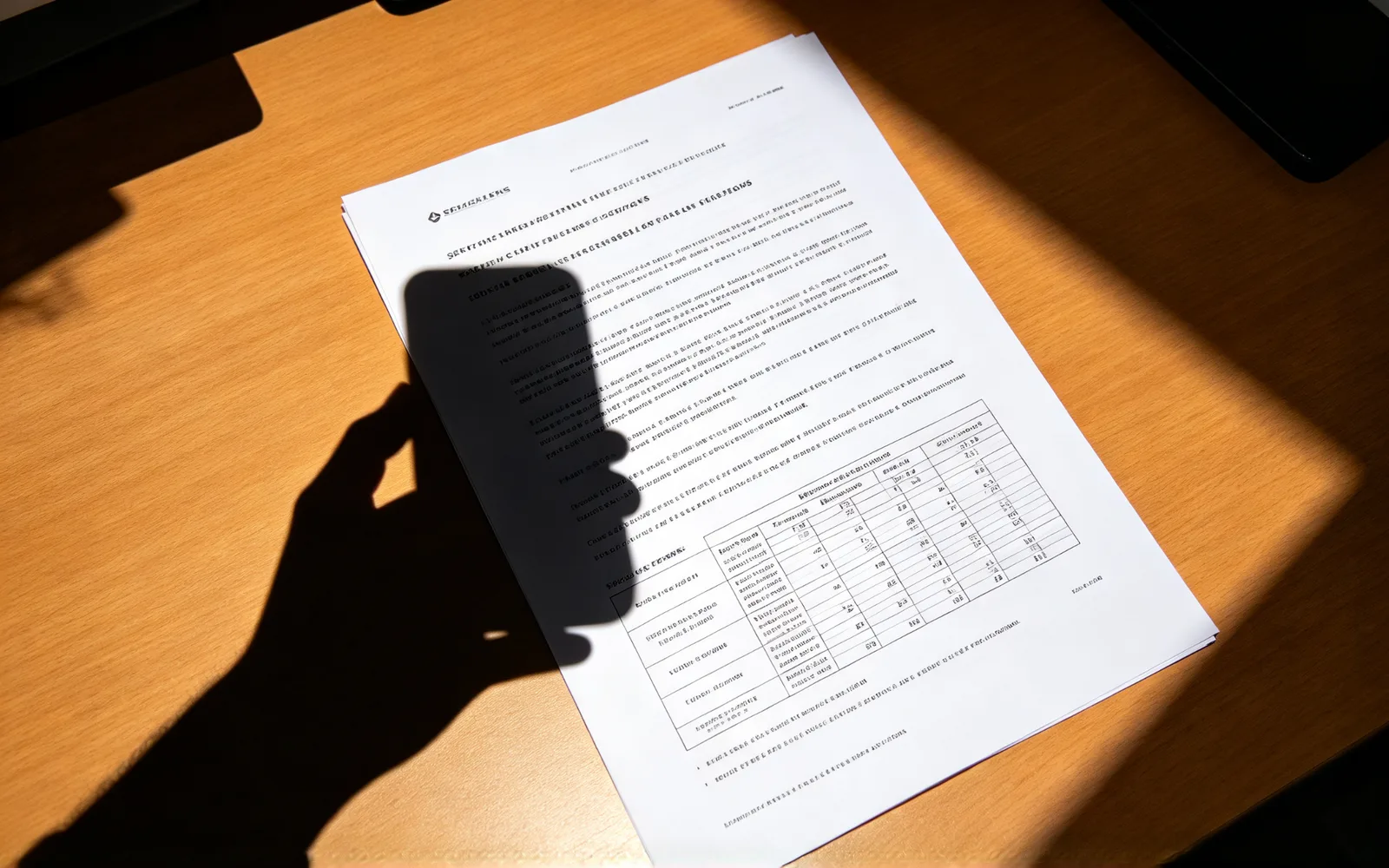
Remove a shadow from a photo of a document
The shadow of a hand removed from a photographed page
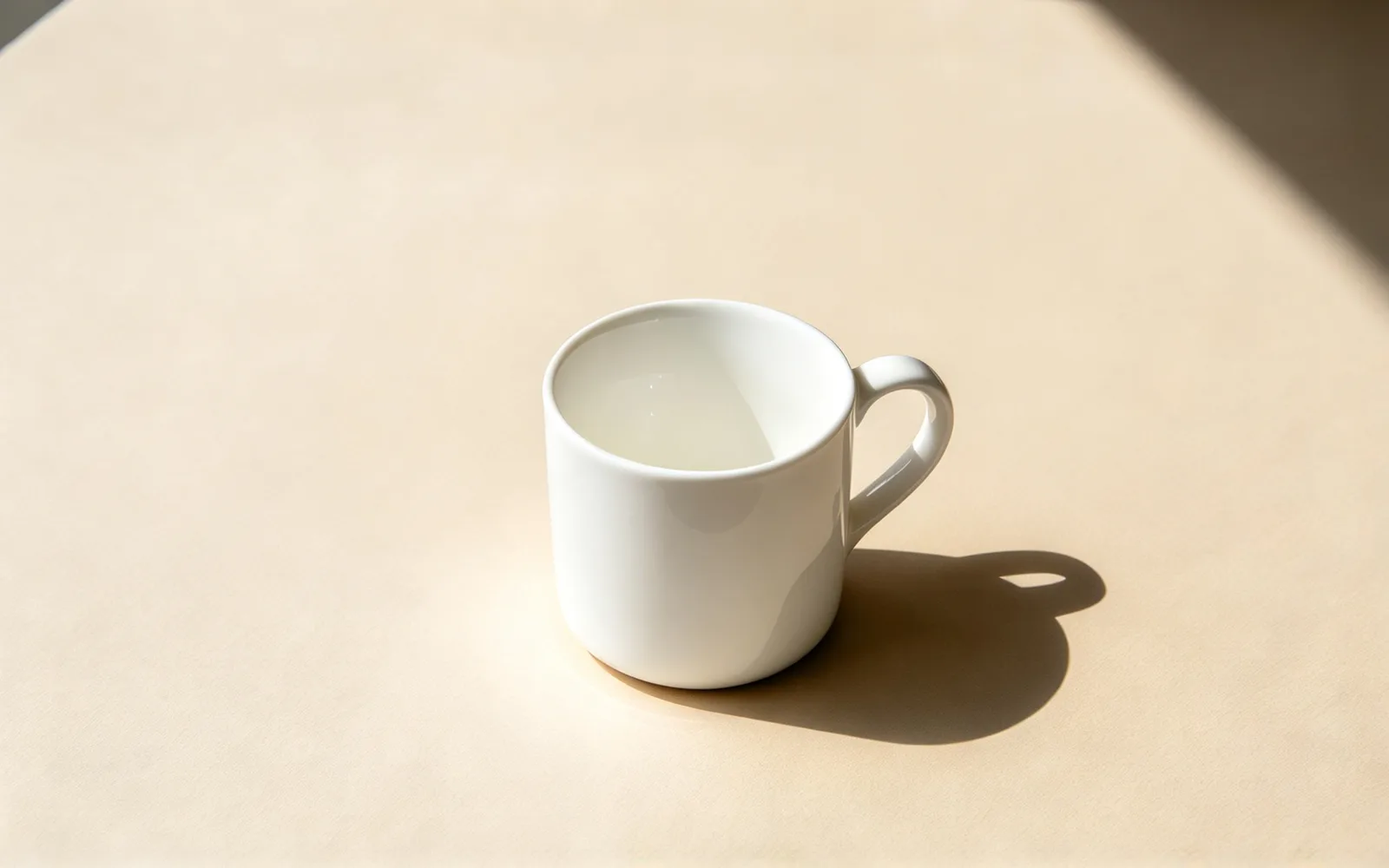
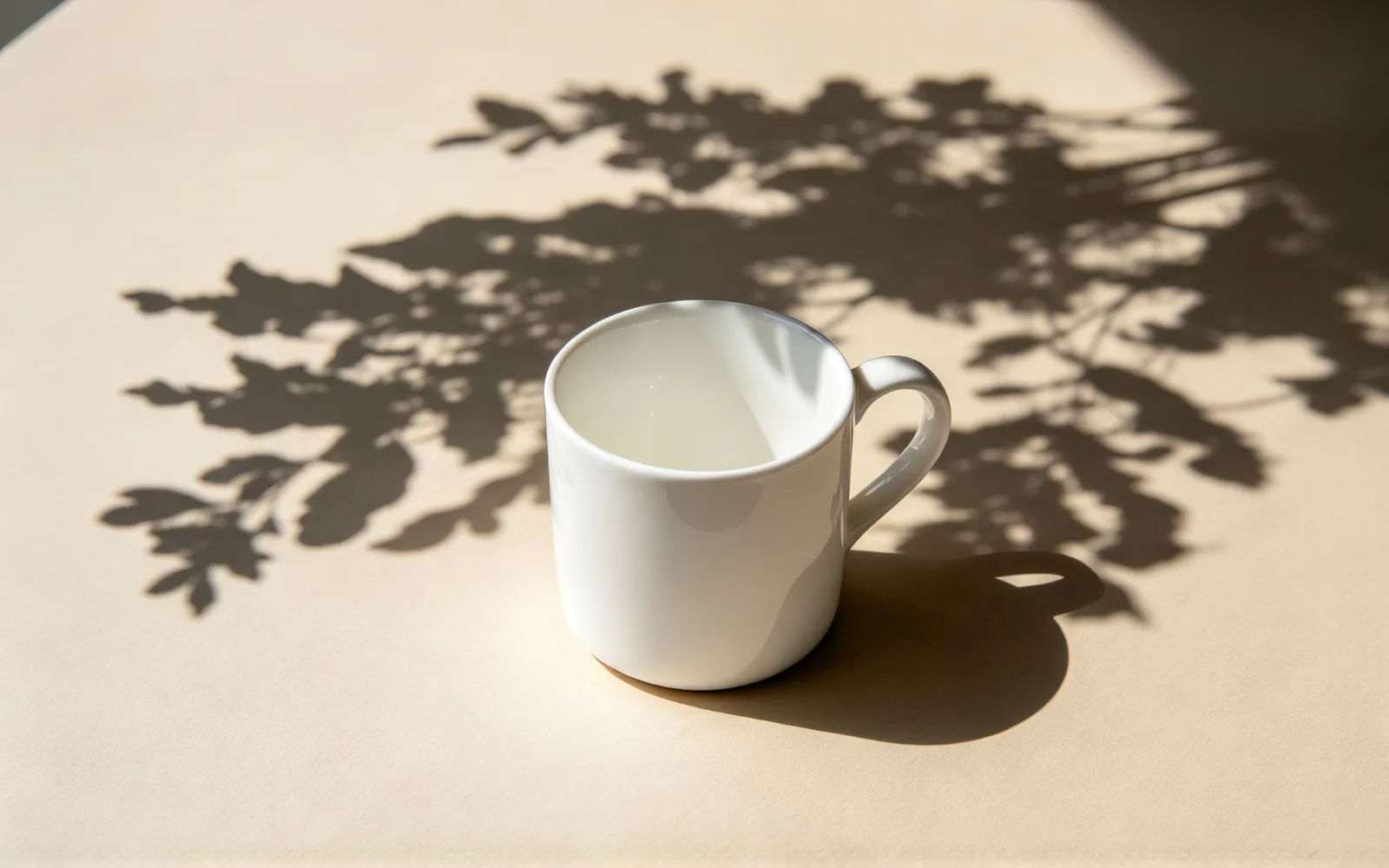
Remove a shadow from a product photo
A hard shadow removed from a product on a tabletop
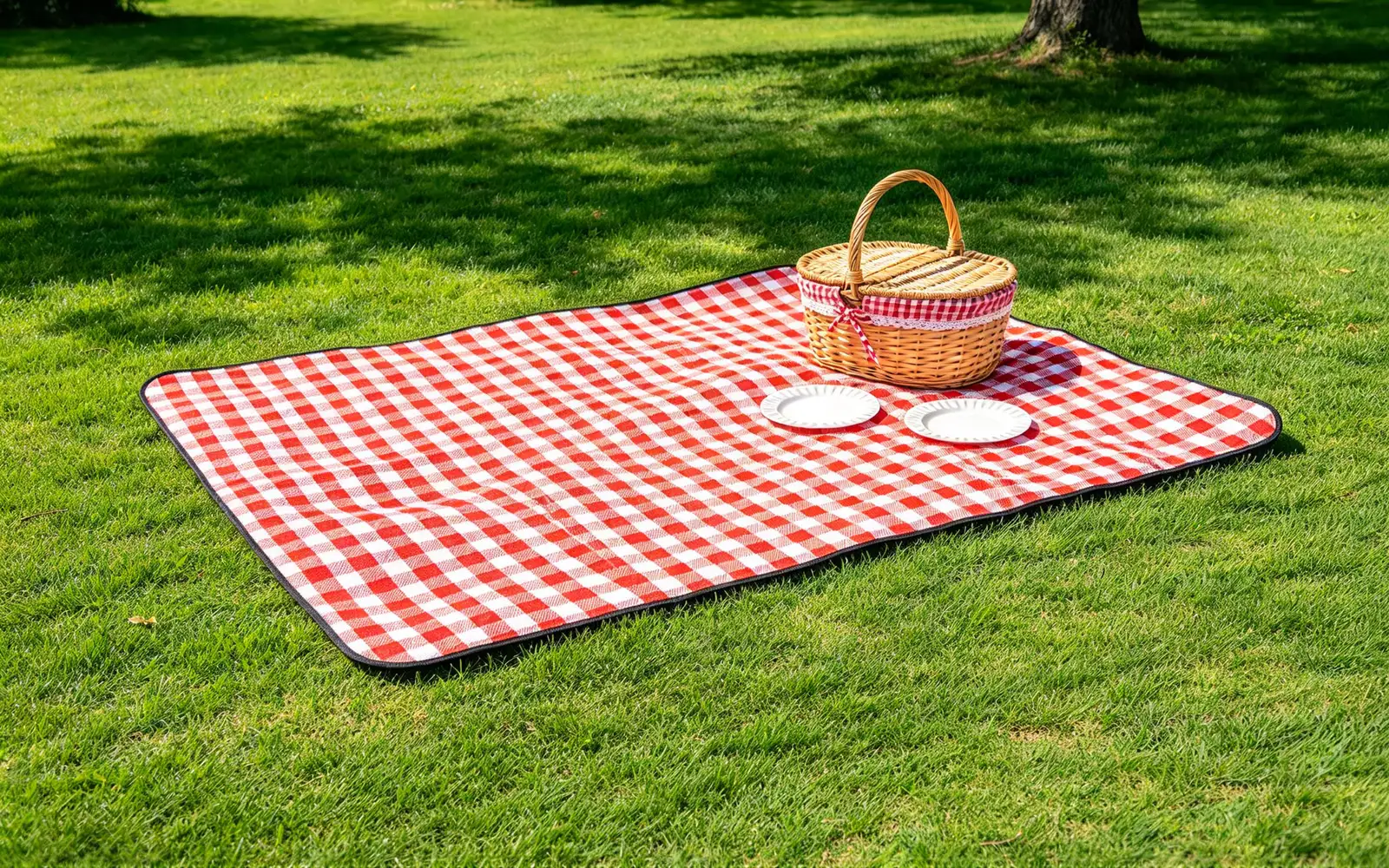
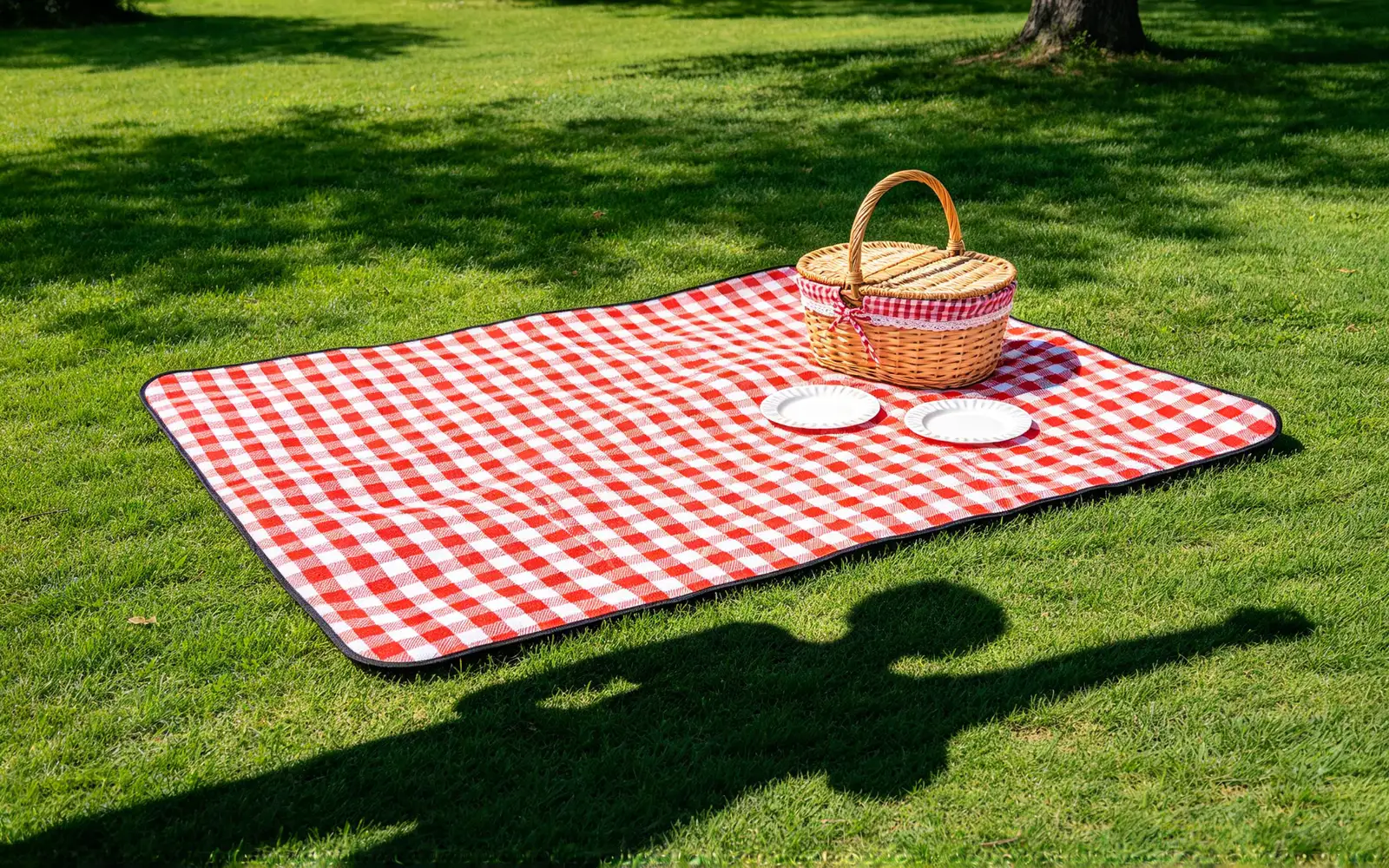
Remove a shadow from the ground
A shadow removed from a paved path
How to remove a shadow from a photo
- 1
Upload the photo
Add a photo of a page, a product, a wall or the ground.
- 2
Brush over the shadow
Cover it from the dark core to the soft edge.
- 3
Remove the shadow
There is nothing to type; the surface fills back in for you.
- 4
Compare and download
Rerun on any faint shade, then save the result.
Shadow remover for documents, products and outdoor shots
Even out the surface behind your subject.
Document and receipt photos
Clear the shadow of a hand or phone from a page.
- Remove a shadow from a document photo
- Keep text out of the brush marks
- Photograph the page flat for a cleaner fill
Product sellers
Take the hard shadow off a tabletop or backdrop.
- Remove a shadow behind a product
- Leave the product itself unmarked
- Keep a clean backdrop for listings
Outdoor photos
Clear shadows from pavement, sand, grass and snow.
- Remove a shadow from the ground
- Remove a person's cast shadow
- Keep the scene and lose the dark patch
Remove a shadow from a photo and keep the subject
Only the shadow is repainted.
- A shadow on a surface is replaced by the surface underneath.
- Everything outside the brush mark keeps its original pixels.
- The object casting the shadow stays unless you brush it too.
- Shadows cast by people onto the ground can be removed.
- Light and shade on a face are not supported.
- Several shadows can be removed in one run.
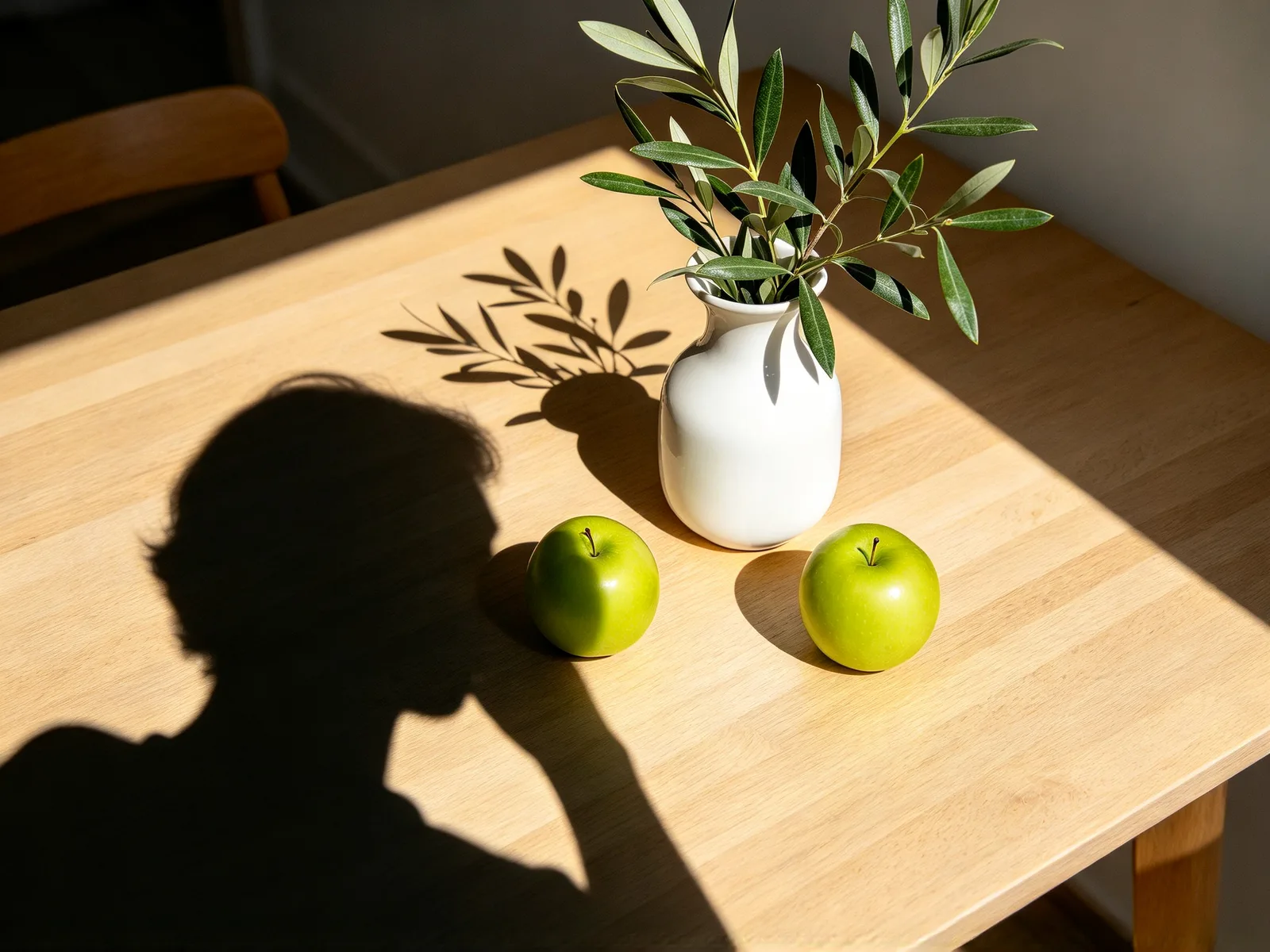
Which shadows come out cleanly
Even colors and simple textures give the best result.
- Works well: shadows on paper, whiteboards and photographed pages.
- Works well: shadows on tabletops, floors and walls with an even color.
- Works well: shadows on pavement, sand, grass and snow.
- Harder: shadows across tiles, brick or fabric with a strong pattern.
- Harder: shadows that fall over several surfaces at once.
- Harder: shadows that merge with a dark object.
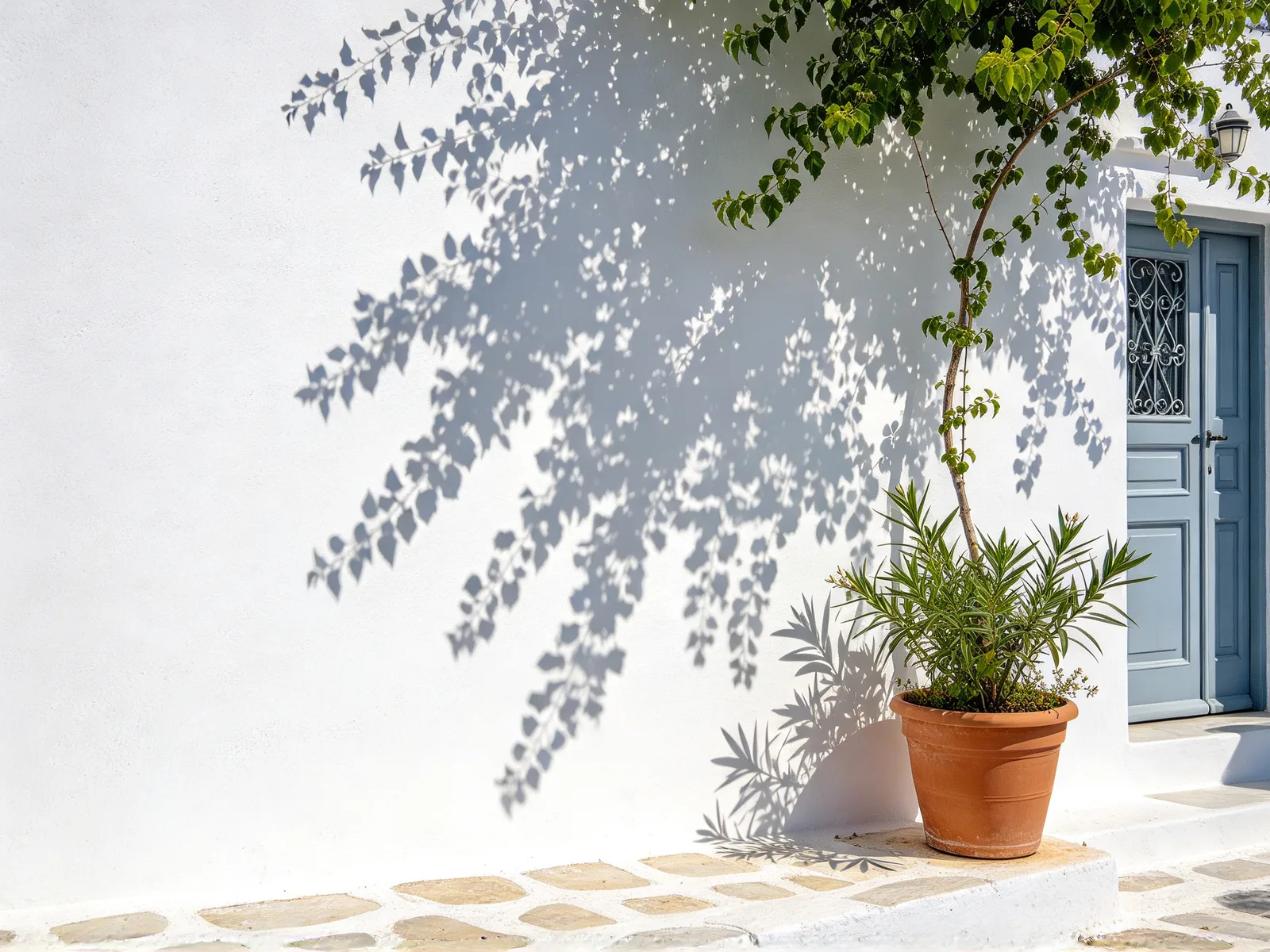
Tips to remove shadows from a photo
Mark the whole shadow, soft edge included.
- Brush from the dark core to the pale edge, plus a thin margin.
- Mark several shadows in one run.
- Run the result again to clear a faint shade along an edge.
- Retake the photo in even light when the shadow is on a face.
- Edit only background shadows on ID photos, and check the issuer's rules first.