

Zero Kit AI

Grok Imagine Video AI Video Generator

xAI's Grok Imagine Video makes short, single-shot clips from a prompt or a photo, sized for social feeds and quick to try again.

  • GrokxAI
  • Up to 720p
  • Up to 1 reference images
  • Up to 4 videos per run
  • 1–15 seconds
  • Credits per second: from 13
  • Included in Plus and above
An overhead close-up of milk being poured into espresso to form a latte art tulip.

Sample prompts to try with Grok Imagine Video

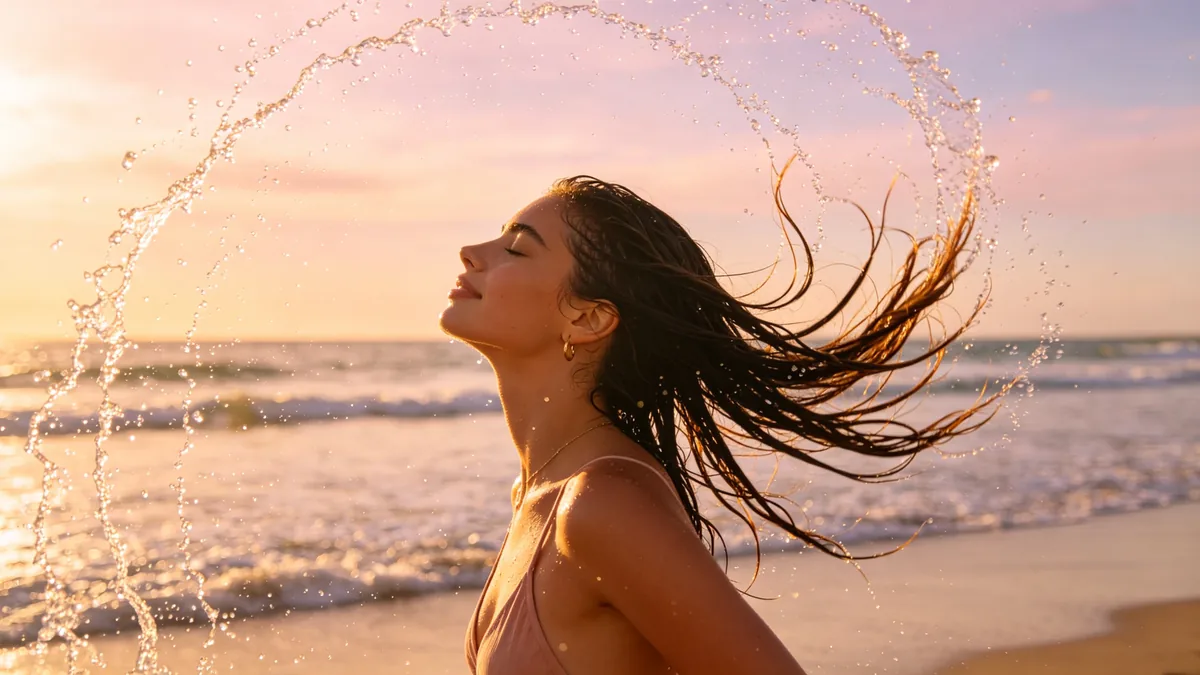
  • A slow-motion hair flip on a beach at golden hour, water droplets flying.

    Golden hour hair flip

    Cinematic 16:9 video keyframe, slow-motion shot of a young woman flipping her wet hair back on a beach at golden hour, water droplets arcing through the air and glittering in the backlight, pastel sky, soft waves behind. Dreamy social video aesthetic.

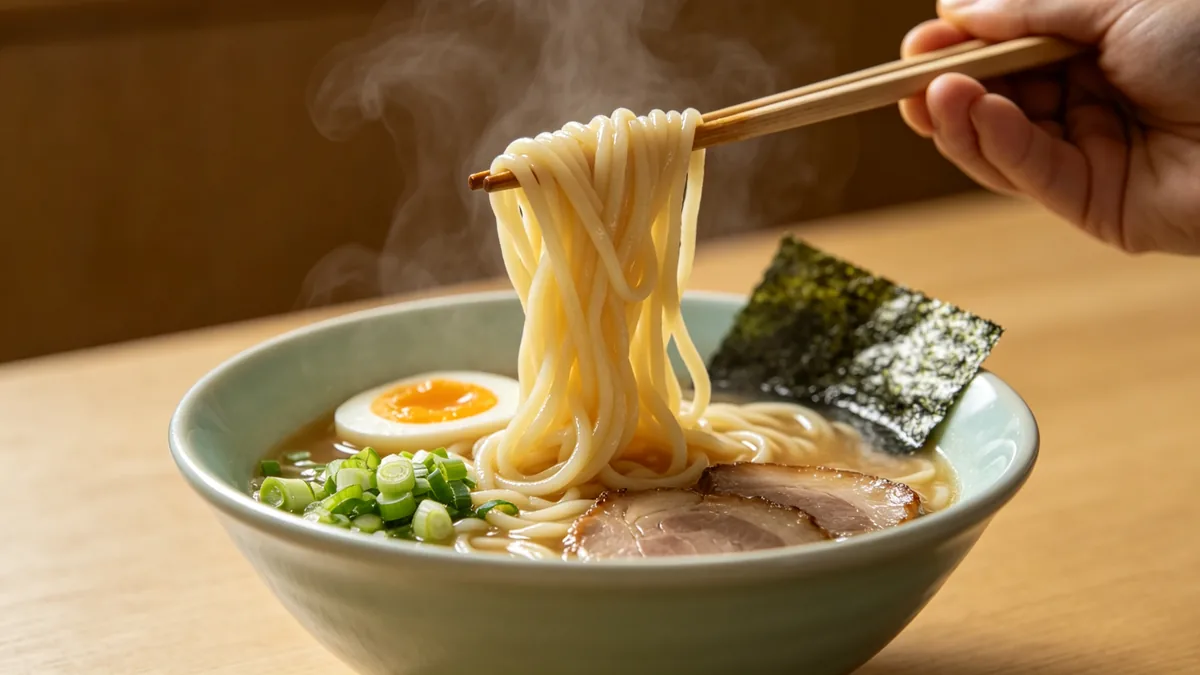
  • Chopsticks lift noodles from a steaming bowl of ramen.

    Noodle lift

    Cinematic 16:9 video keyframe, a close-up of chopsticks lifting a bundle of glossy noodles out of a steaming bowl of ramen with a soft egg, scallions and nori, steam rising in the warm light. Pastel ceramic bowl on a light wood counter, appetizing single-shot food video.

  • A puppy chases soap bubbles in a sunny garden.

    Puppy and bubbles

    Cinematic 16:9 video keyframe, a fluffy cream puppy leaping to snap at iridescent soap bubbles in a sunny garden, ears flopping, grass and daisies around, a handheld camera at puppy level. Pastel colors, joyful, single continuous shot.

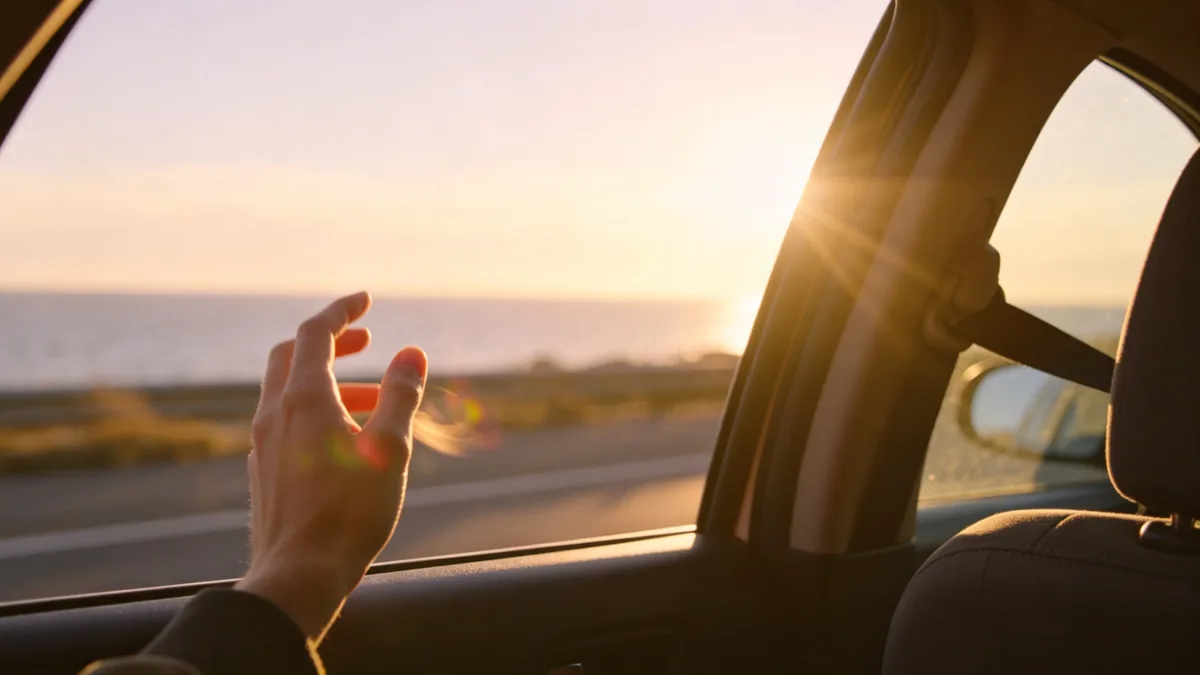
  • Sunlight flares through a car window on a coastal road trip, a hand riding the wind.

    Road trip sun flare

    Cinematic 16:9 video keyframe, a handheld shot from the passenger seat of a car on a coastal road at golden hour, a hand surfing the wind outside the open window, sun flare bursting through, the sea blurred in the distance. Warm pastel tones, carefree vlog feel.

Sample images are illustrative; results vary by model.

About Grok Imagine Video

Grok Imagine Video is the original video model in xAI's Grok Imagine line. It turns a text prompt or a still image into a short clip with realistic motion and object interactions, and it follows camera directions such as zoom in, dolly out, tilt up and pan. xAI built it as a video-and-audio model and designed it around speed and cost, so running an idea a second or third time stays cheap.

Its natural home is the single shot: one subject, one action, one camera move. Milk poured into espresso, noodles lifted from a bowl, a puppy chasing bubbles, a hand riding the wind outside a car window, the kind of moment that works as a post on its own. xAI lists portrait, landscape and platform-ready aspect ratios, so you can make a vertical clip for a story or a wide one for a feed without cropping afterwards. When a piece needs several connected shots or cleaner speech, Grok Imagine Video 1.5 in the same family is the newer option.

On Zero Kit it runs from the editor at the top of this page. Write the moment or add a photo, set the length between 1 and 15 seconds and generate. Each second is charged at the resolution you choose, and short clips keep the cost of a test low, which suits the try-again rhythm of social content.

What Grok Imagine Video does well

One shot, one moment

Grok Imagine Video is most dependable when a clip holds one moment from start to finish. The birthday sample is a good pattern: a slow dolly-in on a pastel pink cake, the candles going out on a single breath, thin smoke curling up while friends clap in the blur behind. There is one action, one camera move and one warm light source, so nothing competes for attention. Describe the moment and the camera move in a sentence each, and let the clip end on the result of the action, which here is the smoke rising.
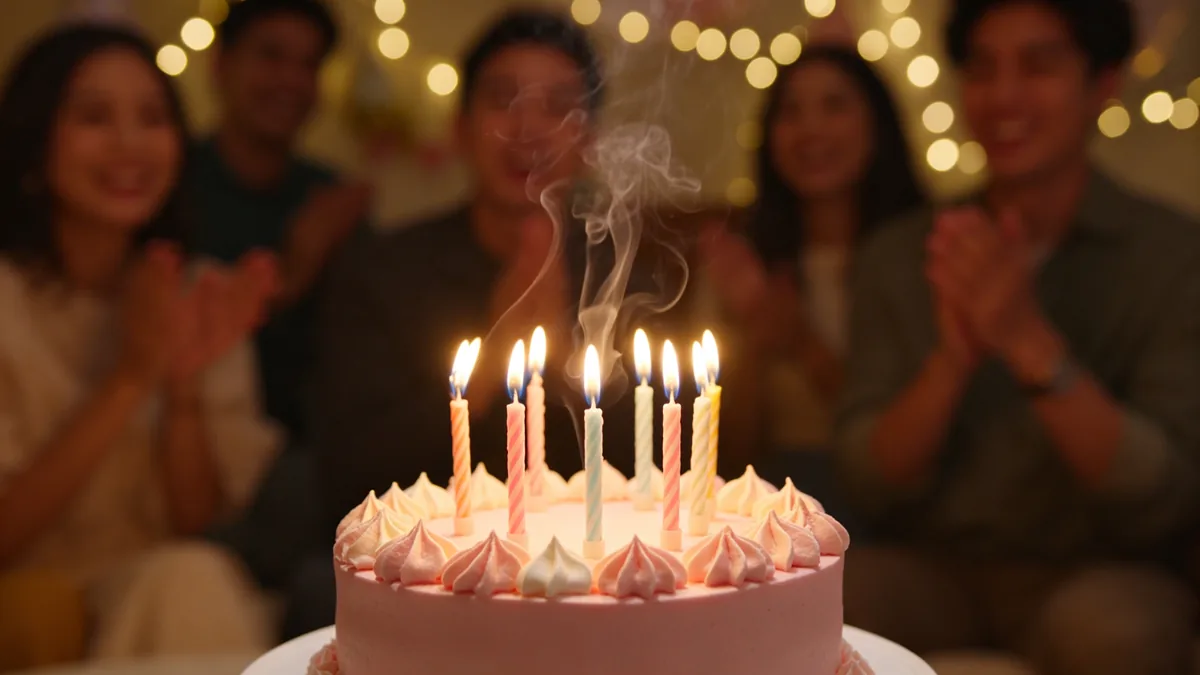
A slow dolly-in on a birthday cake as candles are blown out.

Cinematic 16:9 video keyframe, a slow dolly-in on a pastel pink birthday cake with lit candles, the moment a breath blows them out and thin smoke trails curl upward, blurred friends clapping in the background, fairy lights. Single continuous shot, warm and celebratory.
First-person vlog

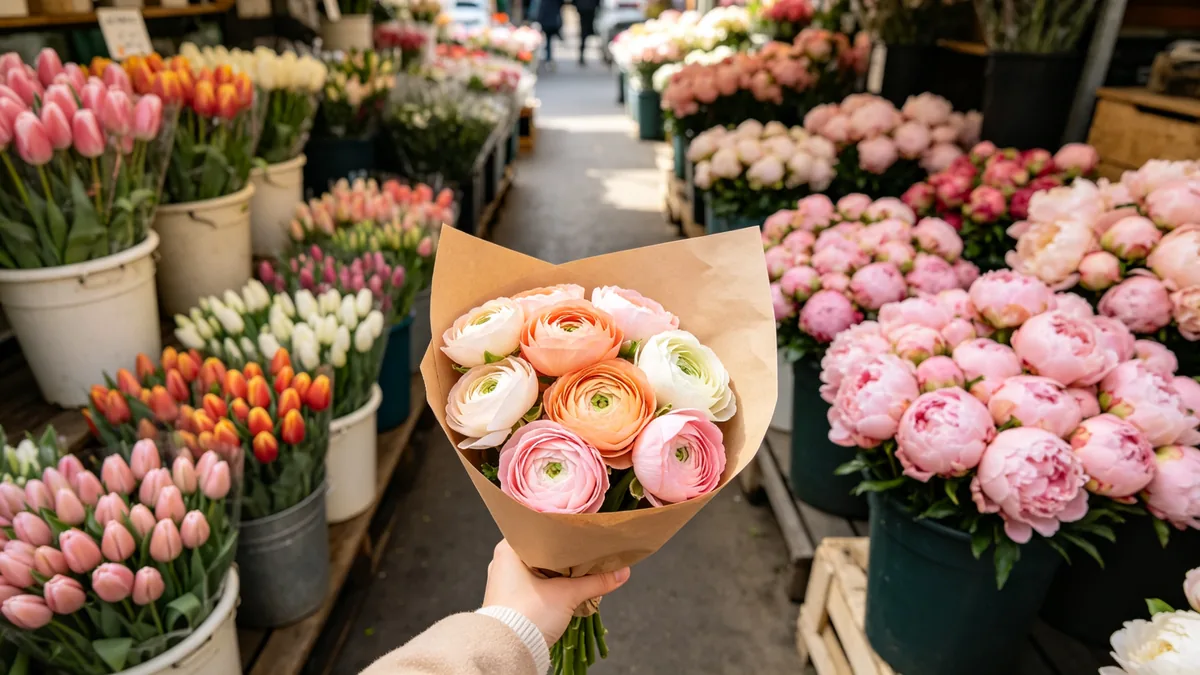
First-person, handheld shots suit Grok Imagine Video because they need only one continuous movement. xAI says the model understands realistic motion and object interactions, and that is what makes a POV walk read as real: a hand holding a paper-wrapped bouquet of ranunculus in the foreground, buckets of tulips and peonies passing on both sides, soft morning light. Write "first-person view" or "handheld from the passenger seat" at the start of the prompt, say what the hand is holding, and keep the walking pace gentle so the frame does not shake too much.

A first-person view walking through a flower market holding a paper-wrapped bouquet.

Cinematic 16:9 video keyframe, a first-person point-of-view shot walking through a narrow flower market, one hand holding a paper-wrapped bouquet of ranunculus in the foreground, buckets of tulips and peonies on both sides, soft morning light. Handheld vlog look, pastel colors.

Satisfying loop

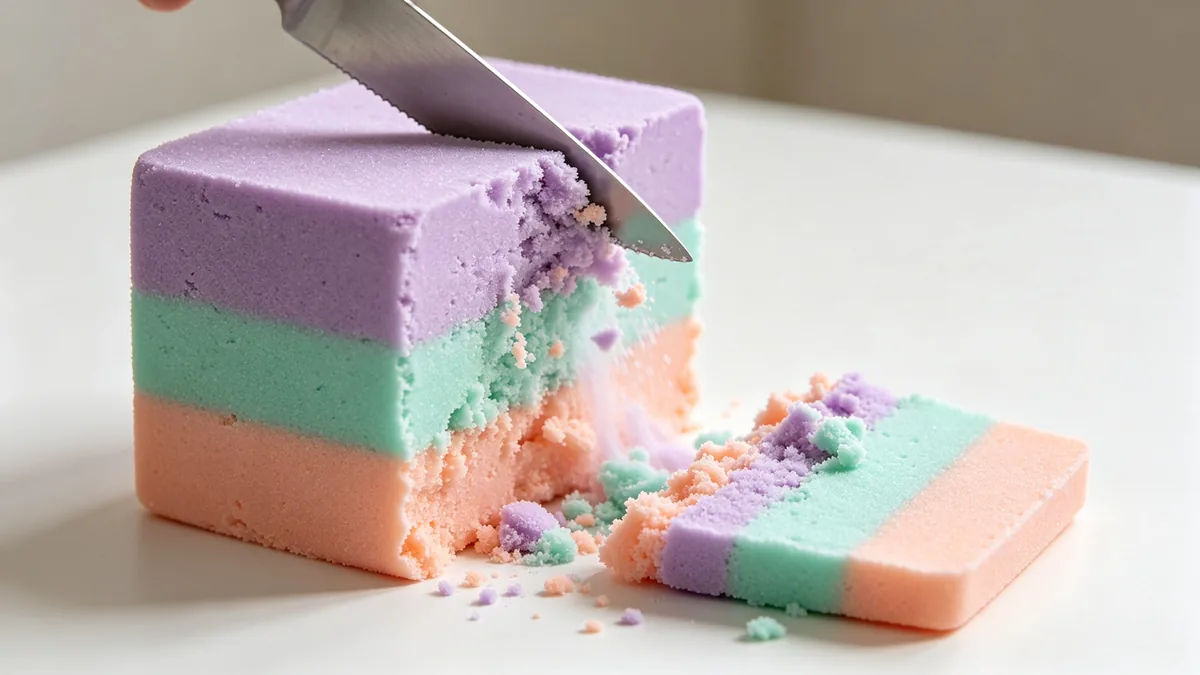
Short, tactile clips such as slicing, pouring and squishing are a good match for Grok Imagine Video. The sample shows a thin knife cutting through a block of layered pastel kinetic sand, the slice crumbling away onto a clean white table. Keep the camera still and the background plain, and describe the texture in detail, such as "layered lilac, mint and peach, crumbling in a soft cascade". The model does not promise a seamless loop, so to make one, keep the scene the same at the start and the end, then trim the clip in an editor where the motion repeats.

A knife slices through a block of pastel kinetic sand.

Cinematic 16:9 video keyframe, a close-up of a thin knife slicing through a block of layered pastel kinetic sand in lilac, mint and peach, the slice crumbling away in a soft cascade, clean white table. Crisp texture, oddly satisfying single-shot social video.

Grok Imagine Video specs and pricing

Every price below comes from the live price list, so it changes here as soon as rates change. Credits are charged per image, or per second of video.

Credits per second
ResolutionPlanCredits
480pPlus13
720pPlus18

Limitations to know

  • It is built for single shots. Asking for several scenes, or a story with cuts, in one clip tends to give a muddled result, so generate each shot separately and join them in an editor.
  • Resolution tops out at 720p, which looks right on a phone but can look soft on a large screen or in a wide edit.
  • Fast, complex motion can warp, with limbs bending or objects changing shape mid-action, and close contact between people is harder still. Lettering in the frame is not reliable either, so add captions in an editor.

How to write prompts for Grok Imagine Video

  1. Describe one moment: the subject, the action and how it ends. "Milk poured into espresso until a tulip forms" works better than a list of events.
  2. Name one camera move, such as zoom in, dolly out, pan or tilt up, or write "handheld" for a vlog feel.
  3. Pick the aspect ratio before you write, vertical for stories and reels, wide for feeds, and compose the prompt for that frame.
  4. Start from a photo when the look has to match an existing image; the photo becomes the first frame and the prompt only needs to describe the motion.
  5. Add texture and light words, such as "glossy noodles in warm steam" or "pastel morning light", since a social clip is judged on its first second.

Grok Imagine Video FAQ

No. On Zero Kit, Grok Imagine Video needs Plus or above, and each second of video costs credits. Free accounts can open the editor and see the price before upgrading; the pricing page lists the models the free plan includes.

Ready to try Grok Imagine Video?

Write a line or pick a sample prompt, then press generate.

Last updated: