
Zero Kit AI

Seedream 5.0 Pro AI Image Generator

ByteDance's Seedream 5.0 Pro turns data, concepts and dense text into finished layouts, from infographics and sale banners to whole packaging families.

  • ByteDanceByteDance
  • Up to 2K
  • Up to 10 reference images
  • Up to 4 images per run
  • Credits per image: from 8
  • Included in Plus and above
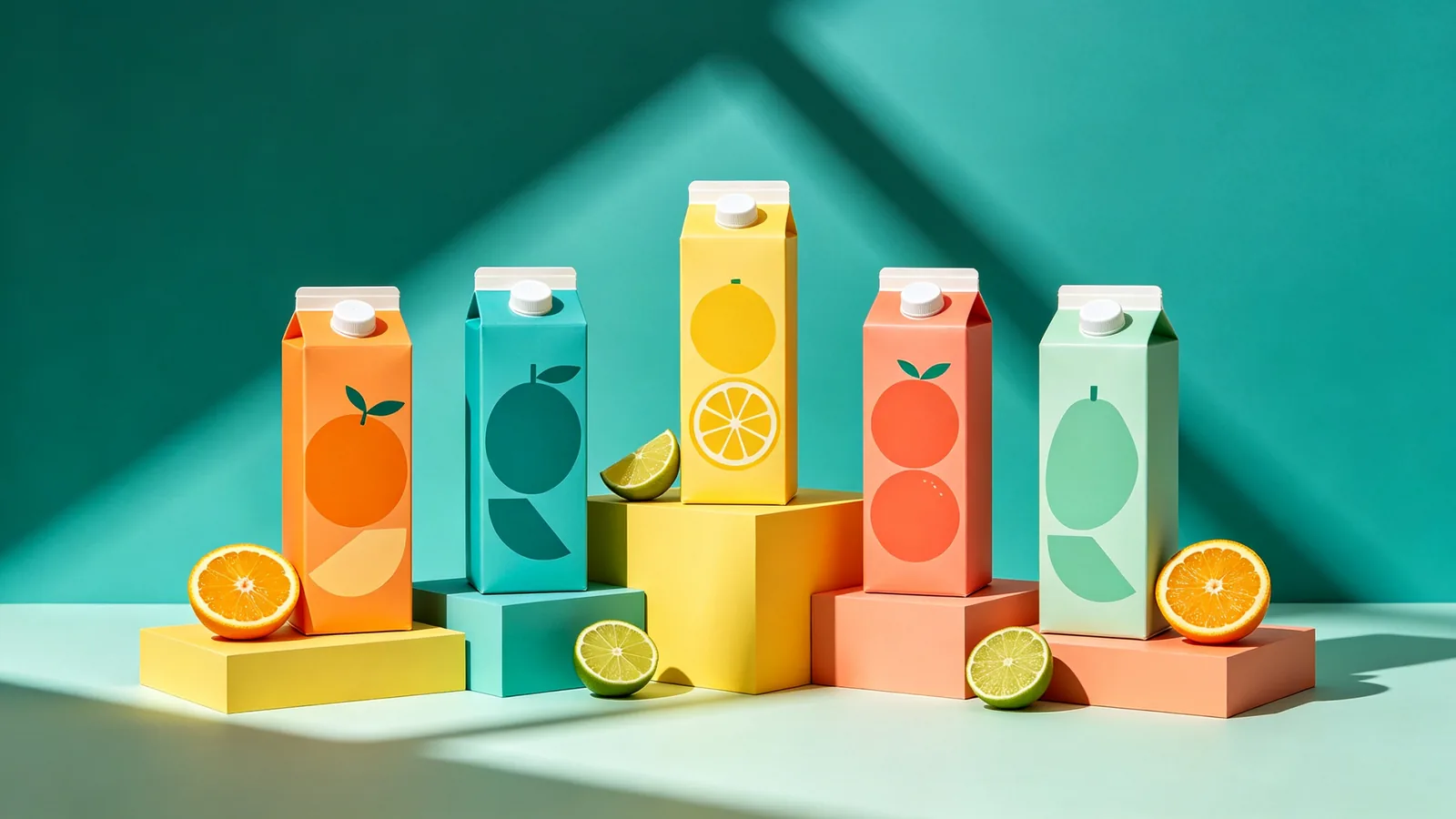
A line-up of juice cartons with abstract fruit graphics standing on colored plinths in a bright studio set.

Sample prompts to try with Seedream 5.0 Pro

  • A set of unlabeled cosmetic jars and tubes on sculpted terrazzo plinths in soft coral light.

    Cosmetics on sculpted plinths

    A set of unlabeled cosmetic containers — a frosted jar, a squeeze tube, a pump bottle and a compact — arranged on sculpted terrazzo plinths of different heights. Soft coral and peach backdrop, a single arched window shadow falling across the scene, glossy and matte surfaces side by side, luxury beauty campaign photography, square composition.

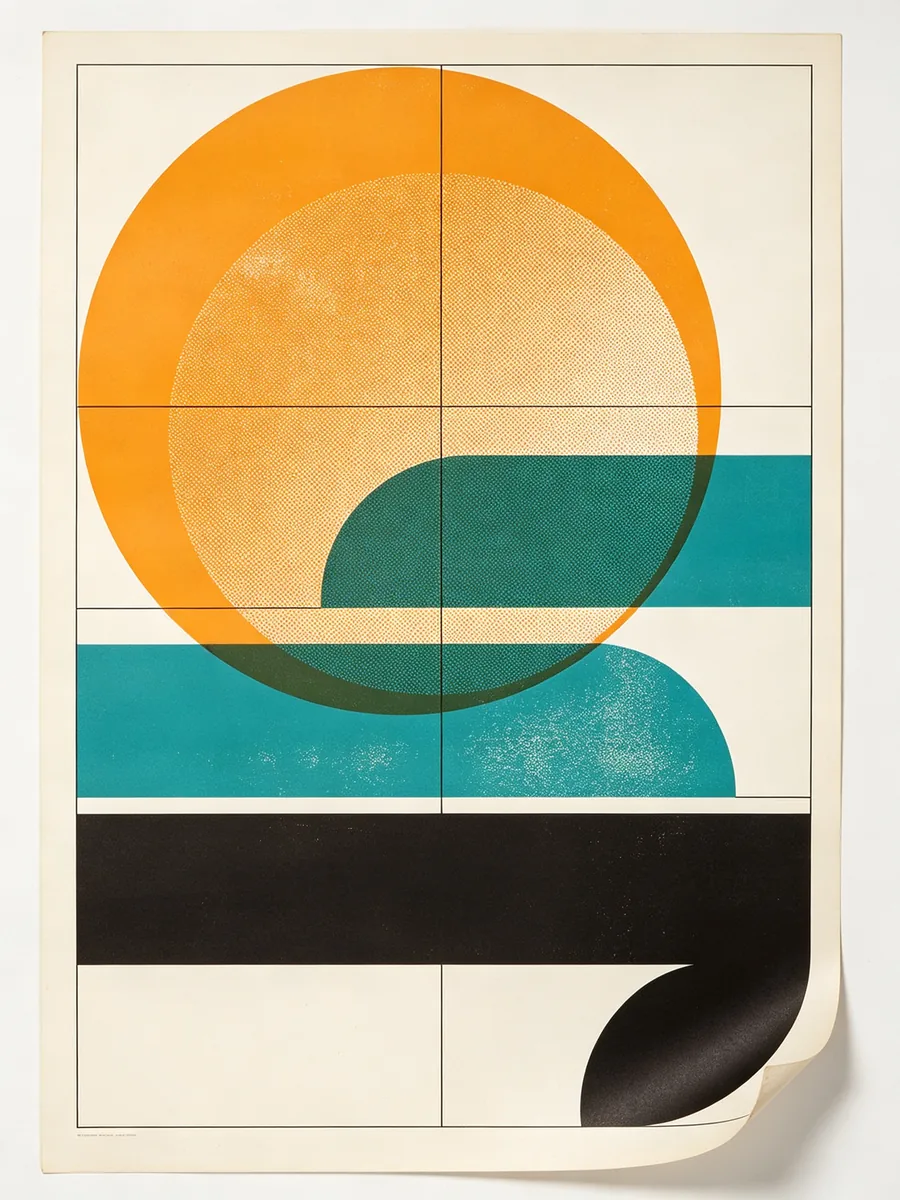
  • A Swiss-style poster of overlapping circles and bars in orange, teal and black on off-white paper.

    Geometric poster

    A Swiss-style graphic poster on off-white paper, displayed flat. Overlapping circles, half-circles and thick bars in citrus orange, teal and black arranged on a strict grid with generous white space, a subtle halftone texture and slight misregistration like screen printing. No text. Clean studio light, slight paper curl at the bottom corner, modern design museum aesthetic.

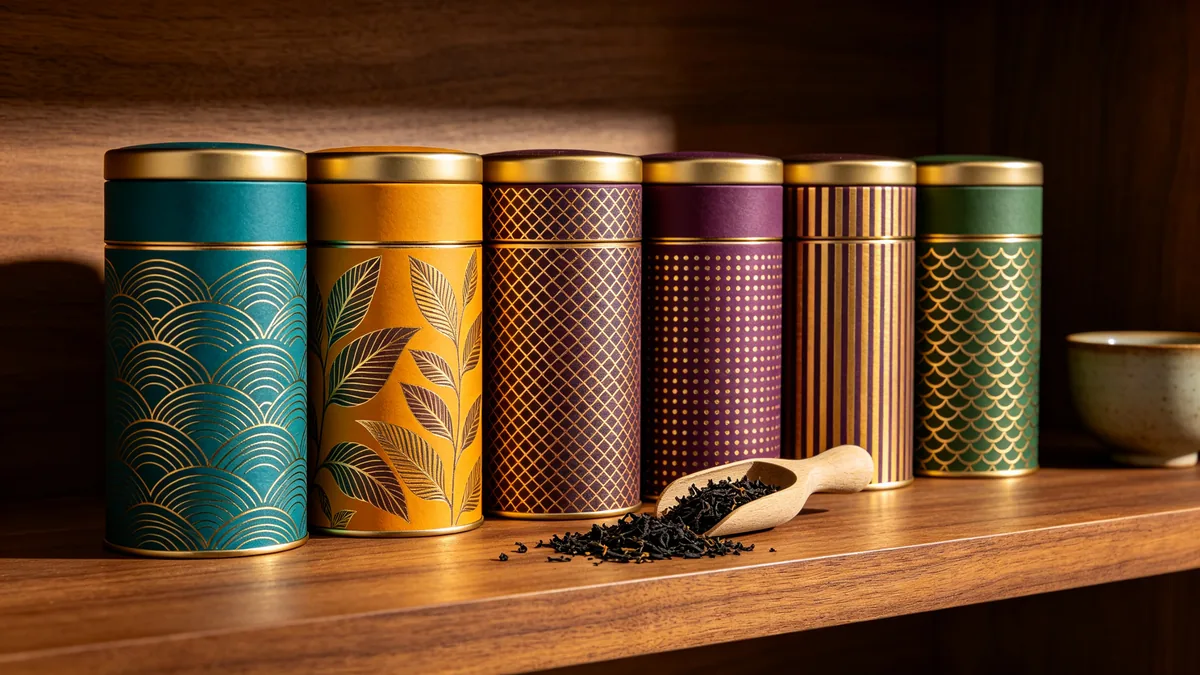
  • A row of patterned tea tins in jewel tones on a walnut shelf with loose tea spilled in front.

    Tea tin collection

    A row of six cylindrical tea tins on a walnut shelf, each wrapped in a different intricate pattern — waves, leaves, lattice, dots, stripes and scales — in jewel tones of teal, saffron, plum and jade with gold foil accents, no text or logos. A small scoop of loose black tea spilled in front, a ceramic cup to the side, warm directional light, premium packaging photography.

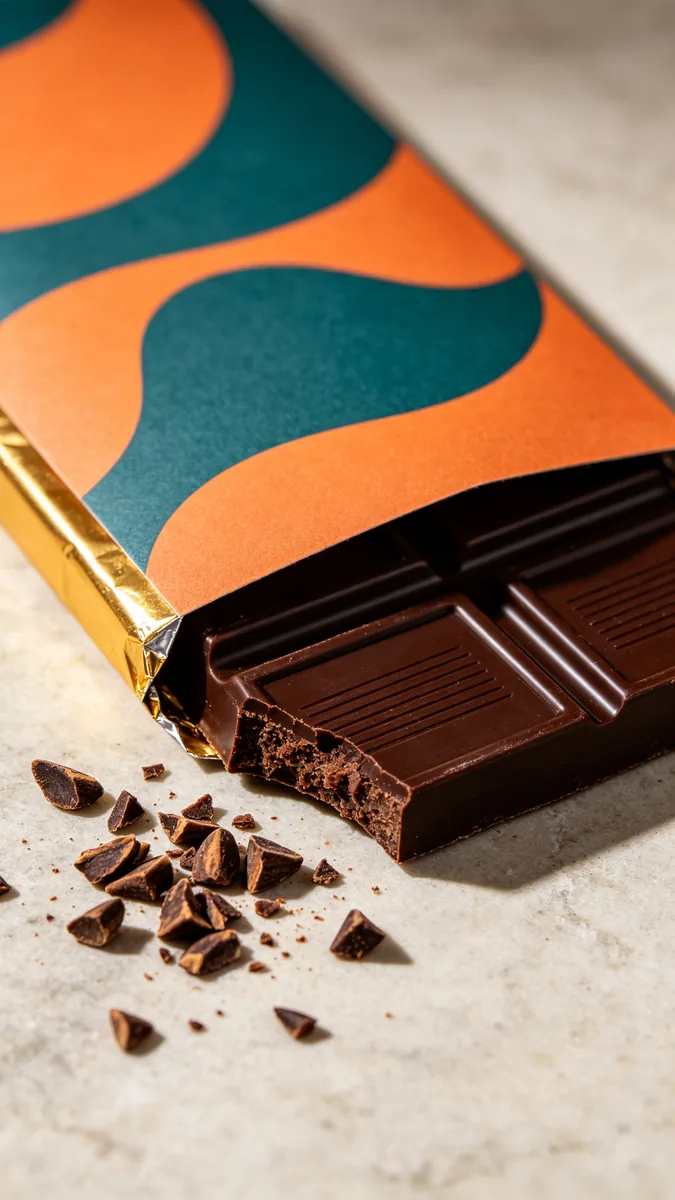
  • A chocolate bar in a folded paper wrapper with a bold abstract pattern, partly unwrapped to show the bar.

    Chocolate bar packaging

    A vertical close-up of a chocolate bar partly unwrapped from a folded matte paper sleeve printed with a bold abstract pattern of orange and teal curves, no text. Beneath the sleeve, gold foil and a dark chocolate bar with a snapped corner revealing texture. Cocoa nibs scattered on a pale stone surface, soft side light, premium food packaging photography.

Sample images are illustrative; results vary by model.

About Seedream 5.0 Pro

Seedream 5.0 Pro is the design-focused model in ByteDance Seed's fifth Seedream generation. ByteDance introduces it with the line "beyond generation, it understands design": the model parses the intent of a brief, plans the layout itself and fills a page with many parts, such as a headline, a product photo, an icon row, badges and colour swatches, without the elements colliding. ByteDance reports gains in text rendering, image-text alignment and structural coherence, with support for many common languages, including right-to-left Arabic script.

On Zero Kit it runs from the editor on this page. Describe the page you need: its purpose, the headline in quotes and the parts it must contain. Or upload an existing design and say which element to change. You can add up to 10 reference images for a product shot, a colour swatch or a brand pattern, and Seedream 5.0 Pro outputs at 1K, 1.5K and 2K. You need Plus or above to use it.

Pick Pro when the picture carries a lot of information: an infographic built from your own figures, a campaign banner with several price points, a packaging line that must share one pattern system, or a slide that explains a process. ByteDance also built it to read a design as separate layers and to edit one region after locating it, which helps when a single colour or material has to change. For everyday posters and photographic scenes, Seedream 5.0 Lite is the lighter fifth-generation model; its page shows where it fits.

What Seedream 5.0 Pro does well

Dense commercial layout

Seedream 5.0 Pro keeps a busy page in order. The banner sample puts a juice bottle photo, the headline FRESH, a row of six fruit icons, three rounded badges, colour swatches and grey text lines on one modular grid, and each element gets its own space with clean, vector-sharp edges. ByteDance says the model does the layout planning itself, so a prompt can list the parts and their rough positions rather than exact coordinates. When you need real body copy, give the exact words; for a draft, ask for placeholder lines as this sample does.
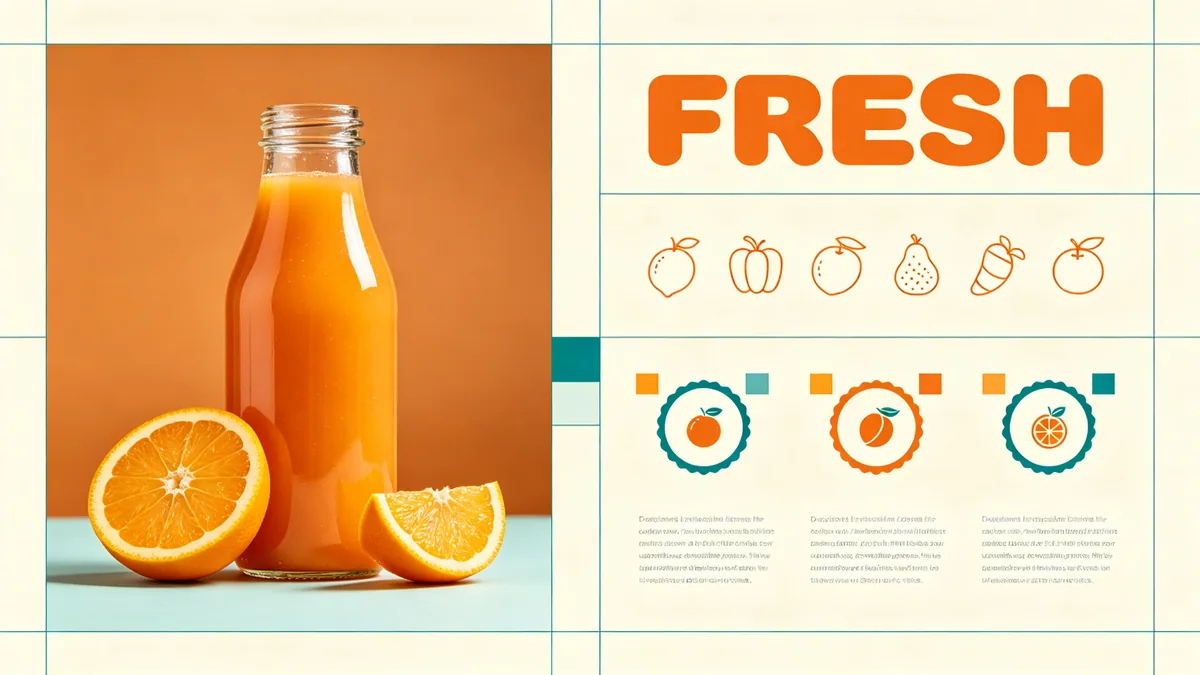
A product landing layout with a juice bottle, icon row, price tags and the headline FRESH, arranged on a clean grid.

A dense commercial web banner design displayed as a flat graphic. On a clean modular grid: a large photograph of a glass juice bottle with orange slices on the left, the single headline word "FRESH" in bold rounded sans-serif capitals at top right, a row of six simple line icons of fruits, three rounded badges each holding a small fruit icon, small color swatches, and neat grey placeholder lines in place of paragraph text. Orange, teal and cream palette, sharp vector-quality edges, professional marketing design.

Layers you can pull apart

ByteDance built Pro to see a design as a stack of parts: background, graphic shapes, product, shadow and light. The exploded isometric view in the sample shows that structure, with each layer floating on its own transparent sheet and thin guides linking them. In ByteDance's own tools this powers layer splitting, where hidden areas are filled in so every layer stands alone. On Zero Kit the output is one flat image, but the same understanding helps when you edit in words: ask to change only the background gradient or only the light rays, and the bottle and its shadow stay put.

An exploded isometric view of a design comp with background, product, shadow and light layers floating apart in space.

An exploded isometric view of a product poster design, with its layers floating apart in 3D space like transparent sheets: a teal gradient background layer at the back, a layer of abstract orange shapes, a layer with a cutout perfume bottle, a separate soft shadow layer, and a front layer of light rays and sparkles. Thin guide lines connect the layers, dark neutral backdrop, crisp studio render, clearly separated design elements.

Packaging mockup

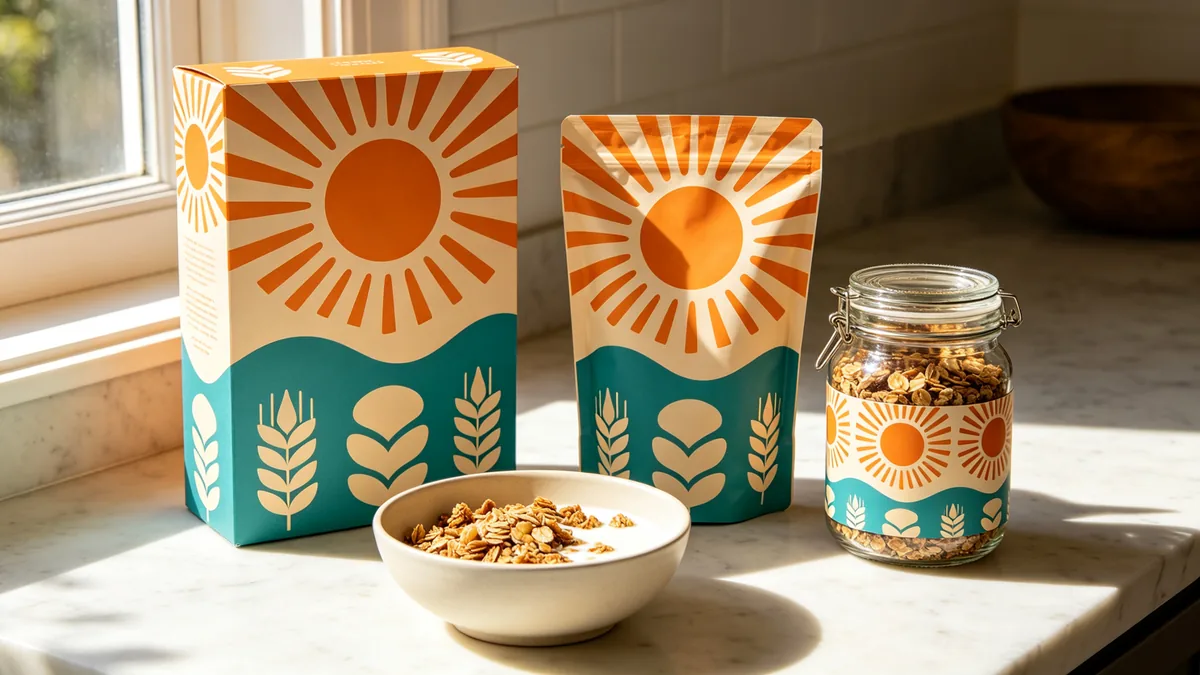
A brand family has to look related at every size. In the packaging sample, a cereal box, a stand-up pouch and a glass jar share one pattern of orange suns, teal waves and cream grain shapes, with colour and pattern scale matched across all three. To get this, describe the pattern system once, name every container, and say that the colours and scale must stay consistent. ByteDance says Pro can take colour direction from a Hex code or a swatch, so attach a swatch or an existing pack as a reference when the palette has to match exactly.

A cereal box, a pouch and a jar sharing one pattern system, photographed together as a brand family.

A packaging family photographed together on a sunny countertop: a tall cereal box, a stand-up pouch and a glass jar, all sharing one playful pattern system of orange suns, teal waves and cream grain shapes, no words or logos. Consistent colors and pattern scale across all three, a bowl of granola with milk in front, bright morning light, commercial packaging photography.

Seedream 5.0 Pro specs and pricing

Every price below comes from the live price list, so it changes here as soon as rates change. Credits are charged per image, or per second of video.

Credits per image
ResolutionSize at 1:1PlanCredits
1K1024 × 1024Plus8
1.5K1536 × 1536Plus8
2K2048 × 2048Plus18

Limitations to know

  • The smallest text is not print-ready every time. ByteDance itself says there is still room to improve in fine-grained text rendering, so read every price, date and label on an infographic before it goes out.
  • Point and lasso selection and layer export, which ByteDance demonstrates for this model, are not part of the Zero Kit editor. Here each edit is described in words and the result comes back as a single flat image.
  • Repeated edits can shift pixels outside the area you named. ByteDance lists pixel-level editing consistency as work in progress, so compare each edit with the version before and keep the one that changed only what you asked for.

How to write prompts for Seedream 5.0 Pro

  1. Open with the format and its job: "a web banner for a juice brand", "an infographic explaining how coffee is roasted", "a packaging family of three items".
  2. List every element the layout must hold and roughly where it goes, such as "headline top right, six icons in a row below the photo".
  3. For infographics, write the real numbers and labels into the prompt; supplied data comes out more reliably than data the model has to invent.
  4. Specify colours by name or Hex code, or attach a swatch as a reference image.
  5. For an edit, name the one element to change as if it were a layer, and say that everything else stays the same.

Seedream 5.0 Pro FAQ

No. Seedream 5.0 Pro is included in Plus and above on Zero Kit, and each image costs credits by resolution. The models on the free plan are listed on the pricing page.

Ready to try Seedream 5.0 Pro?

Write a line or pick a sample prompt, then press generate.

Last updated: