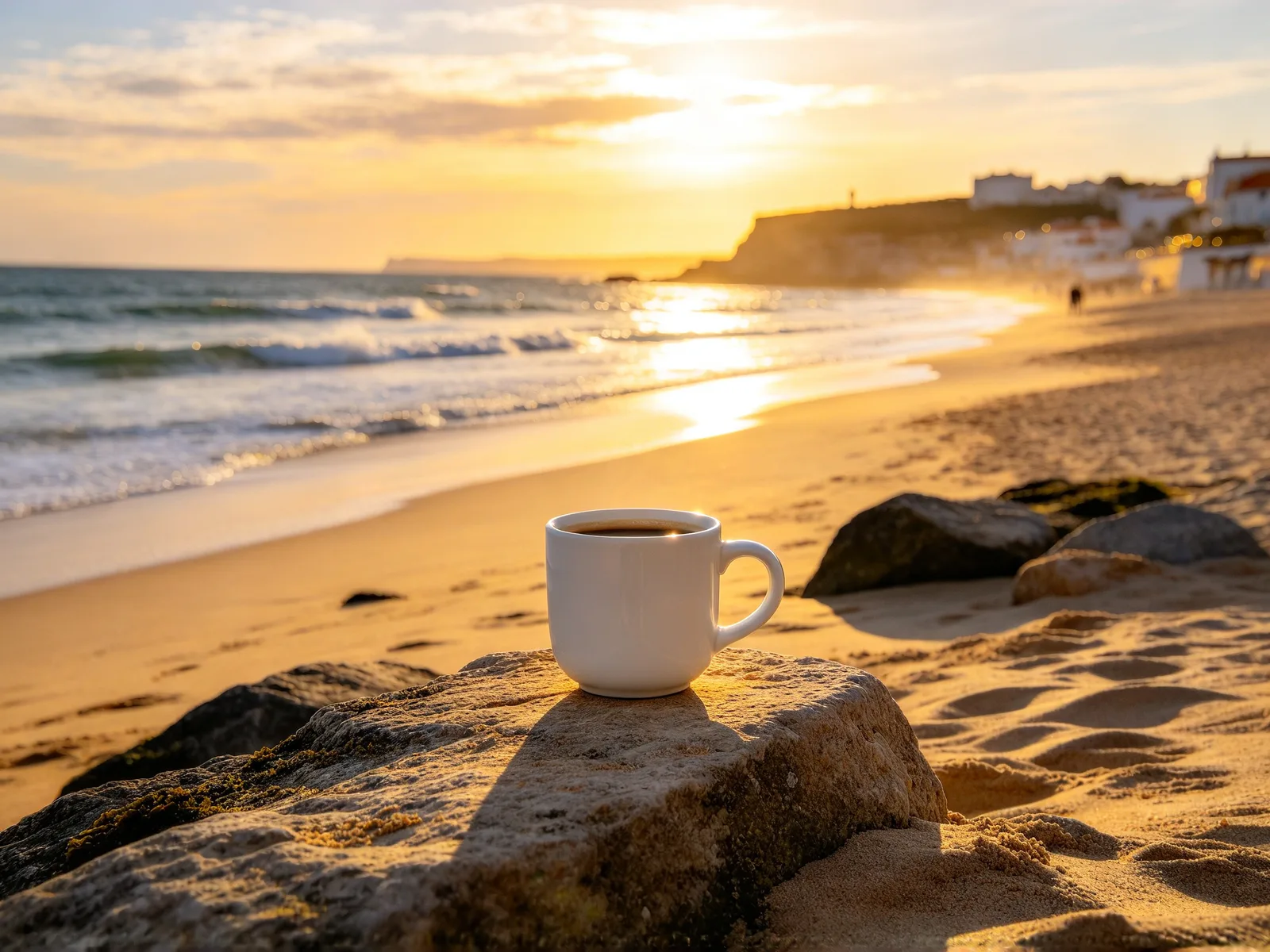
AI image combiner: merge two images into one picture
Add two or more images and describe how to combine them. AI draws them together as one new scene, not a side-by-side collage.
- Free credits to start
- Nothing to install
Combine images with AI: examples with the prompts used
 After
After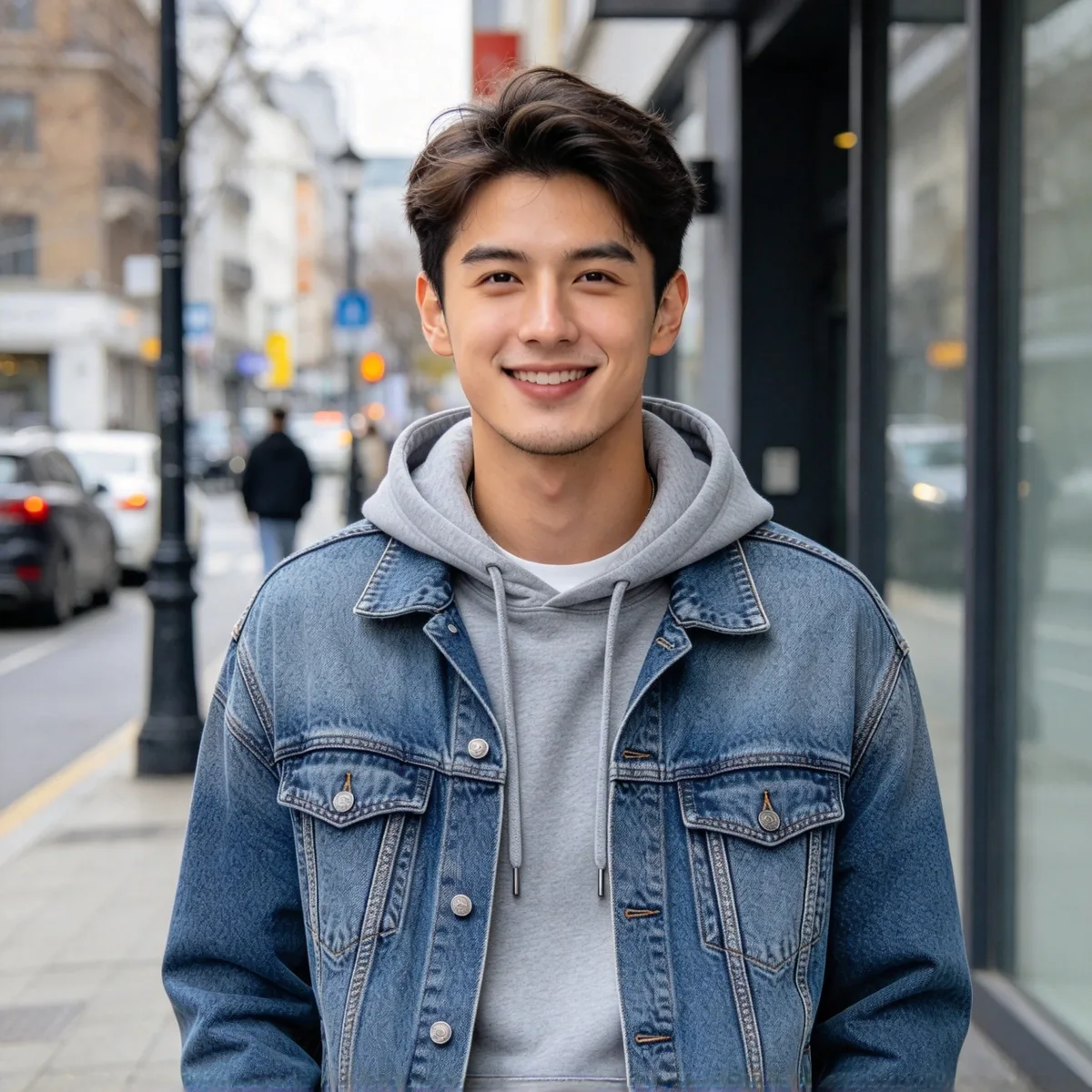
Put a person into a travel photo
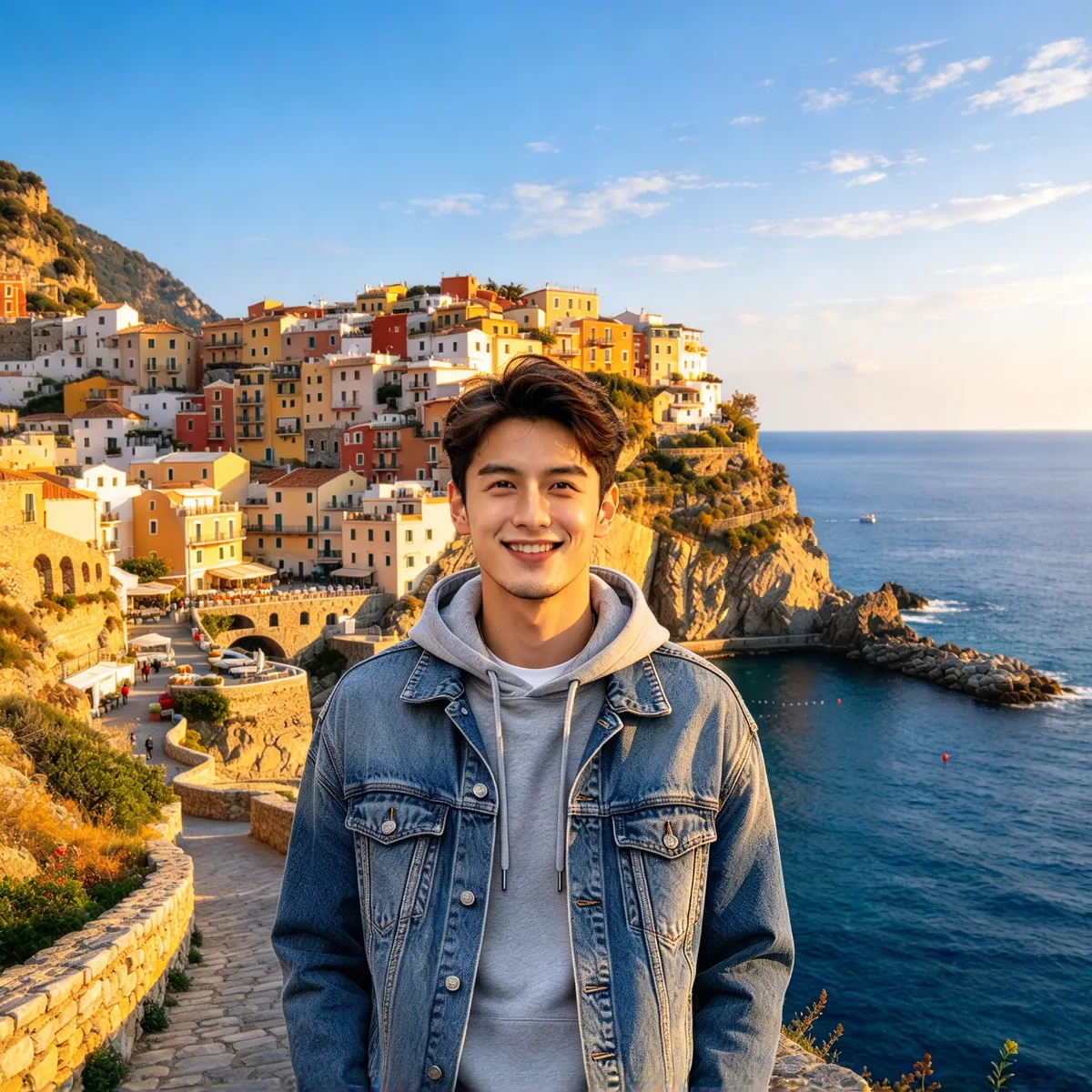
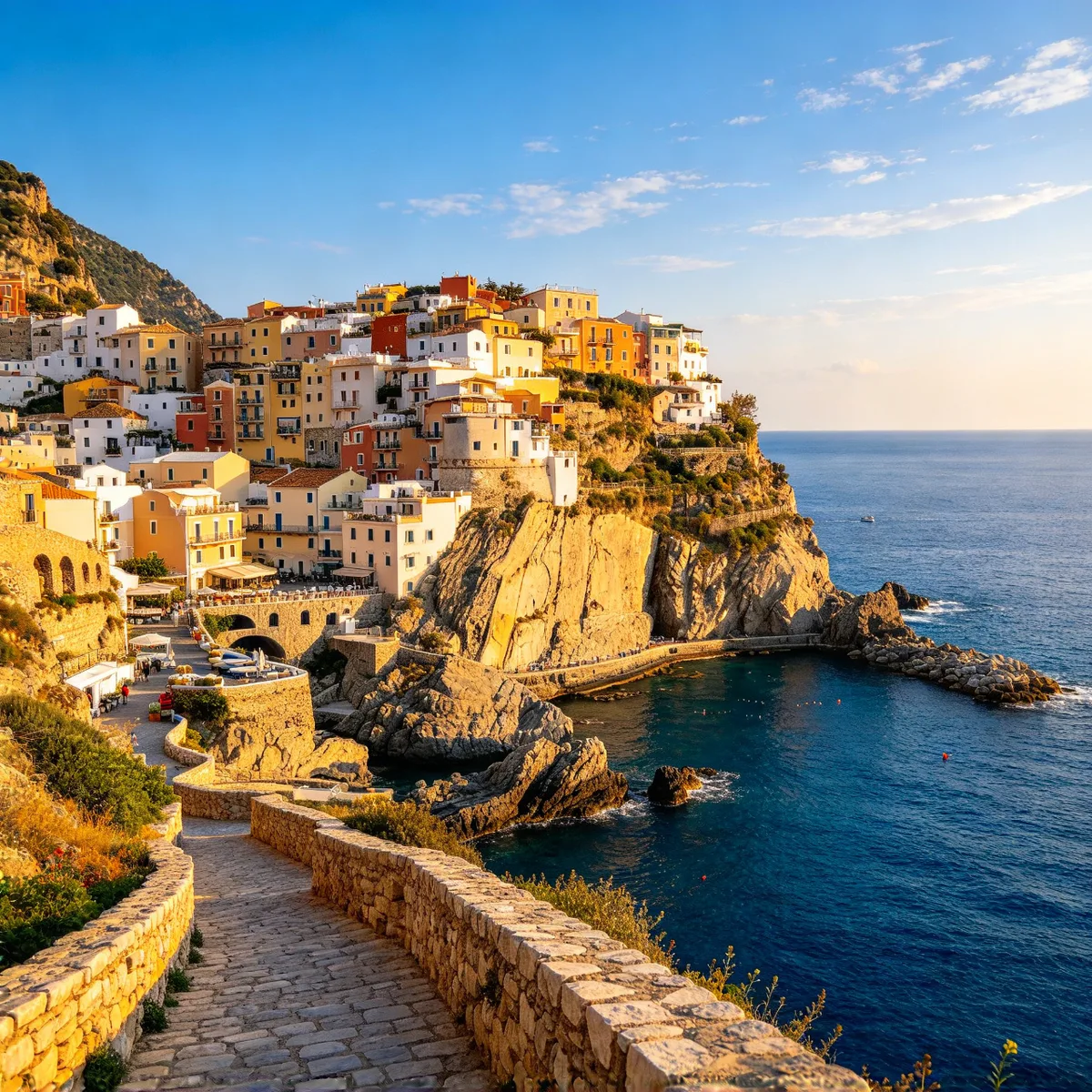
A portrait of a man and a photo of a seaside cliff town merged into one travel photo
Prompt The man in image 1 is standing naturally on the stone path in the seaside cliff town of image 2, photographed as a real travel photo, same face, hairstyle and clothes as image 1, scene, lighting and colors matching image 2.
Made with Seedream 4.5
 After
After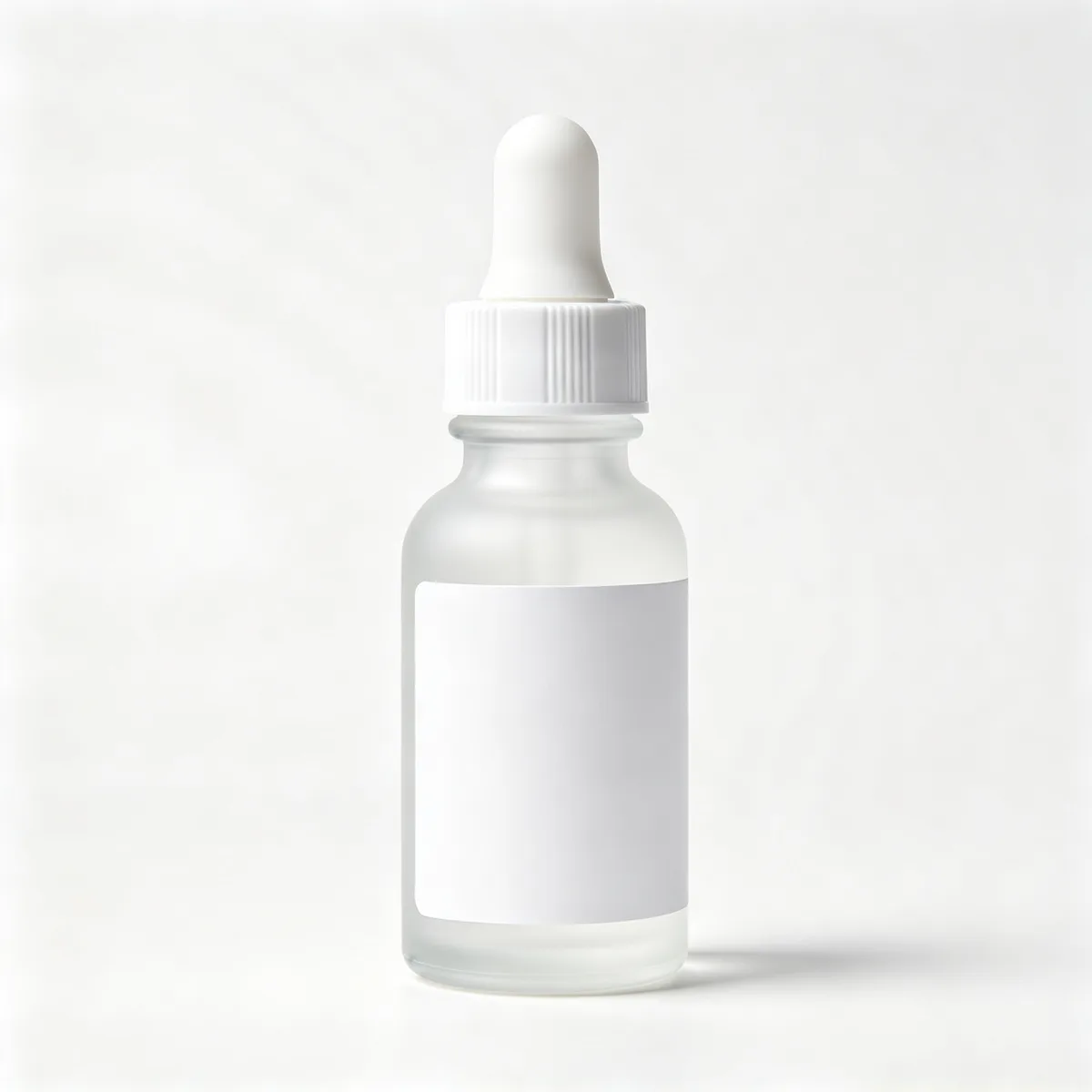
Place a product in a new scene
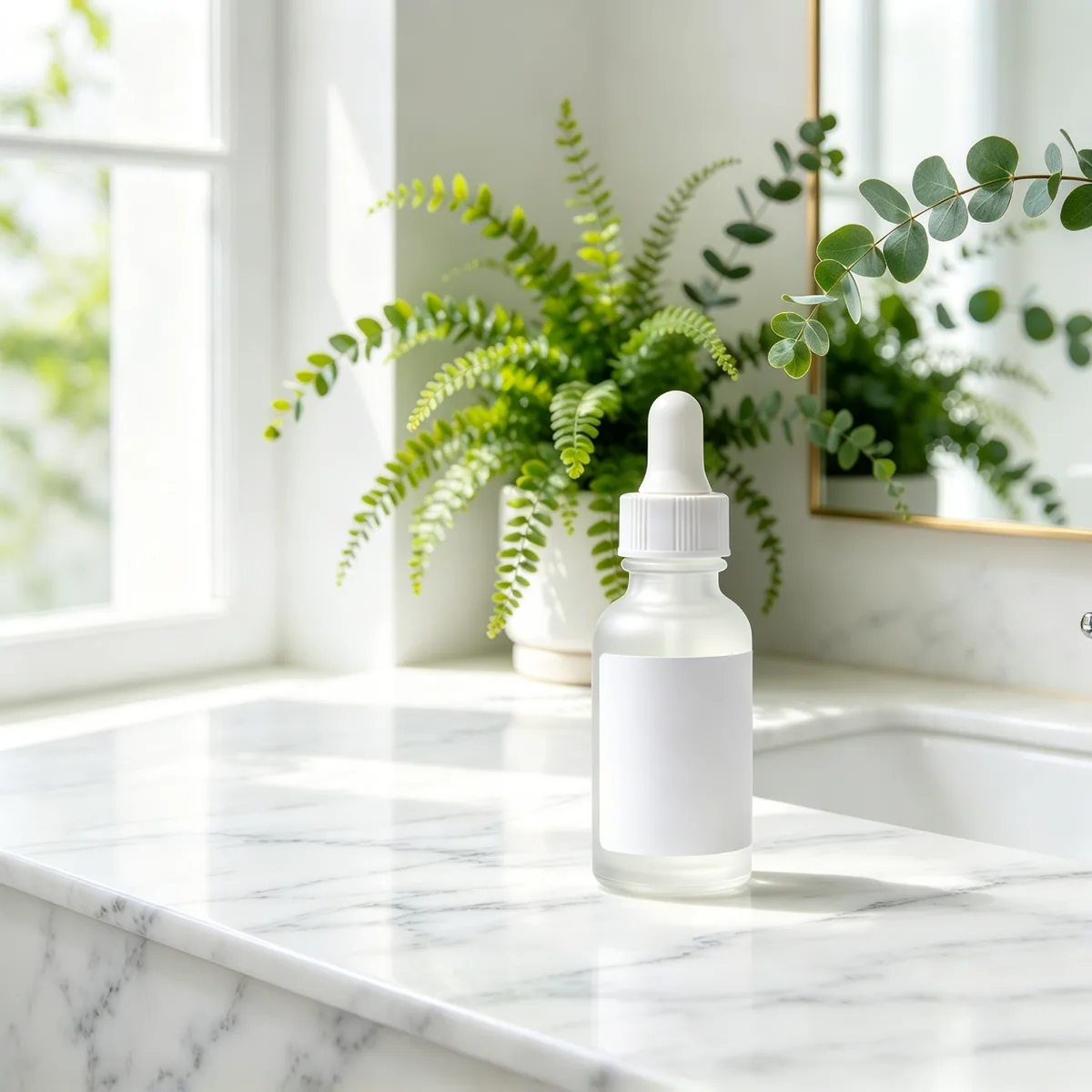
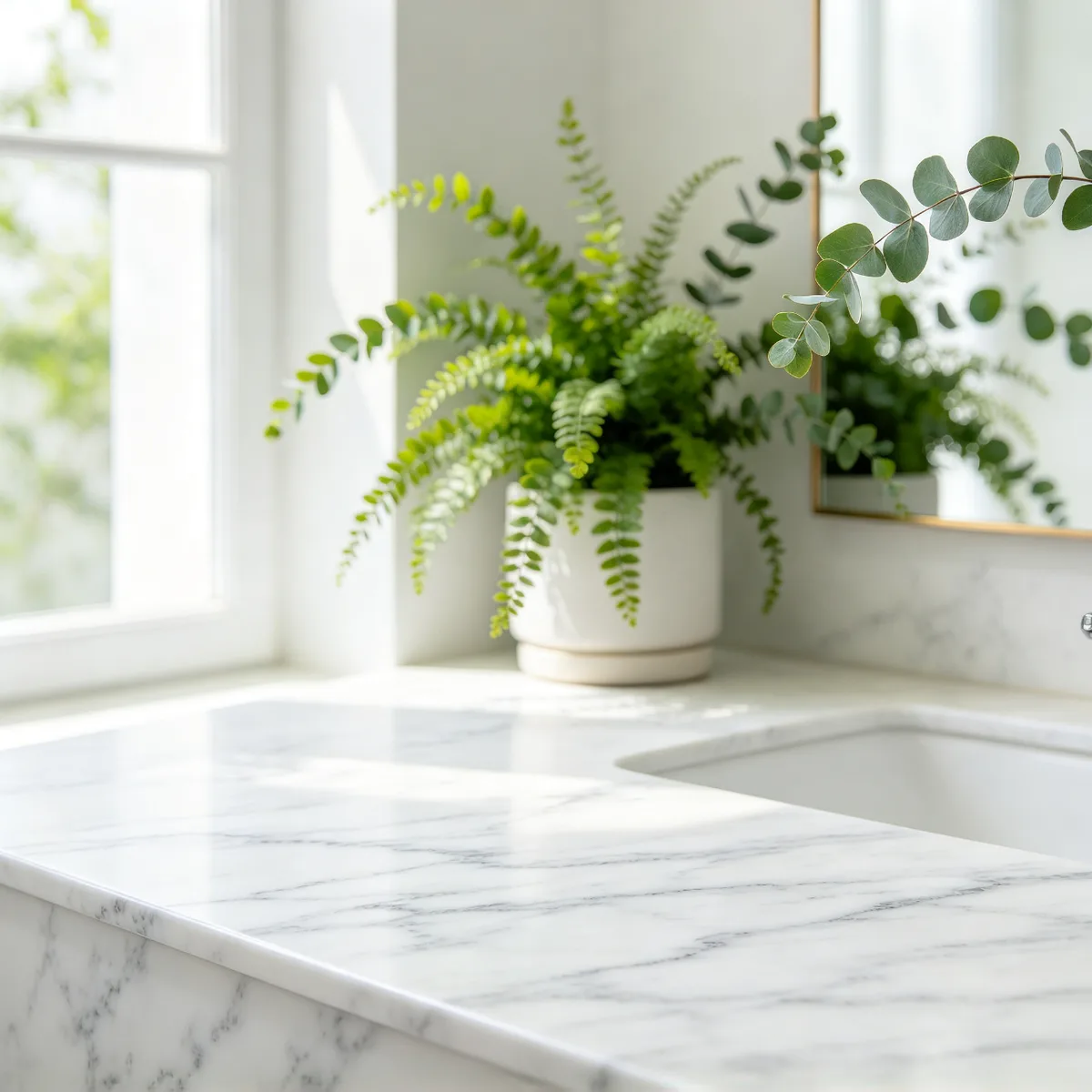
A skincare dropper bottle and a marble countertop scene merged into one product photo
Prompt The skincare dropper bottle from image 1 placed on the white marble countertop in the scene of image 2 next to the green plants, with lighting, reflections and soft shadows matching image 2, photorealistic product photo.
Made with Seedream 4.5
 After
After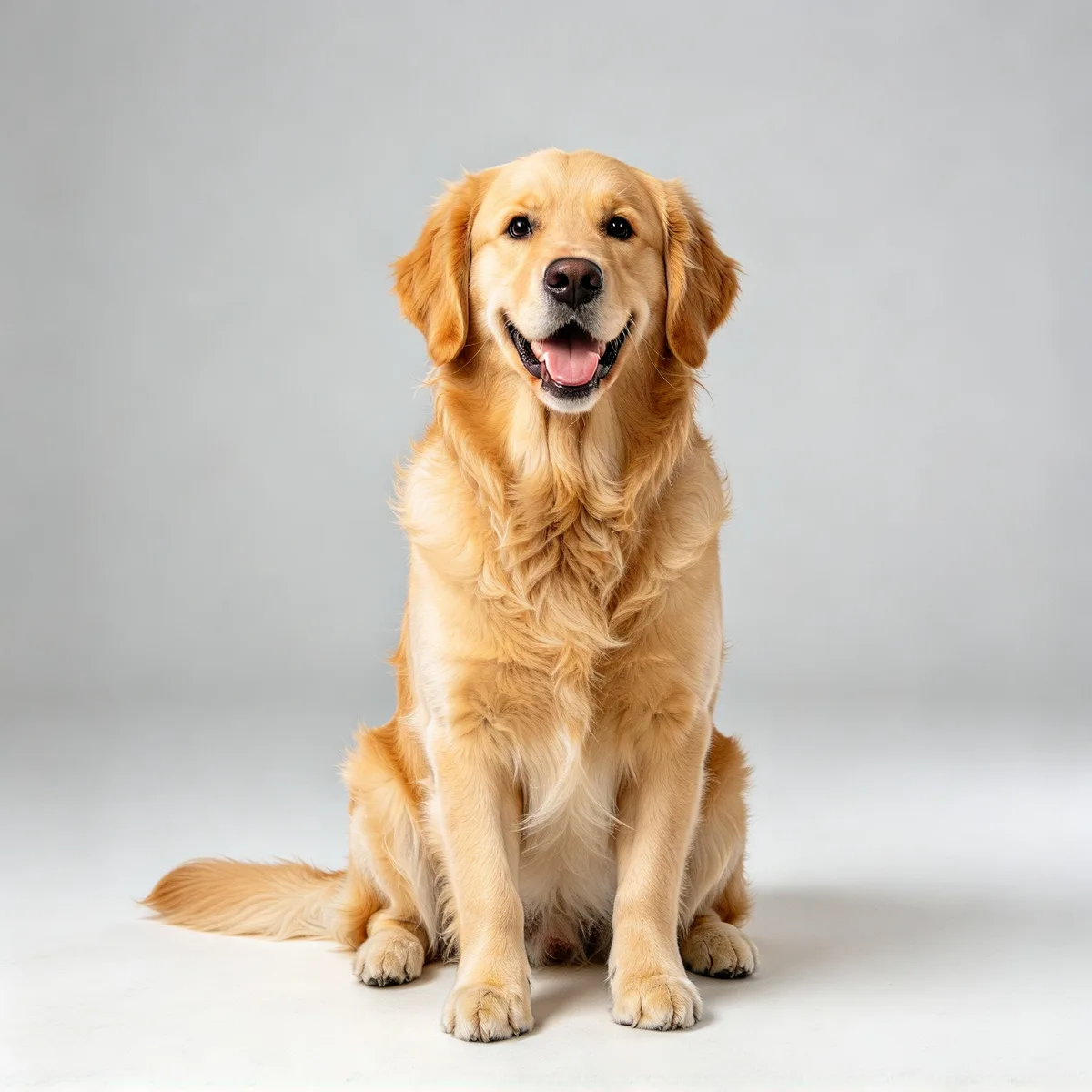
Put a raincoat on a dog
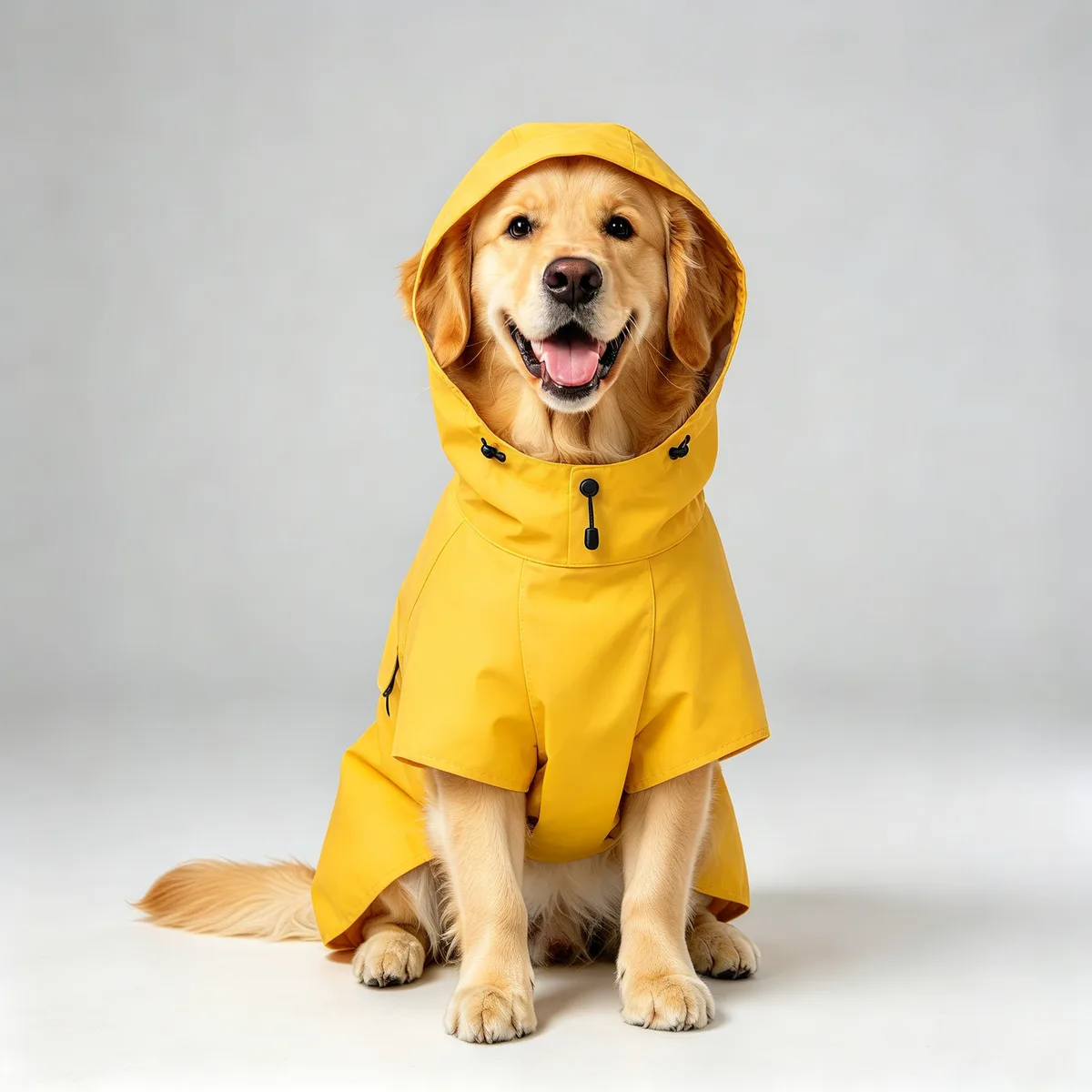
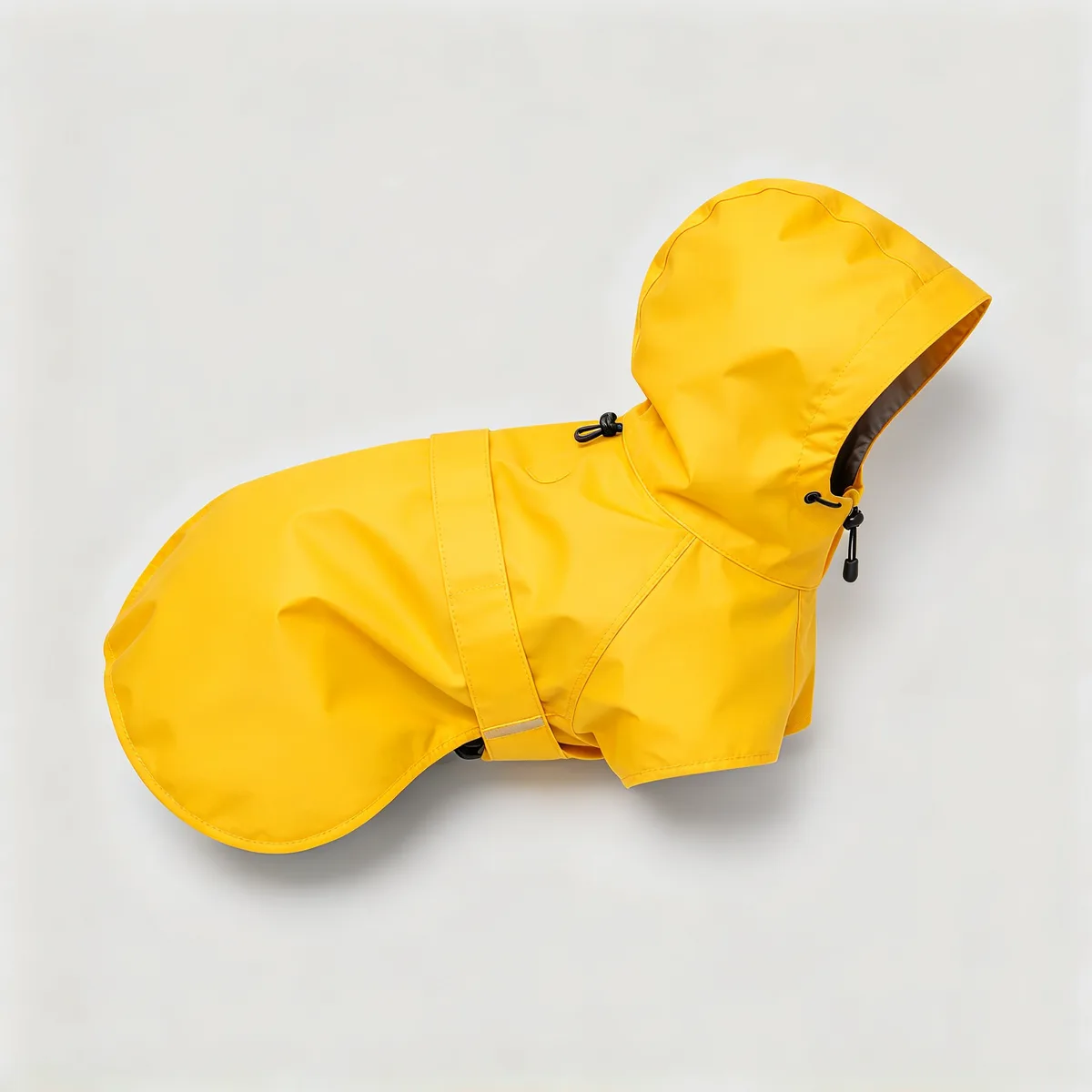
A golden retriever photo and a yellow pet raincoat merged into one pet product photo
Prompt The golden retriever from image 1 wearing the yellow hooded raincoat from image 2, the raincoat fitted naturally to the dog body, same dog face, pose and golden fur as image 1, hood resting on its back, plain light grey studio background, photorealistic pet product photo.
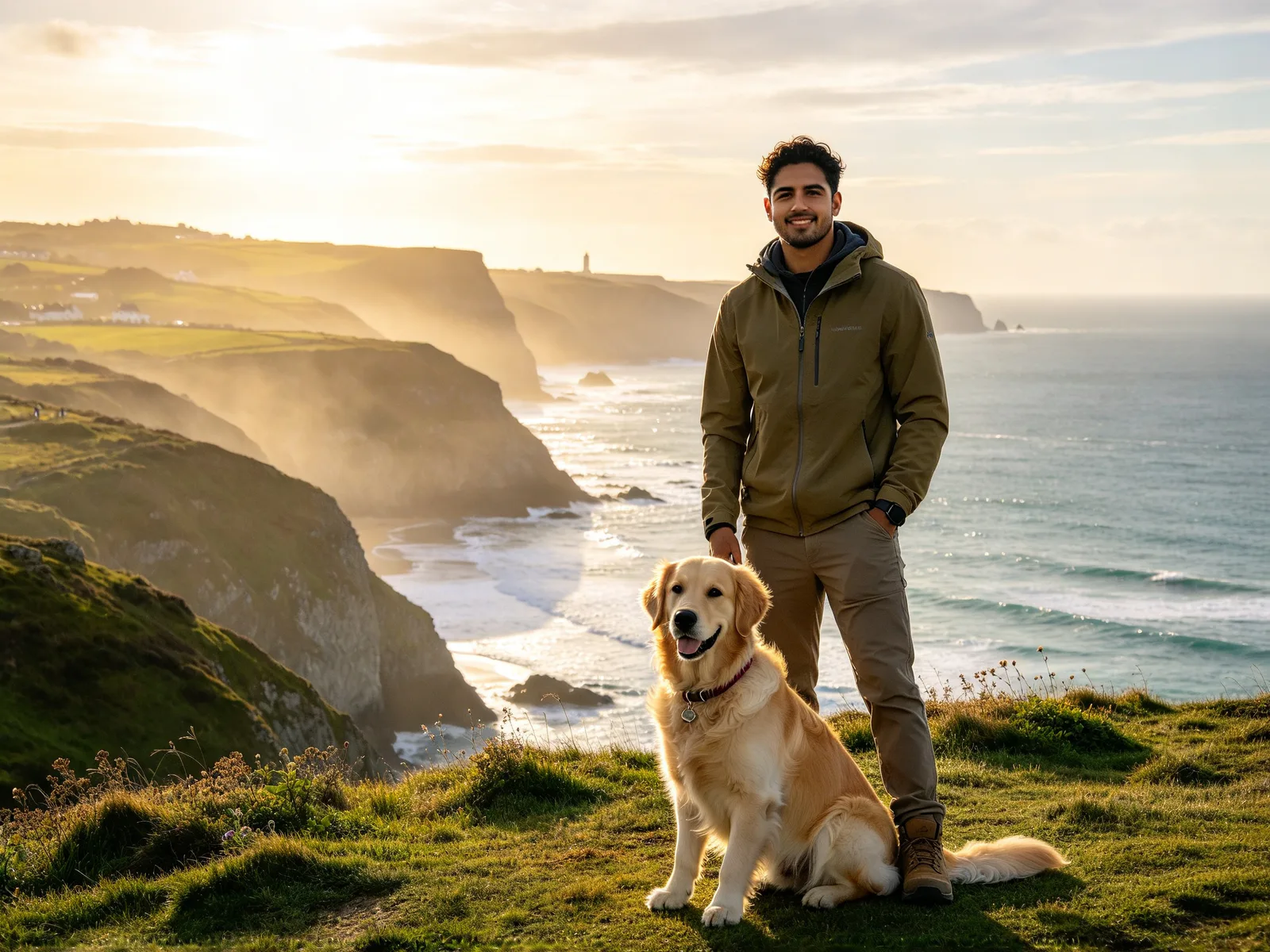
Made with Seedream 4.5
How to combine two images with AI
- 1
Add your images
The first image you add is image 1, the second is image 2, and so on.
- 2
Describe how to combine them
Say what each image contributes, and what should stay the same.
- 3
Pick a model and generate
Choose a model that accepts as many images as you added, then a size.
Combine images with AI for travel, products and pets
Merge two pictures into one scene that reads as a single photo.
Travelers and social posters
Put yourself into a travel or social scene.
- A portrait plus a photo of a place
- One new photo, not a cut-out
- Set the mood in your prompt
Product sellers
Place a product into a new lifestyle scene.
- A bottle on a marble countertop
- Clean settings without a new shoot
- Soft window light in the prompt
Pet owners and merch makers
Preview clothes and gear on your own pet.
- A dog wearing a rain jacket
- Sample images for pet products
- A pet and an outfit in one photo
What the AI image combiner merges and keeps
Each image contributes what you ask for, and the result is one scene.
- A person from one image, a place from another.
- A product from one image, a setting from another.
- A pet from one image, clothes from a second.
- A character and a background in one illustration.
- The result reads as one photo, not a pasted cut-out.
- It is not a collage maker; use one for side-by-side layouts.
Prompts for combining two images with AI
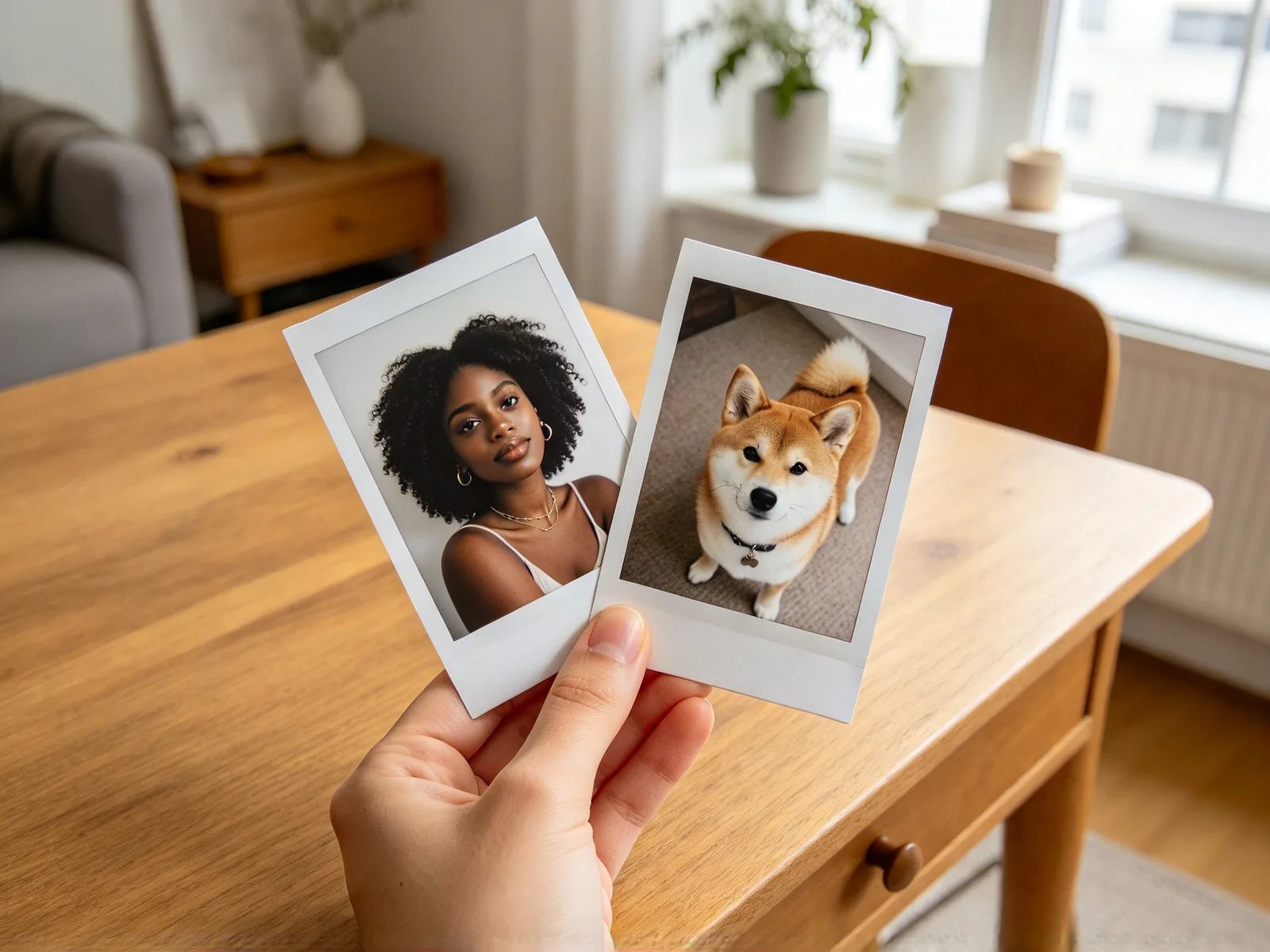
Refer to each image by number and say what to take from it, then where it goes and what stays the same.
- "The person in image 1 in the village of image 2, warm evening light"
- "The bottle from image 1 on the table in image 2, soft window light"
- "The dog from image 1 wearing the jacket from image 2"
- "The character in image 1 in the scene of image 2"
Merging images: tips and limits
Clear, well-lit pictures merge best.
- Use pictures with one main subject each.
- Use a front-facing portrait when you merge a person.
- Expect faces and small details to change a little.
- Try another model or run again if it looks off.
- Use the outfit swap tool to change only clothes.
- The editor takes up to six images; each model has its own limit.