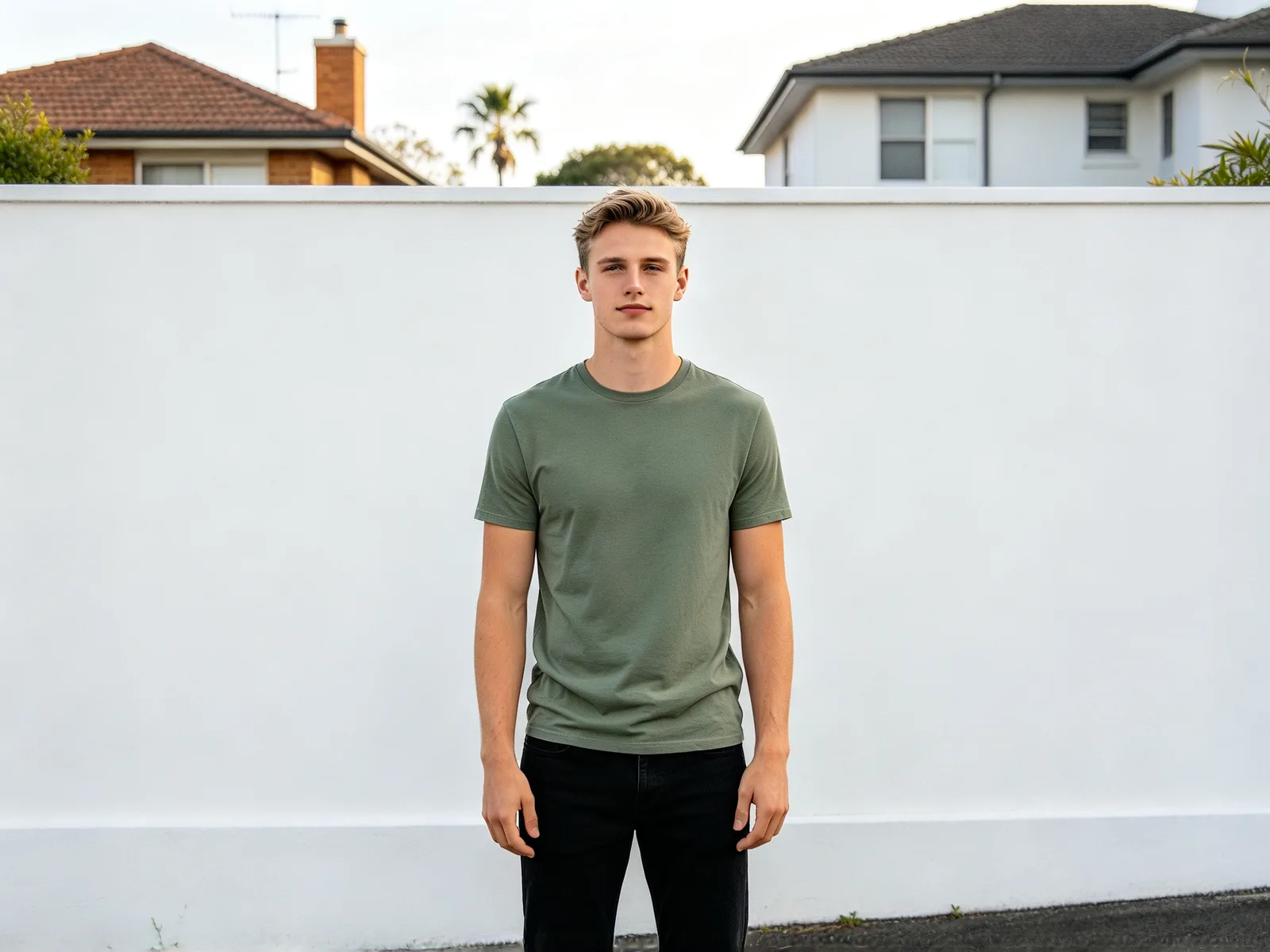
AI clothes changer: put new clothes on your photo
Try an outfit on your own photo before you buy it, or dress a model photo in your product. Only the clothes change: face, hair, pose and background stay as they were.
- Nothing to install
AI clothes changer before and after
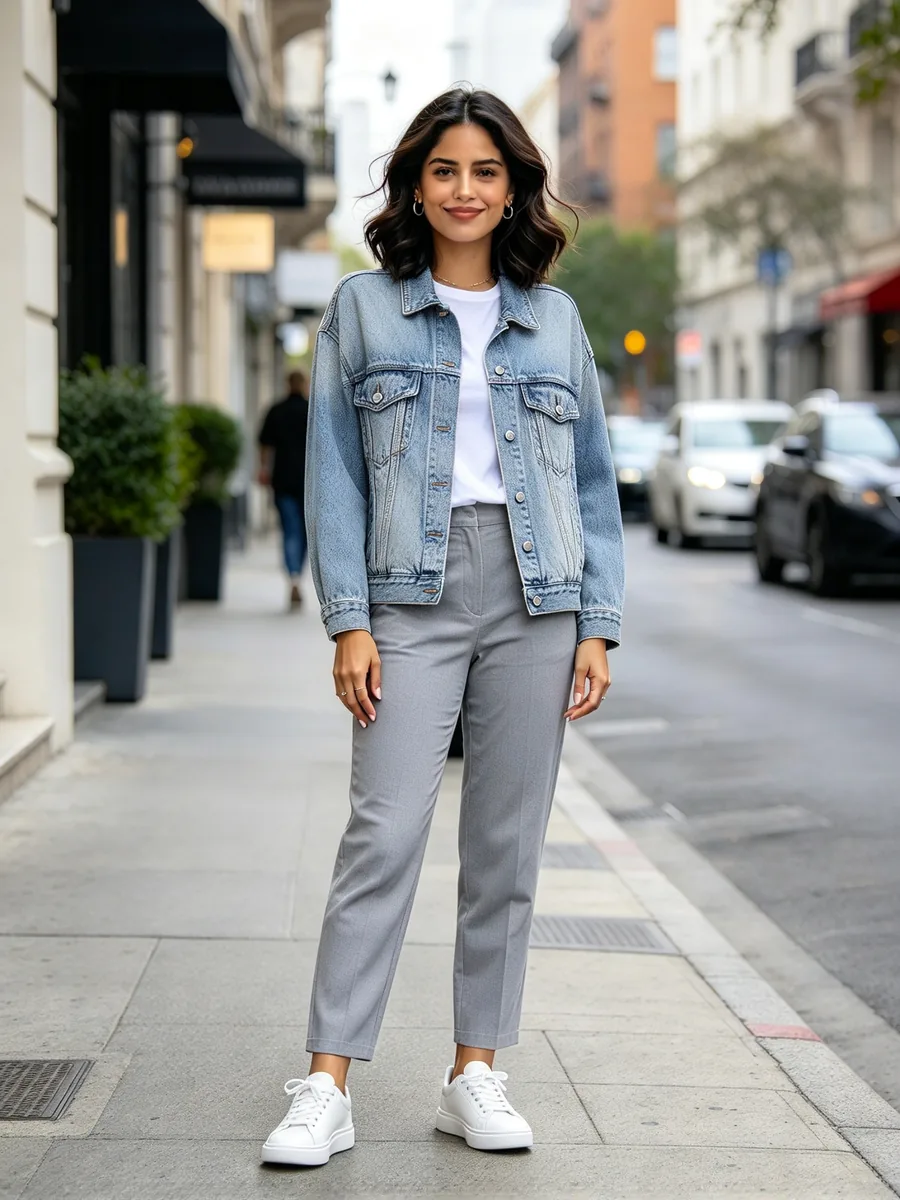 After
After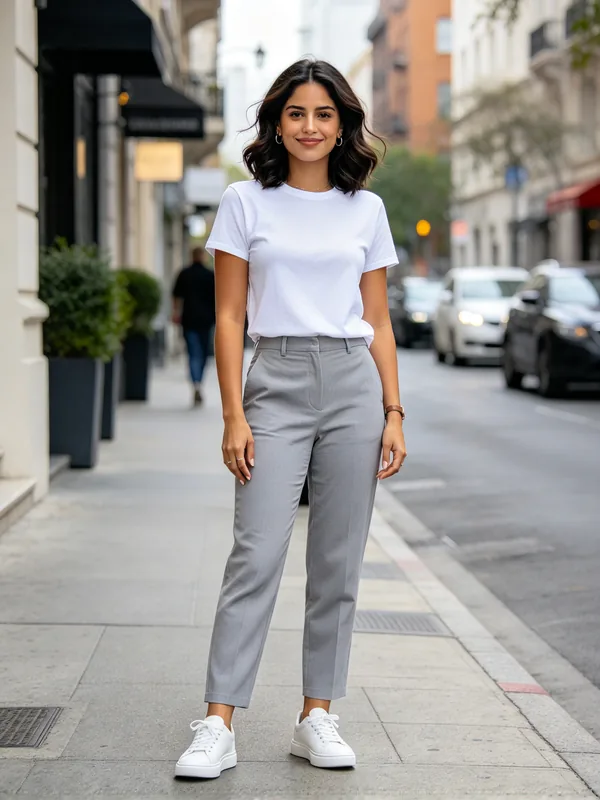
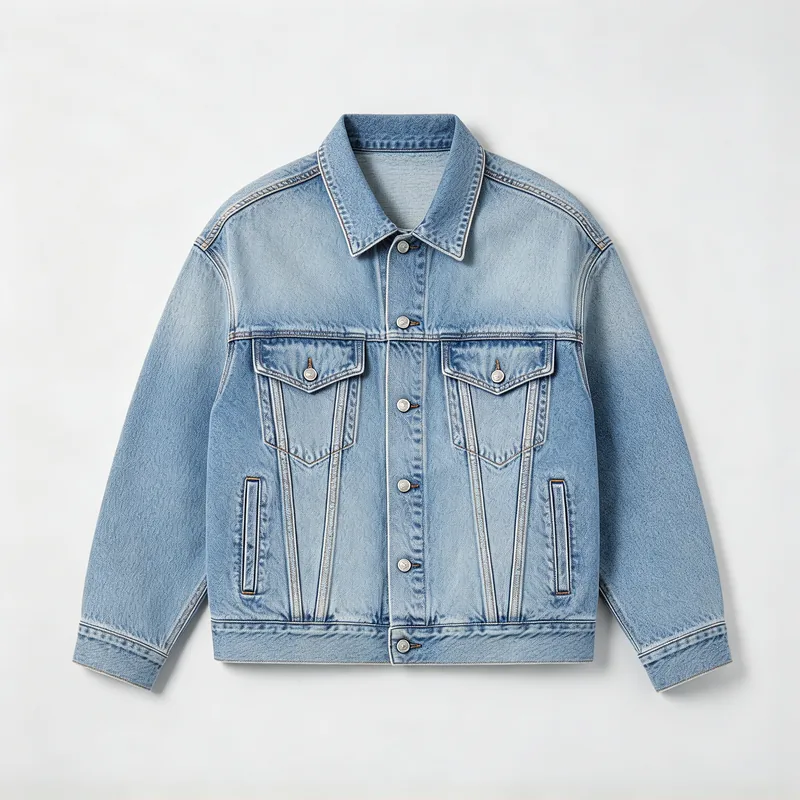
Try on clothes from a product photo
A denim jacket from a flat-lay product shot put on a woman in a plain white T-shirt
 After
After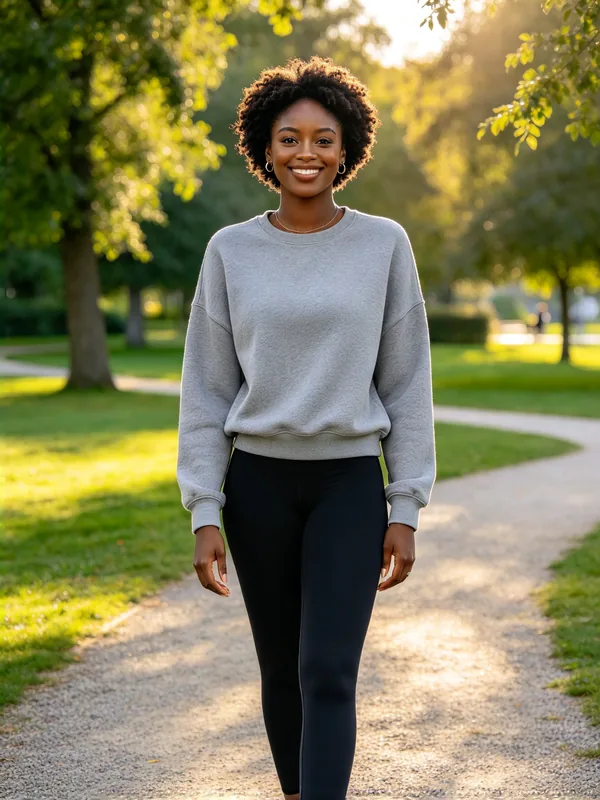
Copy an outfit from another photo
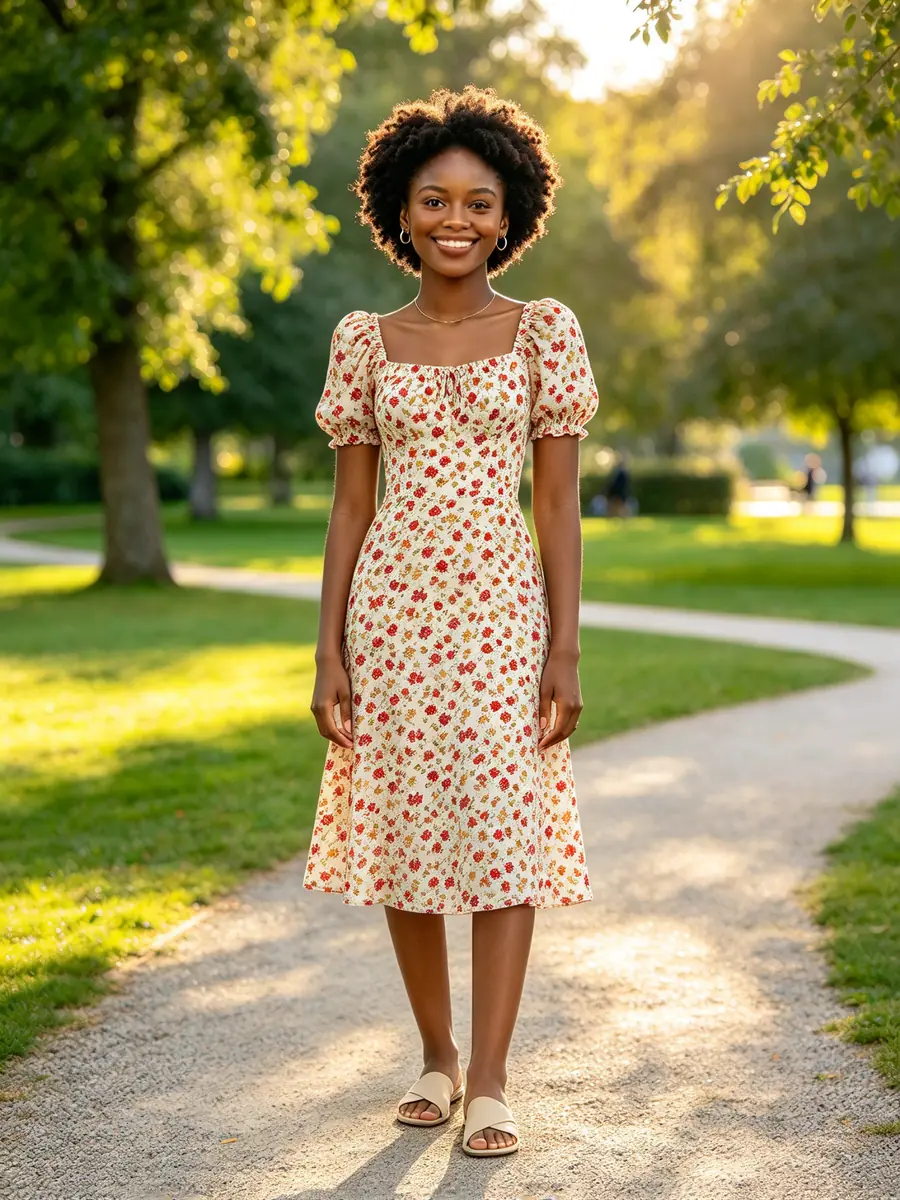
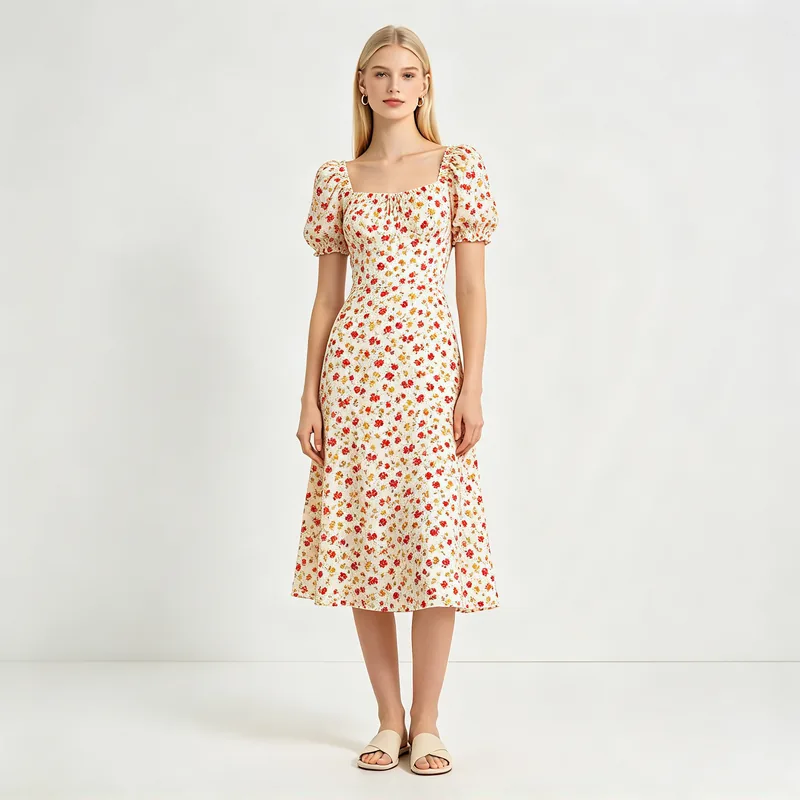
A floral summer dress worn by another model moved onto a woman standing in a park
 After
After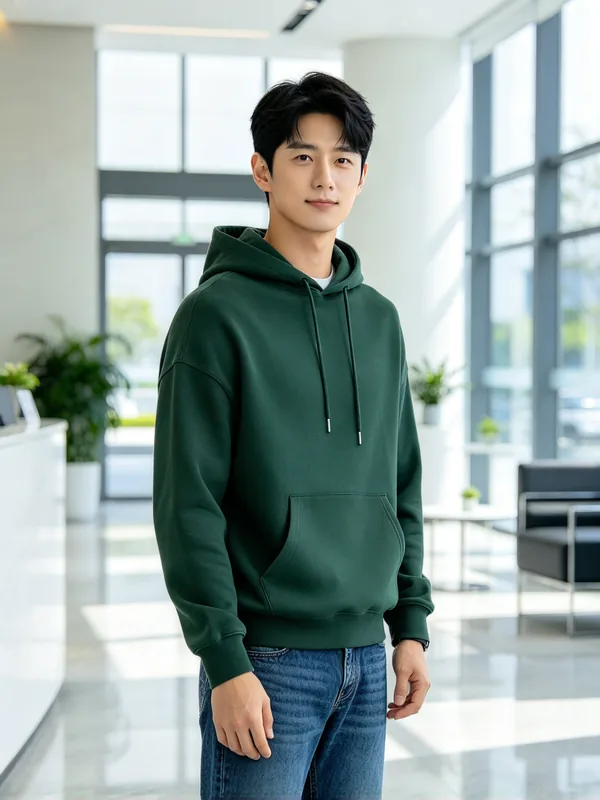
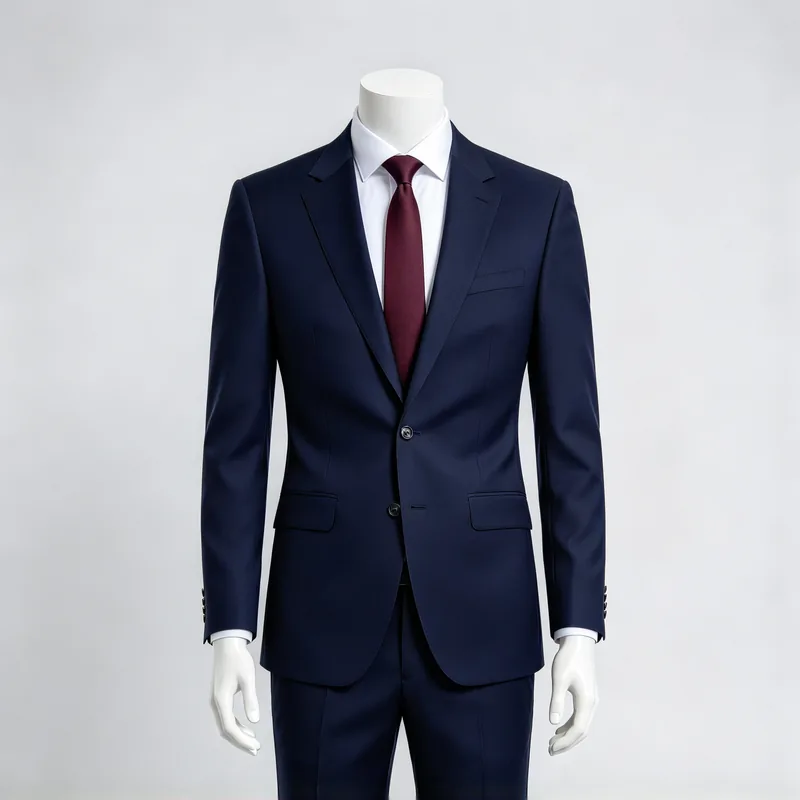
See yourself in formal wear
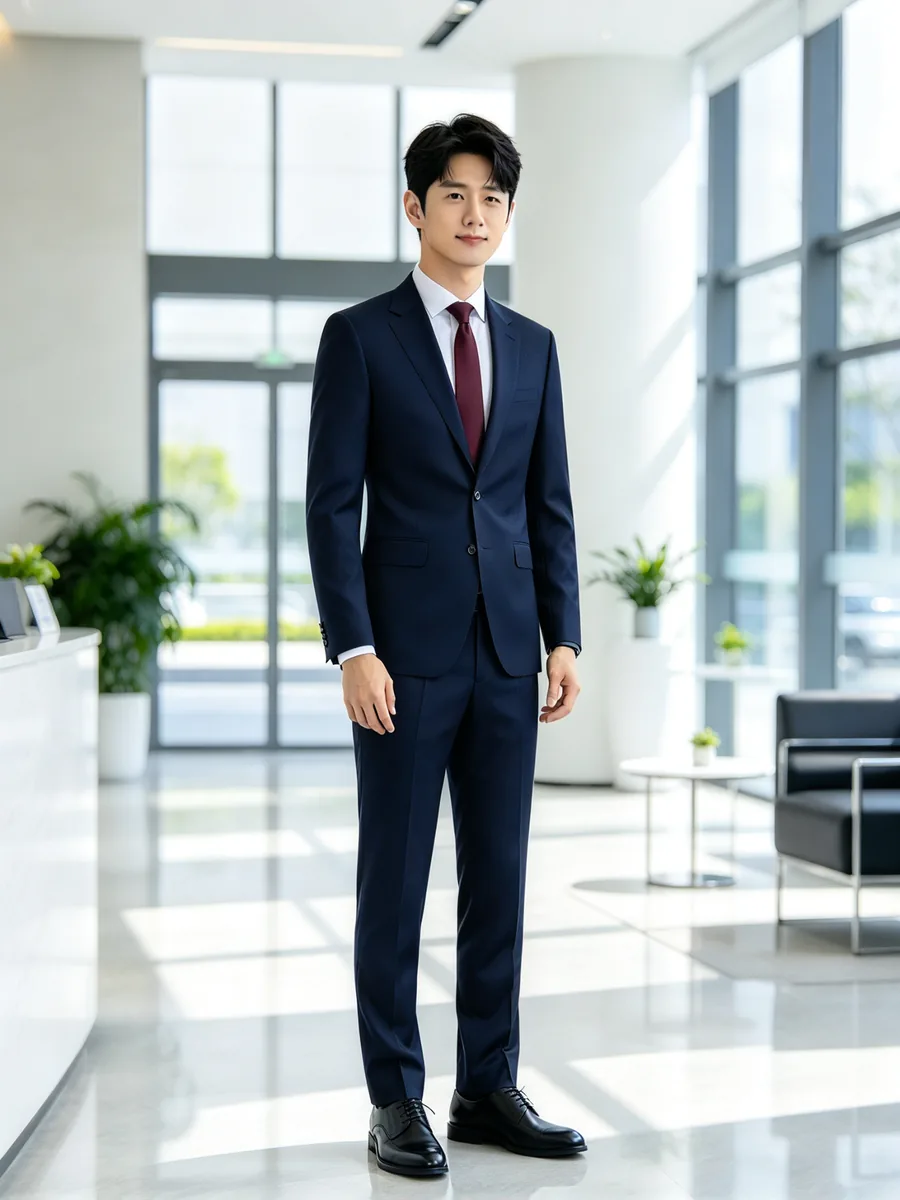
A casual hoodie replaced with a navy two-piece suit, white shirt and tie
 After
After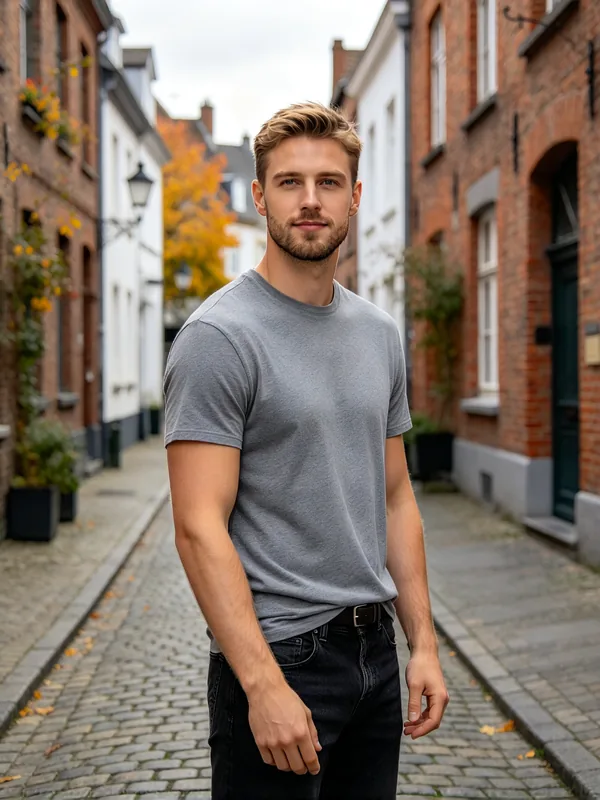
Describe the outfit instead of uploading one
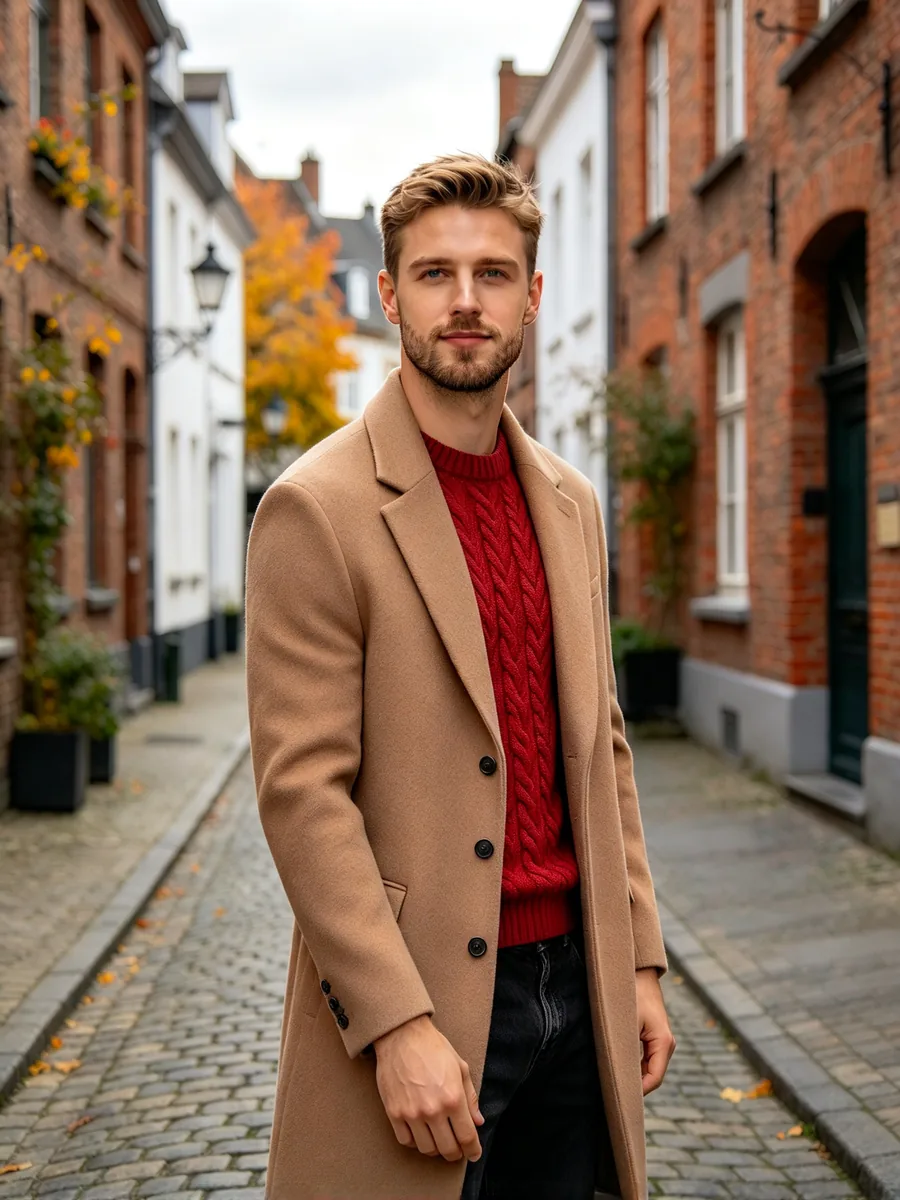
A man in a grey T-shirt dressed in a red knit sweater and a long camel coat from a text description
Prompt red cable-knit sweater under a long camel wool coat
How to change clothes in a photo with AI
- 1
Upload your photo
A sharp photo showing head to at least the hips works best.
- 2
Add the outfit
Add a picture of the clothes, or describe them under Outfit.
- 3
Generate and compare
Compare the new look with your original, then try another outfit.
AI clothes changer for shoppers, sellers and stylists
See any outfit on a real photo, without a fitting room or a photo shoot.
Online sellers
Show a garment on a model without booking a shoot.
- Make an AI clothing model photo from a product shot
- Reuse one model photo across a range
Online shoppers
Try on clothes before you order them.
- Virtual try on from a store's product photo
- Plan an outfit for a wedding or trip
Stylists and bloggers
Test outfit ideas before you shoot or post.
- Copy a look from another photo
- Describe an outfit and see it on you
What the AI outfit changer swaps and keeps
Only the clothes are edited. Everything else in the photo stays as it was.
- Cut, color, pattern, fabric and details such as buttons or prints are copied.
- Face, hair, skin tone, body shape and pose stay unchanged.
- Background and lighting stay as shot.
- The person wearing the outfit in your reference does not come along.
- It shows style and color, not size. Check the size chart before you buy.
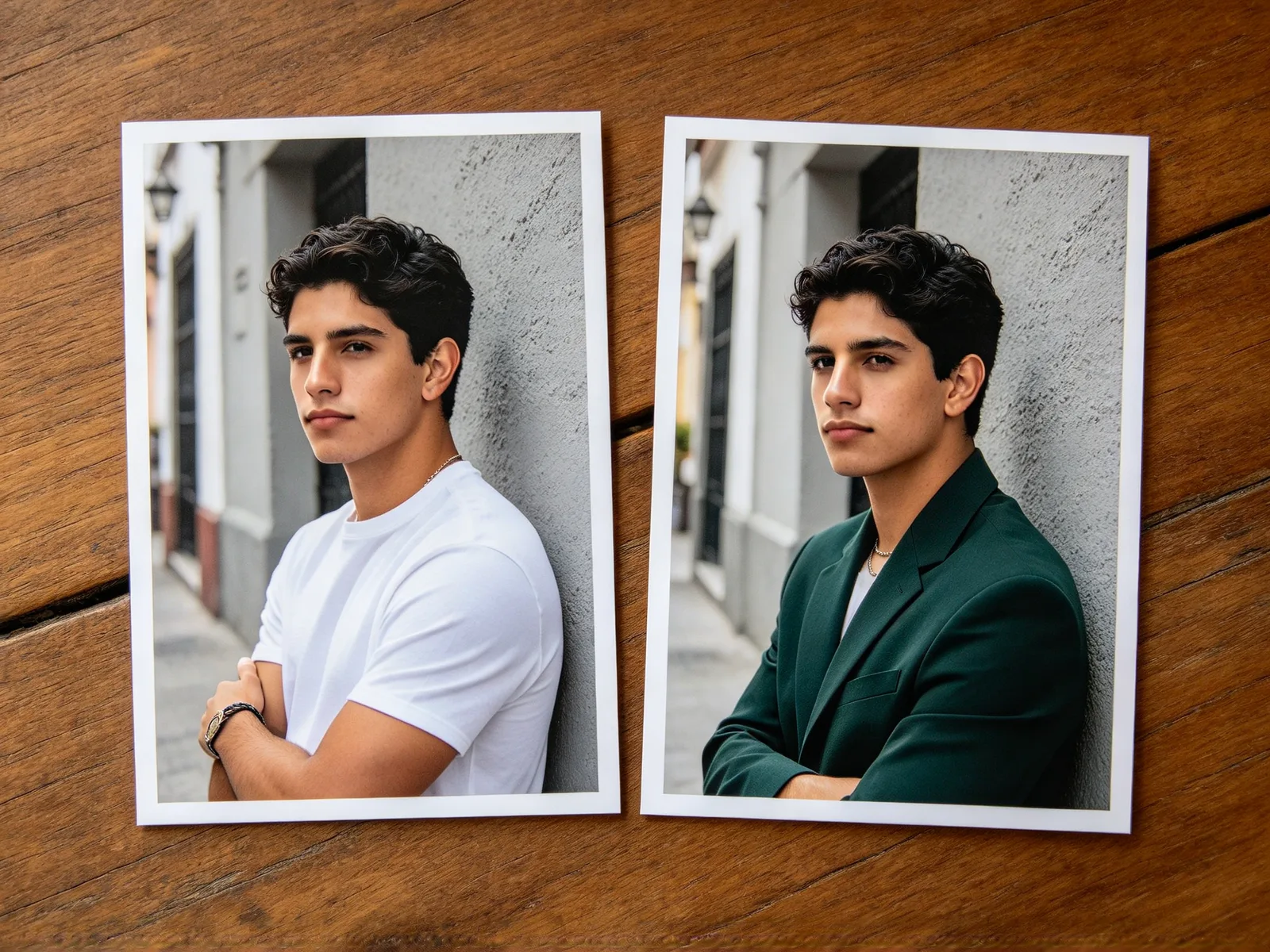
Outfit image or text: two ways to choose
Pick the new look from a picture or from a few words.
- Outfit image: a product shot, a flat lay or a photo of someone wearing the piece.
- Outfit text: describe it in plain words, such as "black leather jacket over a white tee".
- Leave both empty and the tool picks an outfit that suits the photo, like an AI outfit generator.
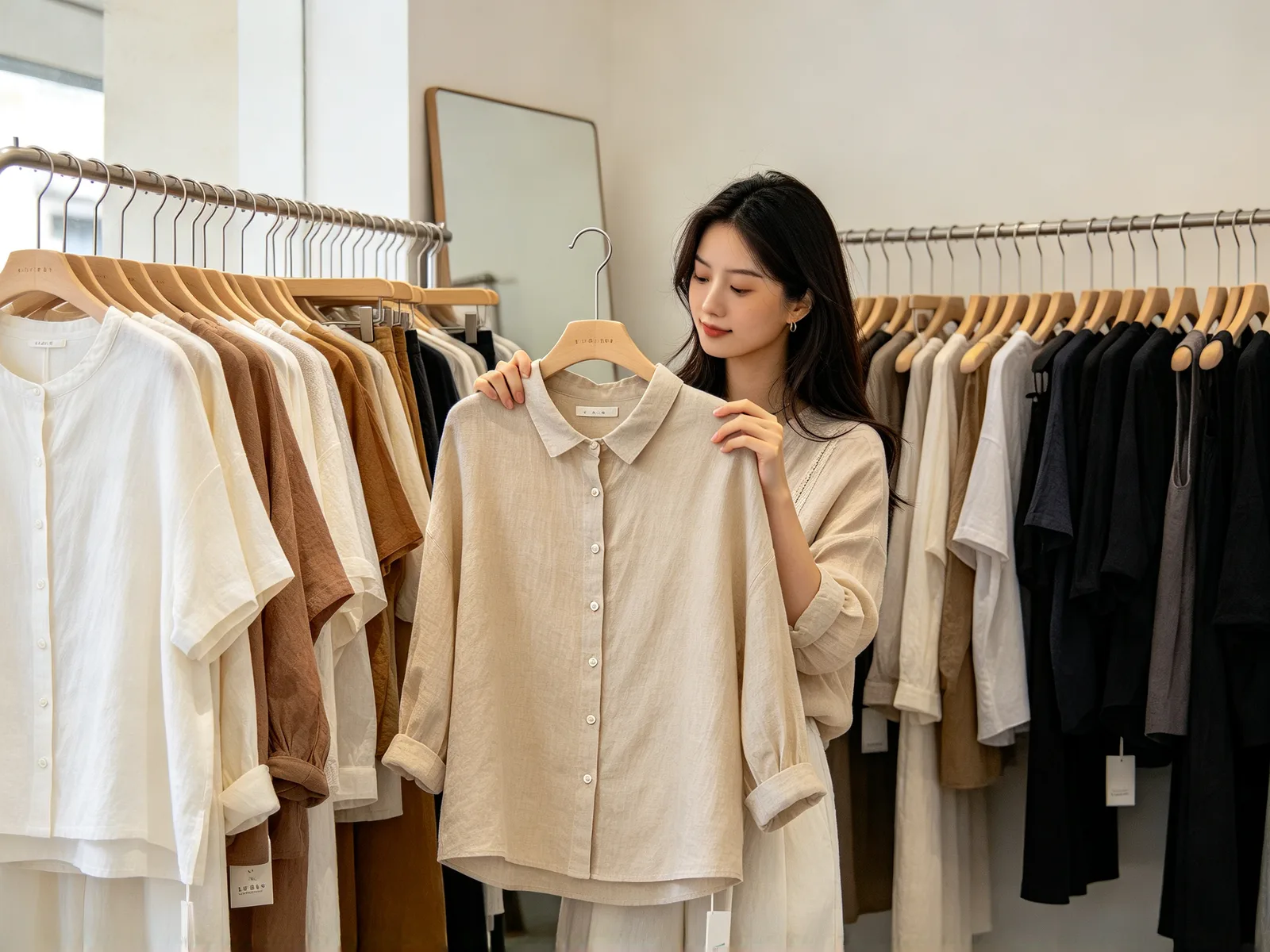
Tips for a realistic clothes swap
A clean source gets a result closer to the real thing.
- Use a photo where the clothes you replace are fully visible.
- Pick an outfit image with the whole garment on a plain background.
- Match the type: full outfits work best on full-body photos.
- Keep text descriptions short: item, color, material.
- Check logos and prints before you publish product photos.
- Use model photos only with the model's permission.