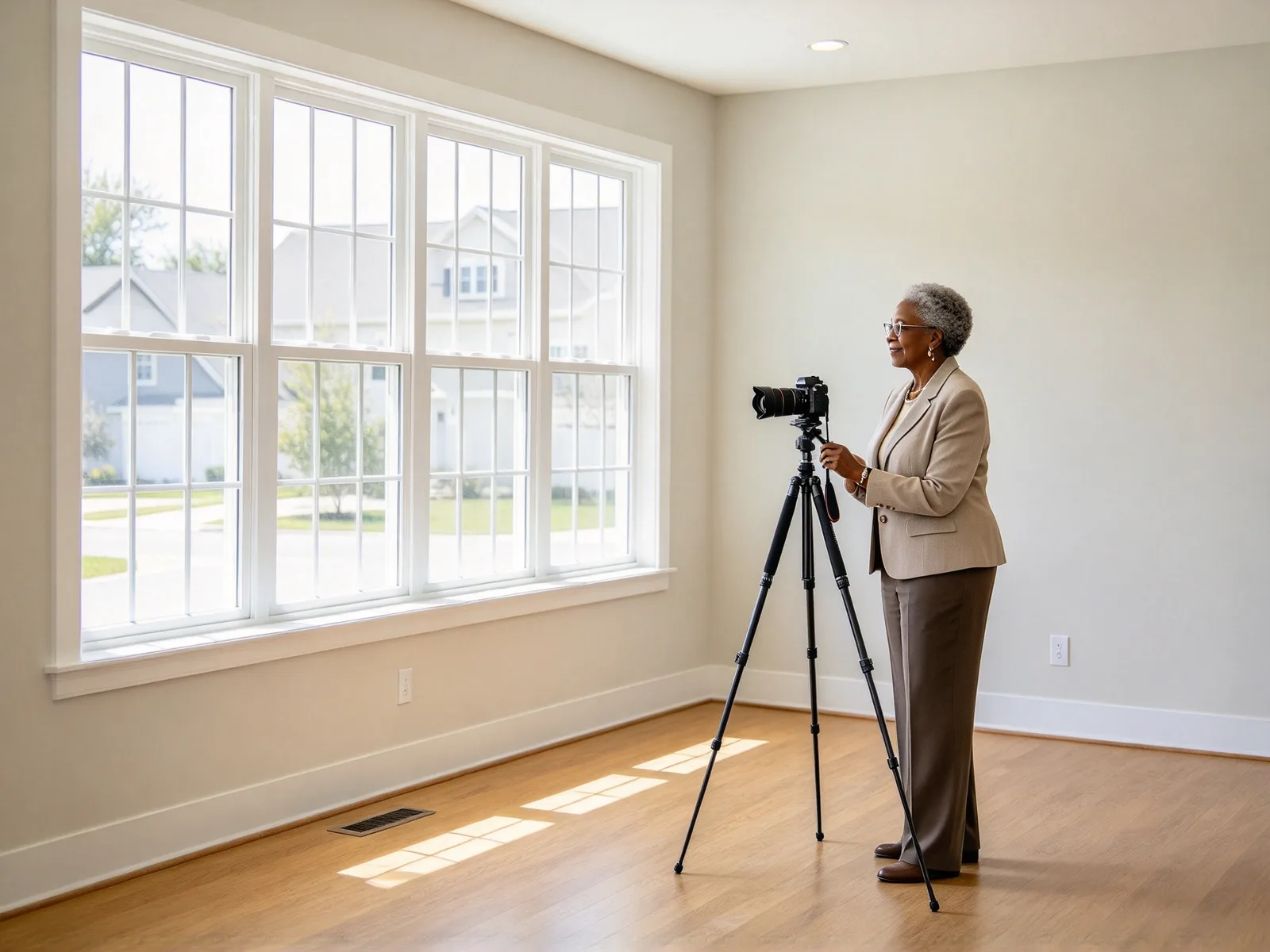
Virtual staging AI: furnish an empty room from a photo
Show buyers a home, not an empty box. Upload a vacant room, pick a style, and get a furnished listing photo. Walls, floors, windows and light stay as shot.
- Nothing to install
Virtual staging before and after
Drag the divider to compare.
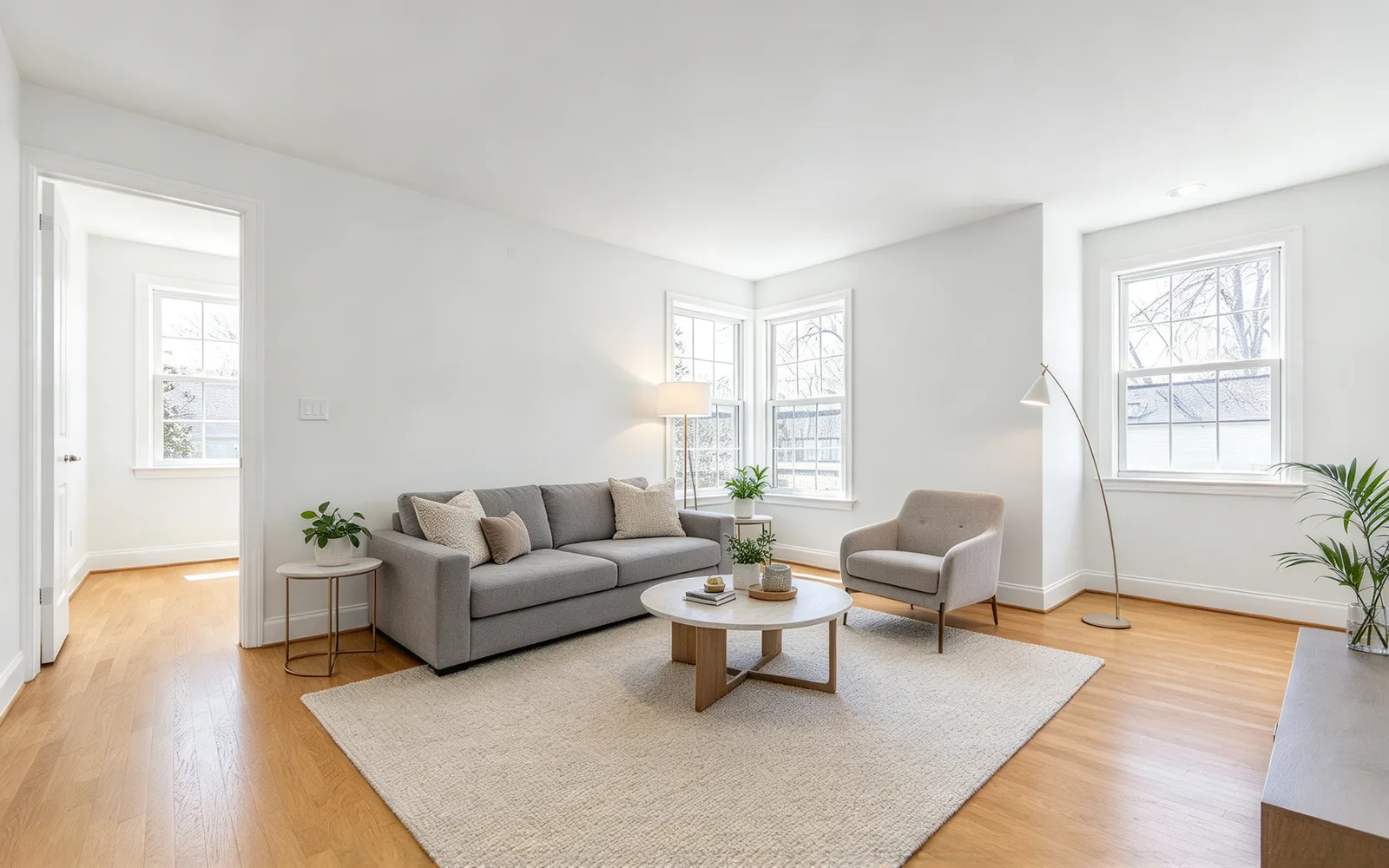
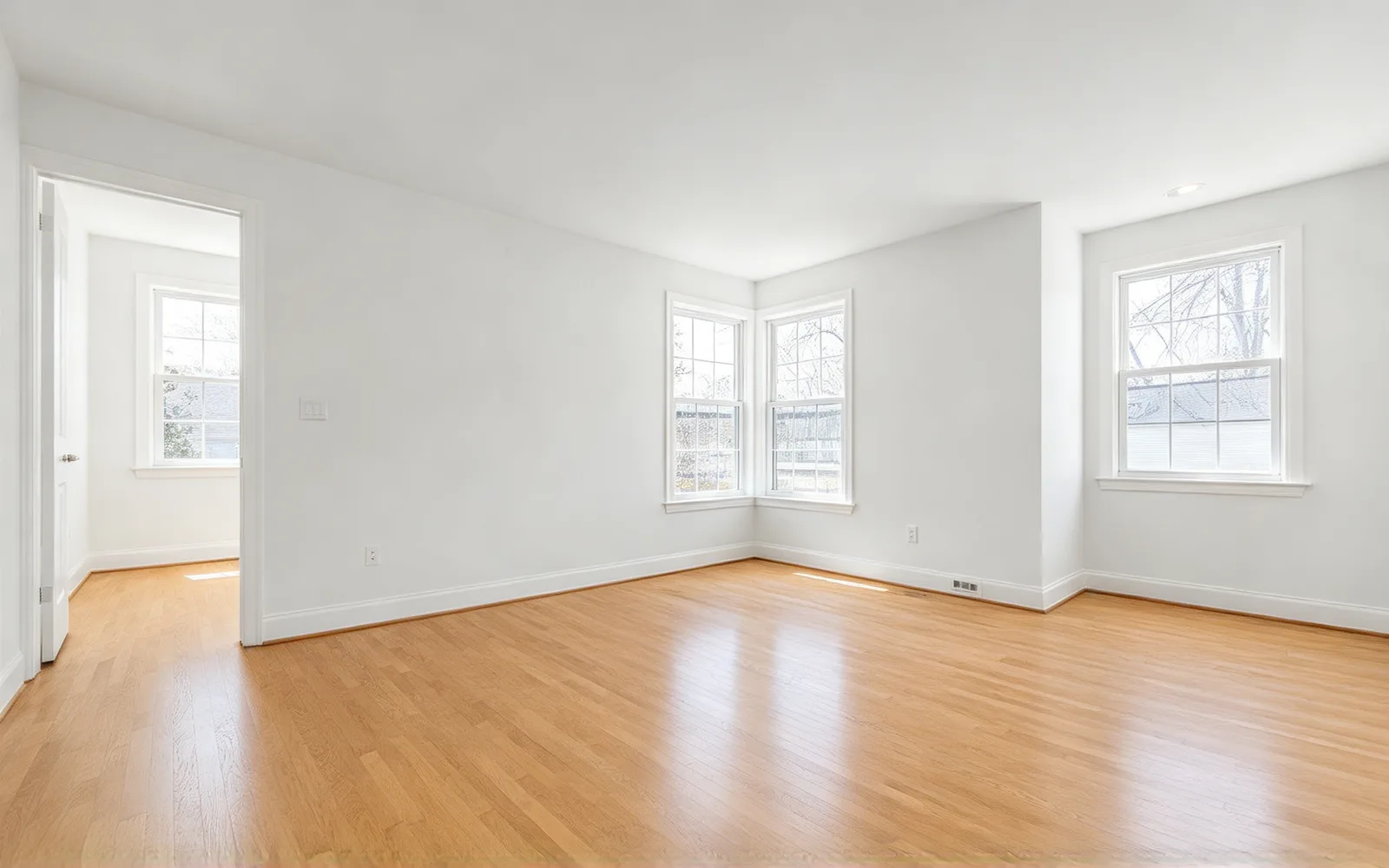
Stage an empty living room
An empty living room furnished in modern style with a sofa, coffee table and rug
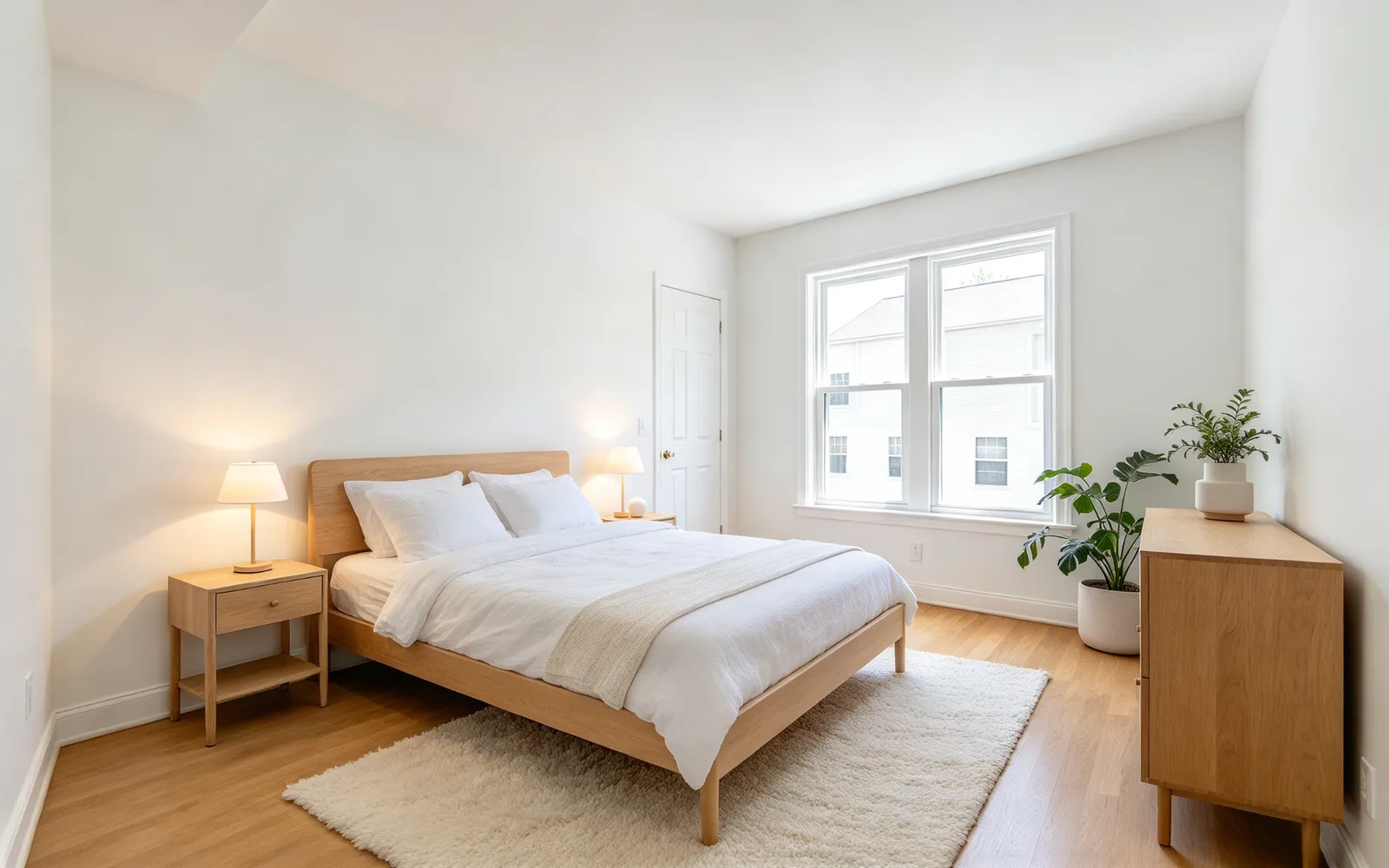
Furnish an empty bedroom
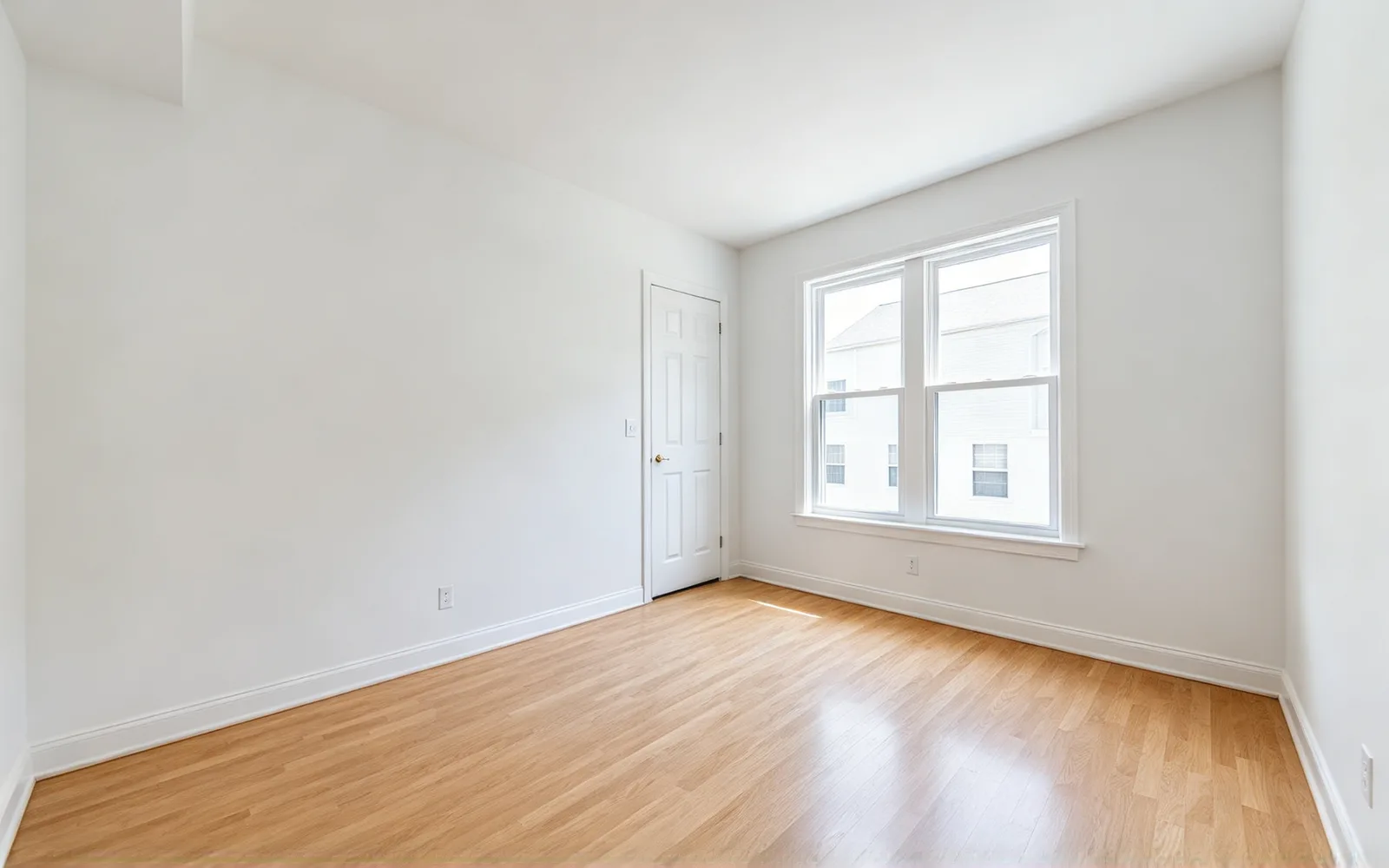
An empty bedroom staged in Scandinavian style with a bed, nightstands and a rug
Stage a dining room
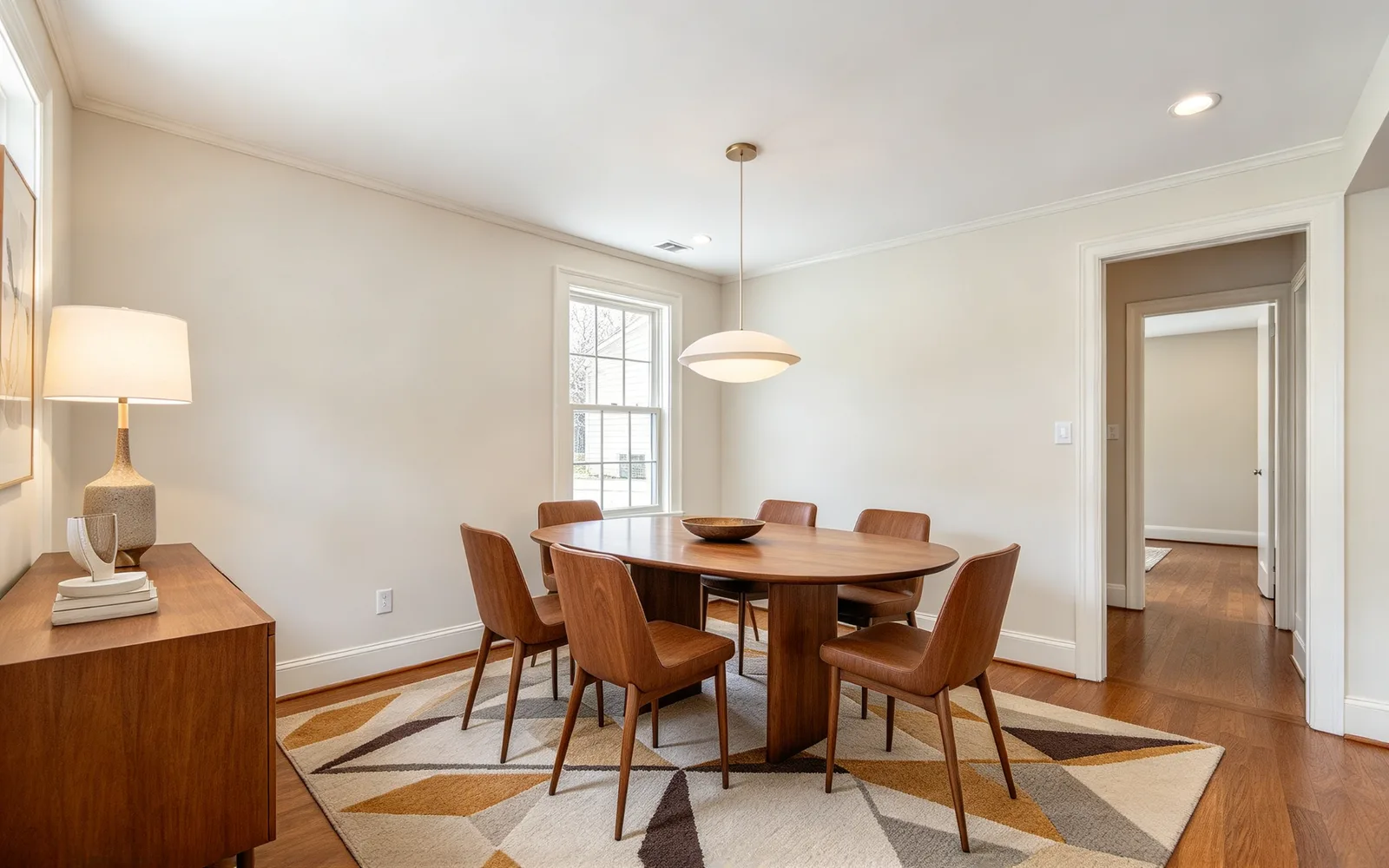
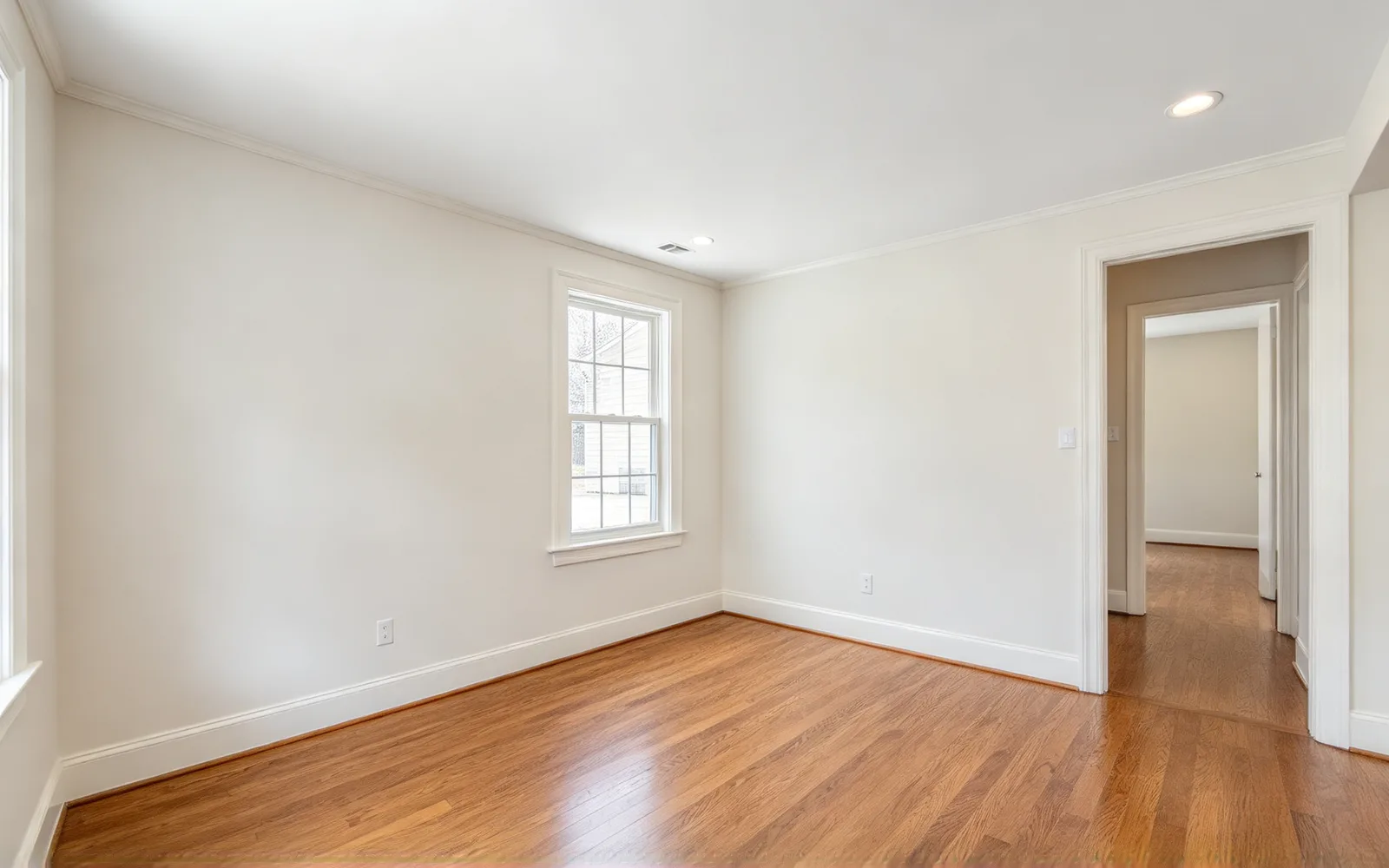
An empty dining room furnished in mid-century style with a table and chairs
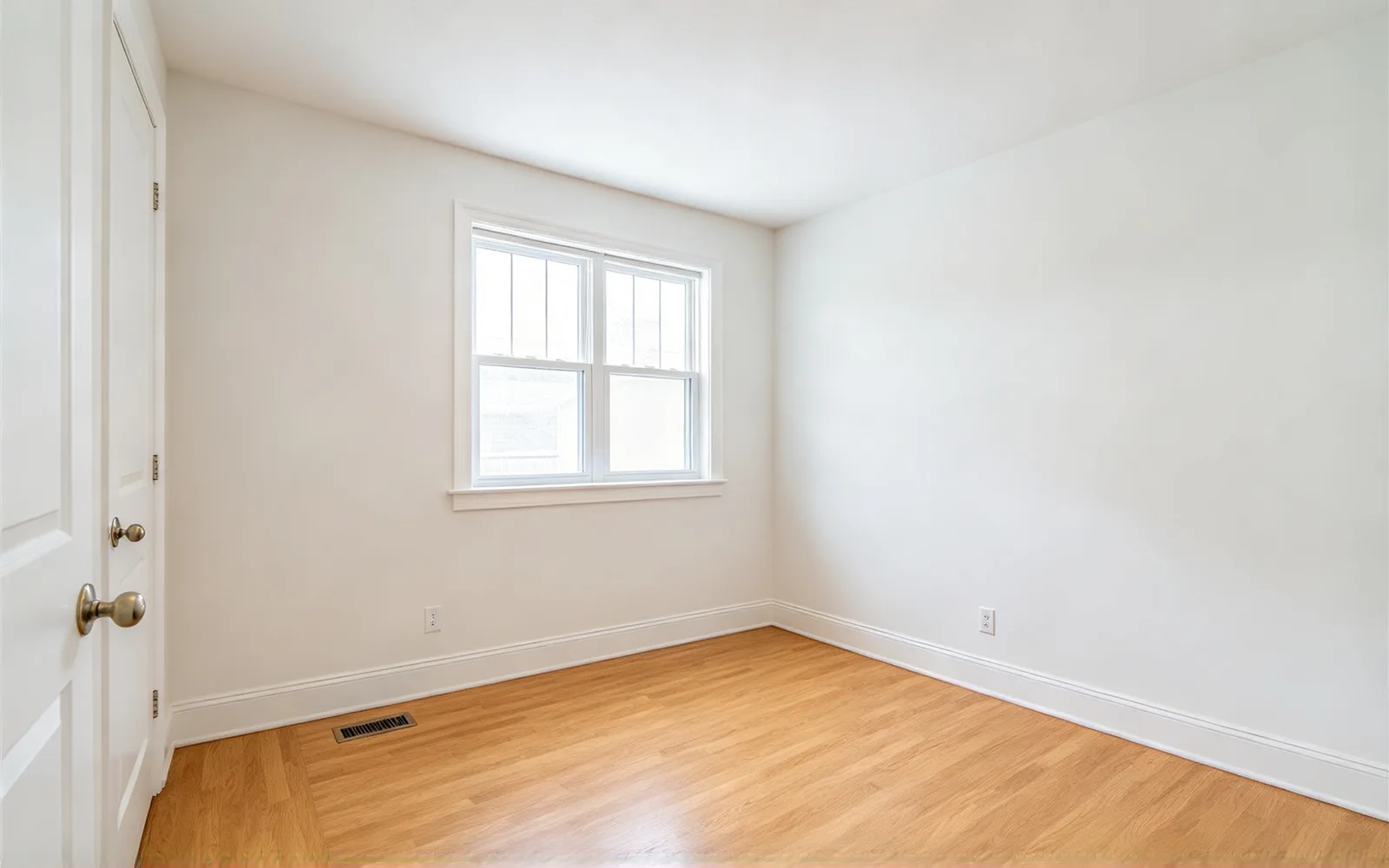
Turn a spare room into a home office
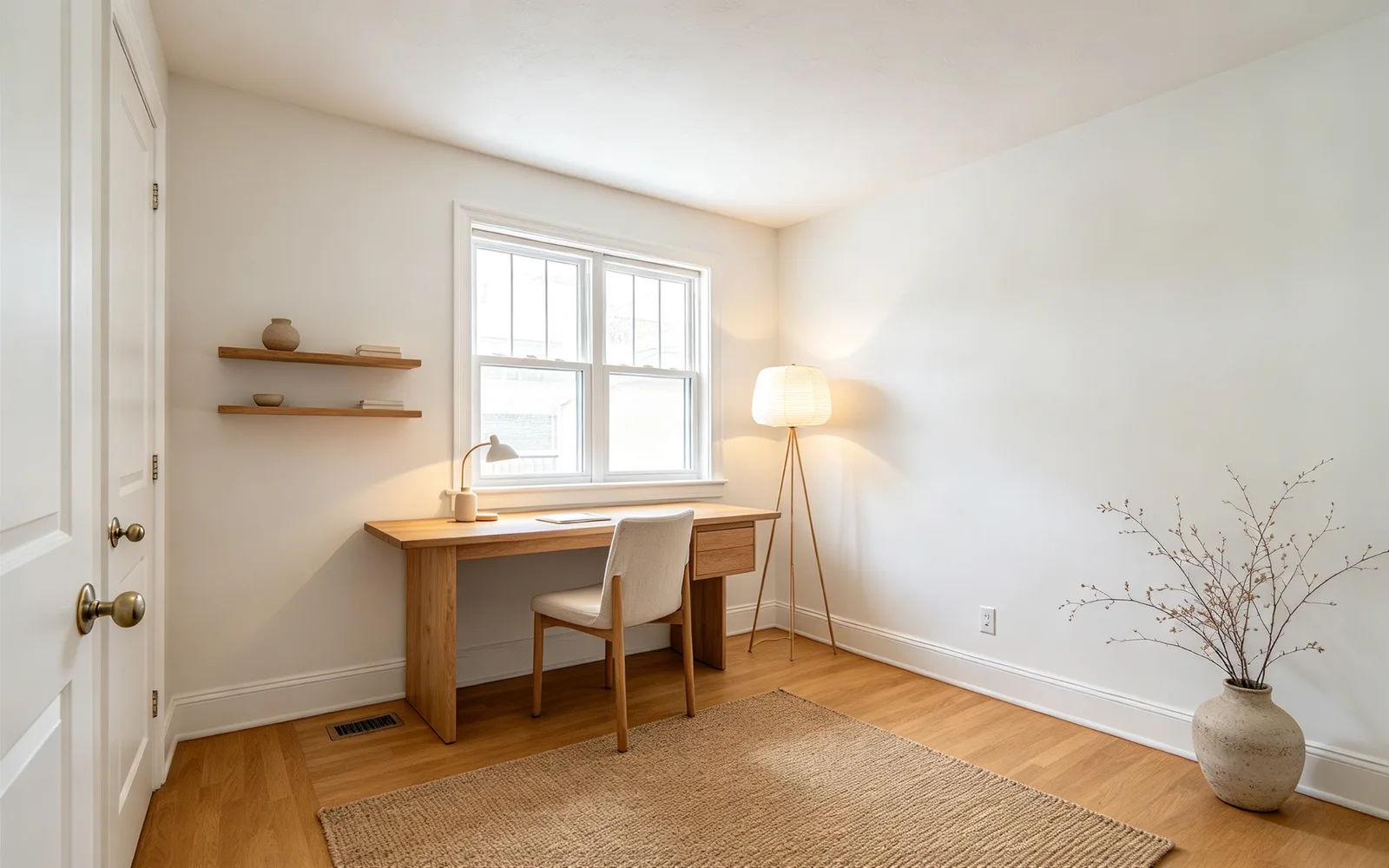
A bare spare room staged as a Japandi home office with a desk, chair and shelving
How to virtually stage a room with AI
- 1
Upload the empty room
One room per photo, with the floor in view.
- 2
Pick a room and style
Add a specific piece under Extra details if you want one.
- 3
Generate and compare
Drag the divider to compare, then try another style on the same room.
Virtual staging for real estate listings
Show a vacant space as a place to live. Here is who stages with it, and why.
Real estate agents
Stage a vacant listing without renting furniture.
- Give every room one consistent style
- Restage the same room for a relisting
Landlords and hosts
Show renters and guests how the space lives.
- Furnish a unit between tenants
- Show a spare room as a bedroom or office
Home sellers and buyers
Preview a look before you spend on furniture.
- Compare modern and Japandi side by side
- Plan a kids' room or a home office
What AI virtual staging changes and keeps
Only furniture and decor are added. The rest of the photo stays as shot.
- Furniture, rugs, lamps, plants and decor are added.
- Walls, floors, ceilings, windows and doors stay unchanged.
- Camera angle and light direction stay as shot.
- Furniture already in the photo stays, so clear it first with the object eraser.
- Check furniture scale, doors and window edges before you publish.
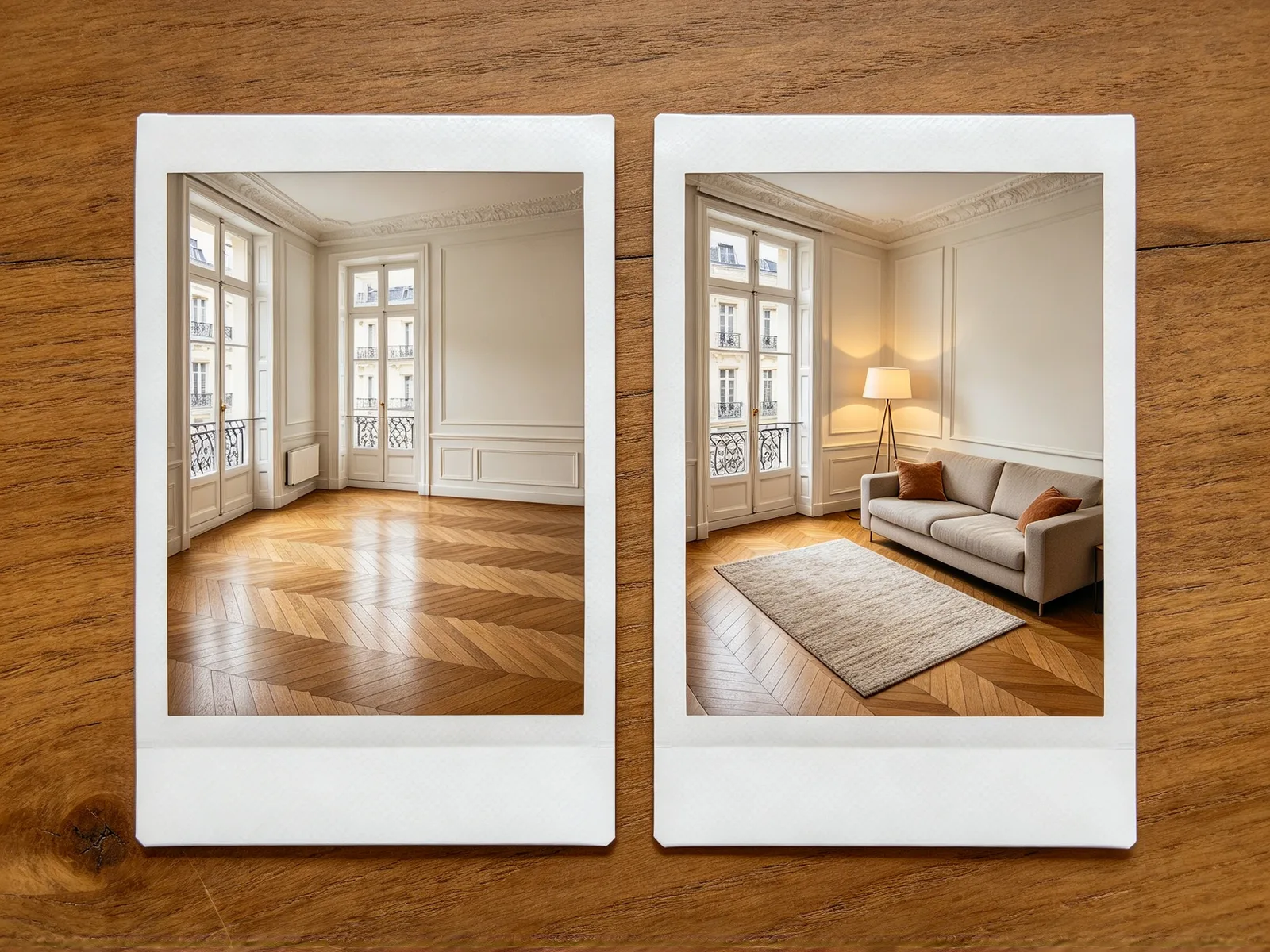
6 rooms and 8 interior styles
Room decides which furniture is added. Style decides how it looks.
- Rooms: living room, bedroom, dining room, kitchen, home office and kids' room.
- Styles: modern, Scandinavian, Japandi, mid-century, industrial, coastal, farmhouse and luxury.
- Extra details: up to 150 characters for a piece, such as a round dining table with four chairs.
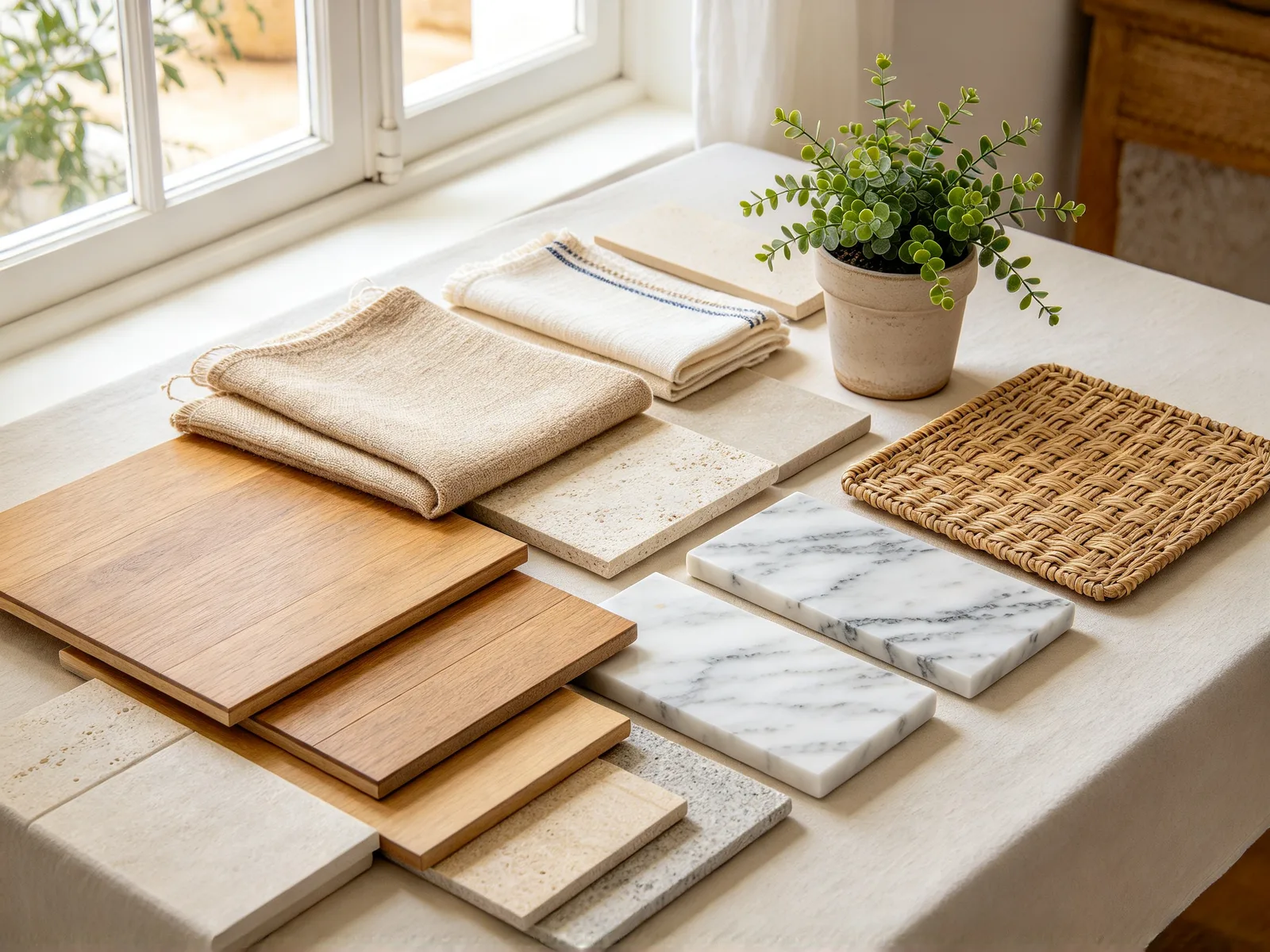
Photo tips and disclosure for staged listings
A clear source photo gives a more believable staged room.
- Shoot from a corner or doorway at chest height.
- Turn the lights on and open the blinds.
- Keep the floor visible so furniture has somewhere to stand.
- Clear clutter before you shoot. The tool adds furniture and never removes it.
- Label staged photos as virtually staged, as your region and listing platform require.
- Keep one unstaged photo of the room in the listing.