Zero Kit AI

Nano Banana Pro AI Image Generator

Google's Nano Banana Pro is built on Gemini 3 Pro for studio-level precision: legible text down to small labels, fine texture and crowded scenes where every figure stays distinct.

  • GoogleGoogle
  • Up to 4k
  • Up to 10 reference images
  • Up to 4 images per run
  • Credits per image: from 16
  • Included in Plus and above
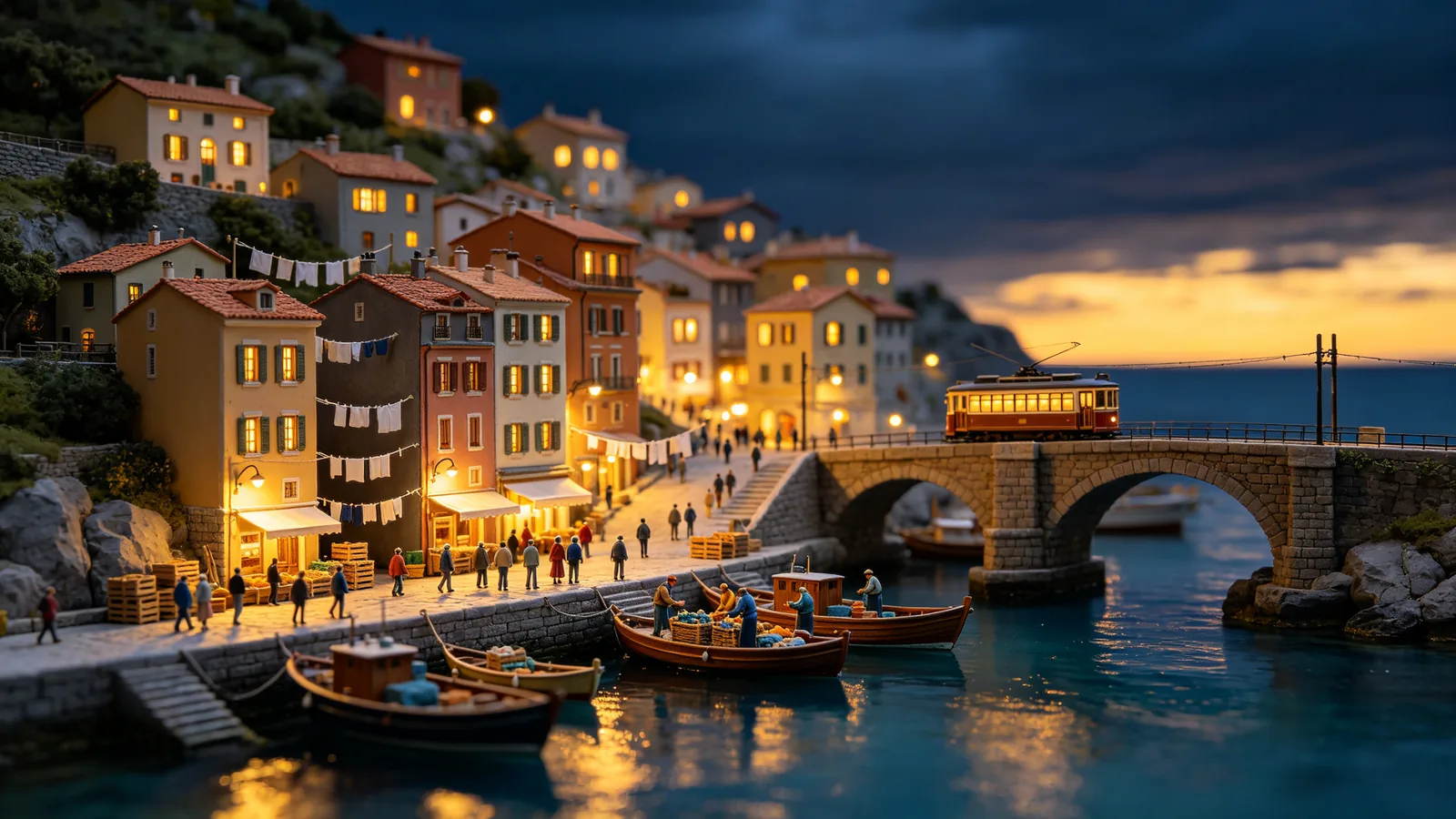
A highly detailed miniature diorama of a harbor town at dusk with dozens of tiny figures, boats and lit windows.

Sample prompts to try with Nano Banana Pro

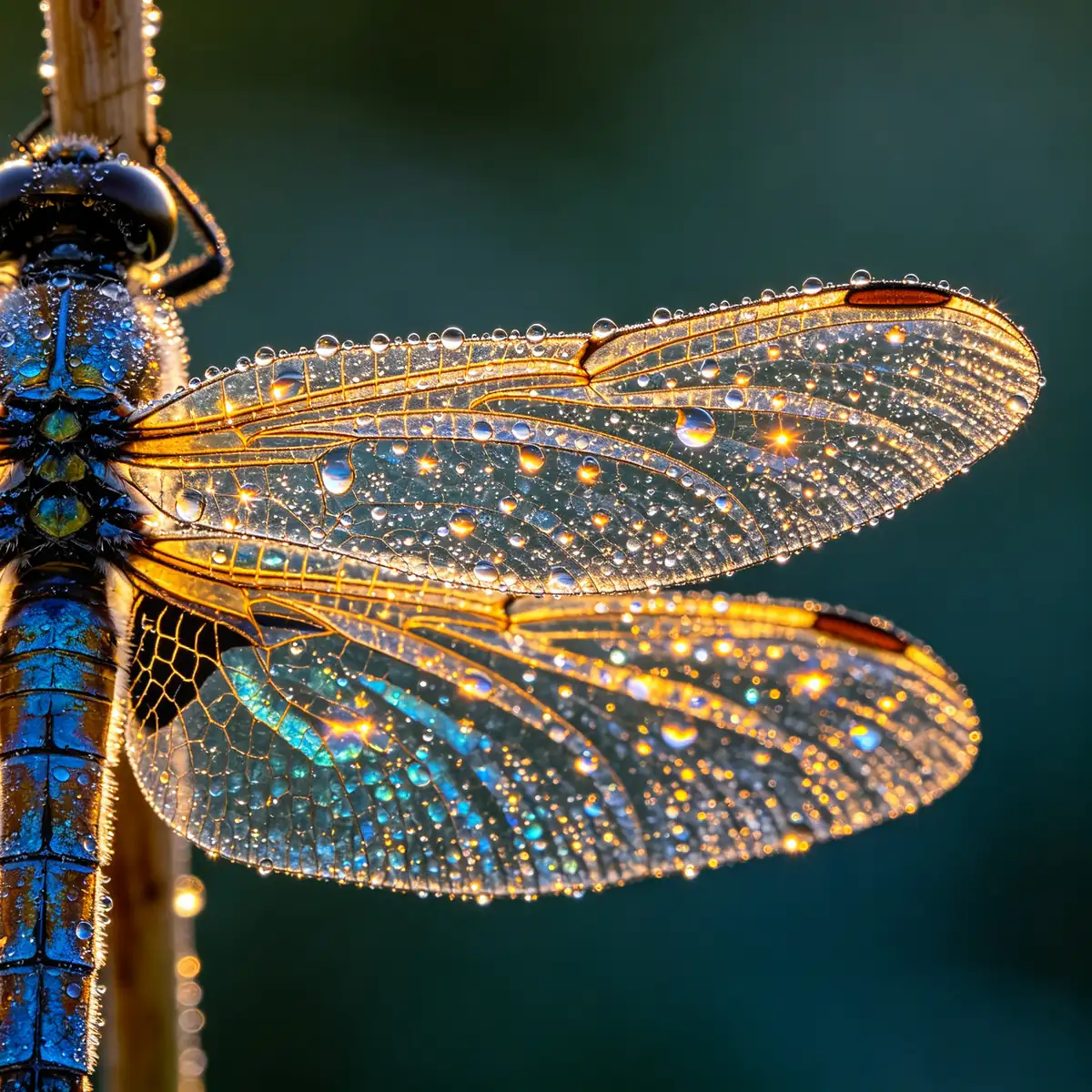
  • Extreme macro of a dragonfly wing covered in dew, showing every vein and droplet.

    Dragonfly wing macro

    Extreme macro photograph of a dragonfly resting on a reed at dawn, focusing on one wing covered in tiny dew droplets. Every vein of the wing membrane is visible, each droplet refracts a miniature image of the sunrise, iridescent blue and gold sheen on the body. Dark blurred teal background, soft rim light, razor-sharp detail, square composition.

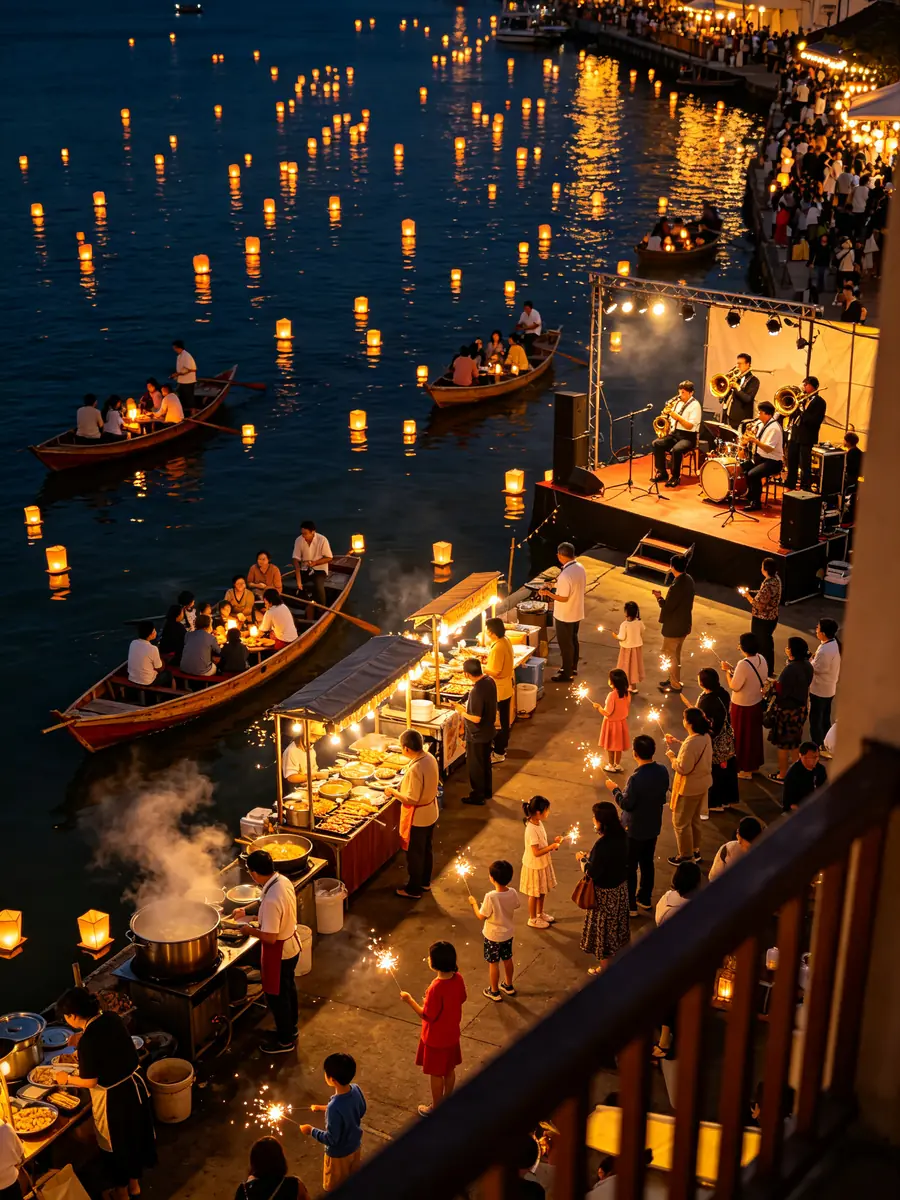
  • A crowded night harbor festival with floating lanterns, small boats and many people along the pier.

    Harbor lantern festival

    A crowded night harbor festival seen from a high balcony. Hundreds of floating paper lanterns drift on dark water, small wooden boats with families, food stalls with steaming pots along the pier, children holding sparklers, a brass band on a small stage. Warm gold light against deep navy water, many distinct people each doing something different, crisp detail across the whole frame, editorial documentary style.

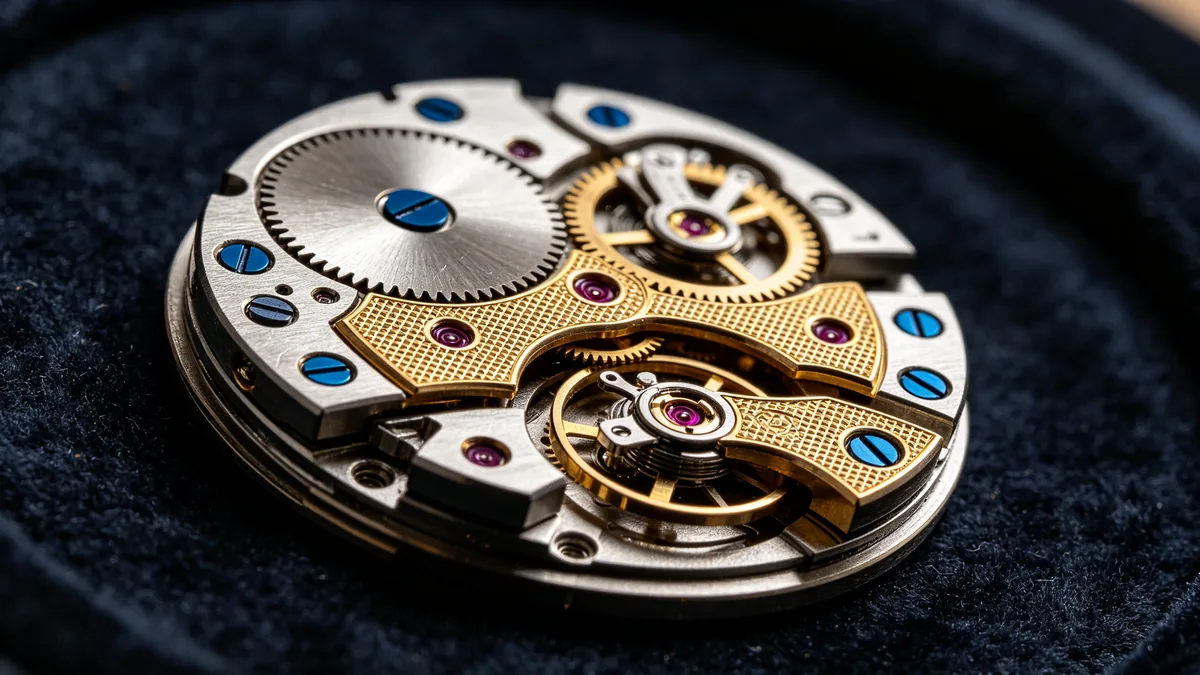
  • Macro of an open mechanical watch movement showing gears, jewels and engraved plates.

    Mechanical watch movement

    Macro photograph of an open mechanical watch movement lying on black velvet. Polished steel gears, blued screws, ruby jewel bearings, a balance wheel mid-oscillation, and engraved gold-toned bridges with fine geometric patterning, no logos or text. Low raking light reveals micro scratches and machining texture, shallow but controlled depth of field, navy and gold tones, luxury horology photography.

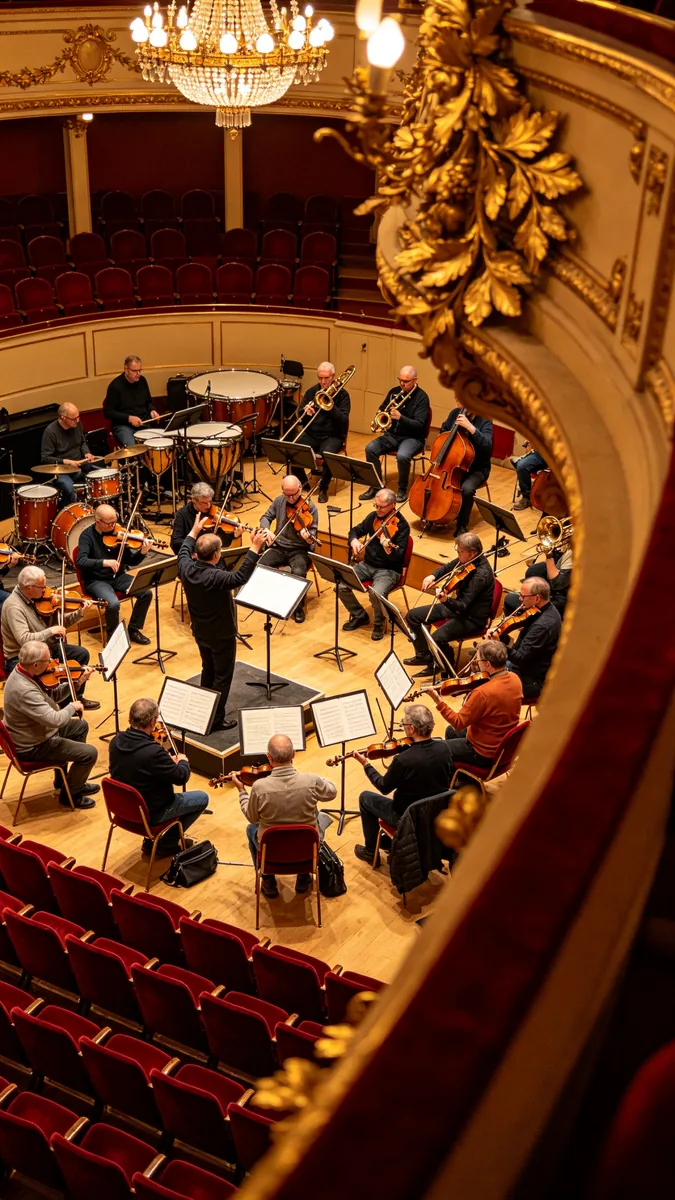
  • Looking down from a high balcony at an orchestra rehearsing in a gilded concert hall.

    Orchestra rehearsal from above

    Vertical view from a high gilded balcony looking down into a concert hall during an orchestra rehearsal. Around thirty musicians in casual clothes with violins, cellos, horns and timpani, a conductor with raised arms, open sheet music on stands, empty red velvet seats below. Warm chandelier light, gold leaf ornament in the foreground, every musician distinct, deep perspective.

Sample images are illustrative; results vary by model.

About Nano Banana Pro

Nano Banana Pro is Google's high-precision Gemini image model; its technical name is Gemini 3 Pro Image. Google builds it on the reasoning and world knowledge of Gemini 3 Pro and describes it as a way to create and edit images with studio-quality precision and control. Its clearest difference is text. Where many image models blur a caption, a price tag or the numbers on a chart, Google says Pro renders sharp, legible text, from a short tagline to a full paragraph, in a range of fonts, textures and handwriting styles, and can translate the words inside an image.

The editor at the top of this page runs Nano Banana Pro on Zero Kit. Write a prompt, or upload an image and describe the change, and add up to 10 reference images for the people, products or brand elements that must appear. Output goes up to 4k, which matters for this model in particular: engraved metal, wing veins and specimen labels hold up when the image is printed large or cropped tight. Nano Banana Pro is included in Plus and above.

Use it for the single image that has to be right: an infographic with labelled parts, a menu or packaging mockup with real words, a festival or market scene full of people, or a product close-up for a large print. Google also gives Pro studio-style controls that you can ask for in plain words, including shot type, depth of field, colour grading and relighting a scene from day to night. For fast drafts, long series of one character and step-by-step edits, Nano Banana 2 is the quicker sibling; its page explains where it fits.

What Nano Banana Pro does well

Small type that stays sharp

Nano Banana Pro is the Gemini image model Google points to for text inside images, and the gap shows at small sizes. In the sample, a cream specimen card beside a pinned luna moth carries a printed word and a grid of small numbers, and each character stays separate and correctly formed instead of melting into the paper fibres. This is the model for labels, captions, price tags and chart axes. Put the exact words in quotes, keep each label short and name the lettering you want, such as small serif capitals, so the text matches the object it sits on.
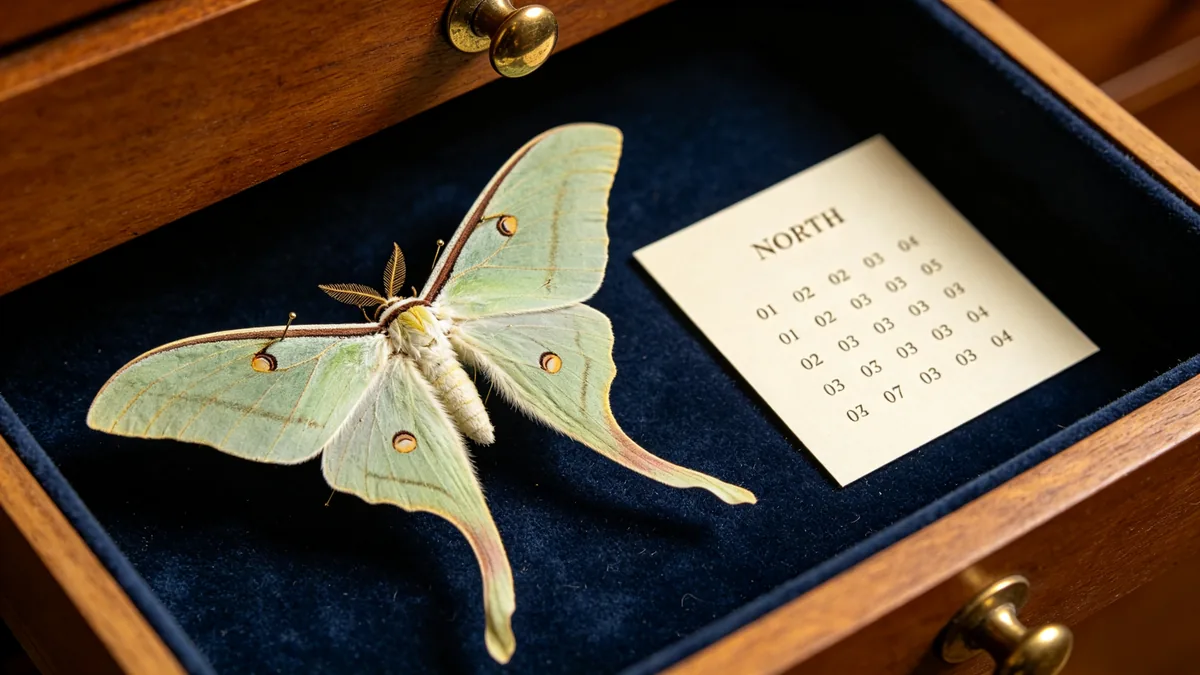
A museum specimen card with the small printed word NORTH and a neat grid of tiny numbers beside a pinned moth.

Close-up of a museum specimen drawer with a pinned luna moth and a cream specimen card beside it. The card has the single word "NORTH" printed in small serif capitals at the top and below it a neat grid of small printed numbers such as 01 02 03 04, all crisp and correctly formed. Fine paper fibers, brass drawer pull, soft top light, navy velvet lining, macro detail photography.
Detail at close range

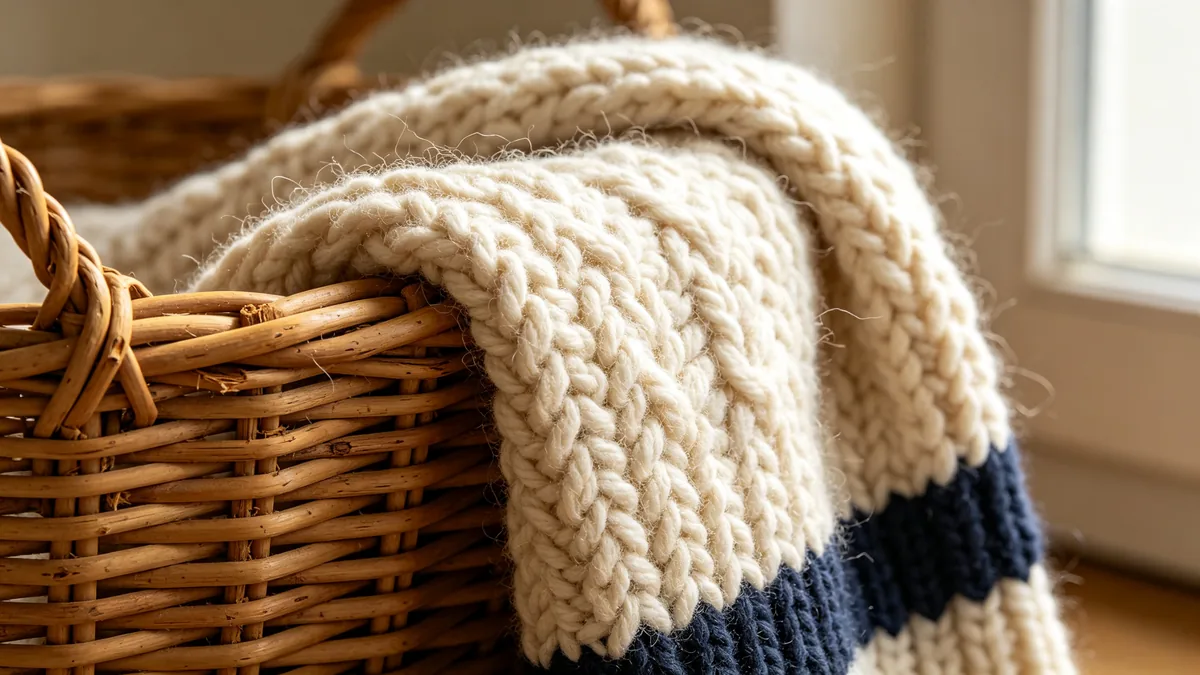
Pro draws texture at a level that survives a close crop. In the sample, a chunky hand-knitted blanket drapes over a rattan basket, and you can follow single wool fibres, stray fuzz and the small splits in the cane, all under soft raking light from a window. That density is why it suits macro product shots, material studies and images meant for large prints. Describe the material, then the light that reveals it: raking side light for weave and grain, a soft top light for glossy surfaces. Ask for a macro lens when you want the frame filled with surface.

An extreme close-up of hand-knitted wool and a woven rattan basket where every fiber is visible.

Extreme close-up texture study where a chunky hand-knitted cream wool blanket drapes over the edge of a woven rattan basket. Every wool fiber, stray fuzz and twist of yarn is visible, the rattan weave shows natural color variation and tiny splits. Soft raking side light from a window, warm neutral palette with a navy knitted stripe, macro lens, ultra-sharp detail suited to large prints.

Many subjects, one clear scene

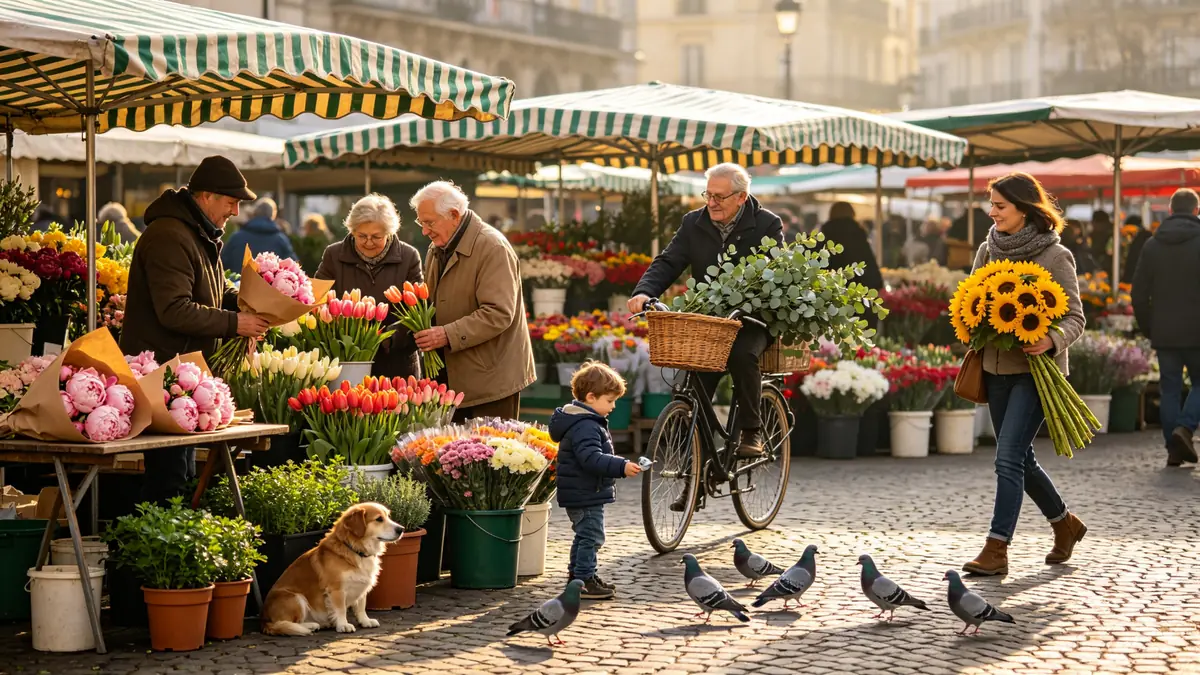
Crowded scenes are where image models tend to merge people or repeat one face. Nano Banana Pro plans a scene with many subjects and keeps each one doing its own thing. The flower market sample holds a vendor wrapping peonies, an elderly couple choosing tulips, a cyclist with eucalyptus, a child feeding pigeons and a dog under a table of herbs, and none of them overlap. Google also says Pro can keep the resemblance of several people from reference photos in one composition. List each subject with a single action, then ask for them to be distinct.

A busy open-air flower market with vendors, shoppers, a cyclist and a dog, each clearly separated in a balanced composition.

A busy open-air flower market on a cobbled square in the morning. In a single balanced composition: a vendor wrapping peonies in brown paper, an elderly couple choosing tulips, a cyclist with a basket of eucalyptus, a child feeding pigeons, a dog sitting under a table of potted herbs, and a woman carrying sunflowers across the square. Striped awnings, buckets of blooms in many colors, soft morning light, each subject distinct and not overlapping, 28mm documentary photography.

Nano Banana Pro specs and pricing

Every price below comes from the live price list, so it changes here as soon as rates change. Credits are charged per image, or per second of video.

Credits per image
ResolutionPlanCredits
1kPlusWas 2416
2kPlus24
4kPlusWas 4840

Limitations to know

  • Facts in infographics and diagrams can be wrong. Google says the model's real-world knowledge is extensive but not infallible, so check every figure, label and date against your source before you publish a chart or an explainer.
  • Small faces, exact spelling and the finest details can still fail on this model too. Zoom in on labels and on faces in the background, and regenerate if a letter or an eye is off.
  • Translated text can miss grammar or idiom, and big lighting changes or blends of many references can leave artifacts. Have a native speaker read localised versions, and change the light or add references one step at a time.

How to write prompts for Nano Banana Pro

  1. Write the exact text in quotes and say where it sits and how large it is, such as "the word NORTH in small serif capitals at the top of the card".
  2. For an infographic, supply the content yourself: the numbers, the labels and their order. Pro lays out data you give it more reliably than data it has to recall.
  3. Ask for camera and light the way a photographer would: shot type, lens, depth of field, and the direction and colour of the light.
  4. In busy scenes, give every subject one action and add "each subject distinct and not overlapping".
  5. When you use references, say which image is which person or product, and keep the faces you need to recognise large in the frame.

Nano Banana Pro FAQ

No. On Zero Kit, Nano Banana Pro is included in Plus and above, and each image costs credits by resolution. The free plan covers a smaller set of models, listed on the pricing page.

Ready to try Nano Banana Pro?

Write a line or pick a sample prompt, then press generate.

Last updated: