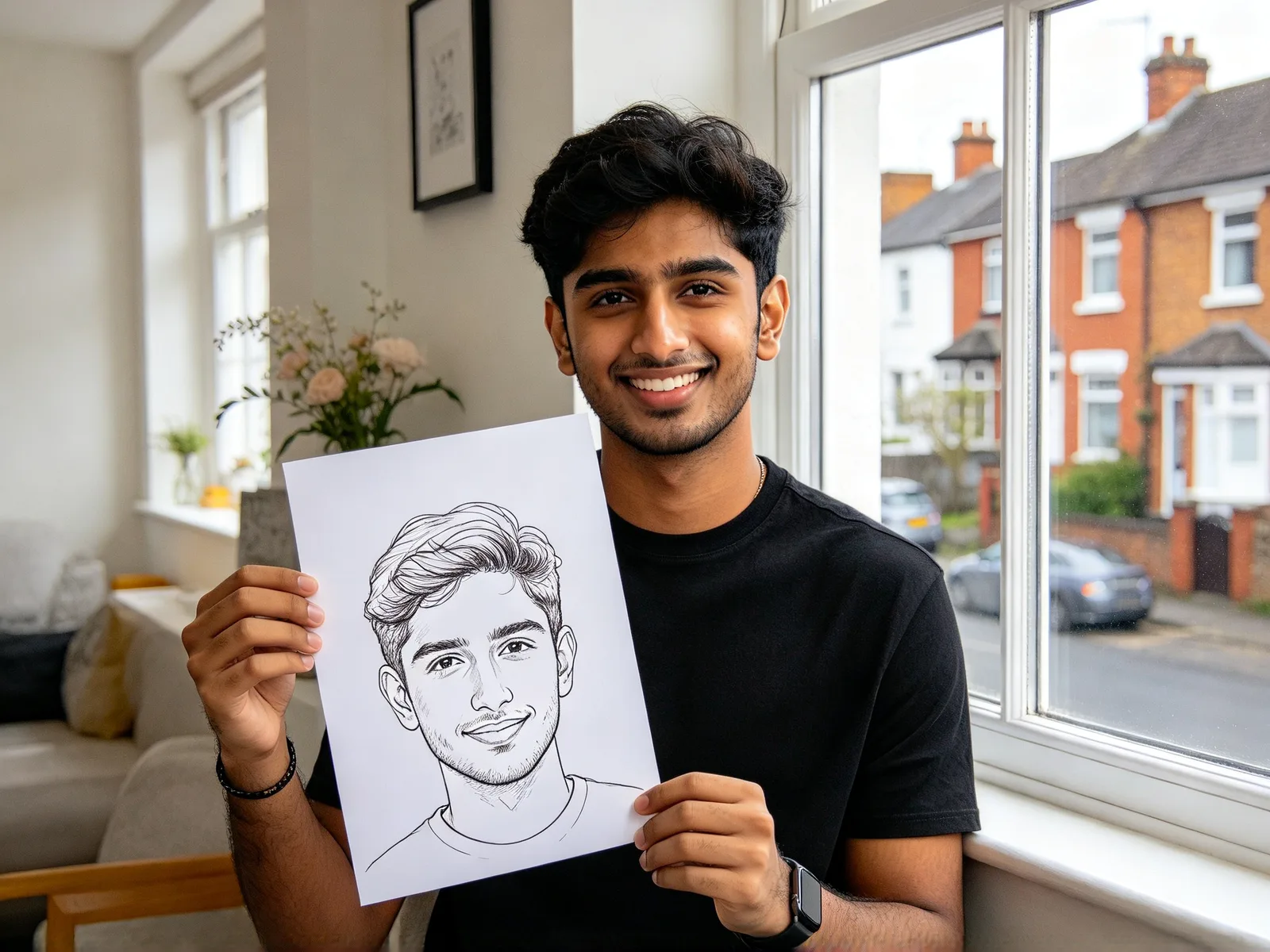
Photo to anime converter: turn a photo into anime with AI
Get your portrait, pet or street photo back as a hand-drawn anime frame. People, poses and places stay recognizable, and a slider sets how far it goes.
- Nothing to install
Photo to anime examples
Drag the divider to compare.
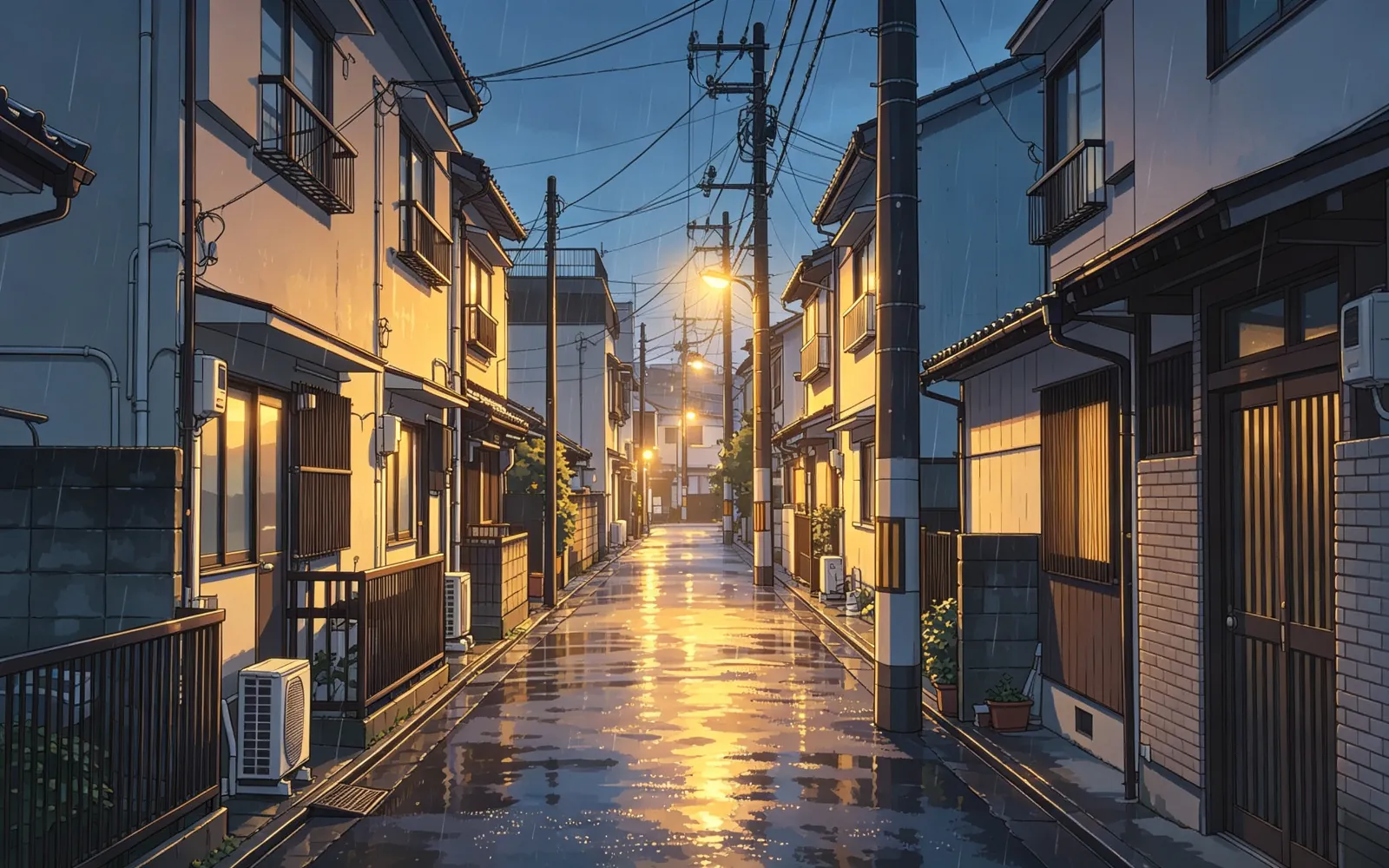
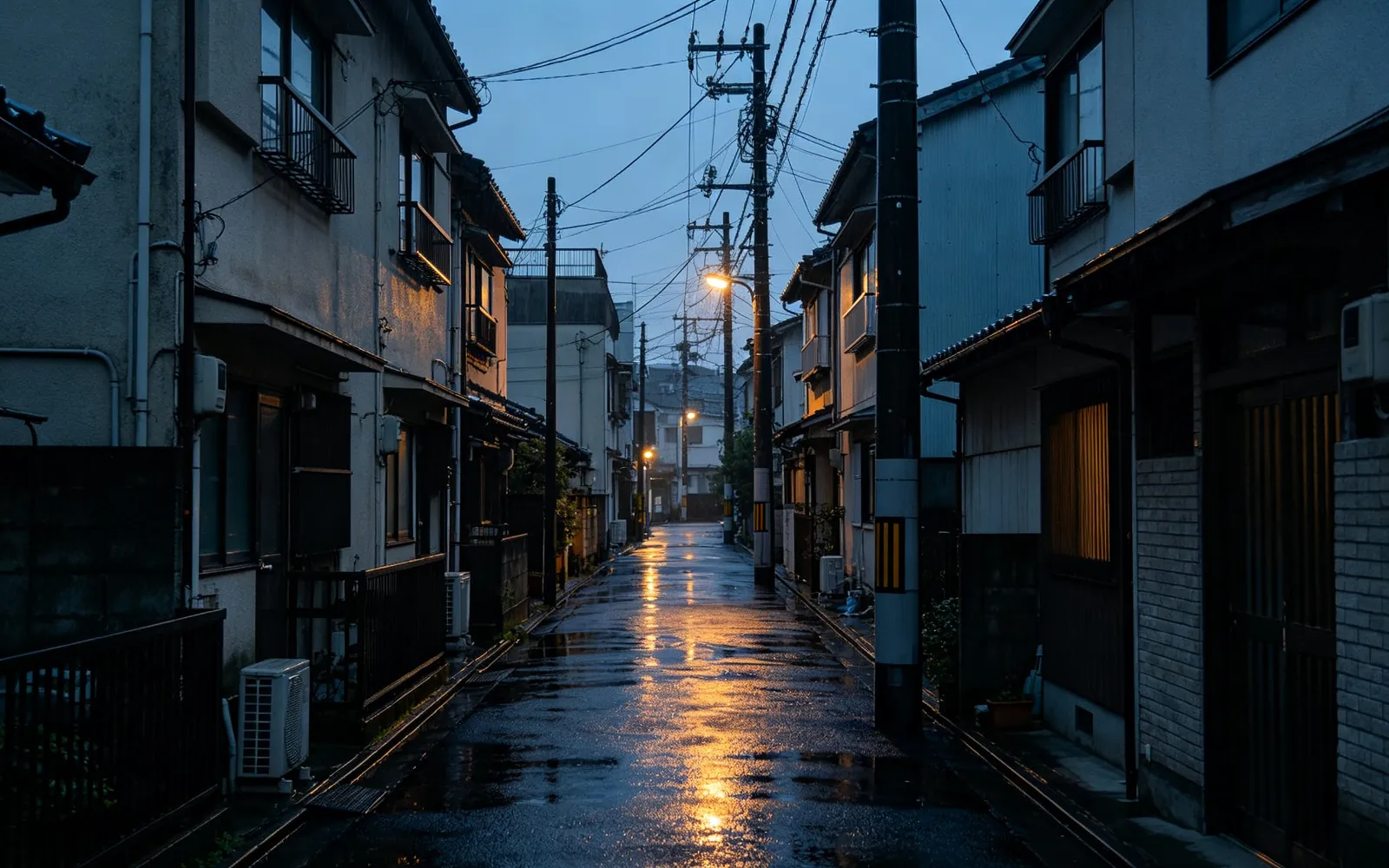
Turn a street photo into anime
A rainy alley turned into a hand-drawn anime frame
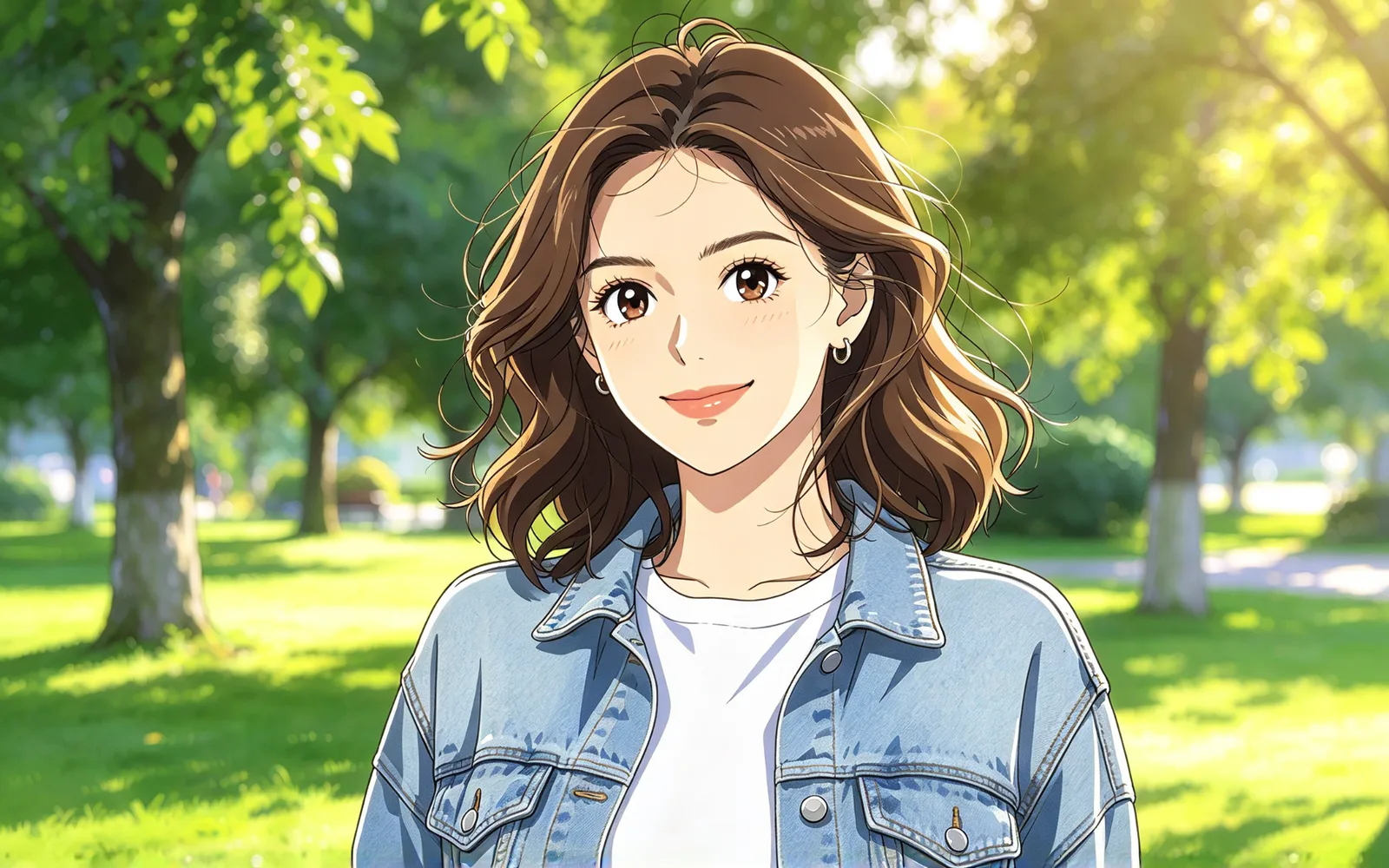
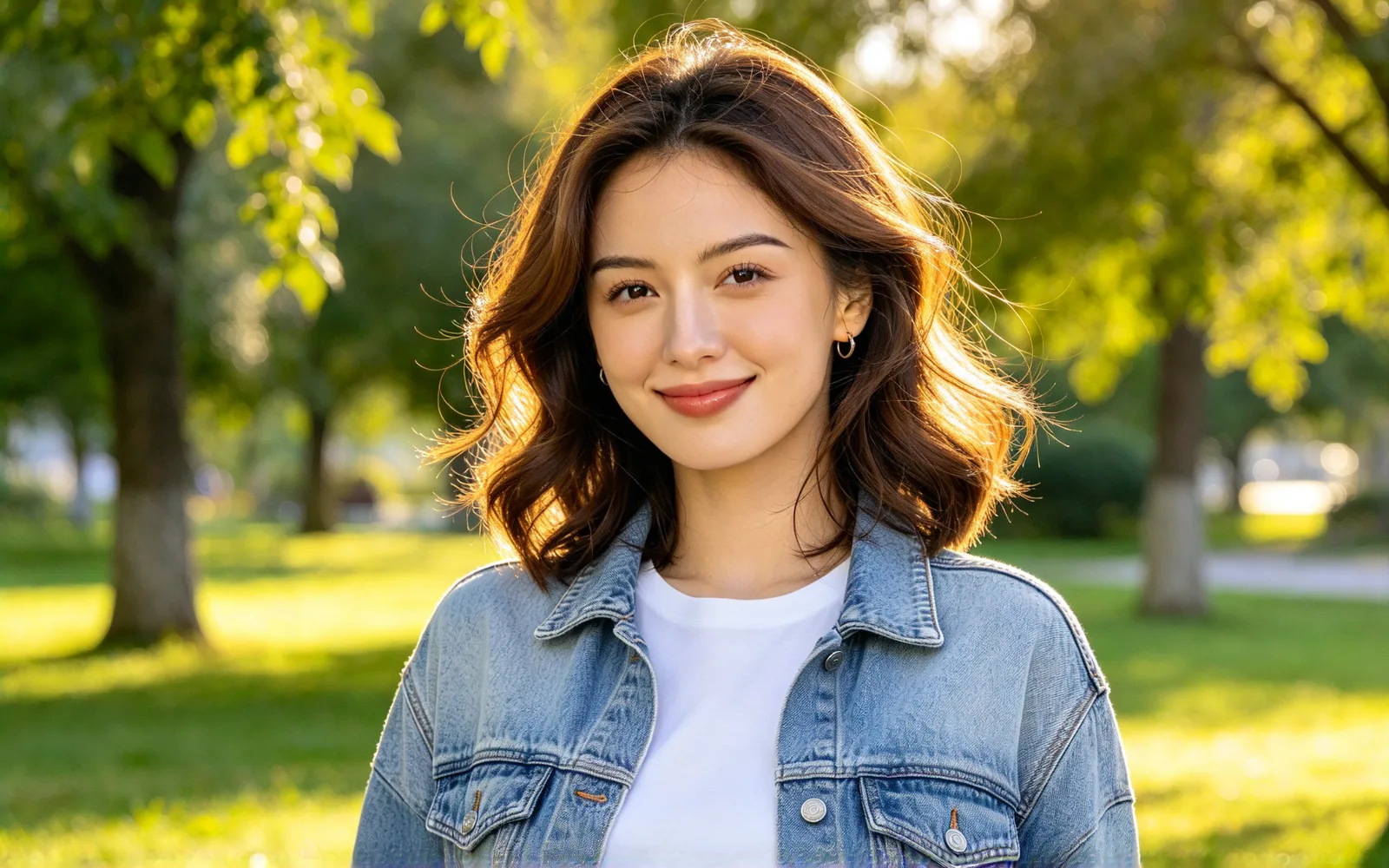
Turn a portrait into an anime character
A portrait redrawn as an anime character
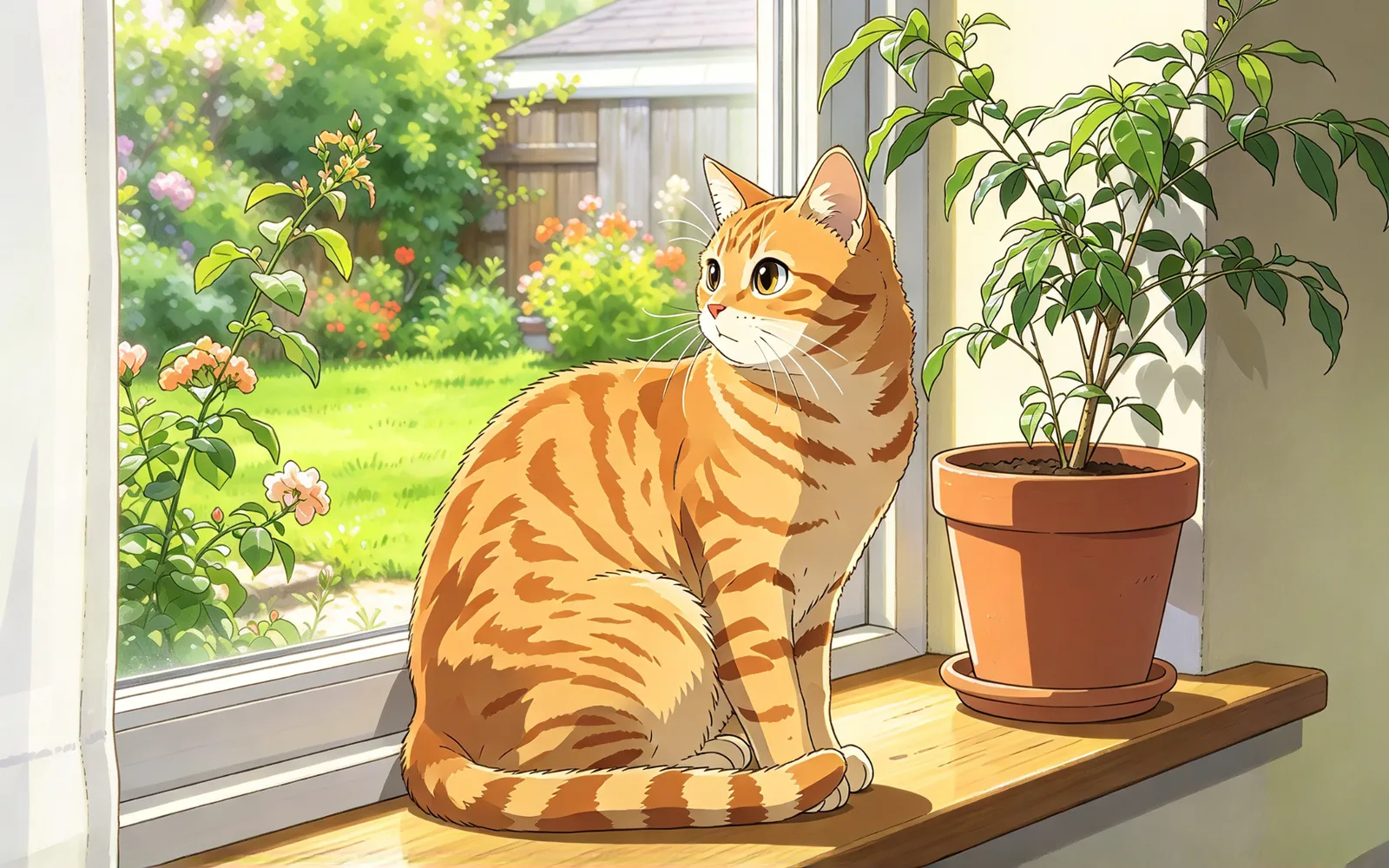
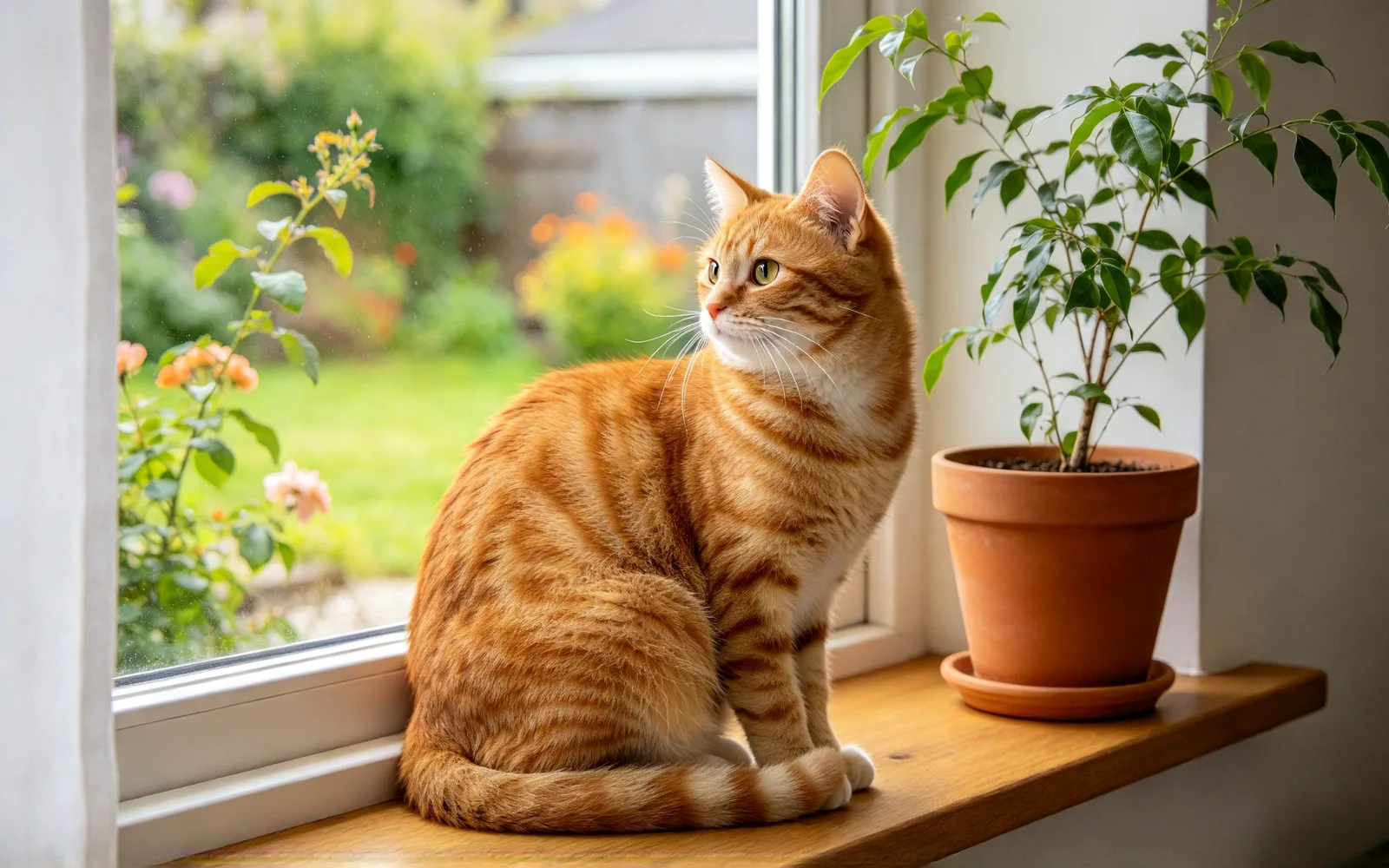
Turn a pet photo into anime
A pet photo redrawn as an anime frame
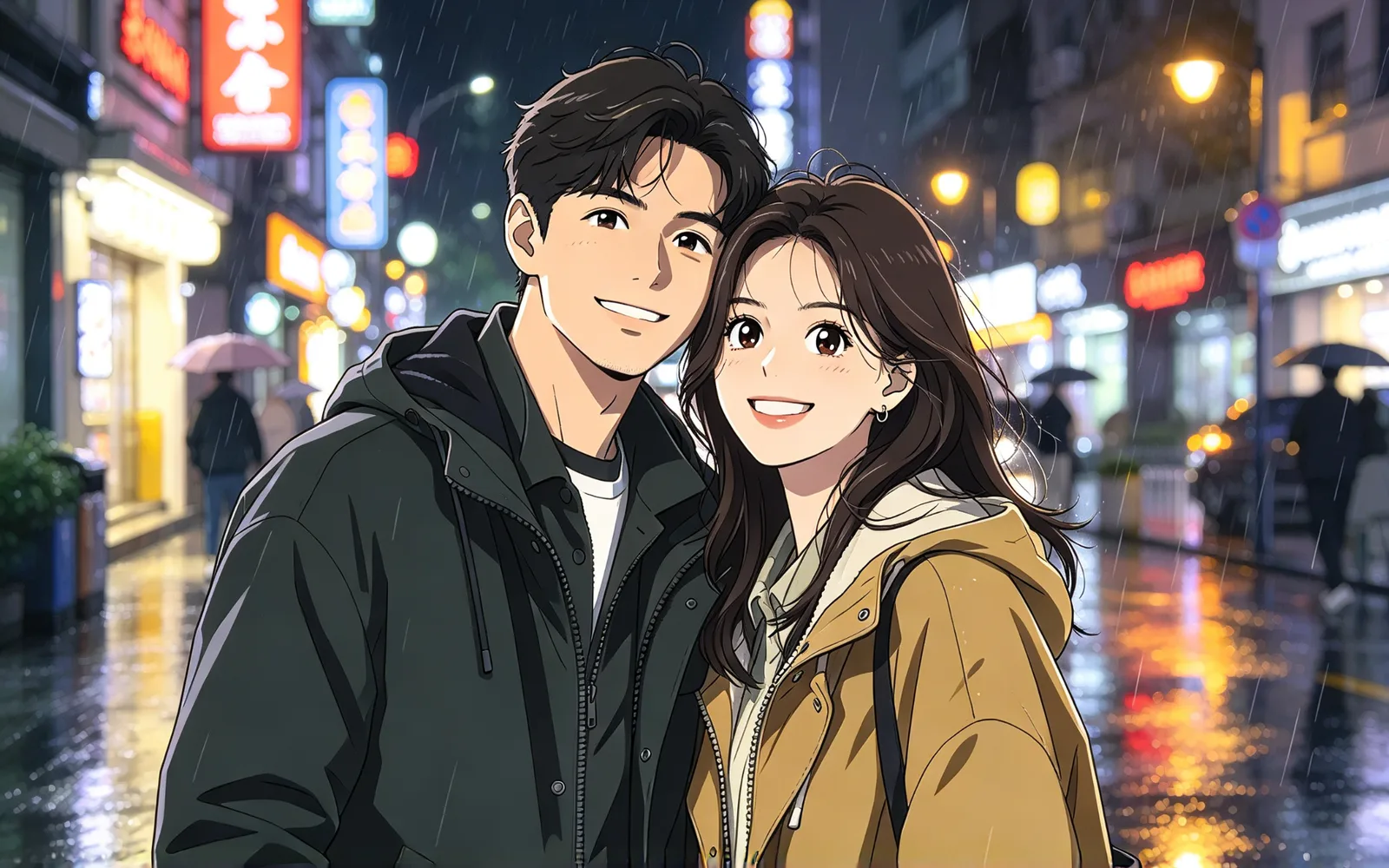
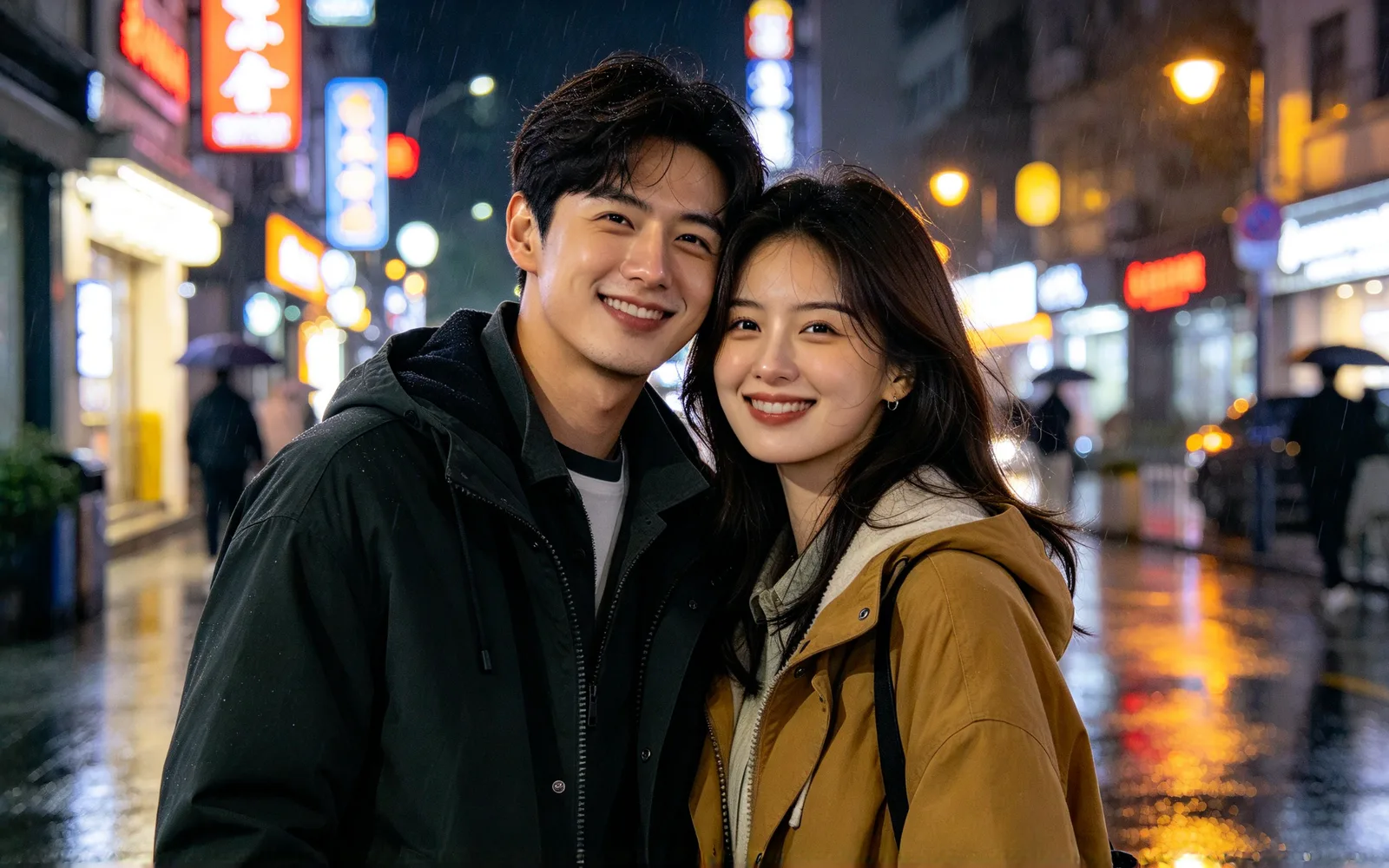
Turn a couple photo into anime
A photo of a couple redrawn as an anime illustration
How to turn a photo into anime
- 1
Upload your photo
A clear photo with good light gives the cleanest lines.
- 2
Keep the Anime style
This page opens the tool with Anime already selected.
- 3
Set strength and generate
Lower strength keeps more of the photo. Compare, then run it again.
Photo to anime for avatars, couples and pets
An anime version of a photo fits profile pictures, gifts and pet posts. Each one starts from your own picture.
Avatars and profile pictures
Get an anime avatar that still looks like you.
- Start from a head-and-shoulders photo
- Hair, glasses and clothes carry the likeness
- Crop close so the face fills the frame
Couples and gifts
Turn a favorite couple photo into an anime illustration.
- Print it or send it as a gift
- Keep both faces clear and in frame
- Run it again at another strength
Pet owners
See your cat or dog as an anime character.
- Keep the face and markings in view
- A well-lit photo gives clean line work
- Share the anime version with other pet owners
Turn a photo into an anime character: what changes
You get one drawn anime frame, not a filter on a photo, with the same people, poses and places.
- Outlines turn clean and colors turn flat.
- Faces, clothing and backgrounds get the same line work.
- Poses, layout and main colors stay from your photo.
- Lower strength stays closer to the original face.
- Higher strength looks drawn rather than photographed.
- Strength starts at 60 on a 0 to 100 slider.
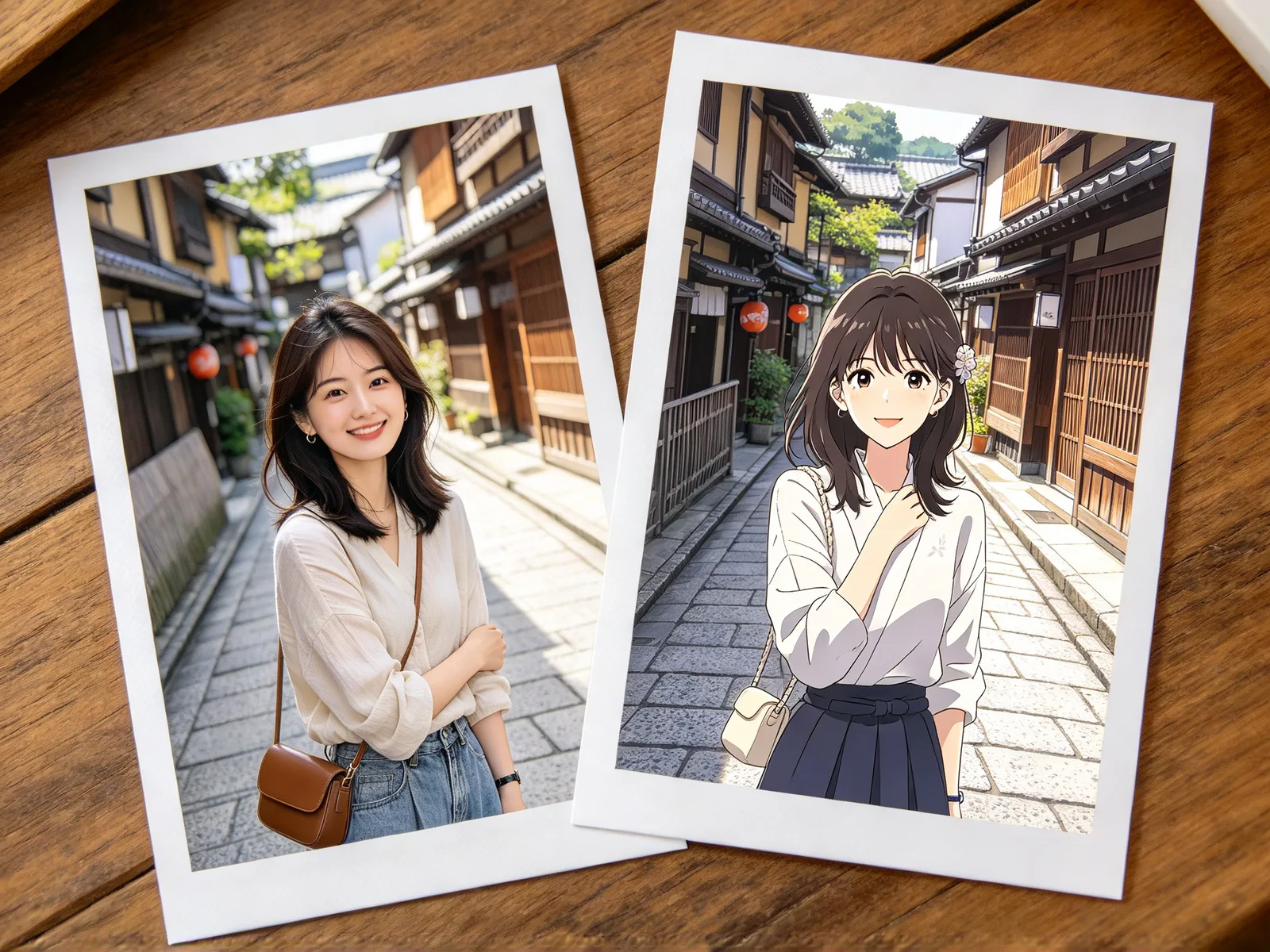
Photos that suit an AI anime filter
Clear shapes convert best.
- Works well: portraits and selfies in even light.
- Works well: pets with a visible face and markings.
- Works well: street scenes, rooms and landscapes.
- Harder: crowds and group photos with small faces.
- Harder: dark or blurry photos.
- Harder: faces turned away from the camera.
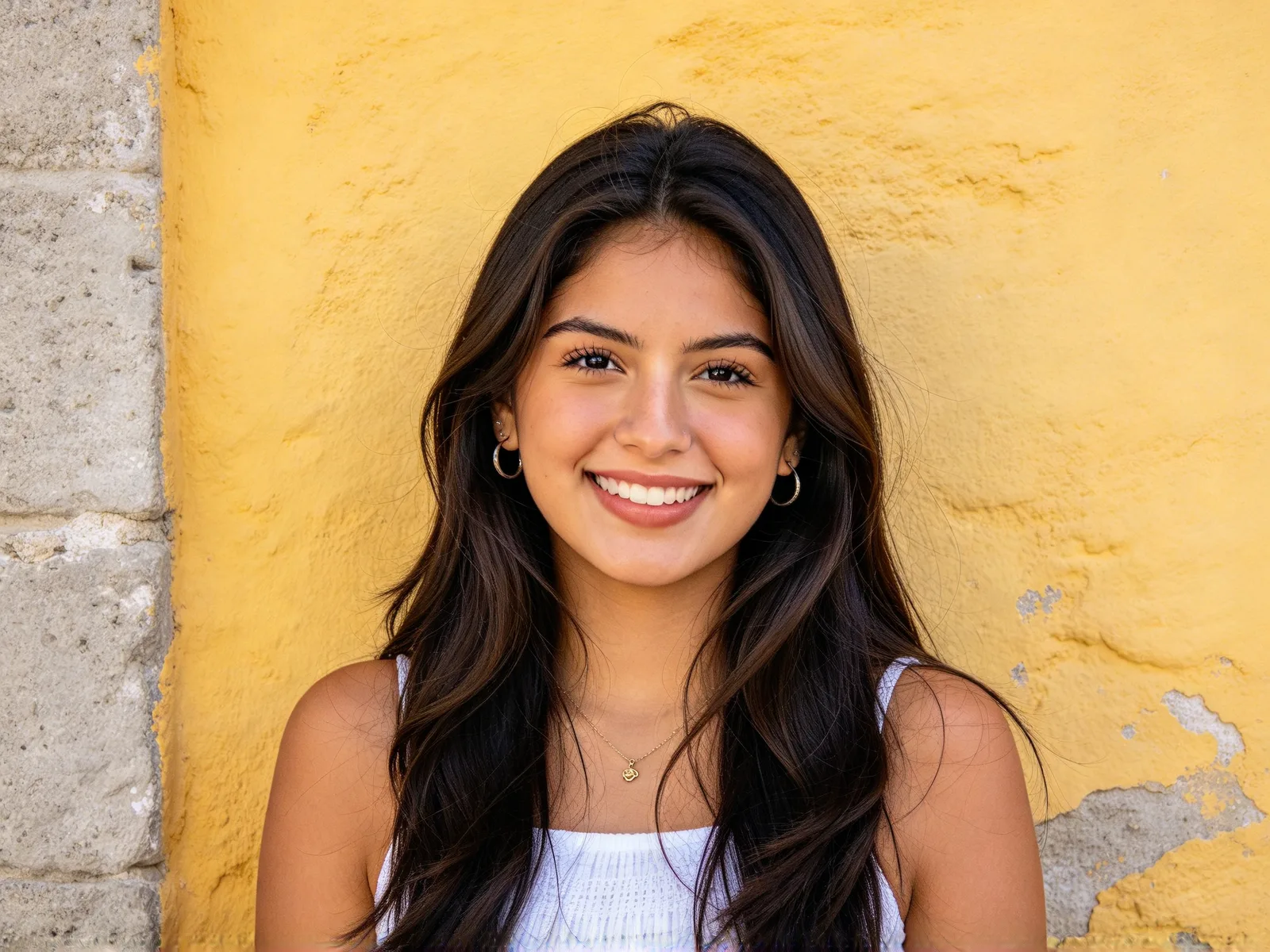
How to make yourself anime: tips and limits
These habits keep the likeness and the clean line work.
- Use a sharp photo with your face in even light.
- Lower the strength if the face stops looking like you.
- Skip hats and heavy shadows over the face.
- Crop close for an avatar so the face fills the frame.
- Run the same photo again at a different strength.
- Use the image to image tool to draw anime from a description.