Zero Kit AI

Seedance 2.5 AI Video Generator

ByteDance's Seedance 2.5 is built for long, story-length takes: one generation can hold a continuous shot and follow the images, clips and sound you give it as references.

  • ByteDanceByteDance
  • Up to 1080p
  • Up to 30 reference images
  • Up to 10 reference videos
  • Up to 10 reference audio clips
  • Up to 4 videos per run
  • 4–30 seconds
  • Credits per second: from 25
  • Included in Plus and above
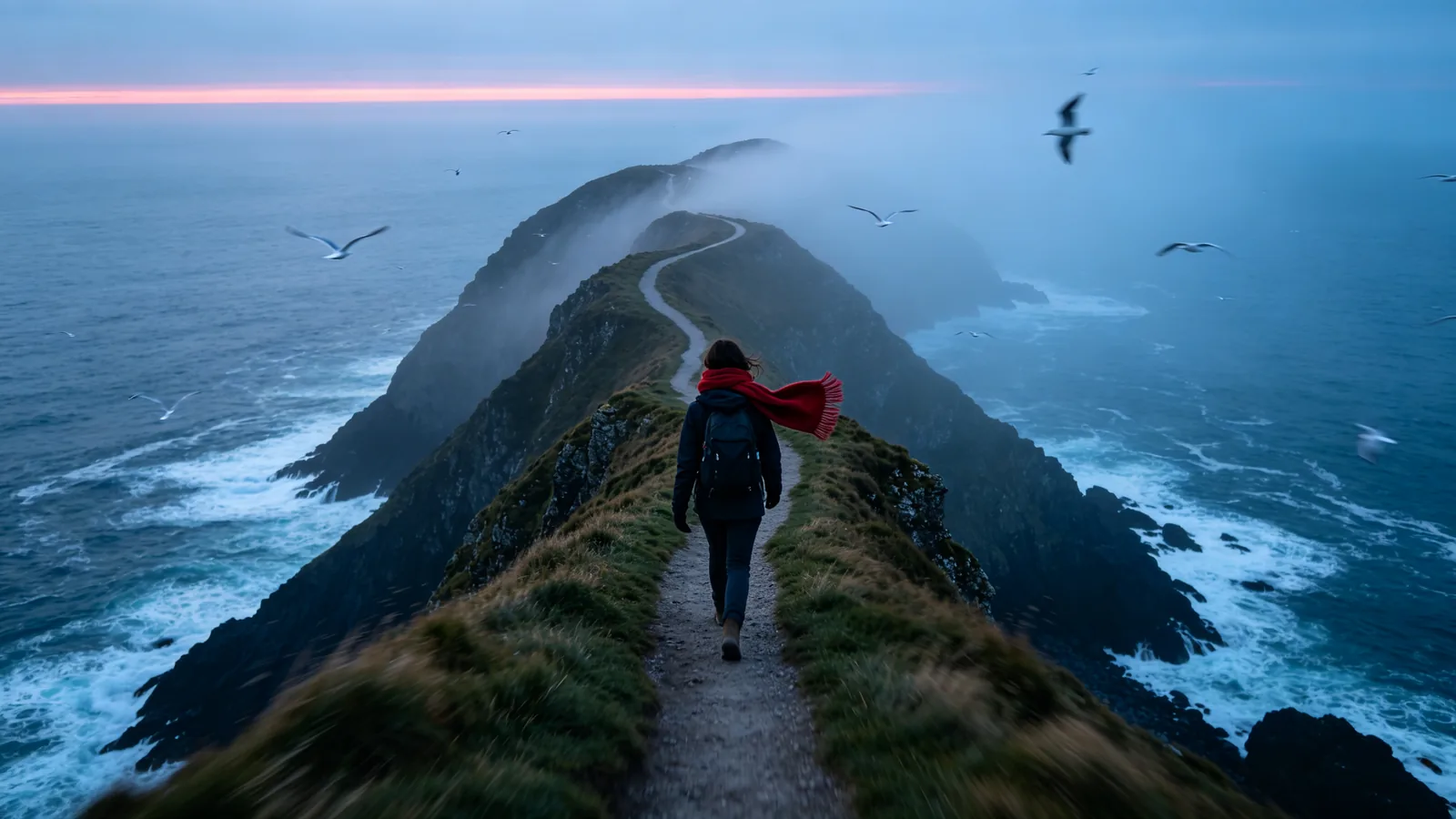
A drone follows a hiker in a red scarf along a coastal cliff path at dawn in one continuous shot.

Sample prompts to try with Seedance 2.5

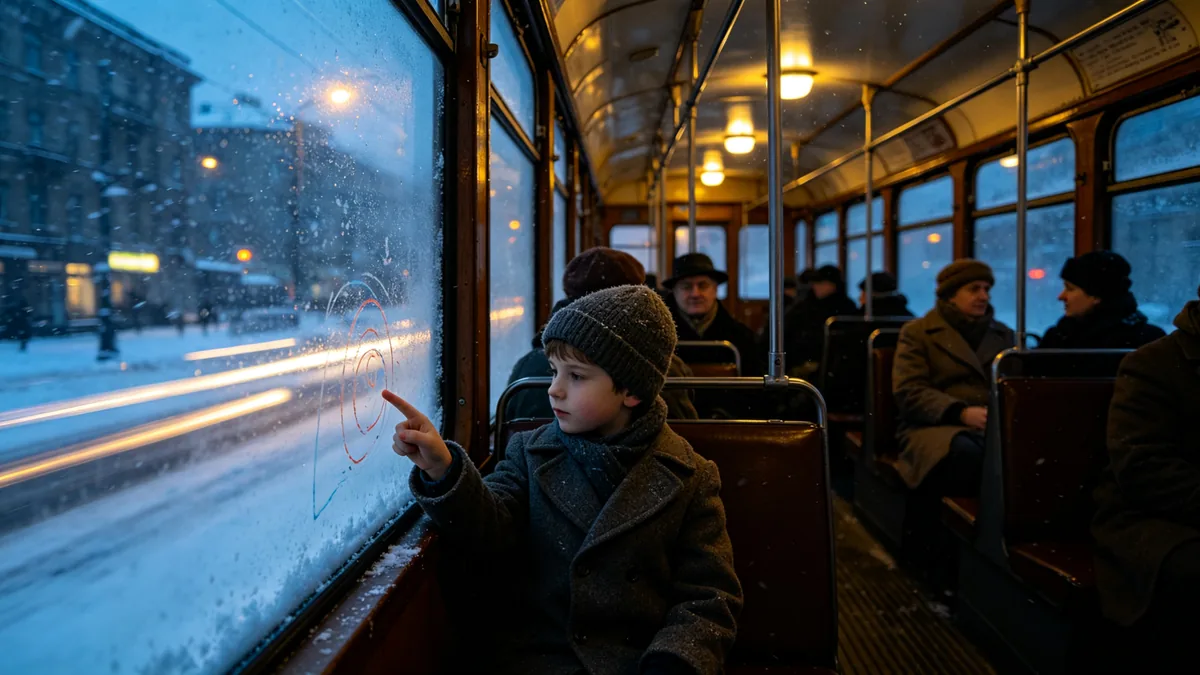
  • Inside a moving tram crossing a snowy city at dusk, with passengers and blurred lights passing outside.

    Tram through a snowy city

    Cinematic 16:9 video keyframe, a slow dolly shot down the aisle of a moving vintage tram crossing a snowy city at dusk. Passengers in wool coats sit by fogged windows, a child draws on the glass with a finger, streetlights streak past outside in motion blur, snow falling. Cold blue exterior light against warm yellow interior bulbs, film grain.

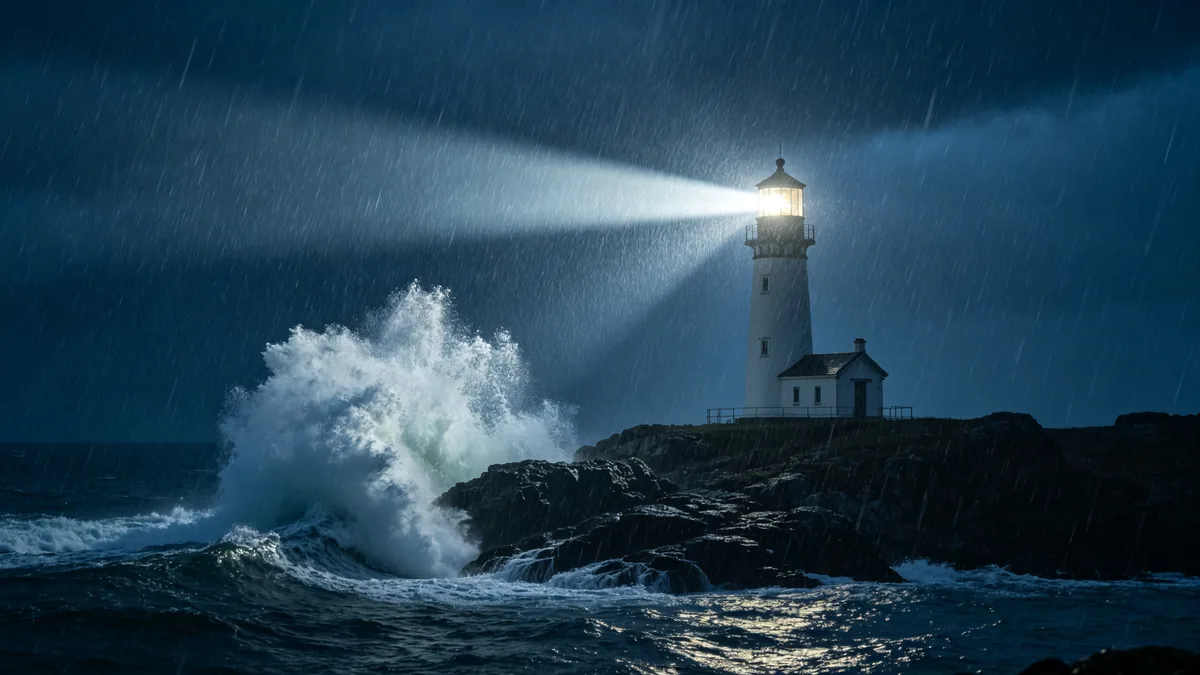
  • A lighthouse beam sweeps across a stormy sea while huge waves hit the rocks.

    Lighthouse beam in a storm

    Cinematic 16:9 video keyframe, a wide shot of a lighthouse on a rocky point during a night storm, its beam sweeping across the frame through driving rain, a huge wave exploding against the rocks in slow motion. Deep blue-grey palette, volumetric light in the rain, dramatic and kinetic.

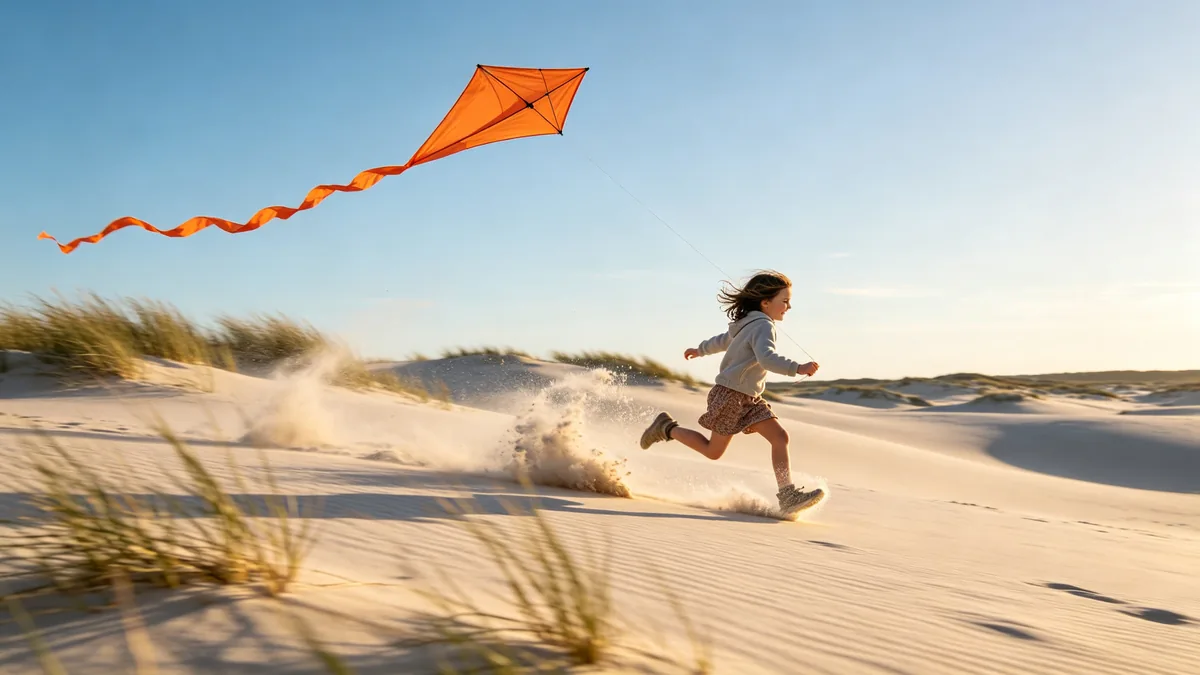
  • A low-angle shot of a child running with a kite across sand dunes.

    Kite over the dunes

    Cinematic 16:9 video keyframe, a low tracking shot racing alongside a child running across pale sand dunes, pulling a long-tailed orange kite high into a clear morning sky. Sand kicked up by her feet frozen mid-air, the kite tail rippling, the camera moving fast with slight motion blur in the foreground grasses, cool blue sky and warm sand.

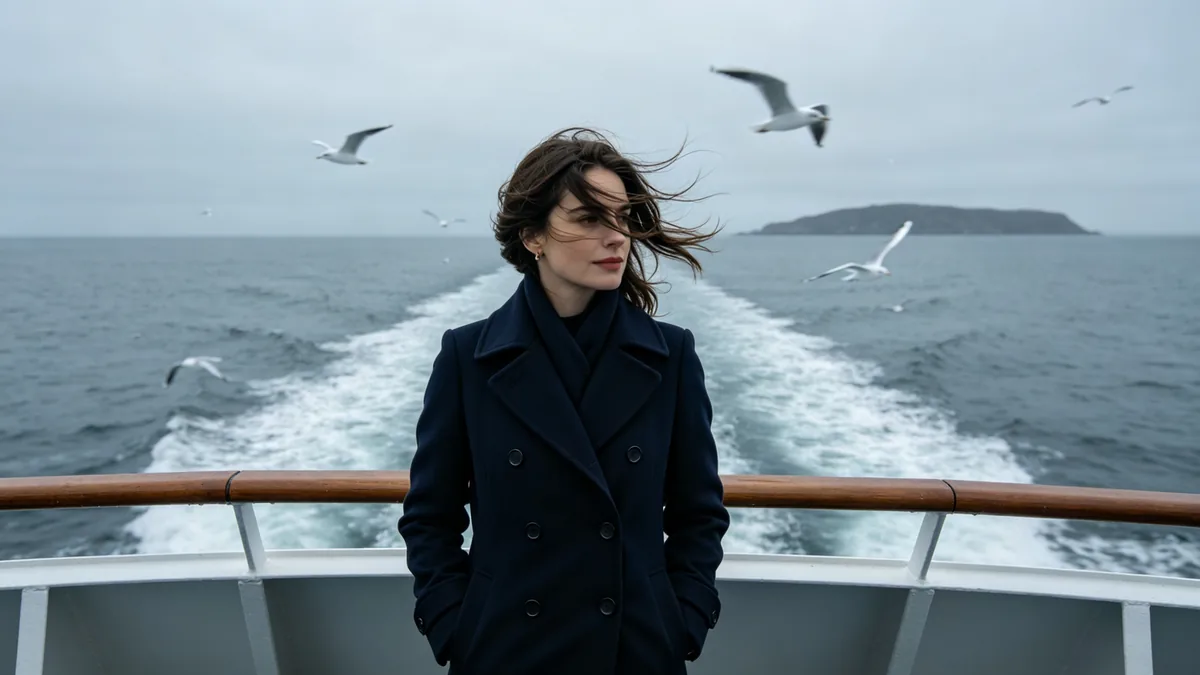
  • A woman stands at the rail of a ferry deck as the camera circles her, wind in her hair.

    Wind on a ferry deck

    Cinematic 16:9 video keyframe, a slow orbiting shot around a woman in a navy peacoat standing at the rail of a ferry deck on a grey sea, wind pulling her hair across her face, gulls hovering behind, the wake stretching to a distant island. Muted steel blue palette, soft overcast light, subtle motion blur in the background.

Sample images are illustrative; results vary by model.

About Seedance 2.5

Seedance 2.5 is the newest video model from ByteDance's Seed team, and its focus is length. ByteDance built it to hold a single take much longer than earlier Seedance versions, and to organise several connected shots inside one generation, so a clip can have a setup, a turn and an ending instead of a single moment. Sound and picture come out together, on the same joint audio-video design that Seedance 2.0 introduced.

The other half of the model is control. You can steer one generation with reference images, reference videos and reference audio at the same time: a sketch for the character, a photo for the location, a clip for the camera move, a track for the rhythm. ByteDance says it keeps the look and the voice of several characters stable across a scene, and that it can make targeted edits to part of a clip while the rest keeps its continuity. For short, directed clips at a lower rate per second, Seedance 2.0 in the same family is the lighter choice.

On Zero Kit, Seedance 2.5 runs from the editor at the top of this page. Each generation can be set between 4 and 30 seconds, and you pay per second of output, so a long take costs proportionally more than a short test. Draft the shot at a short length and a low resolution, then render the full take once the movement and the framing work.

What Seedance 2.5 does well

One continuous long take

Seedance 2.5 can hold one continuous shot far longer than earlier Seedance versions, and ByteDance says the main subject stays stable and the sound stays in sync across the whole take. That makes a route shot like the bakery above workable: the camera starts at the oven, passes the apprentices shaping dough and ends at the storefront window where the first customer waits. Write the route as a list of places in the order the camera reaches them, and say what each person is doing as it passes. A clear start point and end point keep a long take from wandering.
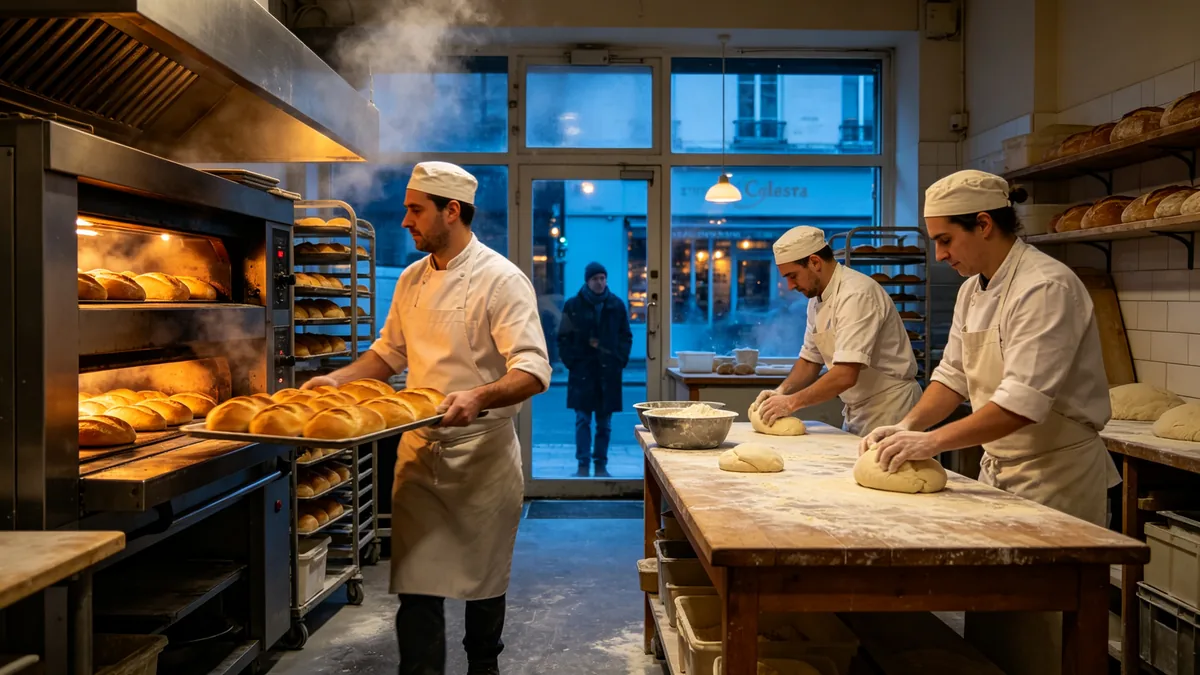
A steadicam shot moves through a busy bakery kitchen from the back door to the storefront.

Cinematic 16:9 video keyframe, one continuous steadicam long take moving through a busy early-morning bakery. The camera passes a baker pulling a tray of golden loaves from a deck oven, weaves between flour-dusted tables where two apprentices shape dough, and pushes toward the bright storefront window where the first customer waits outside at dawn. Warm oven glow against cool blue window light, flour in the air, natural motion blur, immersive.
Change one part of a shot

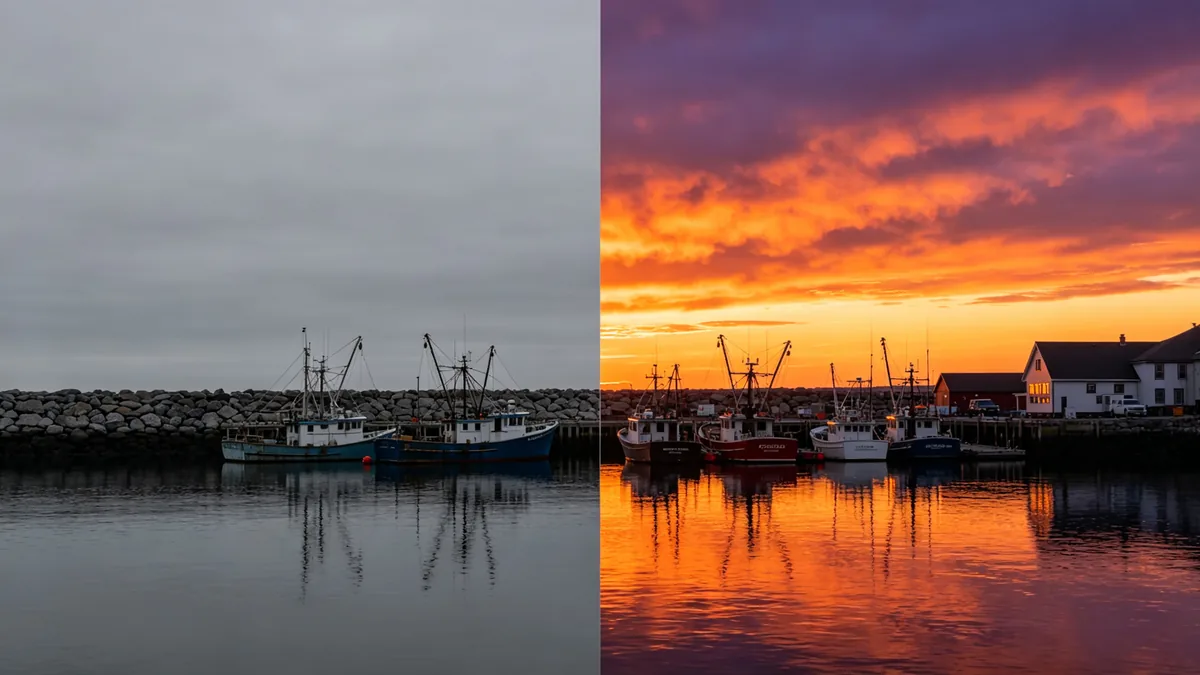
ByteDance built Seedance 2.5 for targeted edits: change a character, an action, a background or one stretch of time in a clip while everything else keeps its continuity. The harbor sample shows the idea. The boats, the breakwater and the buildings stay as they were; only the flat grey sky becomes an orange and violet sunset, and the reflections on the water follow it. Add the clip as a reference video, name the one thing to change and list what must stay the same. Compare the result with the original before you replace it, because a change can still spill into nearby parts of the frame.

The same harbor shot split in two: a flat grey sky on the left and a replaced dramatic sunset sky on the right.

Cinematic 16:9 video keyframe, a split-frame comparison of the same harbor shot with fishing boats and a stone breakwater. Left half: the original frame with a flat grey overcast sky. Right half: the identical frame where only the sky has been replaced with a dramatic orange and violet sunset, reflections on the water updated to match, boats and buildings unchanged. Clean seam down the middle.

Images, video and audio as references

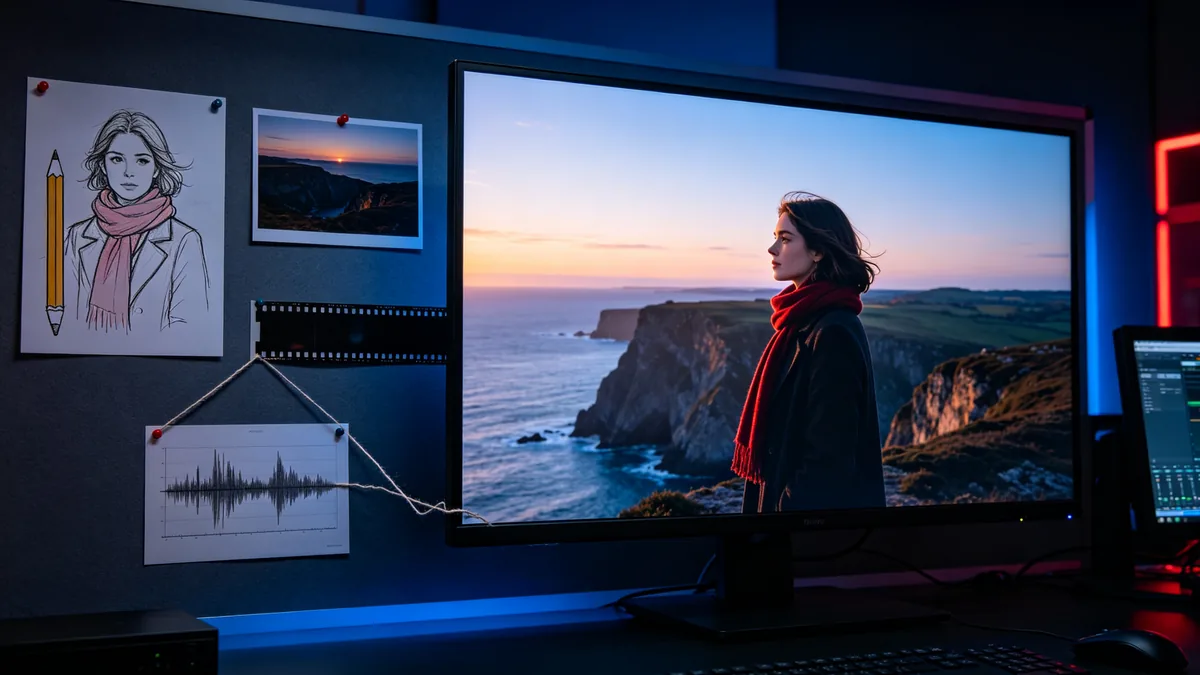
Seedance 2.5 accepts several kinds of reference in one generation: images for characters and places, video clips for movement or camera language, and audio for rhythm or voice. The sample board shows how they combine: a pencil sketch of the woman in the red scarf, a photo of the cliff, a strip of film frames and a waveform, all feeding one finished shot. Say in the prompt what each file is for, such as "the woman from image 1, on the cliff from image 2, moving like the reference clip", so the model does not blend them. The specs panel lists how many of each type you can add.

A storyboard wall with a character sketch, a location photo and an audio waveform strip leading to a final frame.

Cinematic 16:9 video keyframe, an editing suite wall showing a reference board: a pencil character sketch of a woman in a red scarf, a printed location photo of a coastal cliff, a strip of film frames, and a printed audio waveform, connected by thread to a large monitor displaying the finished cinematic frame of the same woman on that cliff at dawn. Dim room lit by the monitor glow, blue and red accents, no readable text.

Seedance 2.5 specs and pricing

Every price below comes from the live price list, so it changes here as soon as rates change. Credits are charged per image, or per second of video.

Credits per second
ResolutionPlanCredits
480pPlus25
720pPlus56
1080pPlus140

Limitations to know

  • ByteDance says the physical plausibility of complex motion, and the stability of scenes where several subjects interact, still need work. Fights, dance partners and crowds in contact are where limbs and hands go wrong, so review those takes frame by frame.
  • A long take has more room to drift. Small details such as a logo, a piece of jewellery or the pattern on a coat can change between the start and the end of a clip, and lettering inside the frame is not reliable, so add titles in an editor afterwards.
  • More references do not always help. Two references that disagree, such as a portrait lit from the left and a location lit from the right, pull the result in different directions. Using a real person's face or voice as a reference needs their permission.

How to write prompts for Seedance 2.5

  1. Write a long take as a route: where the camera starts, what it passes and where it stops, in that order.
  2. For several shots in one clip, number the beats, for example "shot 1: dressing room, shot 2: corridor, shot 3: stage", and give each one a subject, an action and a camera move.
  3. Tell the model what each reference is for. "Face from image 1, location from image 2, camera move from the video" works better than attaching files without a word about them.
  4. Name the light and how it changes over the take, such as "warm oven glow, then cool dawn light at the window", so the look stays consistent while the camera travels.
  5. Test the movement at 4 seconds and a low resolution before you pay for a full-length take.

Seedance 2.5 FAQ

No. Seedance 2.5 is included in Plus and above on Zero Kit. On the free plan you can open the editor, write a prompt and see the price per second, but generating with Seedance 2.5 asks you to upgrade. The pricing page lists the models the free plan includes.

Ready to try Seedance 2.5?

Write a line or pick a sample prompt, then press generate.

Last updated: