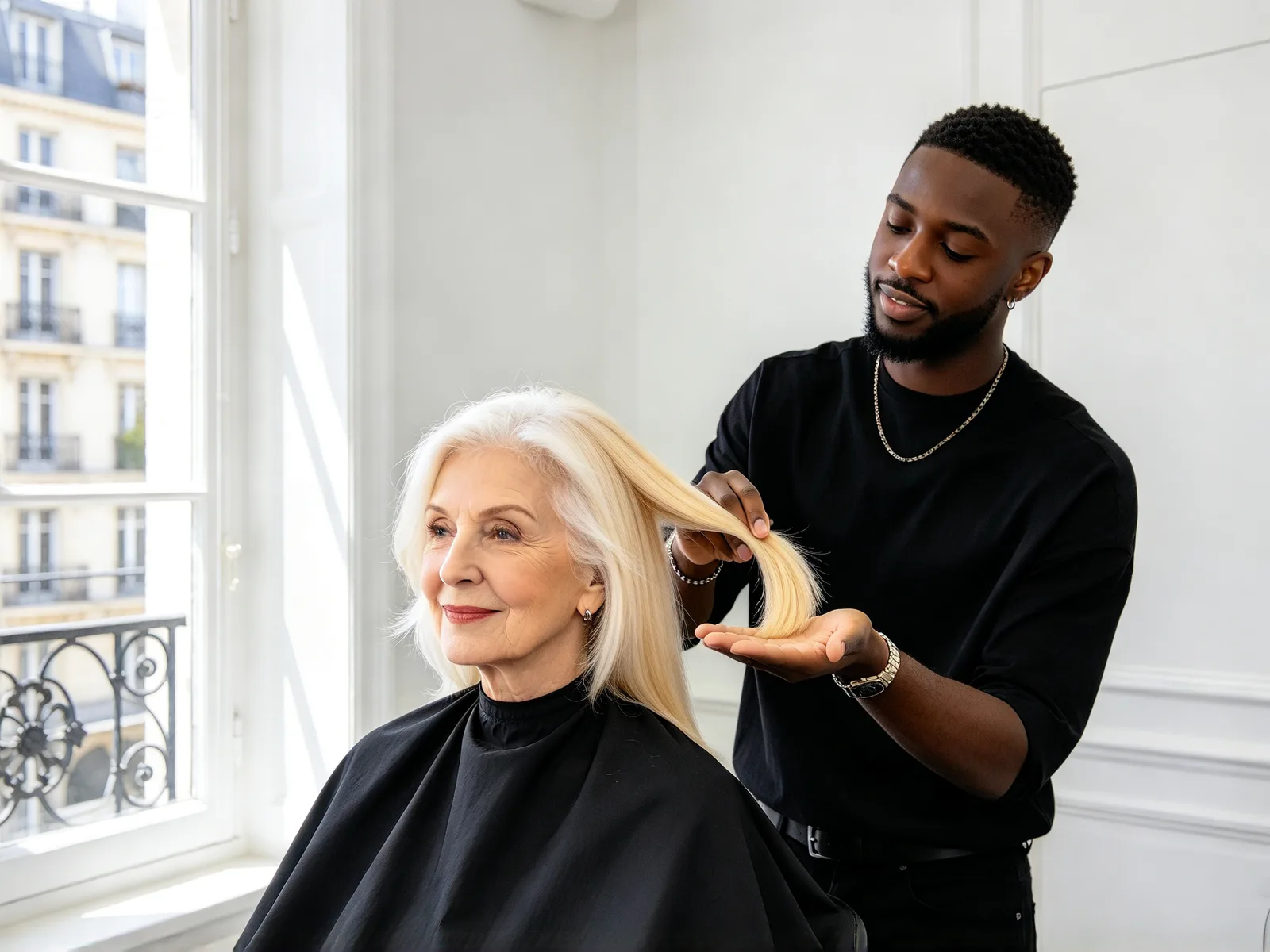
Hair color changer: see a new hair color on your photo
Try on a new hair color before you dye. Only the color changes: your cut, length, texture and face stay as they are.
- Nothing to install
Hair color try on examples
Drag the divider to compare.
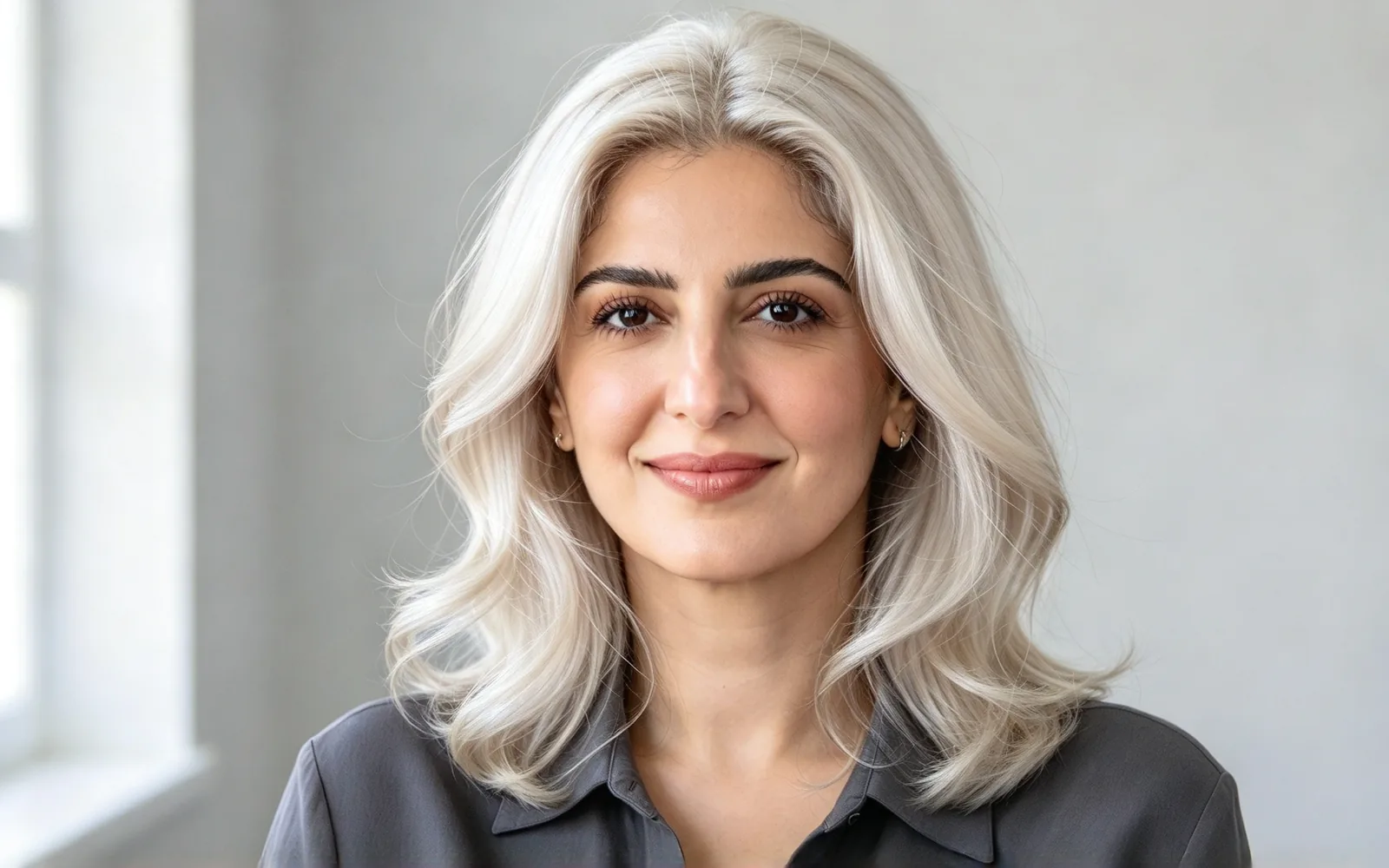
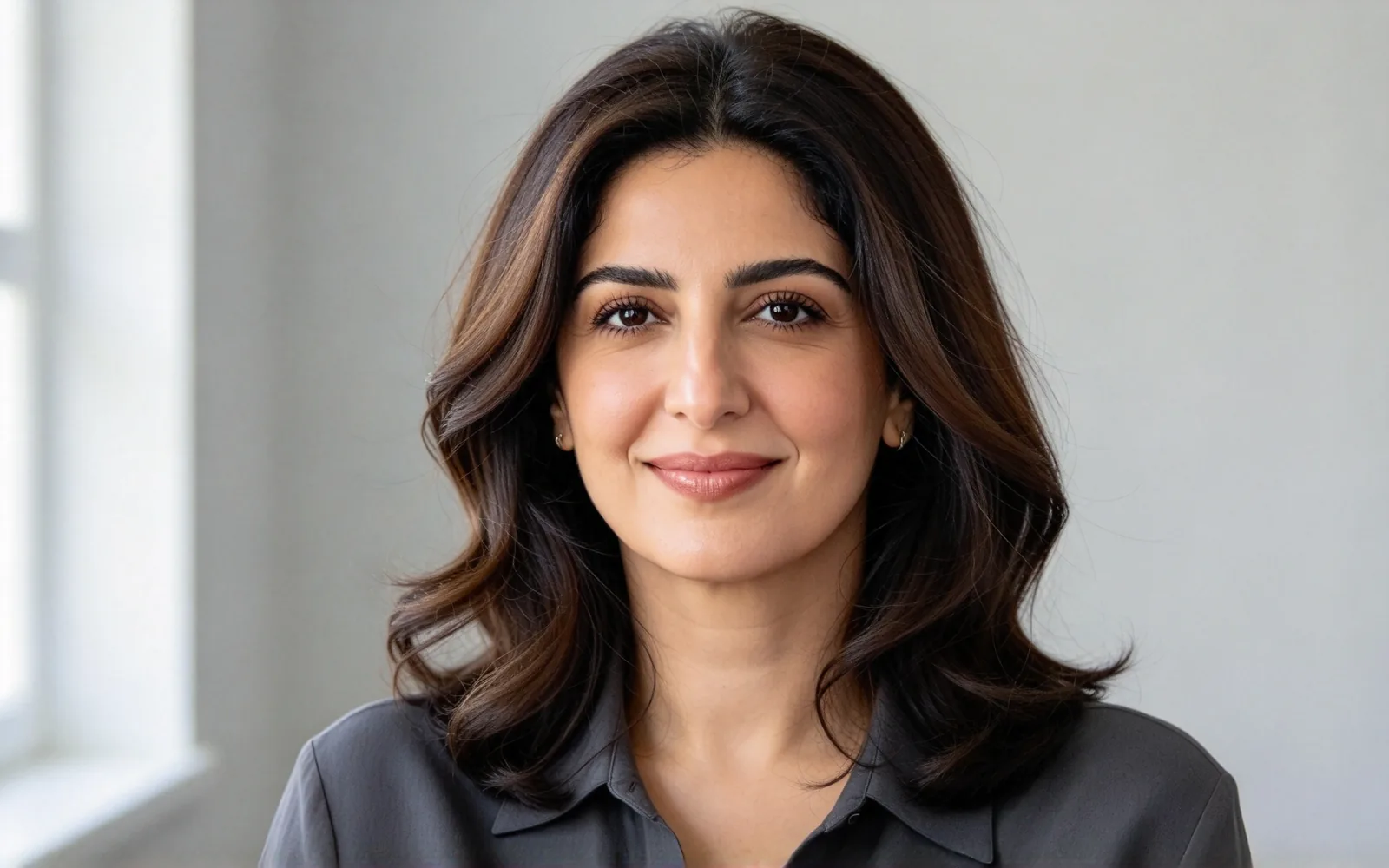
Go from dark brown to platinum blonde
Dark brown waves recolored platinum blonde with the same cut and parting
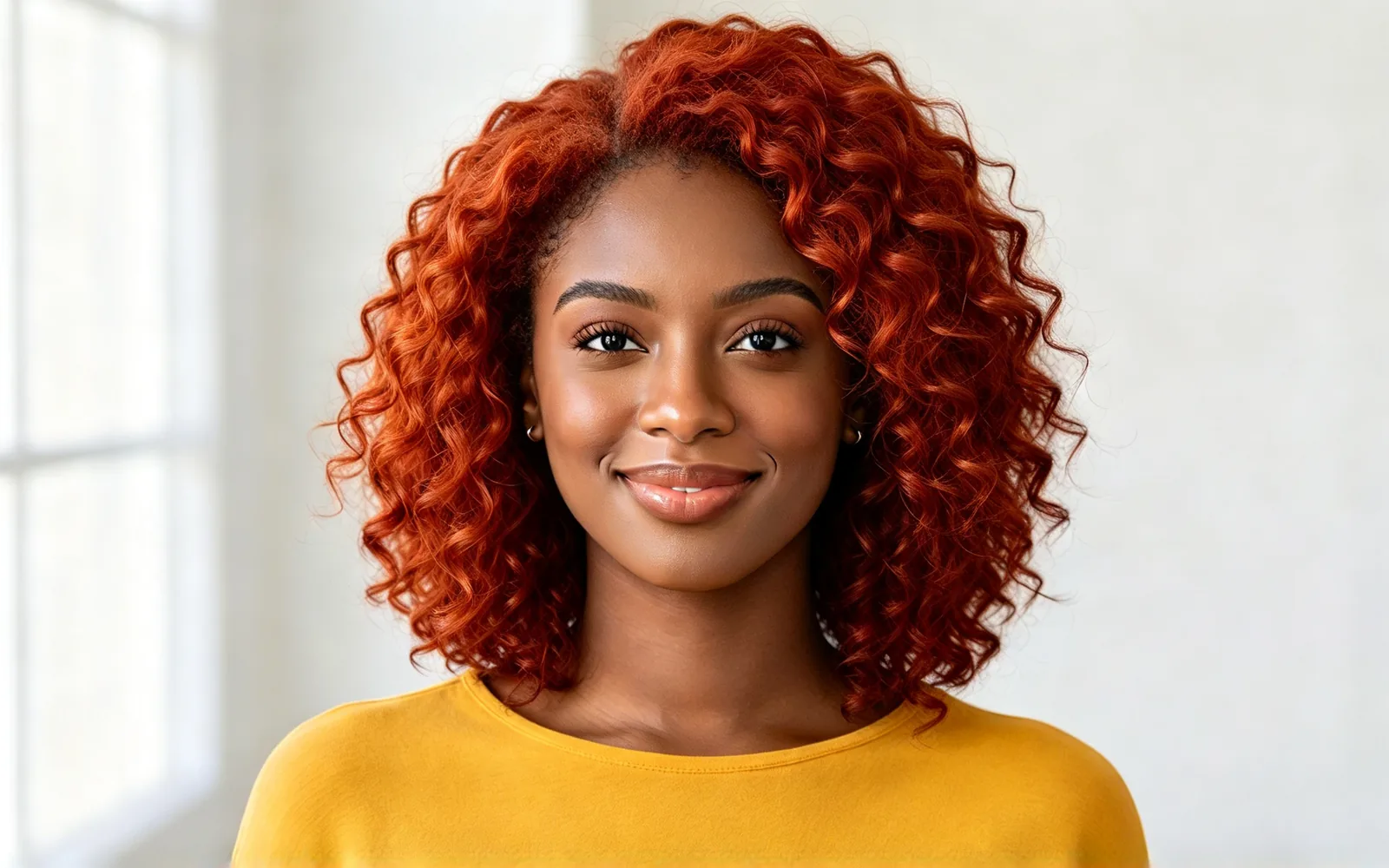
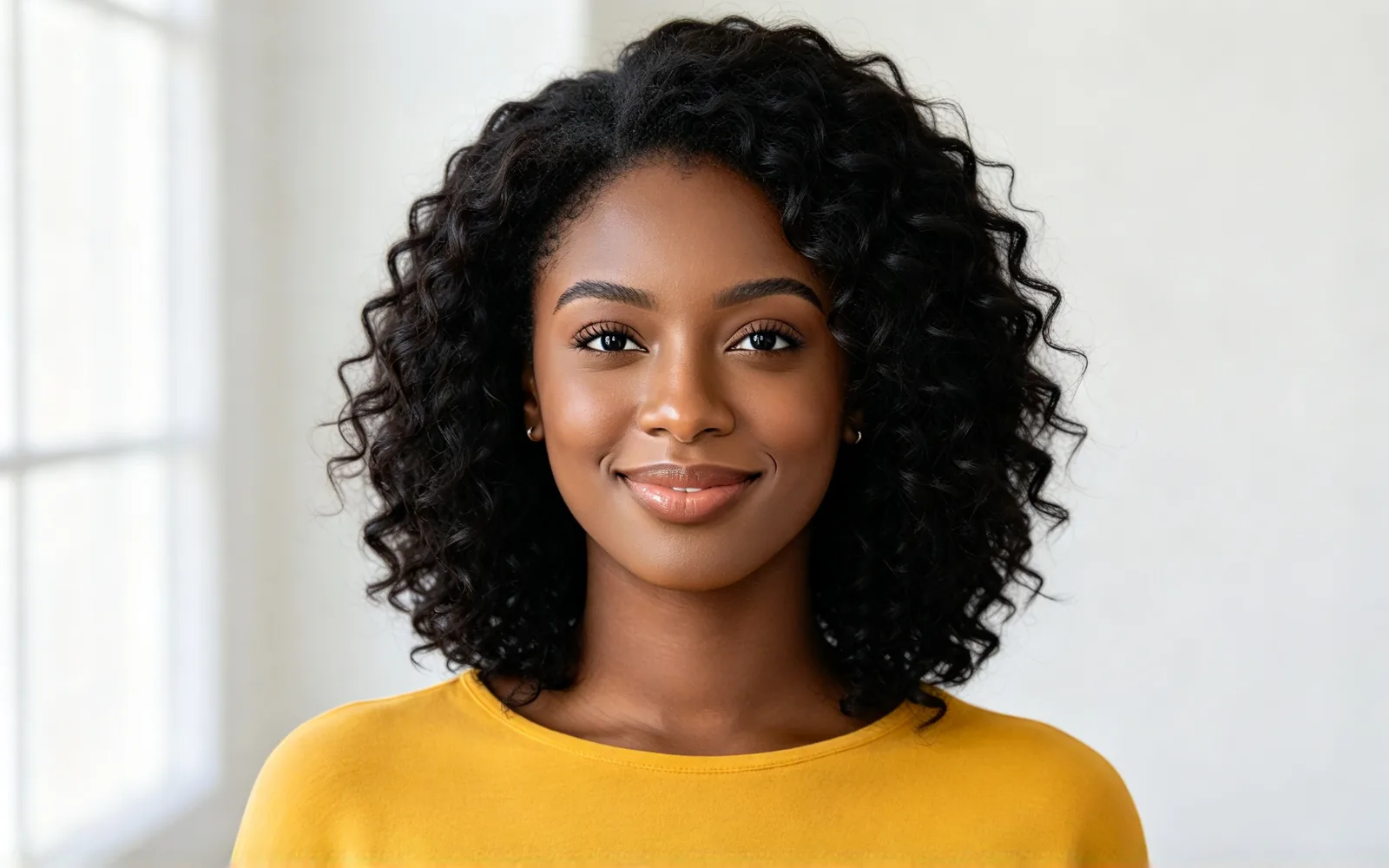
Try copper red on natural curls
Black natural curls recolored copper red with the curl pattern intact
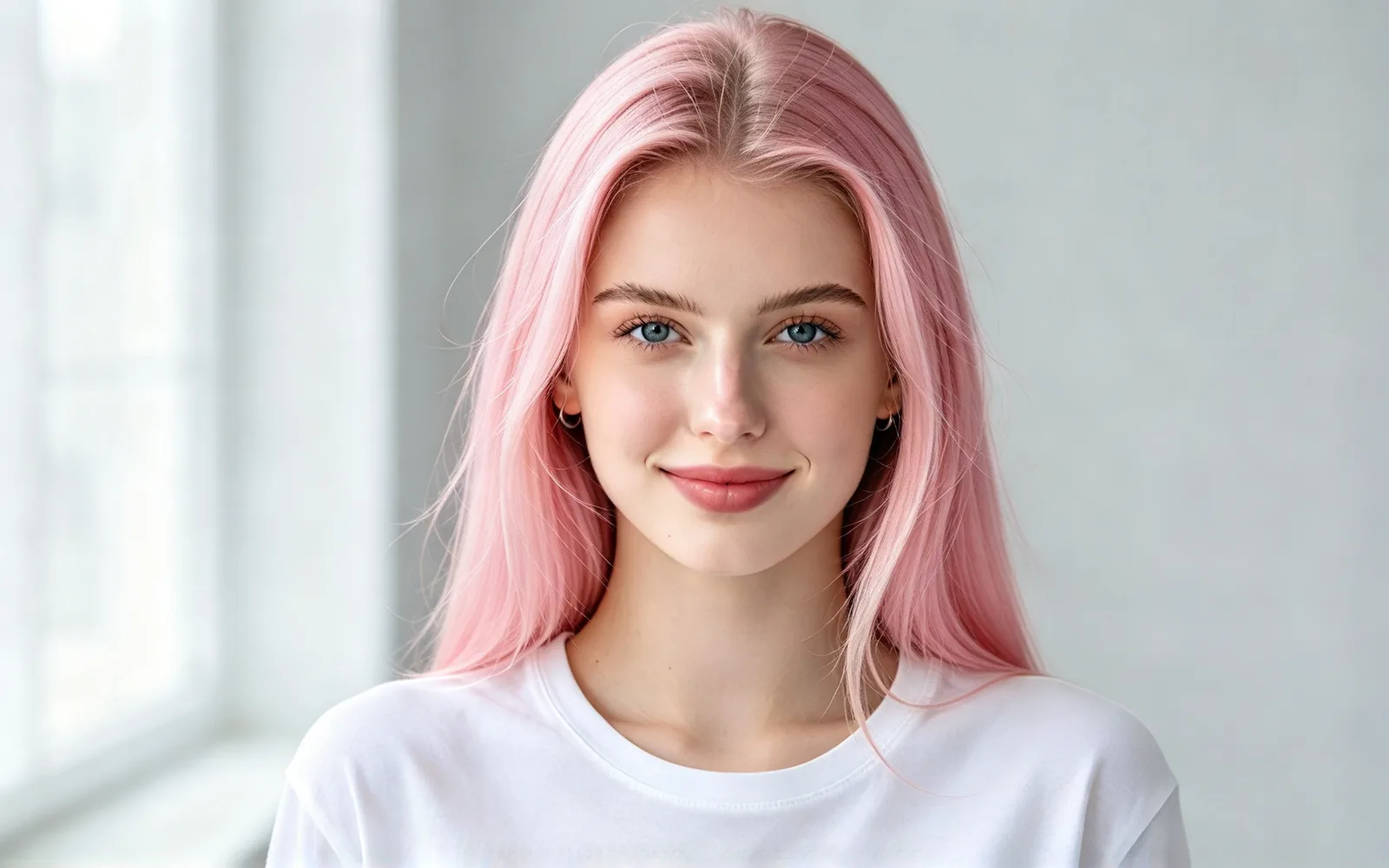
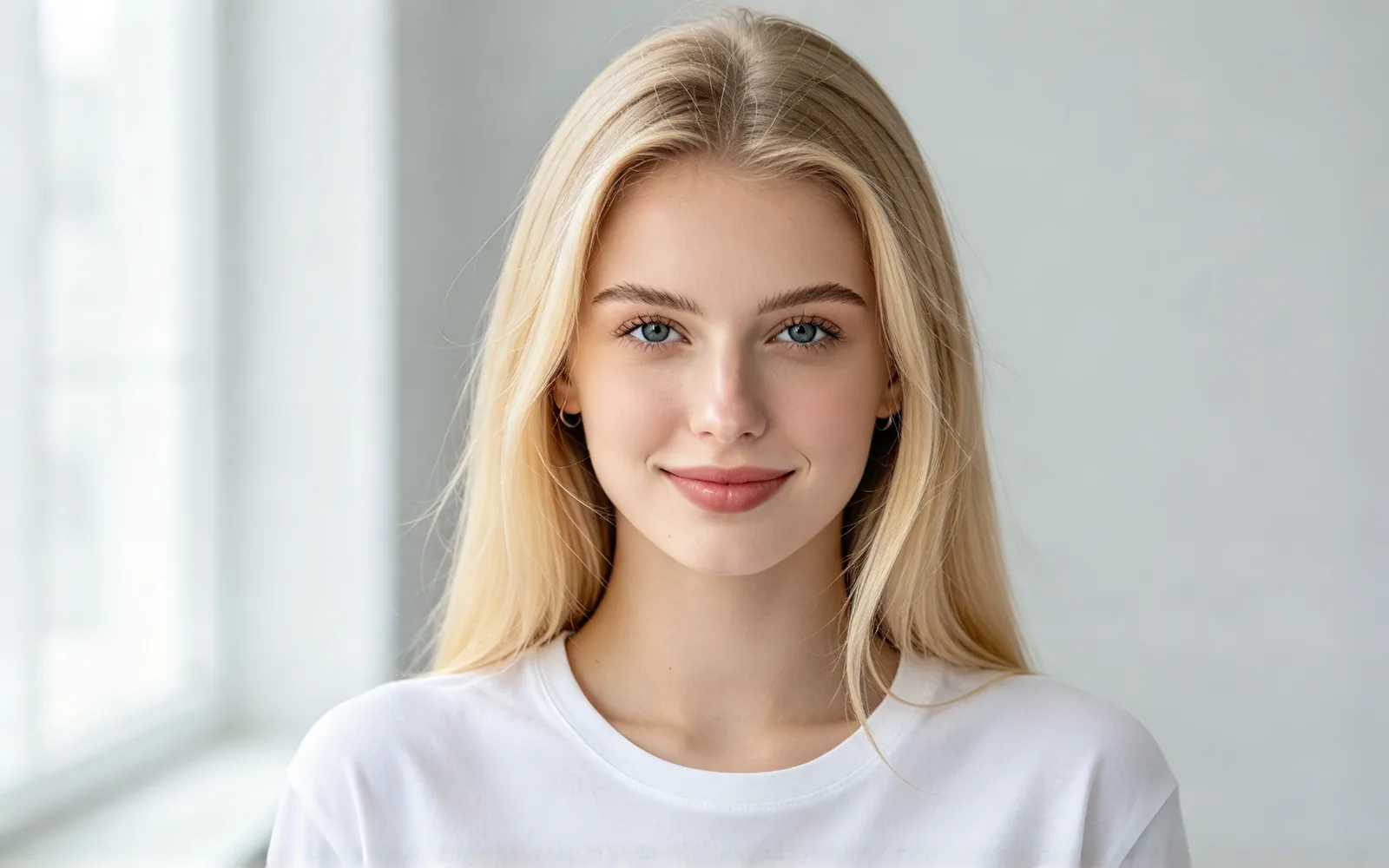
See yourself with pastel pink hair
Long golden blonde hair recolored soft pastel pink


Preview silver grey hair on a short cut
Short brown hair recolored silver grey while the beard keeps its color
How to change hair color in a photo
- 1
Upload your photo
Daylight or soft indoor light shows the new color most accurately. Face the camera.
- 2
Pick a hair color
Choose a shade, from Black and Chestnut to Copper or Lavender.
- 3
Generate and compare
Check before and after, then try another shade.
Hair color try on for dye plans, colorists and social posts
Color is the hardest part to undo, especially going lighter, so preview it first. Pick the use closest to yours.
Before you dye
See a shade next to your own skin tone.
- Compare warm and cool shades
- Check blonde before bleaching
- Save money on shades you will not wear
Colorists and clients
Agree on a color with a picture instead of a swatch.
- Bring the result to the appointment
- Show two or three shades together
- Describe highlights in Extra details
Social media fans
Post a bold color without a trip to the salon.
- Try Pink, Lavender or Blue
- Share the before and after
Change hair color in a photo: what stays the same
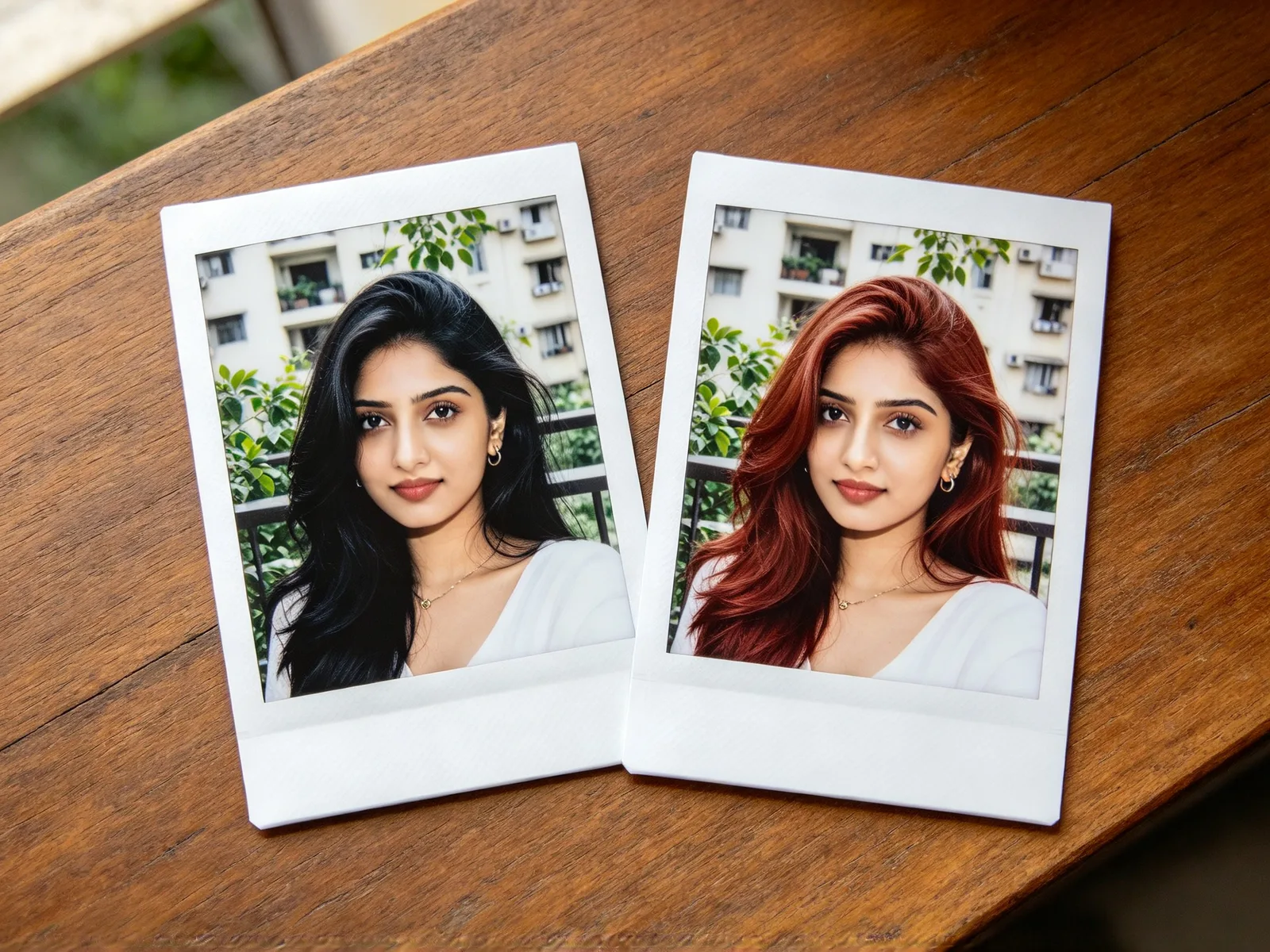
Only the color changes, so the two photos differ in nothing else.
- Your cut, length and texture stay.
- Curls keep their pattern and waves keep their shape.
- Face, skin tone, makeup and clothes stay.
- Background and light stay.
- Shine and shadows in the hair carry over to the new color.
- Beards and eyebrows keep their color.
Hair colors you can try on virtually
The Hair color list has natural shades and bolder colors. For anything else, such as rose gold or balayage, use Extra details.
- Natural: Black, Dark brown, Chestnut, Honey blonde and Auburn.
- Light: Platinum blonde and Silver.
- Bold: Copper, Pink, Lavender and Blue.
- Ombré: darker at the roots, lighter at the ends.
- Leave Hairstyle on Keep current to change only the color.
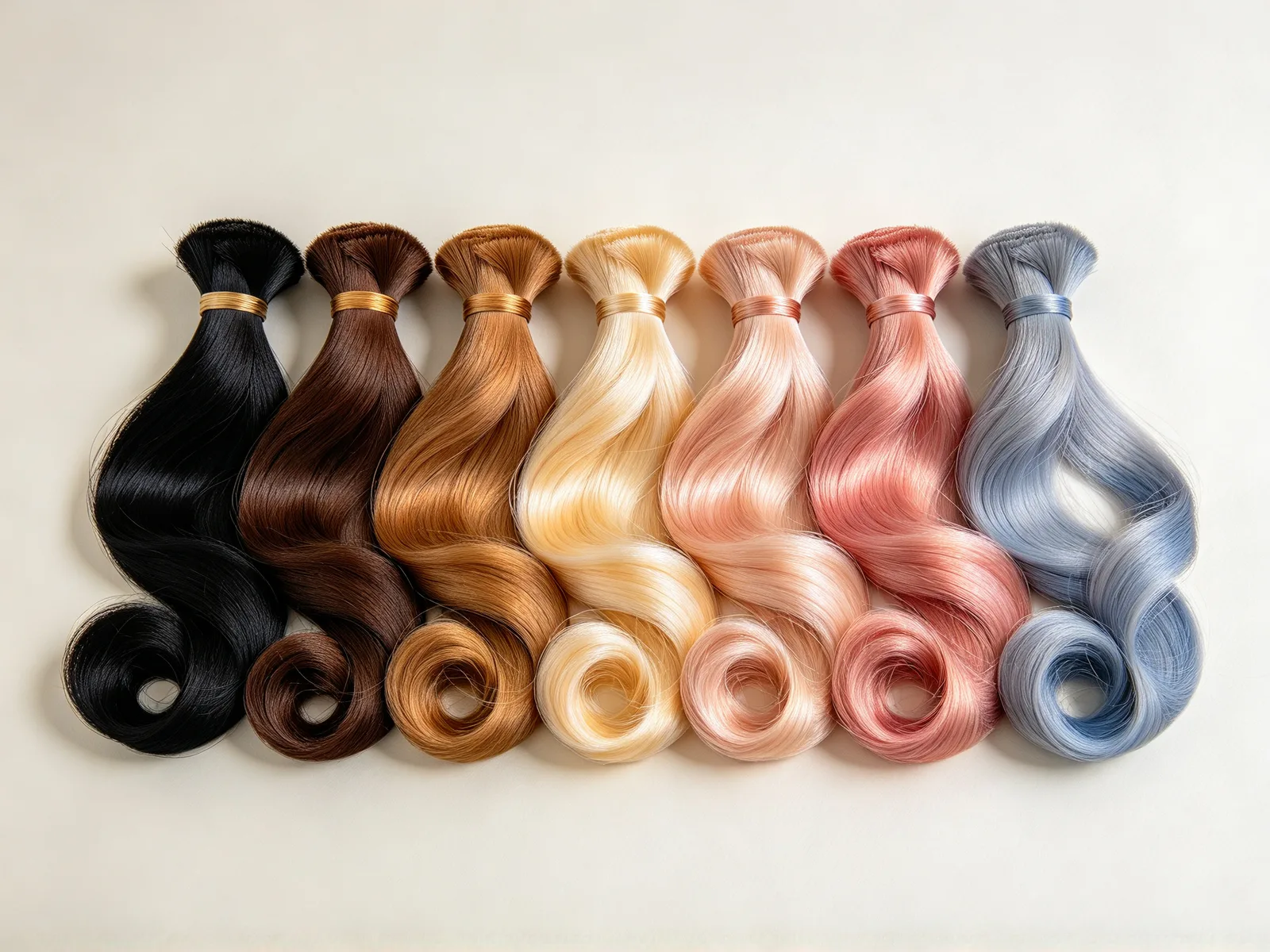
Tips for a realistic hair color change
The result is a picture of the goal, not a dye formula, so how your hair takes the color still depends on its shade and condition.
- Use a sharp photo in natural light.
- Face the camera so the roots and the ends both show.
- Try one warm and one cool shade on the same photo.
- Show a colorist the picture, since your starting shade matters.
- Click Try another model if a color looks flat or too bright.