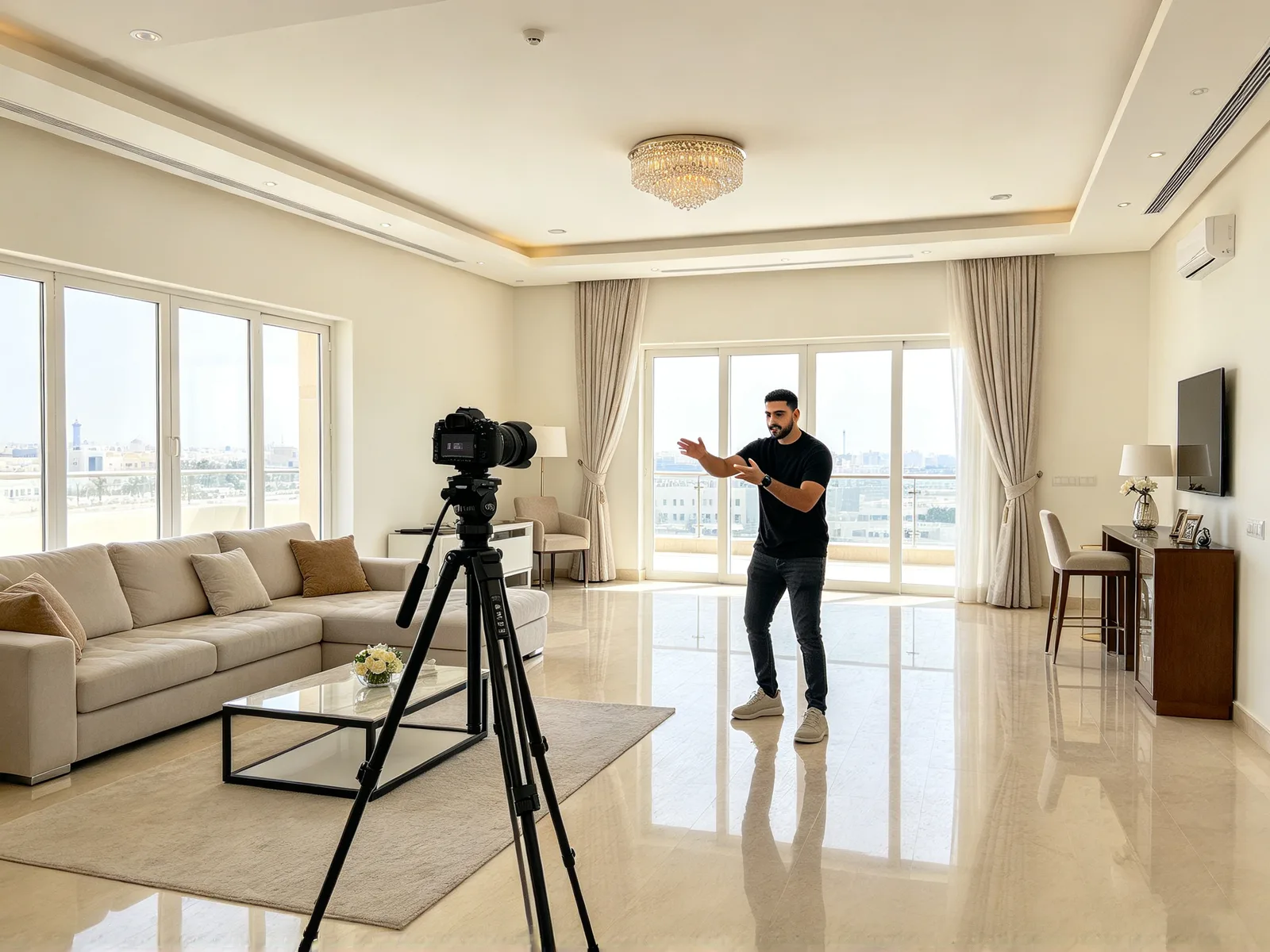
Kling Motion Control AI: make any character move like your video
Upload a clip of someone moving and an image of your character. The character repeats the moves in a new video and keeps its own look, made by the model you choose: Kling 3.0 Omni, Seedance 2.0 or MiniMax H3.
- Nothing to install
Motion control AI examples with the inputs used
Hover a clip to play the source video and the result together.
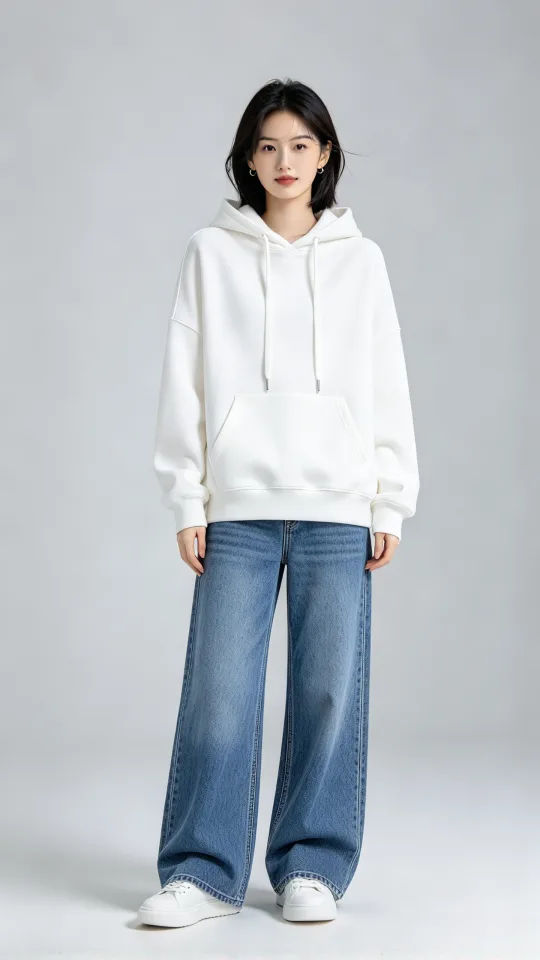 Character
Transfer a martial arts routine to a character
A woman in a white hoodie performs the punches, kicks and stances from a karate clip
Made with Seedance 2.0 Mini
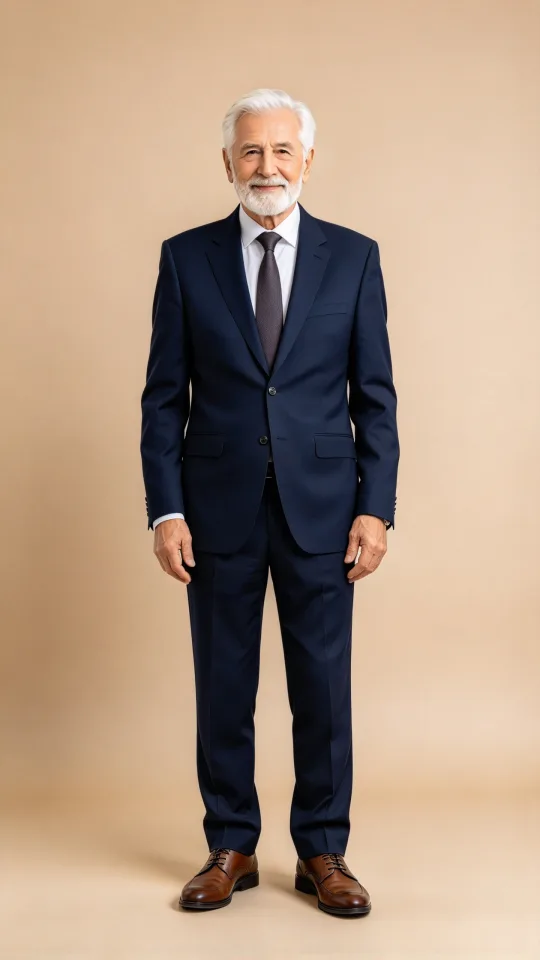 Character
Give a model's poses to a different person
An elderly gentleman in a suit strikes the poses and steps of a fashion model under clothing-store lights
Made with Seedance 2.0 Mini
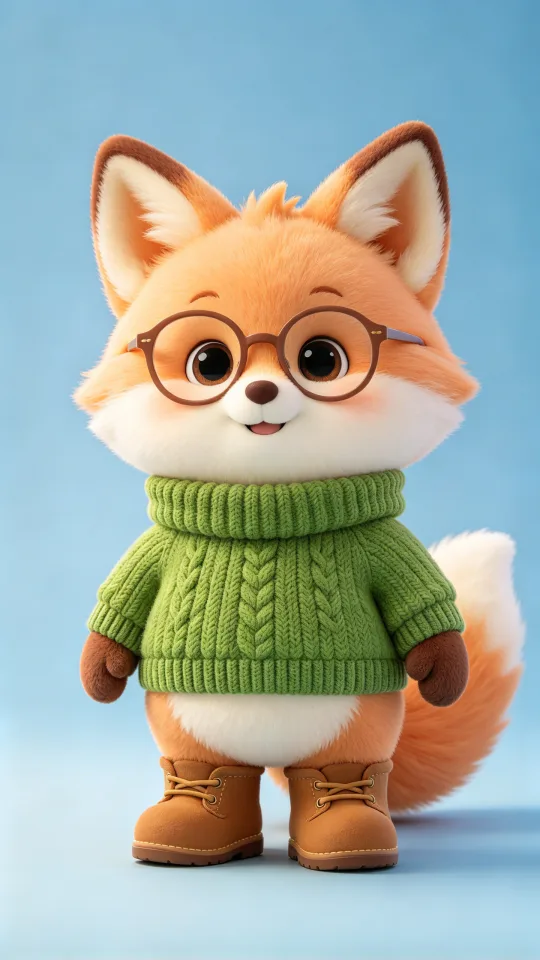 Character
Make a cartoon character talk with its hands
A cartoon fox repeats the hand gestures of a person talking to the camera
Made with Seedance 2.0 Mini
How to use motion control AI
- 1
Upload the motion video
Use a clip with one person fully in frame; a steady camera helps.
- 2
Add your character image
A photo, illustration or 3D render of the character who should move.
- 3
Pick a model and generate
Choose a video model, check the price shown, then start the run.
Motion control AI for creators, brands and animators
Reuse a movement you already have on any character you own.
Trend creators
Copy a viral move onto your own character.
- Put a trending routine on an original character
- Test one move on several characters
- Reuse the same clip on new characters
Brands with mascots
Make a mascot or virtual character act out real movement.
- Gestures for a mascot explaining a product
- Walk and pose clips for a virtual host
- Keep the mascot's look in every clip
Animators and storyboarders
Preview how a scene moves before animating it by hand.
- Block out a fight or a walk
- Show a client the movement early
- Test timing before final animation
What AI motion transfer copies and keeps
The video supplies the movement and the image supplies everything else.
- Body movements, poses and timing come from your video.
- Face, outfit and style come from your character image.
- Hand gestures carry over when the hands stay in view.
- Movement is imitated, not traced frame by frame.
- An optional note can set the background or style.
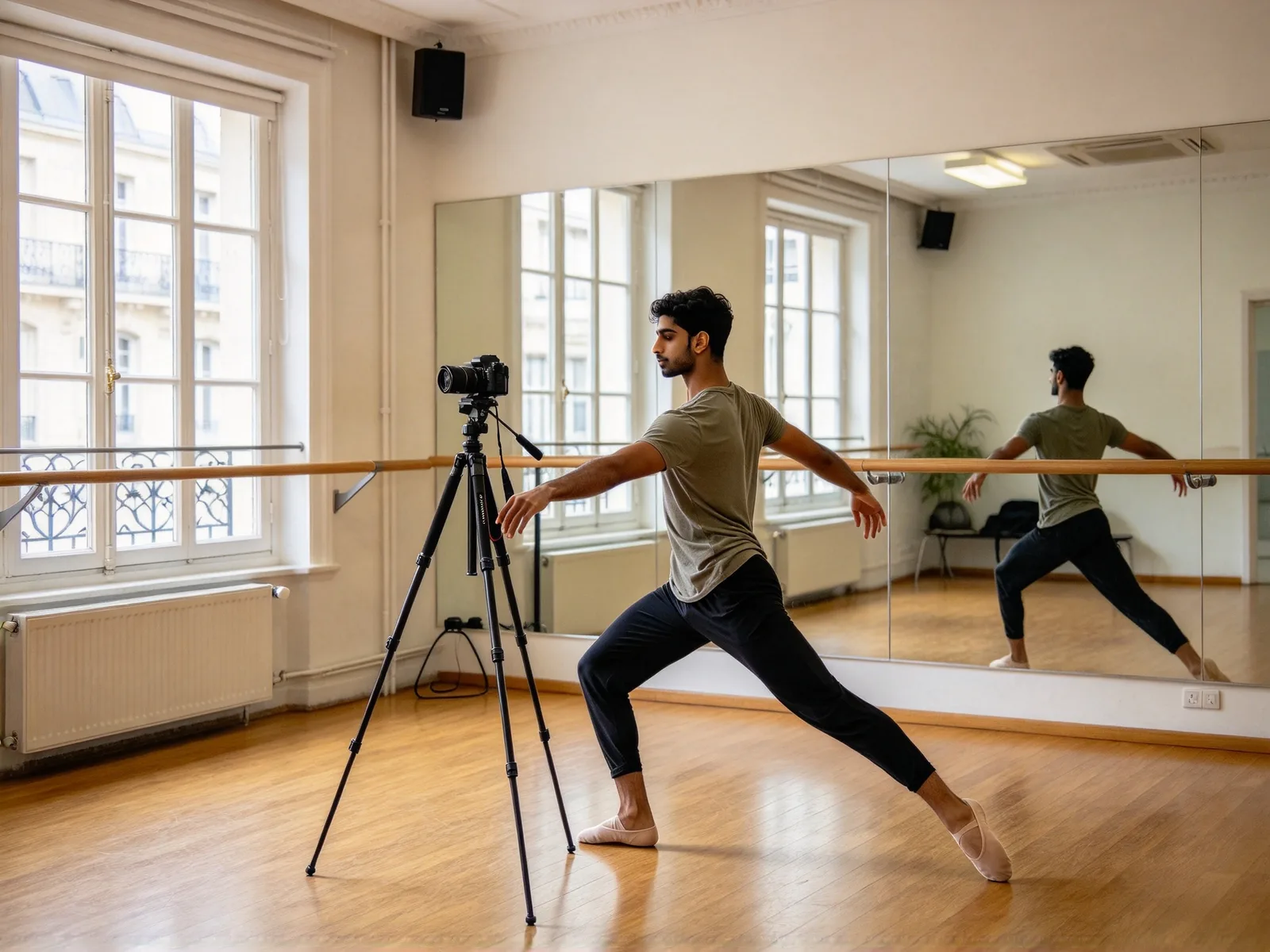
Clips and characters that motion transfer handles best
Clear, readable movement gives the closest copy.
- Works: one person with the whole body in frame.
- Works: a steady camera and a background that stands apart.
- Works: photos, anime art, mascots and 3D figures as characters.
- Works: a full-body character for a walk, half-body for talking.
- Weaker: very fast spins and flips blur.
- Weaker: backgrounds that blend into the person.
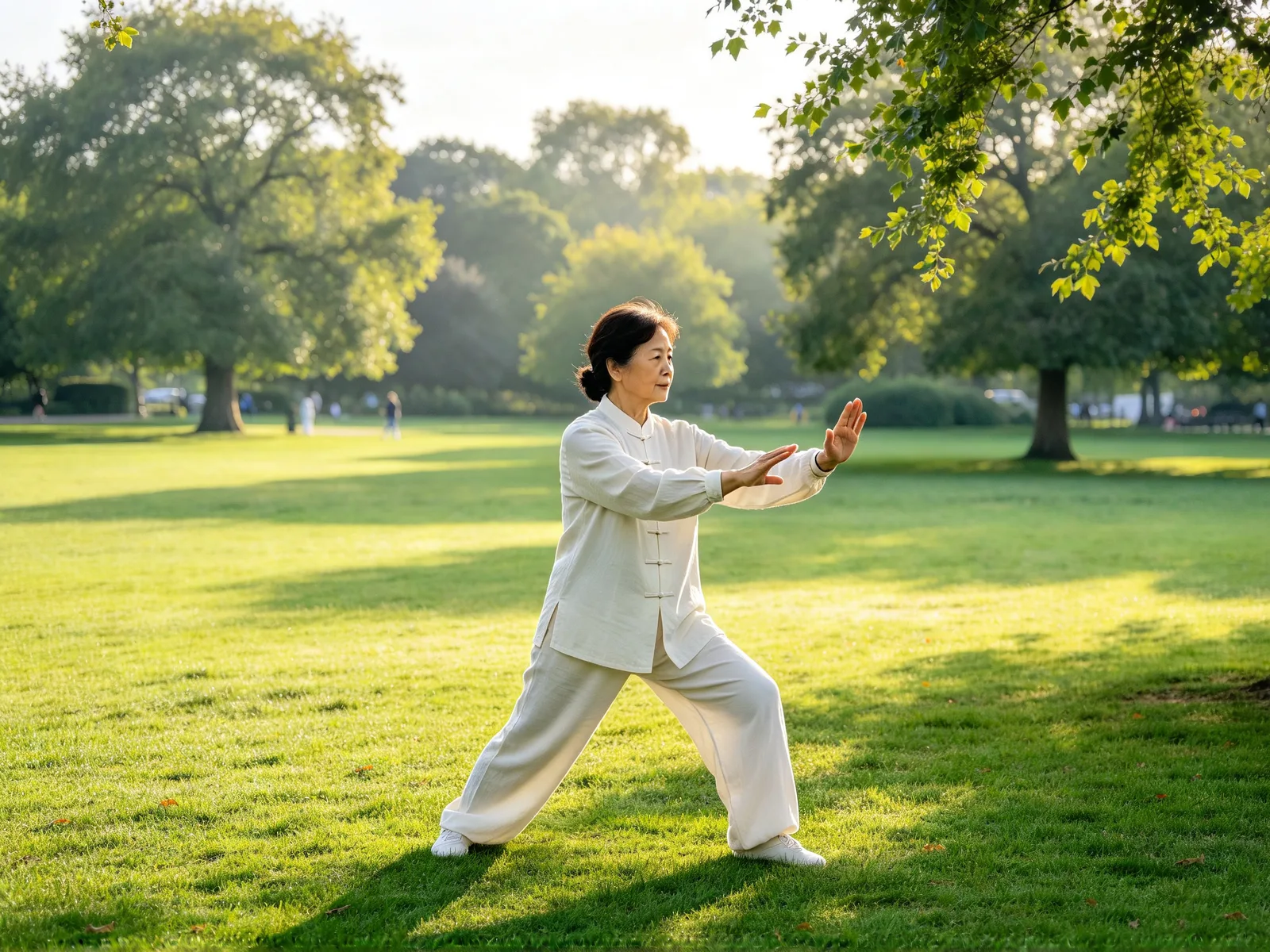
Motion transfer tips and limits
A few habits get a closer copy.
- Match the character's framing to the video's framing.
- Pick the section of a long clip you want copied.
- Run the same clip on two models and keep the better one.
- Use only footage and photos of people who agreed to it.
- Choose Kling 3.0 Omni, Kling O1 or MiniMax H3 for real faces; Seedance 2.0 and 2.5 refuse them.
- This is a general tool, not Kling's own Motion Control feature.