Grok Imagine AI Image and Video Generator: Every Version
Grok Imagine is xAI's set of image and video models. Zero Kit runs its image and video versions in one editor.
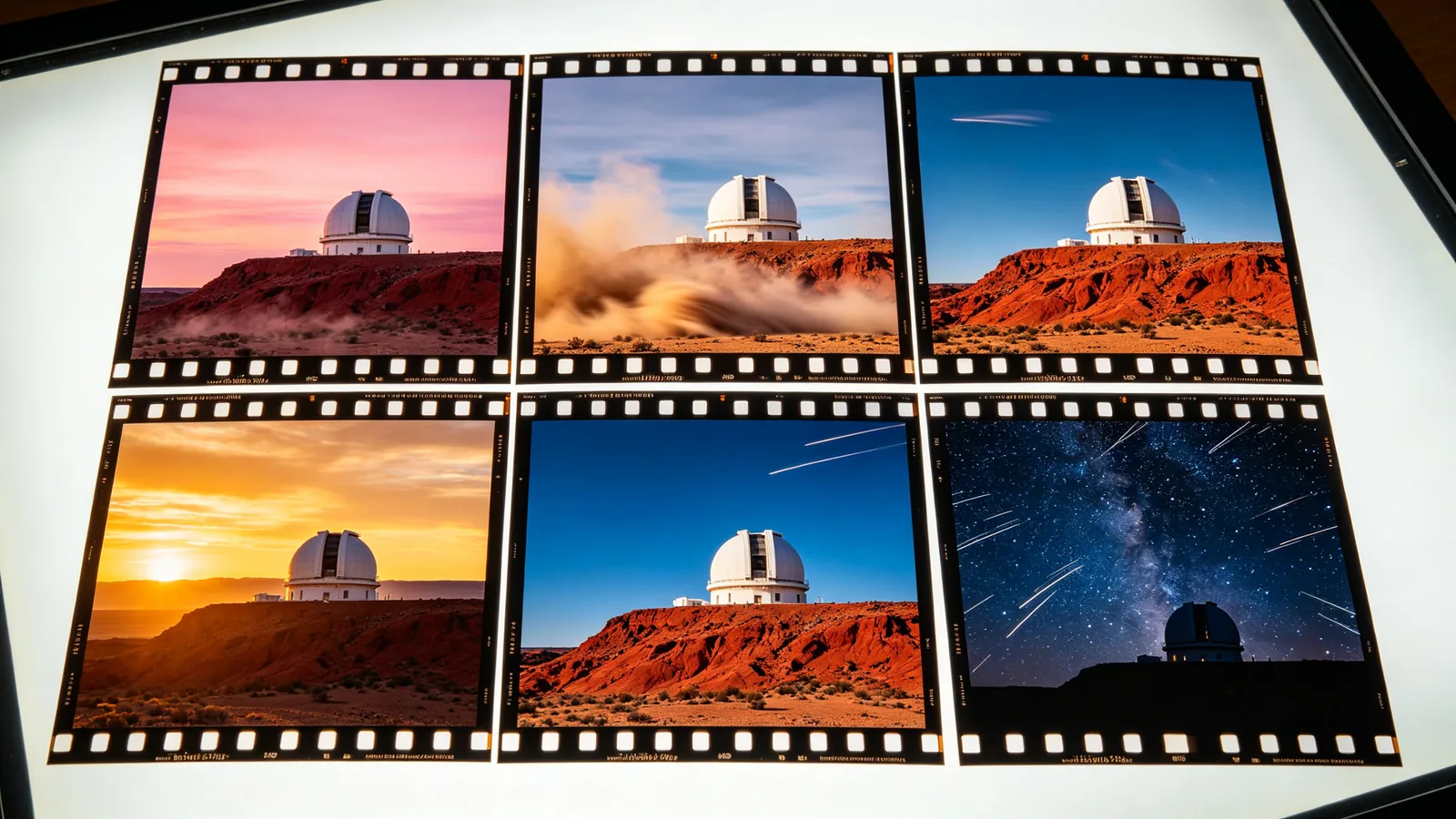
xAI built Grok Imagine as a bundle of image and video models for end-to-end creative work. On the image side, Grok Imagine Image 2.0 is the newer model: xAI says it follows instructions closely down to the details, plans typography and layout the way a designer would, and preserves what you put in across generations and edits. The original Grok Imagine Image remains a quick way to make casual, social-style pictures.
On the video side, Grok Imagine Video turns a prompt or an image into a short clip with camera moves such as zoom, dolly, pan and tilt. Grok Imagine Video 1.5 improves motion, physics and audio, generating sound effects, ambience and dialogue in the same pass as the picture, and uses reference images to lock a face, a product or a place in place.
The image and video models work well together. Make a still with Grok Imagine Image 2.0, check the composition and the lettering, then add it as a reference for a video version and describe how it should move. Keeping the same words for the subject in both prompts helps the clip stay close to the picture you approved.
Every version runs from the same editor on Zero Kit and is included in Plus and above. The table below compares resolution, clip length, references, starting price and plan from the live model list; each version has its own page with sample prompts and a full price table.
Every Grok Imagine version compared
| Version | Resolutions | Length | Reference images | From | Plan |
|---|---|---|---|---|---|
| Grok Imagine Image 2.0 | 1K and 2K | Not available | 3 | 8 credits / image | Plus |
| Grok Imagine Image | 1K and 2K | Not available | 3 | 6 credits / image | Plus |
| Grok Imagine Video 1.5 | 480p, 720p and 1080p | 1–15 s | 1 | 20 credits / s | Plus |
| Grok Imagine Video | 480p and 720p | 1–15 s | 1 | 13 credits / s | Plus |
Which Grok Imagine version should you use?
For designed images and text: Grok Imagine Image 2.0
Pick Image 2.0 for covers, posters and images with lettering or a planned layout, and for edits that should keep the rest of the picture intact.
For quick social pictures: Grok Imagine Image
The original image model suits casual, fast pictures for posts and memes where a layout does not need to be exact.
For video: Video 1.5 for sound and references, Video for simple shots
Choose Grok Imagine Video 1.5 when the clip needs sound or a consistent face or product; the original Grok Imagine Video handles single, simple shots.
Grok Imagine versions on Zero Kit
Grok Imagine Image 2.0
Designer-level typography and pixel-level controllable fine retouching
Open Grok Imagine Image 2.0Grok Imagine Image
Fast social image generation wins on atmosphere and a high degree of freedom.
Open Grok Imagine ImageGrok Imagine Video 1.5
Native audio-visual synchronization, multi-shot continuity, film-grade directing
Open Grok Imagine Video 1.5Grok Imagine Video
A one-shot social video crash course tool
Open Grok Imagine Video
Grok Imagine FAQ
Last updated: