Zero Kit AI

Kling 4.0 AI Video Generator

Kling 4.0 is the Kling AI video model from Kuaishou that makes one clip of up to 30 seconds with sound, from a prompt, a row of keyframes, or reference images and videos.

  • KlingKling
  • Up to 1080p
  • Up to 10 reference images
  • Up to 5 reference videos
  • Up to 4 videos per run
  • 3–30 seconds
  • Credits per second: from 36 (about $0.36)
  • Available on the Free plan
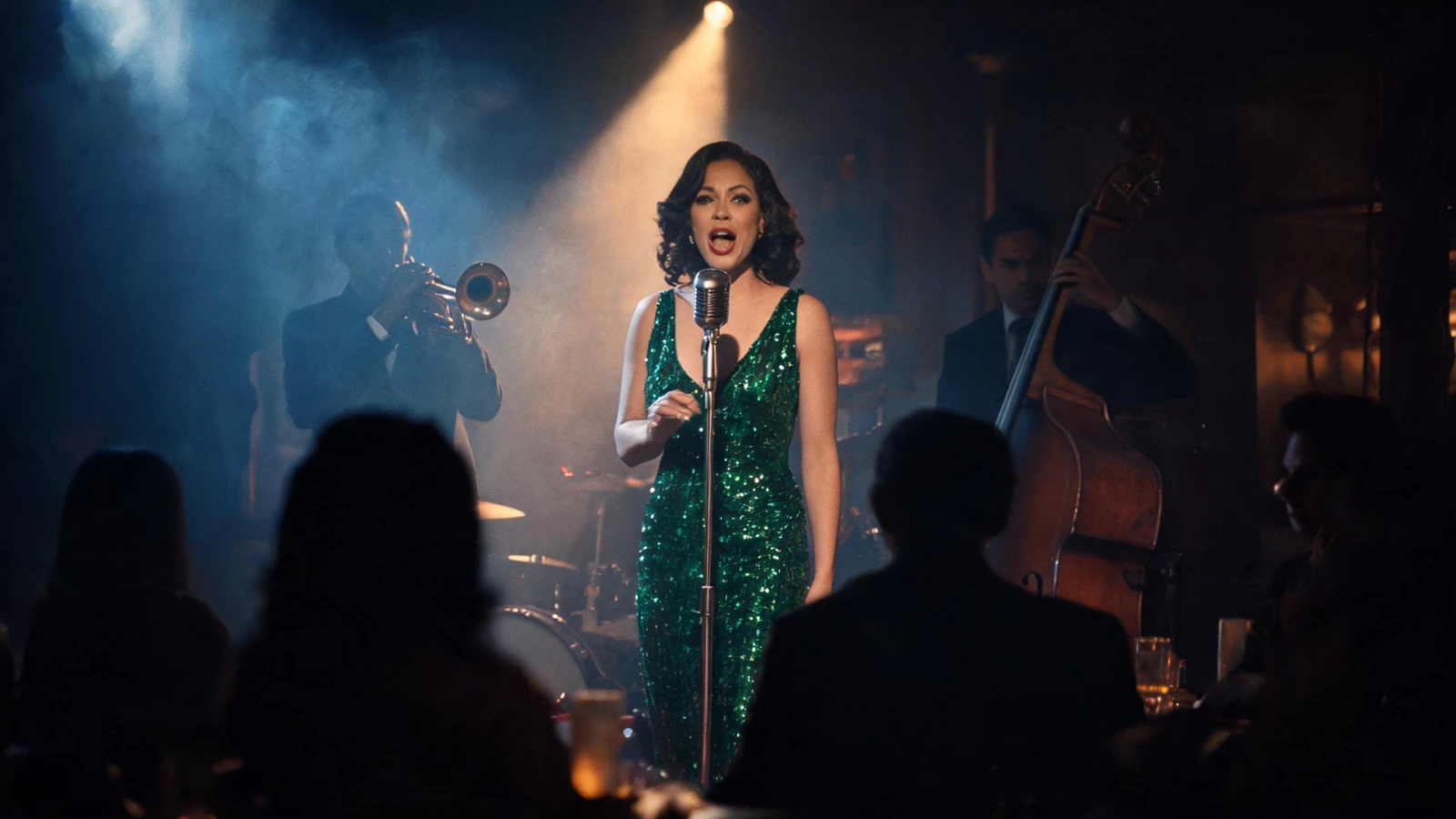
A jazz singer in a sequined emerald dress sings into a vintage microphone on a smoky club stage, a trumpeter and a double bass player behind her and the audience in silhouette.

What is Kling 4.0?

Kling AI, the video service run by Kuaishou, describes Kling 4.0 as a native multimodal video model. It aims at steadier complex motion, closer consistency across many references and story beats you can control.

One generation can start in three ways:

  • From text alone.
  • From keyframes: a first frame, a first and a last frame, or a row of frames in story order.
  • From references: pictures of a character, a product or a place, and video clips for motion or camera work.

Sound comes with every clip. Kling generates stereo audio, dialogue and effects in the same pass, and offers no switch to turn it off.

On Zero Kit, Kling 4.0 is included in Free and above and runs in the editor at the top of this page.

What it supports:

  • Up to 10 reference images and 5 reference videos in one generation.
  • A length from 3 to 30 seconds, at 720p and 1080p.
  • Any of 4 aspect ratio settings for a clip made from text or references.

Video is charged per second at the resolution you pick, starting from 36 credits. A clip built on reference videos costs more, because the reference seconds are charged too.

The long take is the main reason to pick Kling 4.0. One clip can hold a scene with a beginning, a middle and an end, such as a short ad, a music clip or a conversation.

Kling turns on smart shot splitting by default: the model arranges the shots and pacing of a long clip from what it shows.

Kling 4.0 renders at up to 1080p. The Kling family page compares resolution, length and price across every Kling version.

For a single photo that only needs to move, image to video AI takes less setup.

What Kling 4.0 does well

A whole scene with sound in one clip

Kling 4.0 makes clips of up to 30 seconds in one generation, long enough for several actions in a row and a few lines of dialogue.

Write the scene as a sequence and give rough timings where they matter: "the waitress pours the coffee; at second 12 the woman starts her story; at second 20 the man bursts out laughing".

Kling says voices, dialogue and picture stay in sync, in stereo. Write spoken lines in quotation marks, in the language they should be spoken in.

Longer clips cost more, so test the idea at a shorter length first.
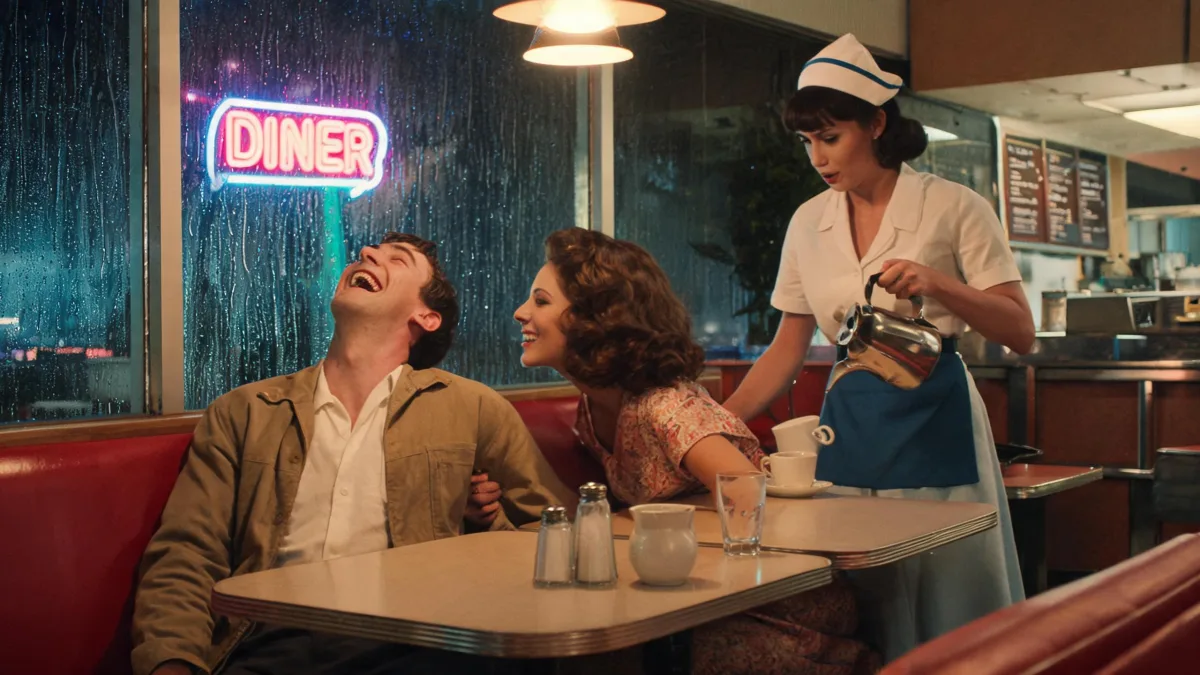
Two friends laugh in a red booth of a 1950s-style diner at night while a waitress pours coffee, a neon DINER sign glowing in the rainy window.

Cinematic film still, two friends mid-conversation in a red vinyl booth of a 1950s-style American diner at night, the man laughing as the woman leans in to tell a story, a waitress pouring coffee beside them, rain streaking the window, neon "DINER" sign glowing outside, warm practical lights, 35mm film look.
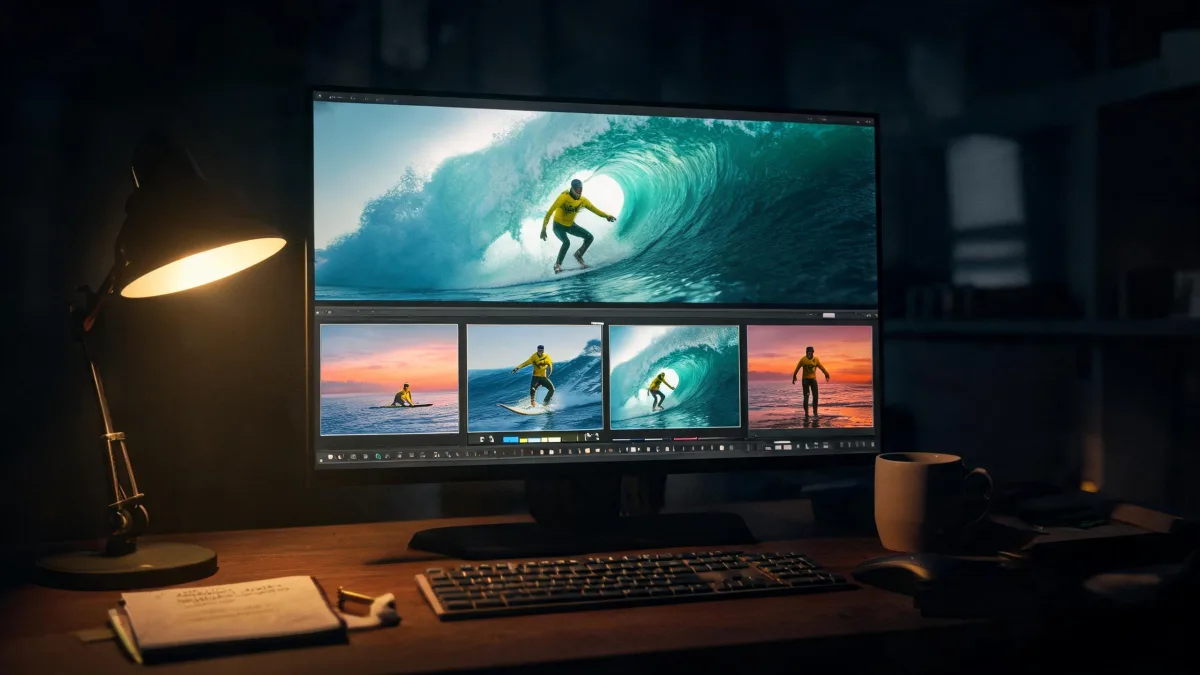
Keyframes that set each story beat

In the Multi-Frame reference mode you add up to 10 images in story order. The first image opens the clip, the last one closes it, and the ones between appear in that order.

Kling uses these keyframes to fix character states, scene changes and how the story moves on.

How to set it up:

  • Switch the reference mode to Multi-Frame.
  • Add the frames in order, cropped to the same aspect ratio.
  • Describe what happens between them and when, for example "by second 8 she reaches the bridge".

For a plain start and end, First & Last Frame mode takes one or two images.

An editor's monitor at night shows a surfer in a yellow wetsuit riding inside a wave, with four keyframe thumbnails below: paddling out, standing up, in the barrel and walking out at sunset.

Cinematic photo of a film editor's desk at night, a large monitor showing a video timeline with a row of four keyframe thumbnails of the same surfer in a yellow wetsuit: paddling out at dawn in Malibu, popping up on a wave, riding inside a glowing barrel, walking out of the sea at sunset, the full-screen preview above showing him inside the barrel, warm desk lamp, soft monitor glow, shallow depth of field.

Reference images and videos in one prompt

Kling 4.0 combines up to 10 reference images and 5 reference videos in one generation. Each can supply something different: a face, a costume, a place, a motion or a camera move.

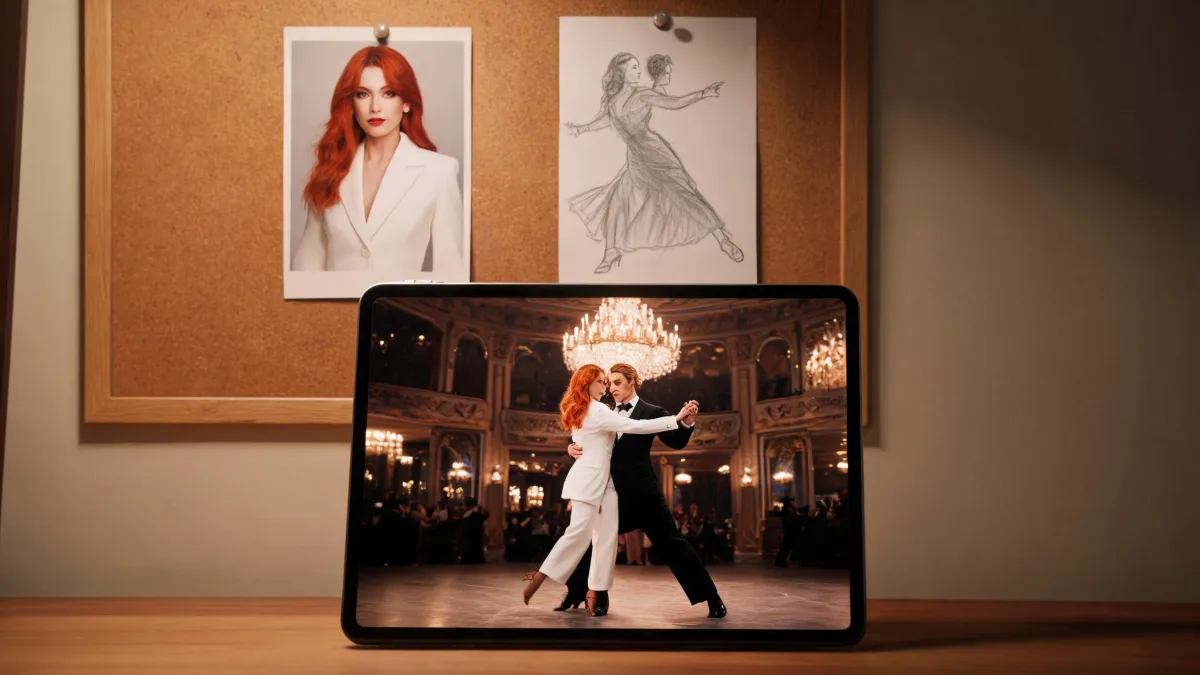
Say what each reference is for, by its order: "keep the face, hair and white suit of the woman in the first image; follow only the camera move of the first video, not its people or setting".

Kling warns that a reference without a stated purpose is used however the model sees fit. Reference videos have a length limit in total, so trim them to the part you need.

On Zero Kit, reference videos come from videos already in a conversation.

Kling 3.0 Omni takes fewer images and a single reference video.

A portrait of a red-haired woman in a white suit and a pencil sketch of tango dancers pinned to a corkboard, above a tablet showing the same woman dancing tango in a chandeliered ballroom.

Cinematic photo of a creative studio table, a printed portrait of a red-haired woman in a white tailored suit and a grey pencil sketch of a tango dancer mid-turn pinned side by side on a corkboard, in front of them a large tablet showing the same red-haired woman in the same white suit dancing tango with a partner in a grand Buenos Aires ballroom under crystal chandeliers, warm light, shallow depth of field.

How to write prompts for Kling 4.0

  1. Kling suggests building a Kling 4.0 prompt in four parts: what each reference is for, the overall setting and style, the events in order, then the sound.

  2. Name each reference by its order and purpose, such as "the woman in the first image" or "the camera move of the first video", and say what to leave out.

  3. With keyframes, describe the change between frames and when it happens: "from the first frame the door opens; by second 6 we are inside the hall from the second frame".

  4. Write dialogue in quotation marks, in the language it should be spoken in, and describe ambience and sound effects next to the action that makes them.

  5. Swap vague words like "premium" or "epic" for concrete light, materials, framing and motion, then test a short clip at a lower resolution before the full take at 1080p.

Videos made with Kling 4.0

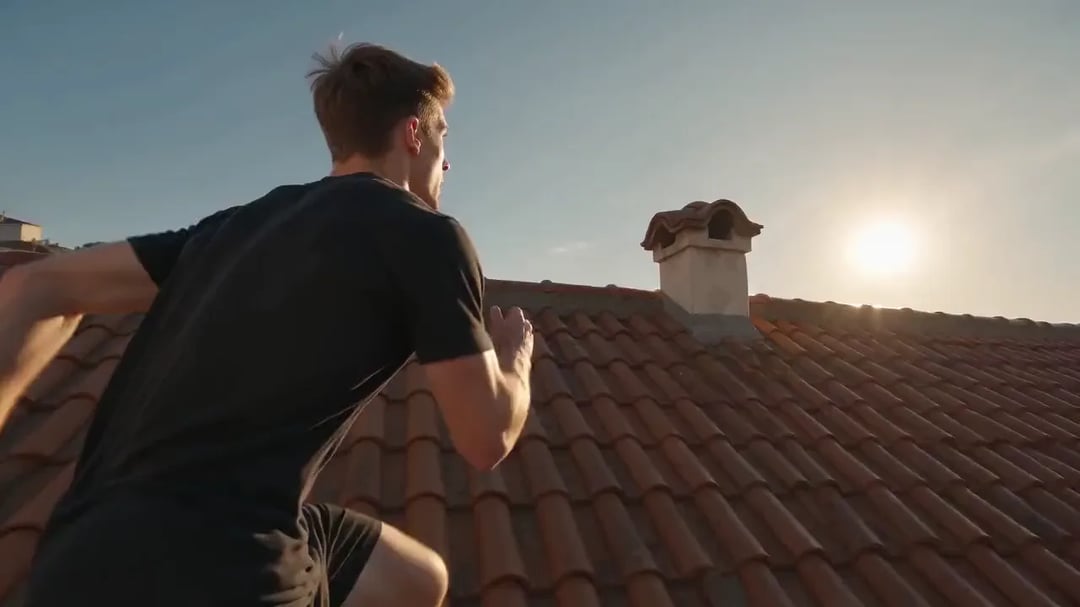
  • Parkour across Lisbon rooftops

    Generated with Kling 4.0

    A single continuous handheld shot following a parkour runner across the sunlit terracotta rooftops of Lisbon: he vaults a chimney, leaps a gap between buildings, lands in a roll and keeps running, pigeons scattering, the camera keeping pace right behind him, the river and old town glittering below.

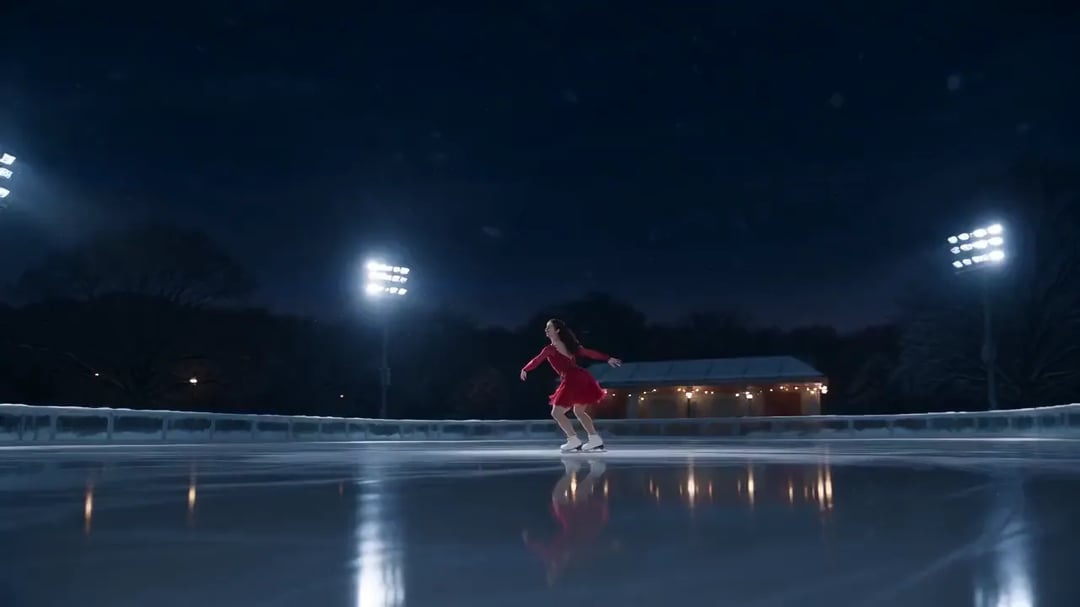
  • A spin on the ice at night

    Generated with Kling 4.0

    A single continuous shot of a figure skater in a red dress on an outdoor ice rink in Central Park at night: she glides, launches into a spinning jump and lands cleanly, snow falling through the lights, the Manhattan skyline glowing behind, the camera orbiting smoothly around her.

Sample prompts to try with Kling 4.0

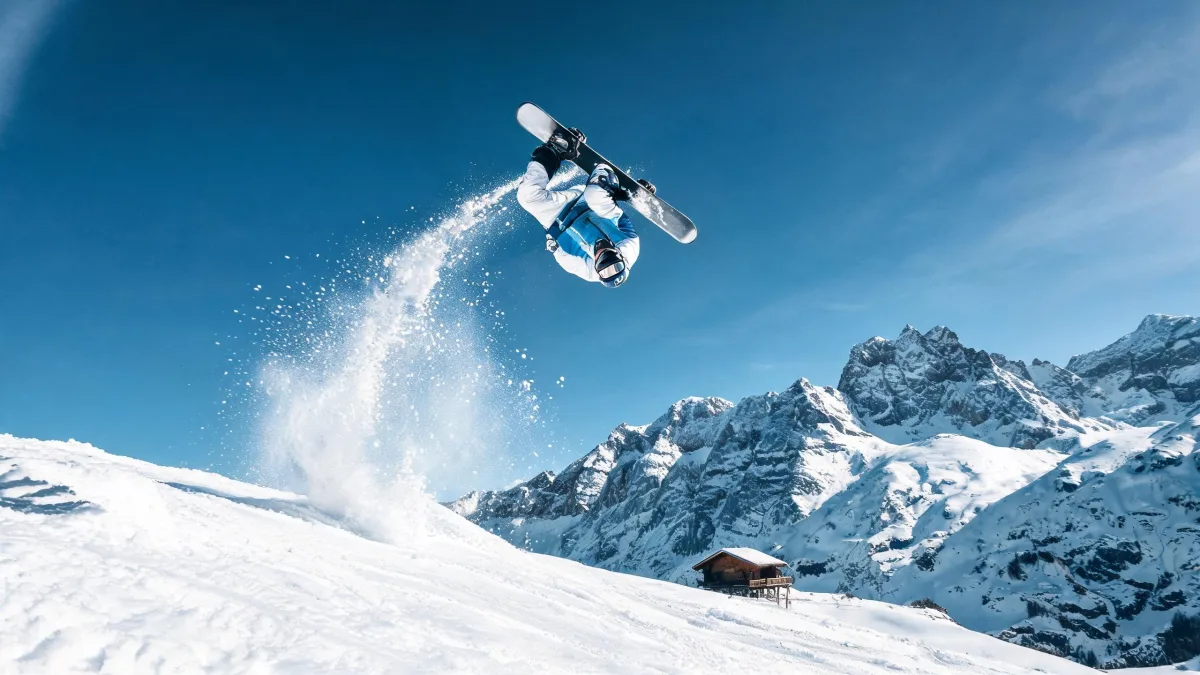
  • A snowboarder flips upside down against a deep blue sky above a powder slope, snow spraying in an arc, a wooden chalet and jagged peaks below.

    Backflip over the Alps

    Cinematic sports still, a freestyle snowboarder frozen mid-backflip against a deep blue sky above a powder slope in the Swiss Alps, a long arc of snow spraying from the board, jagged peaks and a tiny chalet far below, crisp winter sunlight, ultra-sharp action photography, high shutter speed.

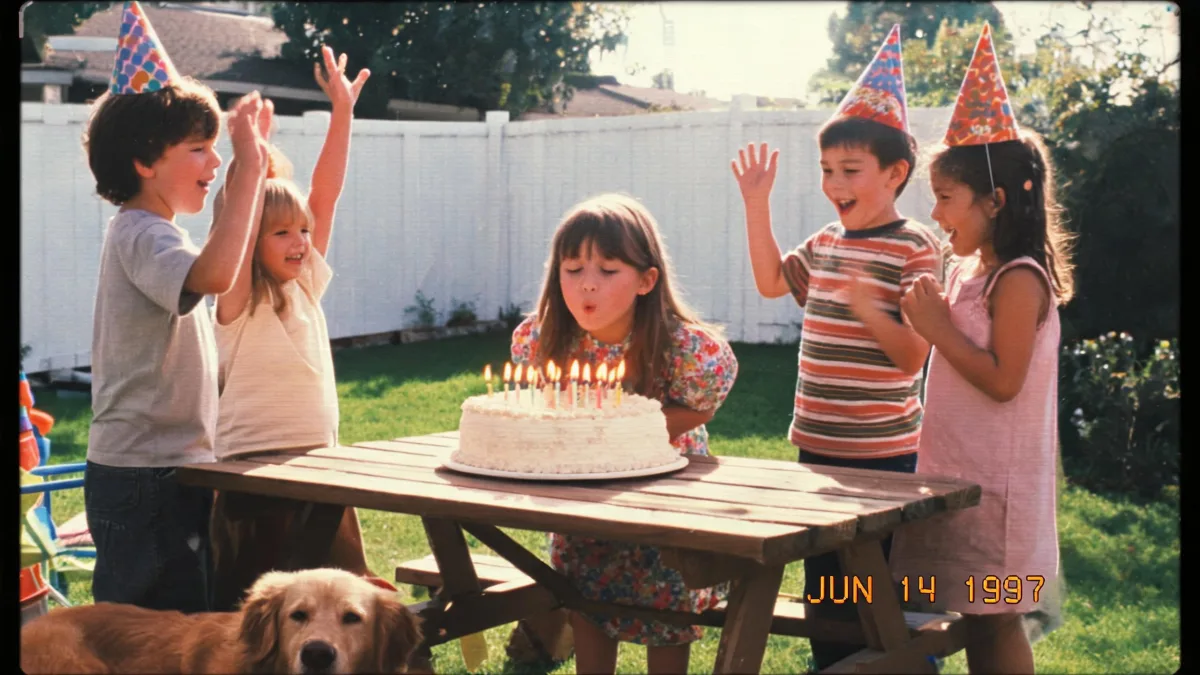
  • A camcorder-style frame of a backyard birthday party: a girl blows out the candles while kids in party hats cheer, a golden retriever in front and the date stamp JUN 14 1997 in the corner.

    A 1997 birthday on camcorder

    1990s camcorder home video still, a backyard birthday party in a California suburb, a seven-year-old girl blowing out candles on a frosted cake while cheering kids in party hats crowd around the picnic table, a golden retriever under the table, VHS color bleed, soft scan lines, slight overexposure, an orange date stamp "JUN 14 1997" in the lower right corner.

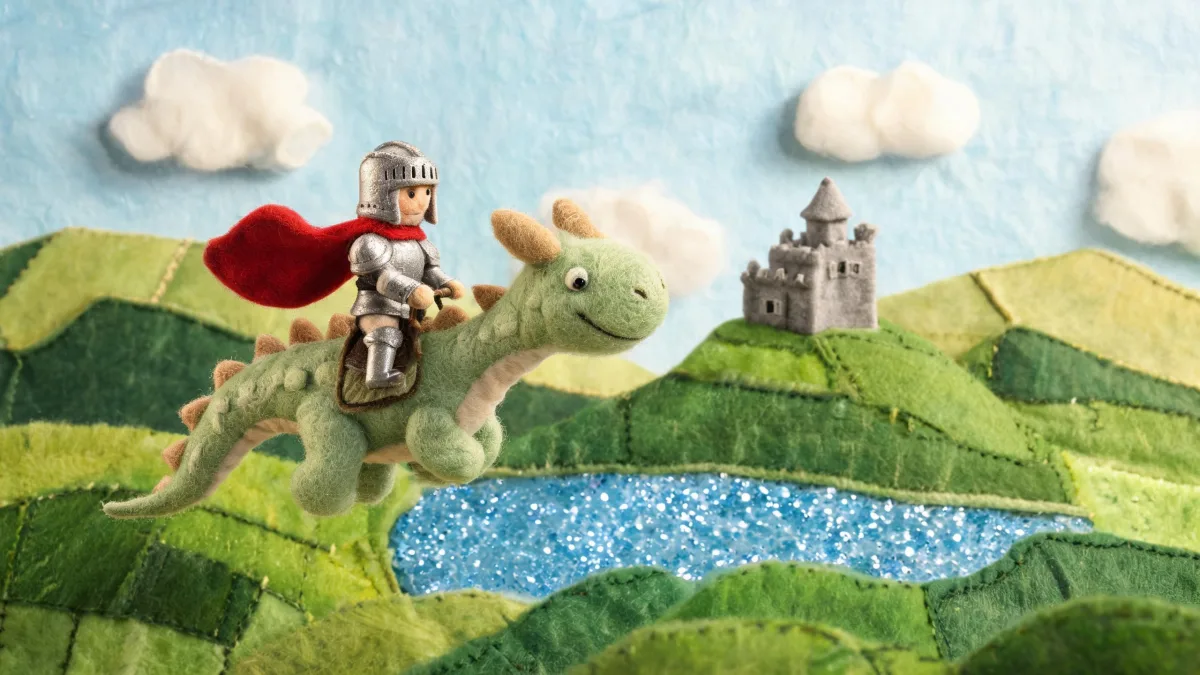
  • A stop-motion felt knight in a red cape rides a smiling green felt dragon over patchwork hills, a felt castle and a glittering blue loch below.

    A felt knight on a felt dragon

    Stop-motion felt animation still, a tiny wool knight in a red cape rides a friendly felt dragon over a patchwork of green Scottish highlands, a felt castle on a hill, cotton-ball clouds, a loch made of shimmering blue fabric, visible stitches and fiber texture, warm handmade miniature set, soft studio lighting.

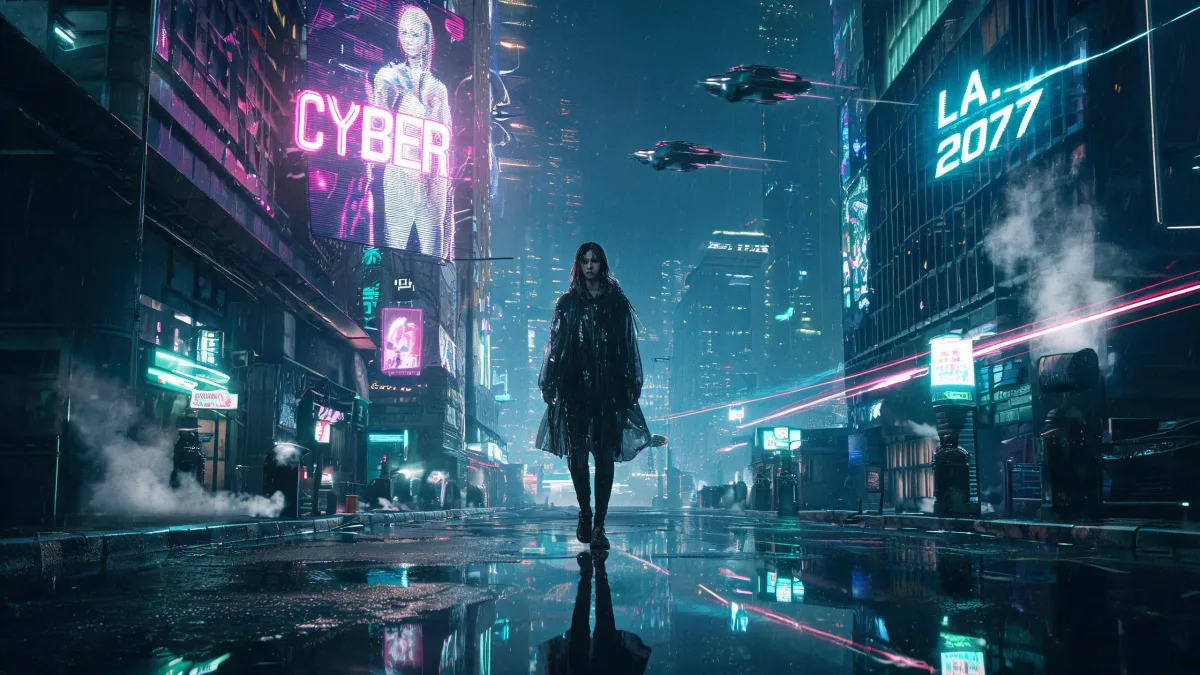
  • A woman in a translucent raincoat walks down a rain-soaked neon street at night, holographic billboards above and flying cars overhead, the lights reflected in the puddles.

    Rain in a neon future city

    Cinematic cyberpunk still, a woman in a translucent raincoat walks through a rain-soaked street in a futuristic Los Angeles at night, towering holographic billboards and magenta-cyan neon reflected in deep puddles, flying cars streaking overhead, steam rising from vents, anamorphic lens flares, Blade Runner mood.

Sample images are illustrative; results vary by model.

Kling 4.0 specs and pricing

Every price below comes from the live price list, so it changes here as soon as rates change. Credits are charged per image, or per second of video.

Credits per second Dollar amounts are approximate, based on monthly subscription prices.
ResolutionPlanCredits
720pFree36 about $0.36
1080pFree54 about $0.54

Kling 4.0 limitations

  • Sound is always on: Kling 4.0 has no switch for it, so mute or replace the track in an editor when you need a silent clip.

    You cannot upload music or sound effects. Describe them in the prompt instead. Kling's voice profiles, saved elements and video editing are not available on Zero Kit.

  • The editor on this page takes images only. On Free and above, a reference video goes in from a video that is already in a conversation.

    A clip made from keyframes takes the shape of its first frame, so the aspect ratio setting does not apply to it.

    Zero Kit converts uploads to a format Kling accepts, but each image still needs at least 300 pixels on each side and a shape between 2:5 and 5:2, or the request is rejected.

  • A long clip leaves more room for faces, hands and small lettering to drift. Check every second before you publish, and split a scene into shorter clips when one part keeps going wrong.

    The same prompt gives a different clip each time, so keep the take you like.

Kling 4.0 FAQ

Not through Kling's developer platform: its guide asks for a Flagship credit pack or a positive account balance before Kling 4.0 runs.

Kling's own app has a free Basic plan with free credits each month, while watermark removal and commercial use need its paid subscriptions.

On Zero Kit it is available on the free plan. New accounts get 10 free credits.

Ready to try Kling 4.0?

Write a line or pick a sample prompt, then press generate.

Last updated: