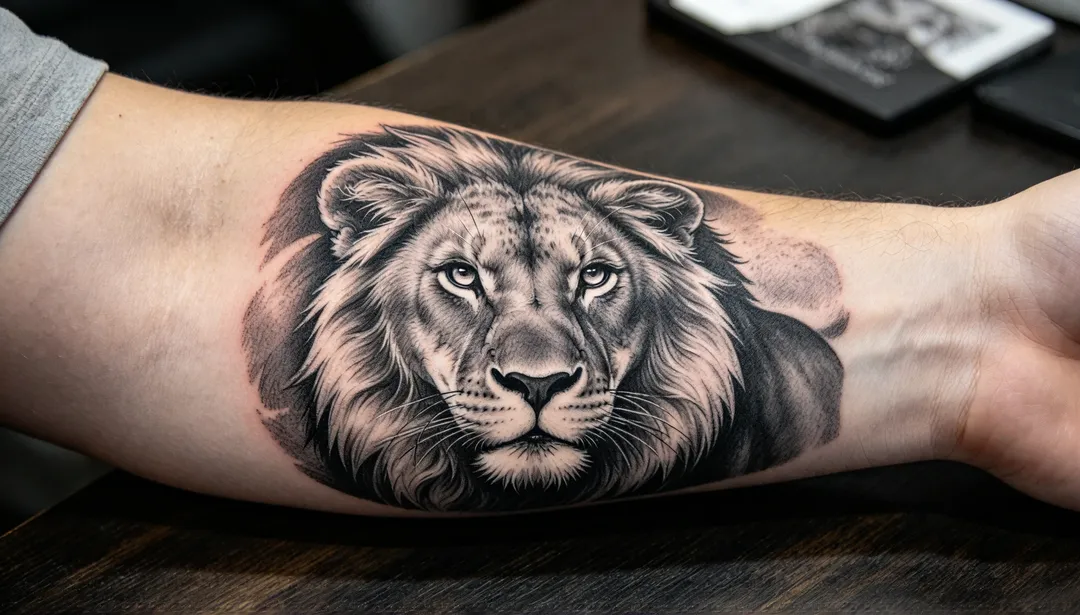
Realism: AI Tattoo Generator
Your photo is never used to train AI models.
Black-and-grey shading with photographic light and texture for portraits, animals and nature
Tags
- realism
- black and grey
- portrait
- shading
How it works
1
Describe the tattoo
Write the idea, the placement and the size. Add a photo of the skin if you want to see it on your body.
2
Pick a tattoo style
Choose a style such as fine line, traditional, blackwork, Japanese or script.
3
Generate and compare
Generate a few versions, try the strongest idea in a second style, and save the design to take to your tattoo artist.
More styles in Tattoo
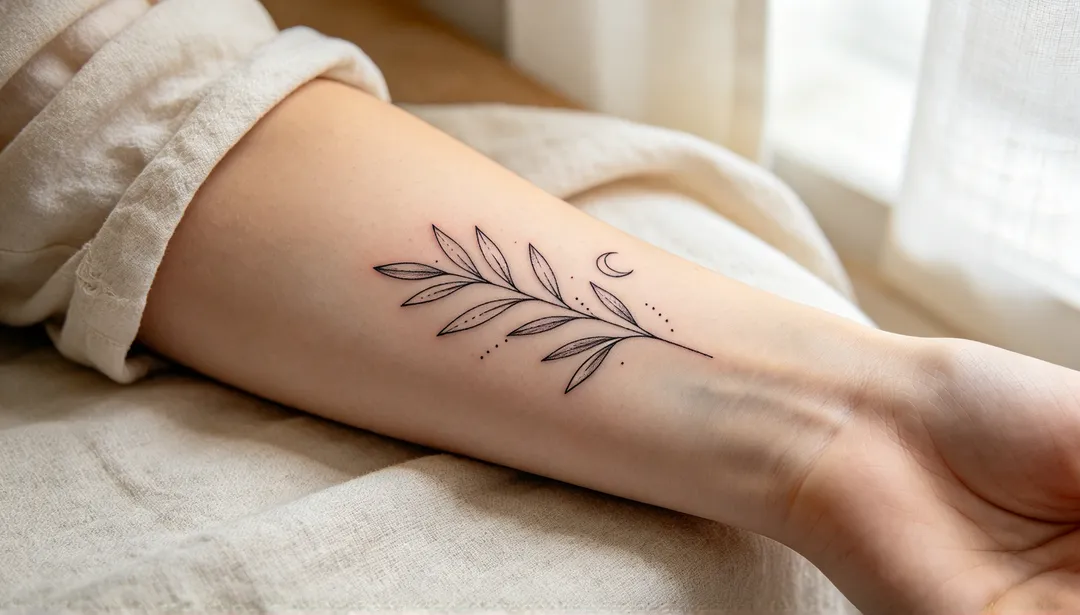
Fine Line
Hairline single-needle strokes and soft dotwork for a delicate, airy design with plenty of open space
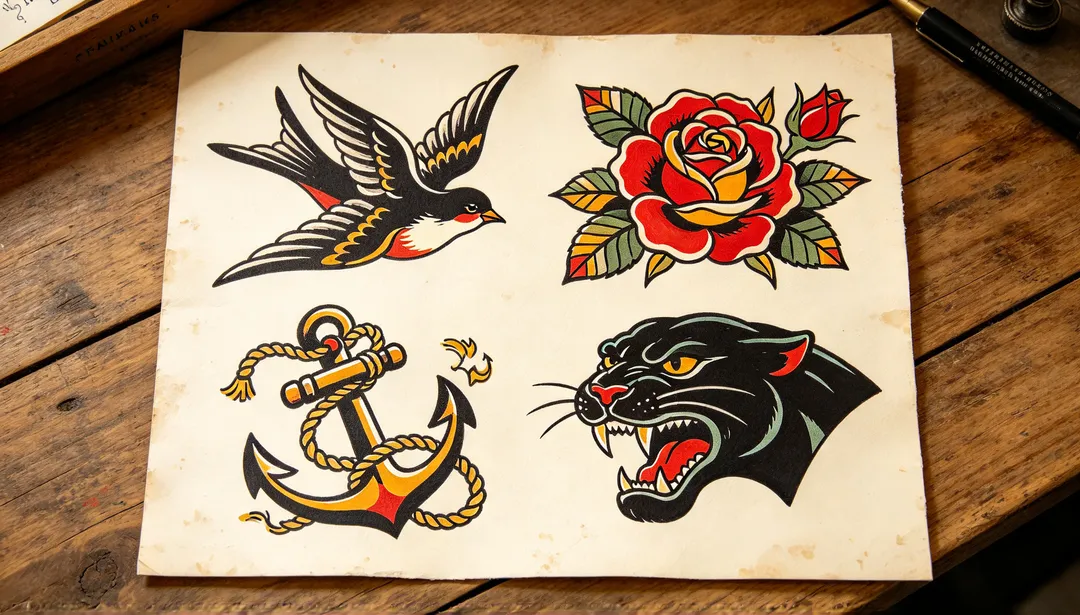
Traditional
American traditional flash with heavy black outlines, flat red, yellow and green fills and classic icons like swallows and roses
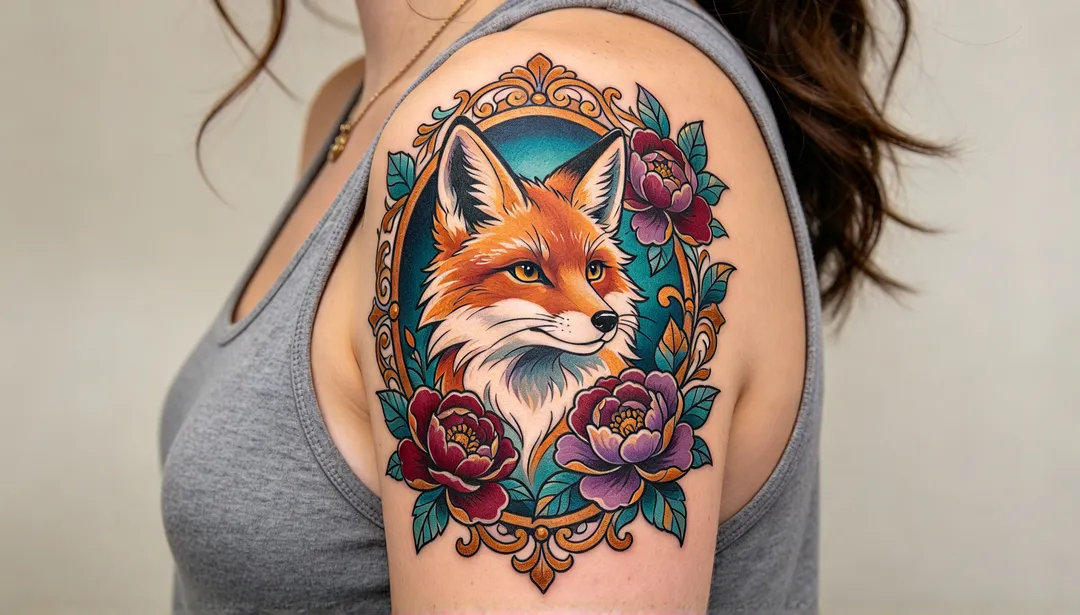
Neo-Traditional
Bold outlines with varied weight, smooth colour blends and jewel tones, framed by ornate filigree and flowers
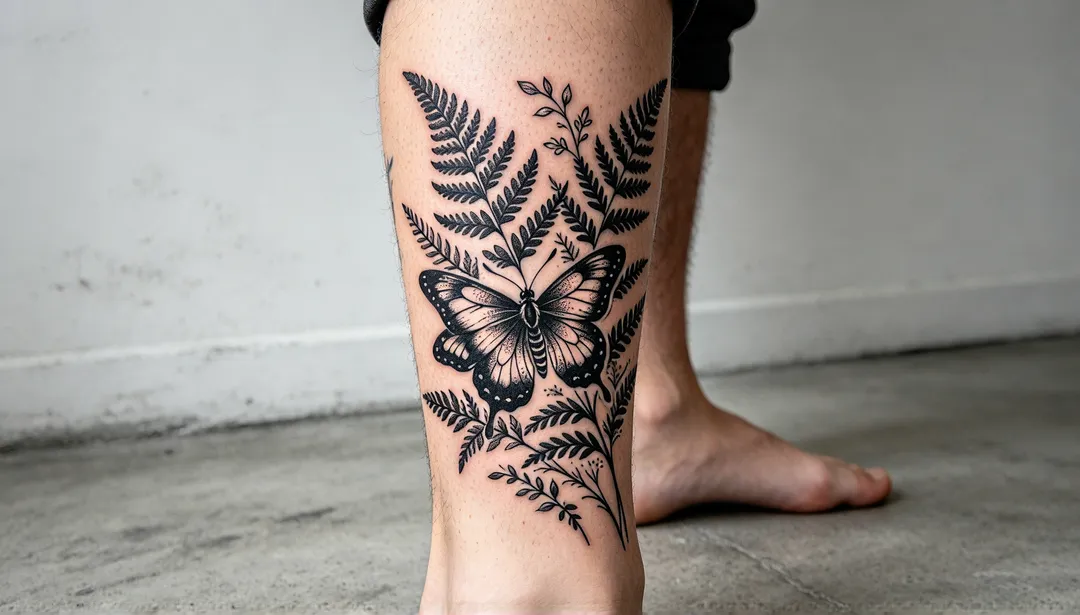
Blackwork
Solid black shapes against open space, with texture made only from linework and dotwork, no grey and no colour
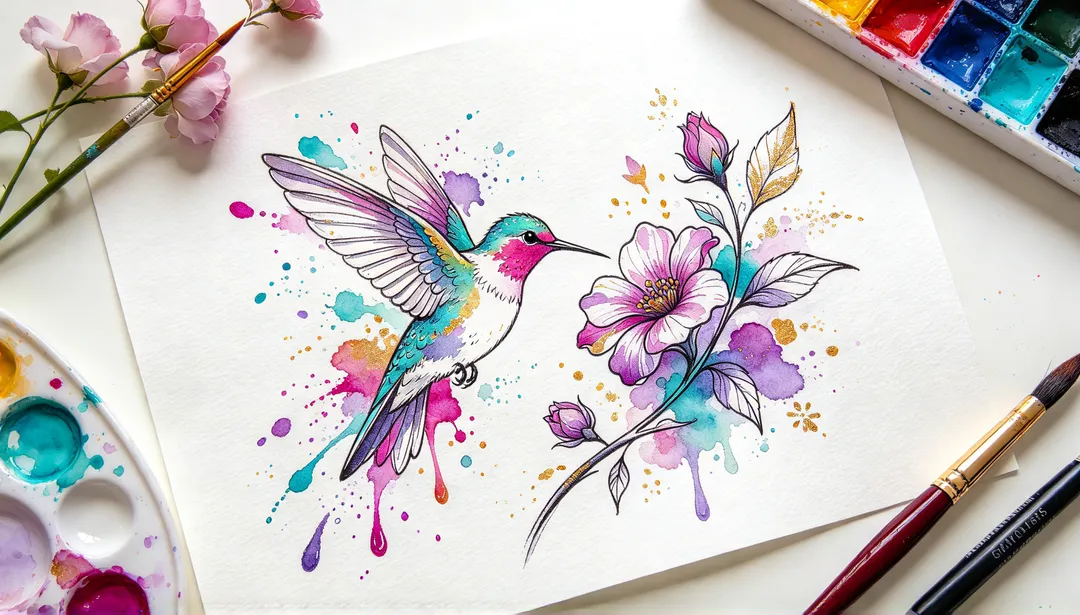
Watercolor
Loose washes of colour that bleed past the edges, held together by a light black sketch line
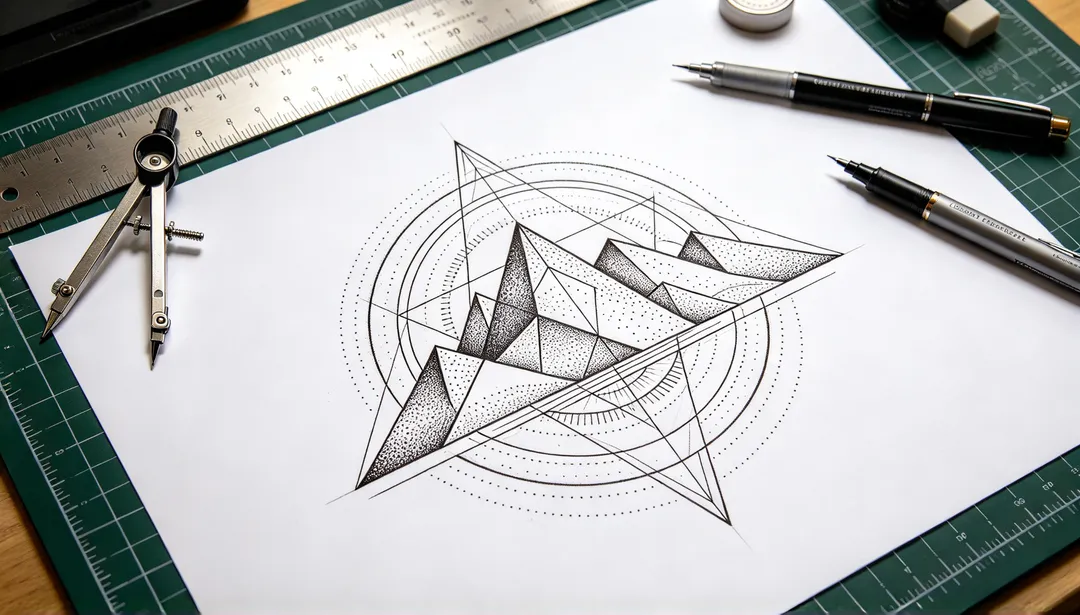
Geometric
Exact lines, circles and polygons with dotwork shading, built around one animal, flower or symbol
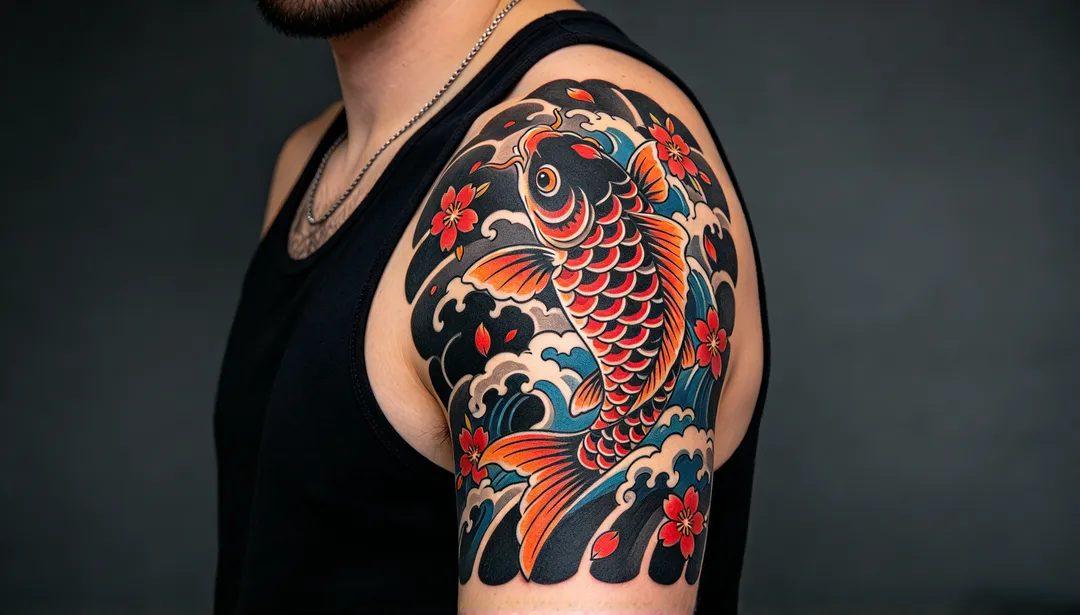
Japanese
Irezumi-style koi, dragons, tigers and peonies with thick outlines, waves and wind bars, and saturated colour
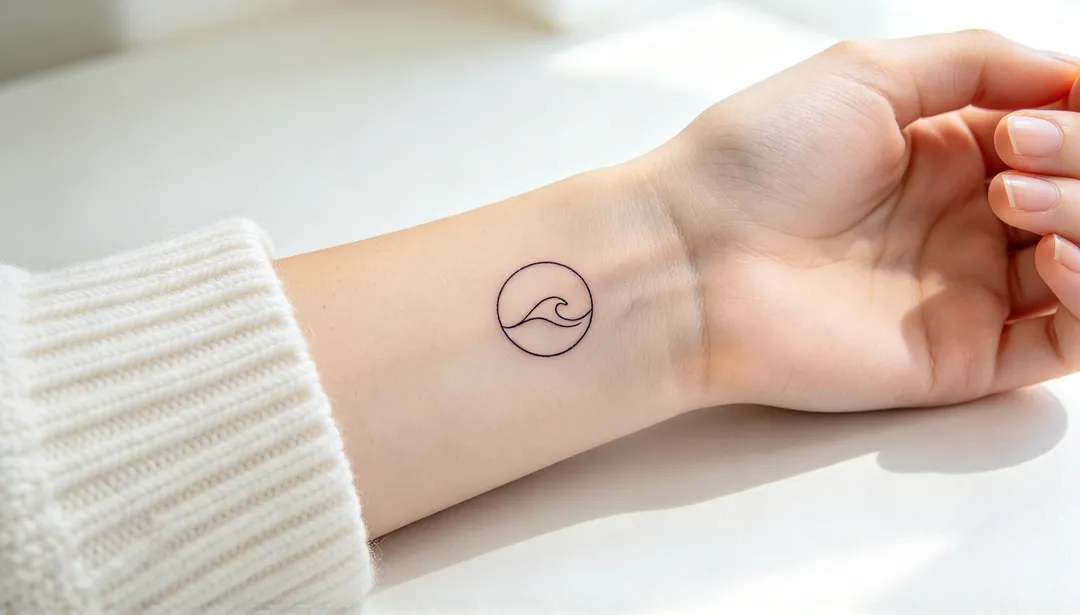
Minimalist
One idea in a few clean lines, small enough for a wrist, finger or ankle