AI tattoo generator: design a tattoo from text or preview it on your photo
Describe a tattoo idea in a sentence and get a clean design on white paper that you can show a tattoo artist. Pick a style first, such as fine line, traditional, blackwork, Japanese or script. To see it on you, add a photo of the arm, wrist or back where it would go, and the design is drawn onto the skin in that photo.
It is for people planning a first tattoo, collectors working out their next piece, and tattoo artists who want quick concept sketches to talk through with a client.
Use the results to settle on a style before booking, to show an artist what you have in mind, to check a design on a photo of your own arm or back, or to explore ideas for covering an old tattoo.
12 styles
Your photo is never used to train AI models.
Choose a style
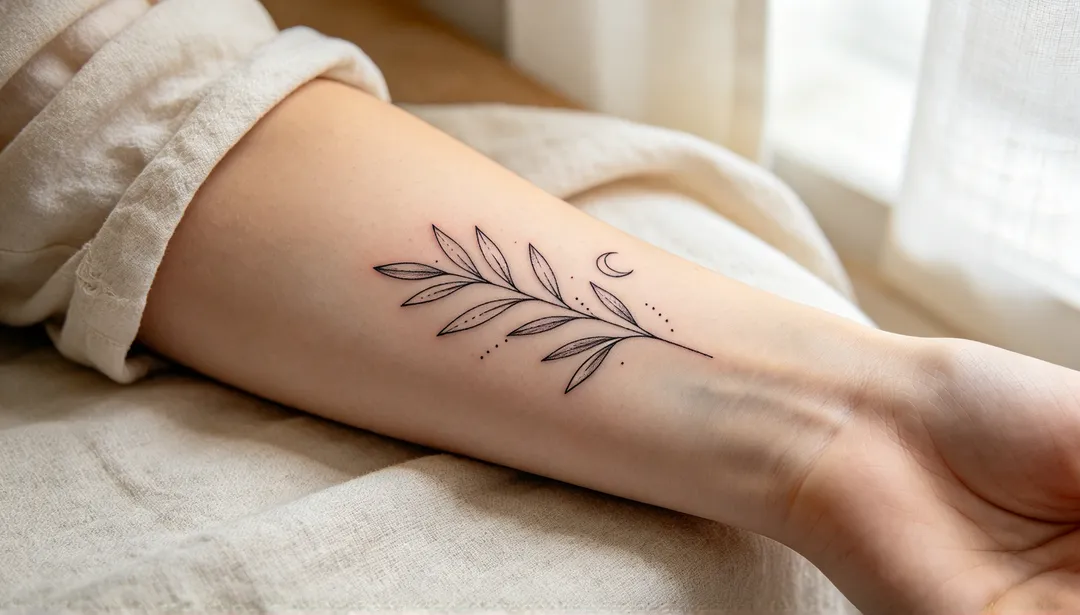
Fine Line
Hairline single-needle strokes and soft dotwork for a delicate, airy design with plenty of open space
Details: Fine Line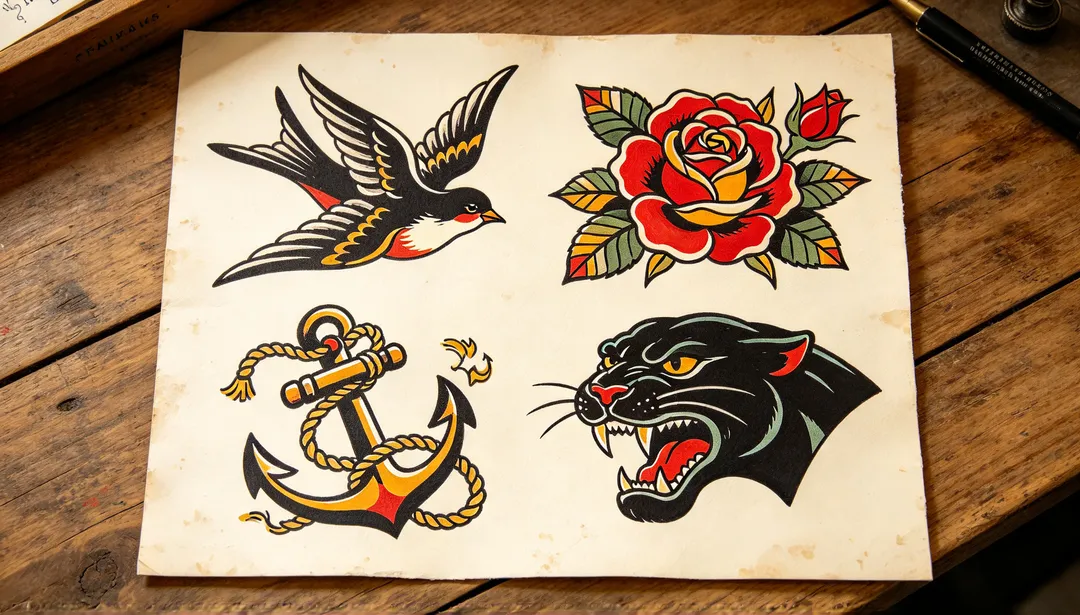
Traditional
American traditional flash with heavy black outlines, flat red, yellow and green fills and classic icons like swallows and roses
Details: Traditional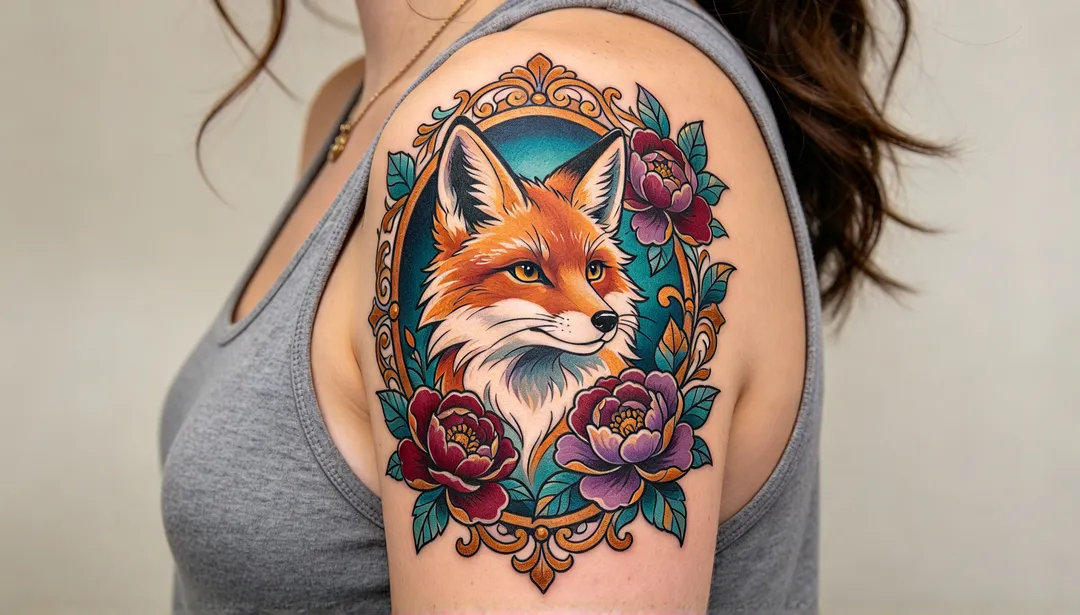
Neo-Traditional
Bold outlines with varied weight, smooth colour blends and jewel tones, framed by ornate filigree and flowers
Details: Neo-Traditional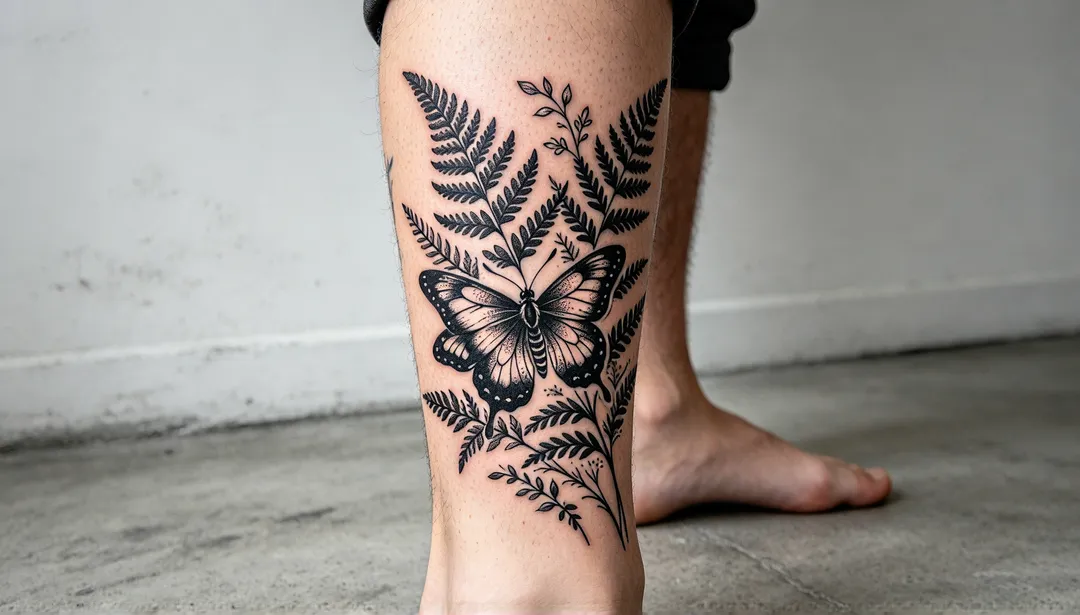
Blackwork
Solid black shapes against open space, with texture made only from linework and dotwork, no grey and no colour
Details: Blackwork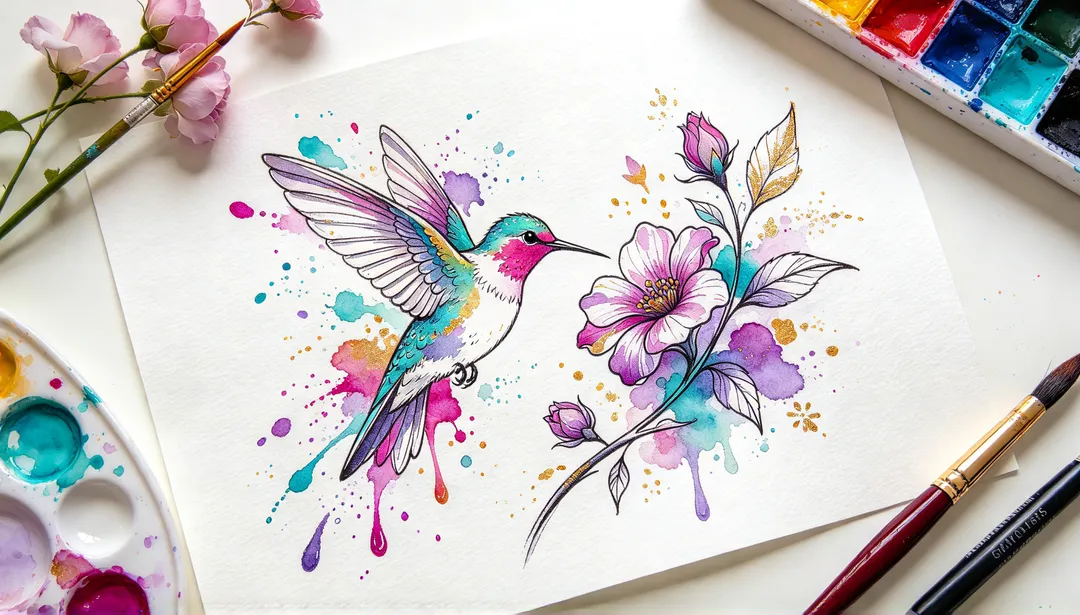
Watercolor
Loose washes of colour that bleed past the edges, held together by a light black sketch line
Details: Watercolor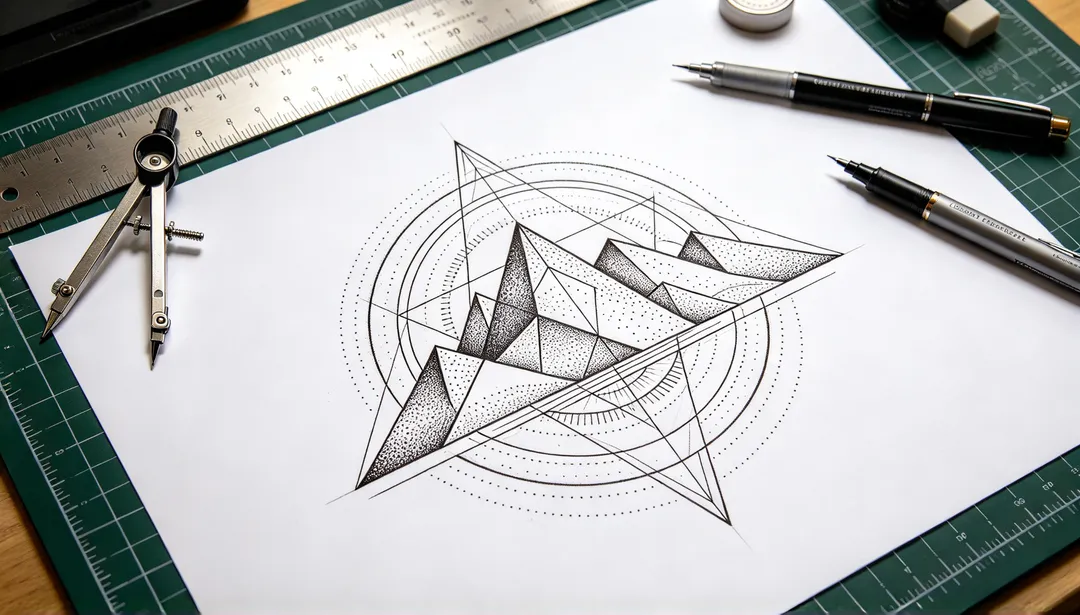
Geometric
Exact lines, circles and polygons with dotwork shading, built around one animal, flower or symbol
Details: Geometric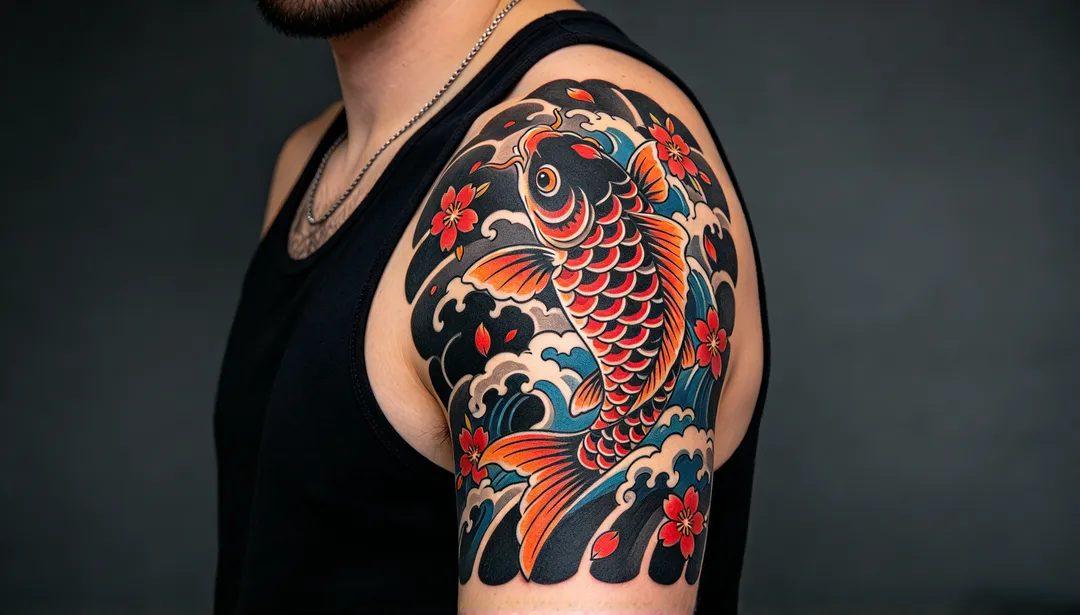
Japanese
Irezumi-style koi, dragons, tigers and peonies with thick outlines, waves and wind bars, and saturated colour
Details: Japanese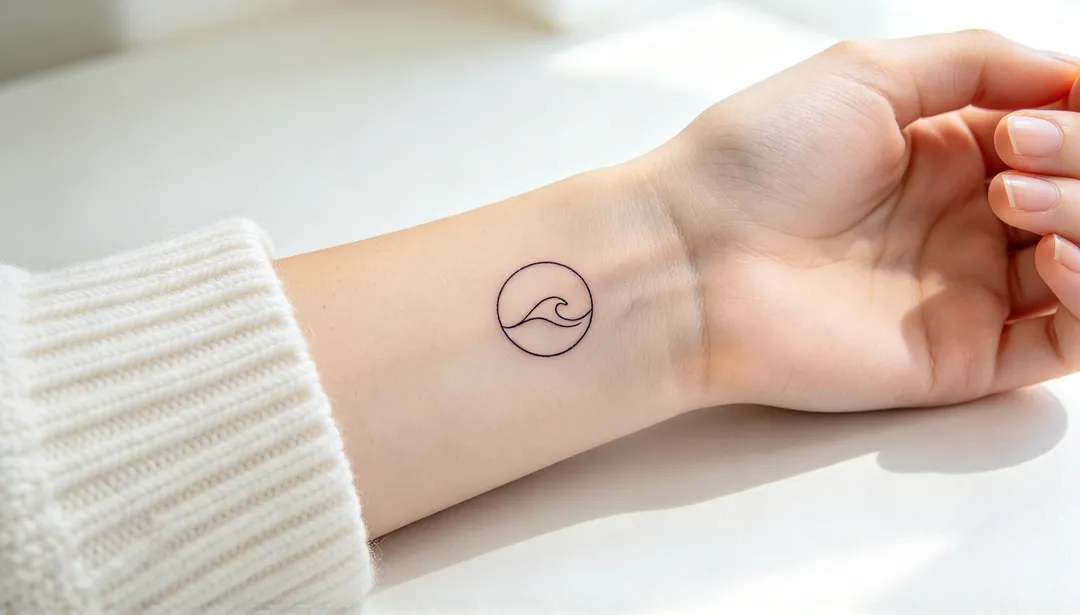
Minimalist
One idea in a few clean lines, small enough for a wrist, finger or ankle
Details: Minimalist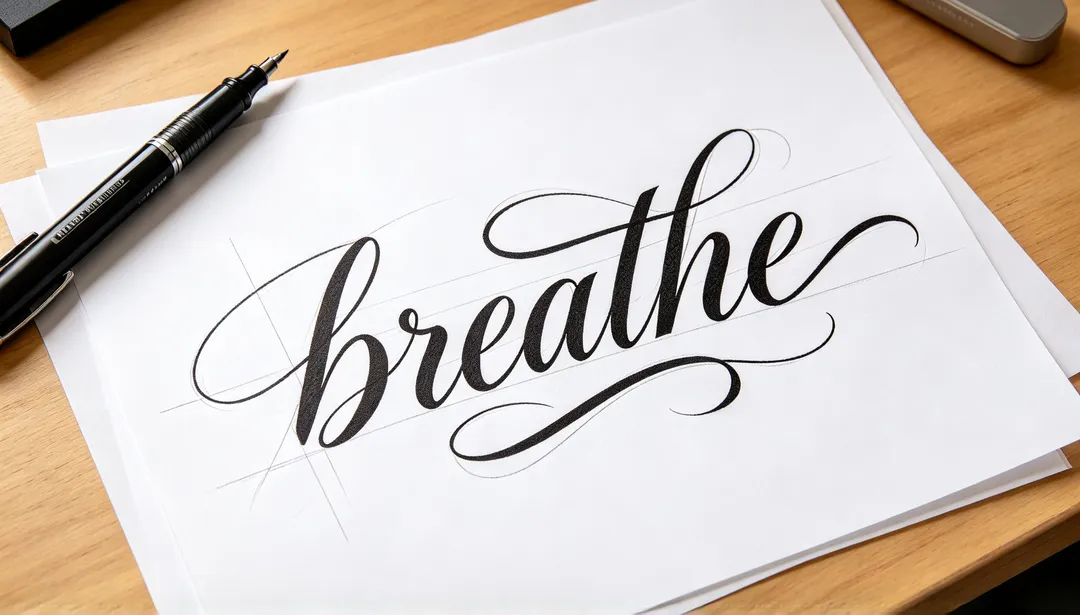
Script
Your words in flowing cursive or calligraphic tattoo lettering with thick-and-thin strokes and a light swash
Details: Script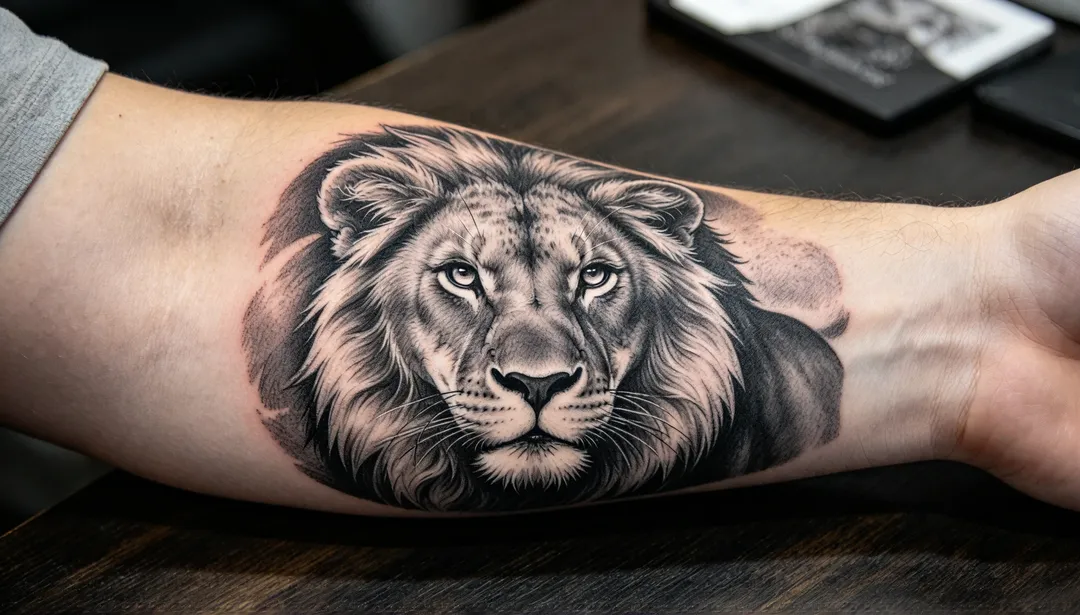
Realism
Black-and-grey shading with photographic light and texture for portraits, animals and nature
Details: Realism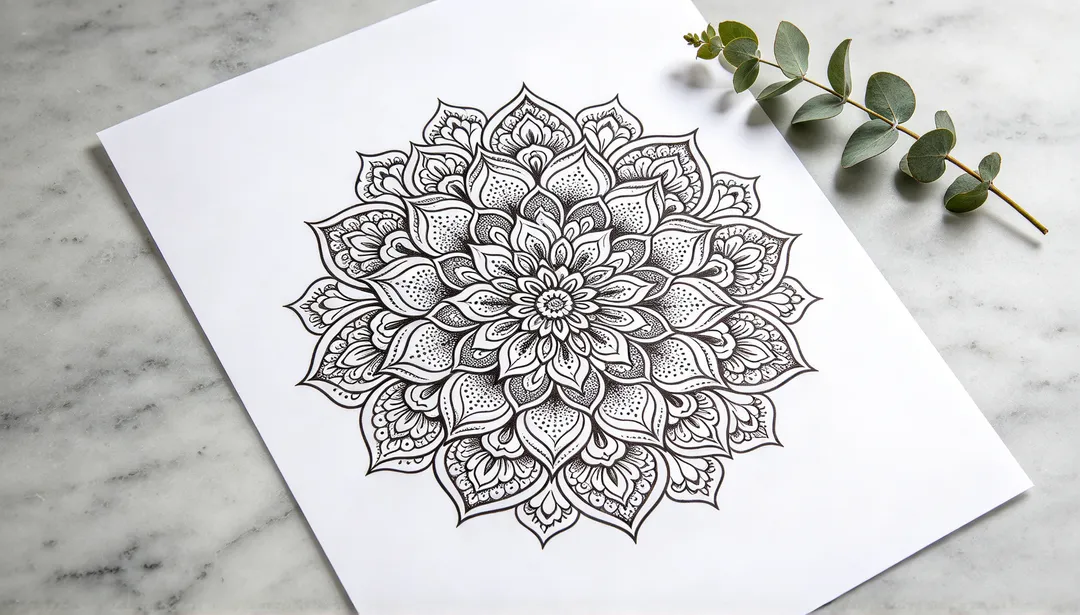
Mandala
A radially symmetric mandala of petals, lotus shapes and lace-like detail with dotwork shading
Details: Mandala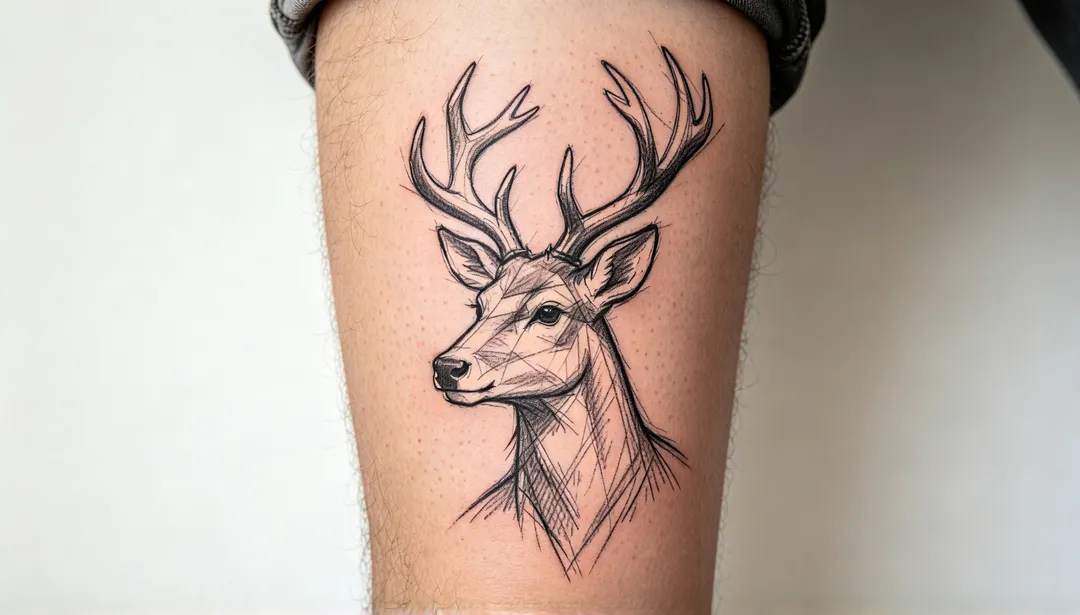
Sketch
A loose pencil-study look with hatching, construction lines and deliberately unfinished edges
Details: SketchAI tattoo styles explained
Line-led styles
Fine Line, Minimalist, Script and Sketch are built from linework: thin single-needle strokes, a few clean outlines, flowing lettering or loose hatching. They suit small and medium pieces on the wrist, forearm, ribs or ankle.
Bold classic styles
Traditional, Neo-Traditional and Japanese rely on heavy outlines and saturated colour: flat red, yellow and green flash, ornate jewel tones, or koi, dragons, waves and peonies in the irezumi manner.
Black ink, geometry and colour washes
Blackwork, Geometric, Mandala and Realism work in black and grey: solid black shapes, exact lines and dotwork, radial ornament or soft photographic shading. Watercolor goes the other way, with loose washes of colour around a light sketch line.
What to type for an AI tattoo
- Name the subject and one or two details, for example "a swallow carrying a small key" or "a sprig of lavender with two bees".
- Say where it will go and roughly how big, such as "small, inner wrist" or "forearm half sleeve"; it changes how much detail fits.
- For lettering, put the exact words in quotation marks and check every letter in the result.
- To preview it on your body, add a well-lit photo of that area with the skin clearly visible and nothing covering it.
How it works
1
Describe the tattoo
Write the idea, the placement and the size. Add a photo of the skin if you want to see it on your body.
2
Pick a tattoo style
Choose a style such as fine line, traditional, blackwork, Japanese or script.
3
Generate and compare
Generate a few versions, try the strongest idea in a second style, and save the design to take to your tattoo artist.