AI Presentation Visuals Generator
Generate cover art, section backgrounds and visuals for slide decks. Describe the topic and pick a style; the style keeps every image in the same visual language and leaves space for your titles. No reference image is needed.
It suits people who build decks often, such as consultants, teachers, founders pitching investors and teams preparing quarterly reviews, and who want something other than stock photos.
Use the images as presentation backgrounds, title slides, section dividers and visuals for reports, lessons and pitch decks.
50 styles
Your photo is never used to train AI models.
Choose a style

Blue & White Clean
Classic corporate blue tones paired with expansive white space for a crisp, professional slide backdrop.
Details: Blue & White Clean
Dark Premium
A deep charcoal backdrop accented with fine gold lines conveys an elite, high-end business tone.
Details: Dark Premium
Gradient Modern
Flowing modern gradients paired with floating geometric shapes for a contemporary slide look.
Details: Gradient Modern
Finance Serious
A steady, chart-friendly palette built for data-heavy financial storytelling.
Details: Finance Serious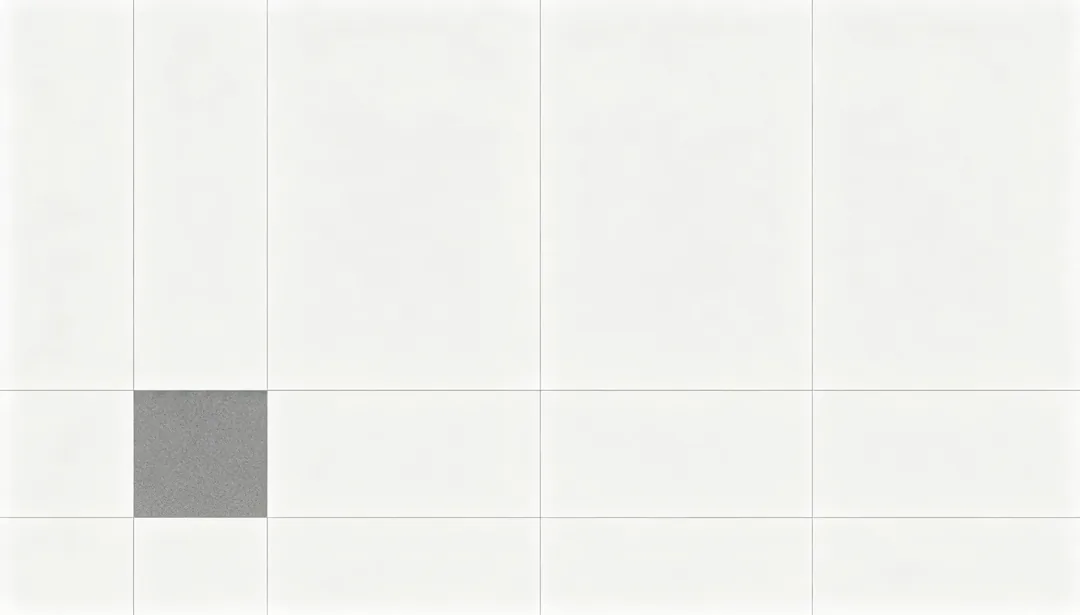
Consulting Minimal
A structured, minimal layout in the spirit of top-tier strategy consulting decks.
Details: Consulting Minimal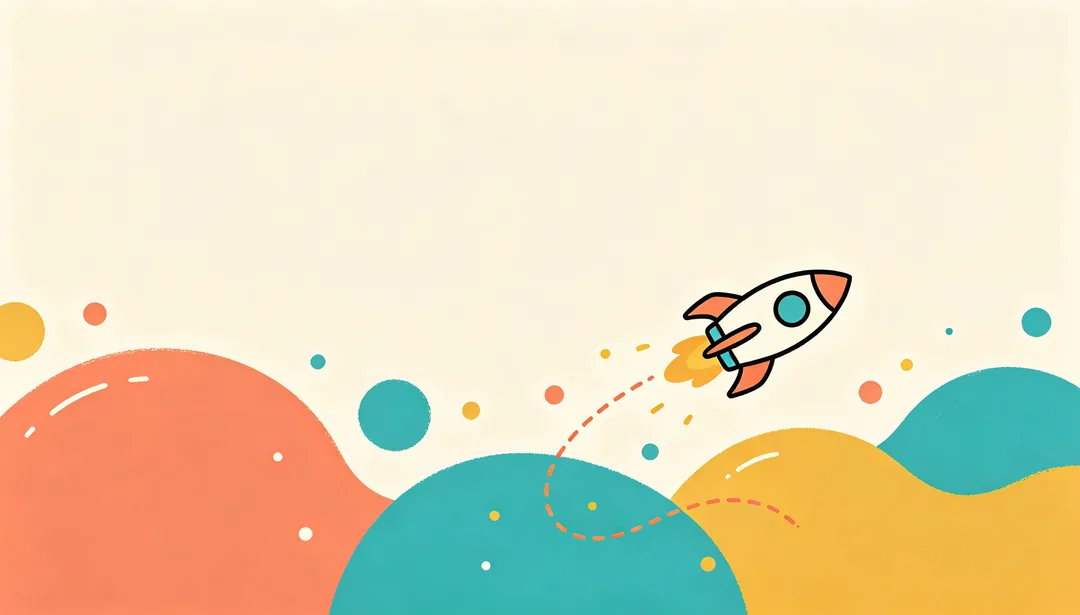
Startup Fresh
A vibrant, youthful backdrop built from flat illustration shapes for early-stage brand energy.
Details: Startup Fresh
Corporate Annual Report
A formal, infographic-dense cover style built for annual and milestone corporate reports.
Details: Corporate Annual Report
Legal Formal
A dark, solemn backdrop evoking serif-driven legal and institutional formality.
Details: Legal Formal
Cyber Data Flow
Streaming data particles and glowing flow lines across a dark cyber-tech backdrop.
Details: Cyber Data Flow
AI Neural Network
A glowing neural-network node diagram visualizing AI-driven intelligence.
Details: AI Neural Network
Cloud Computing
Soft cloud icons linked to server racks by thin connection lines for a cloud-computing theme.
Details: Cloud Computing
Digital Transformation
A visual transition from tangible material texture into glowing digital grid lines.
Details: Digital Transformation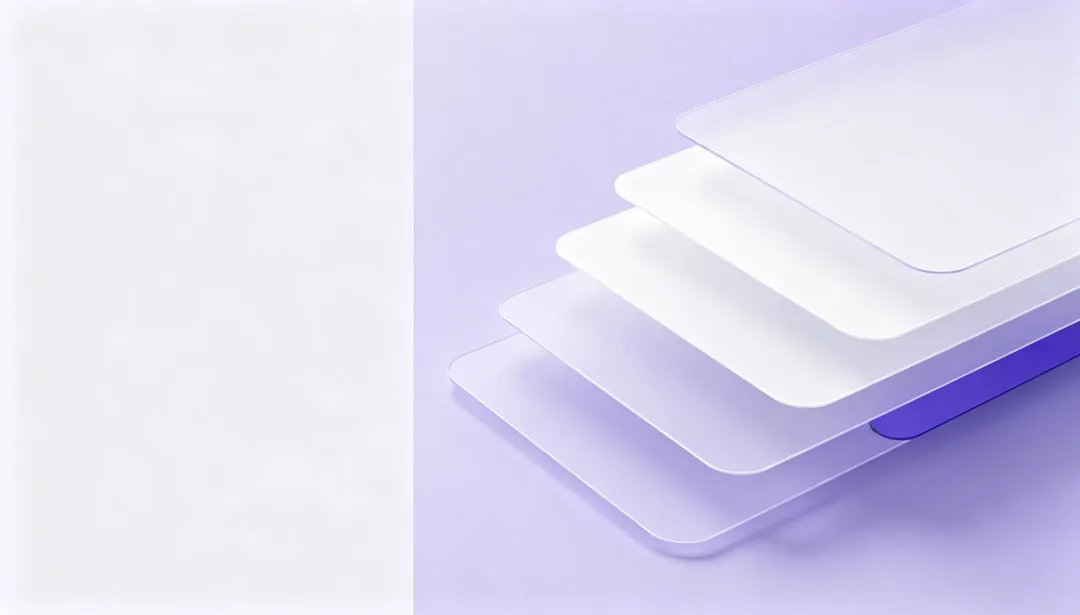
SaaS Product Launch
Floating abstract app-interface panels arranged for a SaaS product launch cover.
Details: SaaS Product Launch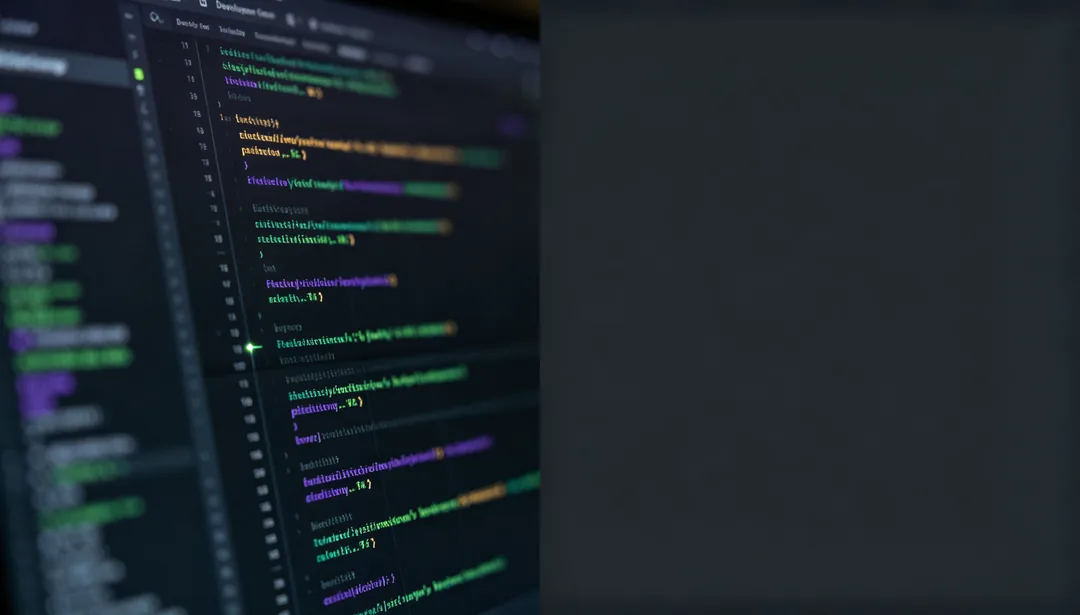
Developer Dark Mode
A dark code-editor-inspired backdrop with blurred syntax-colored line blocks and a terminal cursor glow.
Details: Developer Dark Mode
Web3 Blockchain
Interlocking translucent blocks joined in a chain to visualize decentralized Web3 networks.
Details: Web3 Blockchain
Blackboard Chalk
A textured blackboard backdrop with loose chalk doodles evoking a classroom atmosphere.
Details: Blackboard Chalk
Campus Youth
Bright, energetic color blocks paired with playful shapes for a youthful campus feel.
Details: Campus Youth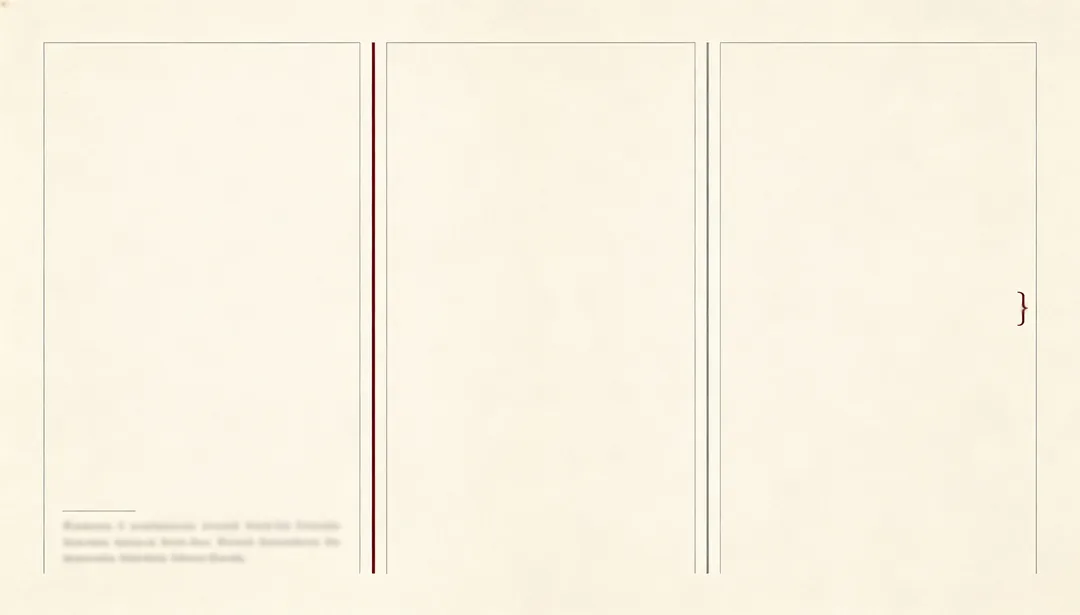
Academic Journal
A rigorous printed-journal layout feel with fine rule lines and margin notation marks.
Details: Academic Journal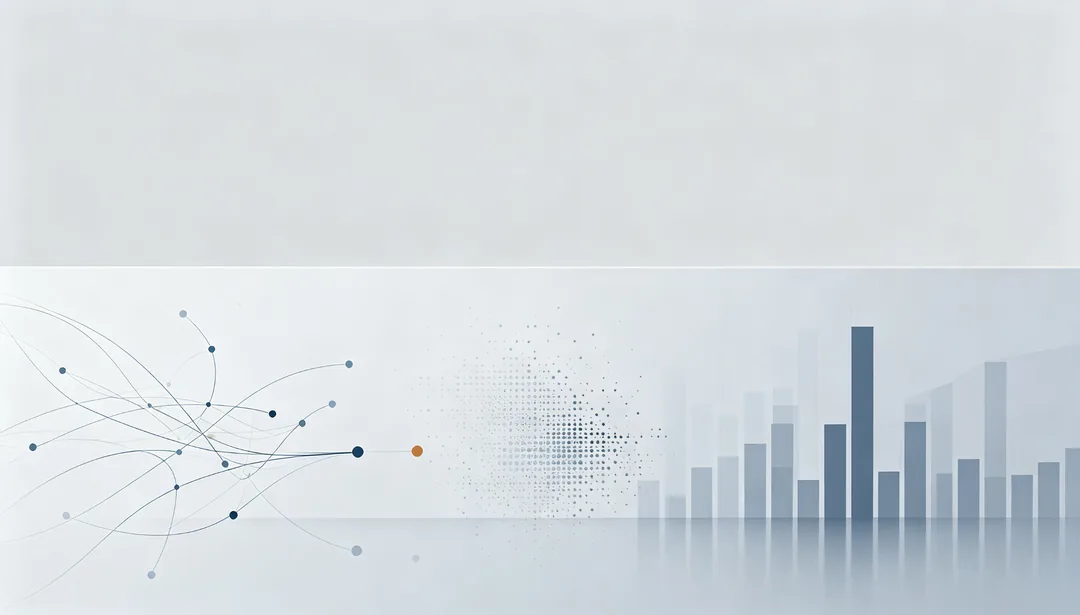
Research Report
Dense abstract chart clusters on a professional backdrop built for research reporting.
Details: Research Report
Kids Playful
Bouncy cartoon shapes and vivid colors turn the slide background into a gamified playground.
Details: Kids Playful
STEM Science
Faint circuit-board traces and lab glassware silhouettes build a STEM-inspired scientific mood.
Details: STEM Science
Language & Culture
A softly lit globe surrounded by drifting cultural symbol motifs for language and culture themes.
Details: Language & Culture
Memphis Pop
Irregular geometric fragments in bold clashing colors channel the playful Memphis design movement.
Details: Memphis Pop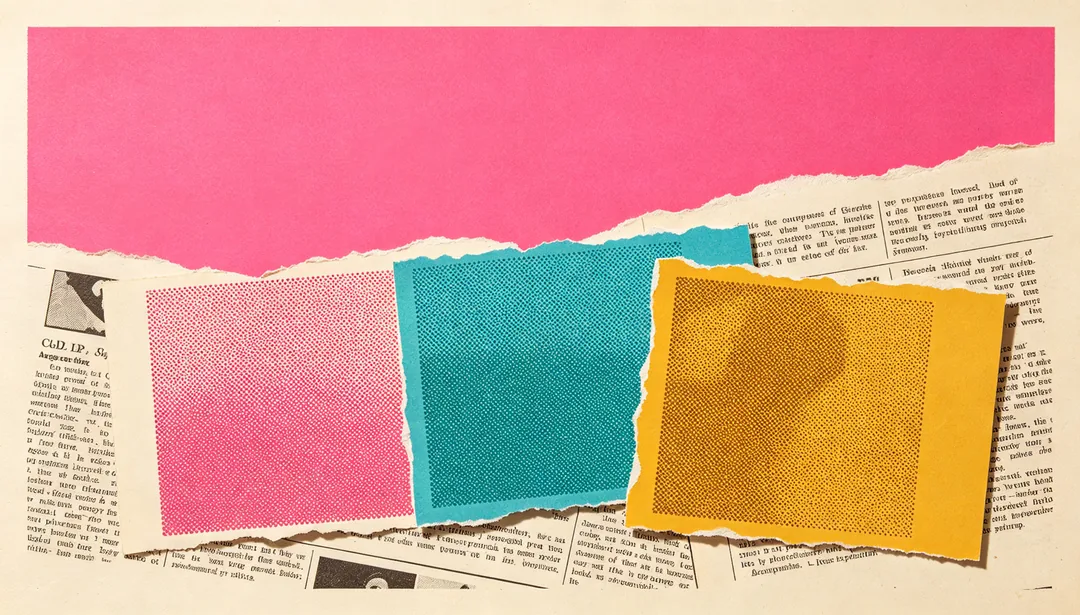
Pop Collage
Overlapping torn-paper cutout shapes and clashing color blocks build a pop-art magazine collage.
Details: Pop Collage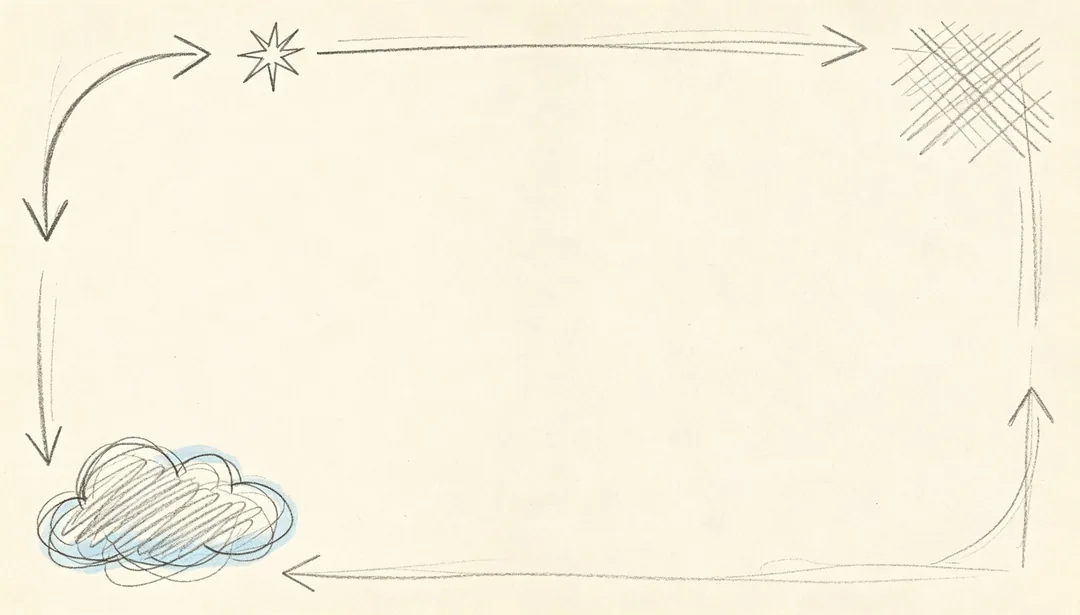
Hand-Drawn Doodle
Loose pencil doodles, arrows, and scribbled annotation marks give the slide a handmade sketchbook feel.
Details: Hand-Drawn Doodle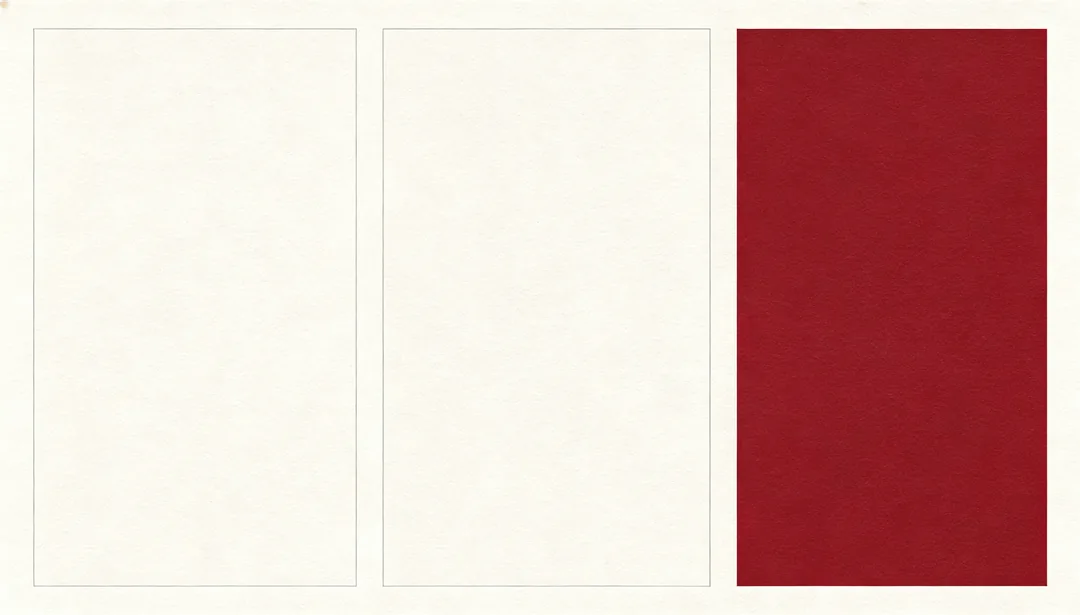
Magazine Layout
A refined multi-column editorial grid with a bold hero image block for magazine-style layouts.
Details: Magazine Layout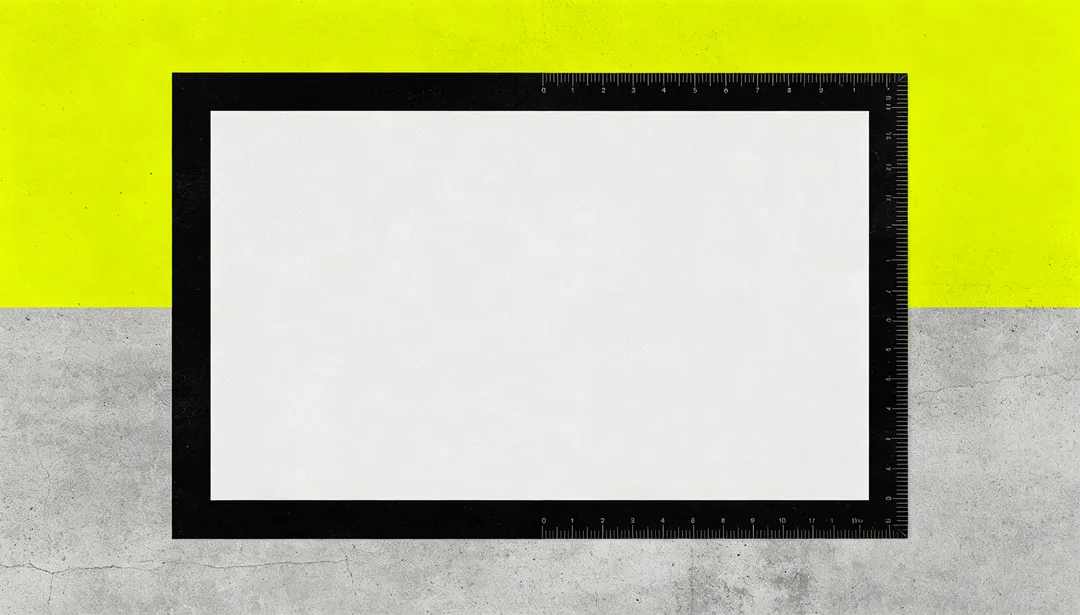
Brutalist Raw
Thick unadorned frames and stark high-contrast blocks channel raw brutalist graphic design.
Details: Brutalist Raw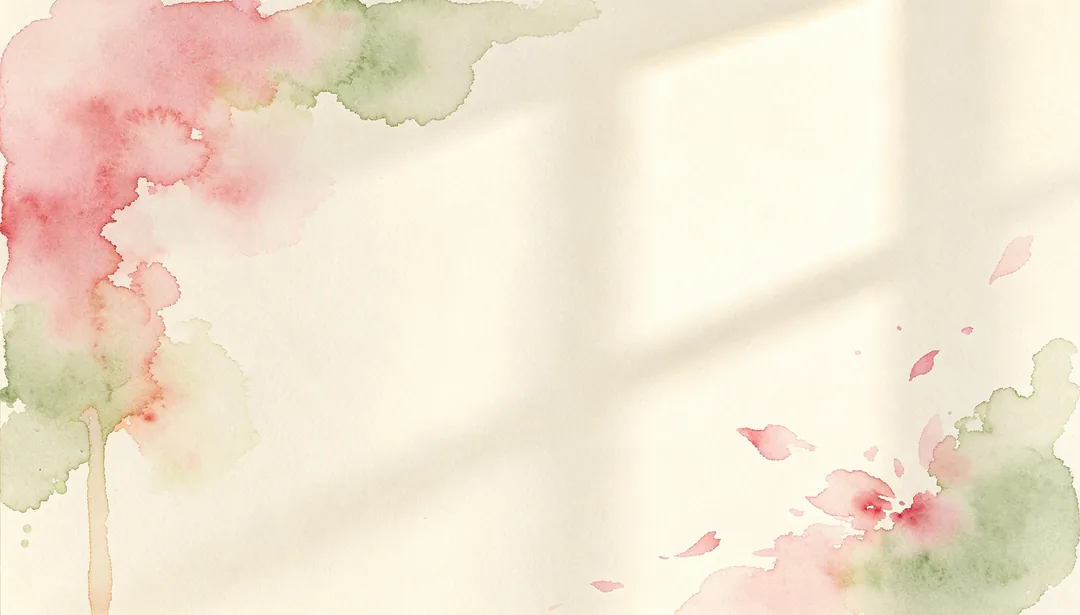
Watercolor Artistic
Soft watercolor washes with visible pigment bloom give the slide a hand-painted artistic warmth.
Details: Watercolor Artistic
Full-Bleed Photography
A full-bleed atmospheric photograph paired with a translucent overlay panel for text legibility.
Details: Full-Bleed Photography
Year-End Red & Gold
A festive red-and-gold palette with radiant accents for year-end achievement summaries.
Details: Year-End Red & Gold
New Year Festive
Fireworks bursts and floating balloons build a festive countdown-party atmosphere.
Details: New Year Festive
Quarterly Review
Abstract progress bars and trend arrows build a data-driven quarterly review backdrop.
Details: Quarterly Review
Thank You & Grateful
Warm soft-toned lighting and a gentle silhouette of linked hands express heartfelt gratitude.
Details: Thank You & Grateful
Spring Renewal
Fresh green sprouts and soft bokeh light convey a renewed, spring-awakening mood.
Details: Spring Renewal
Medical Blue & Green
A clean blue-and-green palette with a soft cross emblem conveys clinical healthcare trust.
Details: Medical Blue & Green
Life Science
A glowing double-helix strand and floating cell motifs build a life-science research mood.
Details: Life Science
Real Estate Luxury
A softly rendered architectural facade bathed in golden light conveys refined real-estate luxury.
Details: Real Estate Luxury
Food & Beverage Warm
Warm restaurant lighting over softly blurred dish textures builds a cozy menu-cover mood.
Details: Food & Beverage Warm
Travel Adventure
A sweeping scenic vista paired with a faint map-and-compass motif evokes travel adventure.
Details: Travel Adventure
Sports Energy
Dynamic speed-streak motion lines and bold power colors capture raw athletic energy.
Details: Sports Energy
Fashion Editorial
A high-fashion grey palette and refined studio texture channel magazine editorial polish.
Details: Fashion Editorial
Eco Sustainability
Recycled-paper texture and a soft leaf-and-globe motif build an eco-conscious sustainability mood.
Details: Eco Sustainability
Manufacturing Industrial
Blue-grey factory silhouettes and faint assembly-line lines convey industrial manufacturing scale.
Details: Manufacturing Industrial
Government Official
A solemn red-and-gold palette with radial hall lighting conveys official government gravitas.
Details: Government Official
VC Pitch Deck
A clean growth-curve motif and abstract market-size circles suit venture pitch storytelling.
Details: VC Pitch Deck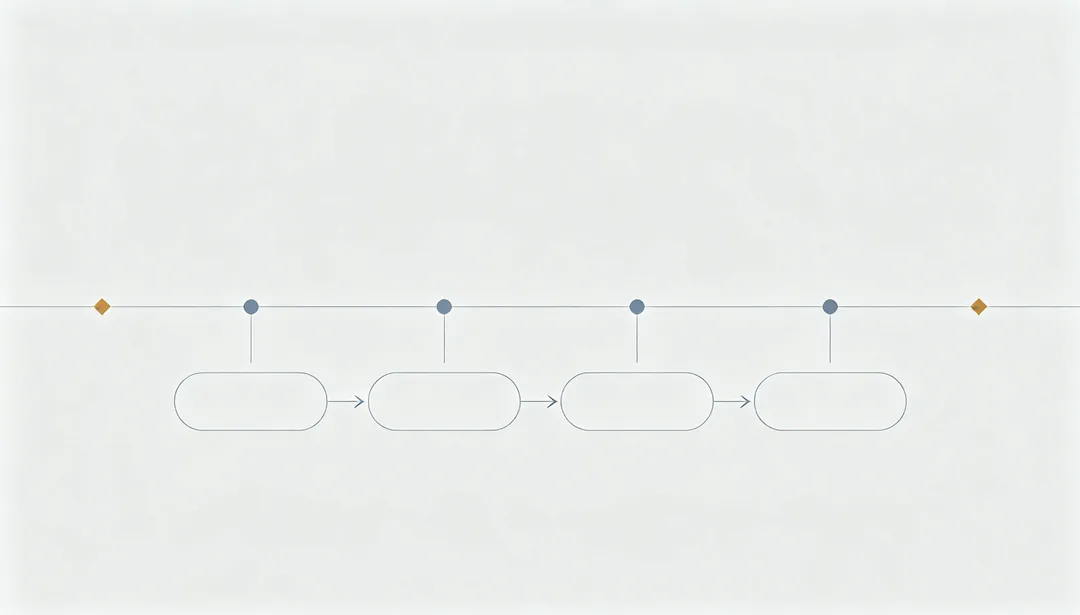
Project Proposal
A faint flowchart and milestone-marker timeline convey structured project planning.
Details: Project Proposal
Training Workshop
Numbered step-marker circles and a soft practice-zone panel build an interactive workshop mood.
Details: Training Workshop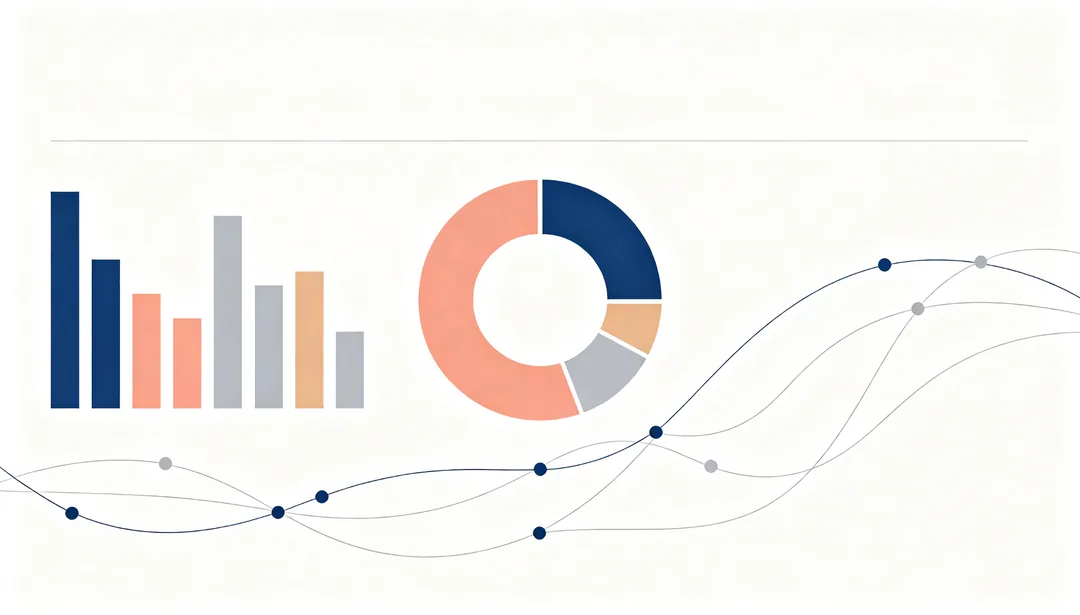
Infographic Data
A dense arrangement of abstract chart icons and flowing node diagrams builds a data-rich infographic base.
Details: Infographic Data
Guochao Culture
Traditional cloud-and-wave patterns rendered in a bold modern Chinese palette express cultural pride.
Details: Guochao Culture
Whitepaper Clean
An exceptionally quiet, whitespace-heavy layout built for long-form, reading-comfortable whitepapers.
Details: Whitepaper CleanAI presentation images by deck type
Business and pitch decks
Consulting Minimal, Finance Serious, Corporate Annual Report, VC Pitch Deck and Quarterly Review stay restrained and leave room for titles.
Tech and product decks
AI Neural Network, Cloud Computing, SaaS Product Launch and Developer Dark Mode give abstract technology backgrounds without fake logos or text.
Lessons and events
Blackboard Chalk, STEM Science, Kids Playful and Academic Journal suit lessons; Year-End Red & Gold, New Year Festive and Thank You & Grateful suit events and closing slides.
How to get slide images that fit your deck
- Choose 16:9 for slides; for a full-screen background, pick a resolution at least as wide as the screen.
- Describe the topic and the mood, not the layout; the style already leaves clear space for headlines.
- Use one style for the whole deck and change only the subject in each description.
- Add your own titles, numbers and charts in the presentation app.
How it works
1
Describe the topic
Write one line about the deck or the section. No image is needed.
2
Pick a deck style
Choose a look for business, tech, lessons or events, and set the ratio to 16:9.
3
Generate and place
Generate, download and drop the image into your slide as a background or visual.