AI poster and flyer generator: turn a product photo into a sales poster
Turn your product photo into a sales poster. Upload the product shot, add the headline or selling points, and pick a style; the style decides layout, lighting and colour. A text description alone also works.
It is for online sellers, small brands and marketers who need campaign visuals often and do not have a designer for each one.
Use the posters for listing images, detail-page headers, social posts, livestream covers, holiday promotions, event flyers and display banners.
50 styles
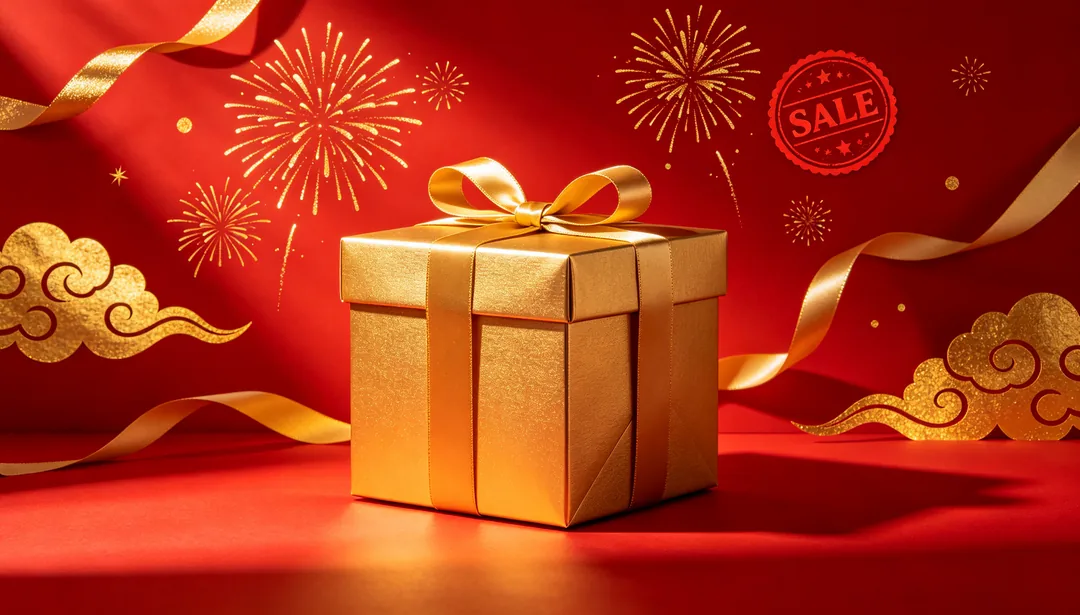
Red & Gold Festive
Classic Double 11 / 618 mega-sale look built on vivid red and radiant gold
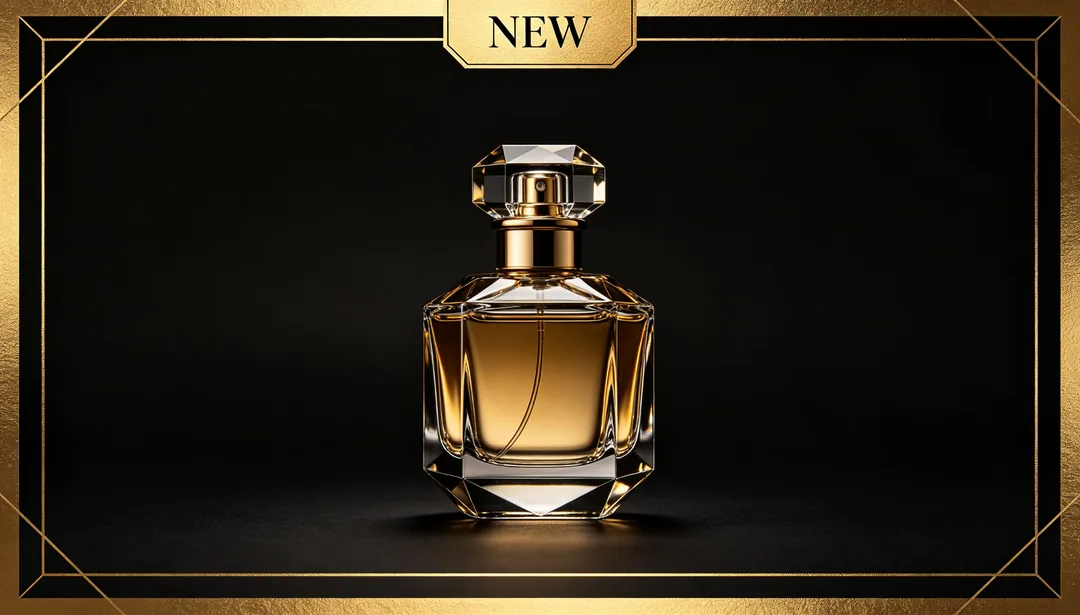
Black & Gold Luxury
Dark backdrop with gold typography for a premium, exclusive sale feel
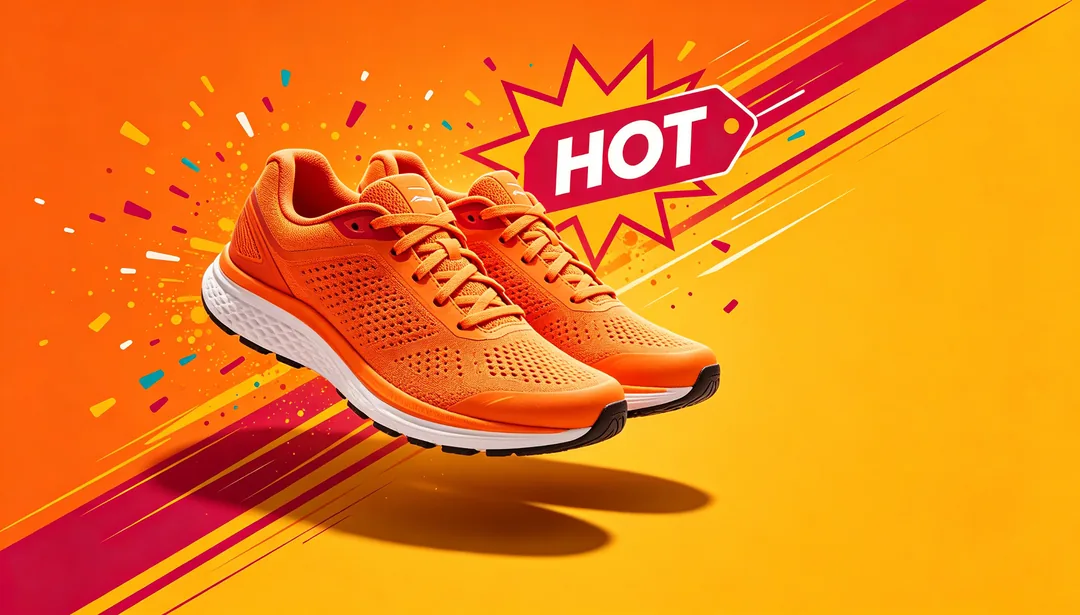
Vibrant Orange Energy
High-saturation warm colors that radiate energy and excitement
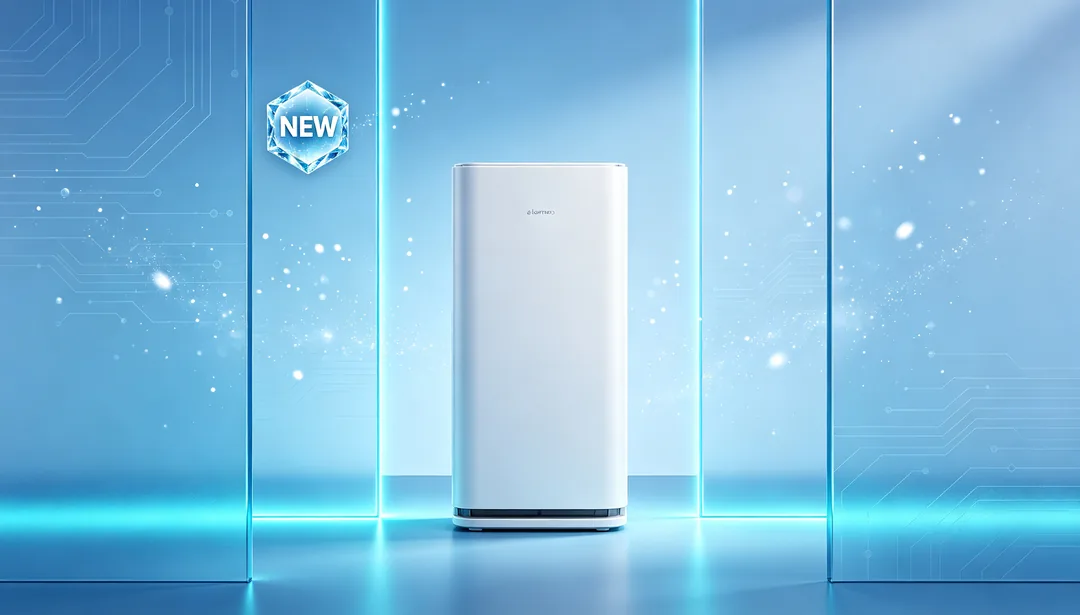
Ice Blue Tech
Cool gradient tones suited to digital and appliance promotions
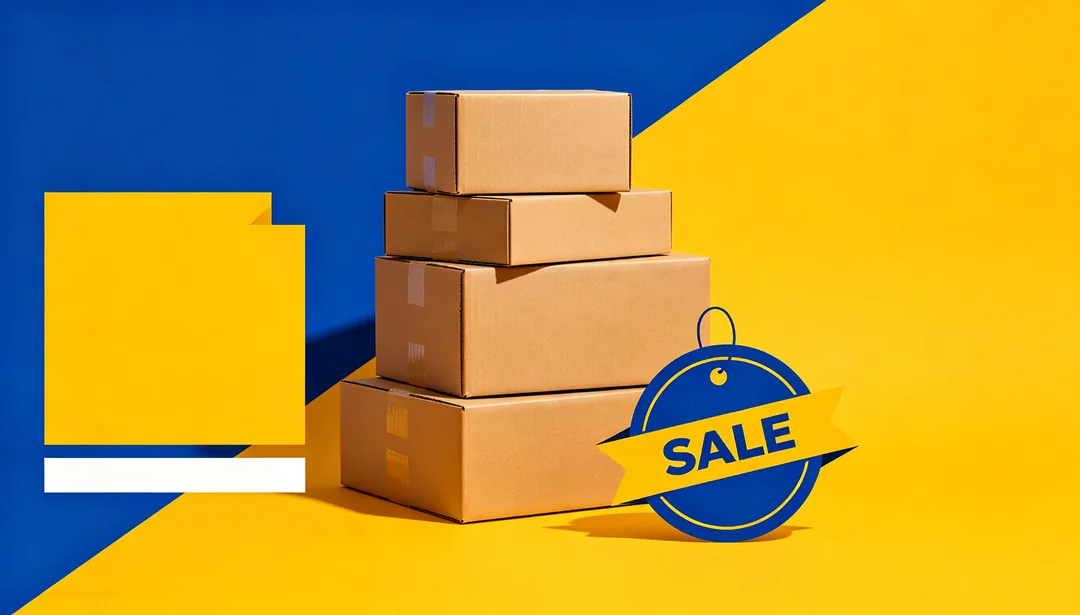
Platform Subsidy
Bold color clashes paired with an oversized price-tag graphic
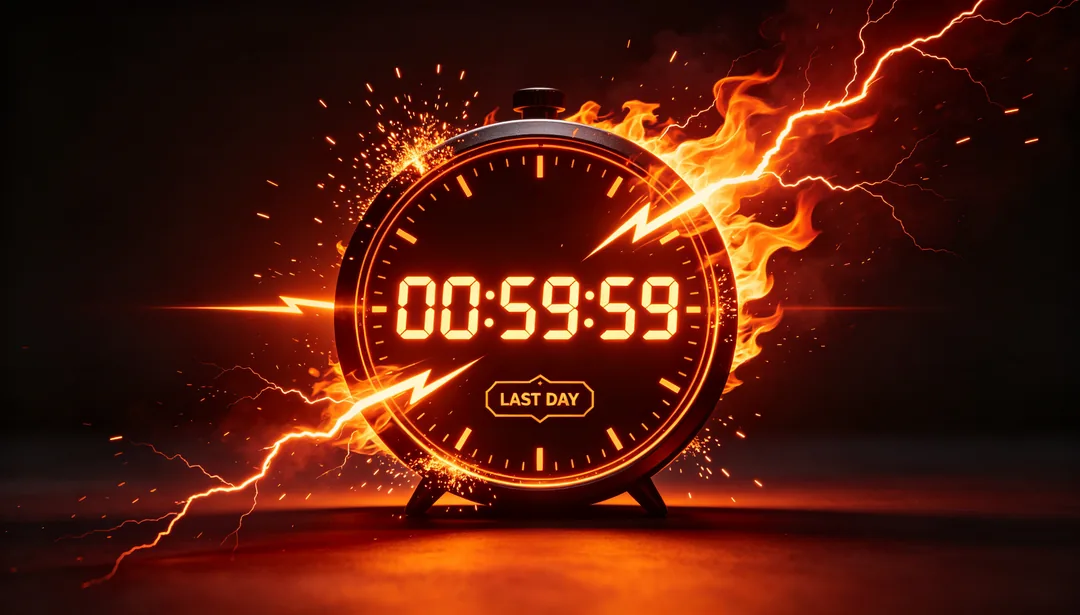
Countdown Urgency
Countdown clock, lightning and flame accents that create a ticking deadline
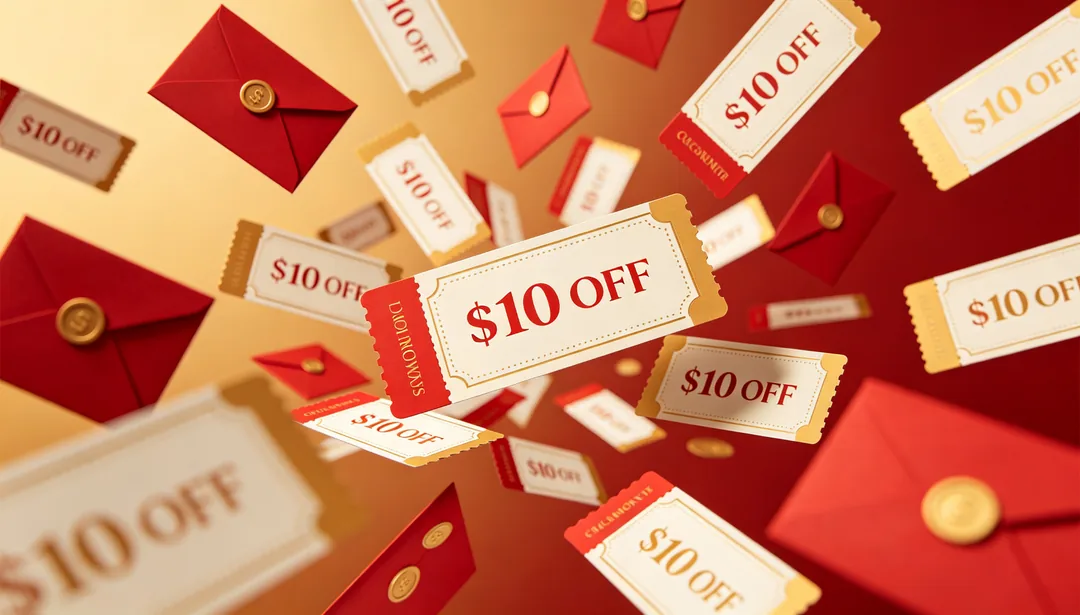
Coupon Rain
A screen full of falling coupon cards and red-envelope shapes
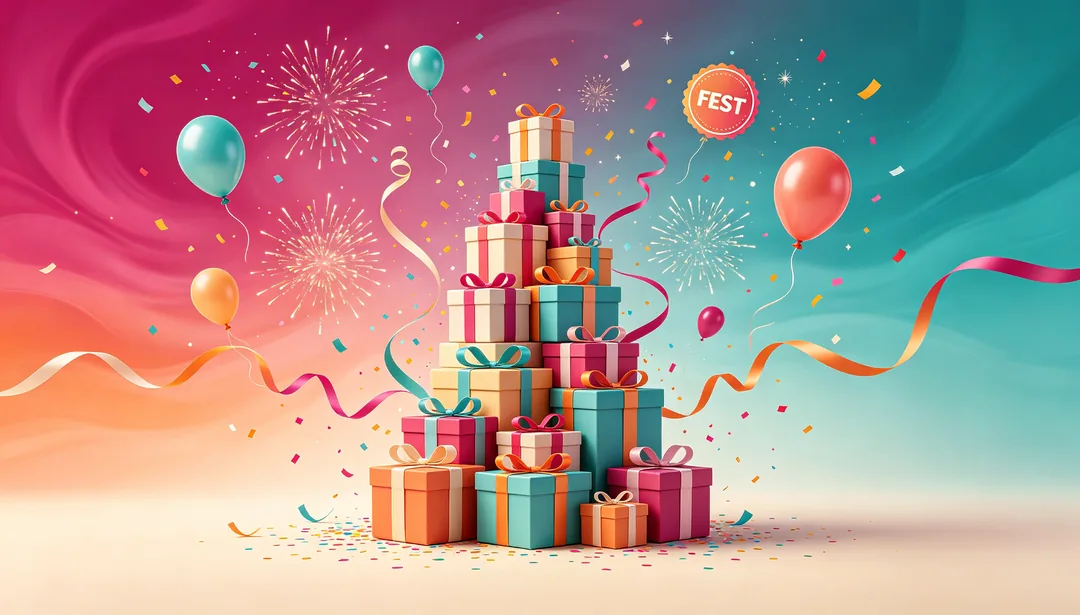
Gradient Carnival
Multicolor gradient backdrop paired with celebratory carnival elements
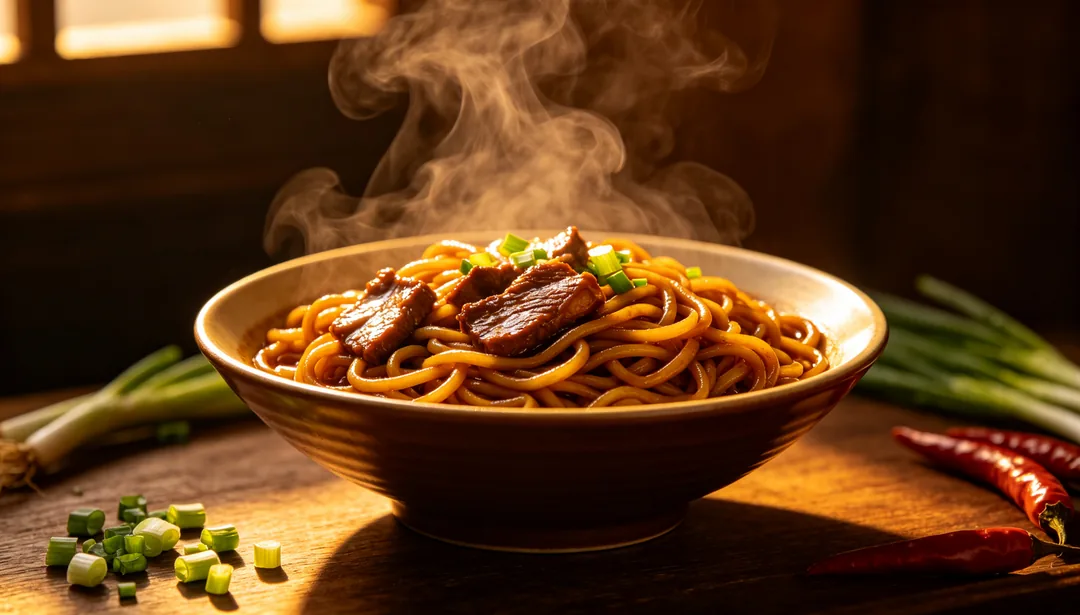
Warm Appetite
Warm amber lighting and close framing that drives appetite for food promotions
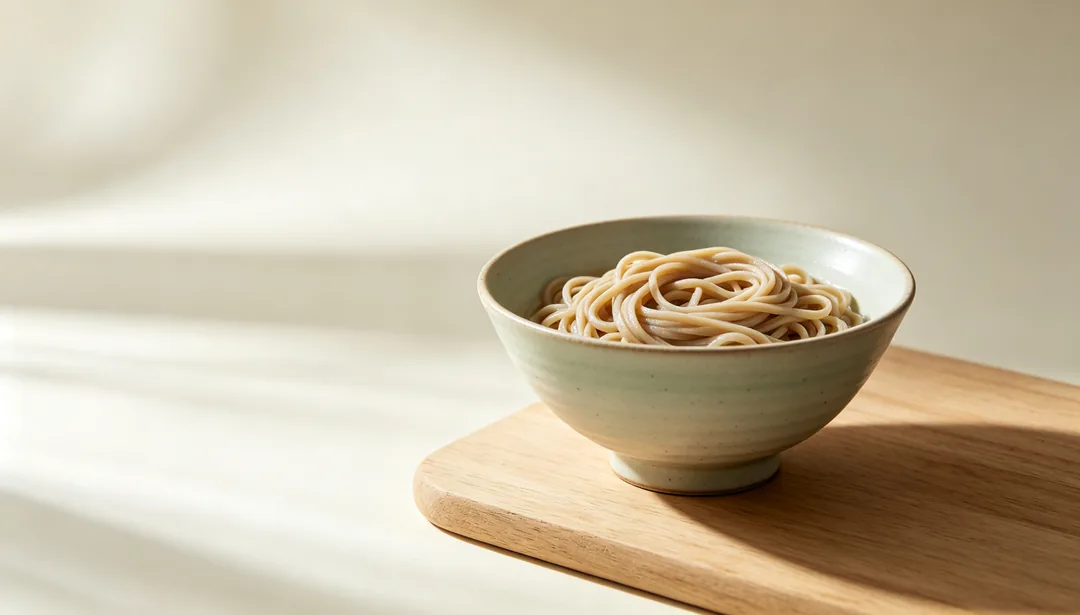
Japanese Clean
Airy negative space and muted tones inspired by Japanese food aesthetics
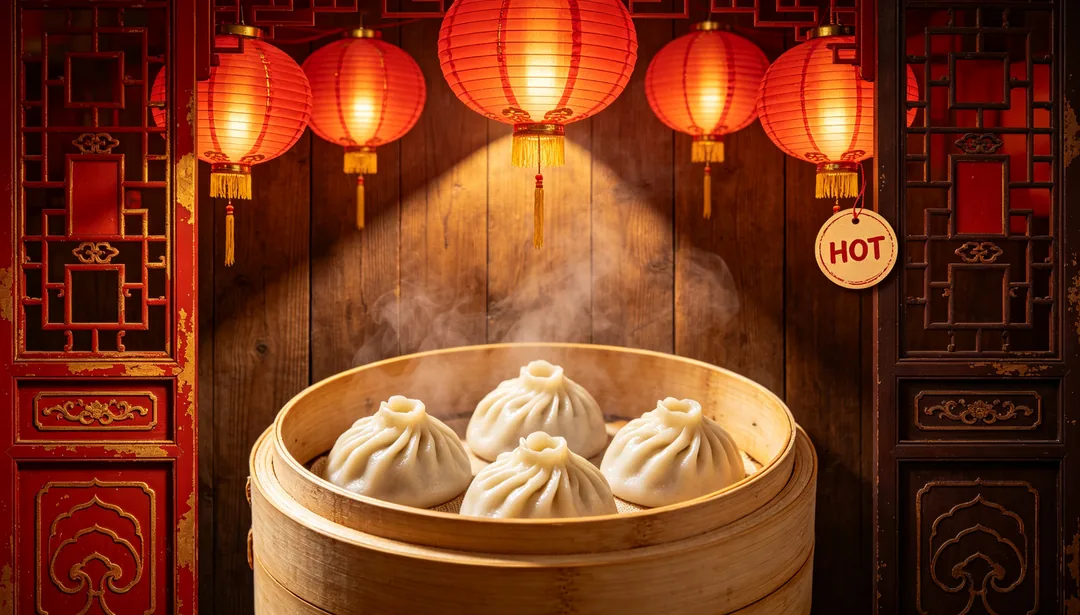
Traditional Chinese Dining
Red lanterns, wood grain, and traditional patterns for classic Chinese dining
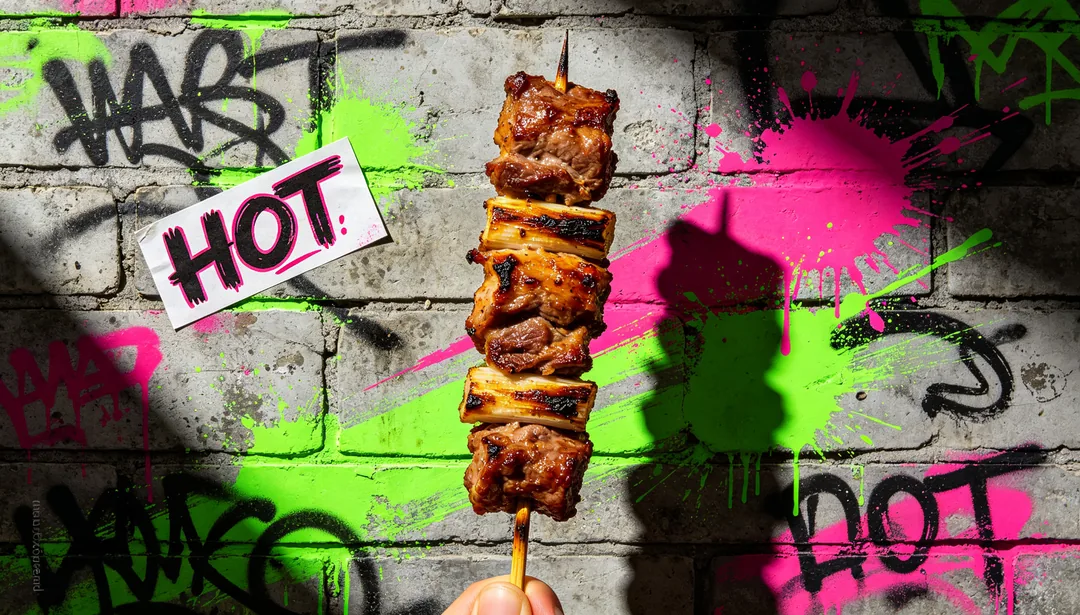
Trendy Street Food
Graffiti, neon and street-photography energy for trendy food brands
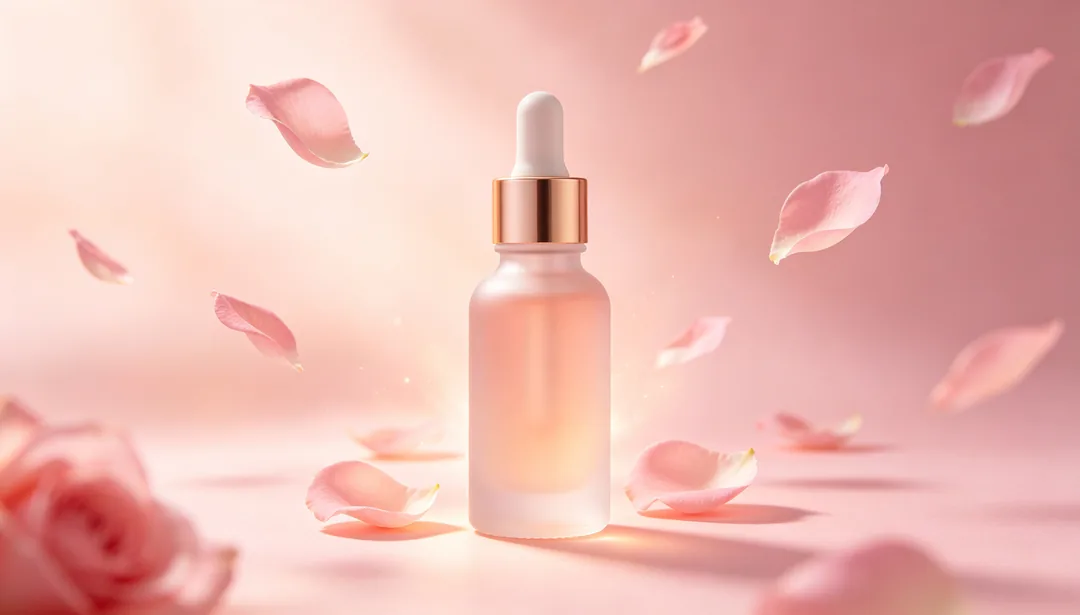
Soft Pink Beauty
Blush tones, soft focus glow and petal motifs for beauty products

Lab Efficacy
Molecular diagrams and clinical blue-white tones that signal scientific efficacy
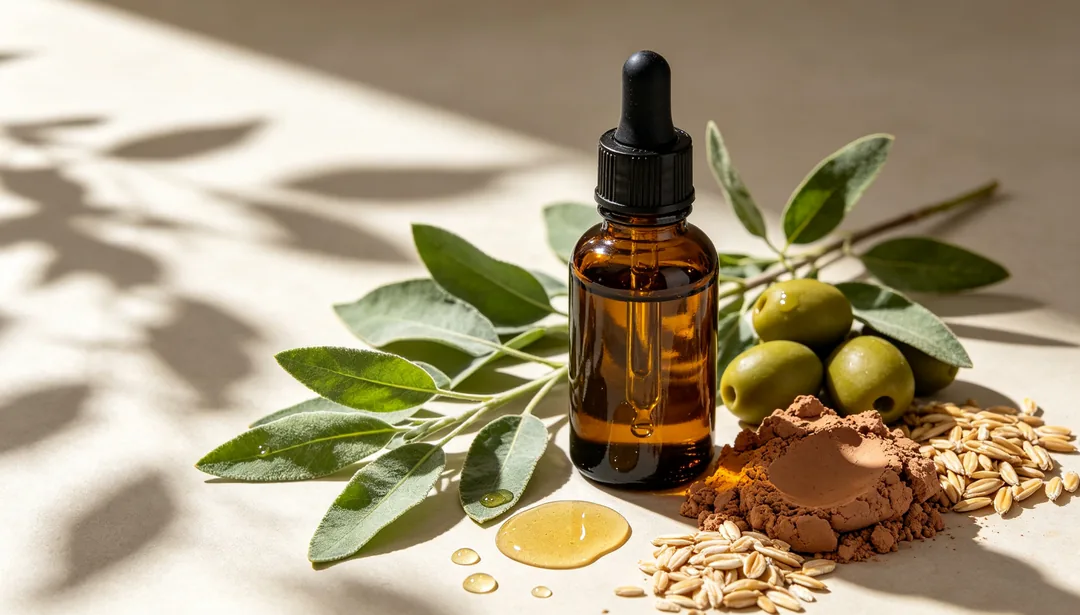
Herbal Natural
Botanical leaves and earthy tones for natural, plant-based beauty products
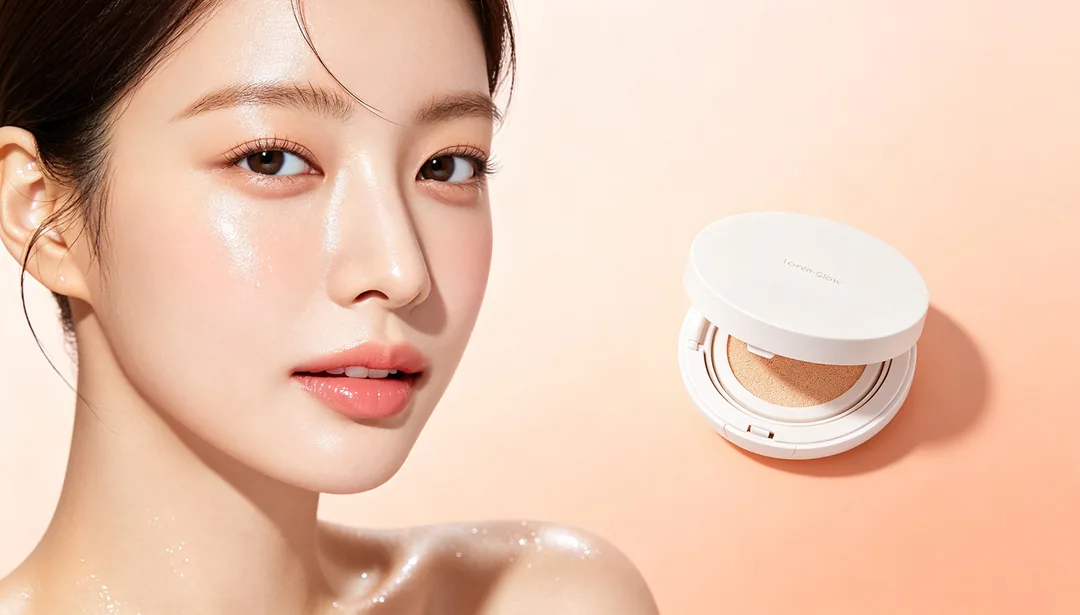
Korean Glow
Dewy luminous skin and minimalist layout inspired by K-beauty
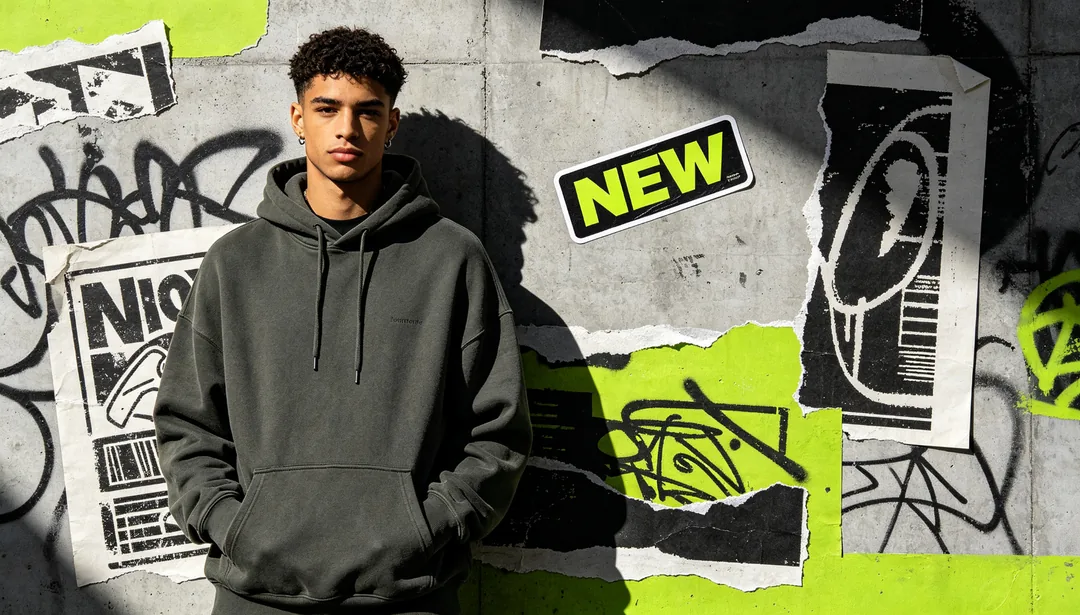
Streetwear Fashion
Graffiti, collage and oversized stencil graphics for streetwear brands
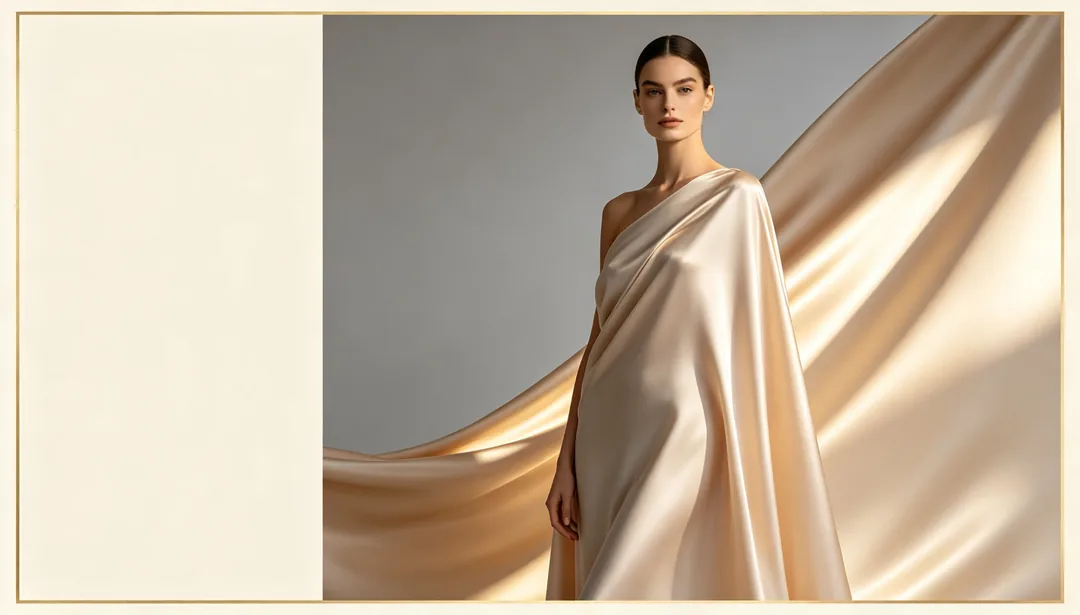
Light Luxury Editorial
Magazine-editorial composition with grey and champagne-gold tones
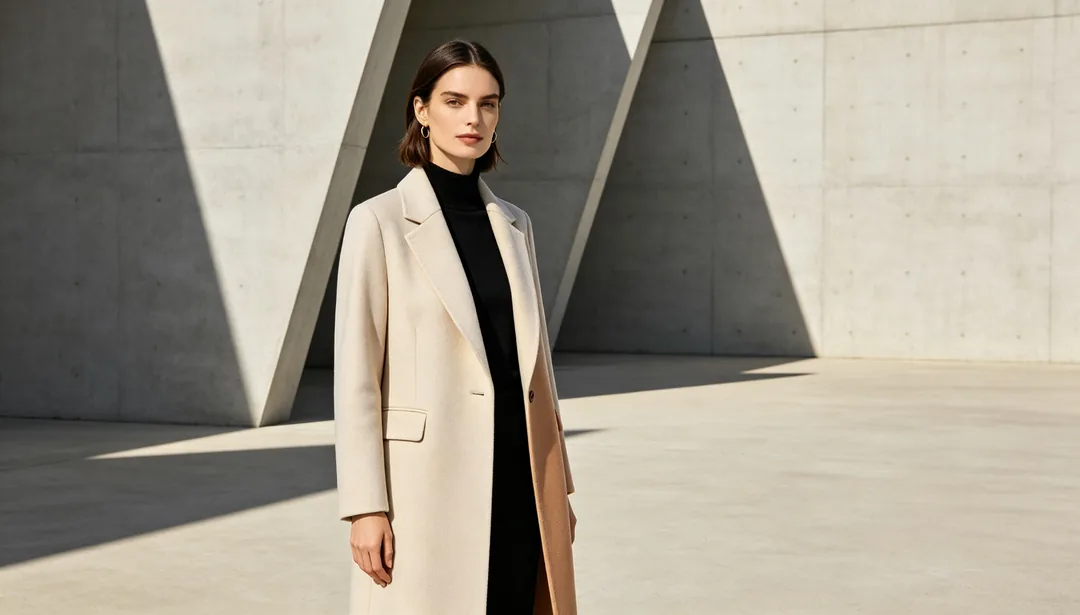
Commute Minimal
Clean lines and neutral tones for workwear-focused brands
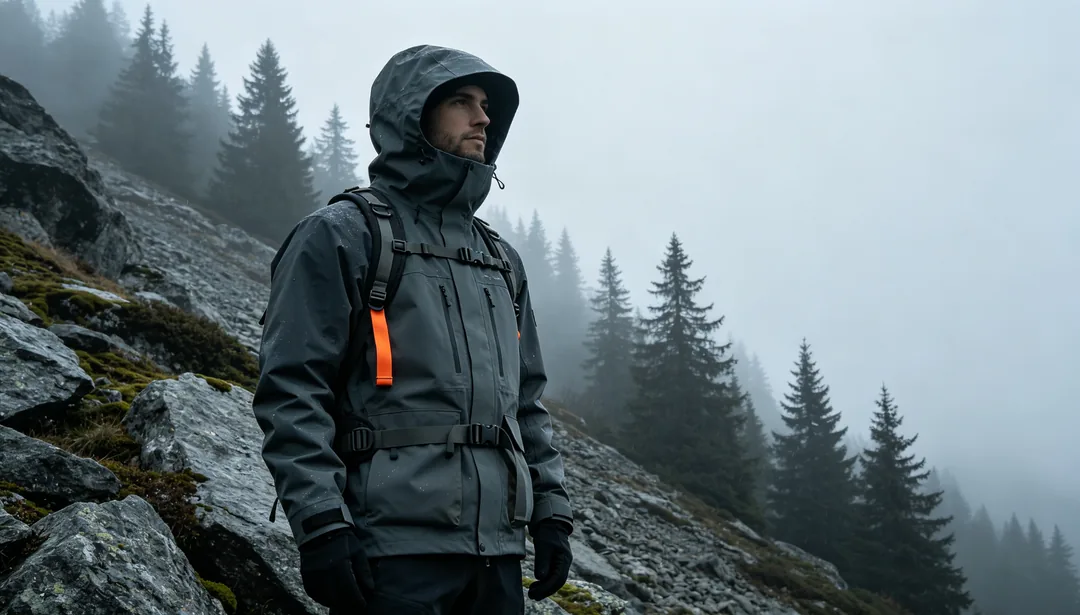
Outdoor Techwear
Camo and utilitarian details set in natural outdoor scenes
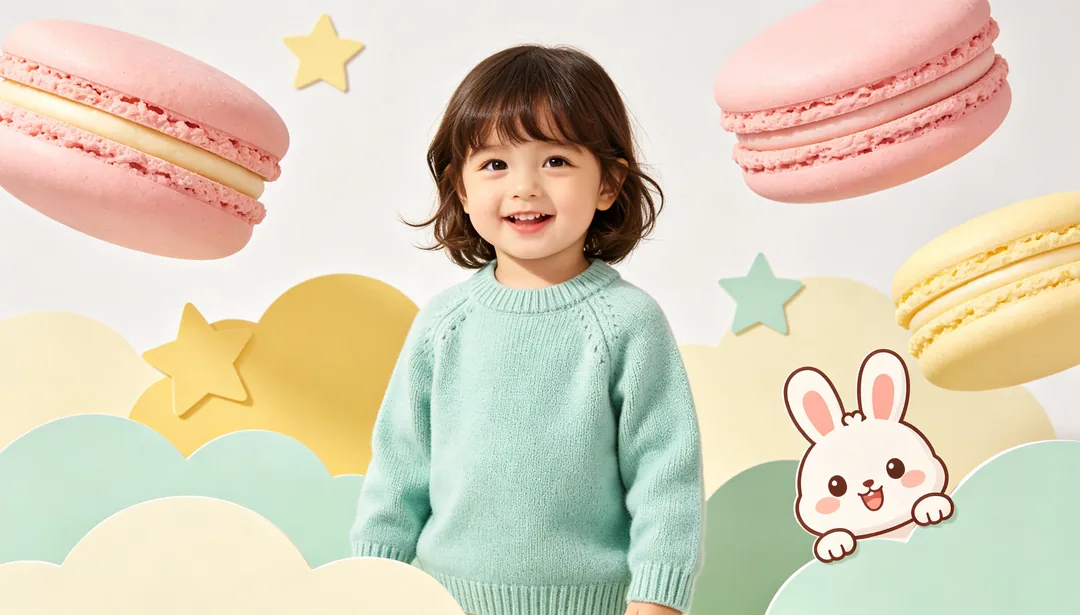
Cute Kidswear
Macaron colors and rounded cartoon shapes for kidswear brands
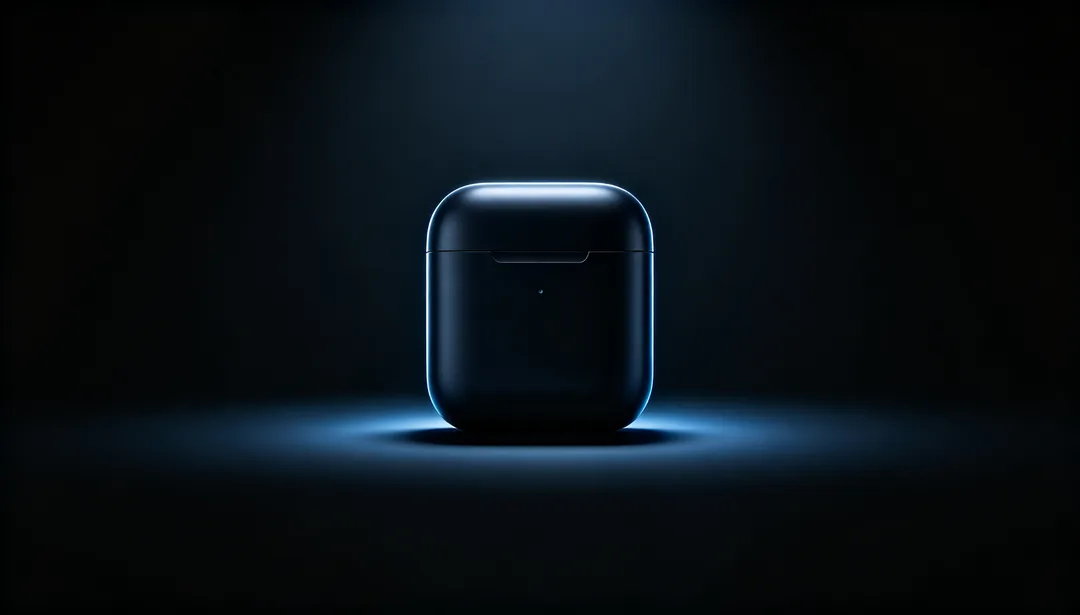
Dark Mode Tech Product
A glowing device silhouette against a deep dark background

Gradient Future Tech
Blue-purple gradients with particle effects for a futuristic feel
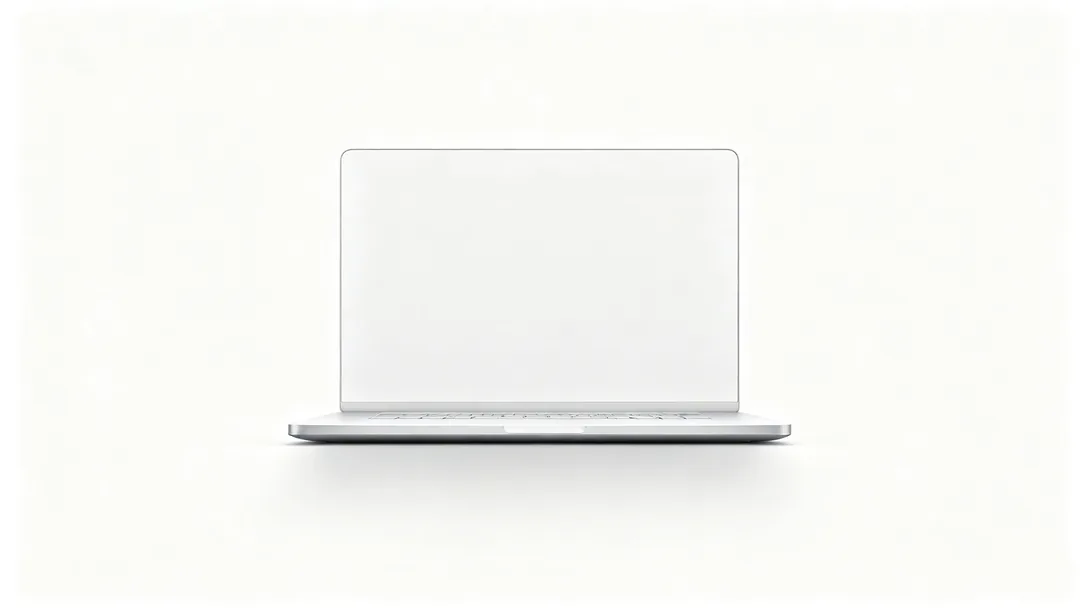
Minimal Tech Product
A single centered device on a pure white studio background
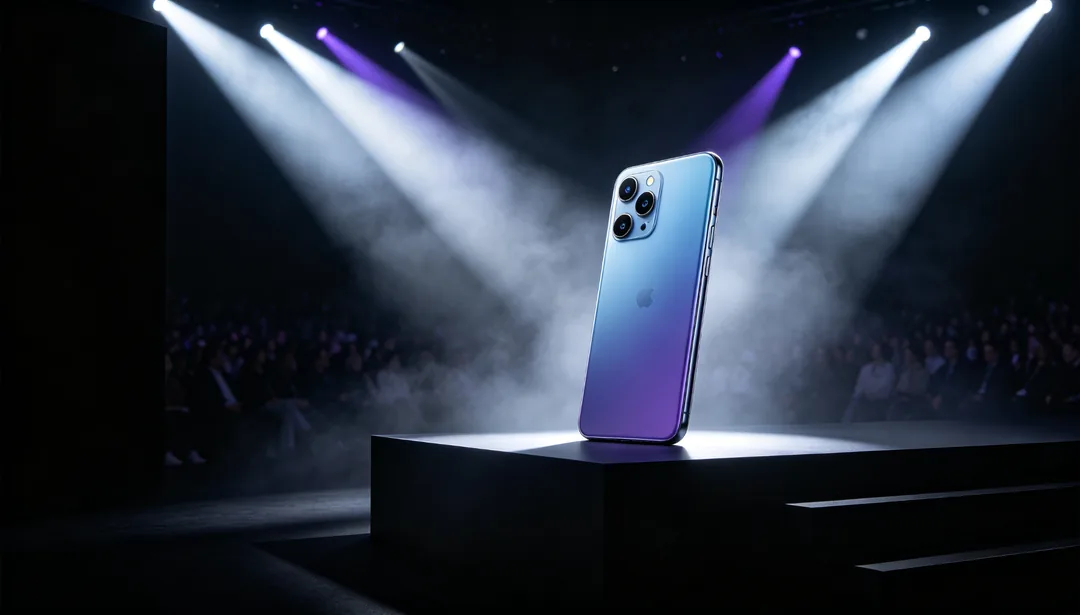
Launch Keynote
Stage lighting and bold typography evoking a product-launch keynote
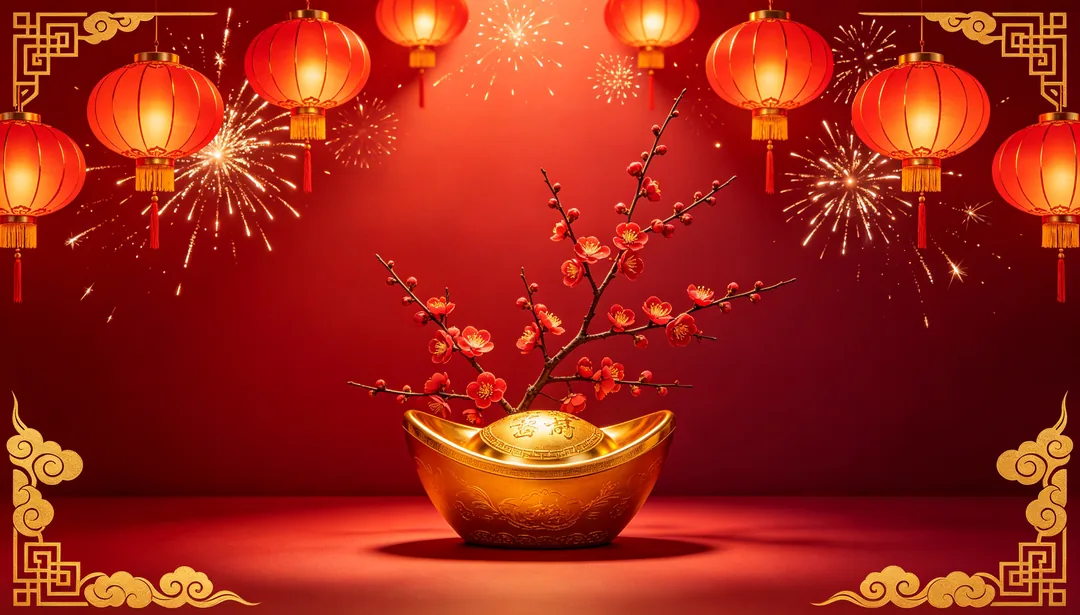
Spring Festival Red
Chinese red with lanterns, fireworks and fortune motifs for Lunar New Year
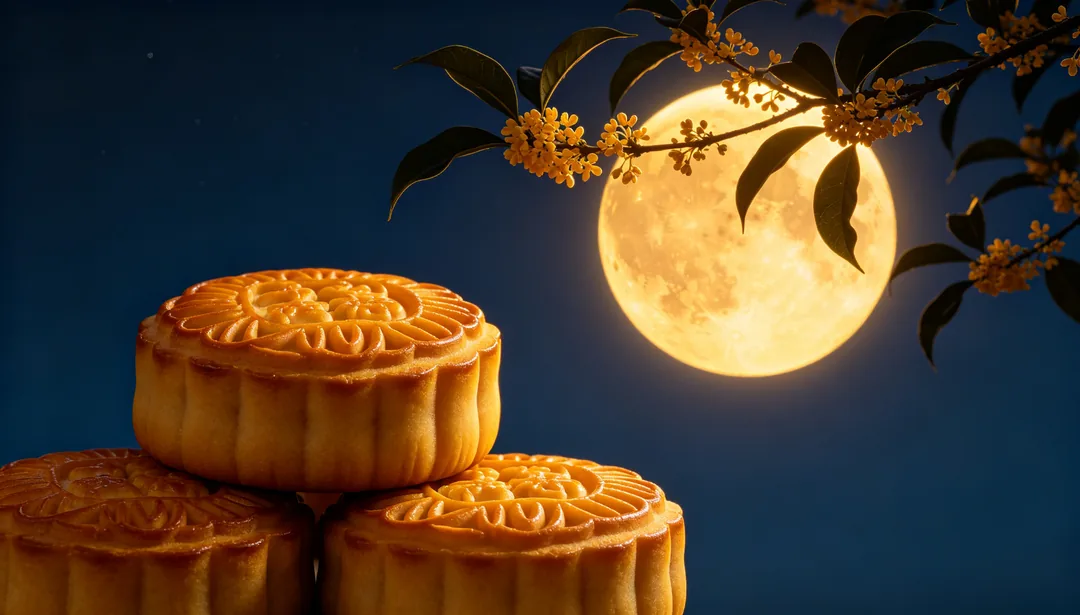
Mid-Autumn Gold
Moon, osmanthus and mooncakes in warm gold tones for Mid-Autumn Festival

Christmas Green & Red
Pine, snowflakes and baubles in classic red-and-green Christmas colors
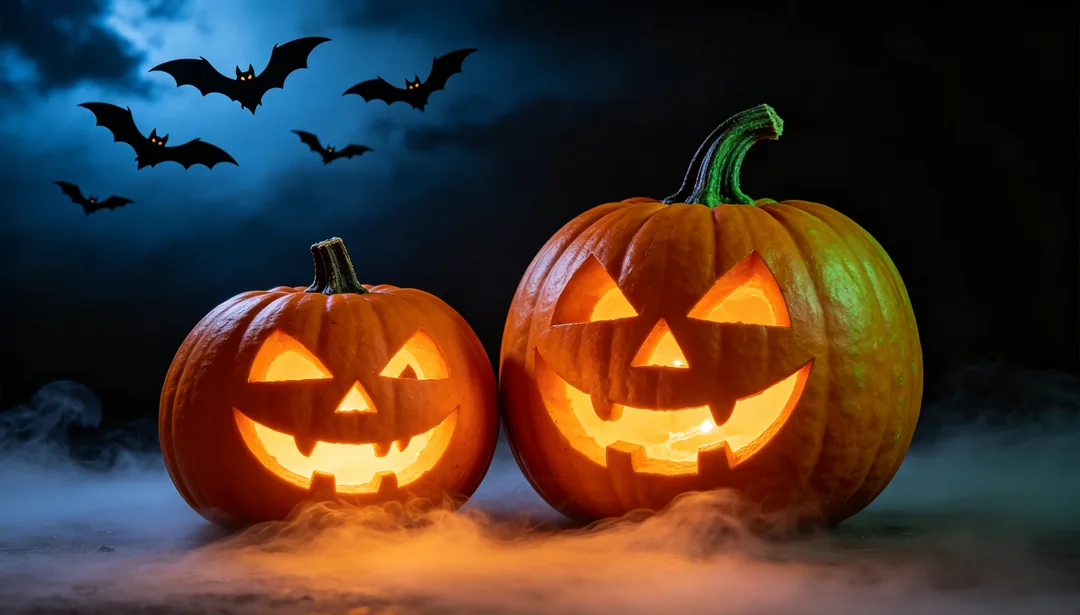
Halloween Orange & Black
Pumpkins, bats and fog in a moody dark orange-and-black scene

Valentine Pink
Roses, hearts and ribbons in romantic pink for Valentine's Day

National Day Red
Five-star motifs and ribbon banners for a solemn National Day mood
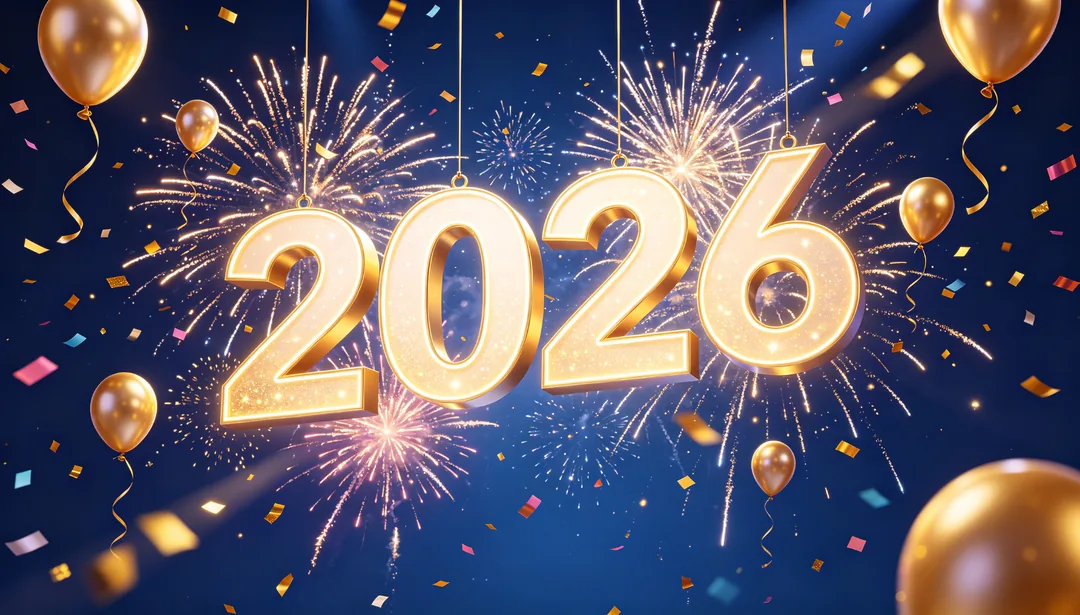
New Year Celebration
Fireworks, balloons and a countdown numeral for New Year's Eve
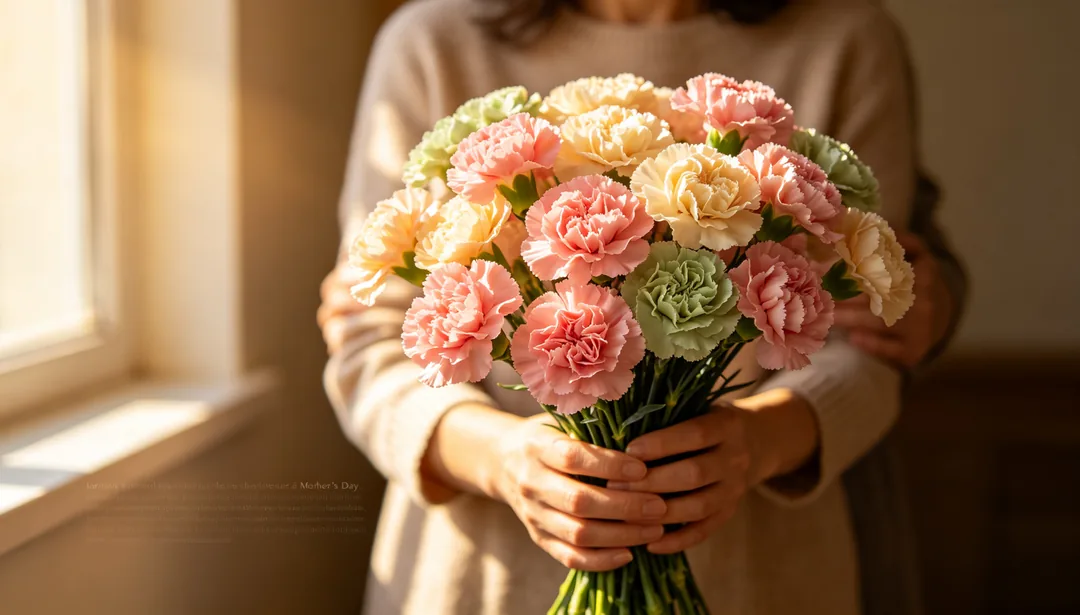
Mother's Day Warmth
Carnations and a tender embrace mood for Mother's Day
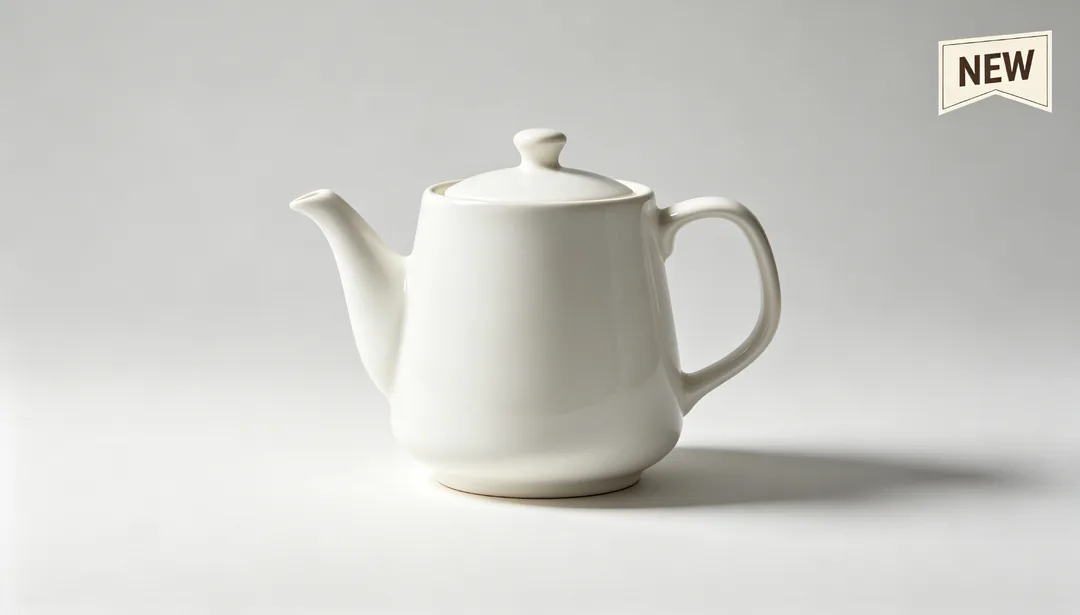
E-commerce Main Image
Standard product-centered composition with a selling-point badge
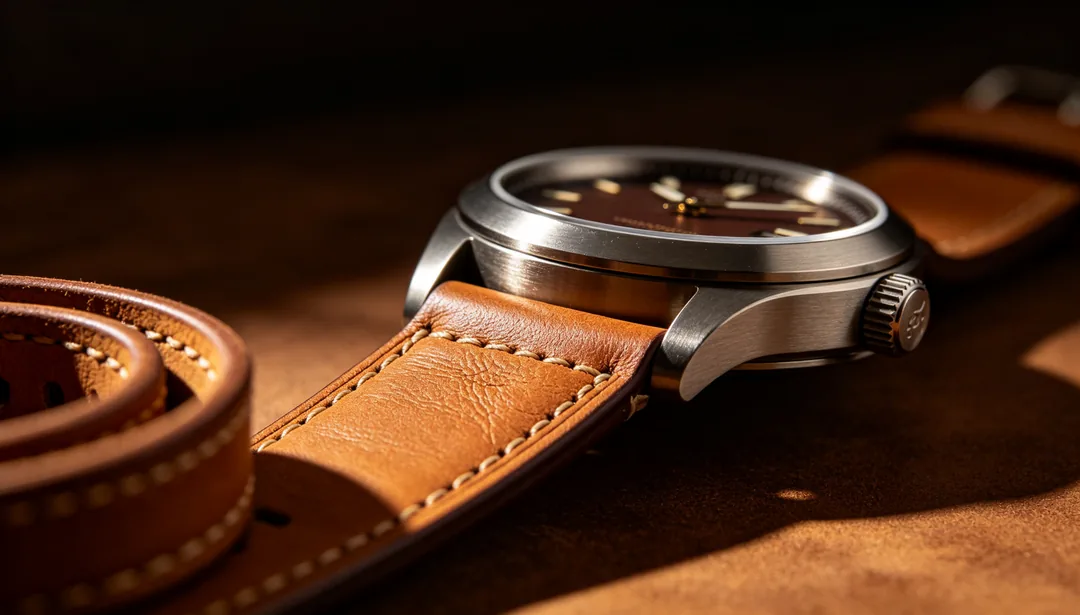
Detail Page Header
A tall immersive product header for the top of a product detail page
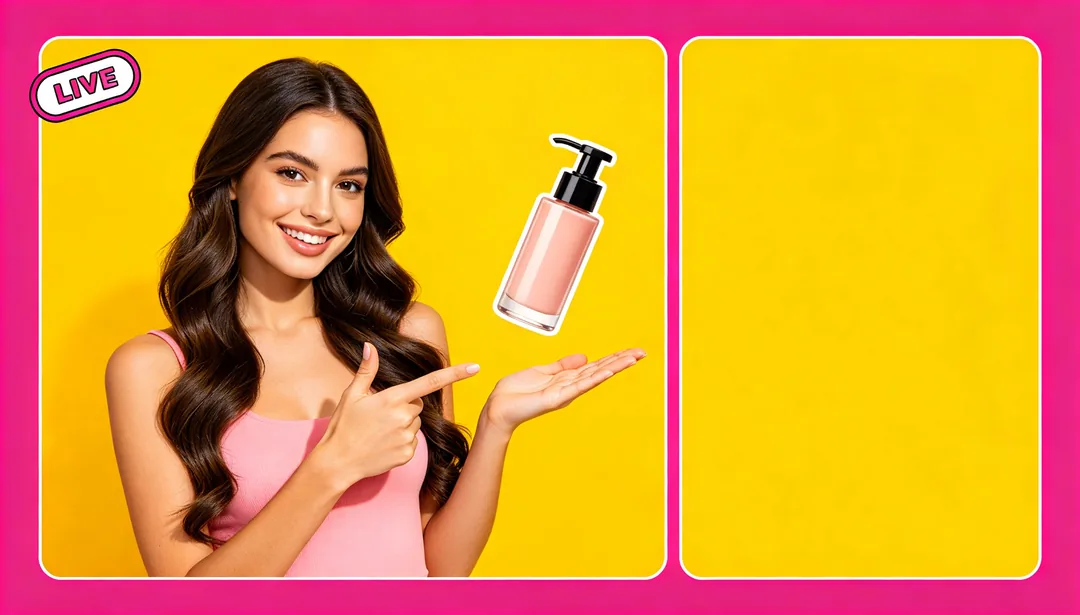
Livestream Cover
Host silhouette and promotional info in a tall high-saturation cover
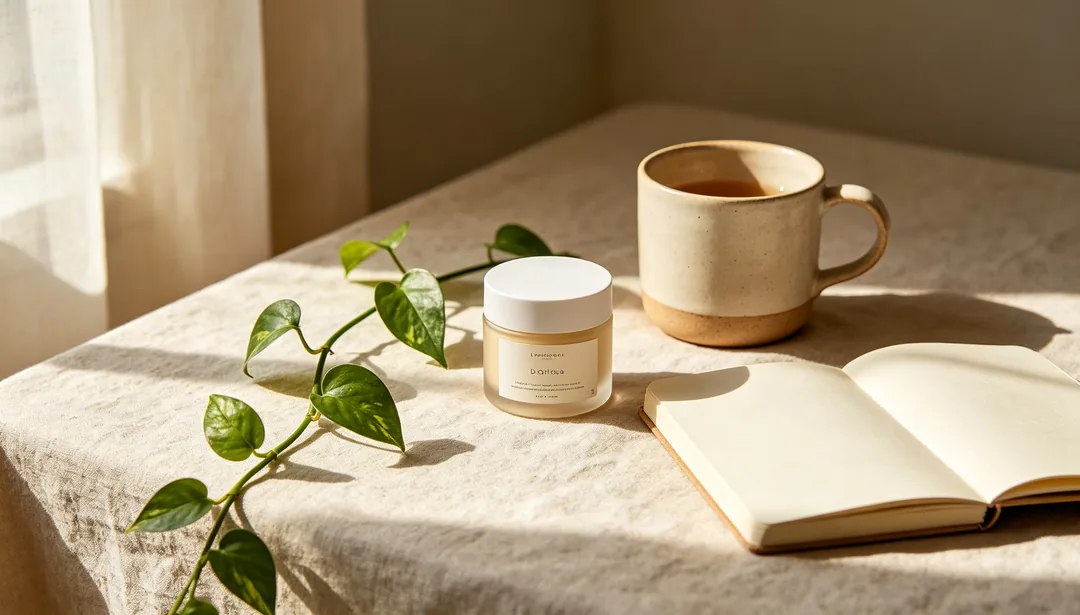
Xiaohongshu Lifestyle Card
A candid lifestyle scene with strong readable headline space

Social Media Square
A simple strong-branding composition for square social posts
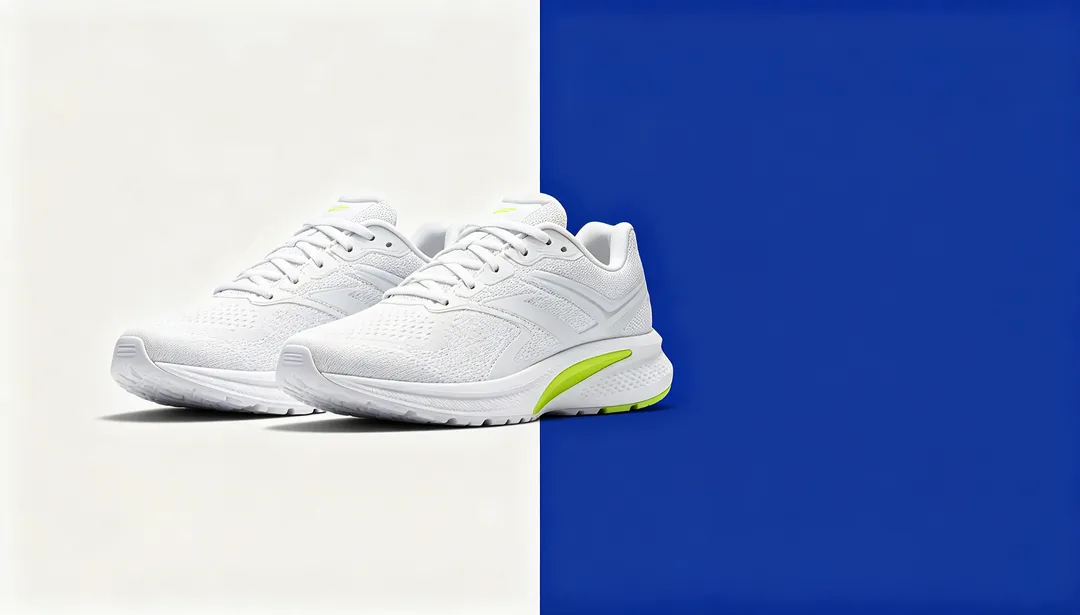
Horizontal Banner
A split left-right layout tailored for feed-ad banner placements
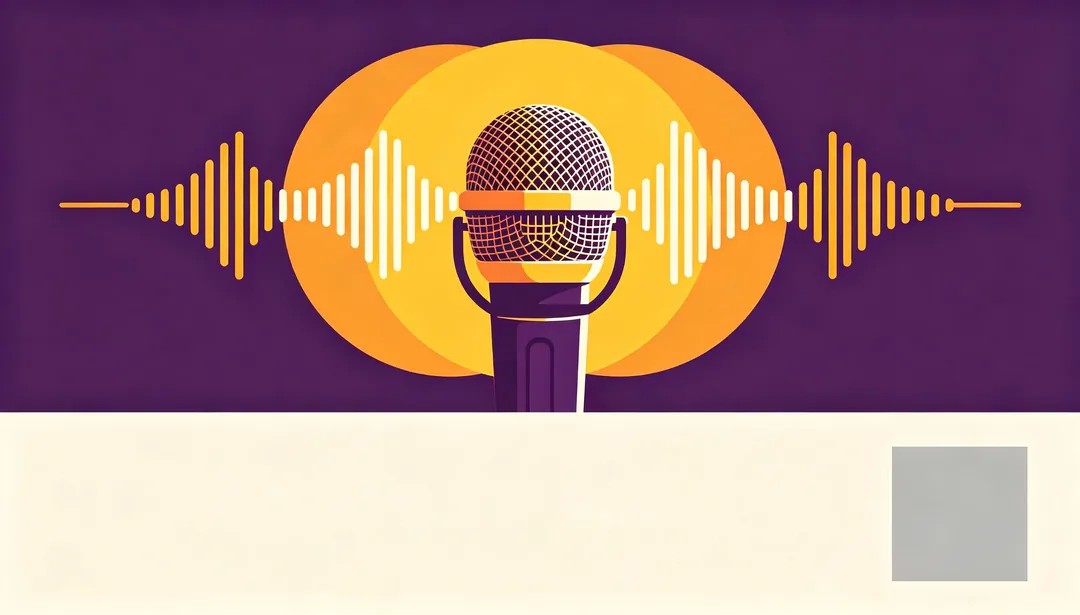
Offline Event Poster
A print-ready layout with space for event details and a QR code
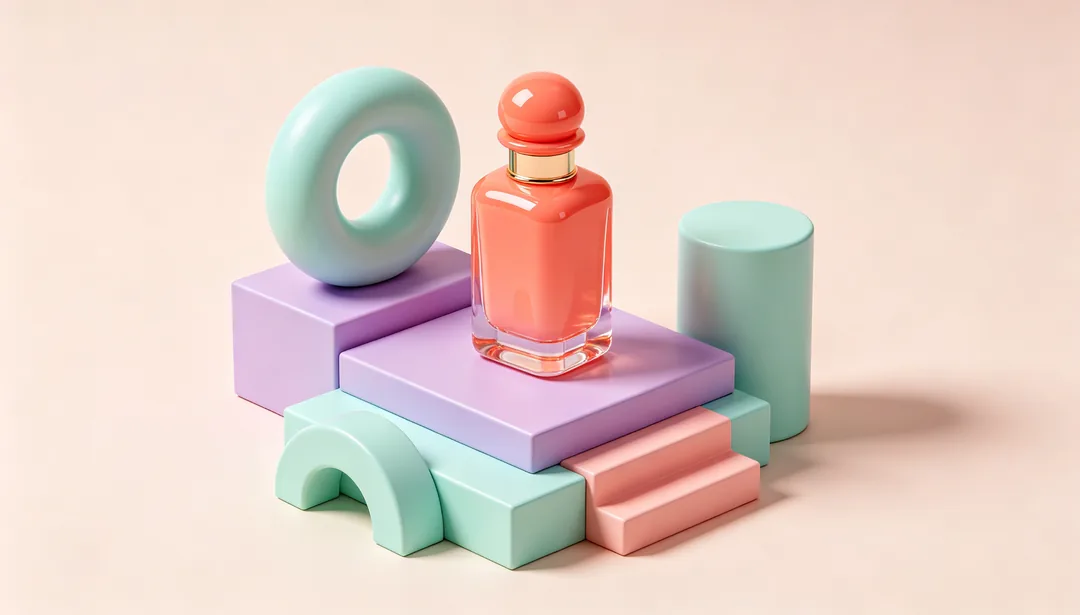
3D Product Scene
A stylized 3D diorama scene built around the product
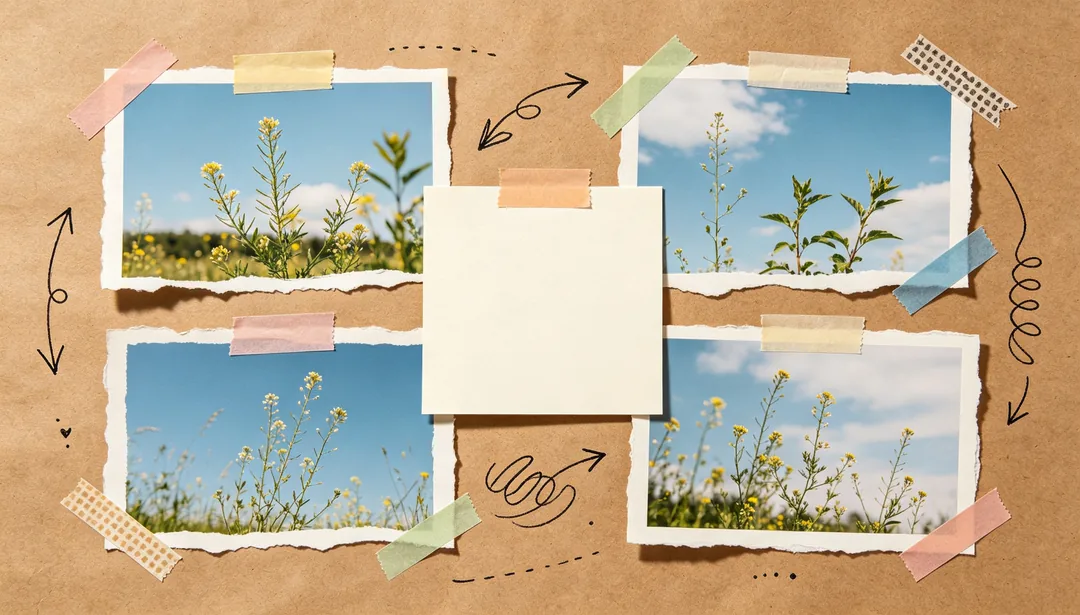
Collage Scrapbook
A free collision of photos, graphics and handwritten notes
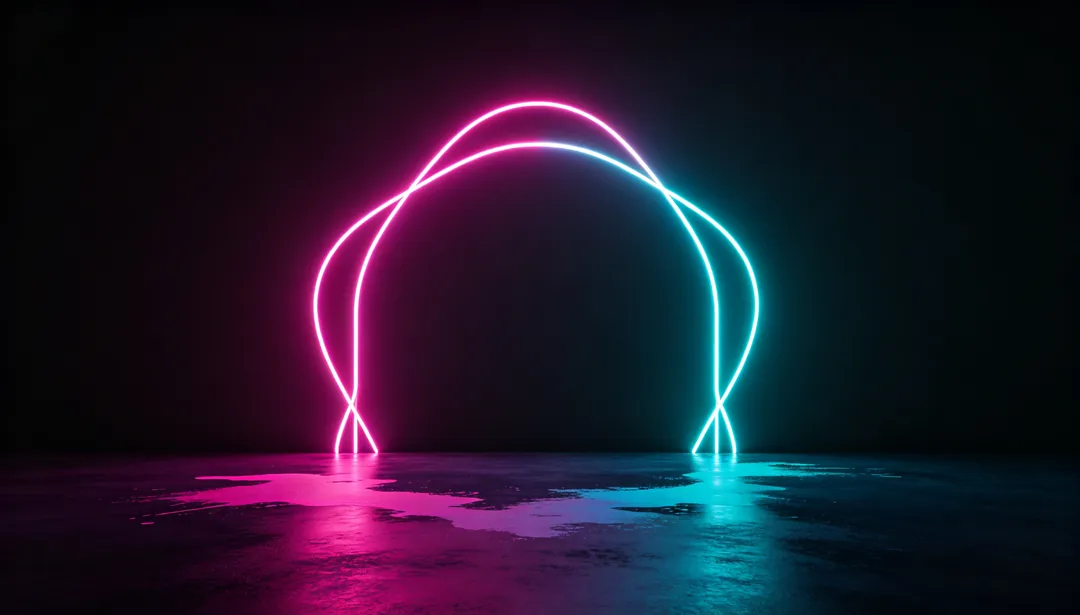
Neon Dark Mode
Electric neon light effects against a near-black backdrop
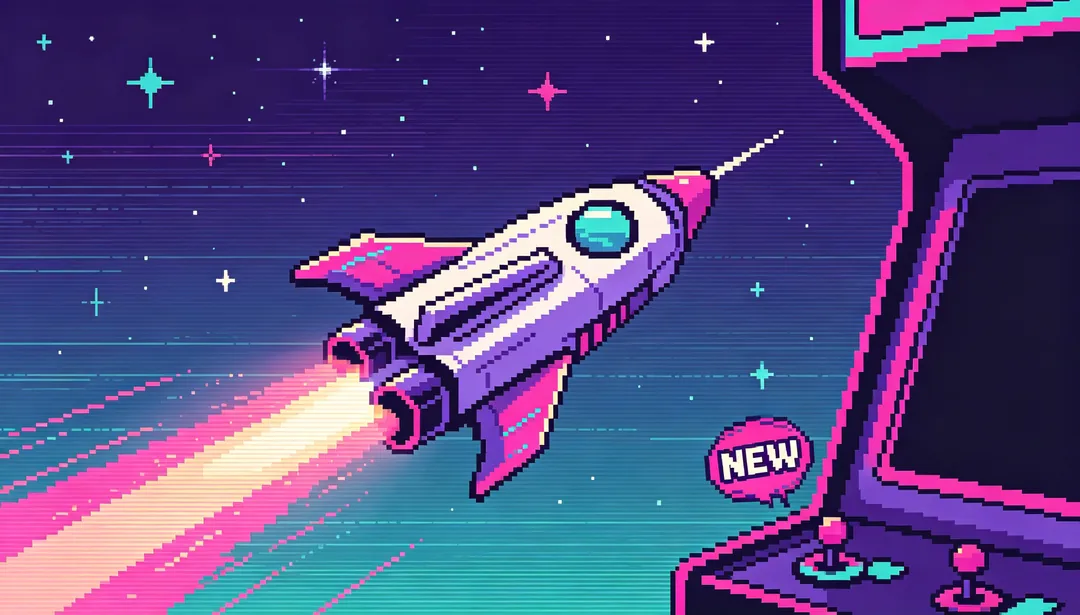
Retro Pixel Arcade
Pixel-game aesthetics that evoke nostalgic arcade-era marketing
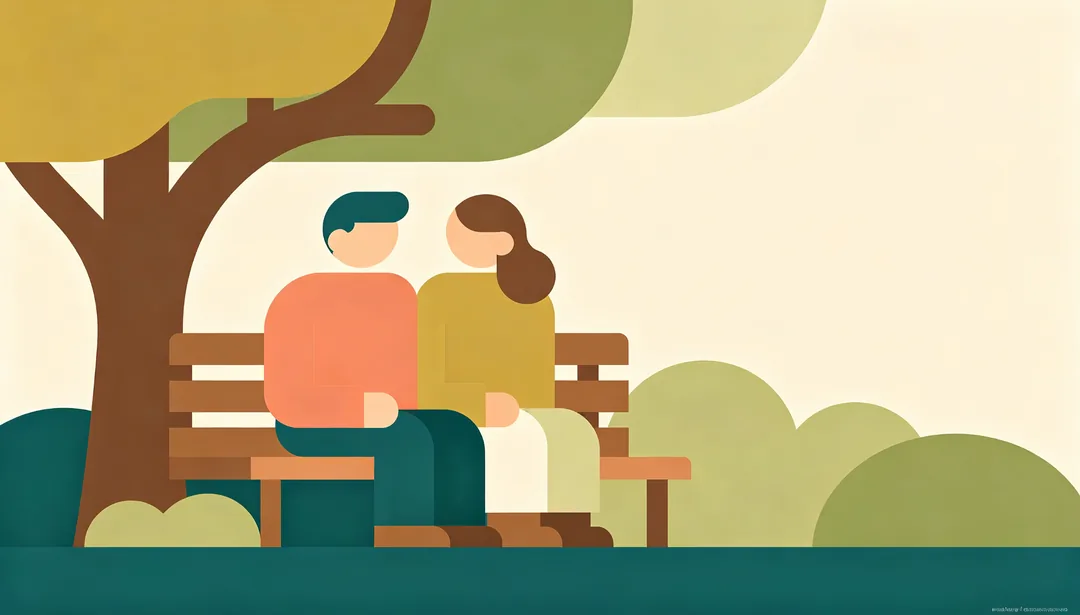
Flat Illustration
Warm friendly vector characters and scenery in clean flat shapes
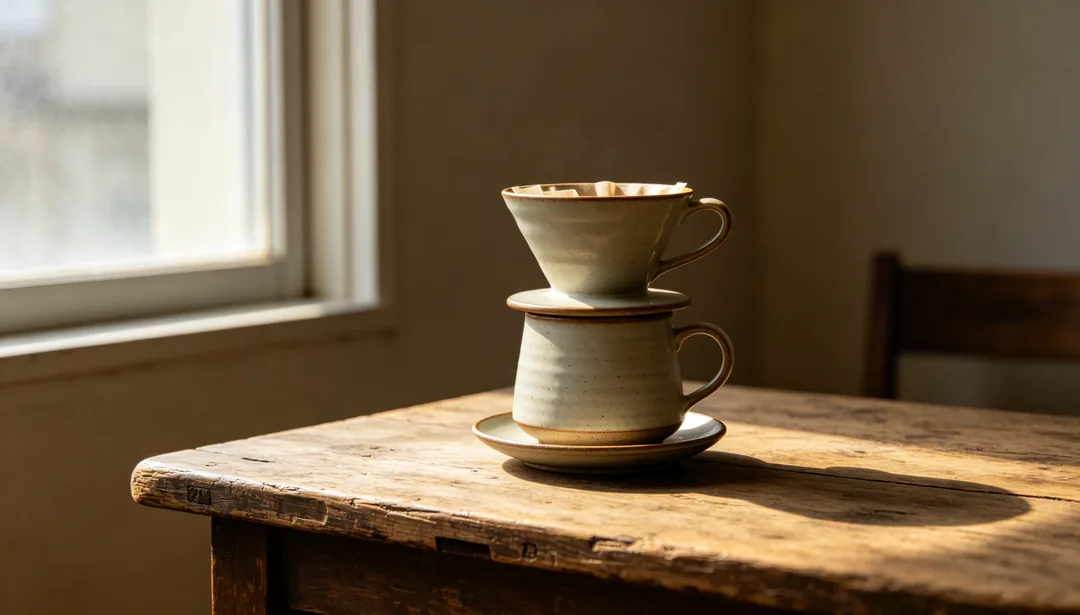
Photo Realistic
High-quality real product or model photography with clean layout
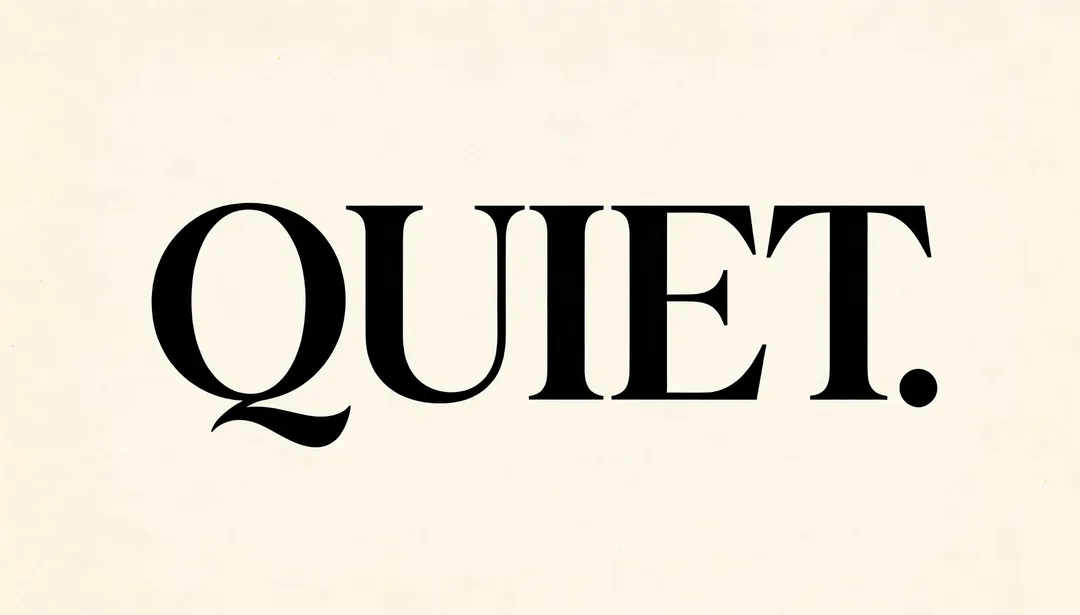
Minimalist Typography
Large negative space paired with an oversized headline treatment
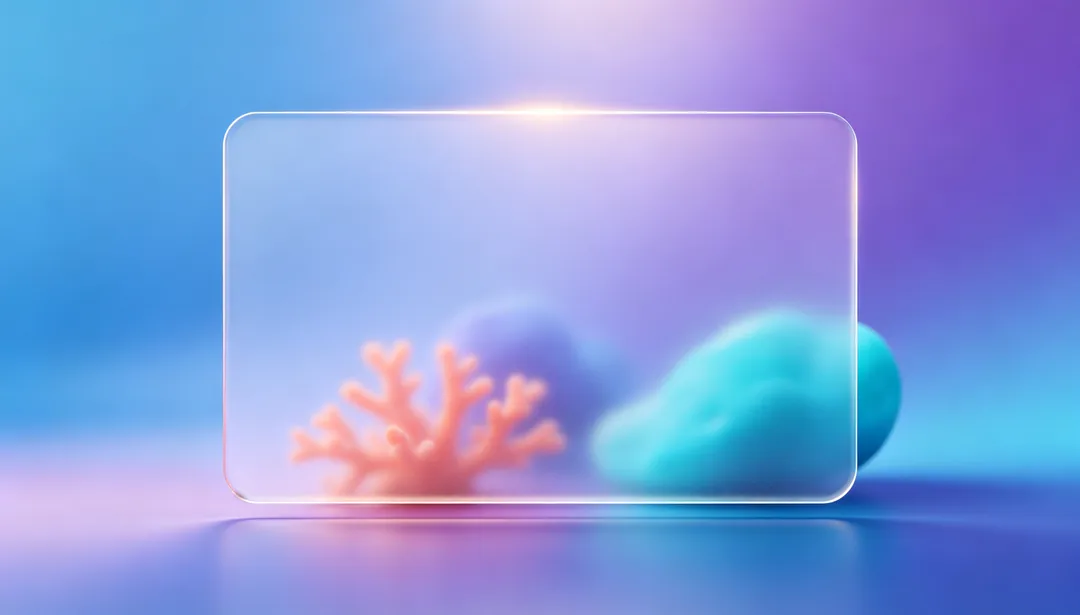
Gradient Glassmorphism
Translucent frosted-glass cards over a soft gradient backdrop
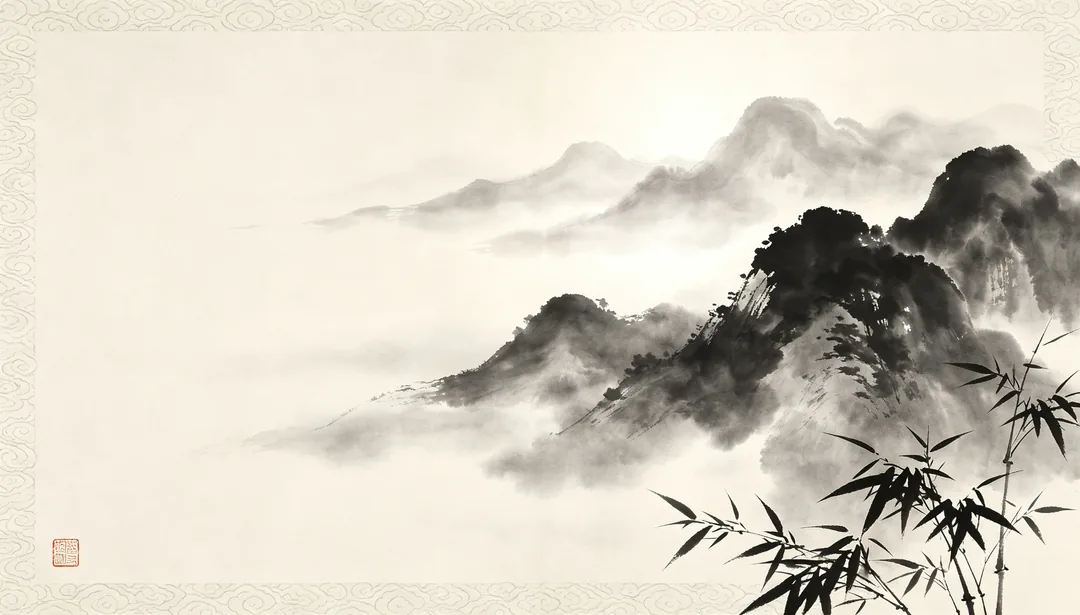
Chinese Ink Wash
A flowing monochrome ink-wash landscape with traditional patterns
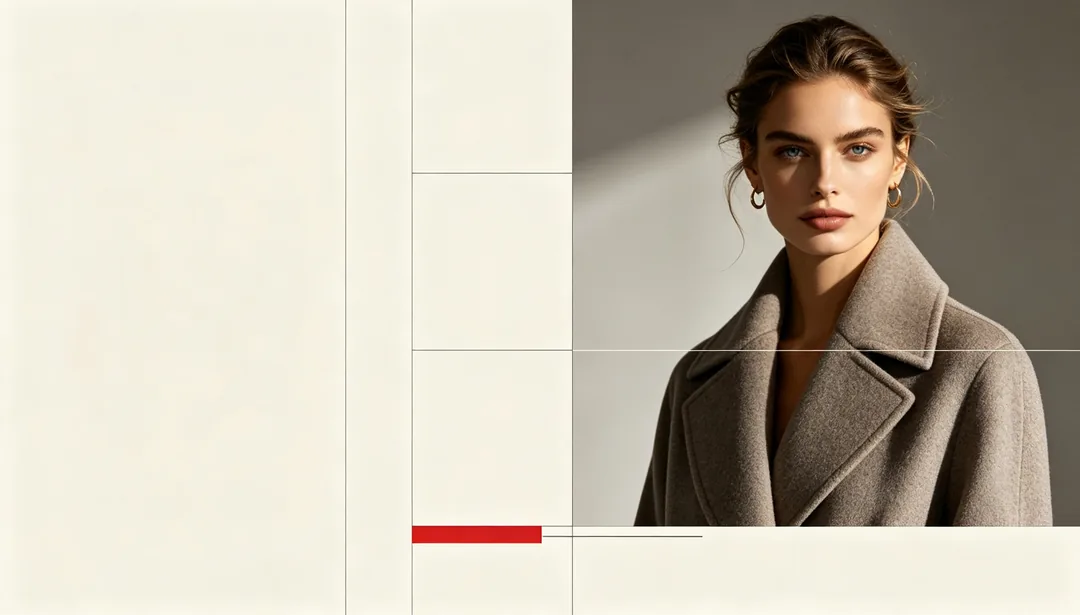
Magazine Editorial
A high-fashion print spread with a multi-column editorial grid
AI poster styles for products
Posters, flyers and banners
E-commerce Main Image and Detail Page Header suit product pages; Social Media Square, Xiaohongshu Lifestyle Card and Livestream Cover suit social feeds; Offline Event Poster lays out a print-ready flyer with space for event details and a QR code; Horizontal Banner suits websites and ad slots.
Sales and holiday promotions
Countdown Urgency, Coupon Rain and Platform Subsidy are made for sales; Spring Festival Red, Christmas Green & Red, Halloween Orange & Black and Valentine Pink cover seasonal campaigns.
Looks by product type
There are styles tuned for food, beauty, fashion and tech, from Warm Appetite and Soft Pink Beauty to Streetwear Fashion and Minimal Tech Product.
How to get a good product poster
- Use a sharp product photo on a plain background, with the whole product in the frame.
- Keep the text short: a headline and a price or offer comes out more reliably than a paragraph.
- Pick the aspect ratio for where the poster will go before you generate.
- Check logos, labels and small print on the product afterwards; the model redraws them and can change details.
How it works
1
Upload your product photo
Add a clear product shot, or describe the product in one line.
2
Pick a poster style
Choose a layout for the channel and the campaign, and add your headline or offer in the prompt box.
3
Generate and download
Generate a few versions and download the one that fits.