Seedream AI Image Generator: Every Version on Zero Kit
Seedream is ByteDance's family of image models for generating and editing pictures from text and reference images. Zero Kit runs its fourth and fifth generations side by side.
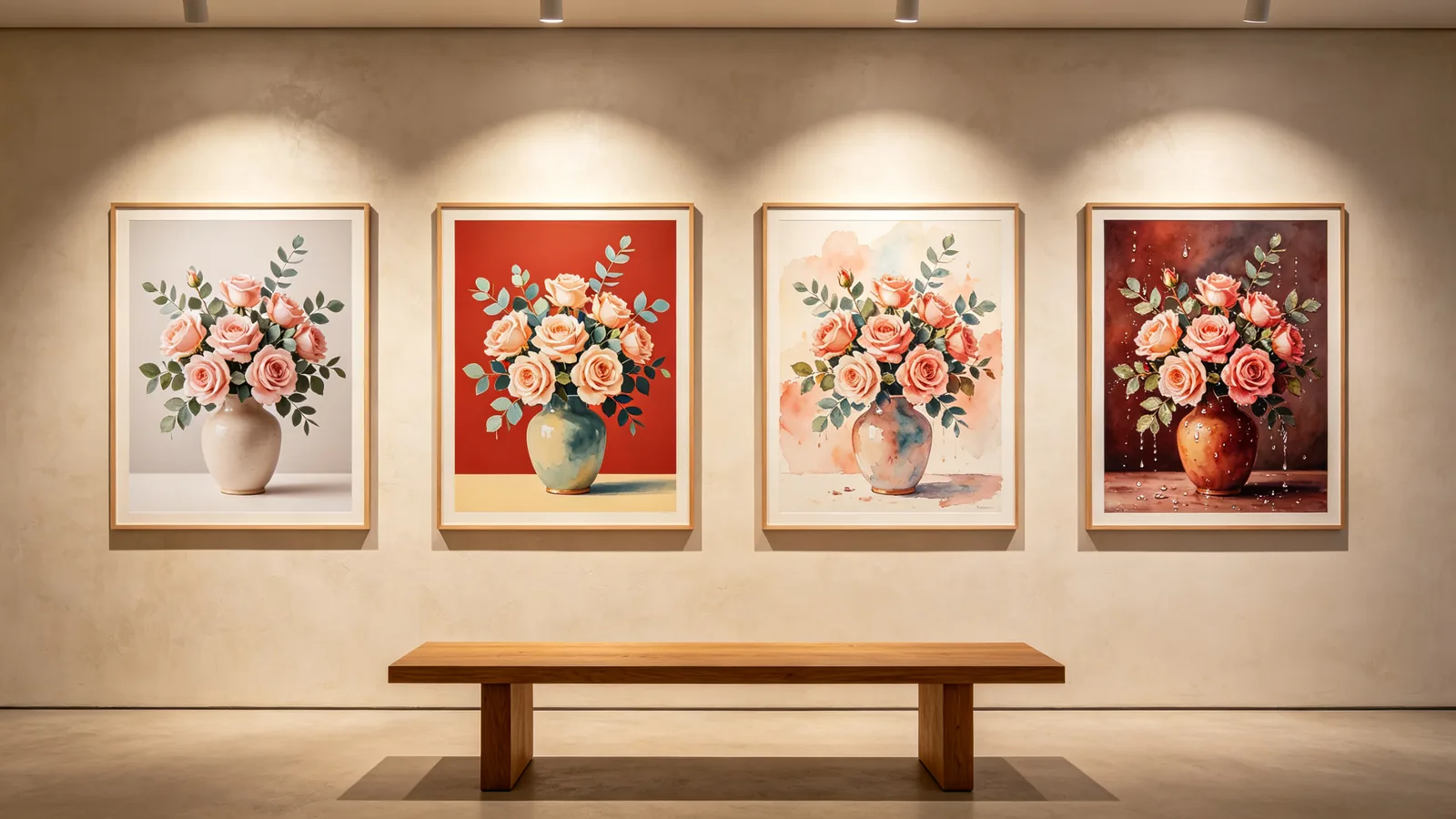
ByteDance's Seed team builds Seedream as one model for both generating and editing images. Each generation added something:
- Seedream 4.0 merged text-to-image and image editing into a single architecture.
- Seedream 4.5 improved consistency, keeping faces, lighting and colour from reference images, and got better at typography and dense text.
- The fifth generation adds reasoning about what an image is for.
In the 5.0 line, Lite follows layout and style instructions for posters, slides and product pages. Pro adds precise interactive editing and layer splitting for detailed design work, and Flash is the fast, lower-cost version.
Every version runs from the same editor on Zero Kit, on Free and above, with support for reference images.
They differ in resolution, reference limits, price per image and the plan they need. The table below reads all of that from the live model list, so it changes when a price or a plan changes.
Seedream prompts work best when they say what the image is for and what it must contain: the subject, the text in quotes, the materials and the light.
When you work from reference photos, say which one is the subject and which ones only set the style, so the model knows what to keep and what it may change.
A common way to work is to explore on one of the lighter versions, such as 5.0 Flash or 5.0 Lite, then generate the final image on the version whose strengths match the job.
Each version's page has sample prompts, a full price table and tips for writing prompts for that model.
Every Seedream version compared
| Version | Resolutions | Reference images | From | Plan |
|---|---|---|---|---|
| 1K, 1.5K and 2K | 10 | 8 credits / image | Free | |
| 2K, 3K and 4K | 14 | 8 credits / image | Free | |
| 2K and 4K | 14 | 6 credits / image | Free | |
| 1K, 2K and 4K | 14 | 6 credits / image | Free |
Which Seedream version should you use?
For detailed design work: Seedream 5.0 Pro
Choose Seedream 5.0 Pro for information-dense layouts such as infographics, packaging and posters with a lot of text.
ByteDance also built it for edits aimed at one element of a design, such as a single colour, material or background.
For everyday design, drafts and volume: Seedream 5.0 Lite or 5.0 Flash
Seedream 5.0 Lite reads the purpose of a prompt and lays out posters, slides and product images to match, with realistic light and materials.
Seedream 5.0 Flash is the fast, lower-cost fifth-generation version, made for exploring ideas, A/B variations and batches where speed and price per image come first.
For portraits, references and batches: Seedream 4.5 or 4.0
Seedream 4.5 is strong at keeping faces and style from reference photos.
Seedream 4.0 is the original combined generate-and-edit model, a good fit for illustration, icon sets and image sequences. Check the plan column to see which plan each version needs.
Seedream versions on Zero Kit
Seedream 5.0 Pro
Overall effects in scenarios such as commercial design and high-density graphics and text have been comprehensively improved, with support for layer separation.
Open Seedream 5.0 ProSeedream 5.0 Lite
More precise instruction responses, more intelligent generation results
Open Seedream 5.0 LiteSeedream 4.5
Stable and consistent without distortion, detailed portraits, good enough for commercial image output.
Open Seedream 4.5Seedream 4.0
Integrated text-to-image and image editing, supporting multi-image reference and batch generation.
Open Seedream 4.0
Seedream FAQ
Use Seedream 5.0 Pro for dense design work, 5.0 Lite for everyday posters and slides, 5.0 Flash for fast, lower-cost drafts, and 4.5 or 4.0 for portraits and reference-heavy work.
The table on this page compares resolution, references, starting price and plan.
ByteDance lets you try Seedream with free daily credits in its Dreamina app, including Seedream 5.0 Pro and 5.0 Lite. Dreamina's paid plans add more credits and remove its watermark.
On Zero Kit it works on the free plan at 1K, 1.5K, 2K and 4K, while 3K need Plus or above. New accounts get 10 free credits.
Seedream 5.0 Lite and Pro reason about what an image is for, while Seedream 4.5 focuses on keeping faces, lighting and colour from your reference images.
Seedream 5.0 is the next generation after 4.5 and comes as Flash, Pro and Lite. Its reasoning helps with layouts such as posters, slides and product pages. Both generations can generate and edit.
Seedream is ByteDance's family of image models, and Seedance is its family of video models. ByteDance's Dreamina app lists Seedream among its image models and Seedance among its video models.
For video, see the Seedance family page.
Use ByteDance's own apps, Dreamina and CapCut, or a platform that runs Seedream for you. ByteDance's developer platform, BytePlus ModelArk, is built for developers writing code.
On Zero Kit, on Free and above:
- Open the editor and pick a Seedream version.
- Write a prompt, or upload reference images.
- Choose a resolution and generate in your browser.
Use Seedream for dense layouts such as infographics, edits aimed at one element and faces kept from reference images. Use OpenAI's GPT Image 2 for detailed instructions and short, clean text, and Google's Nano Banana 2 for fast, consistent edits.
Running one prompt on each is the quickest way to see which suits the job.
Yes, on a paid plan. Images and videos made on a paid plan can be used commercially, including product pages, ads and social posts, subject to our Terms. Output from the free plan is for personal, non-commercial use only.
No. We do not use your prompts, uploads or results to train AI models. To run a generation, the prompt and any reference files are sent to the provider of the model you picked, which processes that request under its own terms.
Last updated: