Material Flat · Icon
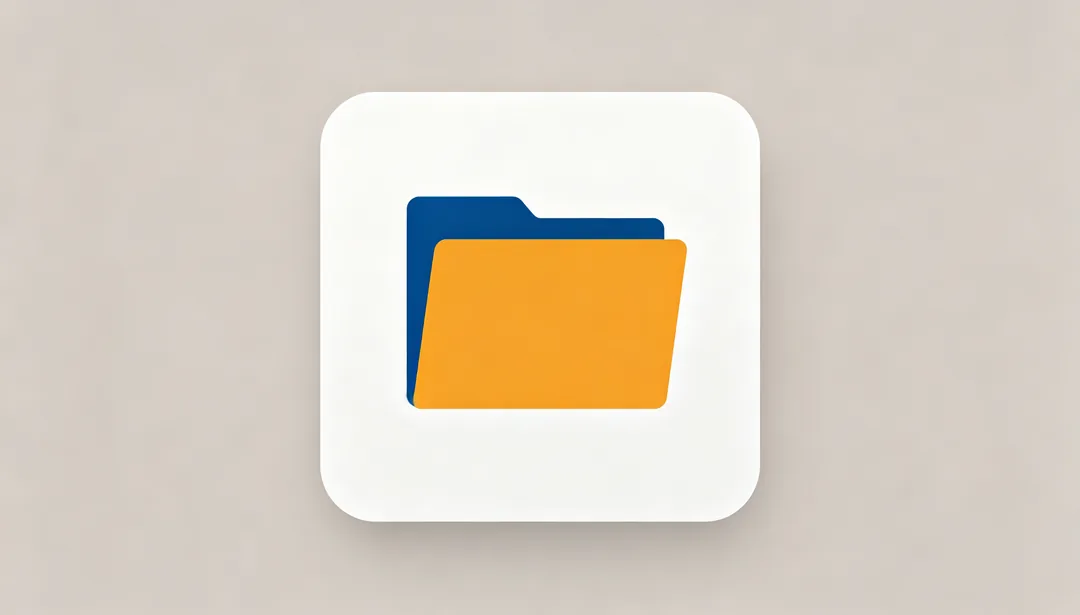
Bold flat color blocks following Google's Material Design standard.
Tags
- material-design
- flat
- color-block
- android
How it works
1
Describe the icon
Write one line naming the object or what the app does. No image is needed.
2
Pick an icon style
Choose a platform look, a 3D finish, a line style or a themed set.
3
Generate and export
Generate, pick the best version and crop or scale it to the size your platform needs.
More styles in Icon
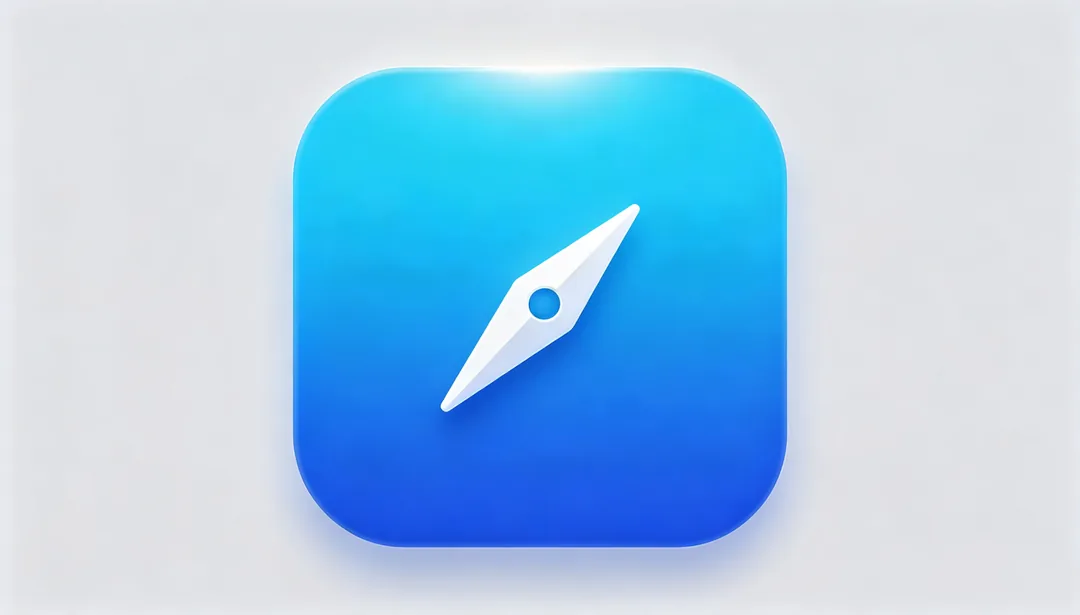
iOS Rounded Gradient
Apple-standard rounded-square silhouette with a subtle gradient wash for a clean, bright look.

iOS Glassmorphism
Frosted, semi-transparent glass layers with soft blur create an authentic iOS glassmorphism look.
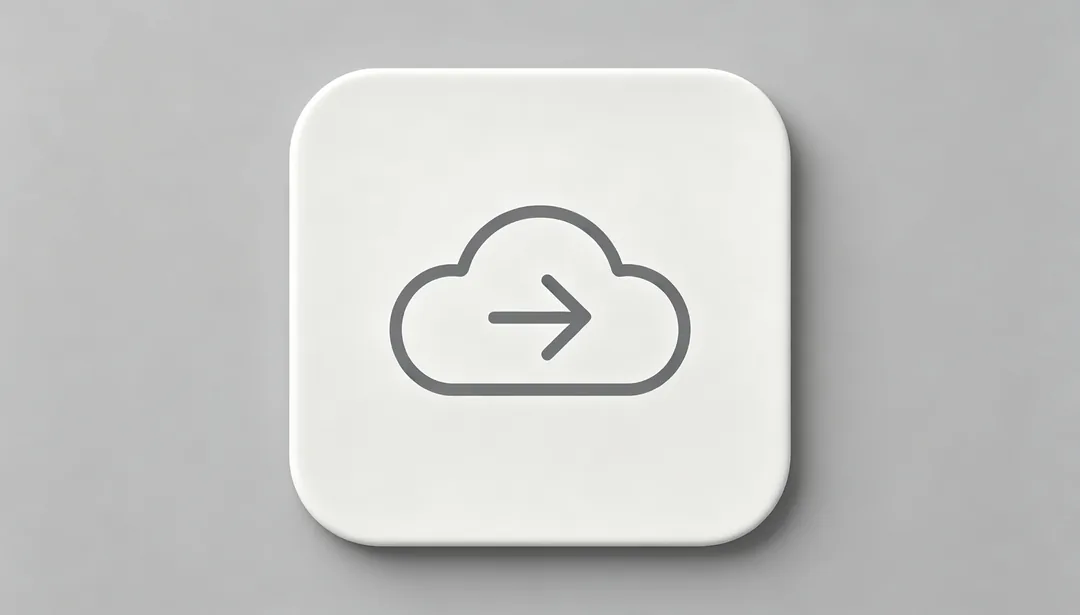
SF Symbols Style
A clean, linear glyph that follows Apple's SF Symbols design language.
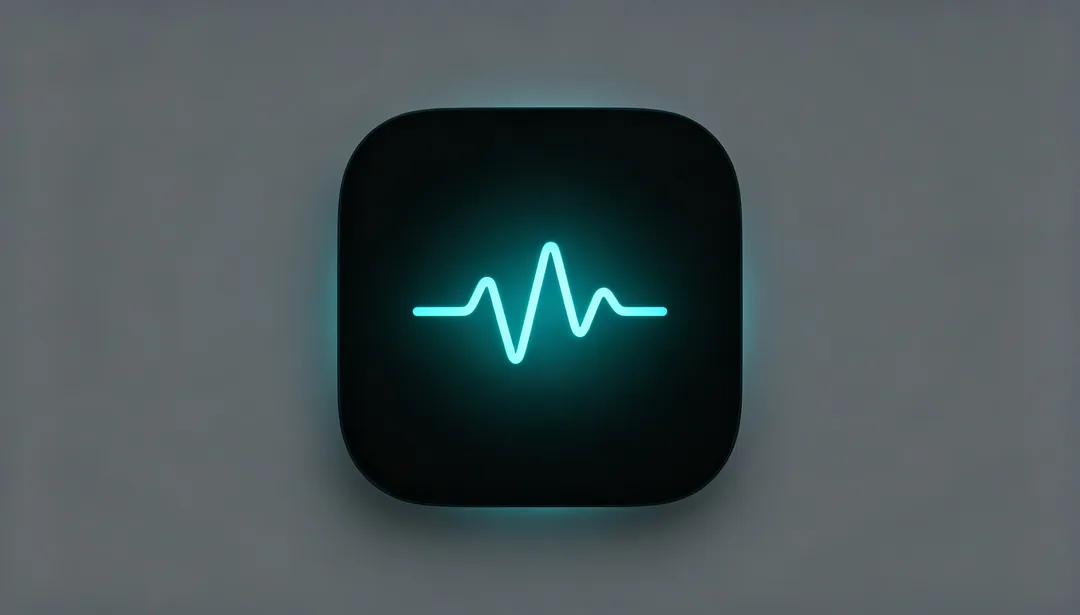
iOS Dark Mode
A glowing glyph on a deep dark plate, natively tuned for iOS dark mode.
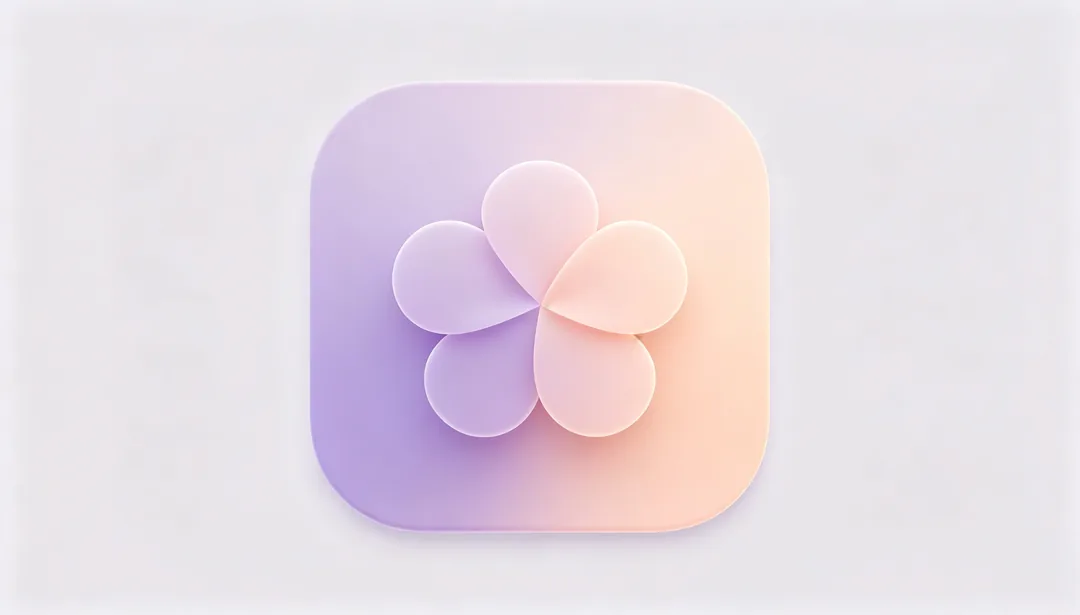
Material You
Dynamic color harmonization and soft rounded shapes define this personalized Material You look.

Adaptive Icon
A layered foreground-and-background composition built to Android's adaptive icon spec.

macOS Perspective Skeuomorphism
Classic 45-degree isometric skeuomorphic rendering in the style of vintage macOS app icons.
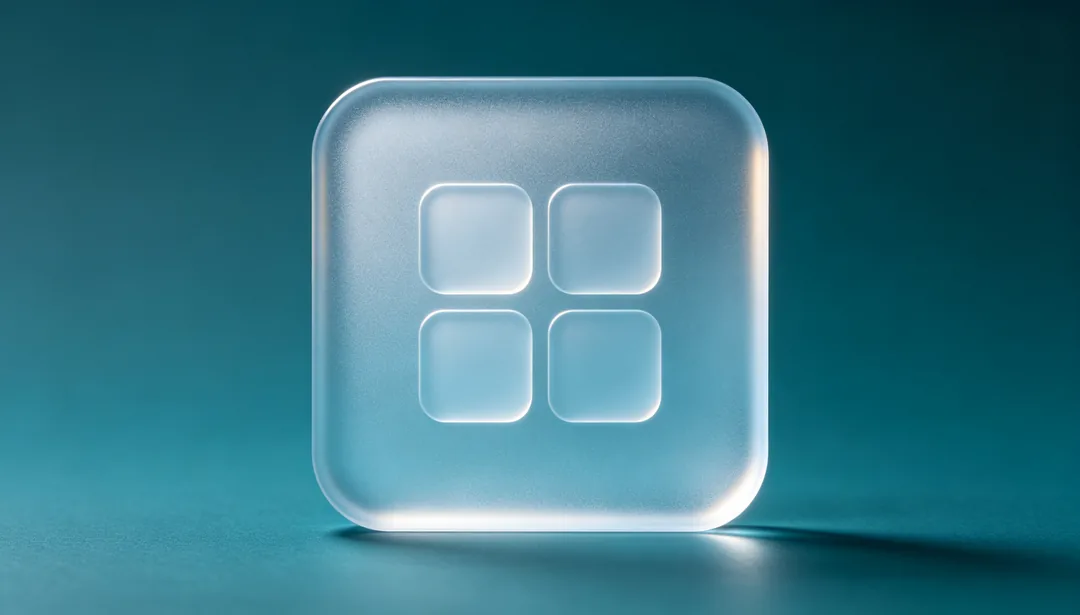
Fluent Acrylic
Translucent acrylic material texture in the style of Microsoft's Fluent Design system.