AI Icon, Emoji & Sticker Generator
Generate app icons and interface icons from a short description. Pick the visual language first, such as an iOS gradient, Material flat, line, glass or isometric 3D, and the style handles the rest. No reference image is needed.
It suits indie developers who need an app icon, designers sketching directions for an icon set, and teams that want a placeholder before the final artwork.
Use the icons for app store listings, home-screen icons, feature sections on a website, onboarding screens and slides.
50 styles
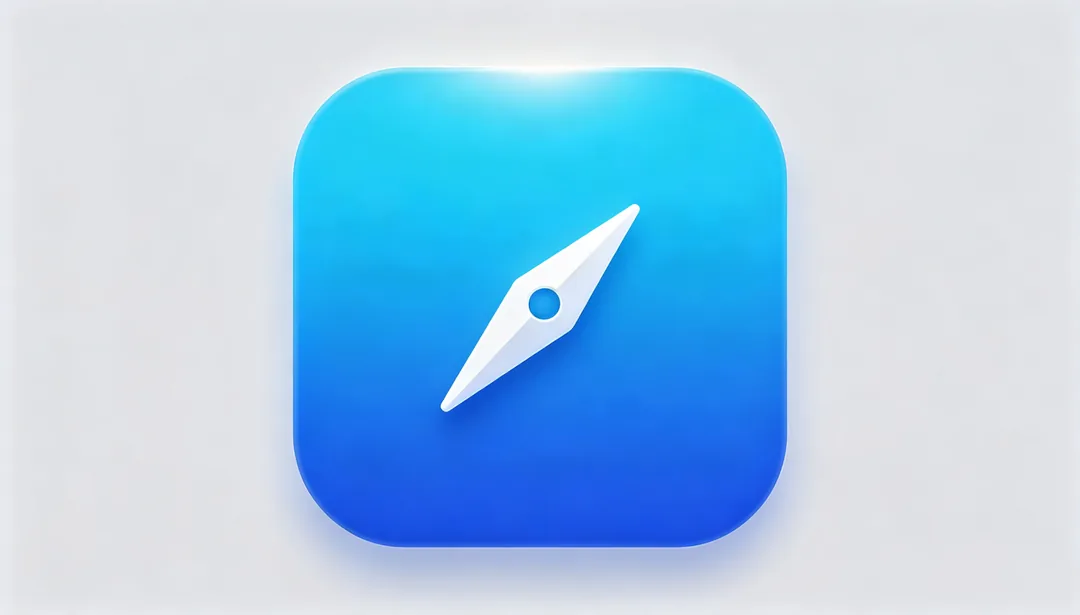
iOS Rounded Gradient
Apple-standard rounded-square silhouette with a subtle gradient wash for a clean, bright look.
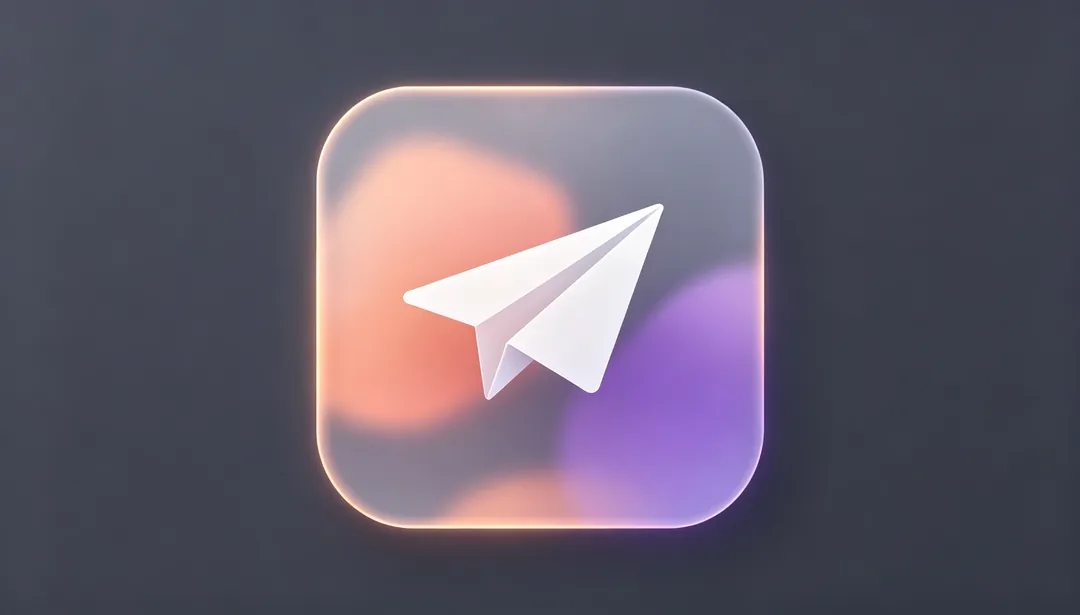
iOS Glassmorphism
Frosted, semi-transparent glass layers with soft blur create an authentic iOS glassmorphism look.
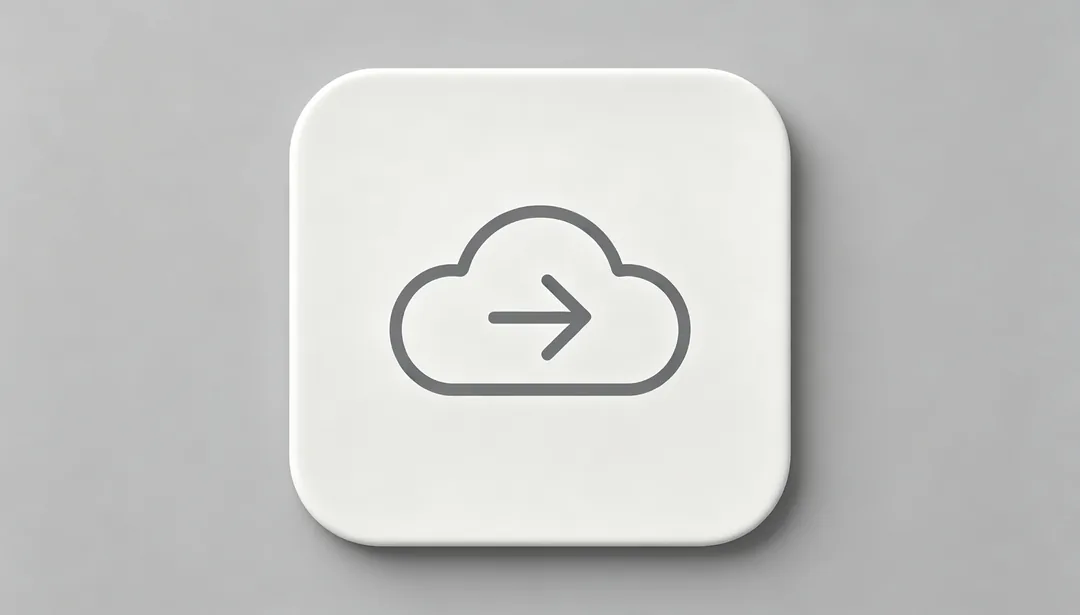
SF Symbols Style
A clean, linear glyph that follows Apple's SF Symbols design language.
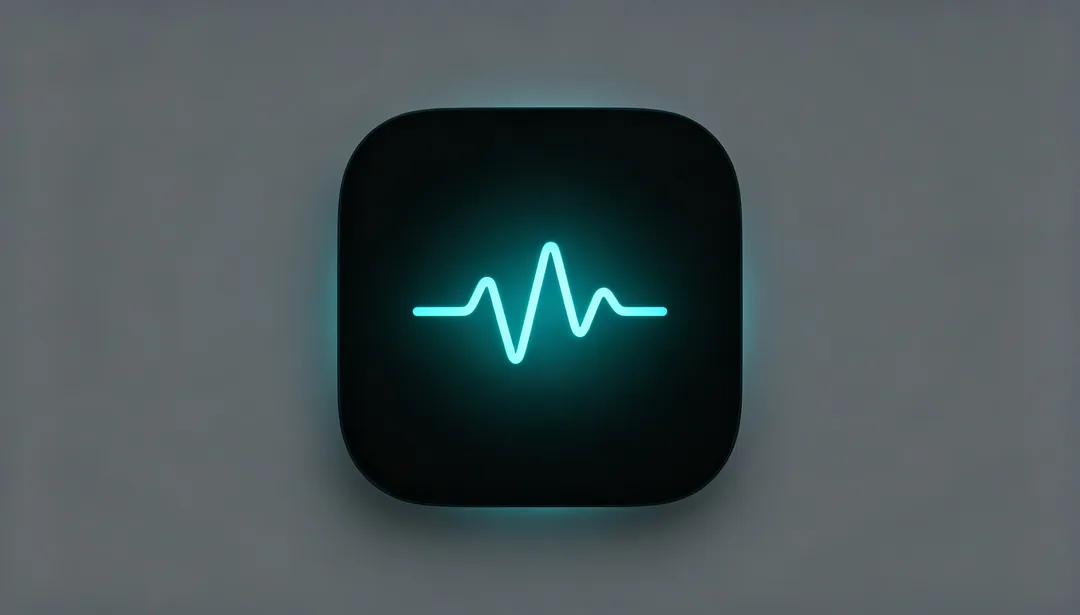
iOS Dark Mode
A glowing glyph on a deep dark plate, natively tuned for iOS dark mode.
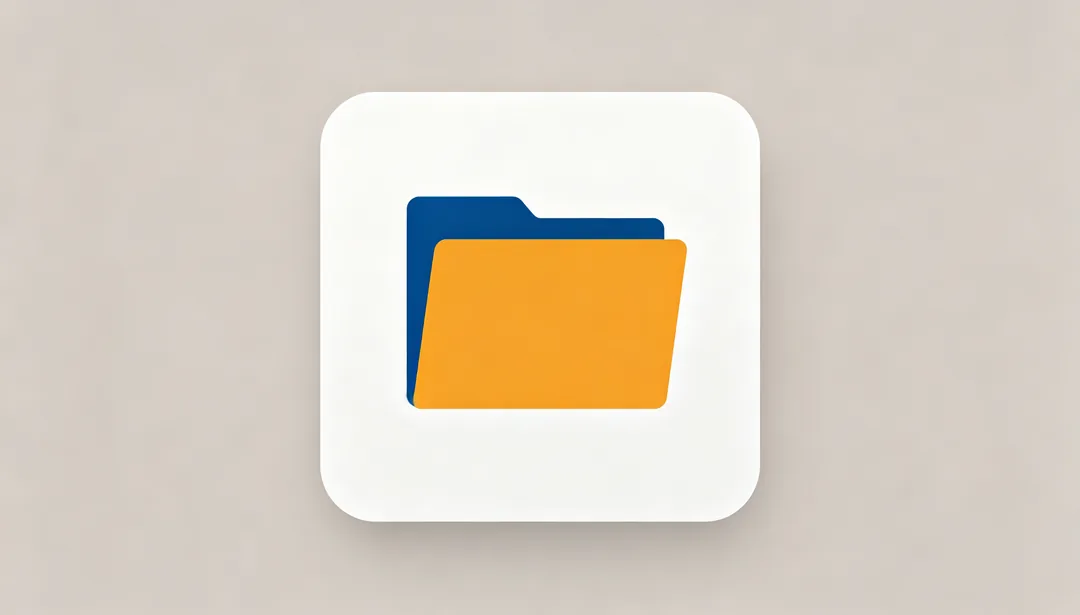
Material Flat
Bold flat color blocks following Google's Material Design standard.
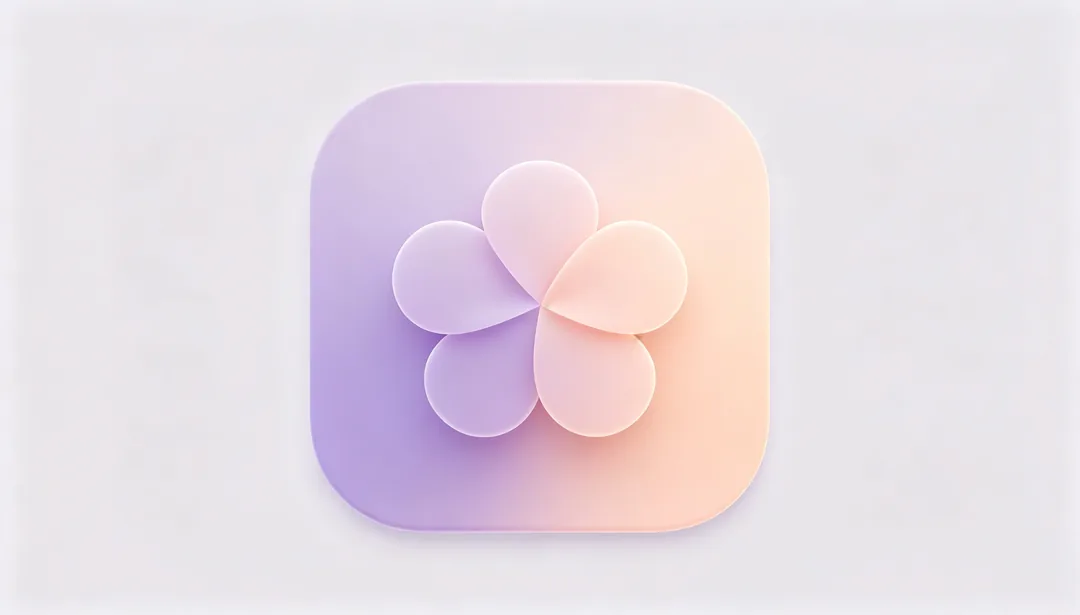
Material You
Dynamic color harmonization and soft rounded shapes define this personalized Material You look.
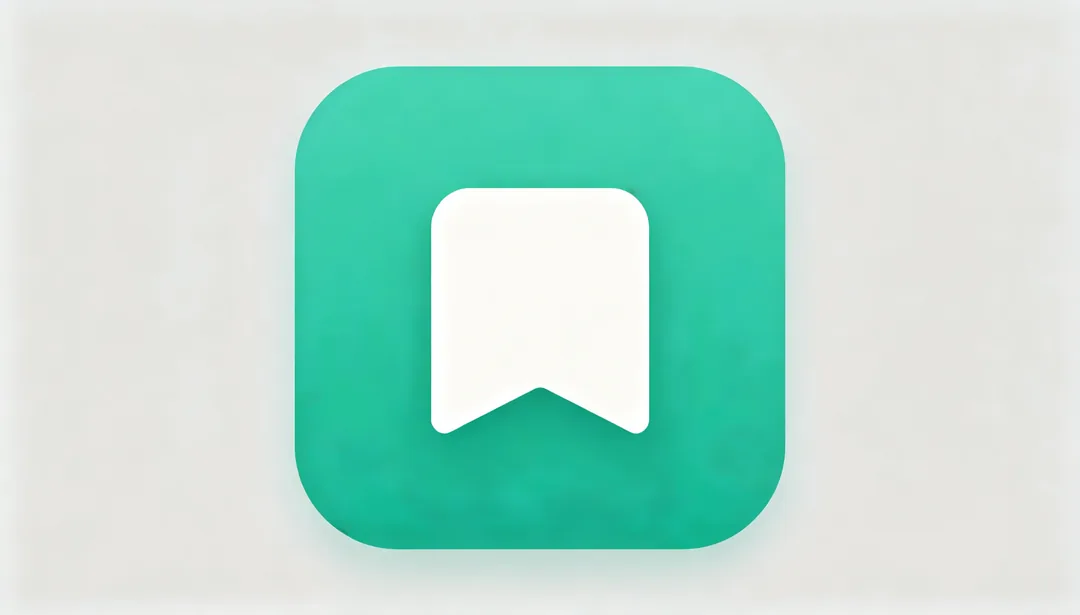
Adaptive Icon
A layered foreground-and-background composition built to Android's adaptive icon spec.
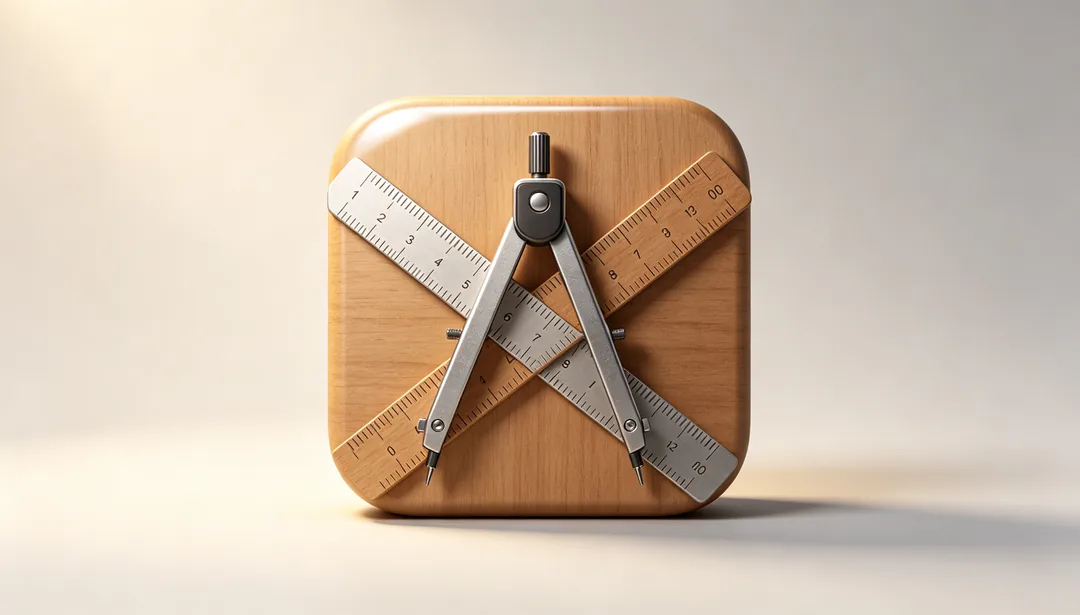
macOS Perspective Skeuomorphism
Classic 45-degree isometric skeuomorphic rendering in the style of vintage macOS app icons.
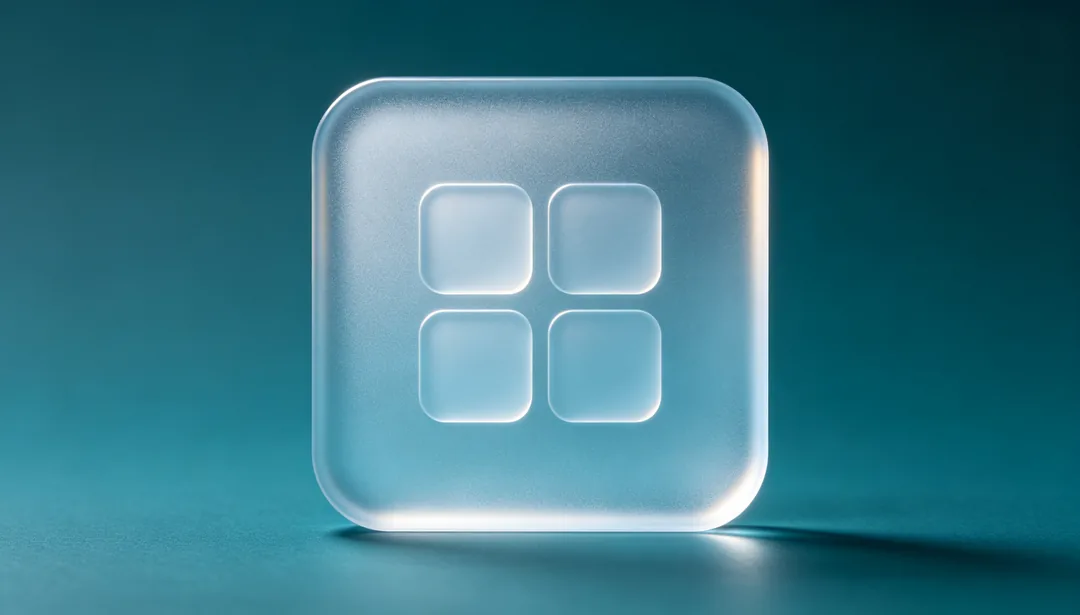
Fluent Acrylic
Translucent acrylic material texture in the style of Microsoft's Fluent Design system.
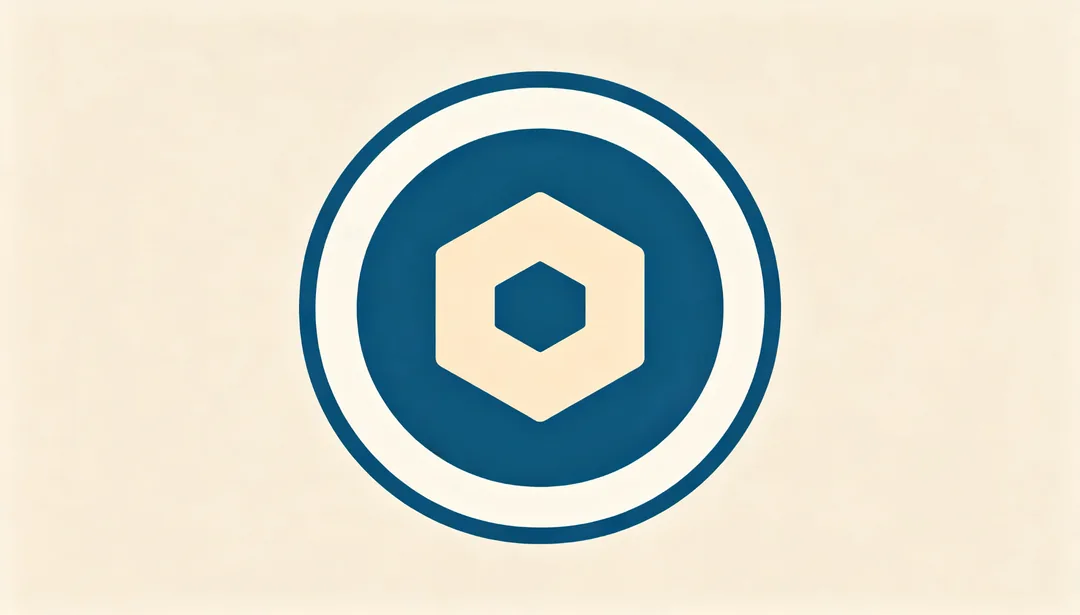
Linux Flat Badge
A simple flat geometric badge silhouette in a Linux-style open-source aesthetic.

3D Render
Glossy highlights, reflections, and volumetric depth create a fully rendered 3D look.
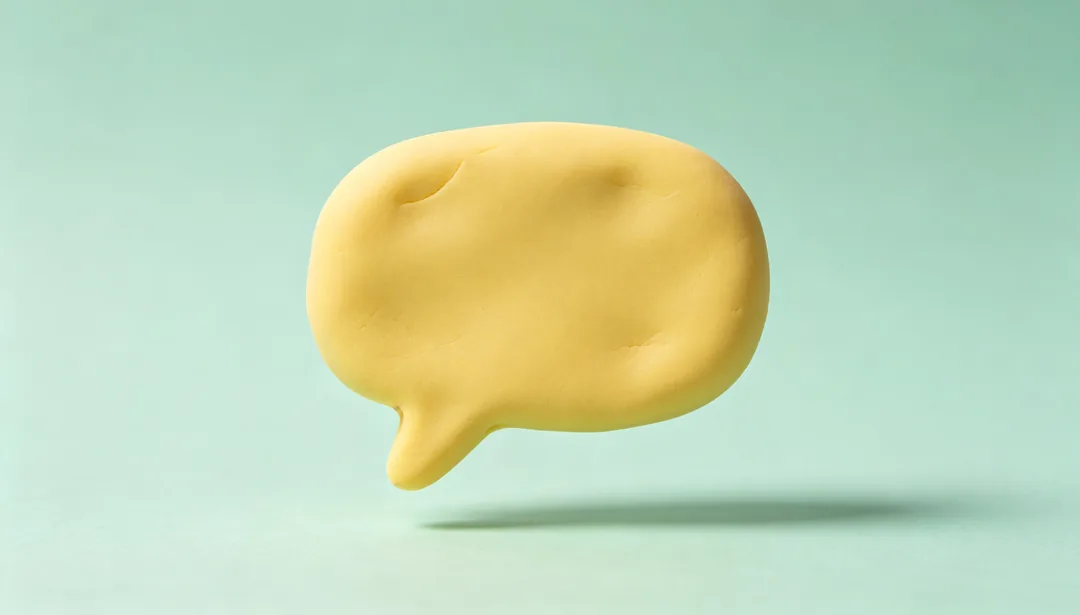
Clay Morph
A soft, rounded claymation-inspired texture with a tactile, moldable feel.
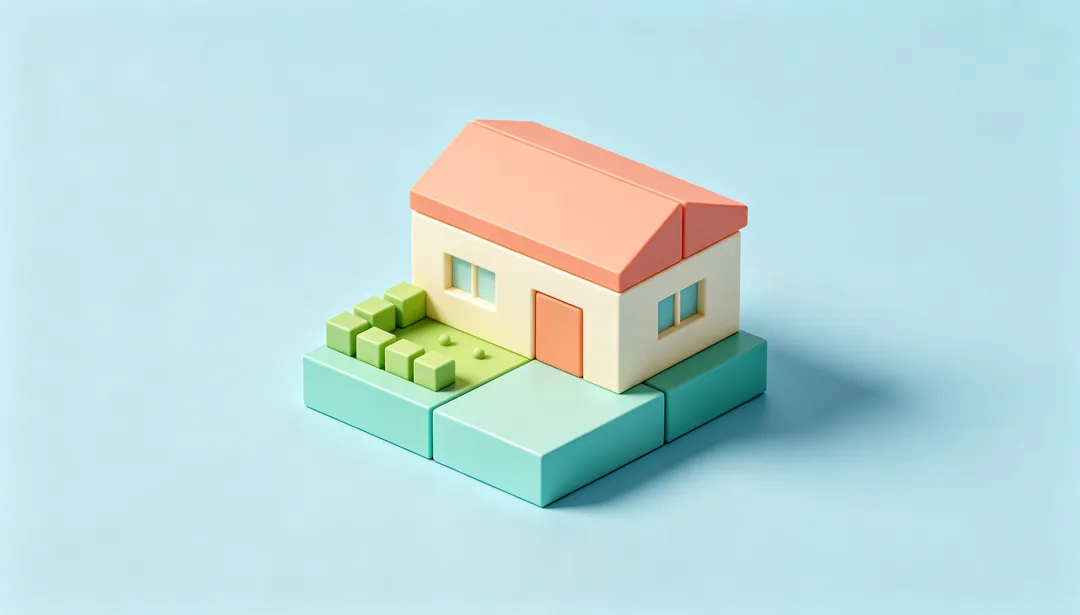
Isometric 3D
A miniature 3D scene rendered in classic 26.57-degree isometric projection.
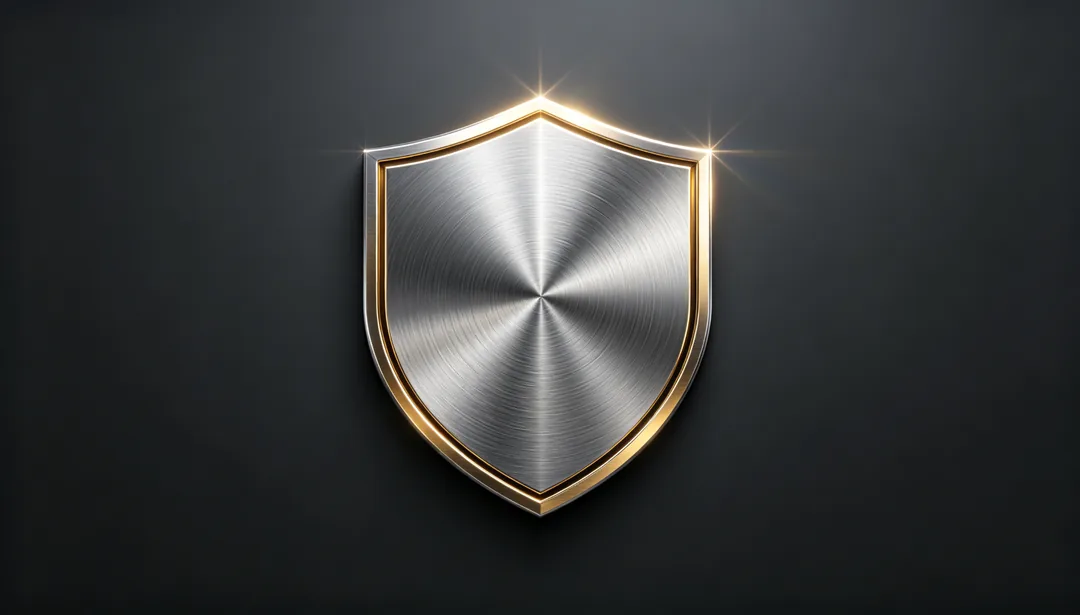
Metallic Finish
A polished silver, gold, or bronze metallic sheen.
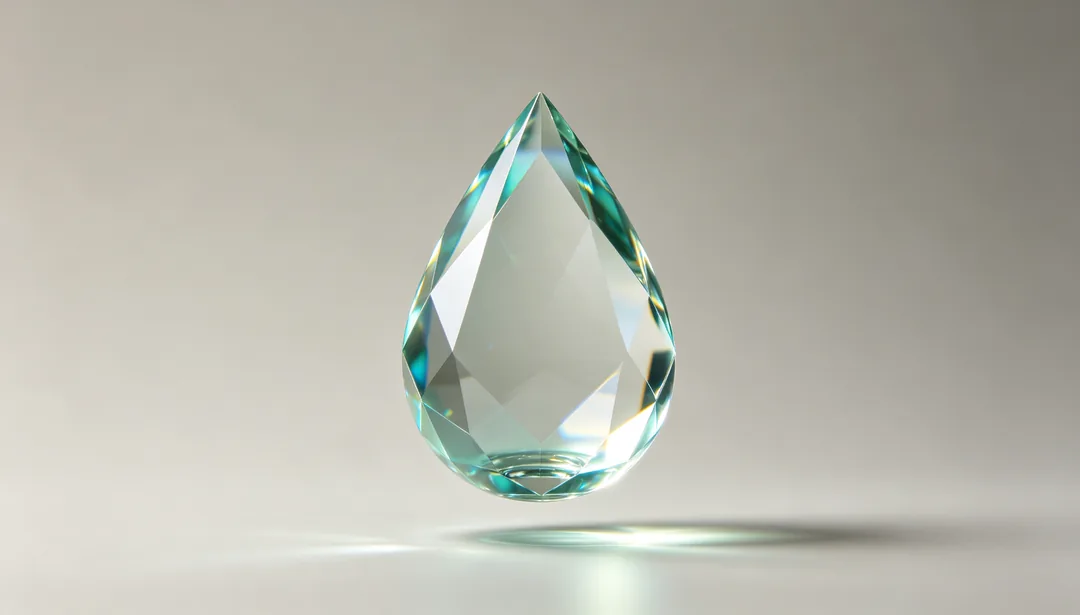
Transparent Glass
A fully transparent glass material with realistic light refraction.
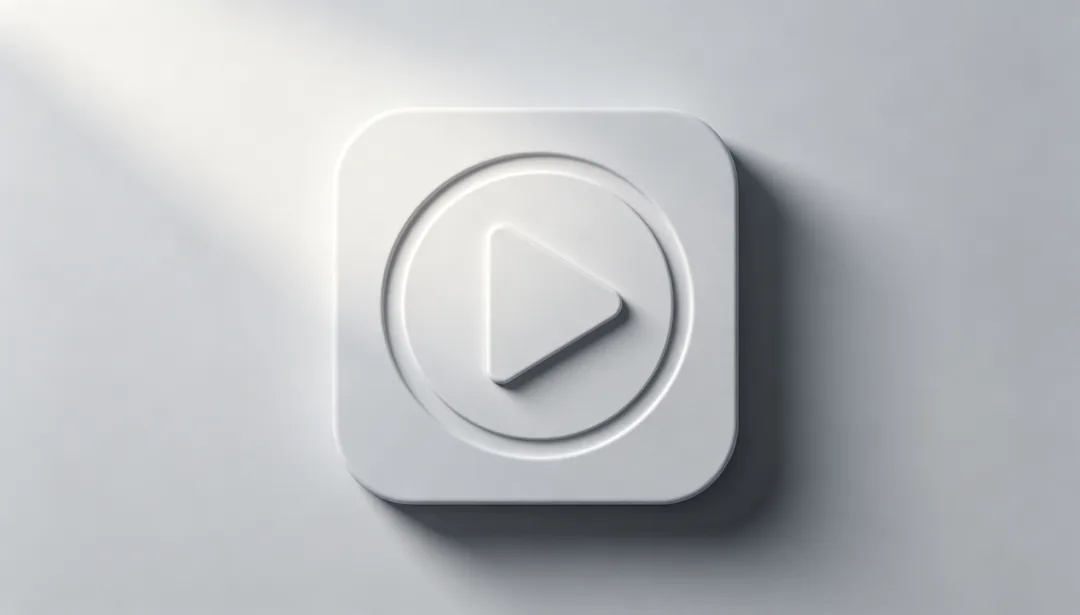
Neumorphism
Soft embossed or debossed shapes in a light, low-contrast palette.
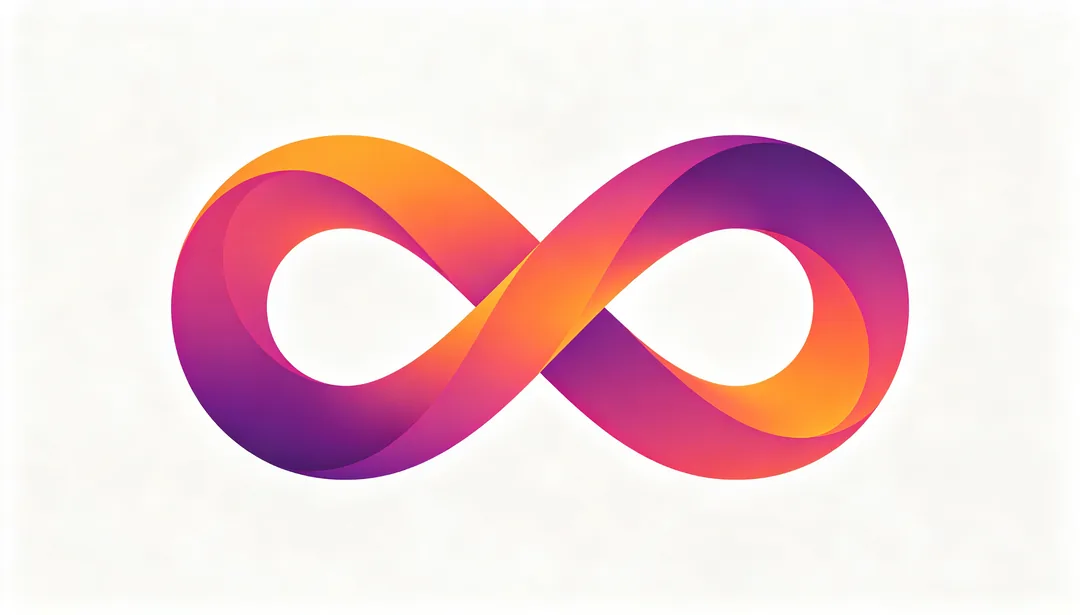
Gradient Mesh
A complex, multi-directional gradient mesh with fluid color transitions.
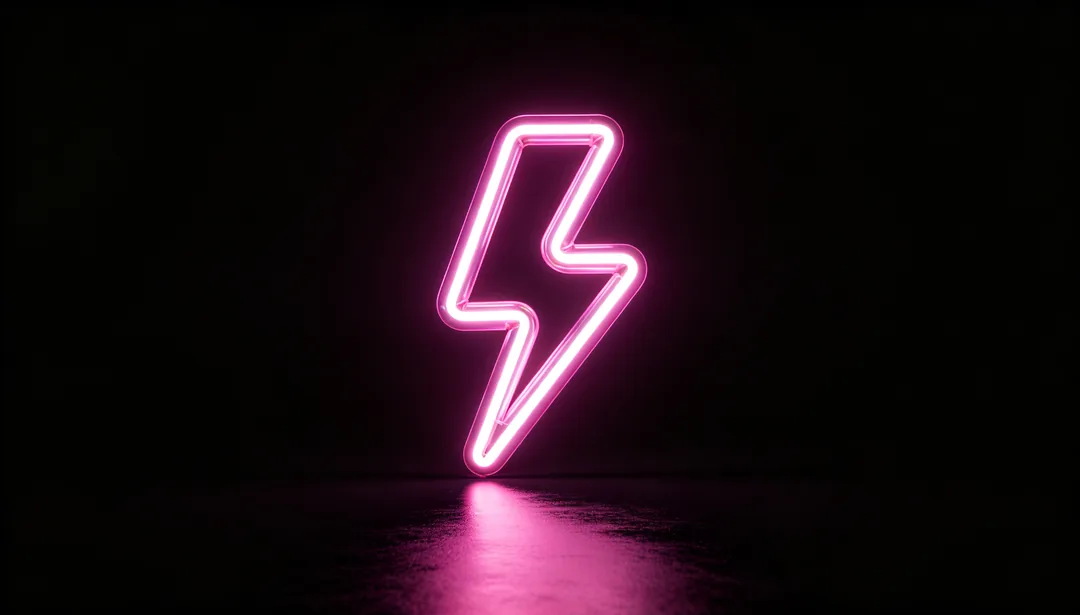
Neon Glow
Glowing neon-tube linework set against a dark background.
Frosted Blur
A semi-transparent frosted surface paired with soft pastel color washes.
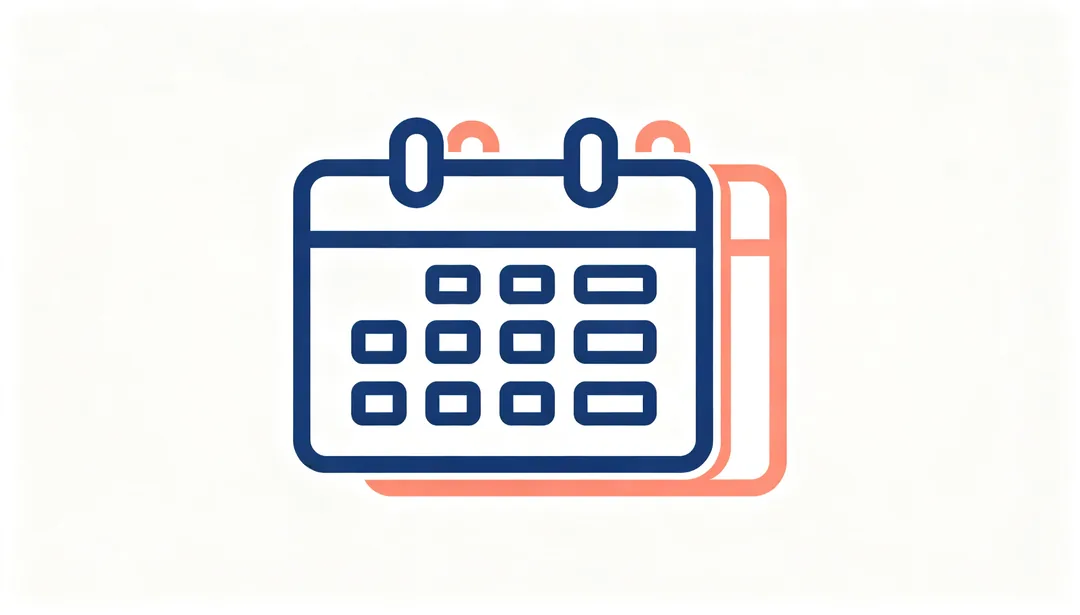
Duotone Outline
Two-tone linework that is simple, clean, and highly recognizable.
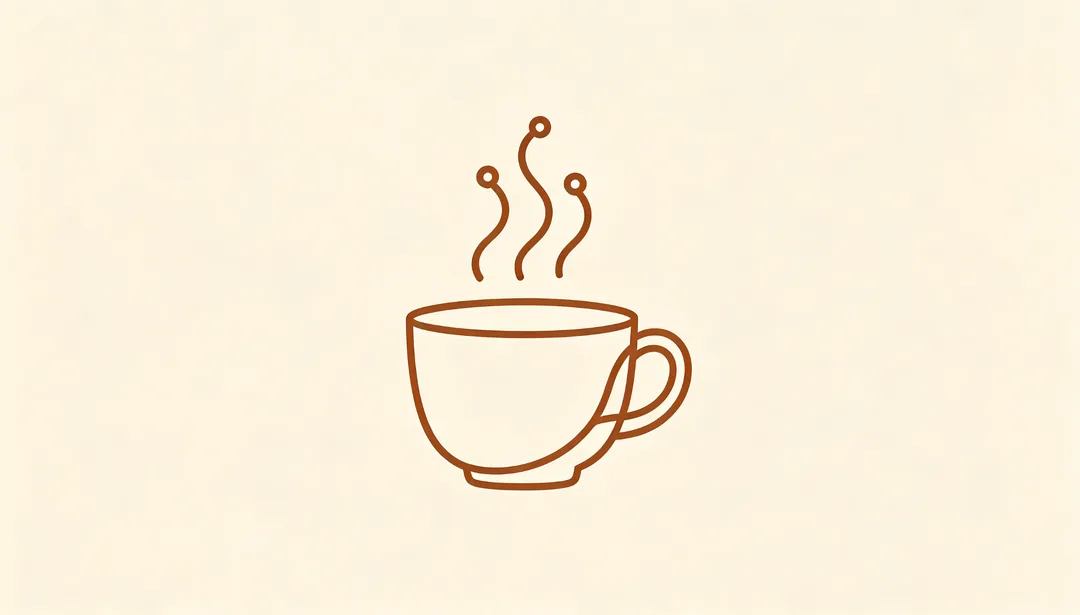
Single-Line Outline
A single continuous stroke of uniform weight defines the entire glyph.
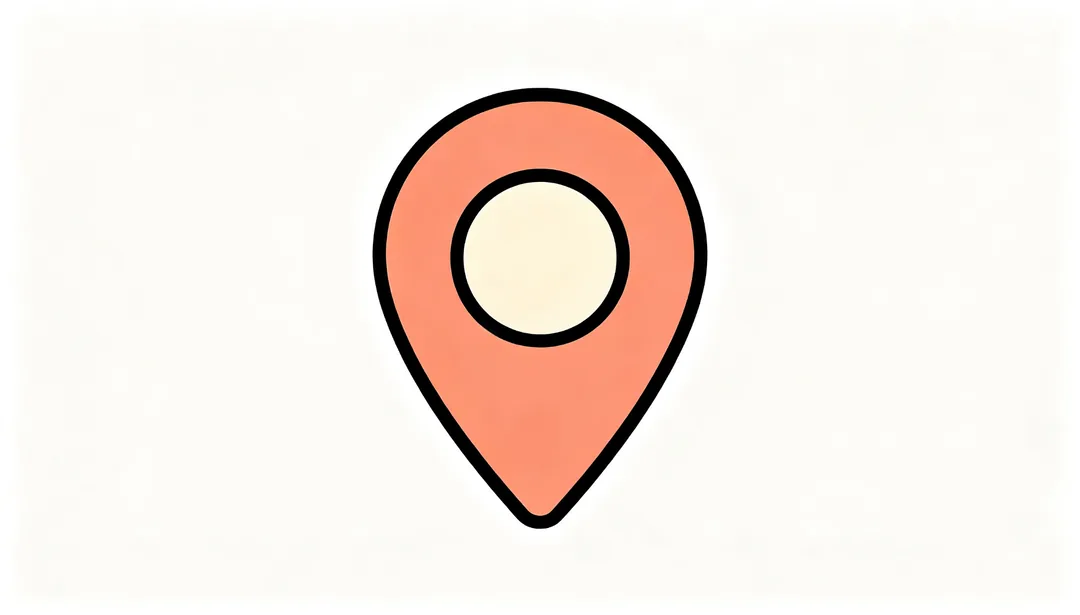
Filled Outline
Outlined contours filled with solid interior color blocks.
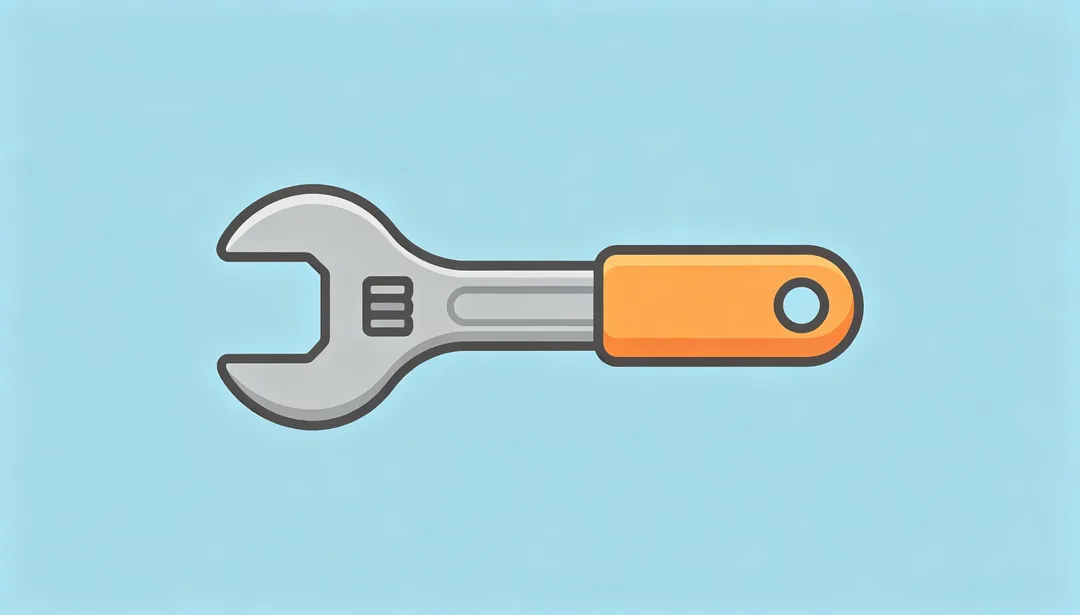
Rounded Tool Icon
A functional tool-style glyph with soft rounded stroke endpoints.
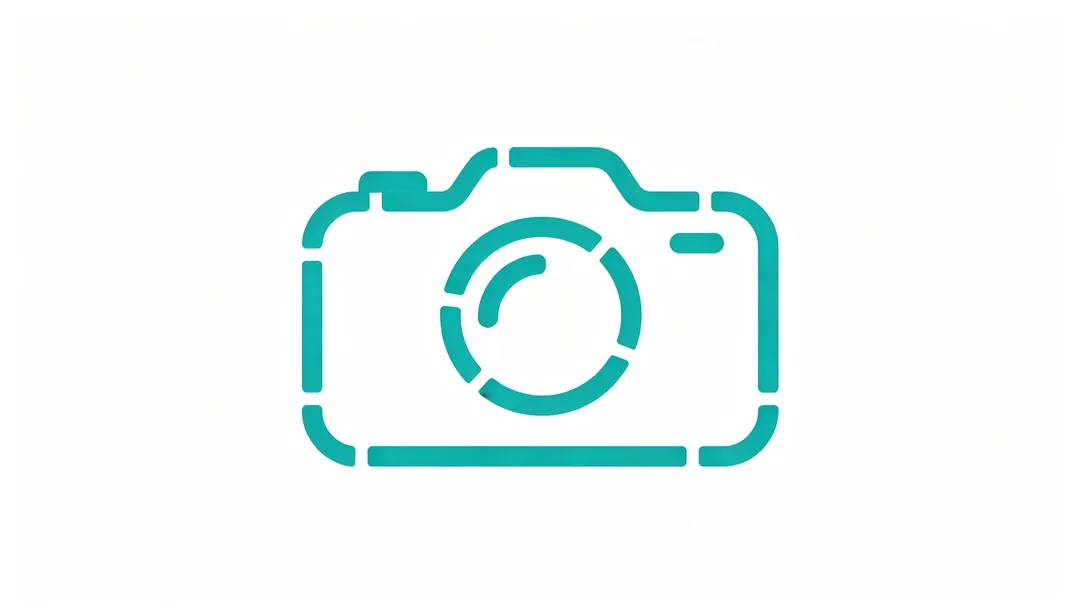
Broken Line
Deliberately interrupted strokes create a light, airy, open feel.
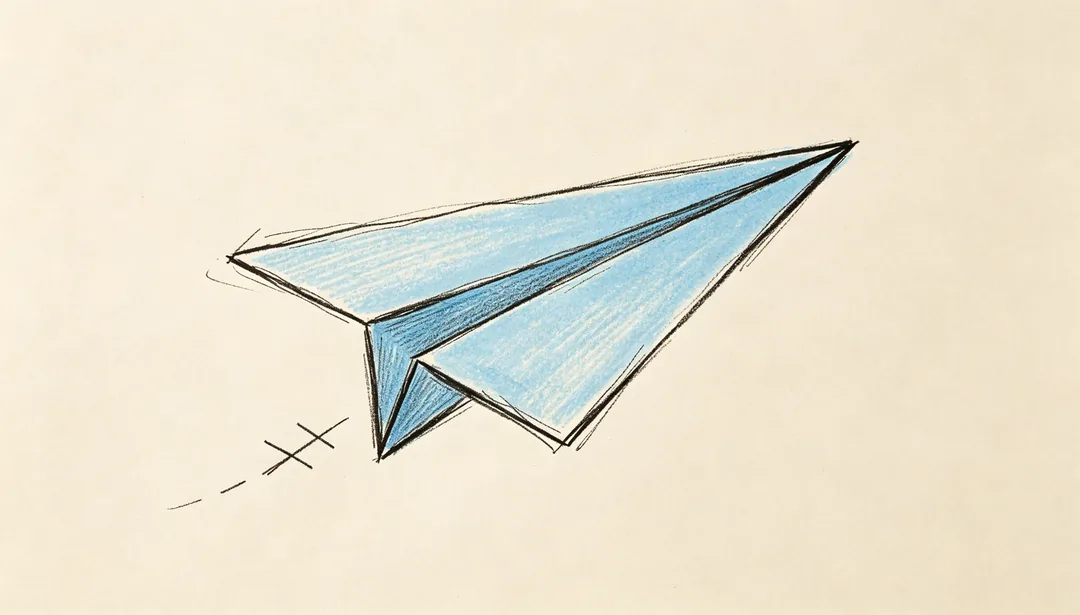
Hand-Drawn Sketch
A pencil-and-pen sketch texture gives the glyph a hand-drawn feel.
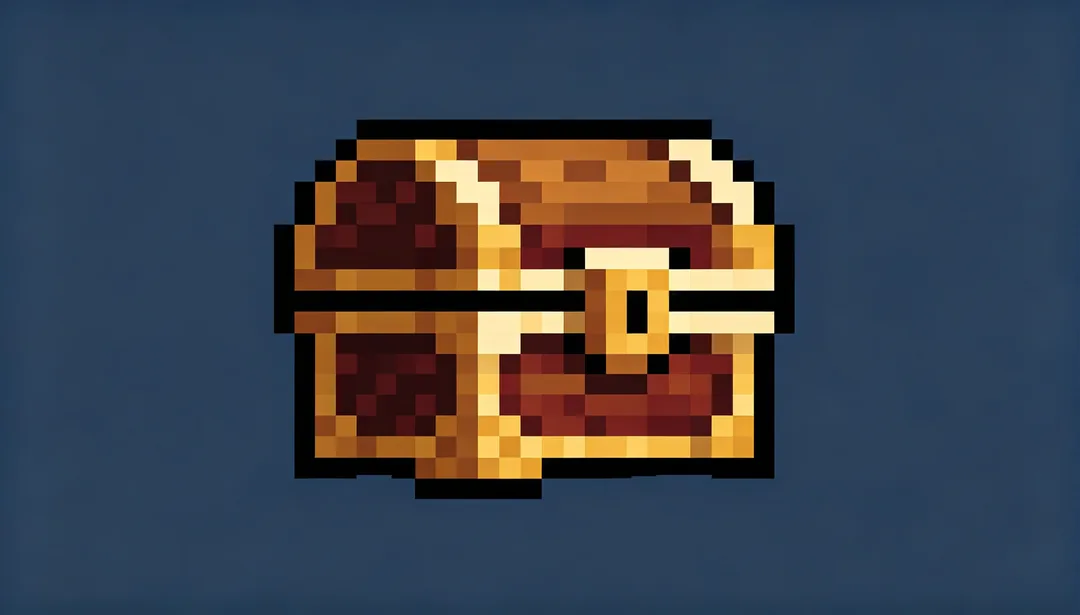
8-Bit Classic
Blocky 8-bit pixel art reminiscent of classic home-console games.
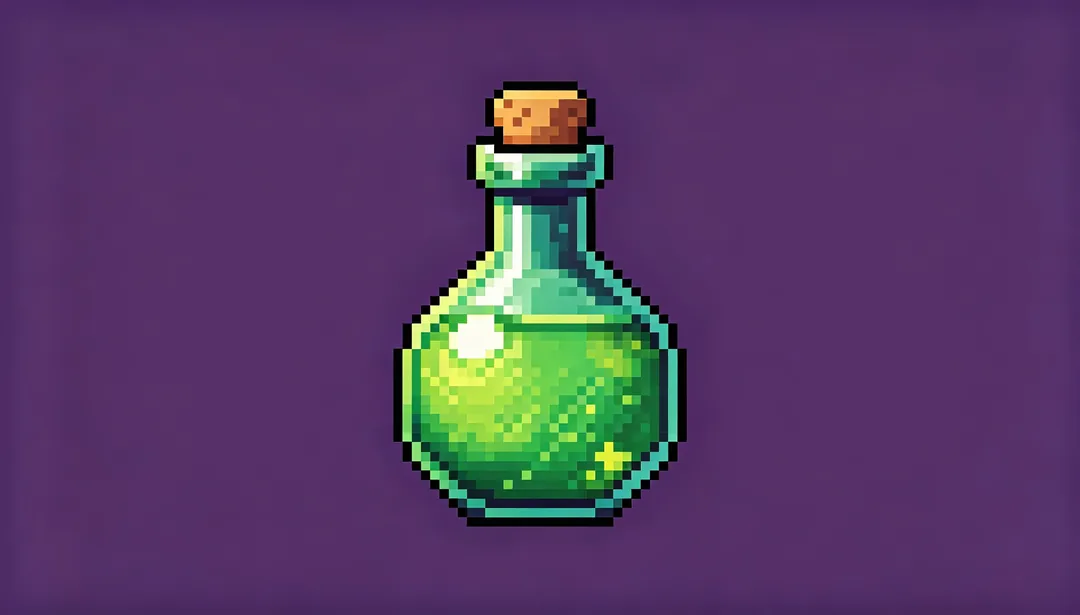
16-Bit Retro
Richer 16-bit color depth pixel art reminiscent of the mid-1990s home console era.
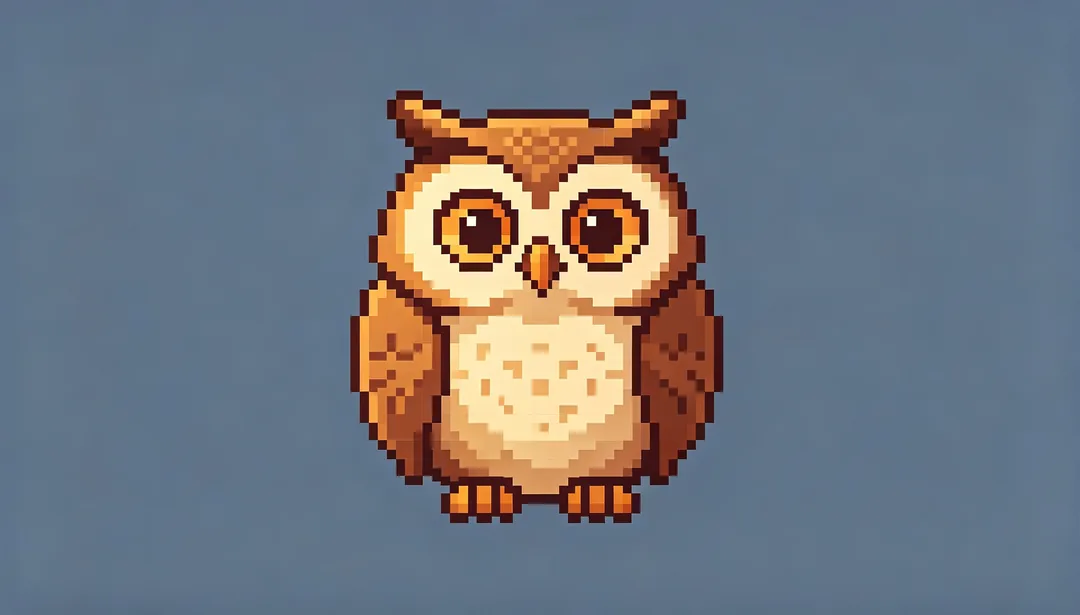
Modern Pixel
High-resolution pixel art with fine, refined detailing.
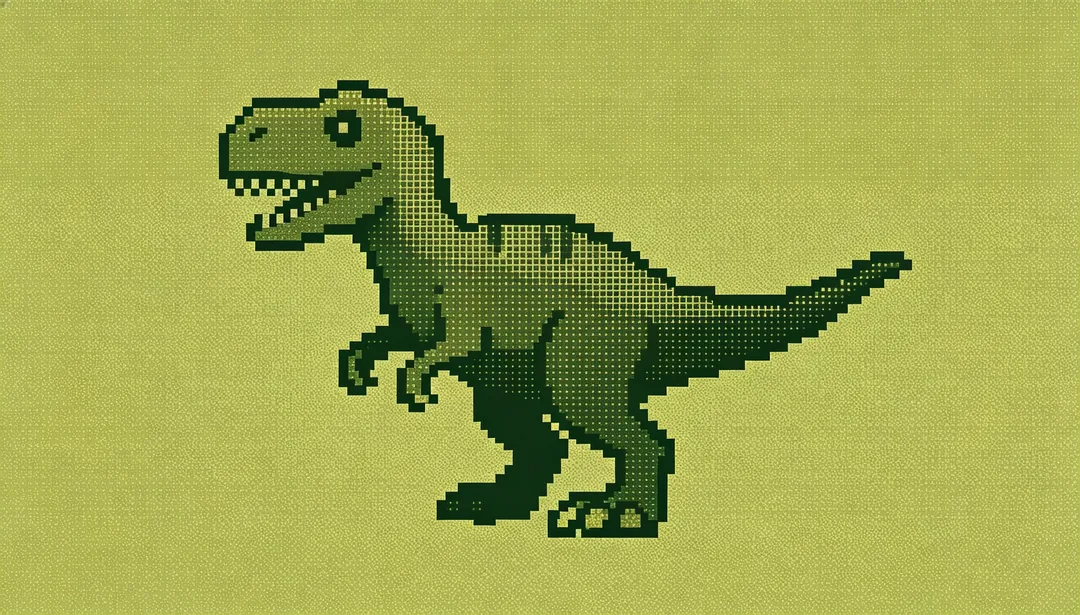
Monochrome Green LCD
A single-hue green LCD palette evokes a retro handheld-console pixel display.
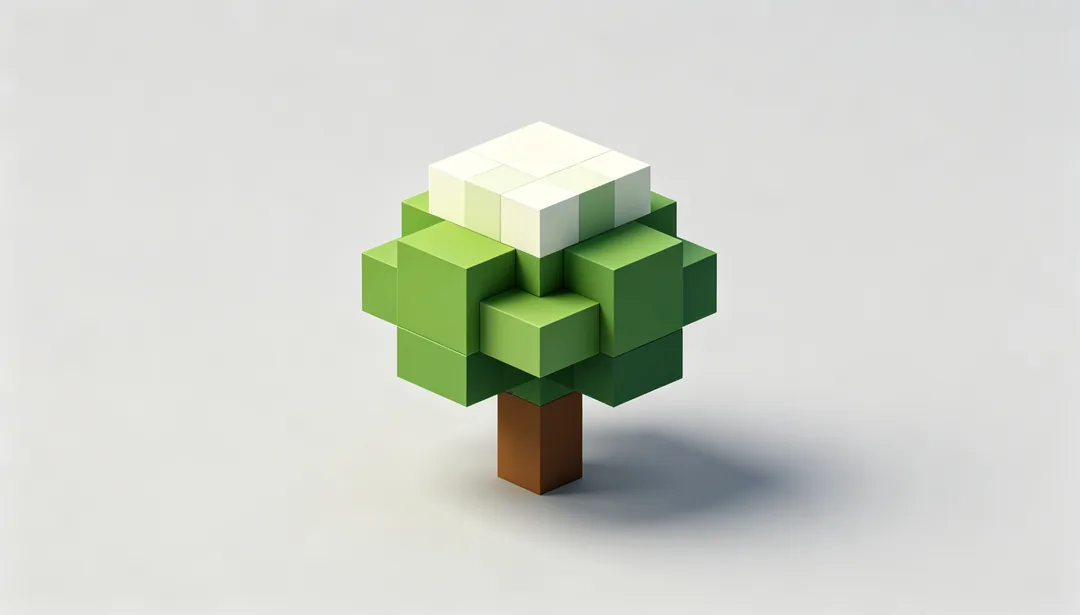
Voxel Cube
Stacked 3D pixel cubes form a chunky voxel-style composition.
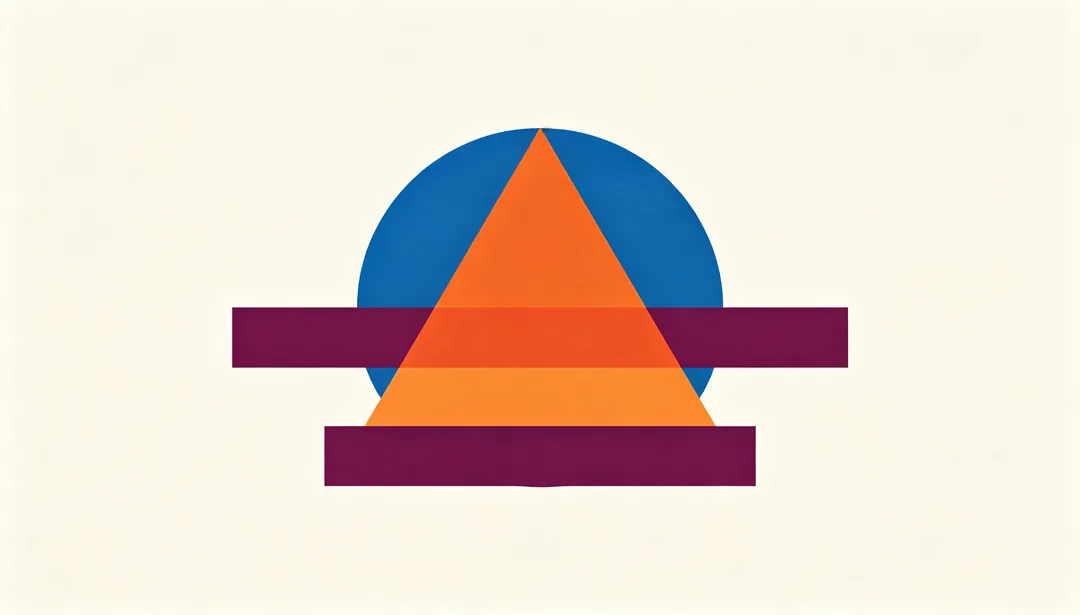
Geometric Abstract
Pure geometric shapes combine into an abstract, non-literal pattern.
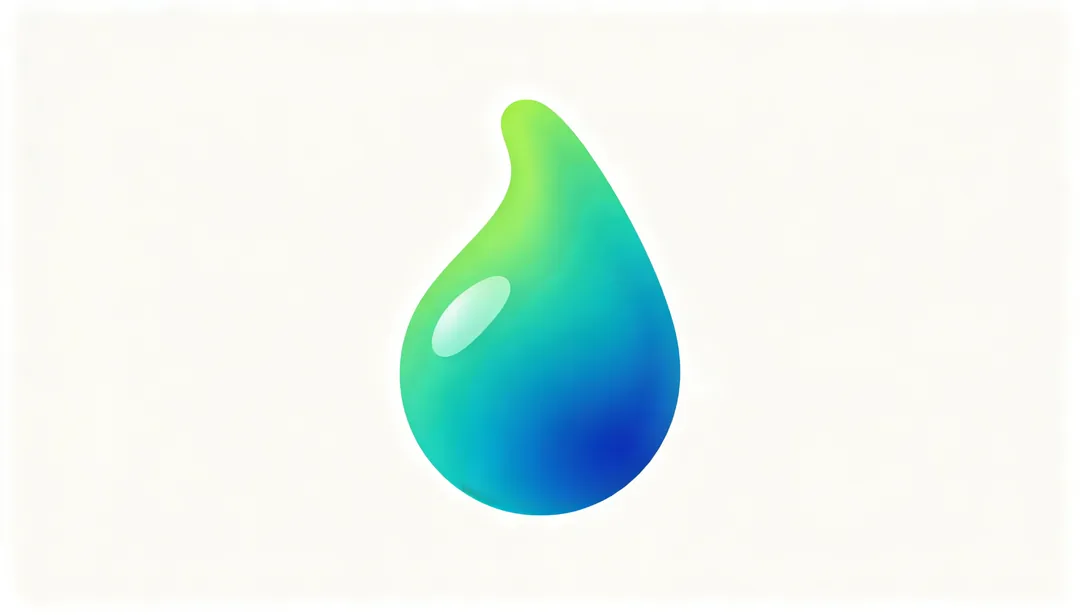
Fluid Gradient
Liquid-like gradient color blobs that appear to flow across the mark.

Light Effect
Glow, halo, and starburst lighting effects define the mark.
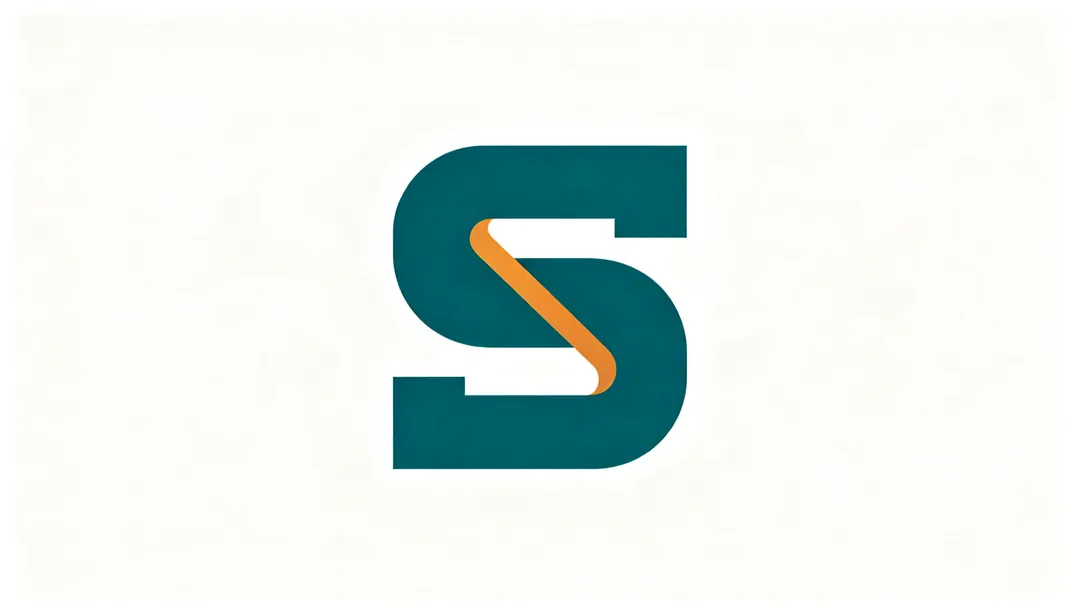
Letterform Symbol
The brand's initial letterform is abstracted into a symbolic mark.
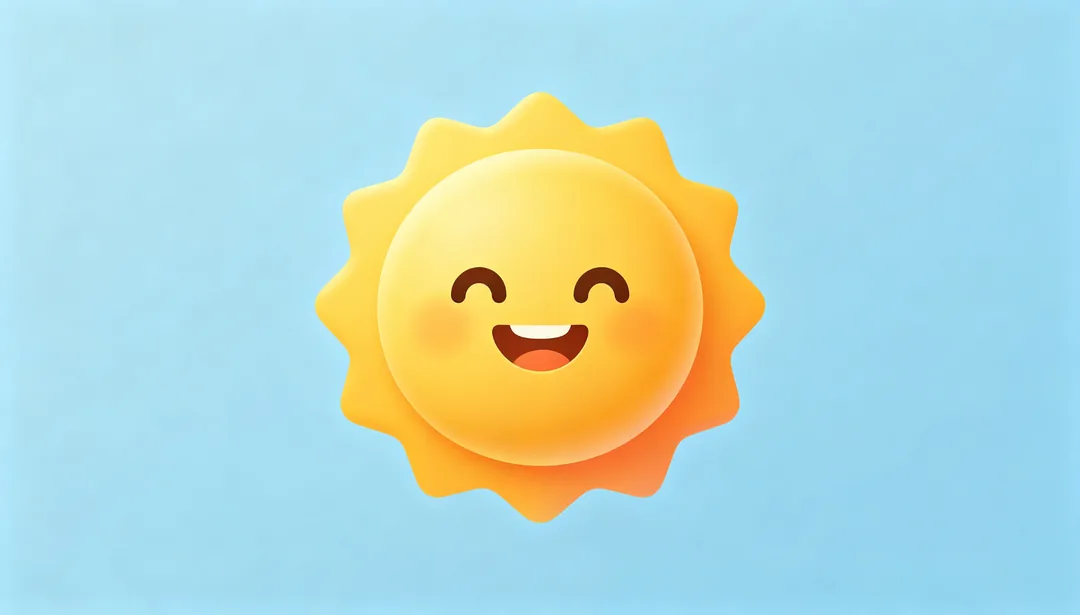
Emoji Style
A flat, friendly look reminiscent of system emoji artwork.
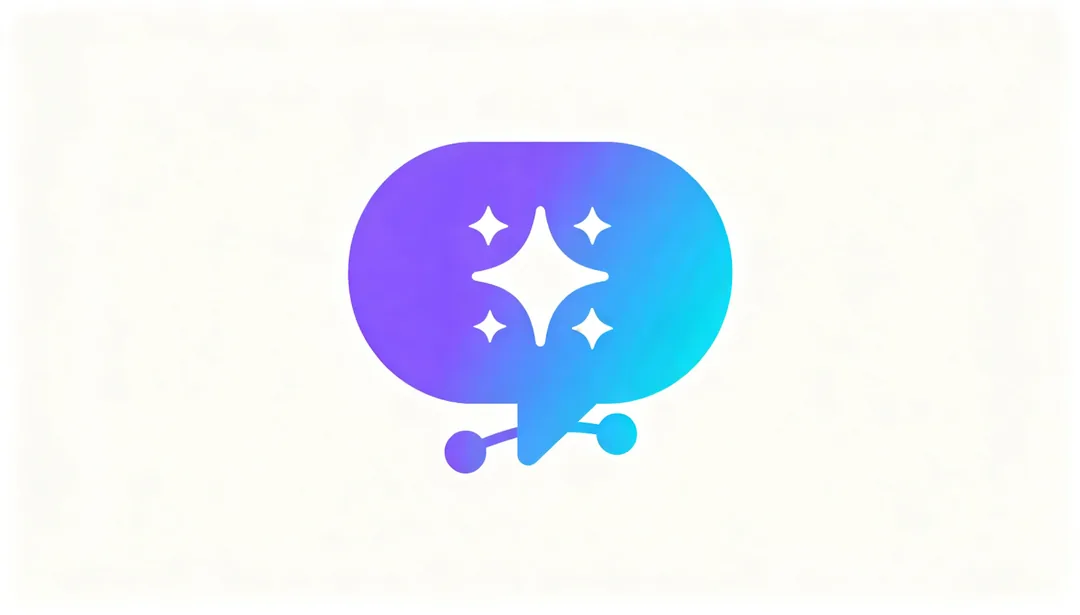
AI Assistant
Sparkle, neural-network, and chat-bubble motifs evoke an AI assistant theme.
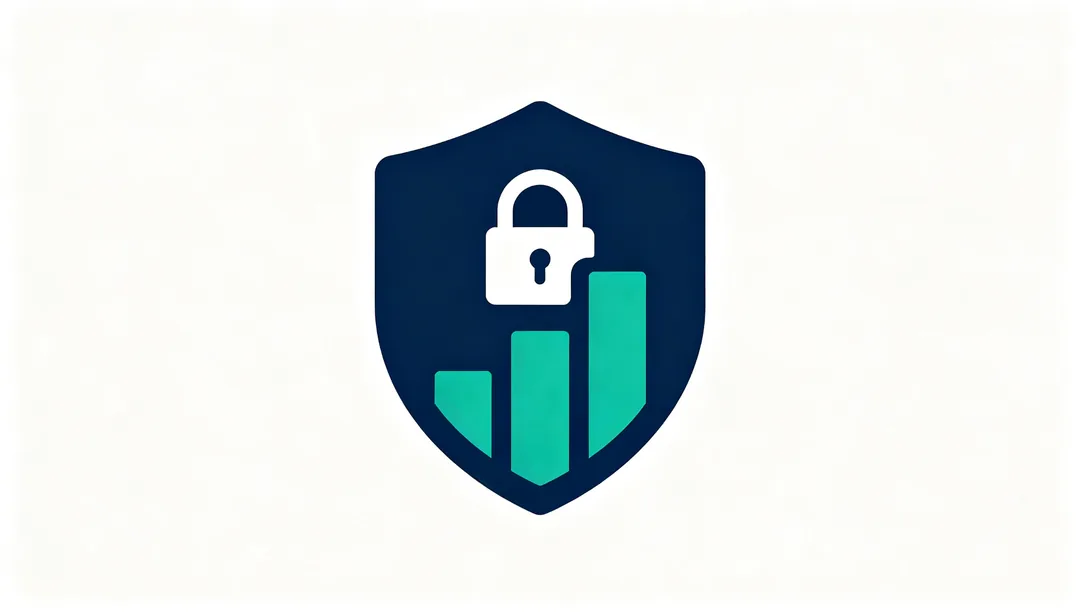
Fintech Secure
Shield, lock, and chart motifs in calm blue-green tones convey financial security.
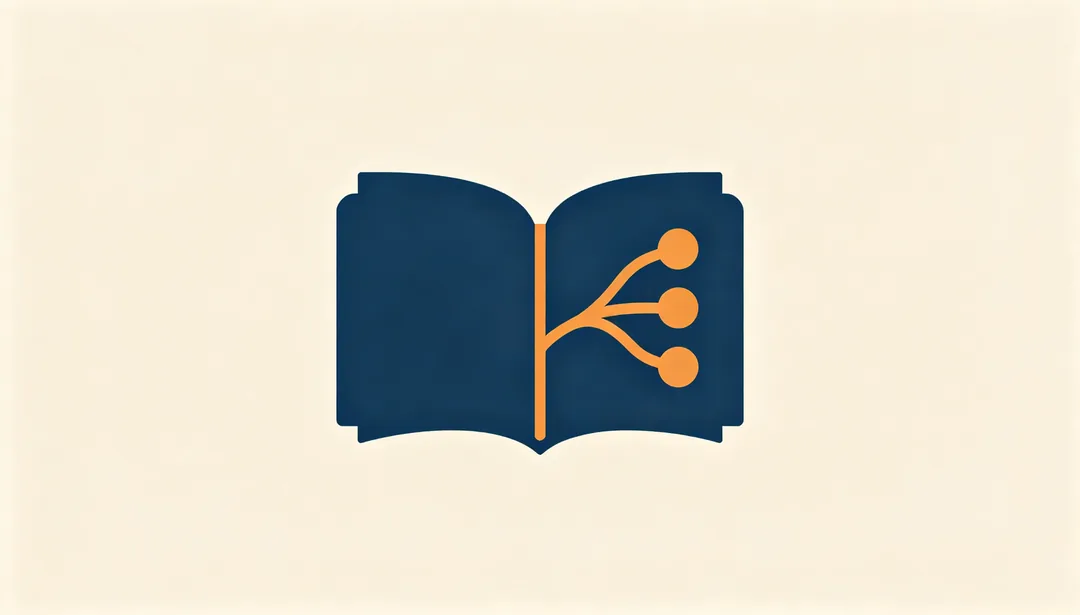
Notes & Knowledge
Book, document, and mind-map motifs evoke a notes-and-knowledge theme.

Health & Fitness
Heartbeat, running, apple, or yoga motifs evoke a health-and-fitness theme.
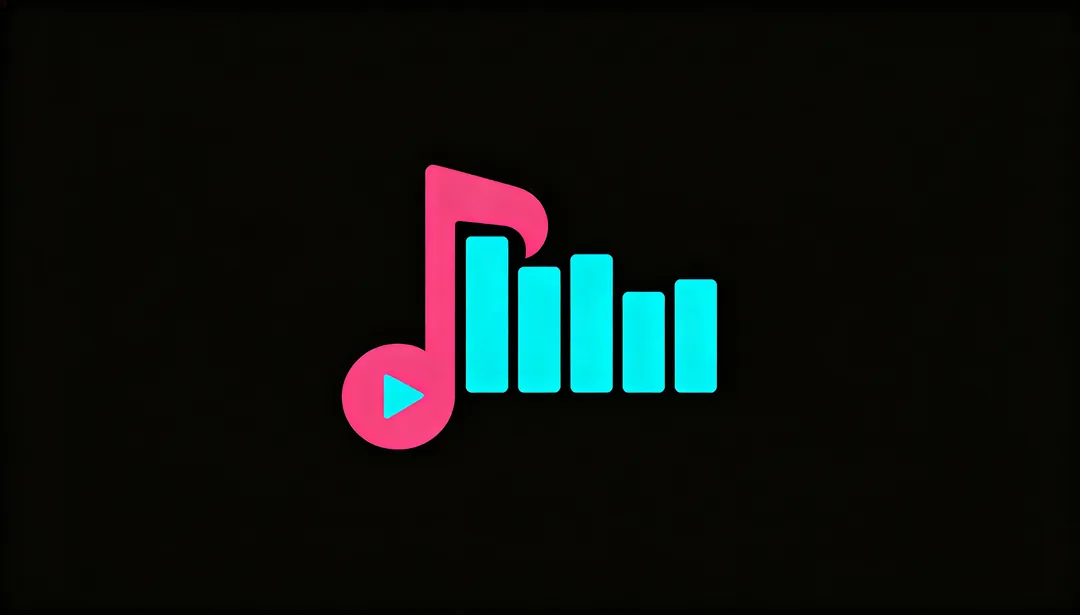
Music & Video
Musical note, play button, and sound-wave motifs evoke a music-and-video theme.

Social & Chat
Chat-bubble, connection-line, and figure-silhouette motifs evoke a social-chat theme.
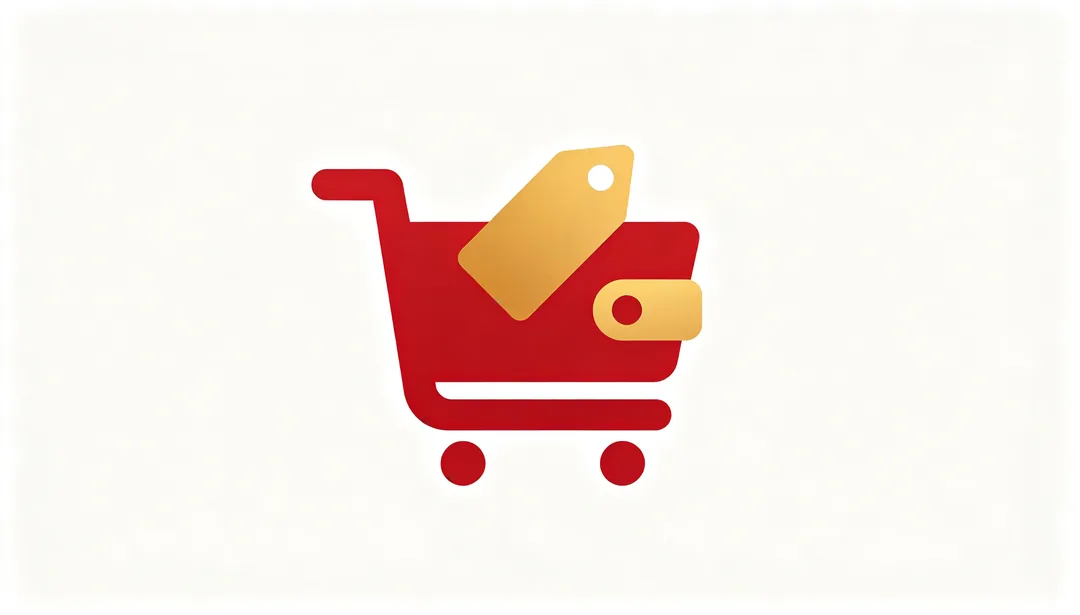
Shopping & Cart
Shopping-cart, price-tag, and wallet motifs evoke an e-commerce shopping theme.
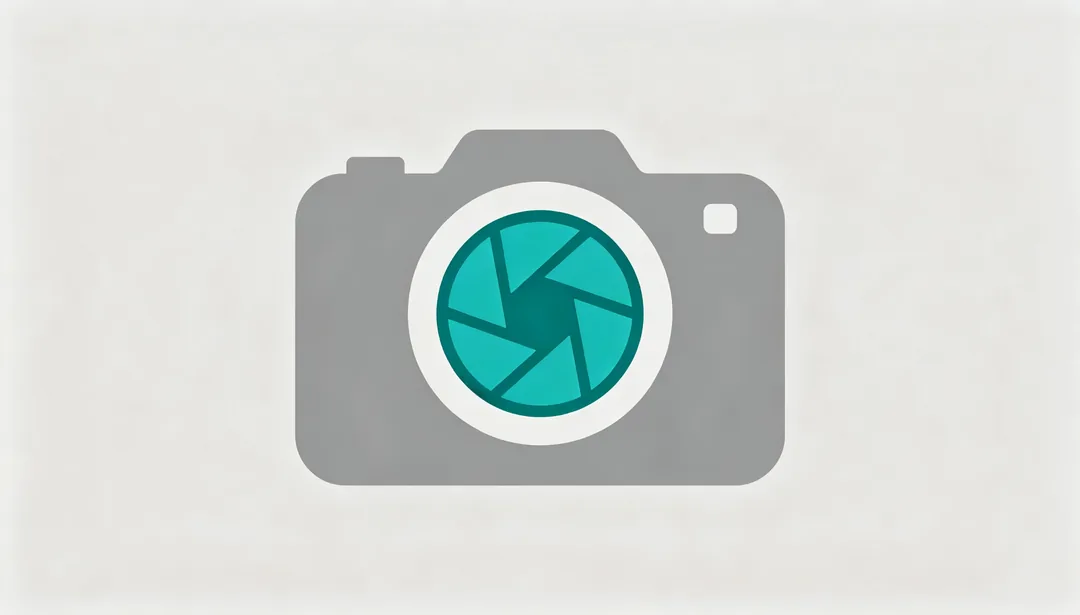
Camera & Photo
Camera body, lens, and shutter motifs evoke a photography theme.
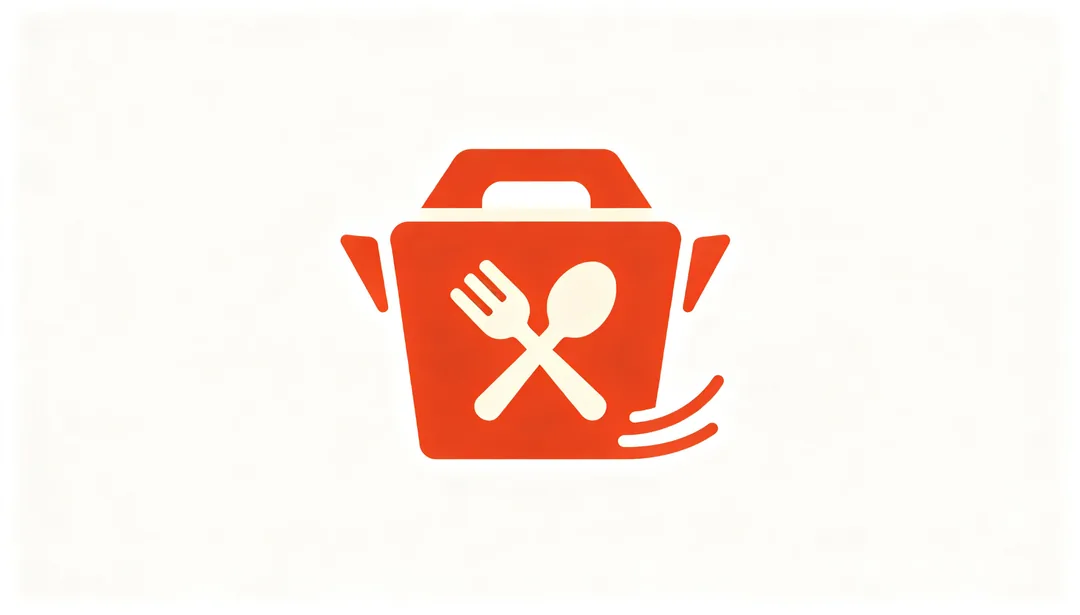
Food Delivery
Utensil, food, and delivery-rider motifs evoke a food-delivery theme.
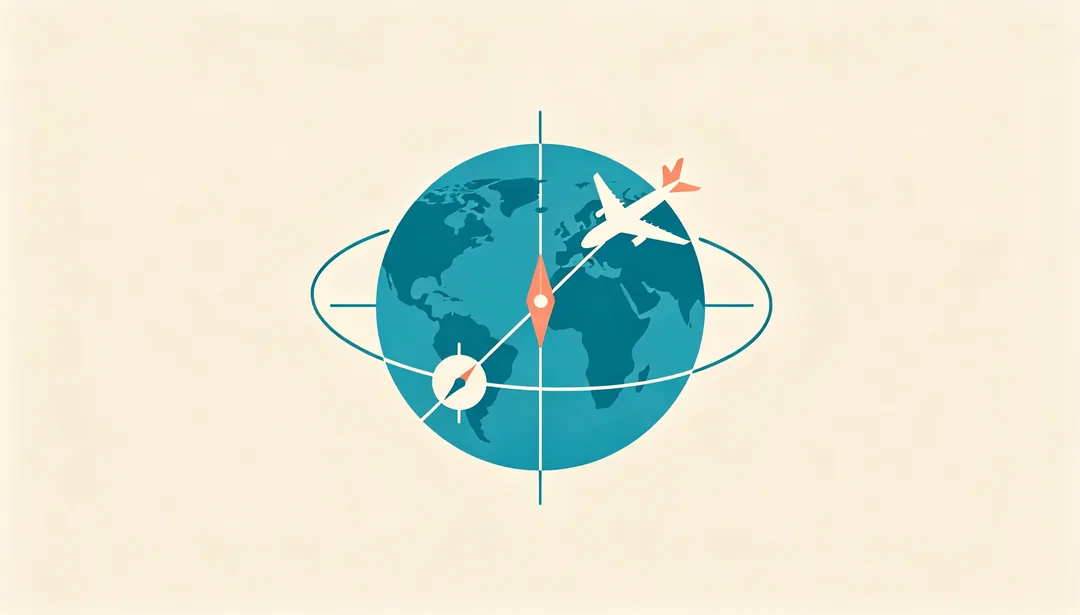
Travel & Map
Globe, airplane, compass, and landmark motifs evoke a travel-and-map theme.
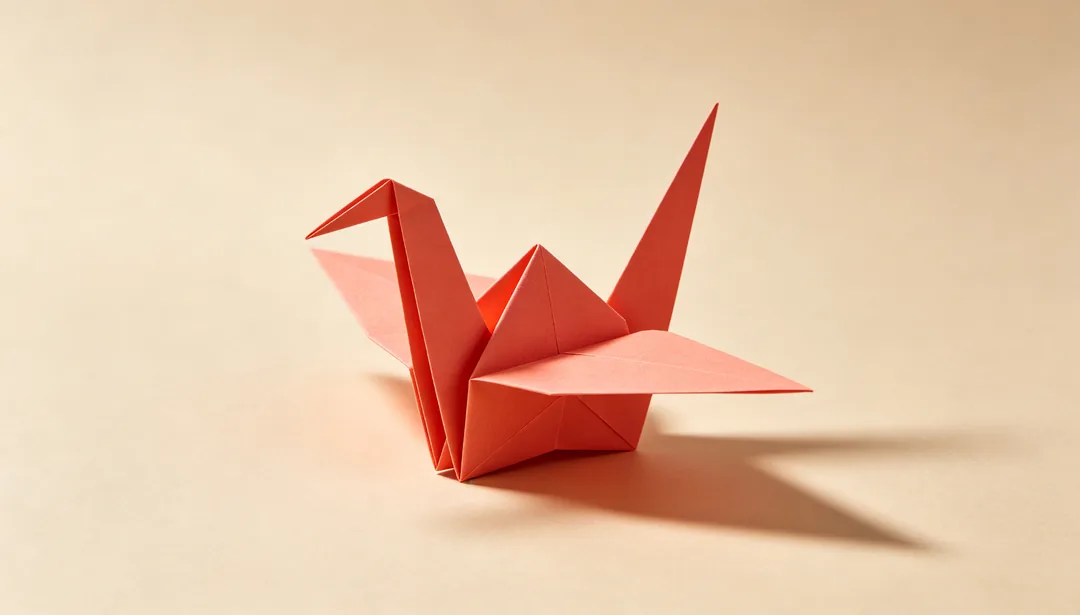
Origami Fold
Folded-paper planes form a geometric pattern in an origami-inspired style.
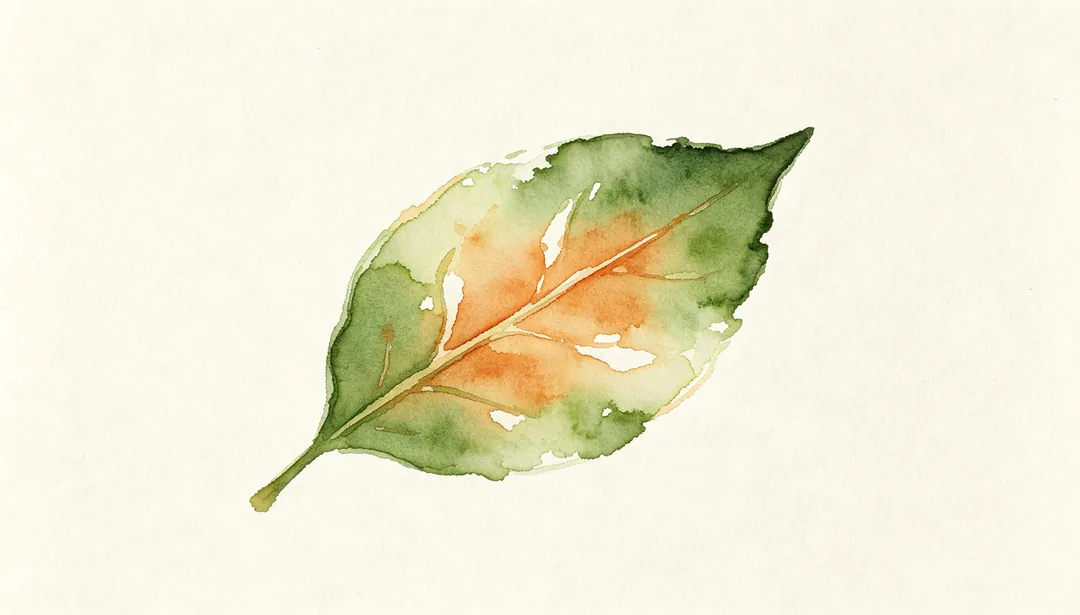
Soft Watercolor
Gentle watercolor bleeding creates a soft, painterly icon texture.
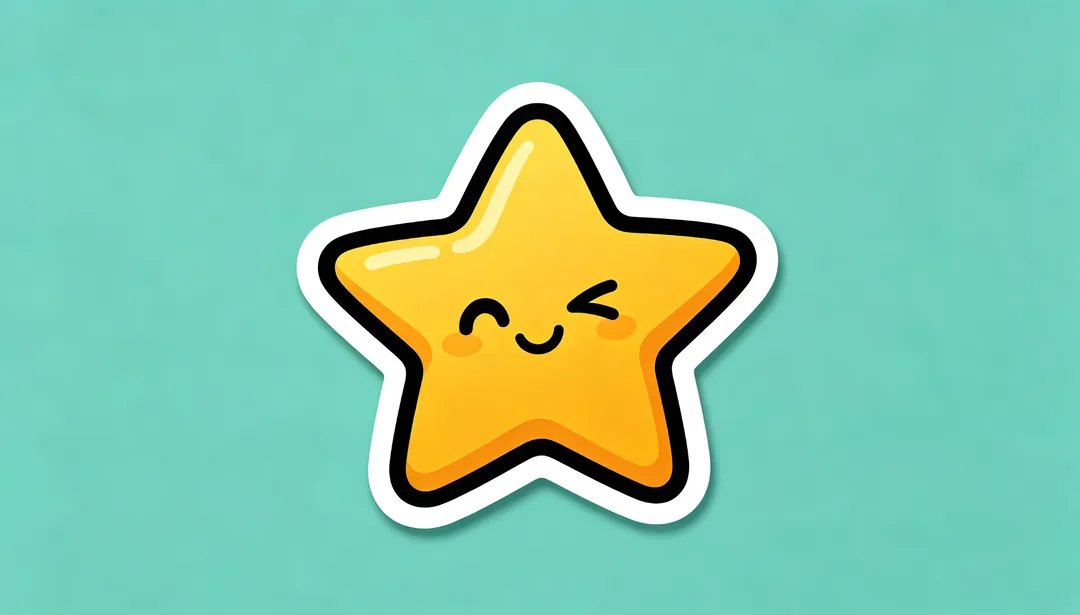
Sticker Cutout
A thick white die-cut border gives the glyph a cute, playful sticker look.
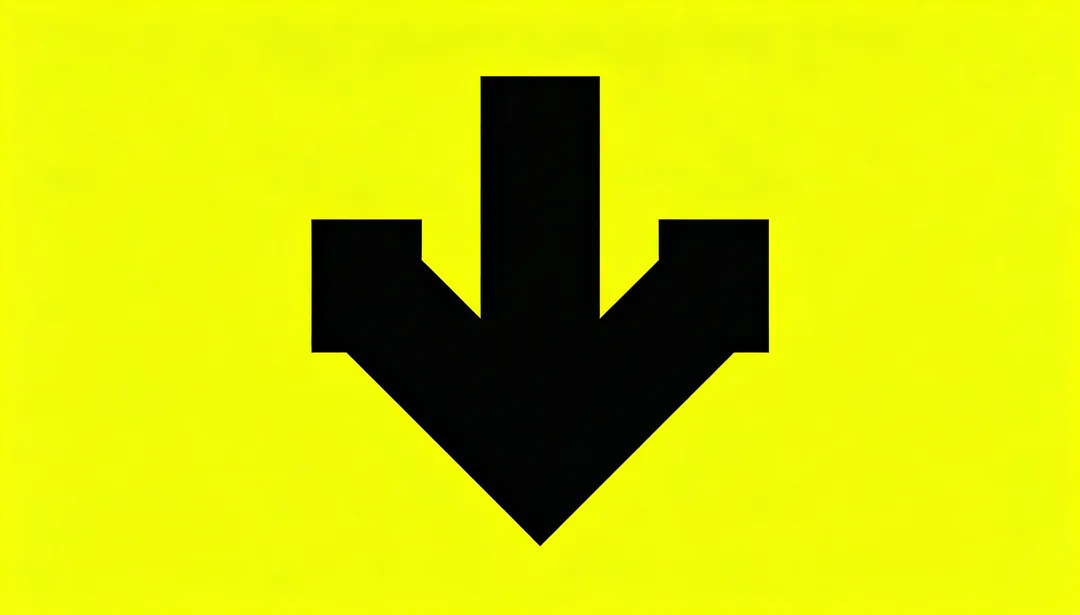
Brutalist Bold
Thick strokes, stark contrast, and zero ornamentation define this brutalist aesthetic.
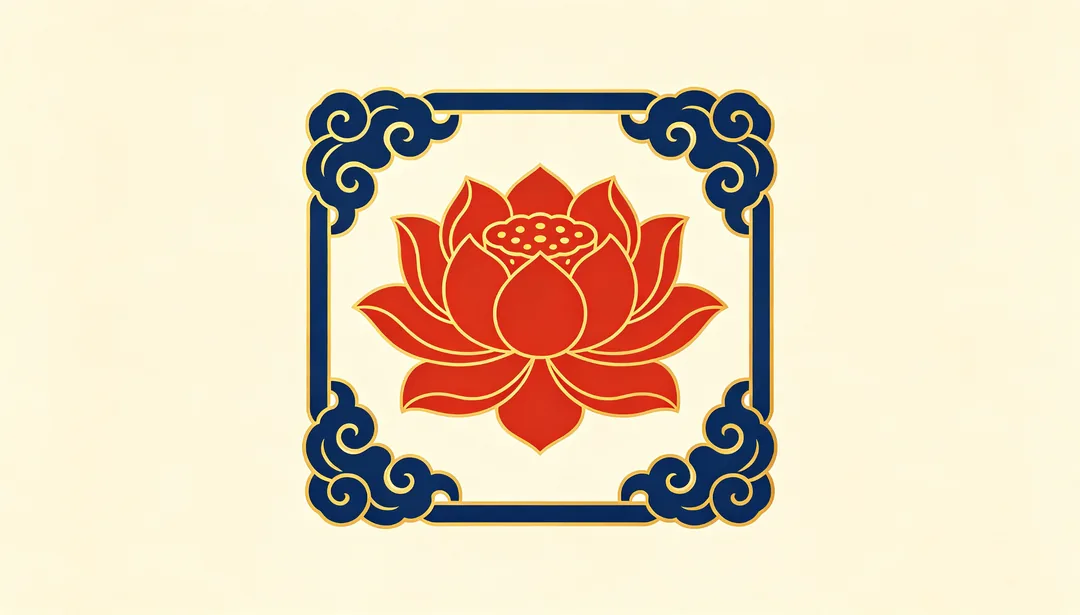
Chinese Pattern Motif
Traditional Chinese motifs such as key-fret, ruyi, or cloud patterns are woven into the icon design.
AI icon styles
Platform looks
iOS Rounded Gradient, iOS Glassmorphism, SF Symbols Style, Material Flat, Material You and Fluent Acrylic follow the look of each platform.
3D and material finishes
3D Render, Clay Morph, Isometric 3D, Metallic Finish and Transparent Glass give icons depth and a surface.
Line, pixel, emoji and sticker icons
Single-Line Outline, Duotone Outline and Filled Outline suit interface icons; 8-Bit Classic and Voxel Cube suit games; Emoji Style draws a flat emoji and Sticker Cutout adds a white die-cut sticker border; themed styles such as Fintech Secure and Health & Fitness start from a subject.
How to describe an icon
- Name the one object the icon should show, for example "a paper plane" or "a leaf inside a shield".
- If you are unsure which symbol to use, say what the app does instead.
- Keep the same style and a similar description for every icon in a set.
- Leave text out; the styles are written without lettering, which also keeps icons readable at small sizes.
How it works
1
Describe the icon
Write one line naming the object or what the app does. No image is needed.
2
Pick an icon style
Choose a platform look, a 3D finish, a line style or a themed set.
3
Generate and export
Generate, pick the best version and crop or scale it to the size your platform needs.