Face Focus · Photo Restore
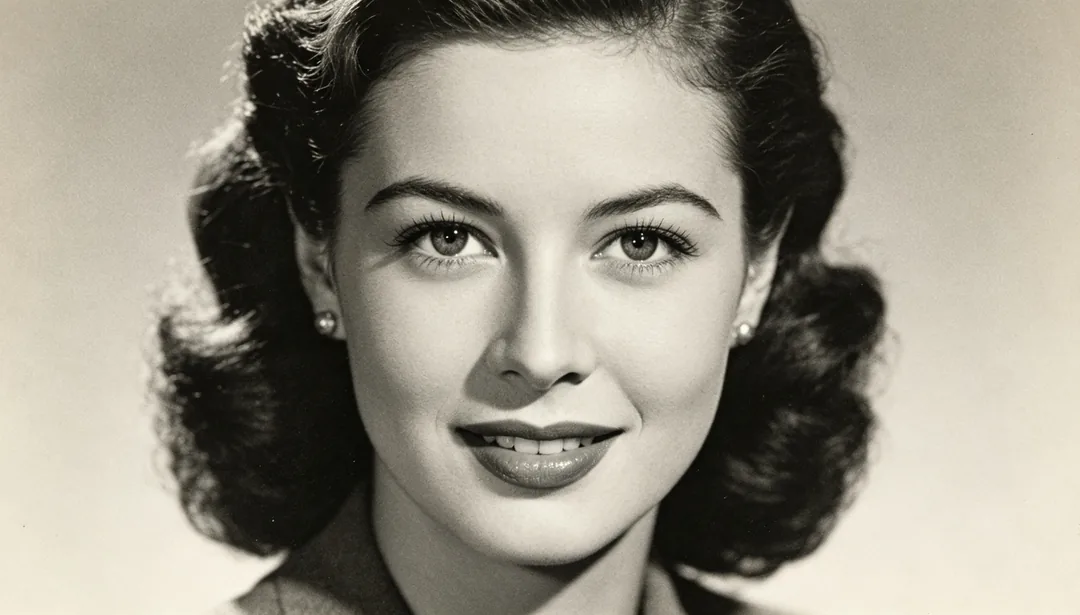
Sharpens only the facial features for clarity while leaving the rest of the frame untouched.
Tags
- face
- portrait
- focus
- clarity
How it works
1
Upload the scan
Add a scan or photo of the old print. Add extra copies if you have several damaged versions of the same picture.
2
Pick a restoration style
Choose the era, colour finish or repair you want.
3
Generate and download
Generate, compare with the original and download the version you want to keep.
More styles in Photo Restore
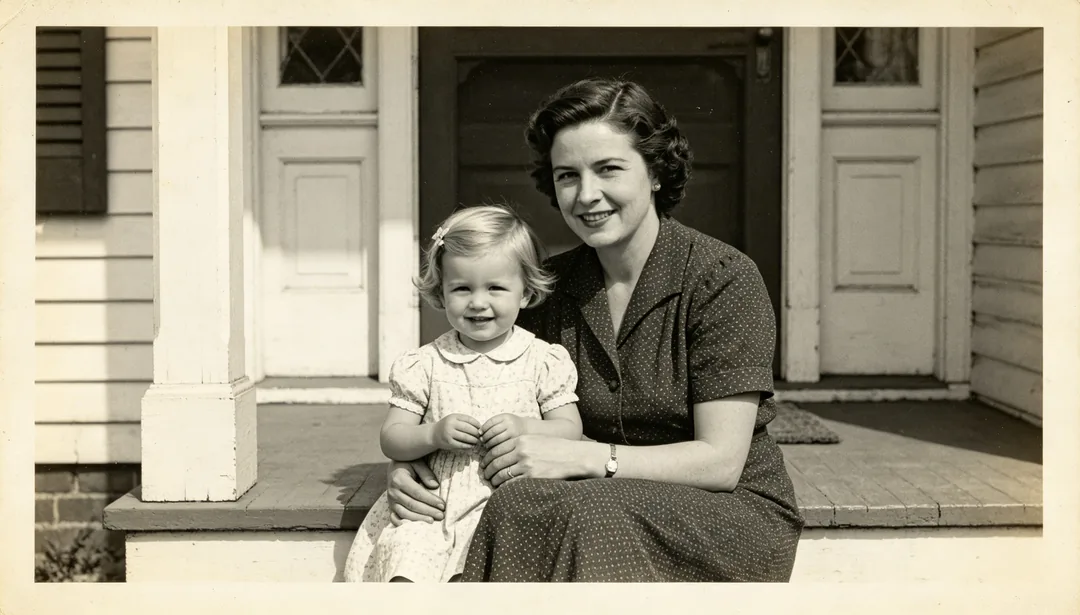
Quick Enhance
A fast pass that applies light 2x super-resolution and gentle facial enhancement to quickly sharpen an old photo.
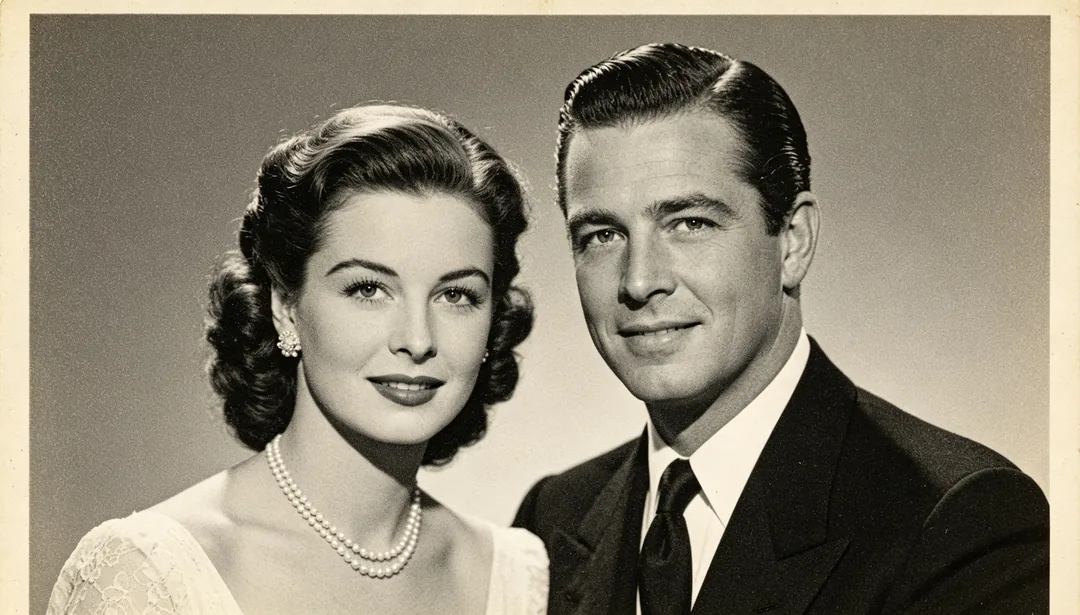
Standard Restore
A standard restoration pipeline combining 4x super-resolution, facial enhancement, and denoising for most old photos.
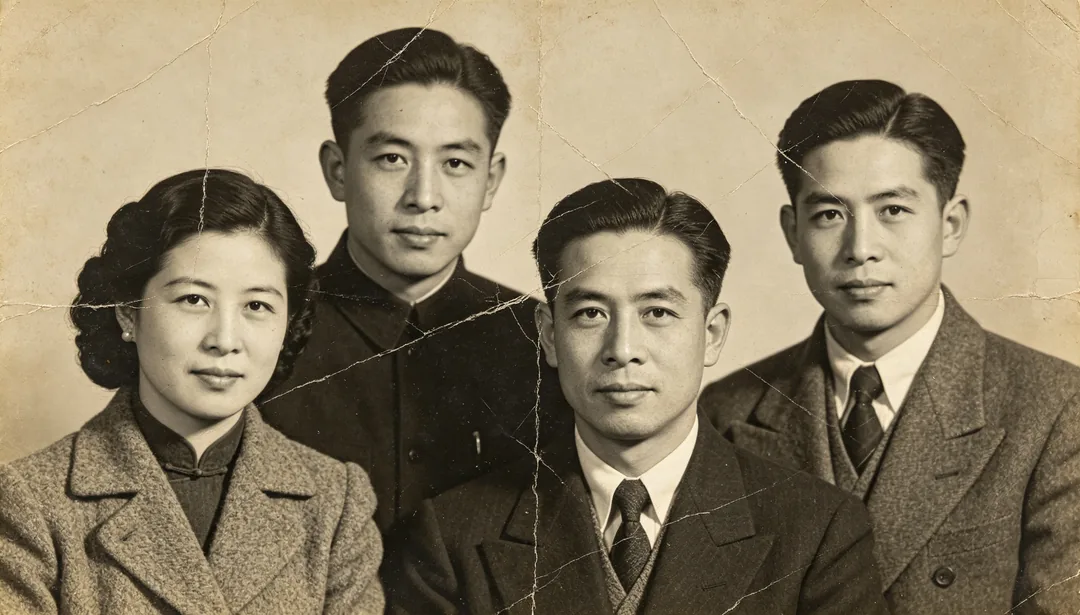
Deep Restore
A full deep-restoration pipeline with 8x super-resolution for heavily damaged or extremely blurry old photos.
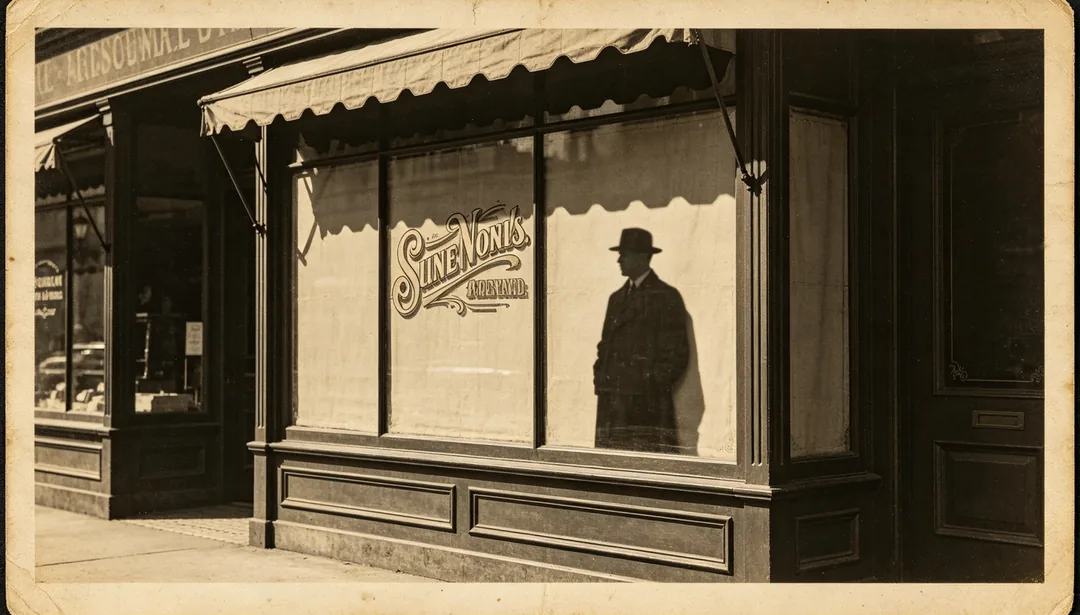
Edge Sharpen
Enhances the crispness of outlines, silhouettes, and printed text edges in the photo.
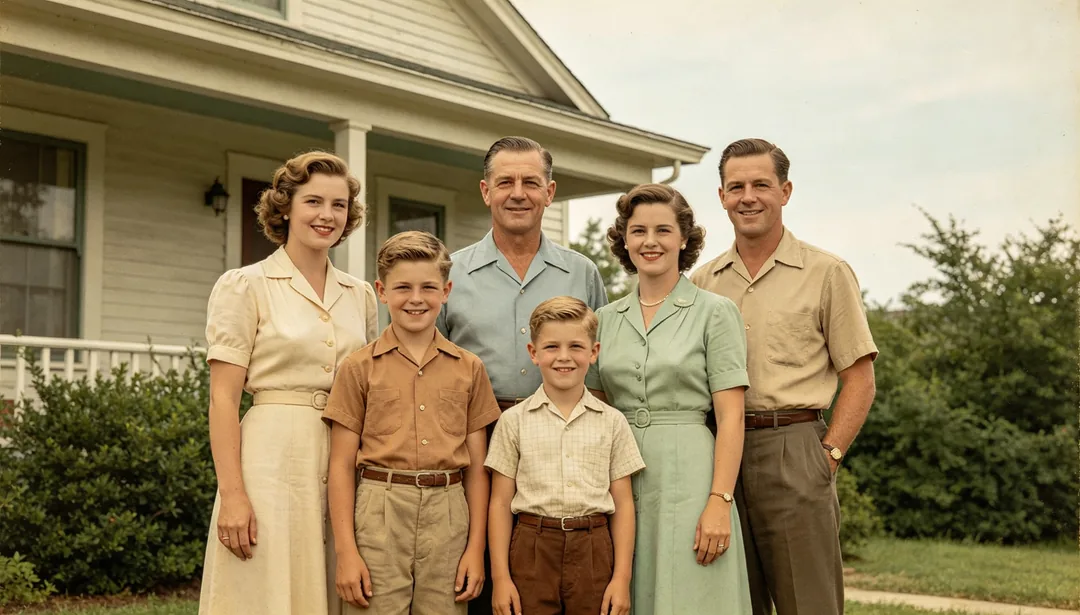
Natural Colorize
Restores believable, true-to-life natural colors to a black-and-white photo.

Warm Tone Colorize
Colorizes a black-and-white photo with a warm golden palette for a cozy, nostalgic mood.
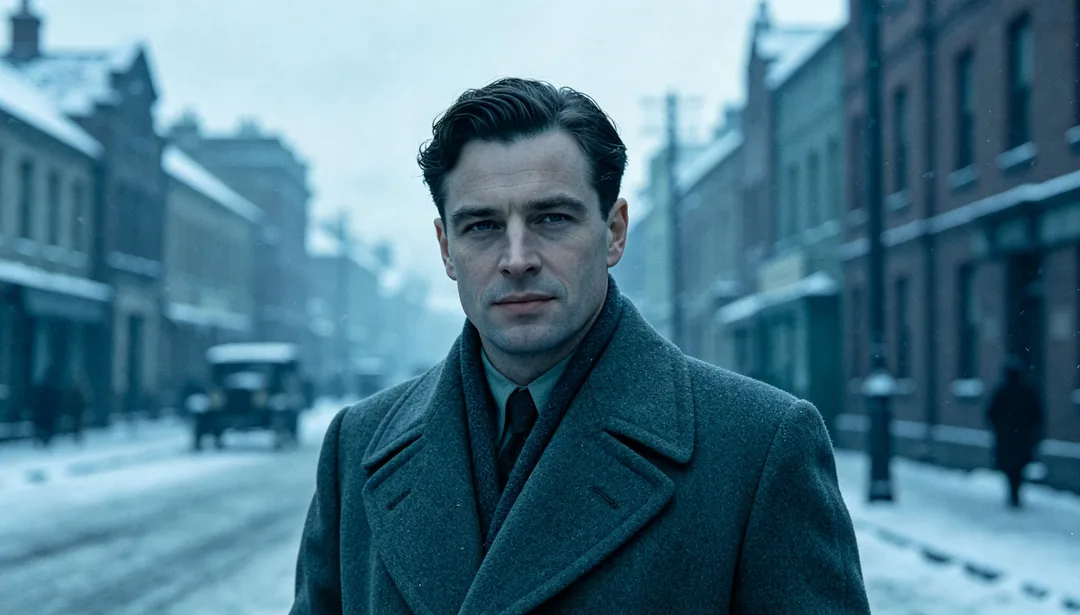
Cool Tone Colorize
Colorizes a black-and-white photo with a cool bluish palette for a calm, subdued mood.
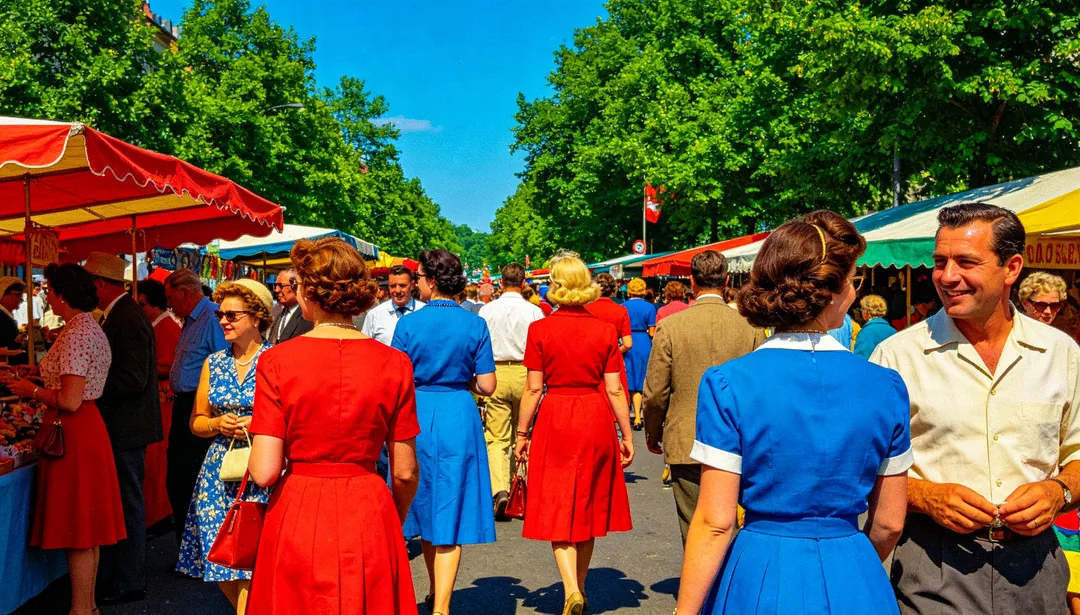
Vivid Colorize
Colorizes a black-and-white photo with bold, high-saturation colors for a vivid, lively look.