Old Photo Restoration Styles: 1980s Film, Hand-Tinted & More
Just want to fix an old photo? Use the photo restoration tool. The styles on this page are for choosing how the restored photo looks: the film colour of a particular era, a hand-tinted or sepia finish, one targeted repair, or a clean modern refresh.
It suits family historians, people preparing photos for a memorial or anniversary, and anyone who wants an old picture to look a particular way rather than just cleaner.
Results go into family albums, memorial slideshows, printed gifts for grandparents and posts about family history.
50 styles
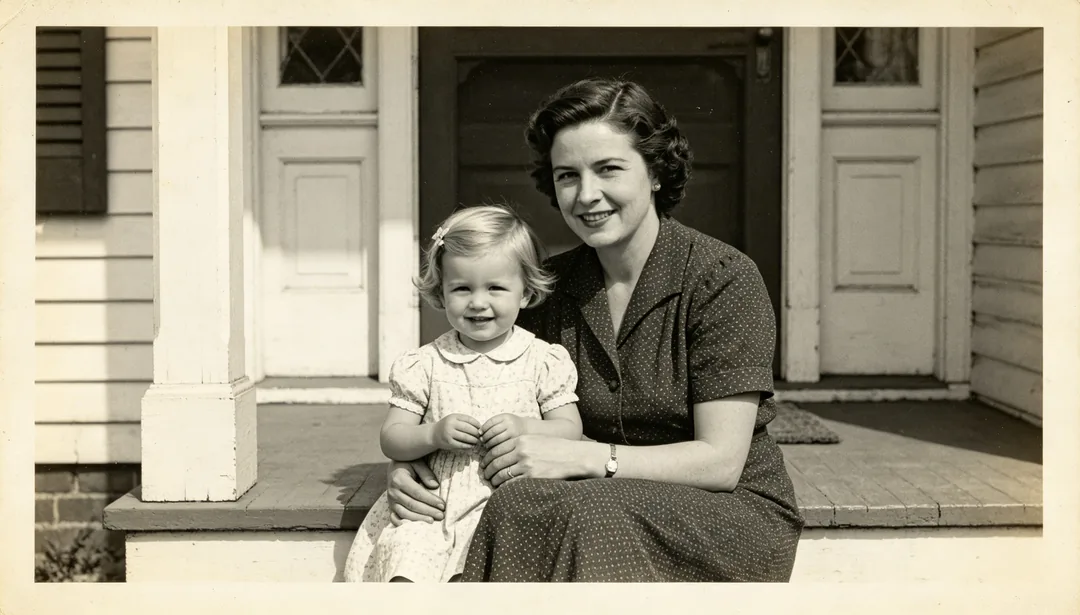
Quick Enhance
A fast pass that applies light 2x super-resolution and gentle facial enhancement to quickly sharpen an old photo.
Needs your photo
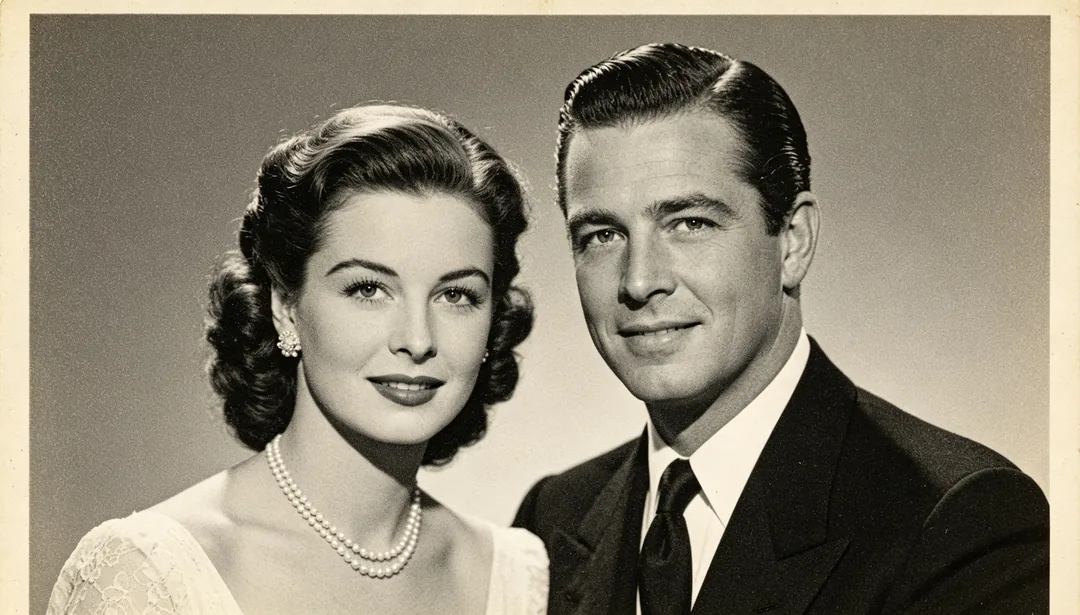
Standard Restore
A standard restoration pipeline combining 4x super-resolution, facial enhancement, and denoising for most old photos.
Needs your photo
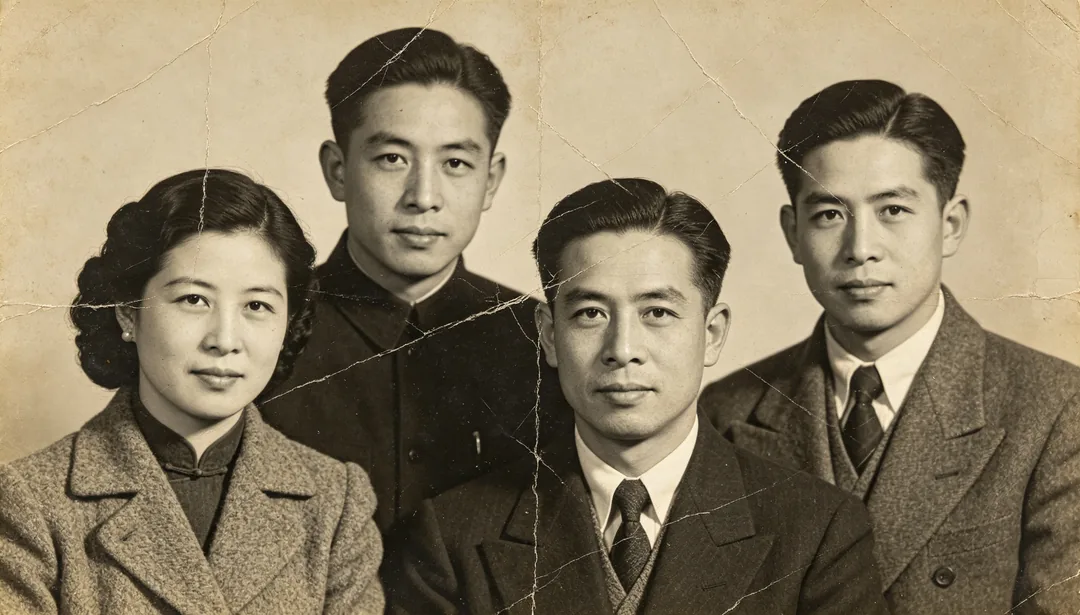
Deep Restore
A full deep-restoration pipeline with 8x super-resolution for heavily damaged or extremely blurry old photos.
Needs your photo
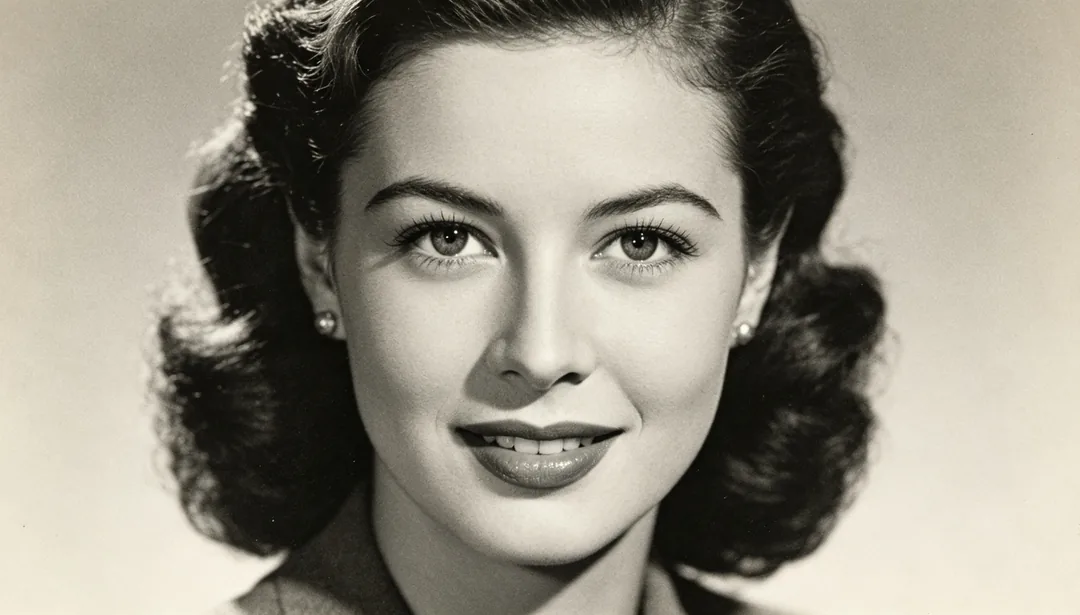
Face Focus
Sharpens only the facial features for clarity while leaving the rest of the frame untouched.
Needs your photo
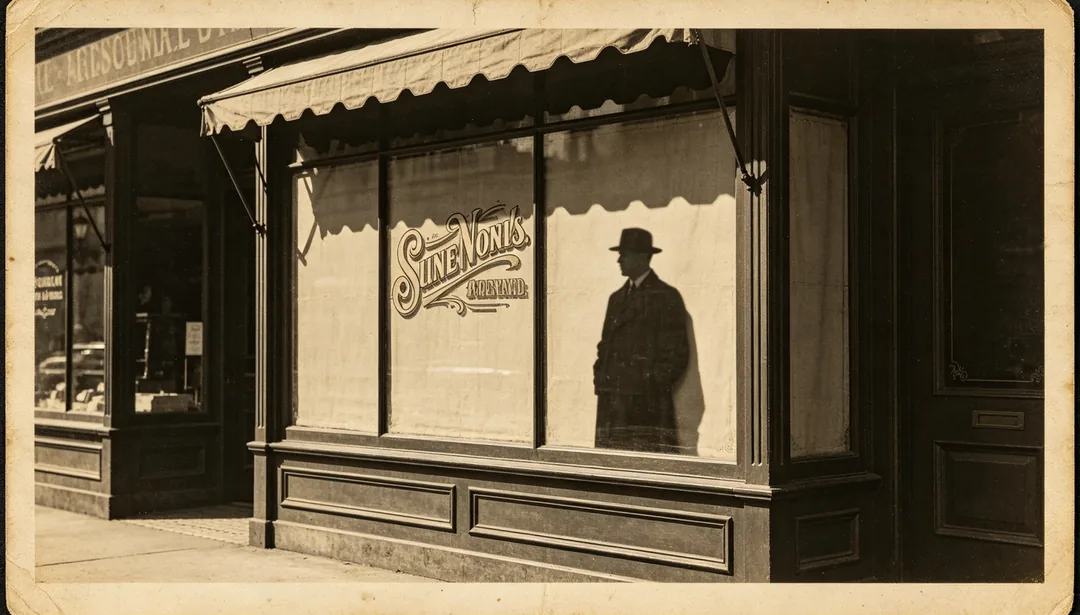
Edge Sharpen
Enhances the crispness of outlines, silhouettes, and printed text edges in the photo.
Needs your photo
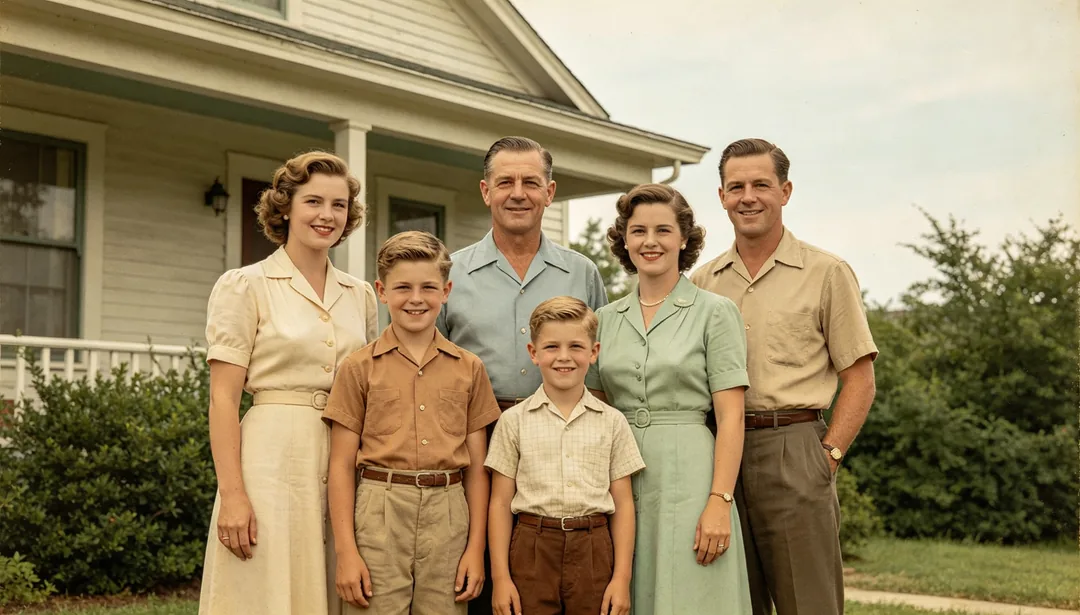
Natural Colorize
Restores believable, true-to-life natural colors to a black-and-white photo.
Needs your photo
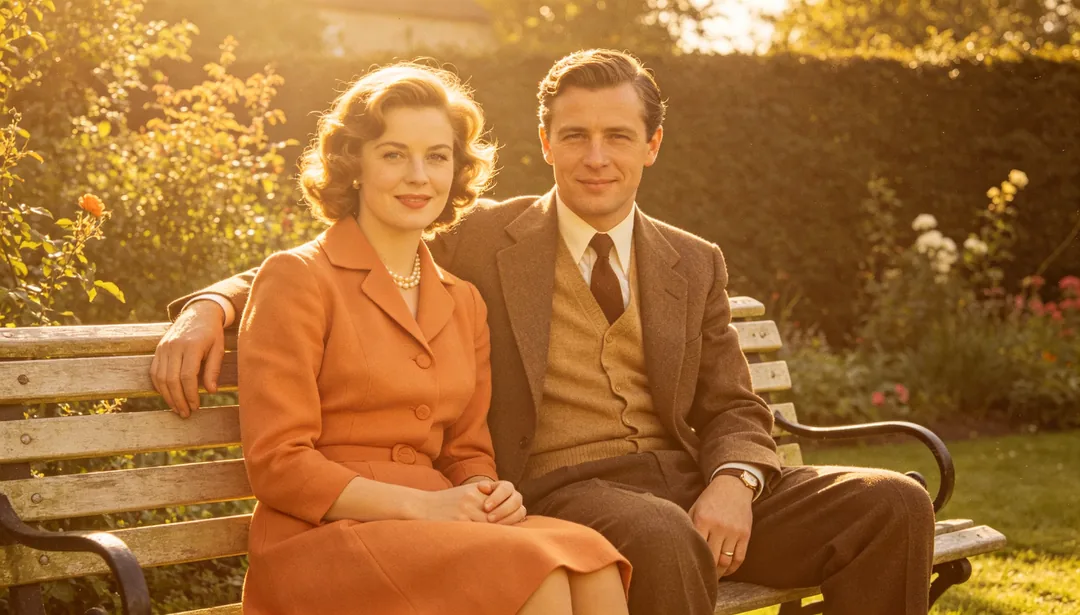
Warm Tone Colorize
Colorizes a black-and-white photo with a warm golden palette for a cozy, nostalgic mood.
Needs your photo
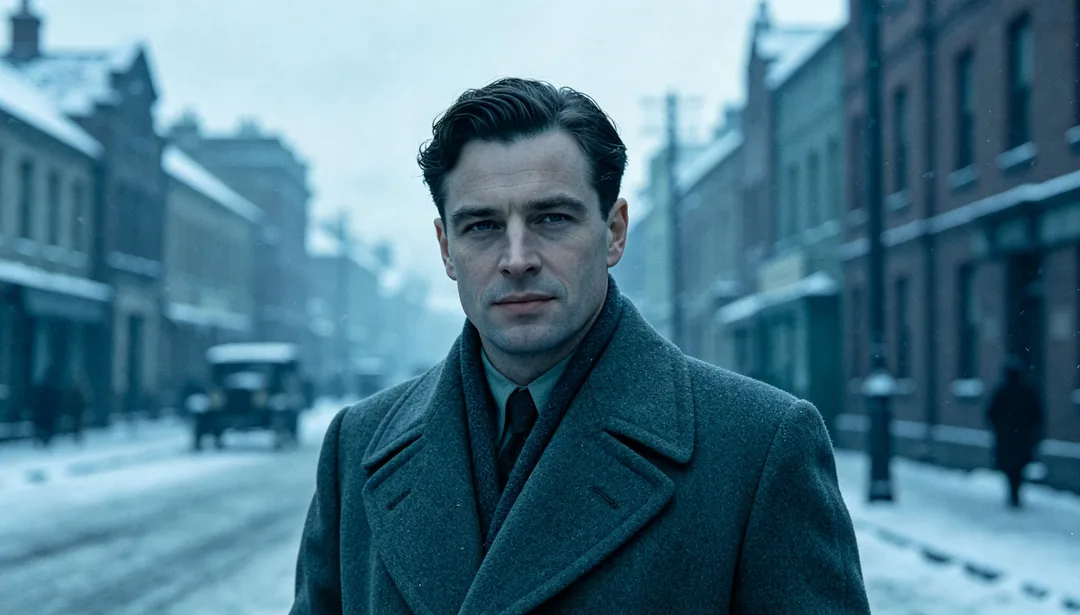
Cool Tone Colorize
Colorizes a black-and-white photo with a cool bluish palette for a calm, subdued mood.
Needs your photo
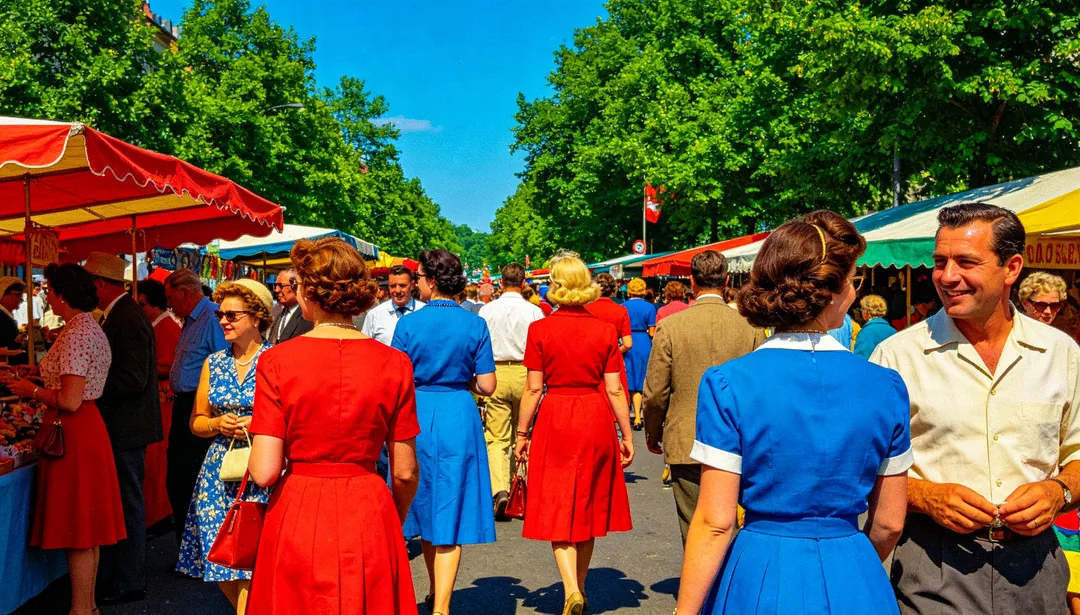
Vivid Colorize
Colorizes a black-and-white photo with bold, high-saturation colors for a vivid, lively look.
Needs your photo
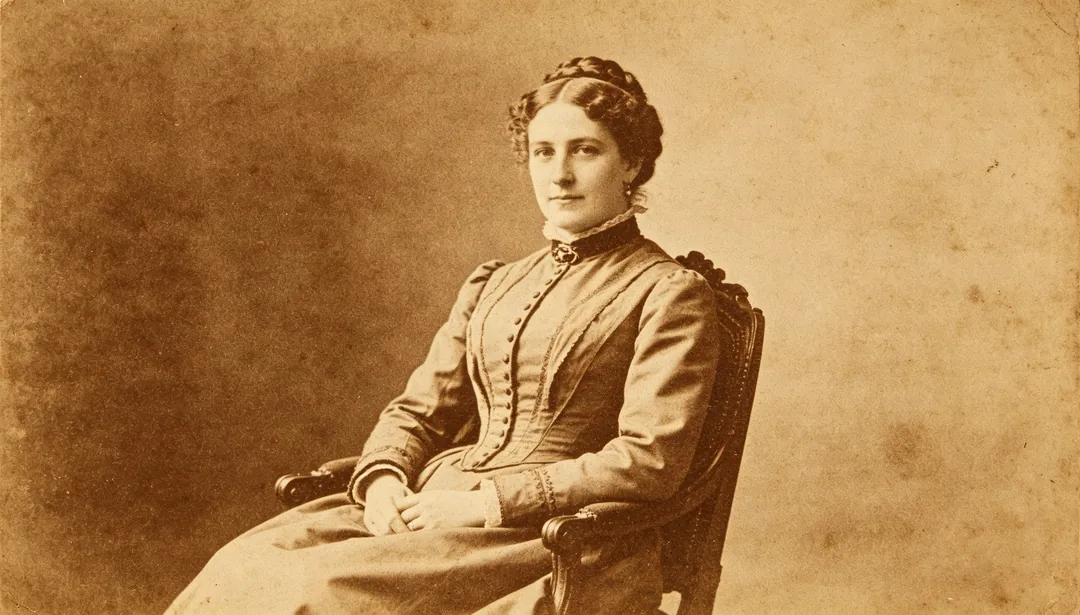
Sepia Tint
Converts a black-and-white photo into a warm sepia tone for a classic vintage look.
Needs your photo

Hand-Colored Vintage
Mimics the look of an early hand-tinted photograph with soft, painterly color washes.
Needs your photo
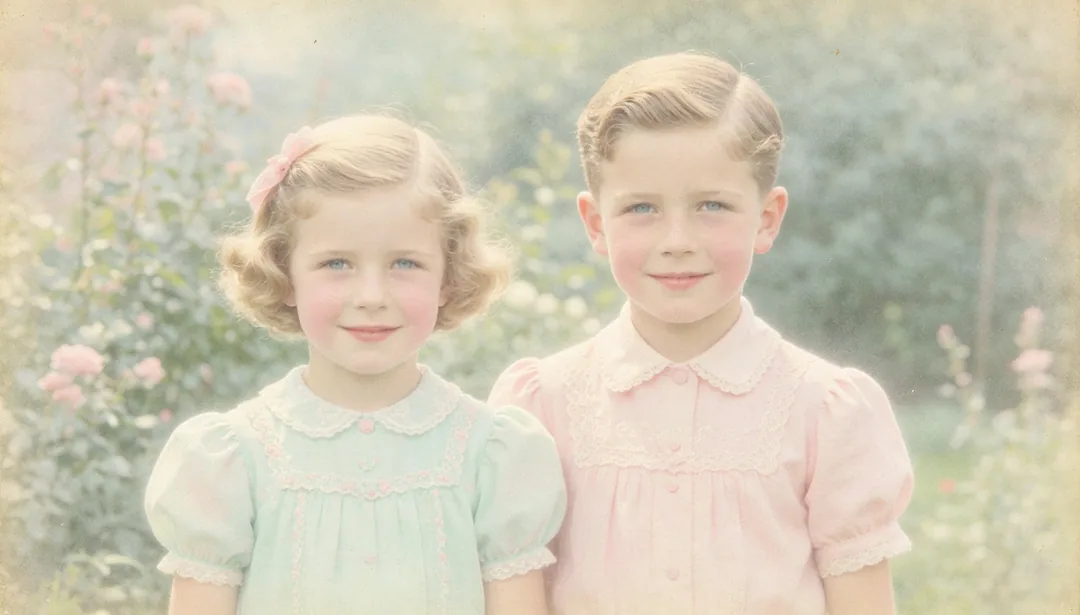
Pastel Soft
Colorizes the photo with low-saturation, dreamy pastel tones for a gentle mood.
Needs your photo
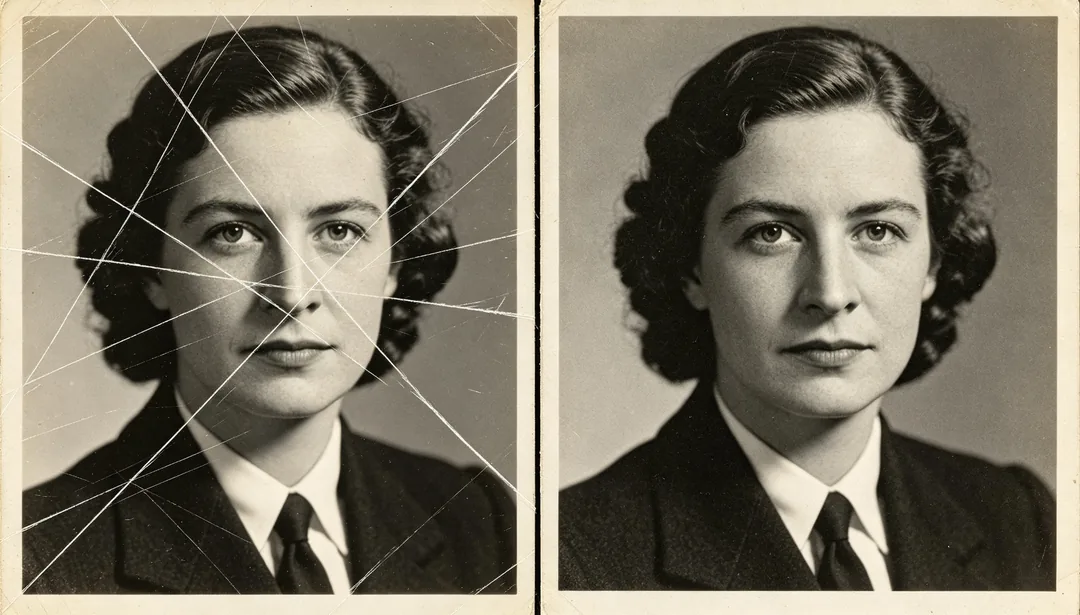
Scratch Remove
Removes surface scratches and thin linear damage marks to restore a clean image.
Needs your photo
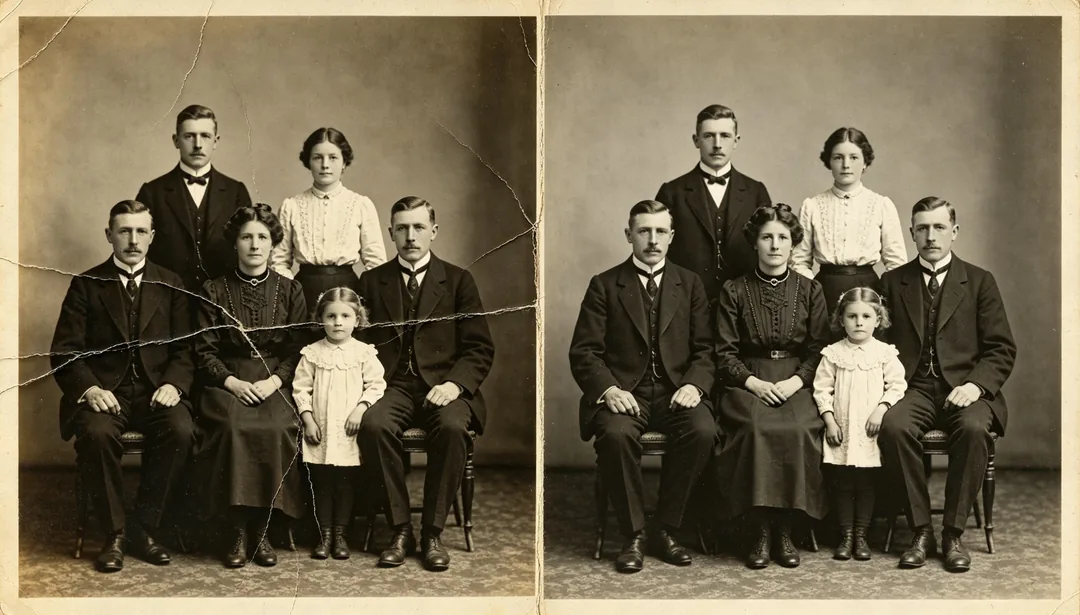
Crease Repair
Repairs fold creases and crumple lines, smoothing the image back to a flat, even look.
Needs your photo
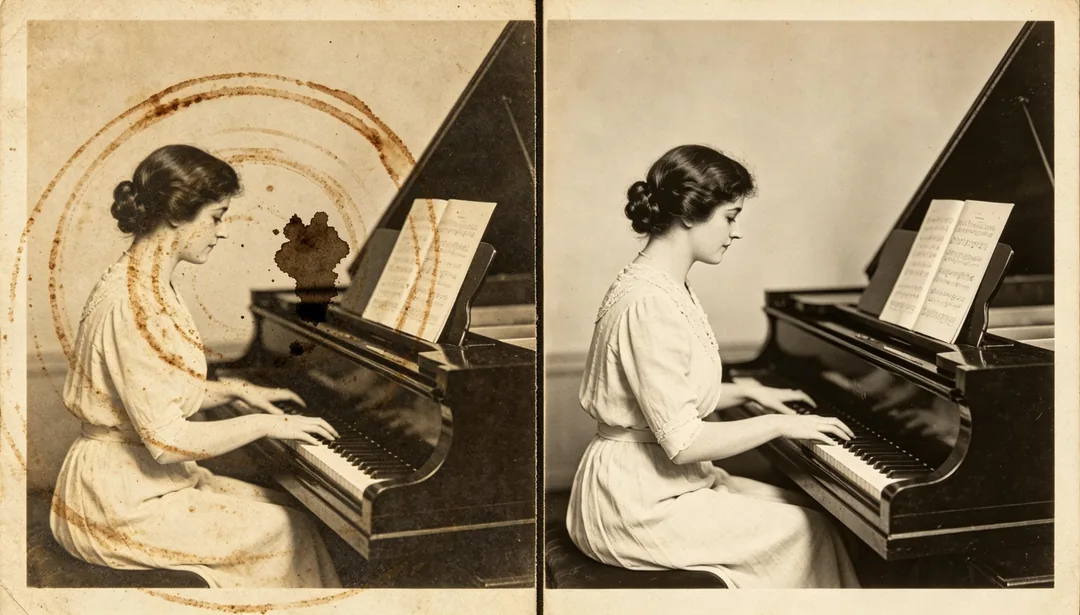
Stain Clean
Cleans water rings, mold blotches, or ink stains to reveal the clean image underneath.
Needs your photo
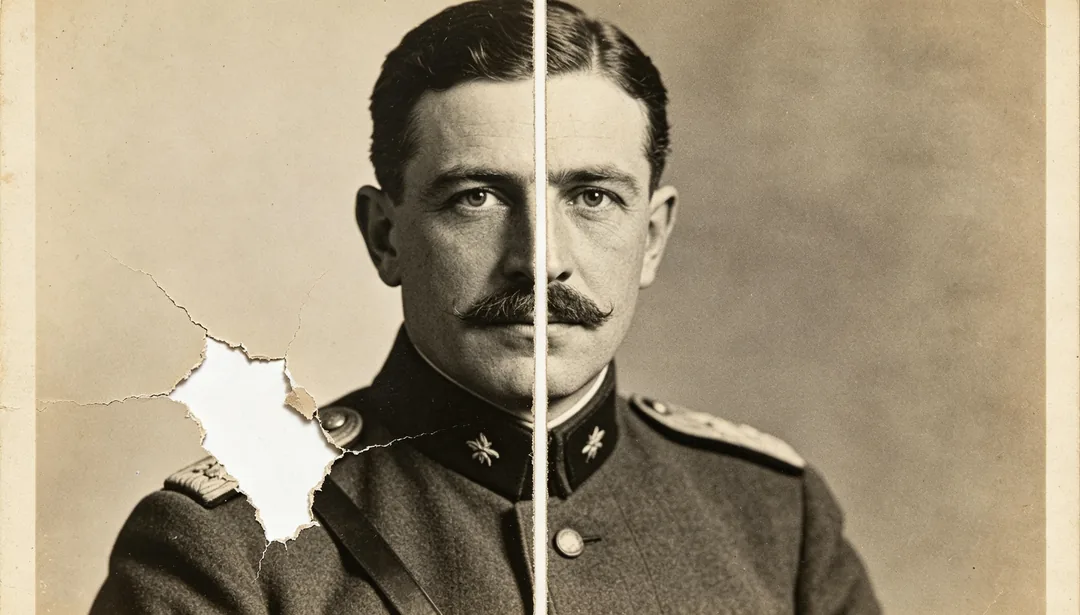
Tear Reconstruct
Reconstructs torn or missing sections of the photo, plausibly rebuilding the lost content.
Needs your photo
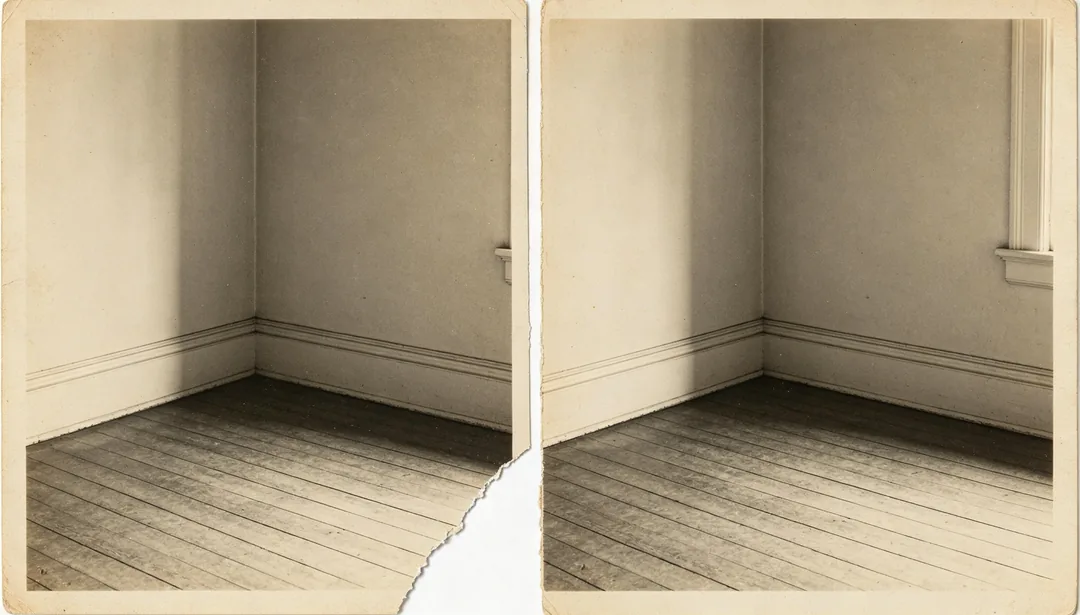
Corner Restore
Rebuilds a missing corner or edge fragment so the photo reads as a complete frame.
Needs your photo
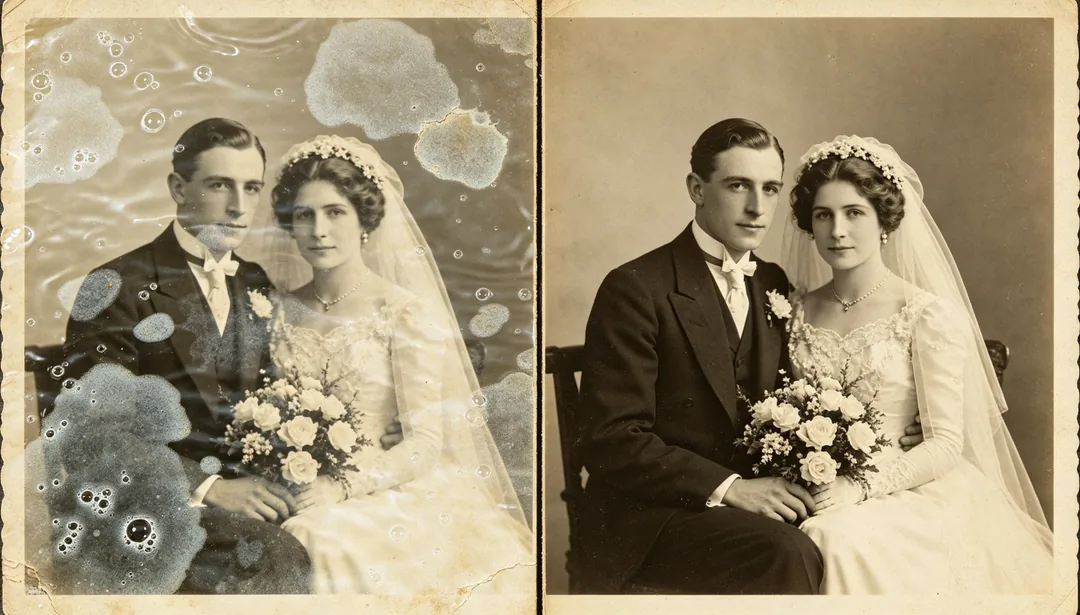
Water Damage Fix
Fixes warping, rippling, and discoloration caused by water soaking or bubbling.
Needs your photo
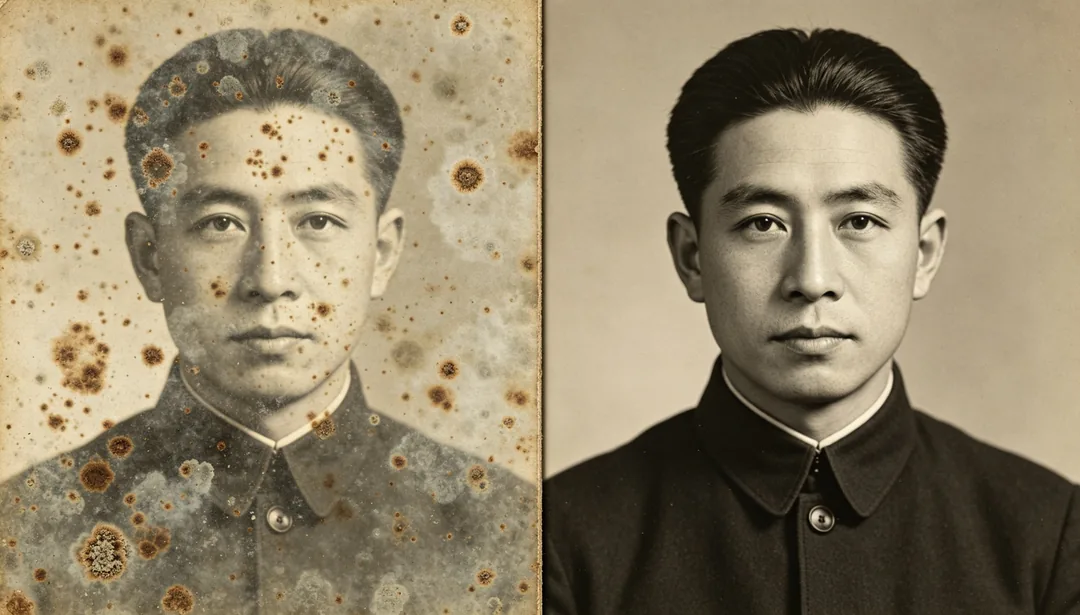
Mold Removal
Removes mold spots and fungal discoloration, restoring a clean, even surface.
Needs your photo
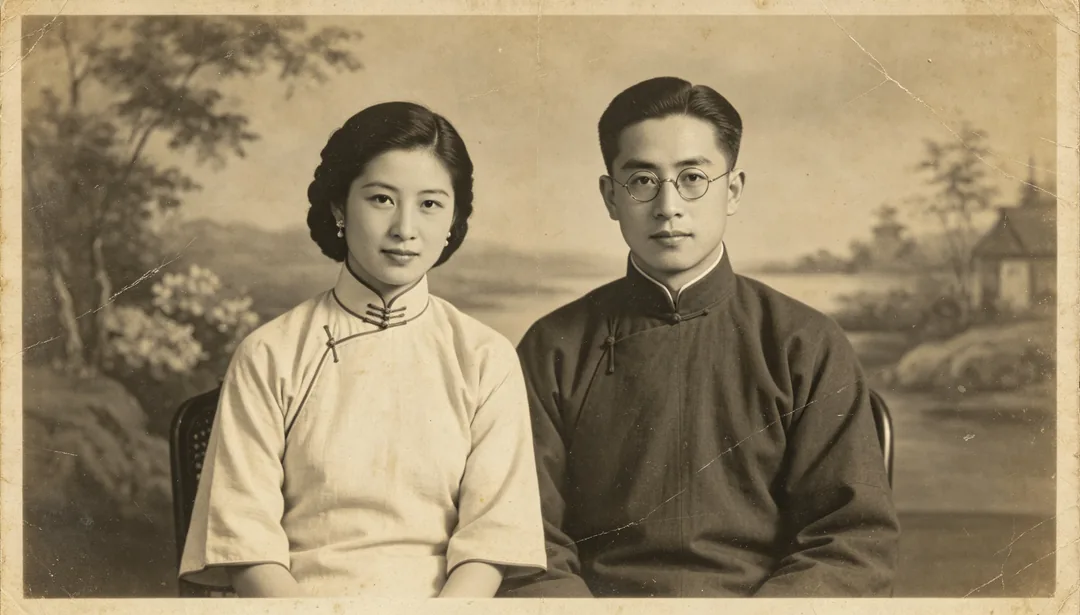
1920s Republic Era
Restoration tuned for 1920s Republican-era photos, keeping period clothing and studio settings intact.
Needs your photo
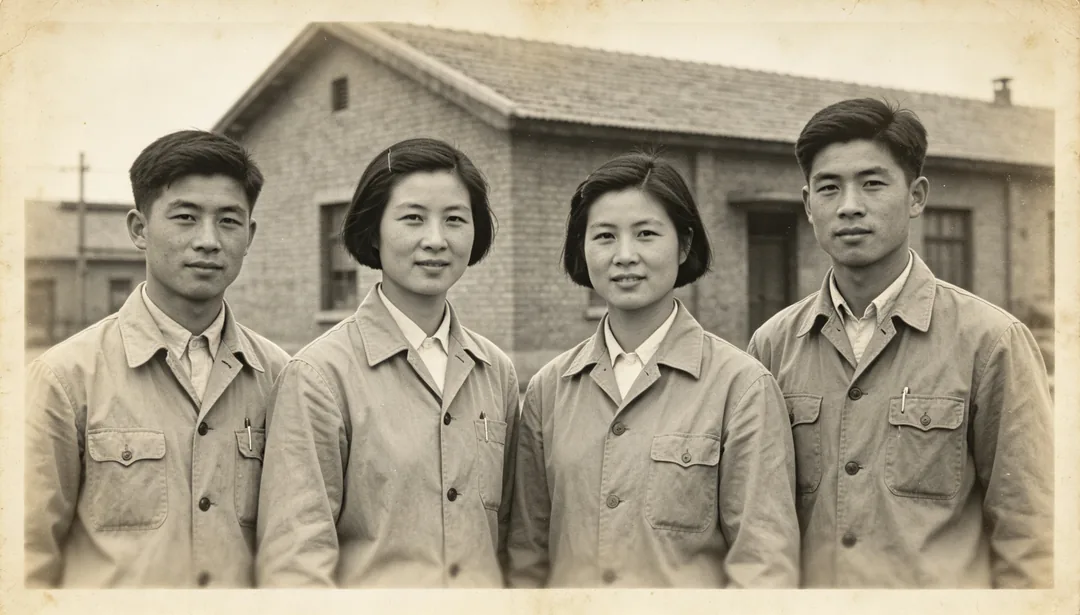
1950s Early Liberation Era
Restoration for early-1950s photos that preserves the era's plain clothing and utilitarian mood.
Needs your photo
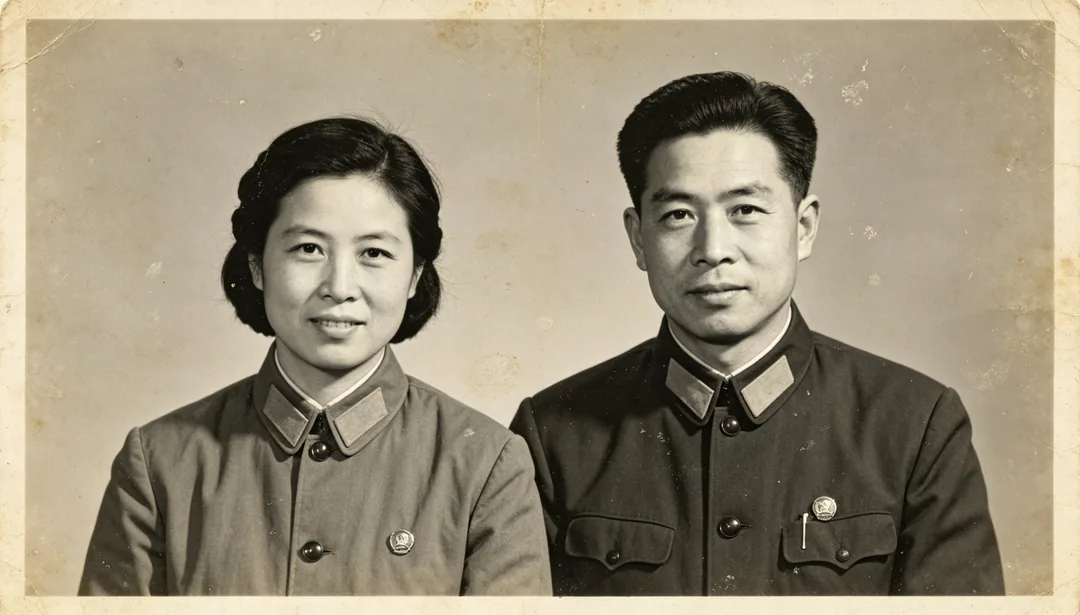
1960s Era
Restoration tuned to 1960s-era photos, preserving tunic-style clothing and period badges.
Needs your photo
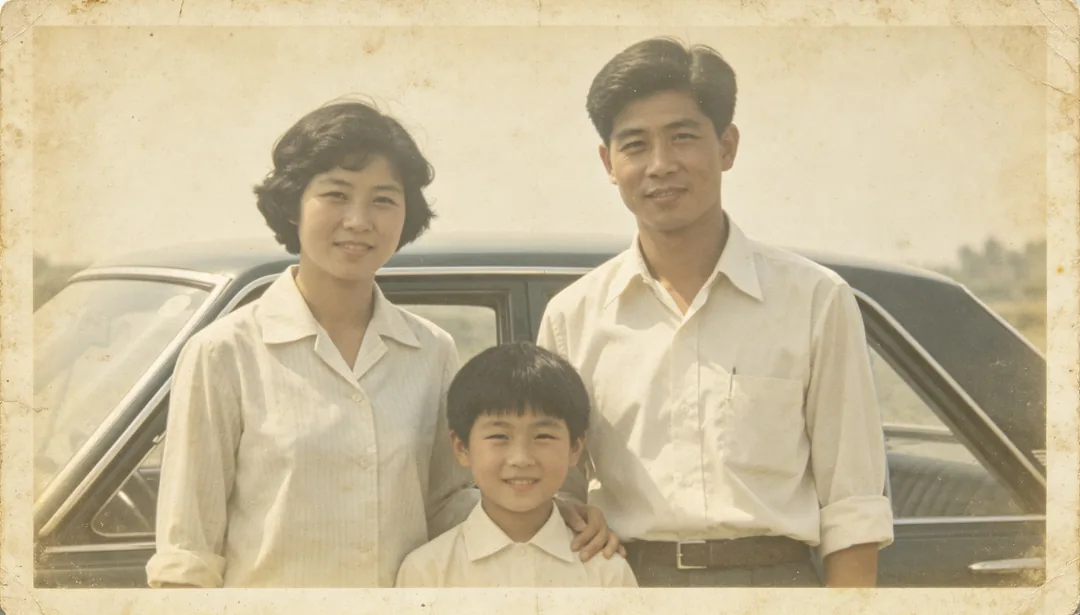
1970s Faded Revival
Revives severely faded 1970s photos while keeping the era's muted color character.
Needs your photo
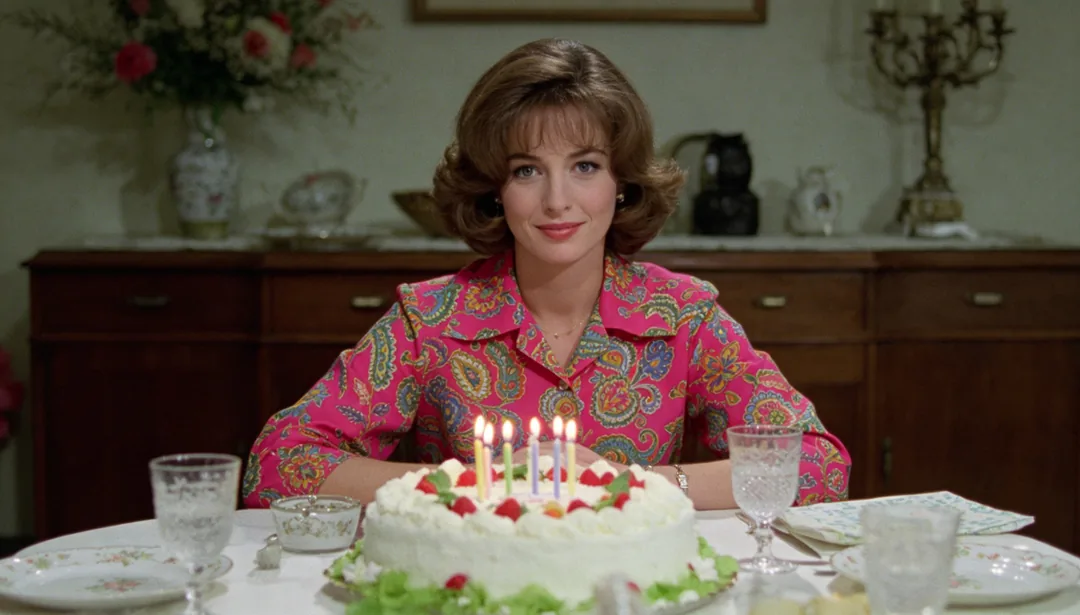
1980s Color Film Correction
Corrects the color cast of early-1980s consumer color film while keeping its film grain.
Needs your photo
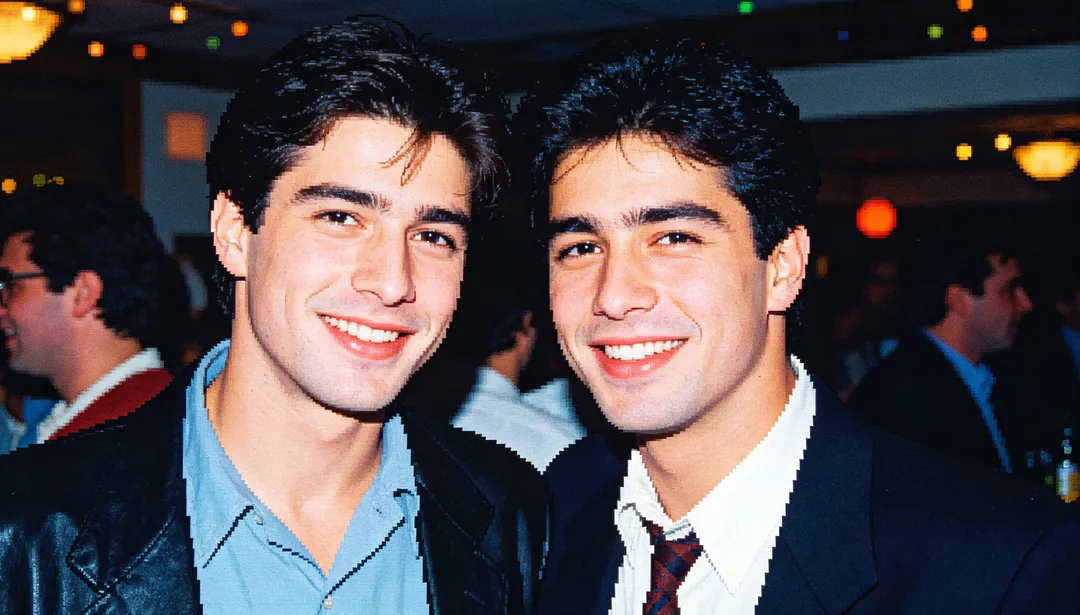
1990s Early Digital Enhance
Enhances low-resolution early-1990s digital snapshots, reducing compression noise.
Needs your photo
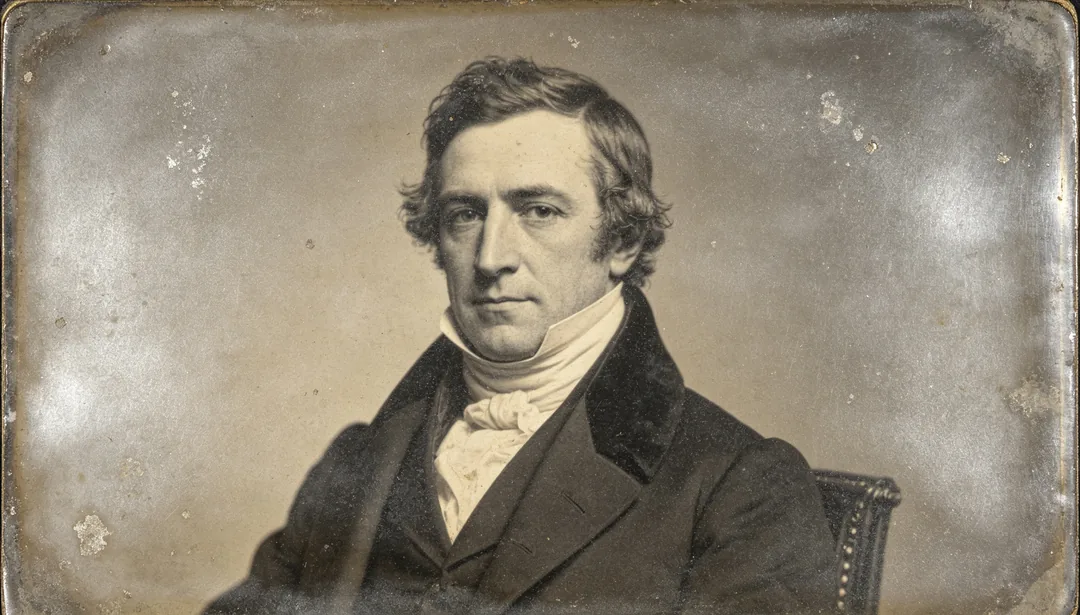
Daguerreotype Restoration
Restoration tailored to 19th-century daguerreotype portraits, preserving their silver-plate tonal range.
Needs your photo
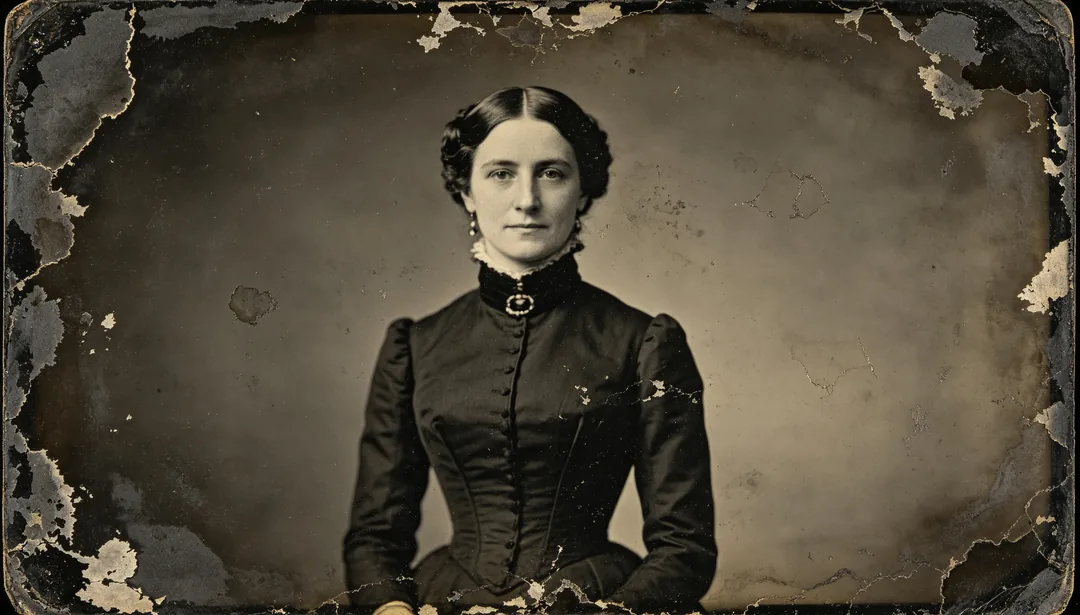
Tintype & Ambrotype Restoration
Specialized restoration for wet-plate tintype and ambrotype portraits, preserving their dark low-contrast look.
Needs your photo
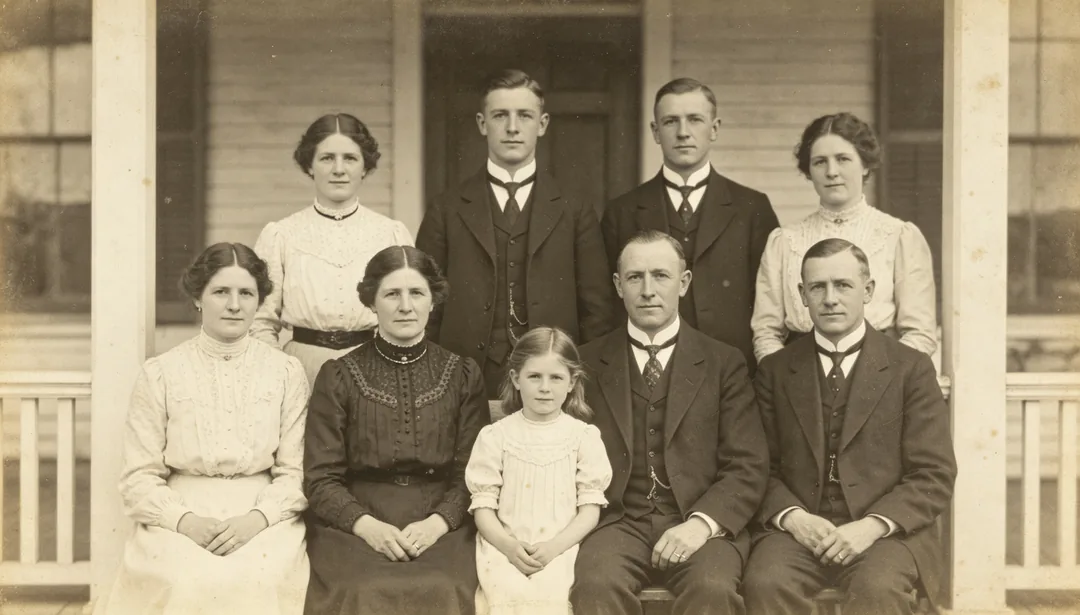
Family Group Photo
Restoration for family group photos that evenly balances clarity across every face.
Needs your photo

ID & Graduation Photo
Clarity enhancement for small scanned ID or graduation photos, removing scan artifacts.
Needs your photo
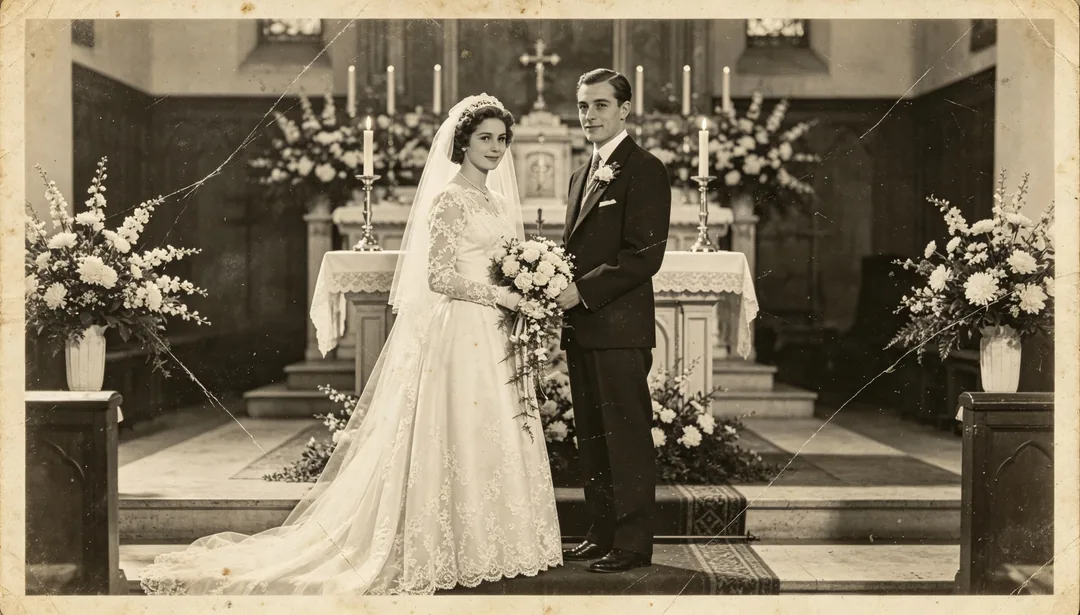
Wedding Memorial Photo
Dedicated restoration for old wedding photos that carefully preserves attire, florals, and venue decor.
Needs your photo
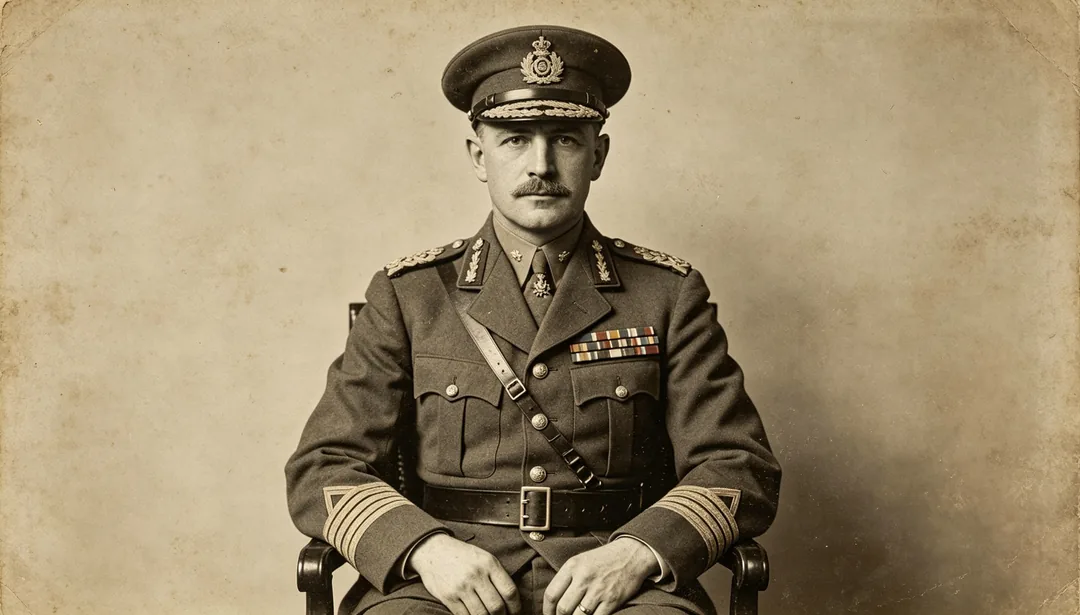
Military Portrait
Restoration for military portraits that carefully preserves uniform, insignia, and medal details.
Needs your photo
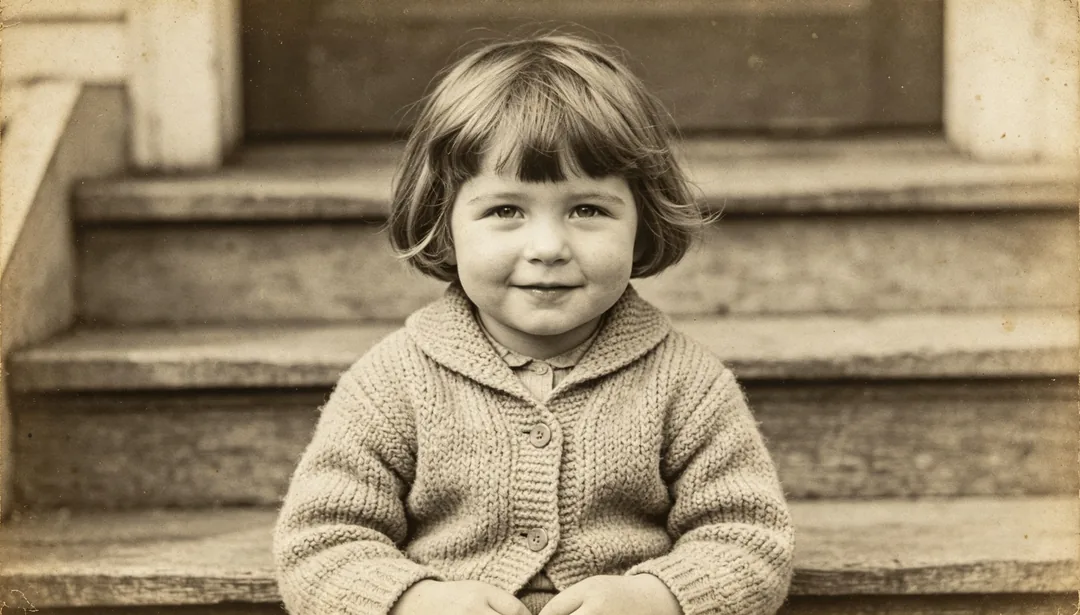
Childhood Photo
Restoration for childhood photos that carefully preserves age impression without aging the face.
Needs your photo
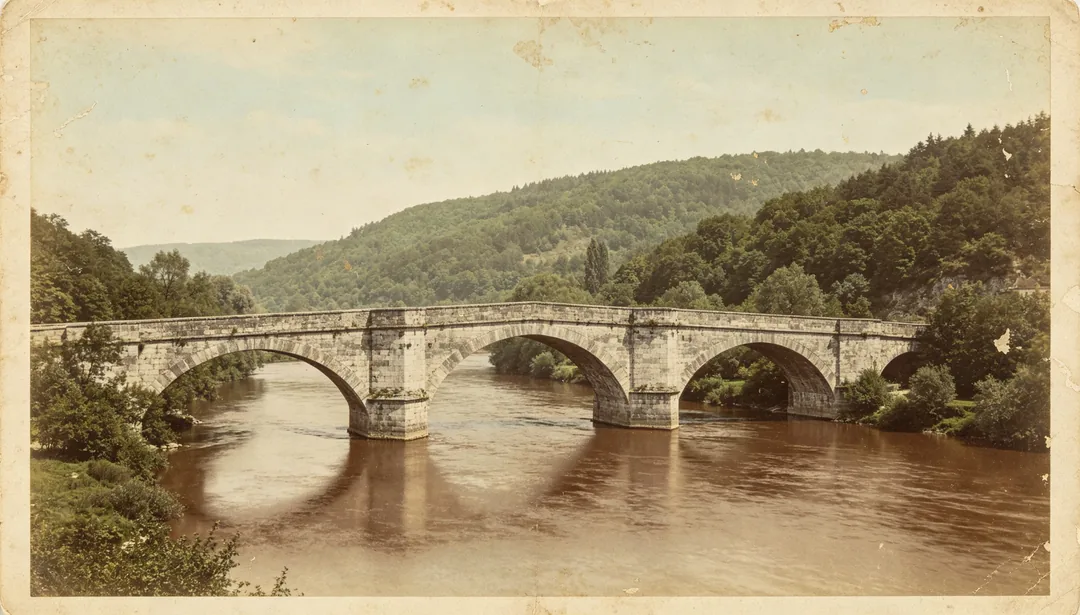
Landscape Scenic Photo
Color revival for old landscape and architectural photos, restoring believable natural and material colors.
Needs your photo
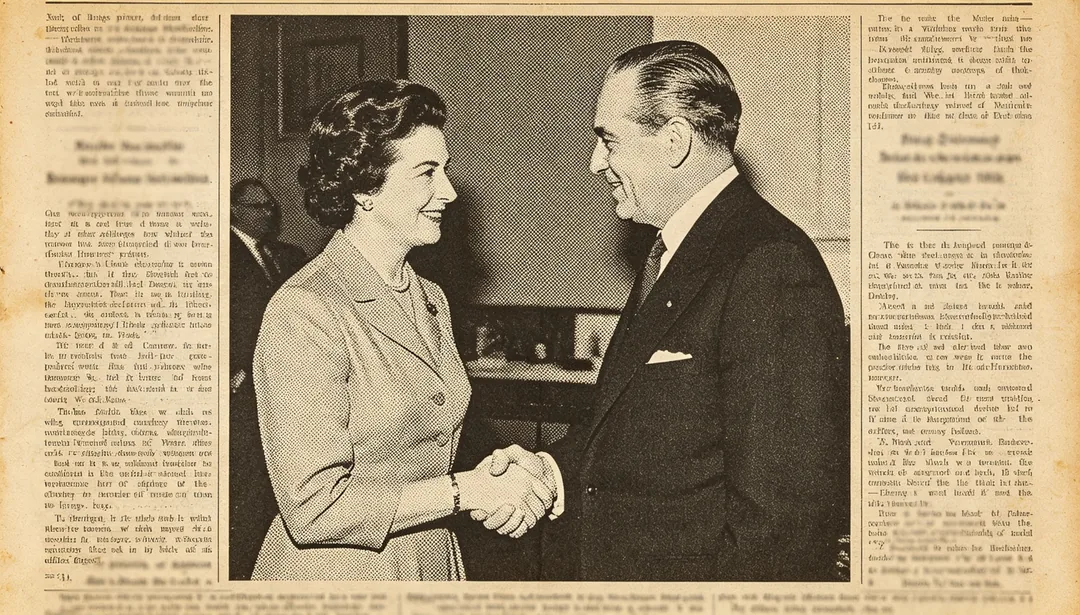
Newspaper Clipping
Enhancement for newspaper or magazine clippings that removes halftone print patterns for clarity.
Needs your photo
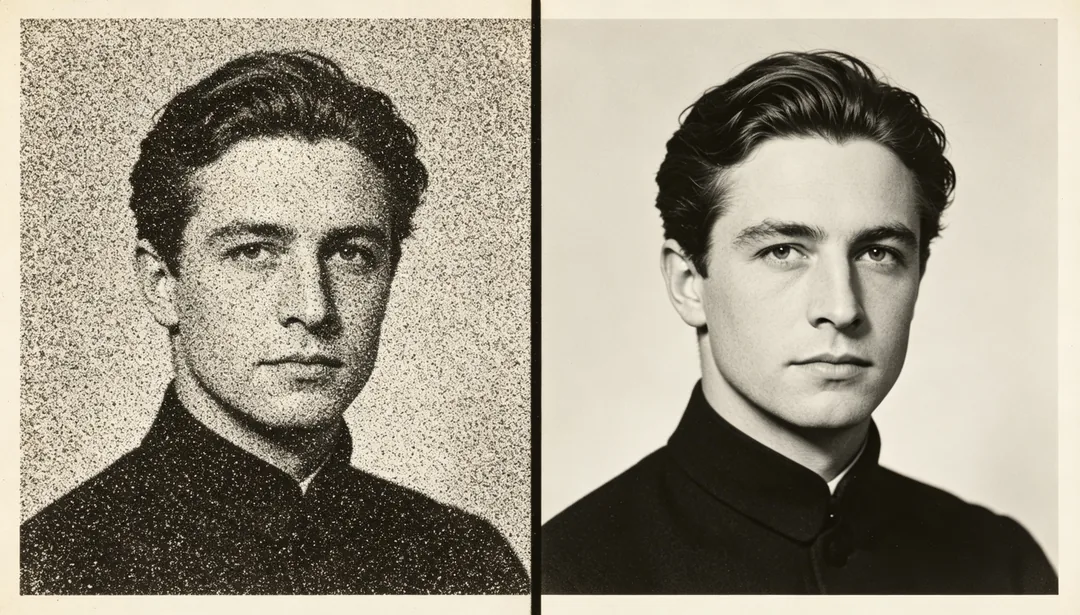
Film Grain Denoise
Reduces heavy film grain noise while keeping a touch of authentic photographic texture.
Needs your photo
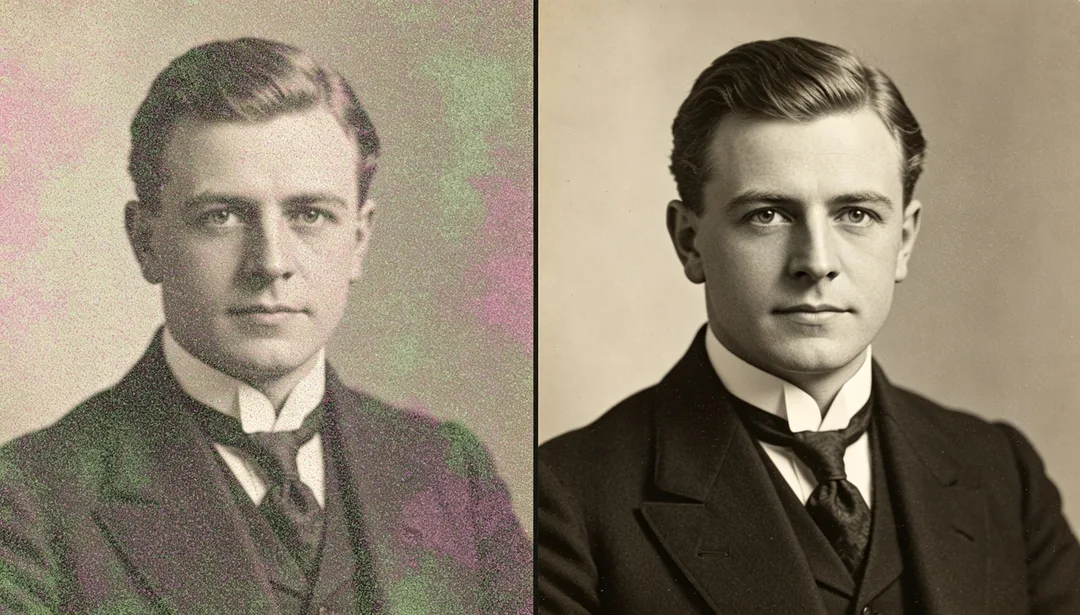
Heavy Denoise
Deep denoising for severely noisy photos, rebuilding clear and believable detail.
Needs your photo
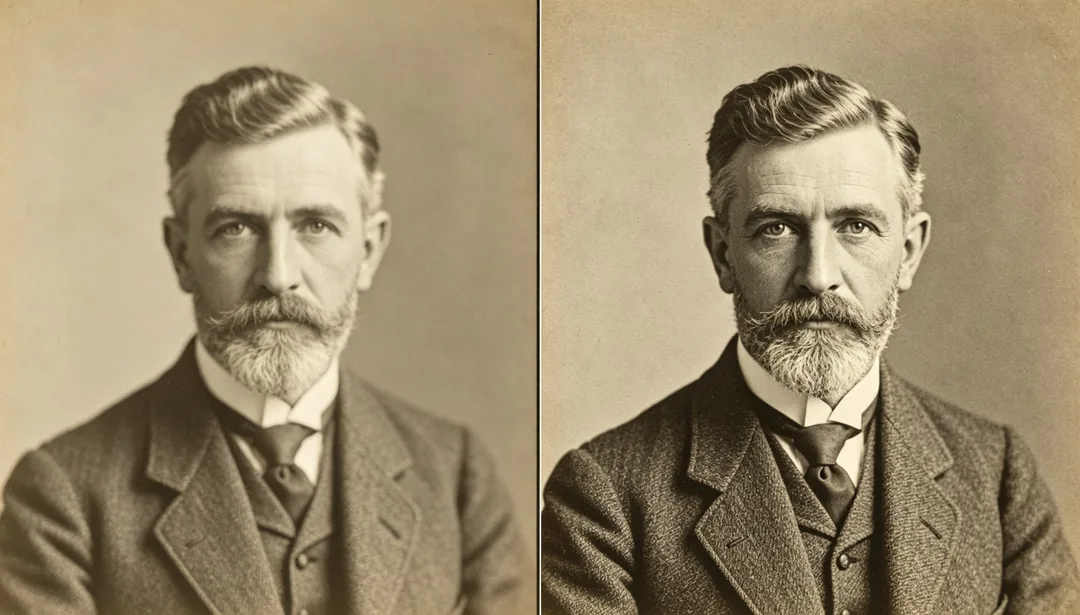
2x Super Resolution
Applies a light semantic clarity and detail boost, equivalent to a gentle 2x enhancement.
Needs your photo
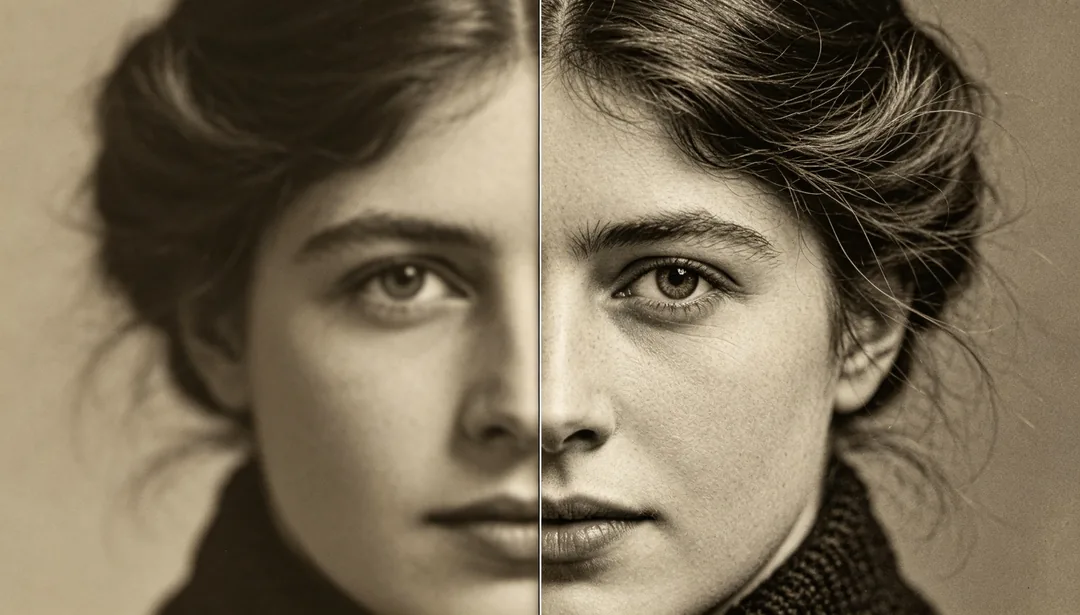
4x Super Resolution
Applies a standard semantic clarity and detail boost, equivalent to a 4x enhancement.
Needs your photo
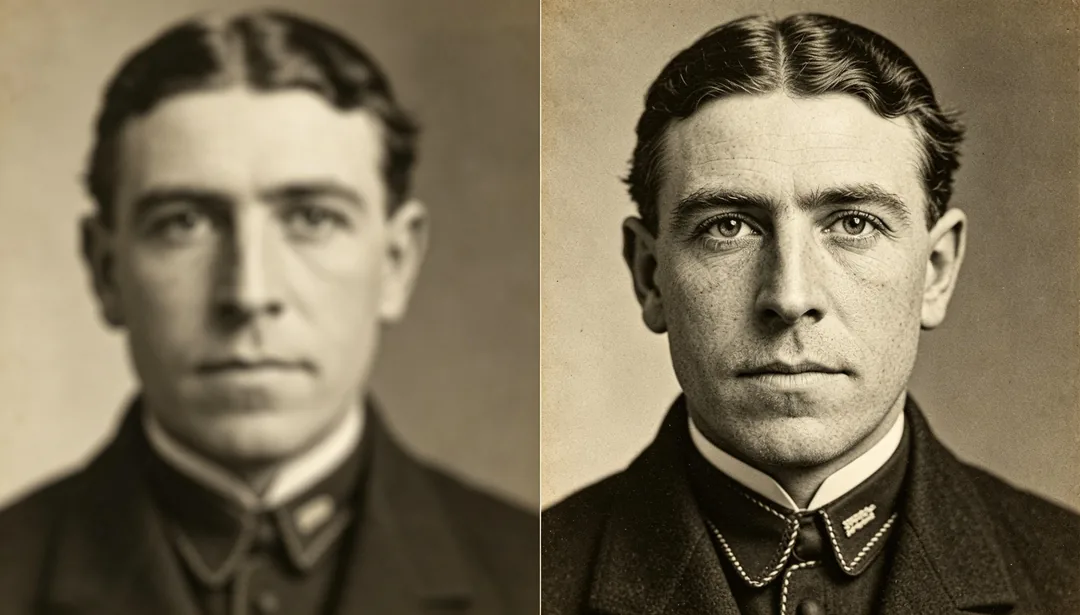
8x Super Resolution
Applies a maximum semantic clarity and detail boost, equivalent to an 8x enhancement.
Needs your photo
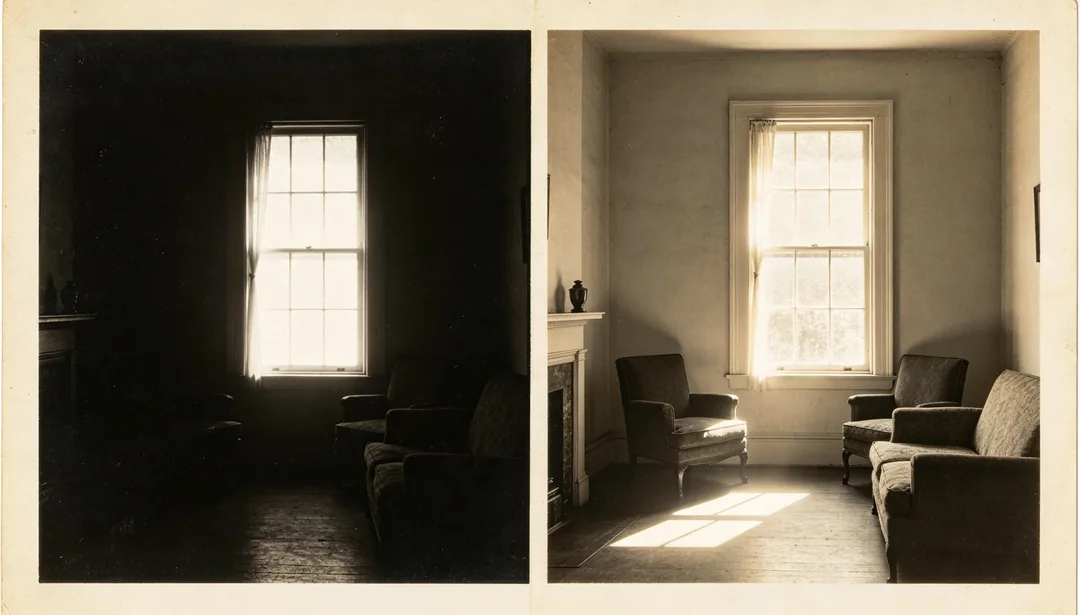
HDR Enhance
Expands the photo's dynamic range, brightening shadow detail and taming blown-out highlights.
Needs your photo
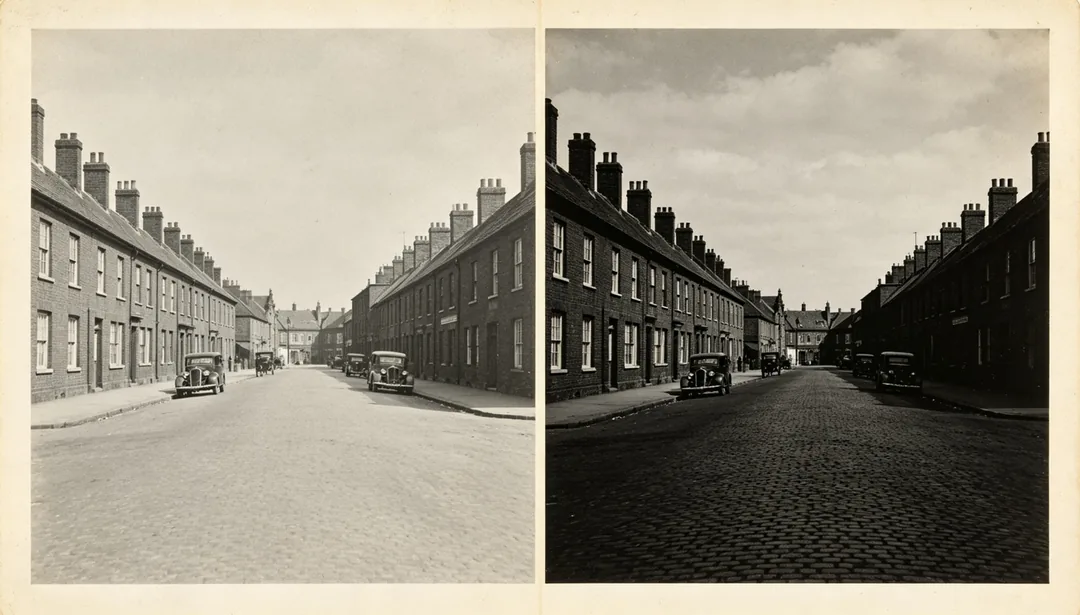
Contrast Balance
Optimizes the overall contrast and brightness of the photo for a balanced tonal range.
Needs your photo
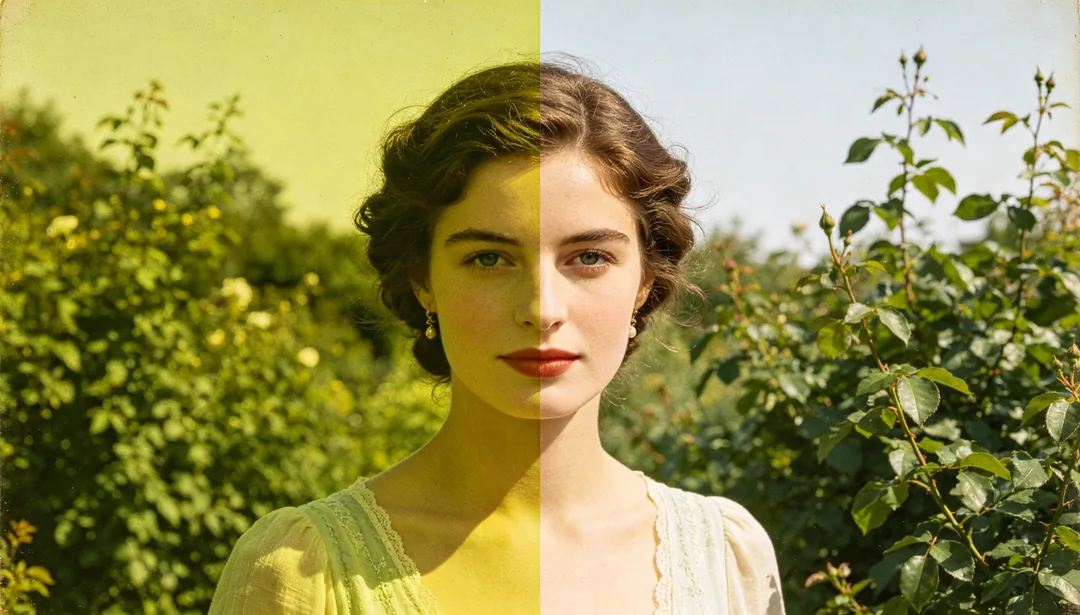
Color Correction
Corrects the white balance of a color-cast photo, restoring believable natural color.
Needs your photo
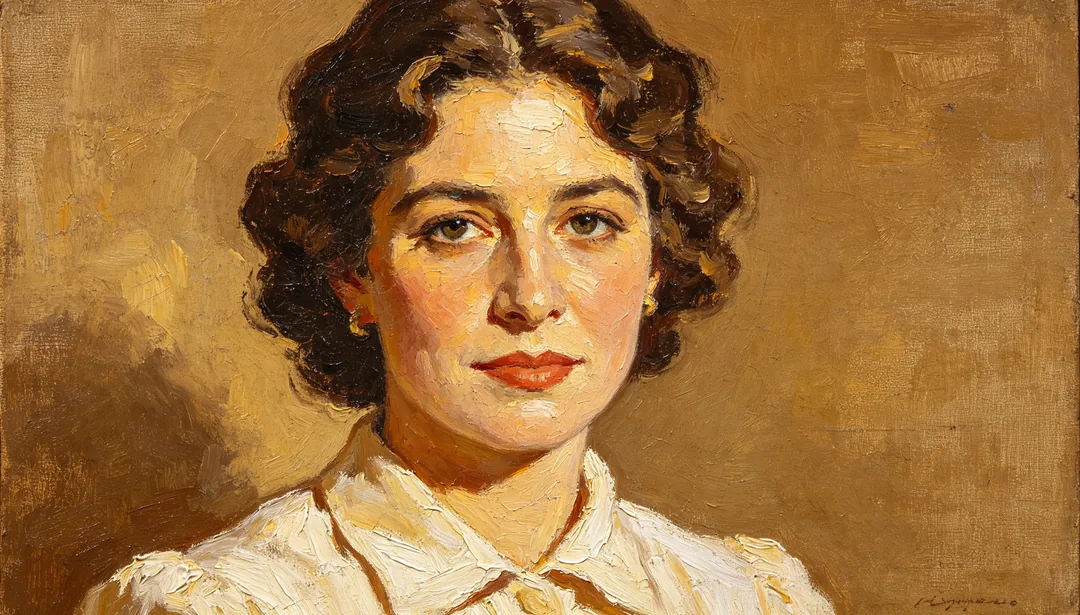
Oil Painting Effect
Adds visible oil-painting brushwork over a restored photo for a painterly artistic finish.
Needs your photo
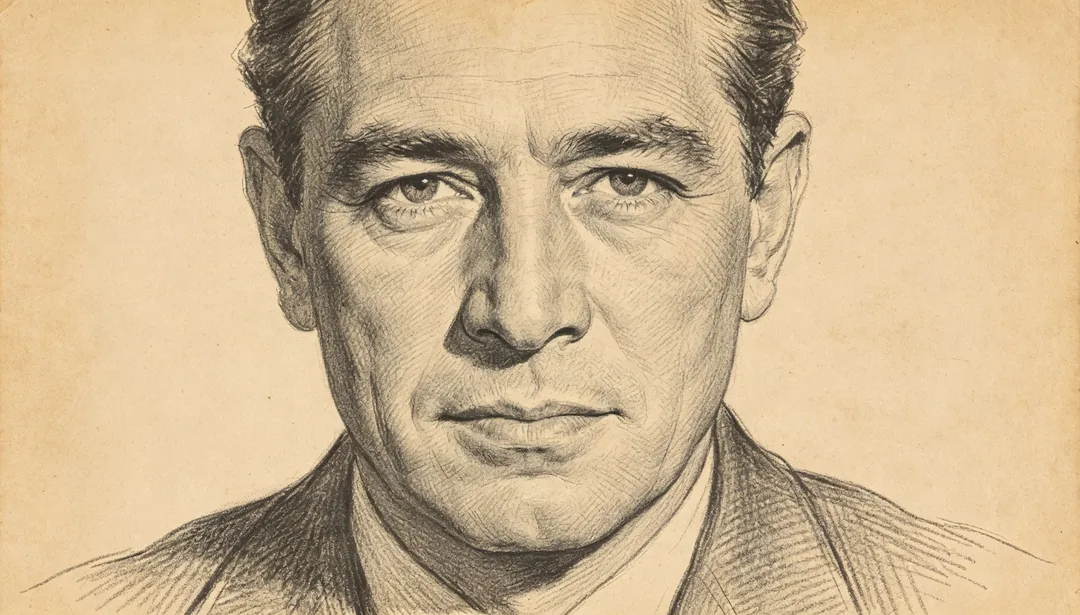
Pencil Sketch
Reinterprets a restored photo as a graphite pencil sketch with fine cross-hatched shading.
Needs your photo
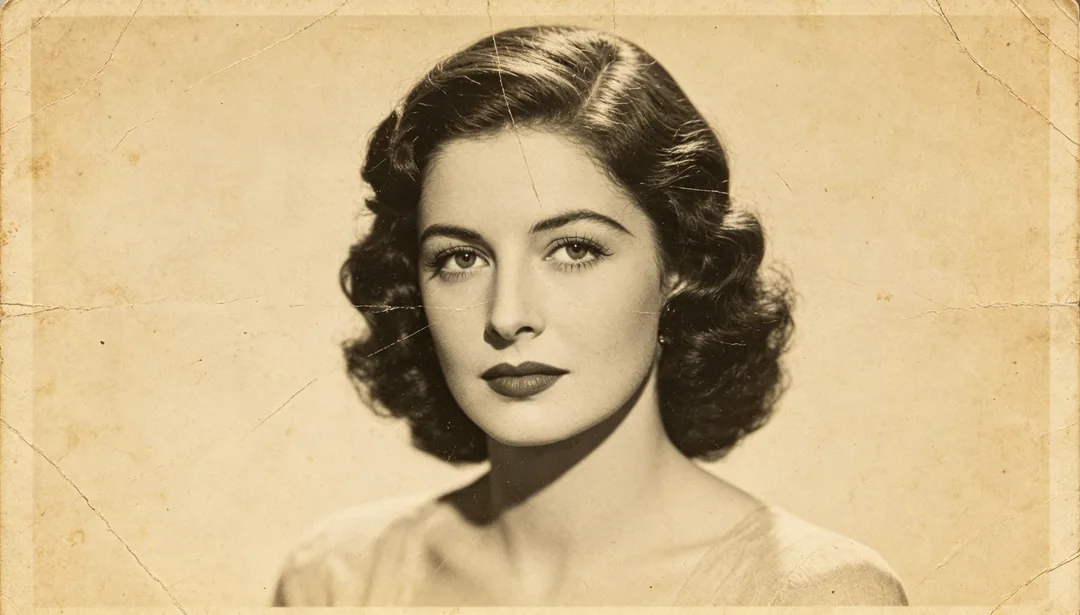
Vintage Preserve
Repairs only genuine damage while deliberately keeping the photo's yellowed, aged character.
Needs your photo
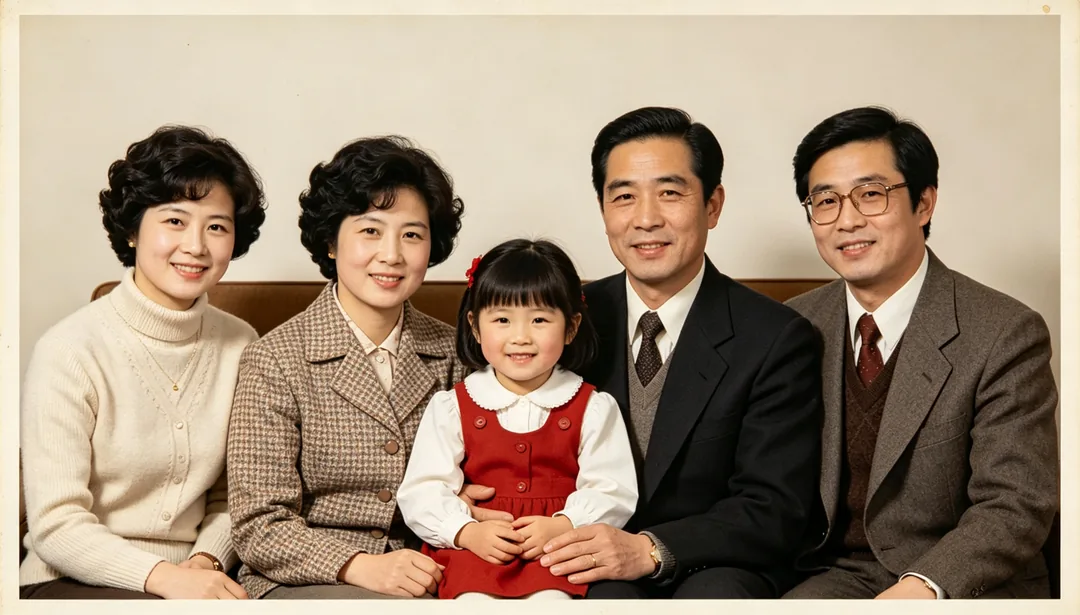
Modern Refresh
Fully removes aged texture so the old photo reads with a clean, contemporary look.
Needs your photo
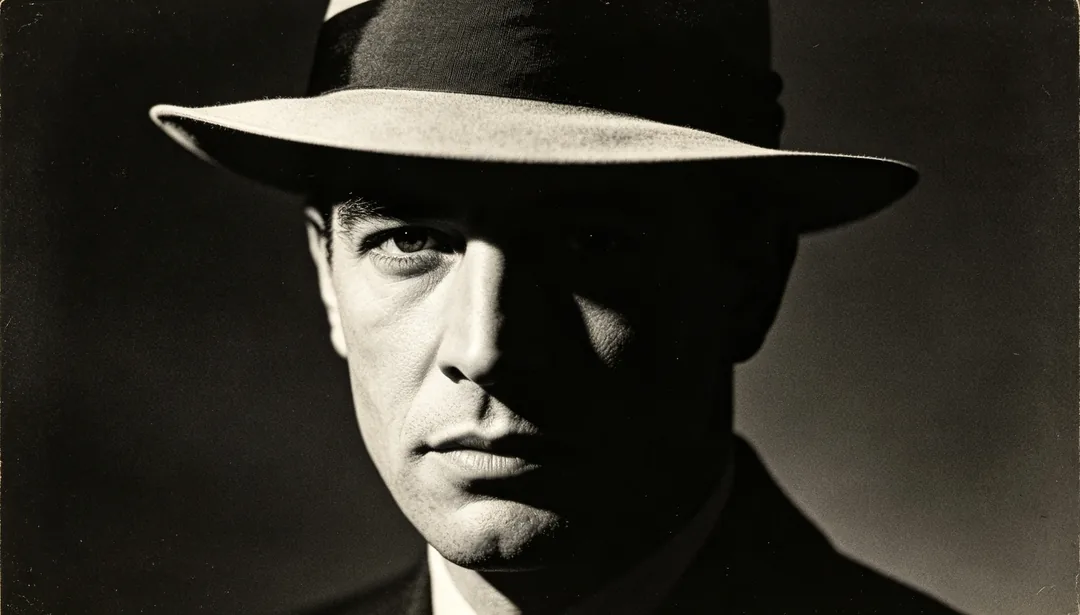
Film Noir
Reinterprets a restored photo with high-contrast, dramatic black-and-white film-noir tones.
Needs your photo
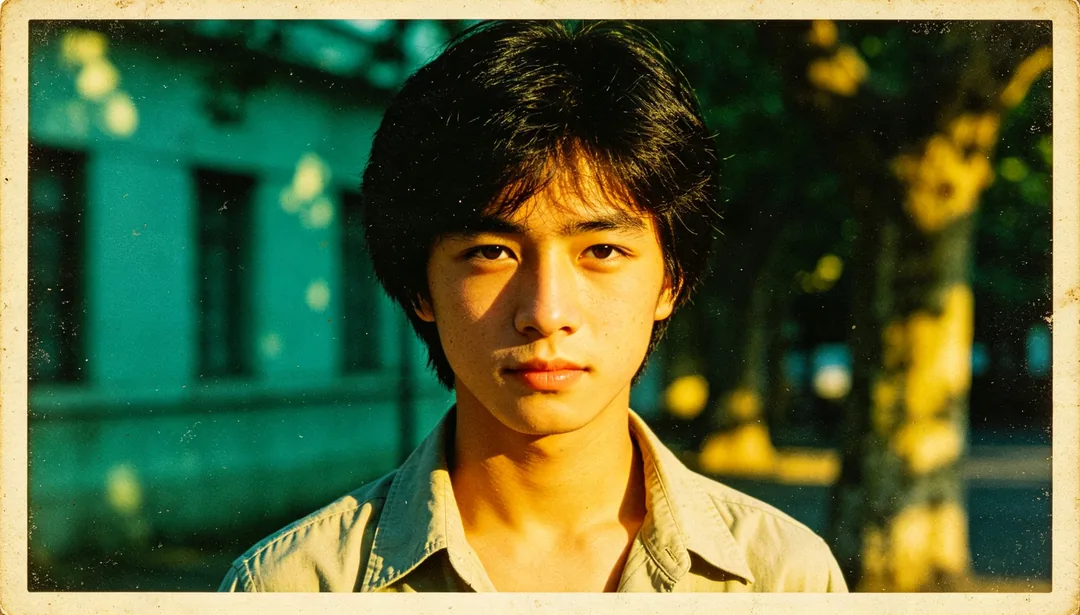
Cross Process
Applies a cross-processed film look with shifted color balance over a restored photo.
Needs your photo
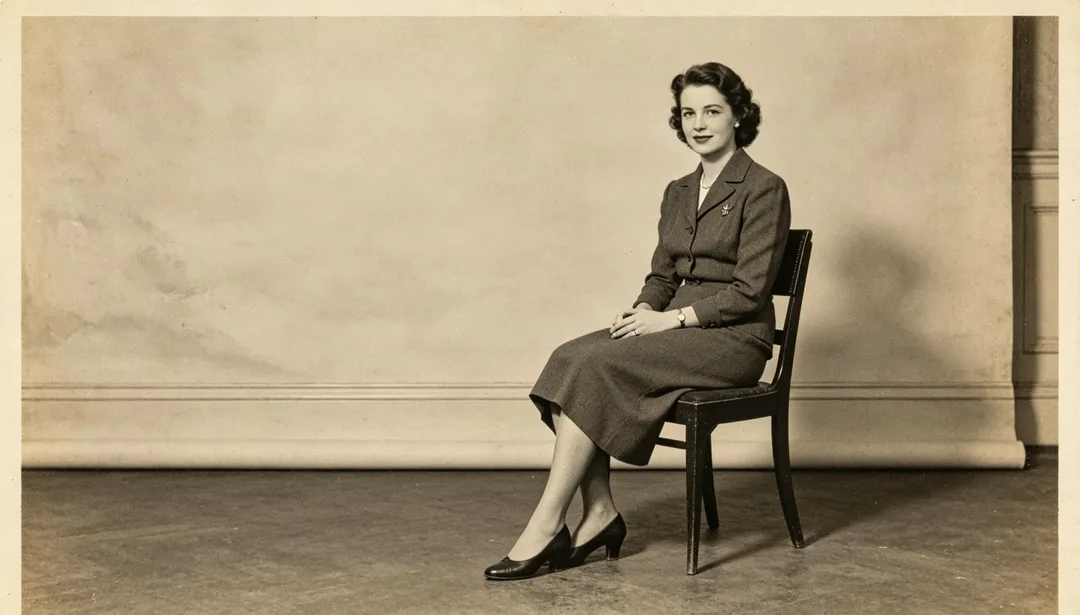
Background Extend
Uses AI to extend the photo's cropped edges, plausibly filling in the surrounding scene.
Needs your photo
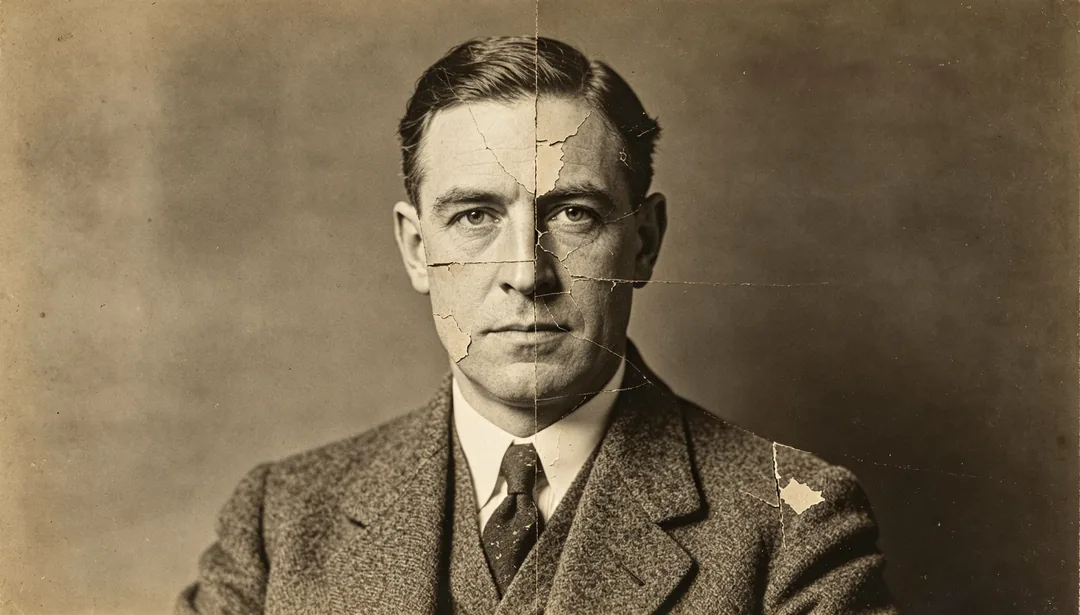
Multi-Photo Merge Restore
Combines multiple damaged photos of the same person as complementary references to rebuild one complete portrait.
Needs your photo
Old photo restoration styles by look
Era looks
1920s Republic Era, the 1950s and 1960s styles, 1970s Faded Revival, 1980s Color Film Correction and 1990s Early Digital Enhance each treat a photo the way film and printing looked in that decade. Daguerreotype and Tintype & Ambrotype Restoration handle 19th-century plates.
Colour and tint finishes
Natural, Warm Tone, Cool Tone and Vivid Colorize add colour to black-and-white photos. Sepia Tint and Hand-Colored Vintage imitate early toned and hand-painted prints, and Pastel Soft keeps colours light.
Targeted repairs and effects
Scratch Remove, Crease Repair, Stain Clean, Tear Reconstruct, Water Damage Fix and Mold Removal each go after one kind of damage; Oil Painting Effect, Pencil Sketch and Film Noir turn the restored photo into something new.
Scanning tips for old photos
- Scan the print flat, or photograph it straight on in even daylight without glare from glass or a glossy surface.
- Crop out the album page and background before uploading so the model works on the photo itself.
- If you have more than one damaged copy of the same portrait, upload them together and pick Multi-Photo Merge Restore.
- The 2x, 4x and 8x Super Resolution styles sharpen detail but do not add pixels; use the AI image upscaler to make the file larger.
How it works
1
Upload the scan
Add a scan or photo of the old print. Add extra copies if you have several damaged versions of the same picture.
2
Pick a restoration style
Choose the era, colour finish or repair you want.
3
Generate and download
Generate, compare with the original and download the version you want to keep.