AI Logo Generator
Describe your brand in a sentence and get a logo back. Each style on this page is a different direction, from wordmarks and monograms to emblems, mascots and single-line symbols. No reference image is needed; text is enough.
It is for founders, small shops, creators and side projects that need a first logo, or want to explore directions before hiring a designer: a clothing brand logo, a bakery or coffee shop logo, a real estate logo, a gaming or esports logo, or a logo for a YouTube channel, podcast or Etsy shop.
Use the results for a website header, a social profile picture, an app splash screen, a packaging mock-up, or as a brief to hand to a designer.
50 styles
Your photo is never used to train AI models.
Choose a style
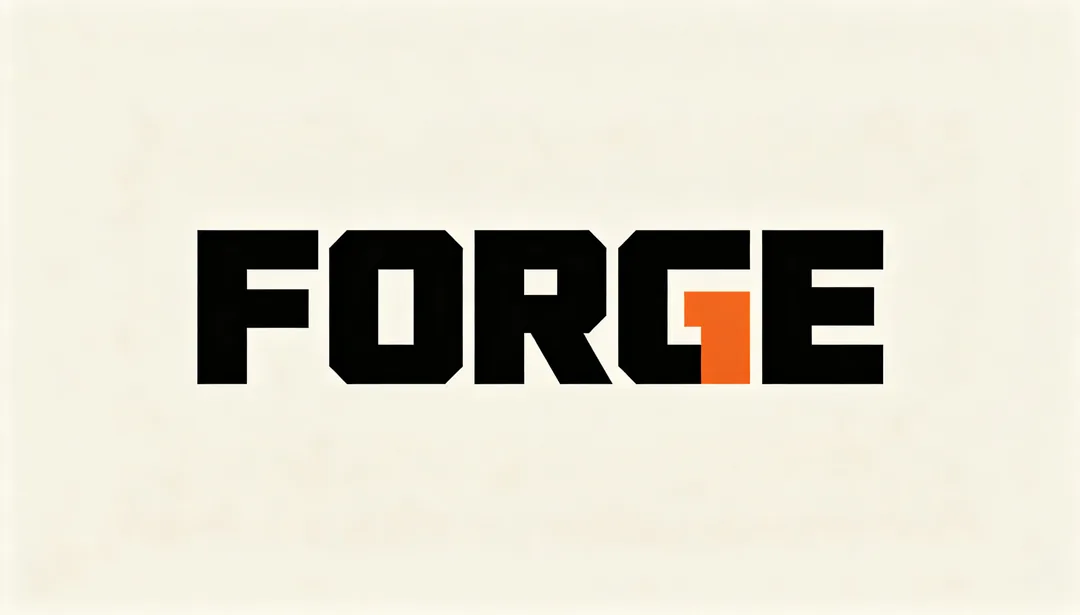
Chunky Wordmark
An oversized ultra-bold sans-serif wordmark that fills the frame with sheer typographic force
Details: Chunky Wordmark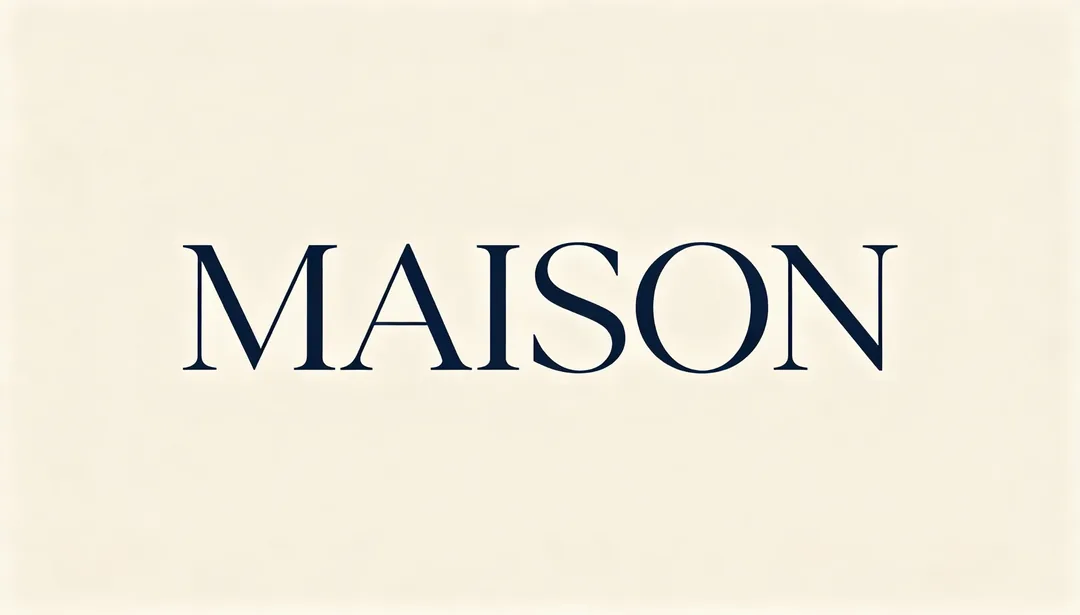
Elegant Serif
A refined high-contrast serif wordmark with curved joints that reads as understated luxury
Details: Elegant Serif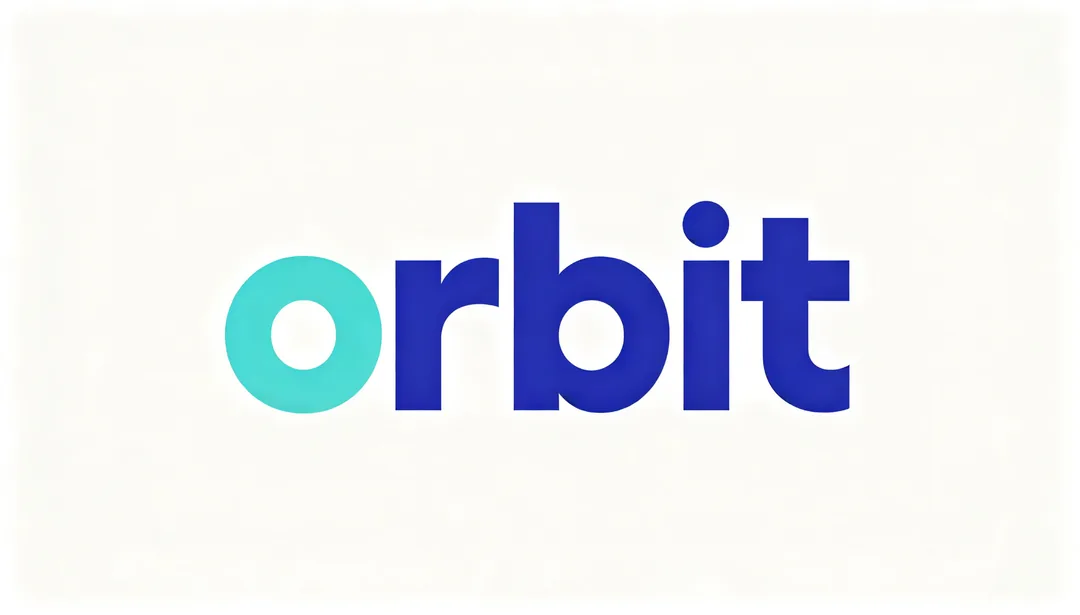
Geometric Lowercase
An all-lowercase geometric sans wordmark balancing technical precision with approachable warmth
Details: Geometric Lowercase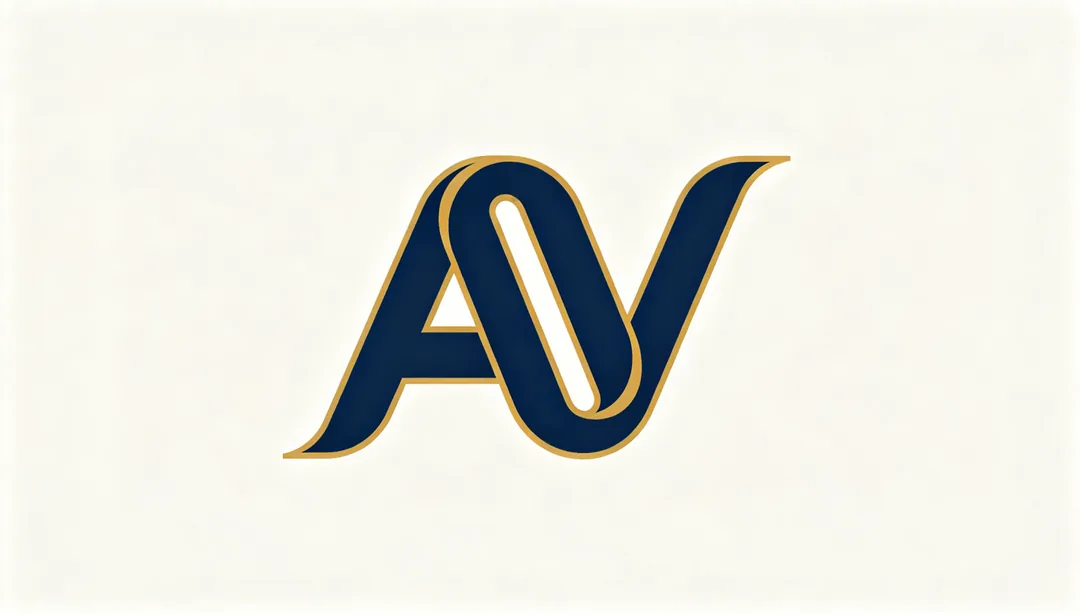
Custom Monogram
Two or three initial letters interlocked into one unified emblem
Details: Custom Monogram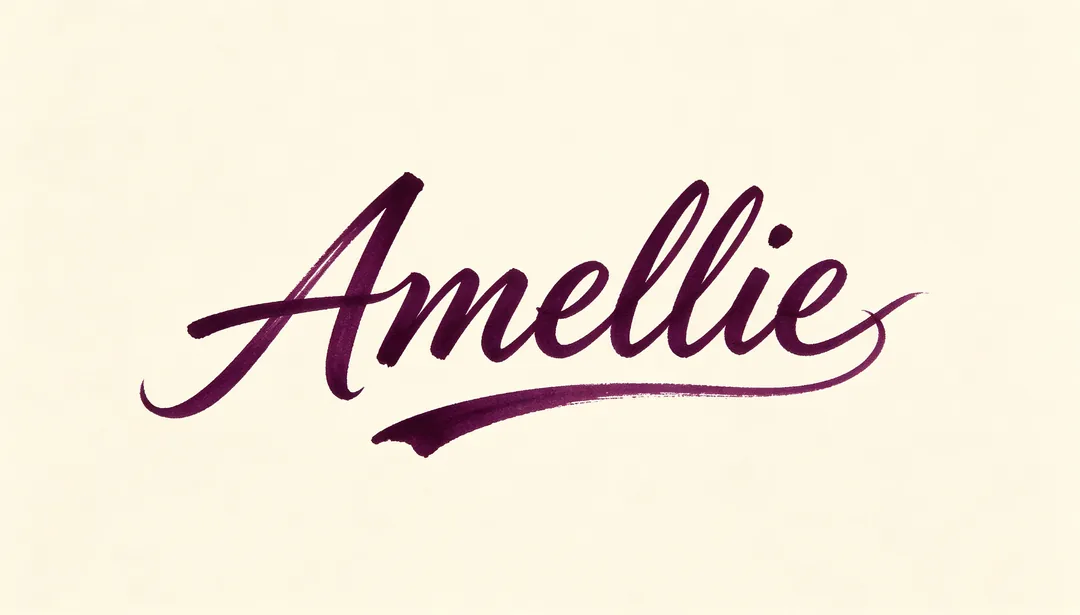
Calligraphic Script
A flowing brush-like handwritten script tunable from elegant to relaxed and casual
Details: Calligraphic Script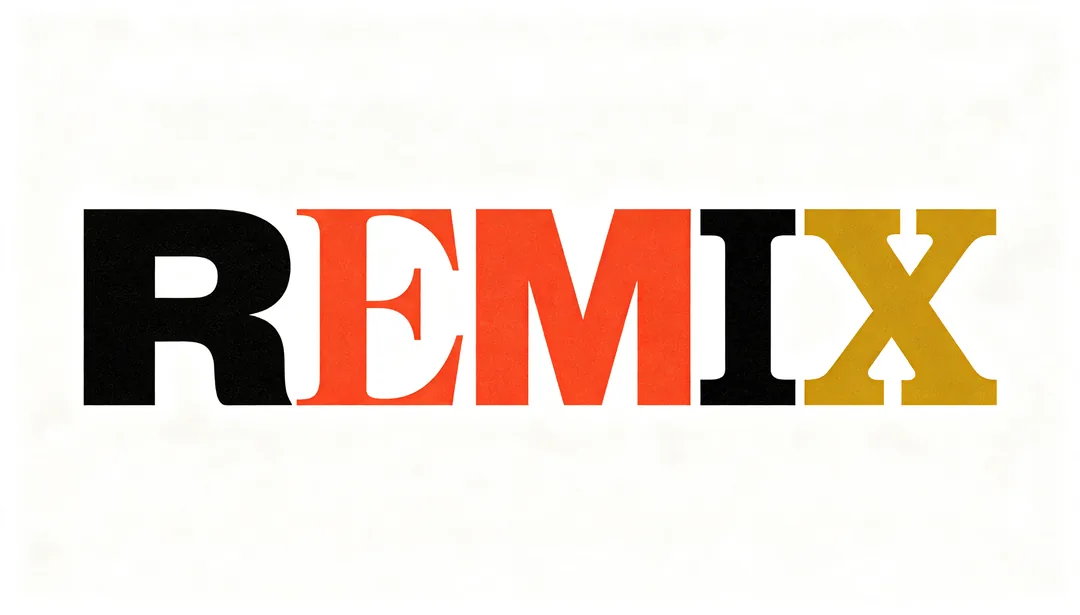
Type Collage
Mixed typefaces, weights and letter styles combined within a single deliberately eclectic word
Details: Type Collage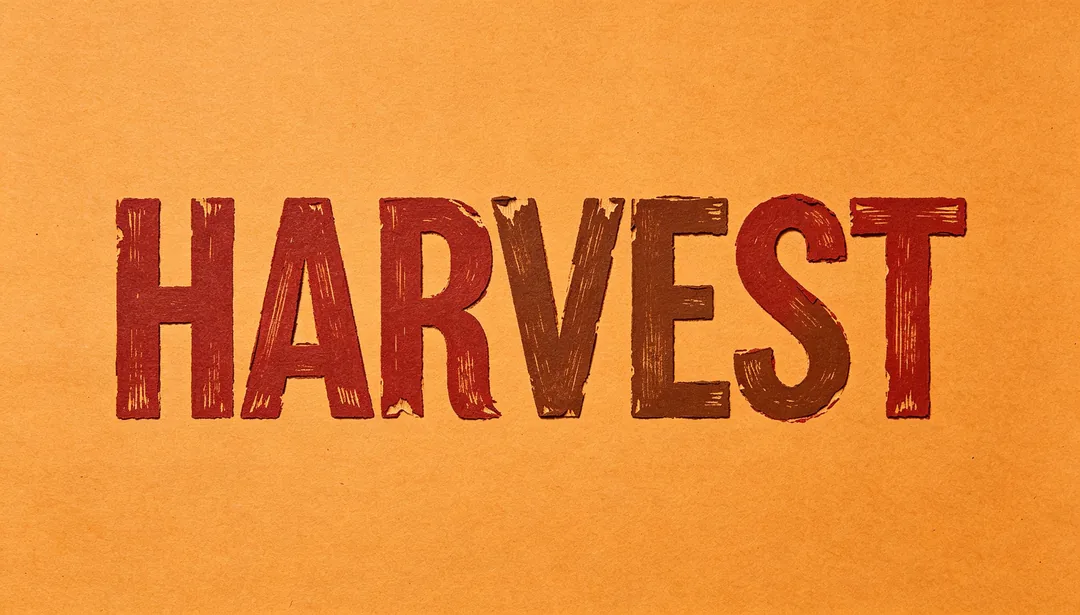
Woodblock Print
Rough hand-carved edges simulating woodblock or letterpress type texture
Details: Woodblock Print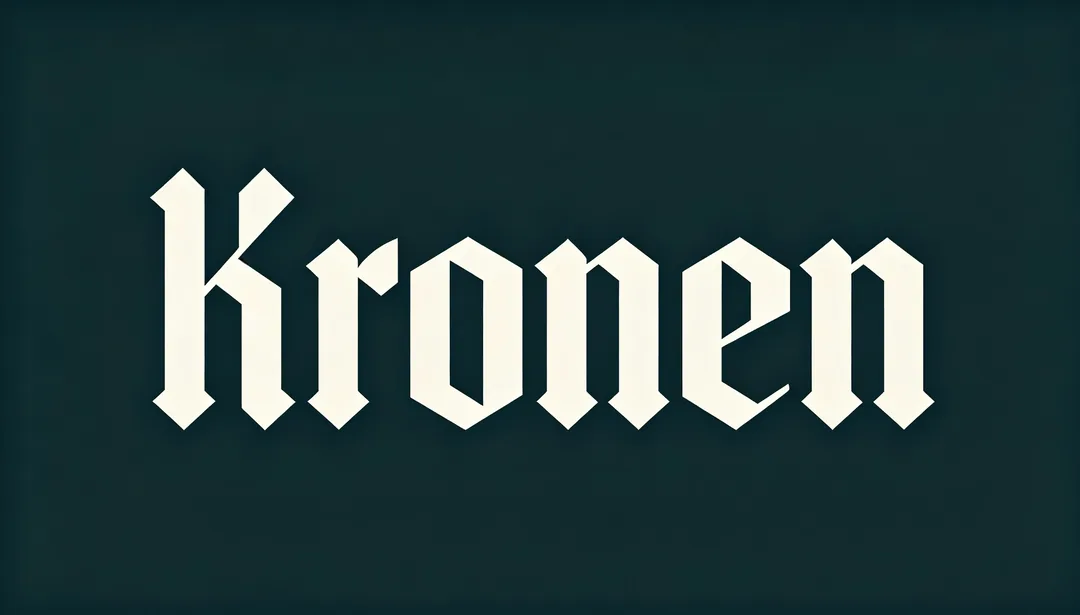
Gothic Blackletter
A modernized blackletter typeface carrying historical depth without looking dated
Details: Gothic Blackletter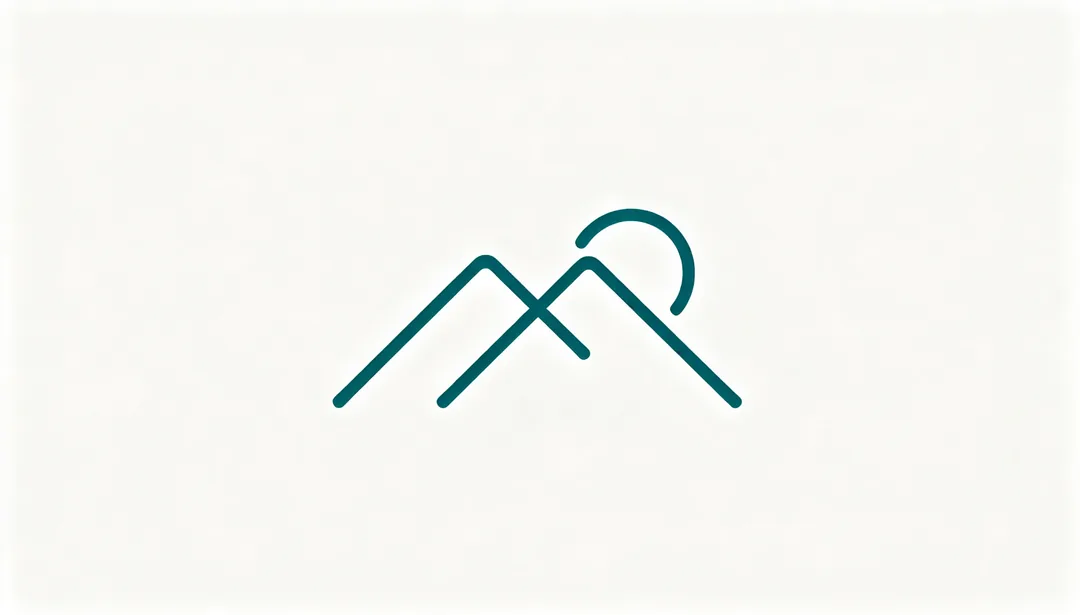
Line Minimal
The fewest possible lines outlining the core figure, surrounded by generous whitespace
Details: Line Minimal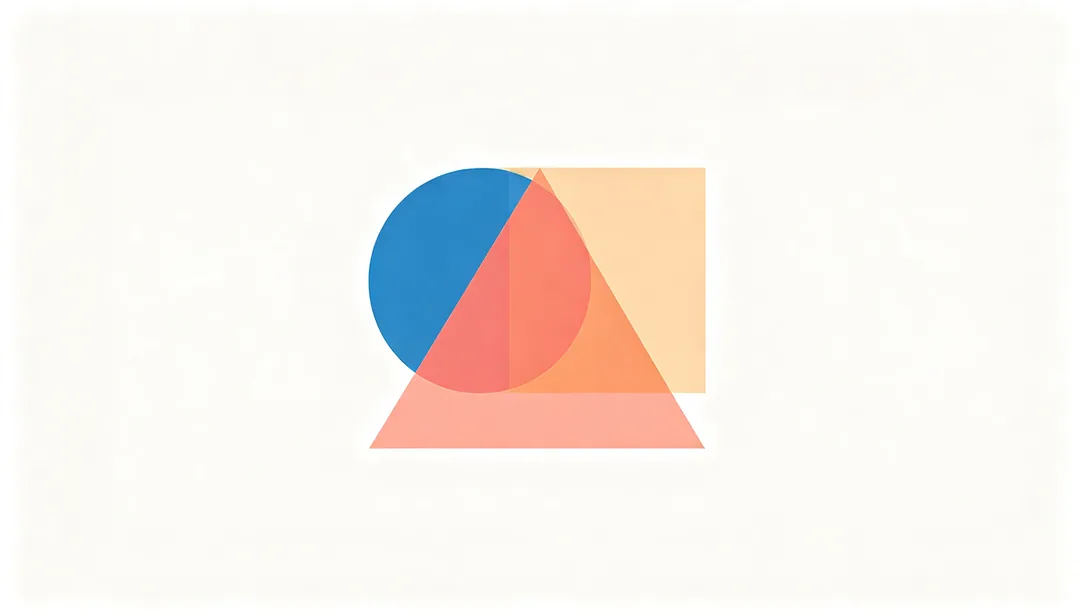
Geometric Abstract
Circles, triangles and squares combined with mathematical precision to hint at a concept without depicting it literally
Details: Geometric Abstract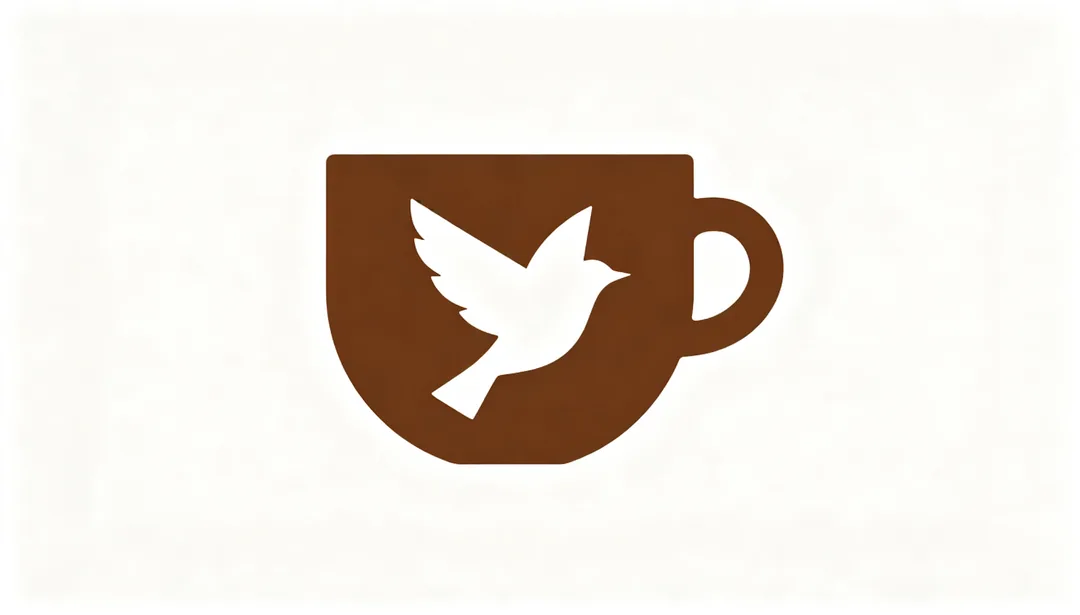
Negative Space
A clever mark where the empty space reveals a hidden second shape
Details: Negative Space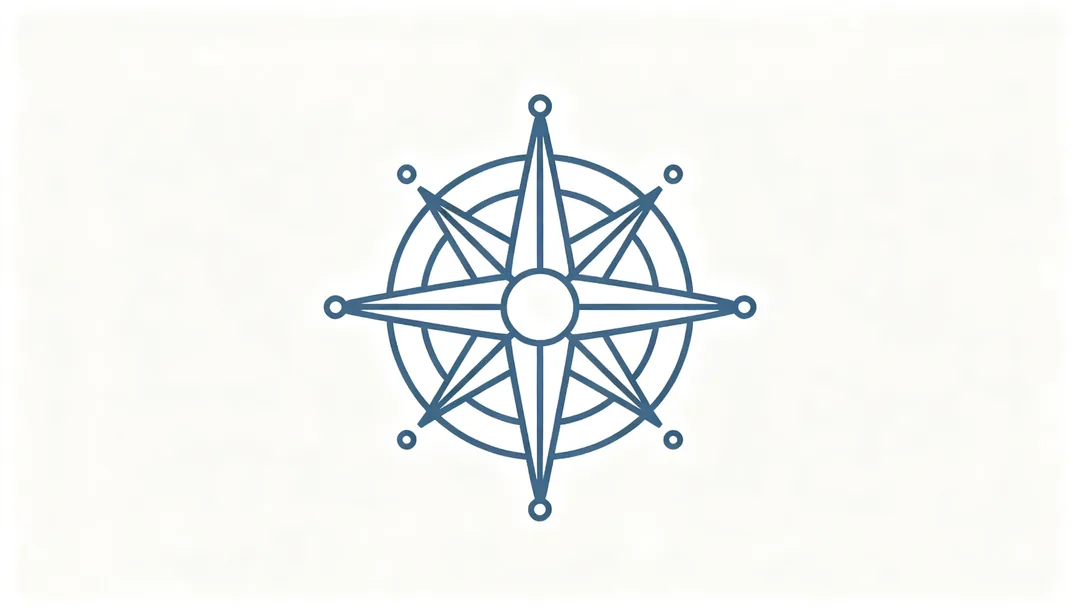
Monoline Icon
A single uniform stroke width throughout, unified, modern and diagram-like
Details: Monoline Icon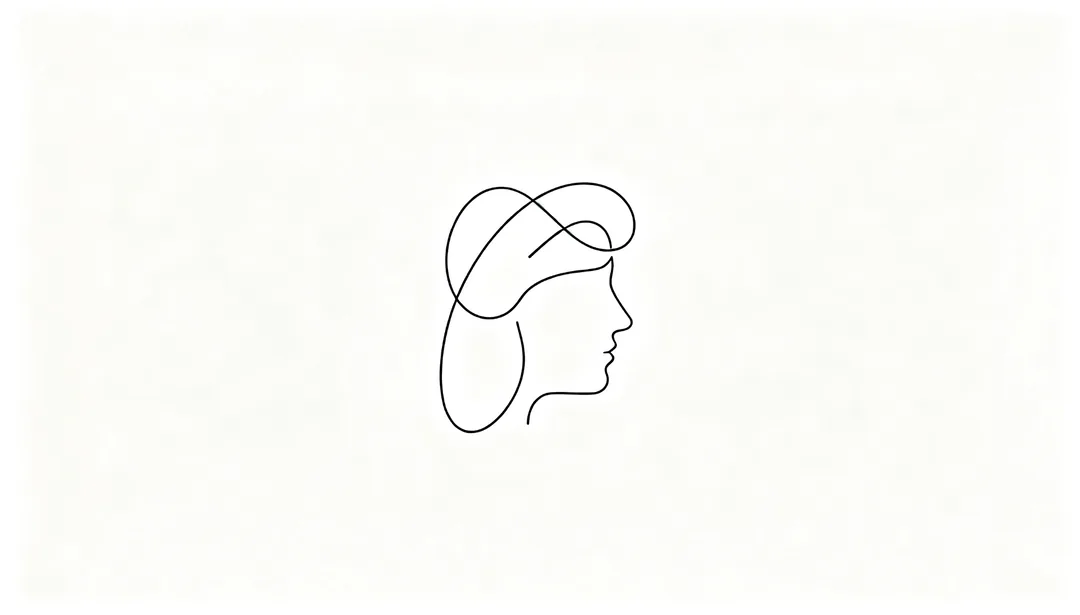
Single Stroke
The whole figure completed in one continuous line that never lifts or breaks
Details: Single Stroke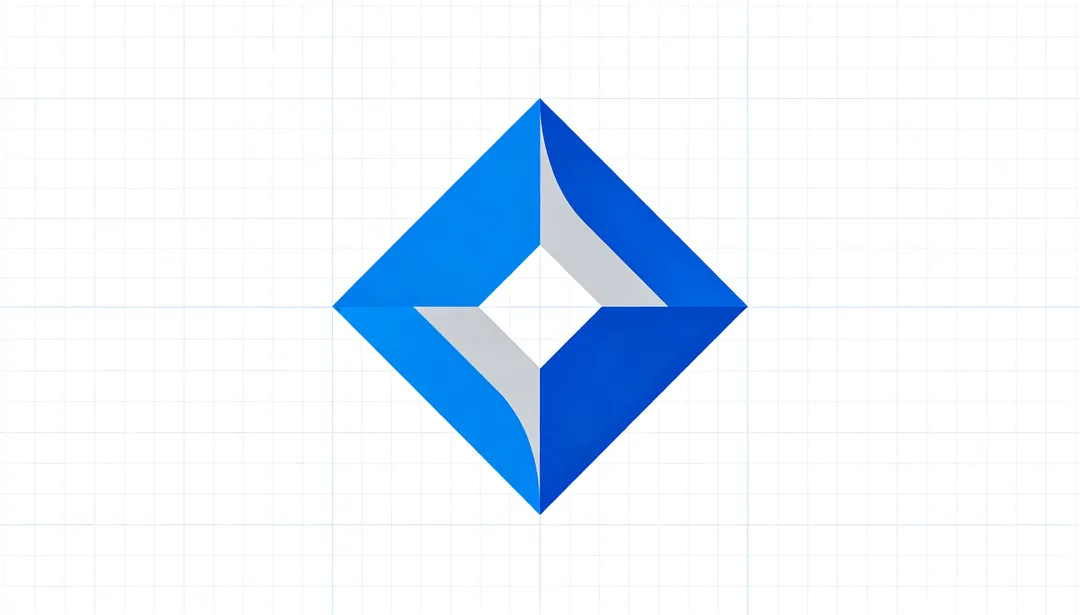
Pixel Precise
Mathematically sharp and precise, optimized for on-screen rendering
Details: Pixel Precise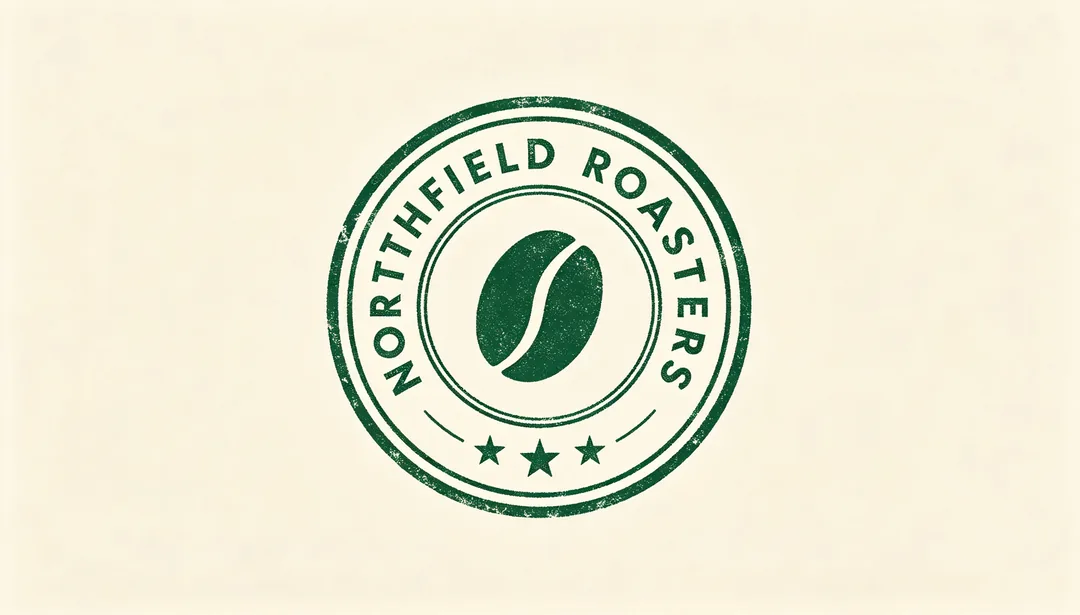
Stamp Seal
A circular or oval badge with arced text curving around a central icon like an official stamp
Details: Stamp Seal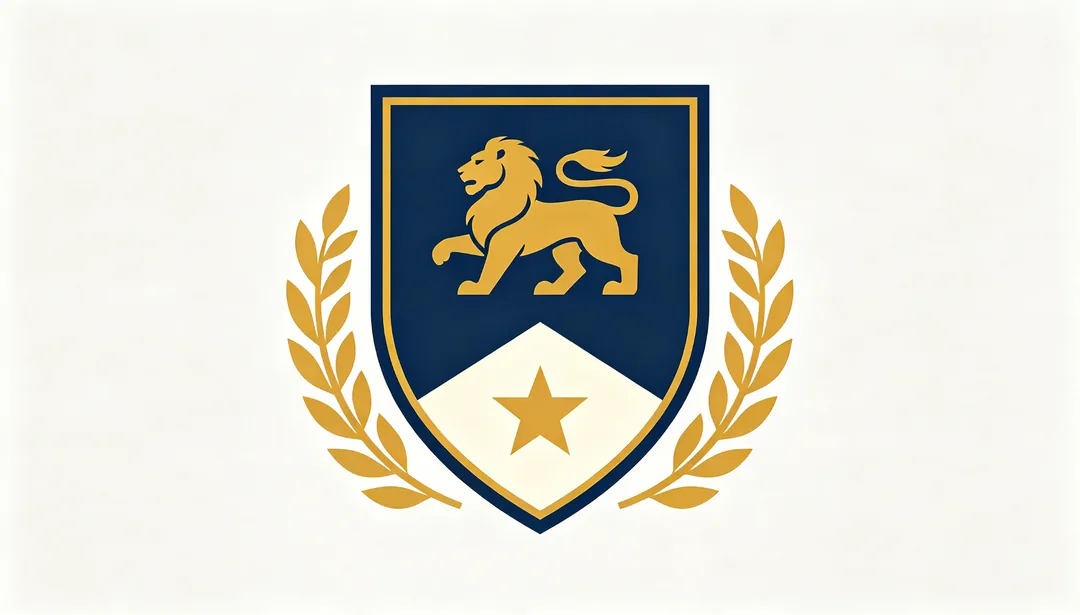
Heraldic Crest
A shield base paired with simplified heraldic elements for institutional gravitas
Details: Heraldic Crest
Vintage Badge
A dense multi-tier badge with decorative border and aged texture recalling old print ephemera
Details: Vintage Badge
Pennant Banner
The brand name carried inside a pennant flag or ribboned banner shape
Details: Pennant Banner
Hex Frame
A honeycomb-inspired hexagonal frame suggesting organic growth or interconnected structure
Details: Hex Frame
Botanical Organic
An earth-toned mark built from leaf, flower or water motifs
Details: Botanical Organic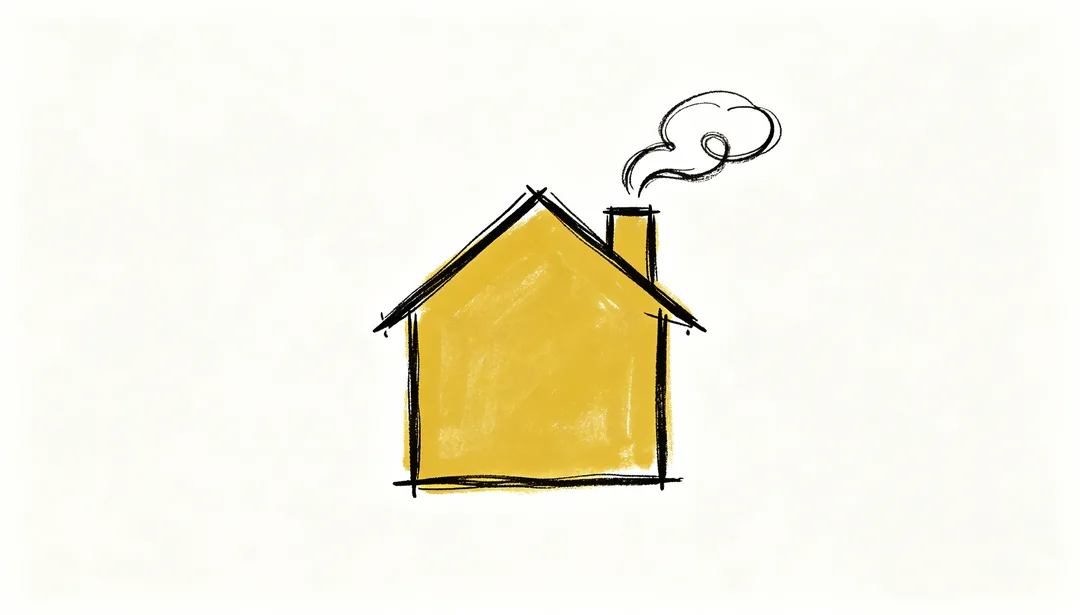
Hand-drawn Naive
Deliberately imperfect sketch lines that push back against slick AI-perfect aesthetics
Details: Hand-drawn Naive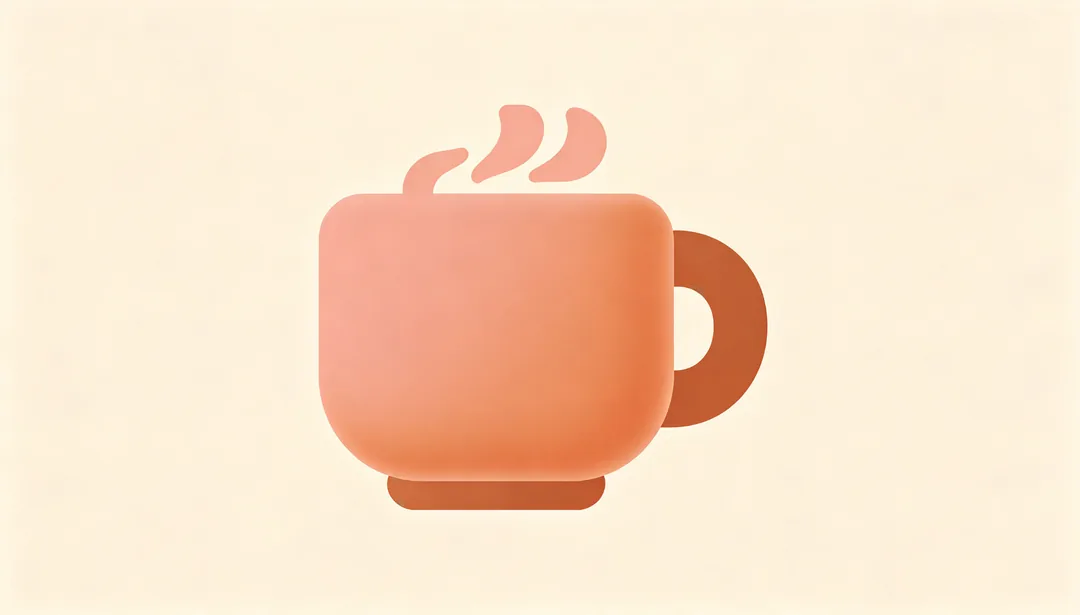
Warm Toasty
Terracotta and cream tones with soft rounded corners for a cozy, healing feel
Details: Warm Toasty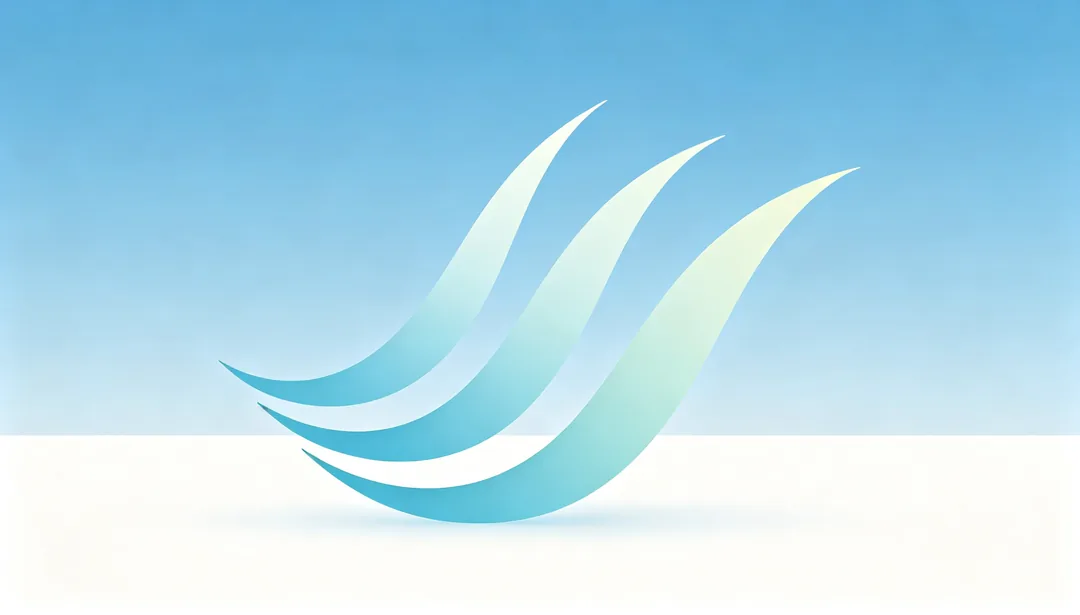
Flowing Breezy
Light sweeping curves that suggest wind, water or motion with an optimistic lift
Details: Flowing Breezy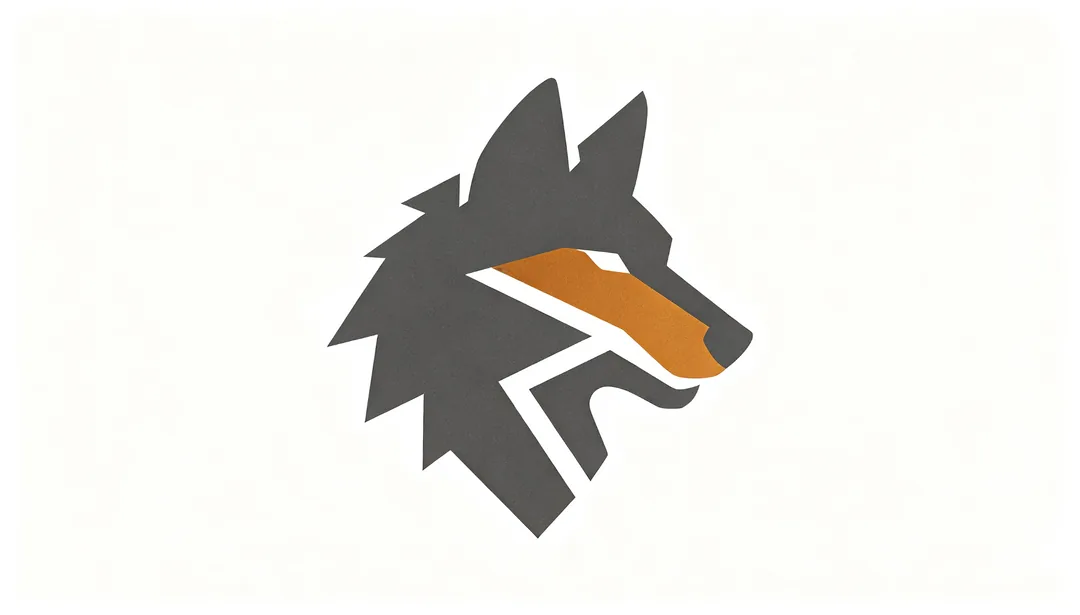
Nature Totem
An animal reduced to an abstracted totemic silhouette rather than a realistic illustration
Details: Nature Totem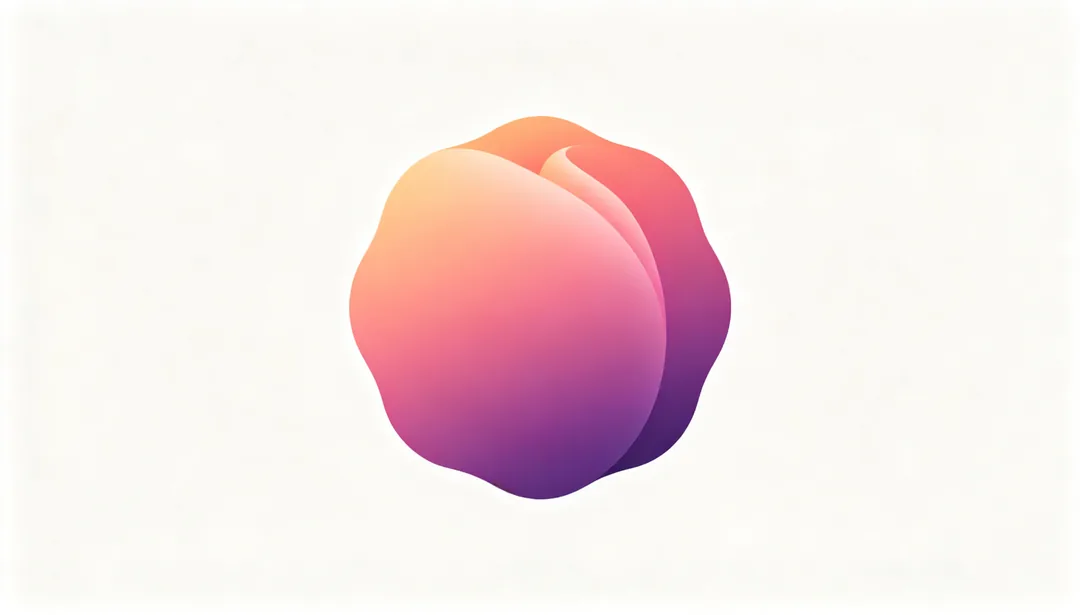
Atmospheric Gradient
Soft color transitions that carry the brand identity through gradient itself
Details: Atmospheric Gradient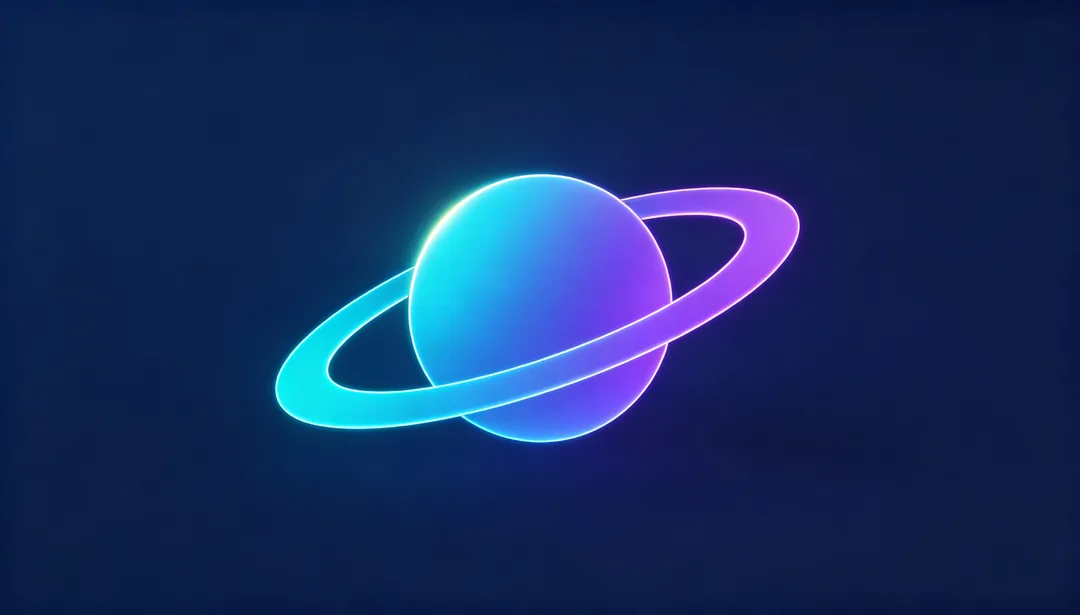
Gradient Tech
Blue-to-violet gradients conveying a futuristic sense of forward motion
Details: Gradient Tech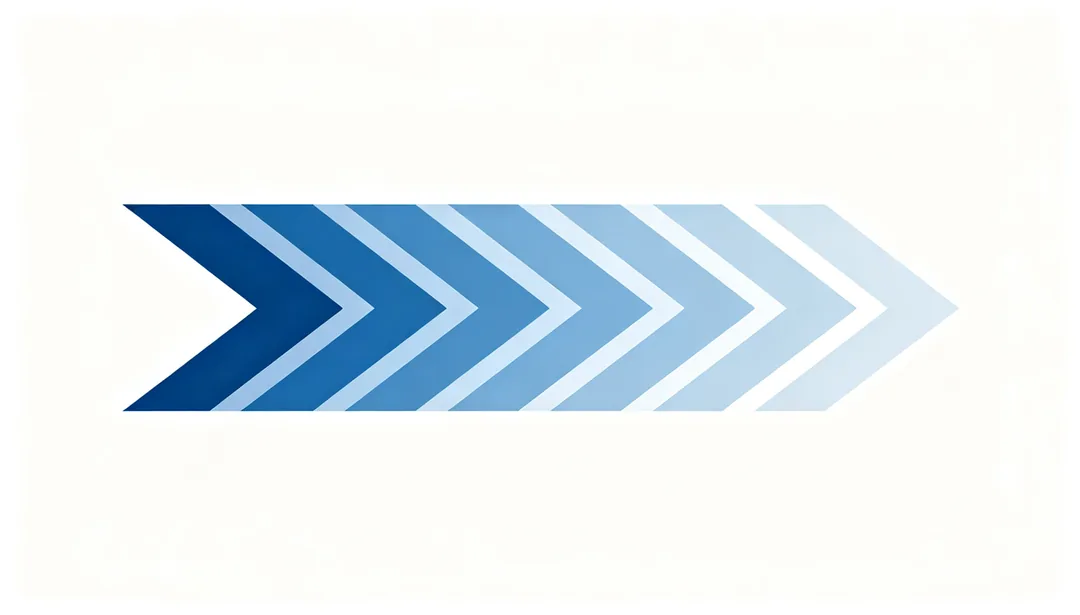
Motion Blur Trail
A gradient fade-out trail simulating the afterimage of fast motion
Details: Motion Blur Trail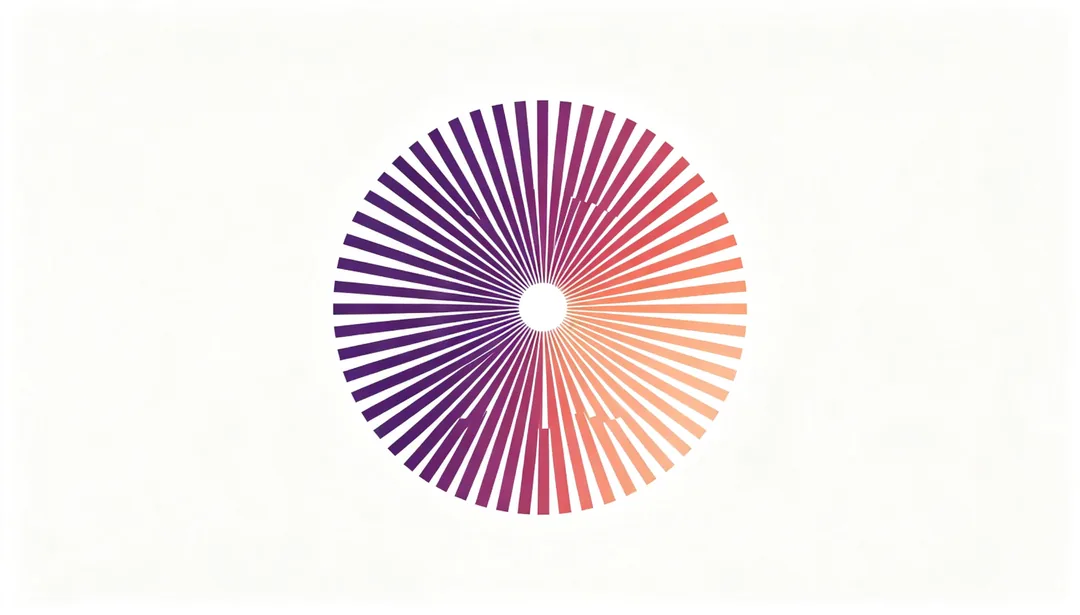
Generative Morph
A rule-based form that can shift into a different but still recognizable variant each time
Details: Generative Morph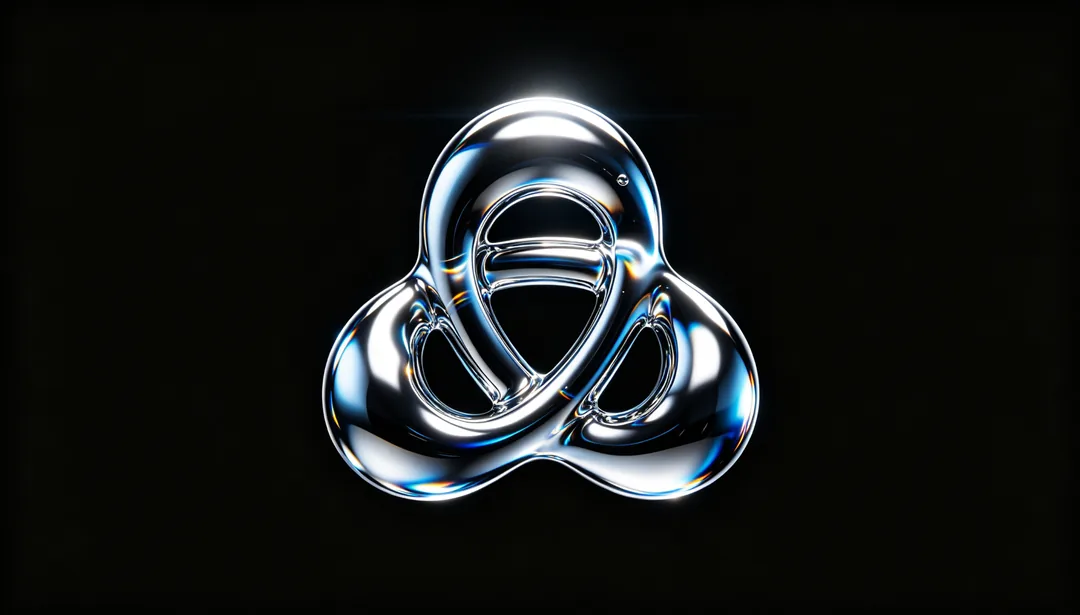
Liquid Chrome
A molten mercury-like metallic surface with chrome highlights and liquid distortion
Details: Liquid Chrome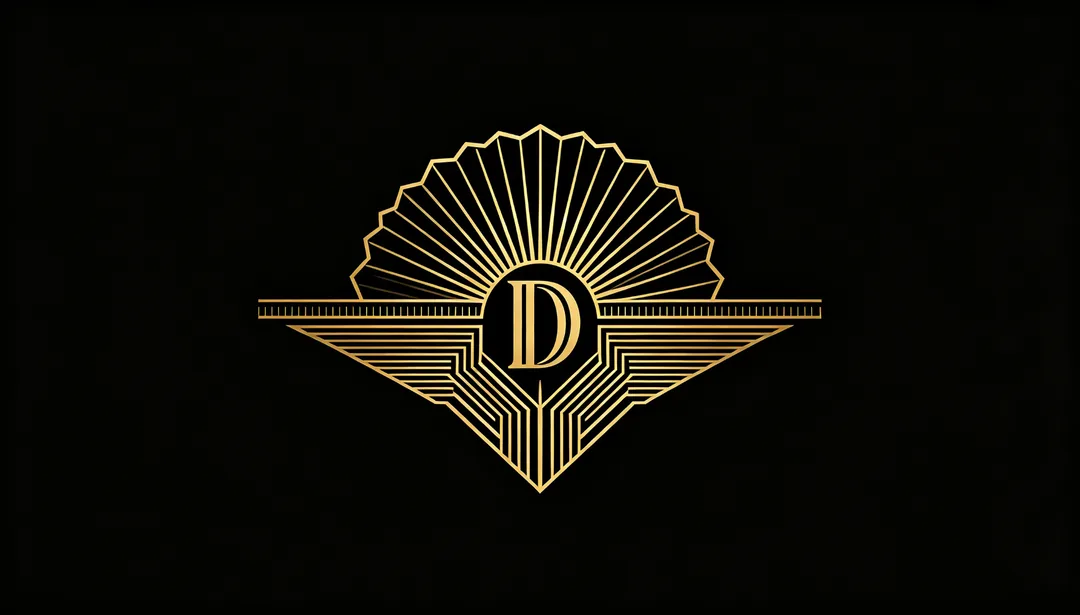
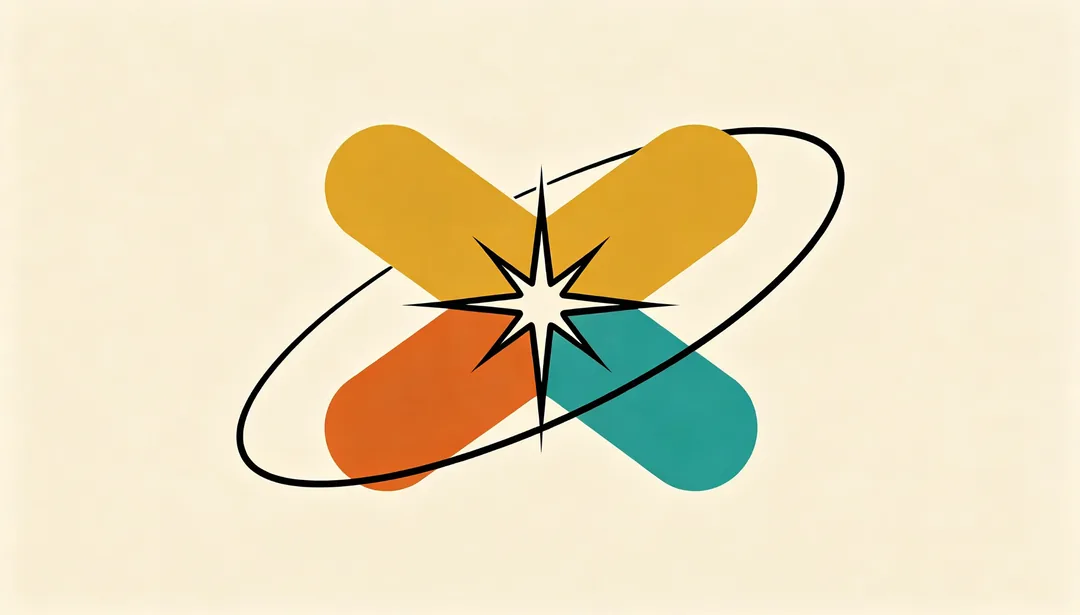
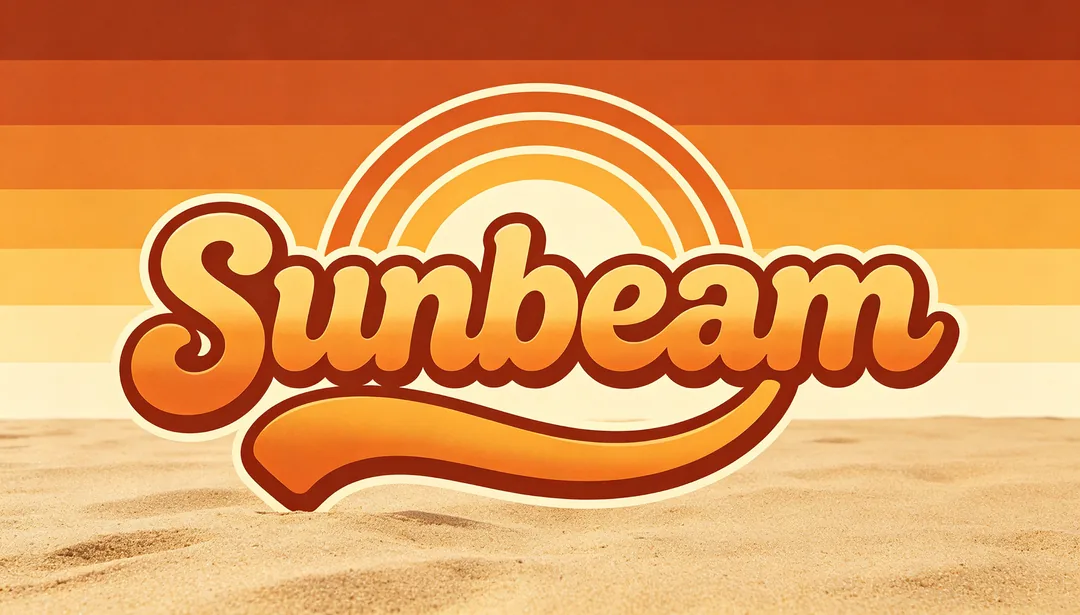
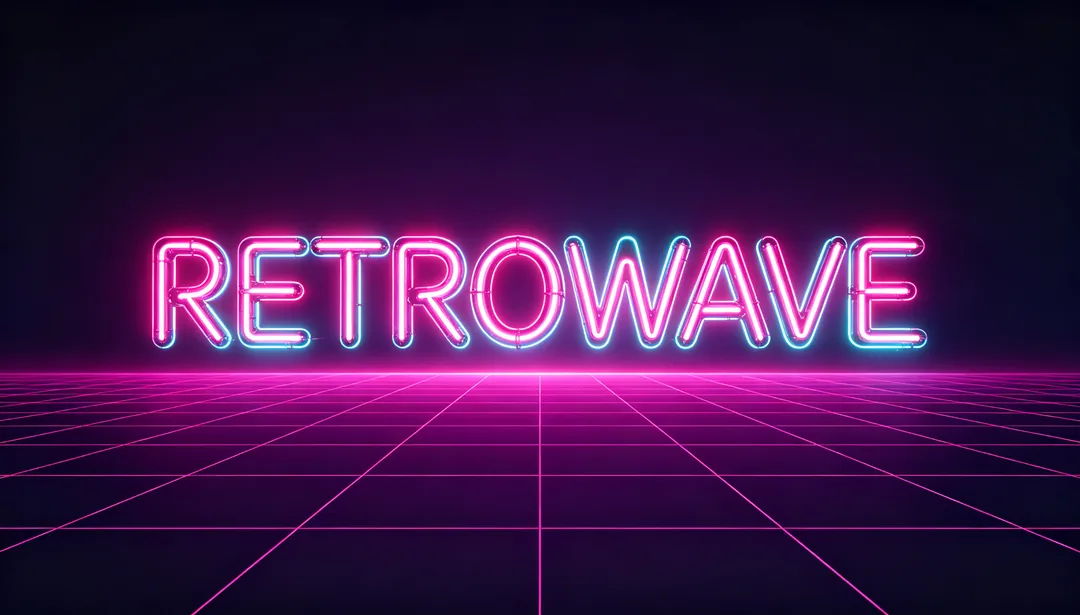
80s Neon
Hot-pink and cyan neon lettering with grid lines evoking synthwave arcade energy
Details: 80s Neon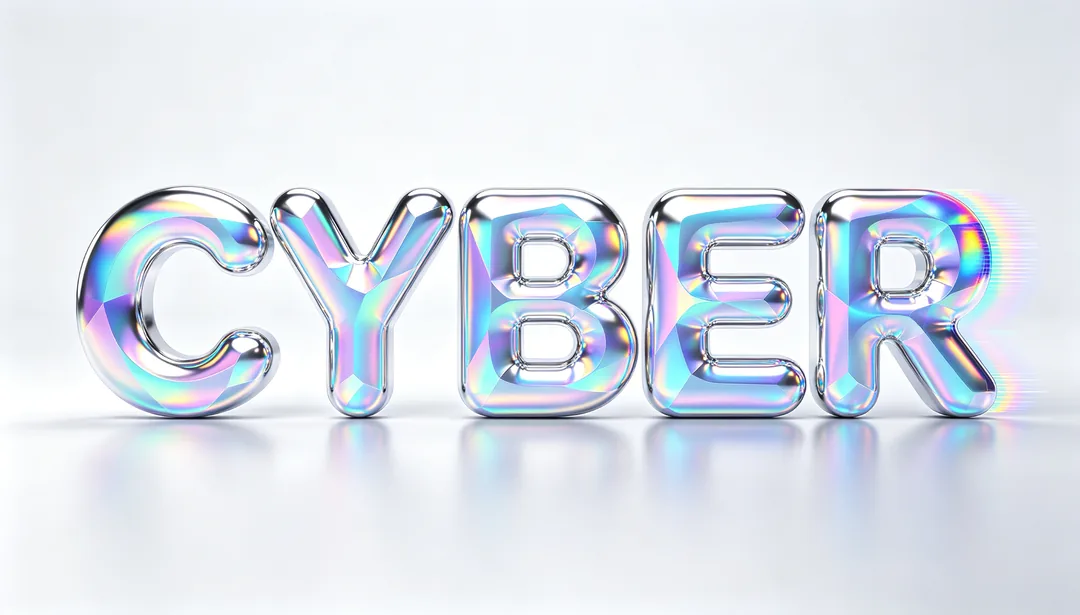
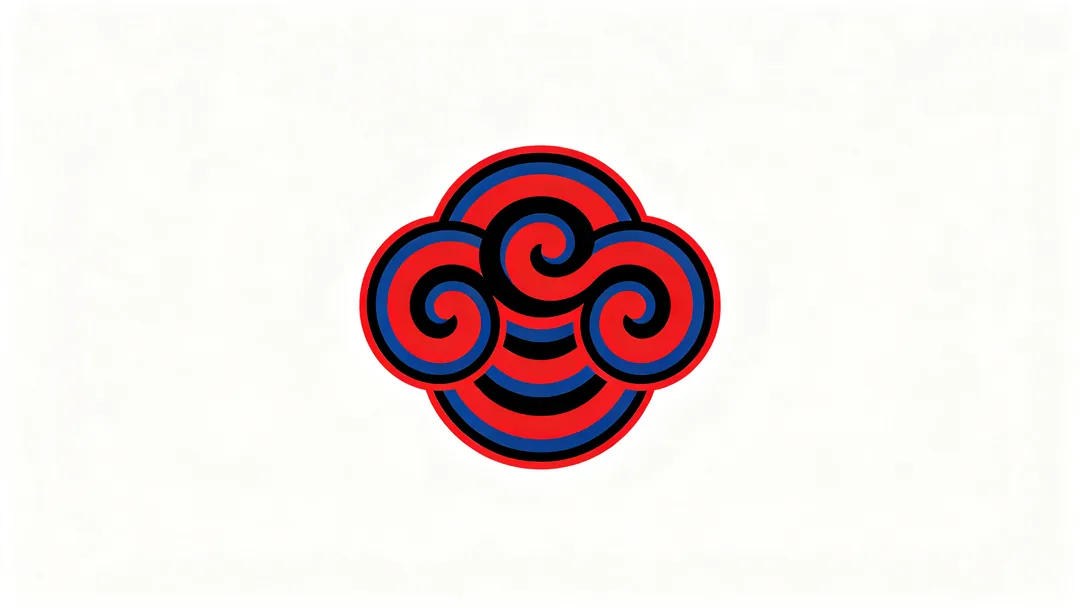
Guochao Heritage
Traditional cultural motifs like ink clouds or auspicious creatures fused with modern design methods
Details: Guochao Heritage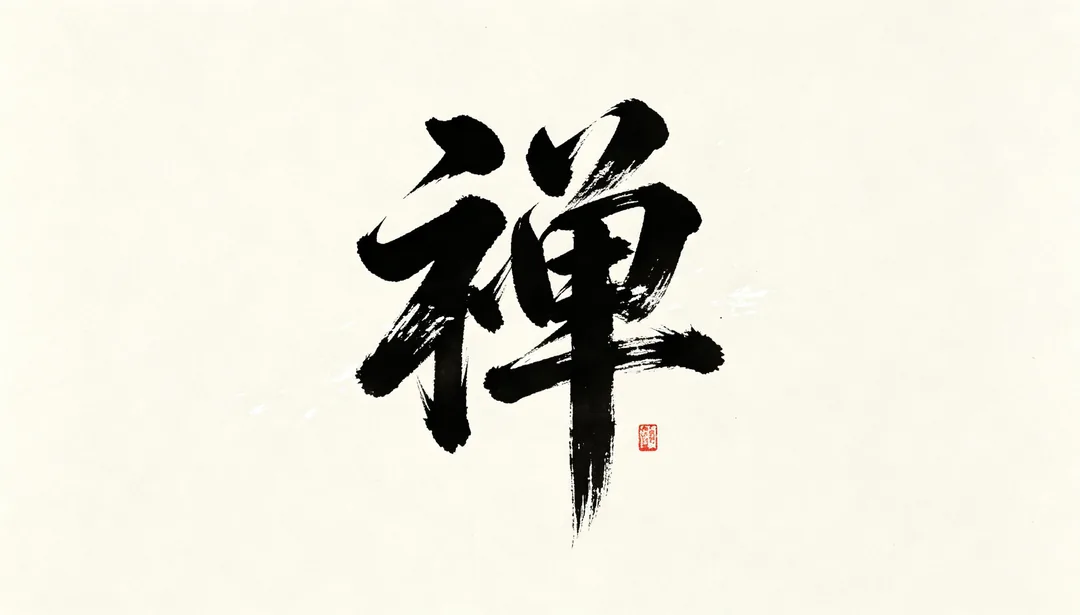
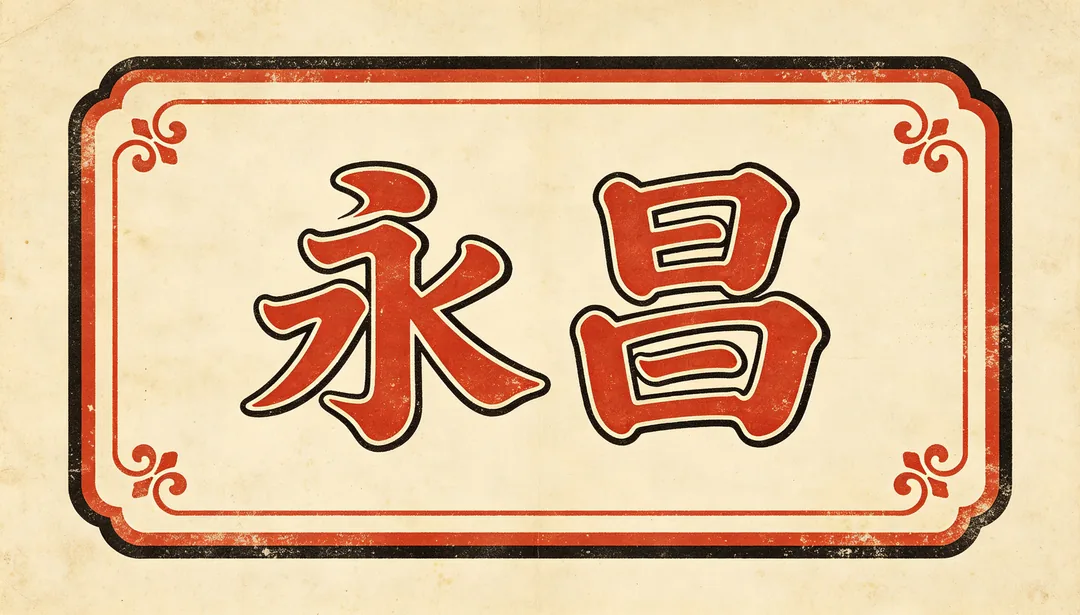
Chinese Calligraphy
Brush-stroke calligraphy as the primary visual with contemporary balance
Details: Chinese Calligraphy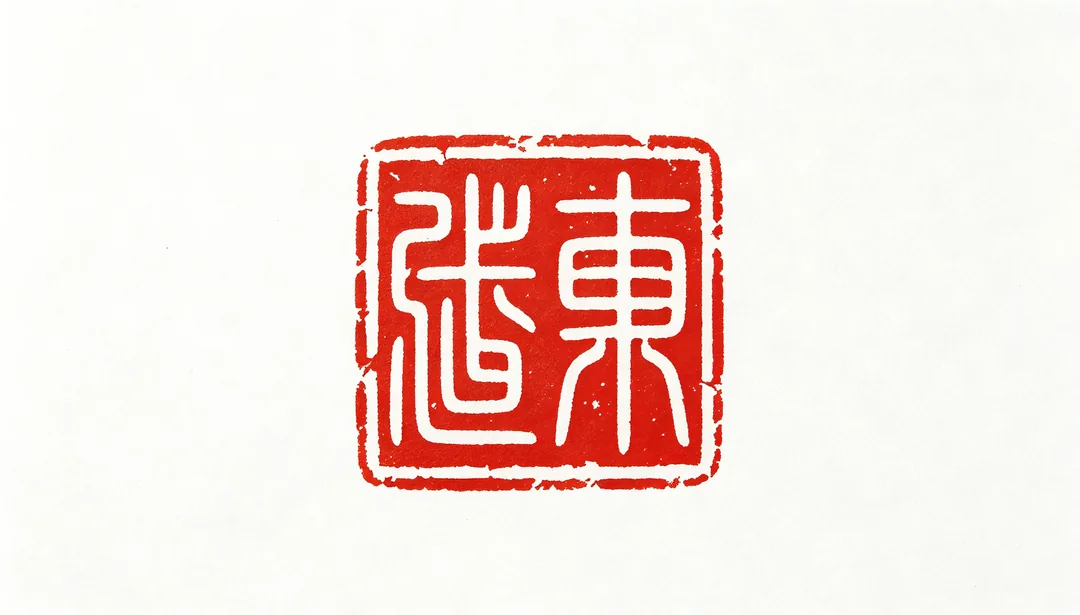
Seal Script
A square or round seal-carving-inspired mark in classic vermilion-and-white
Details: Seal Script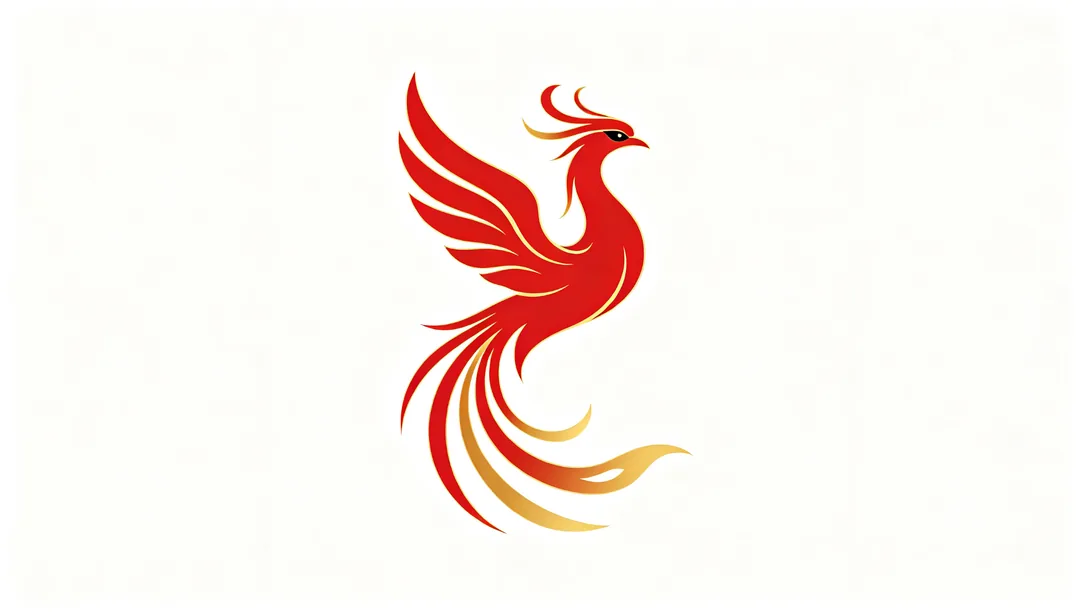
Zodiac Mythical
A contemporary reinterpretation of mythical creatures like the dragon, phoenix or qilin
Details: Zodiac Mythical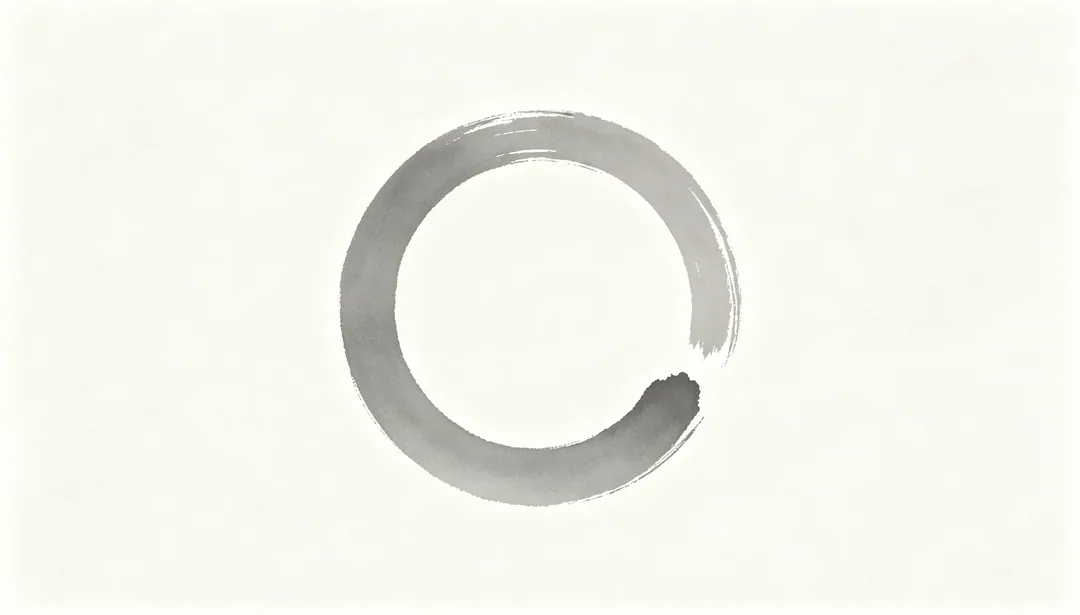
Japanese Kanso
Zen minimalism, generous ma negative space, and one or two restrained hues
Details: Japanese Kanso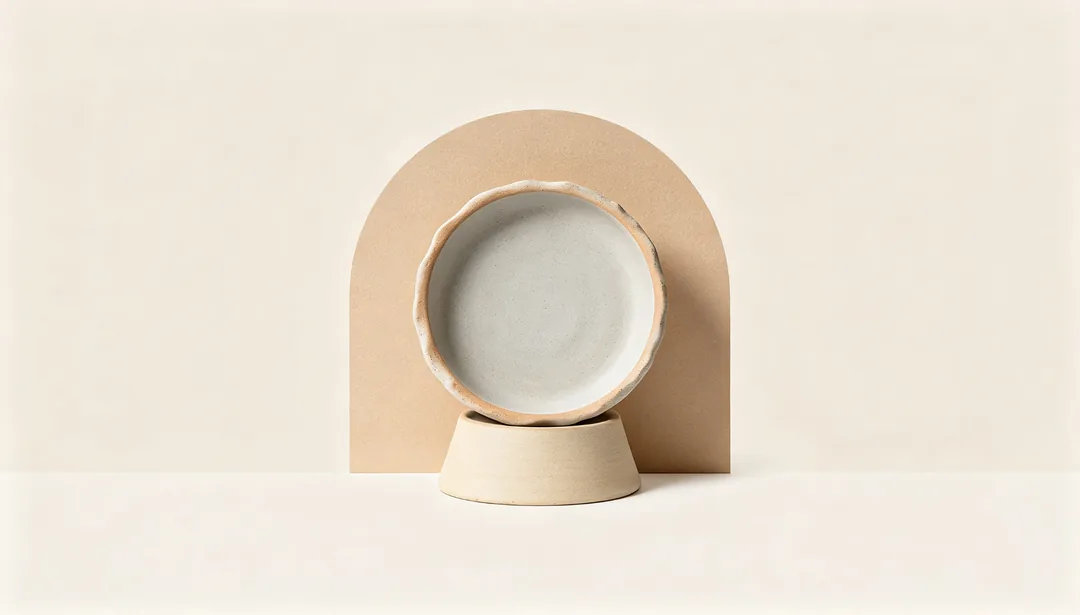
Japandi Fusion
Wabi-sabi imperfection blended with Scandinavian functionalism on a warm off-white ground
Details: Japandi Fusion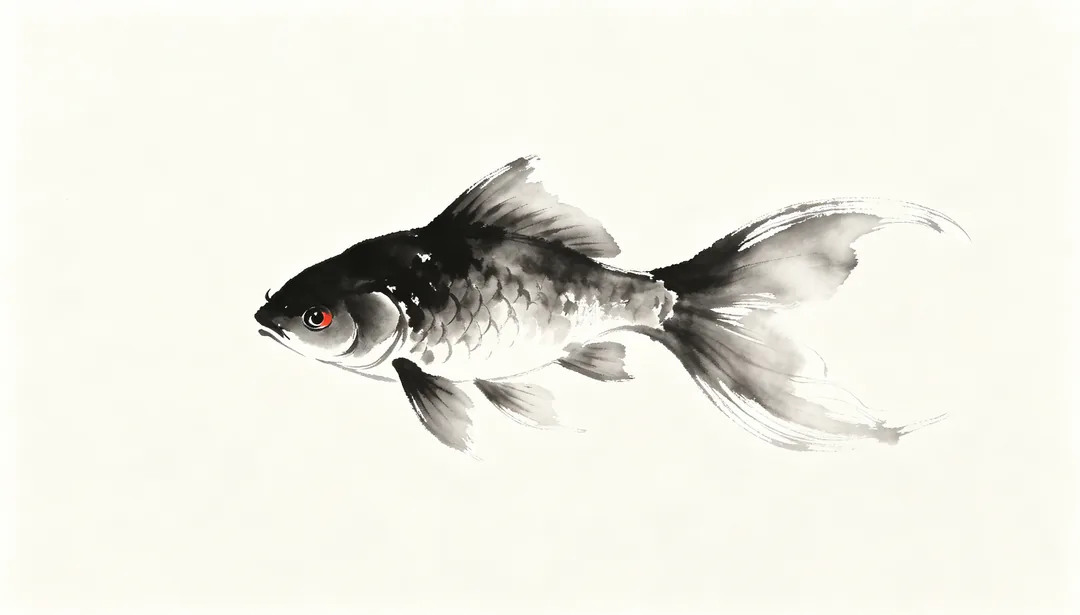
Ink Wash
Traditional Chinese ink painting tones with layered dilution from dark to pale
Details: Ink Wash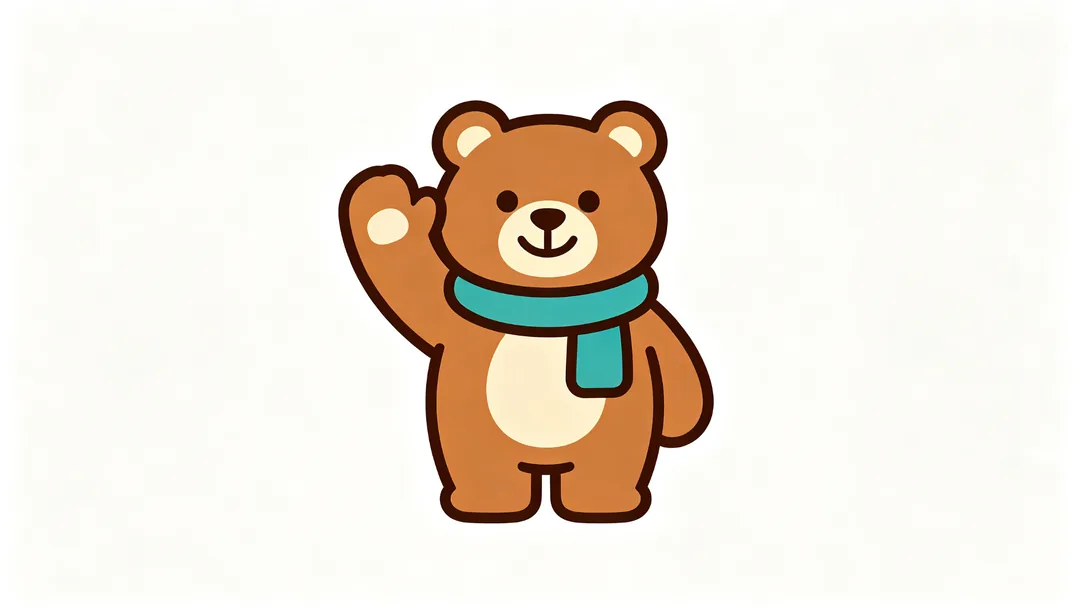
Freehand Mascot
A simplified bold-outline mascot with minimal detail that scales cleanly
Details: Freehand Mascot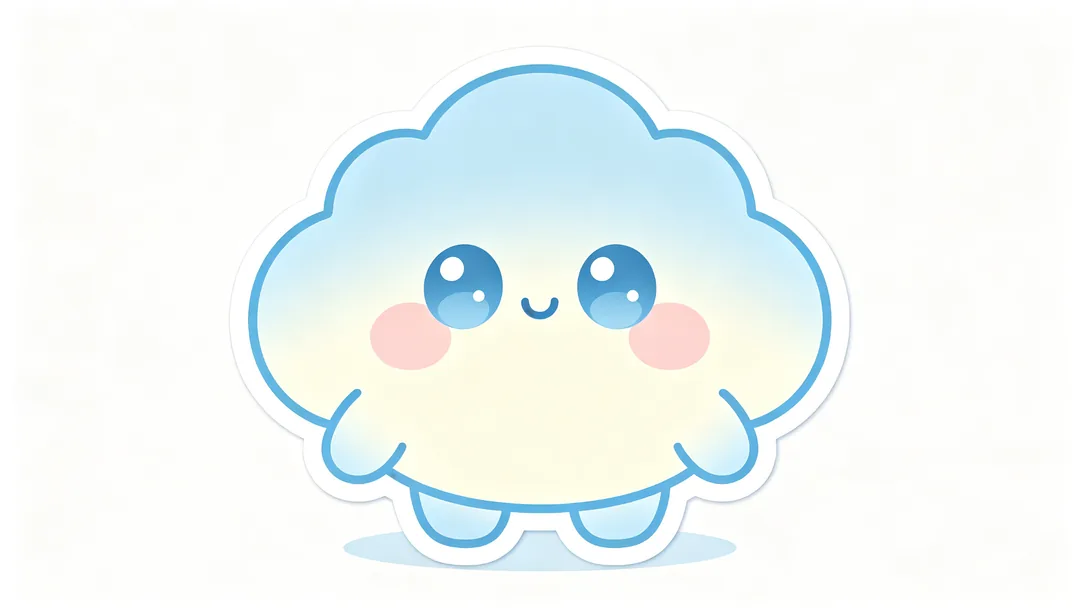
Kawaii Character
A big-eyed, round-faced cute character in the Japanese kawaii style
Details: Kawaii Character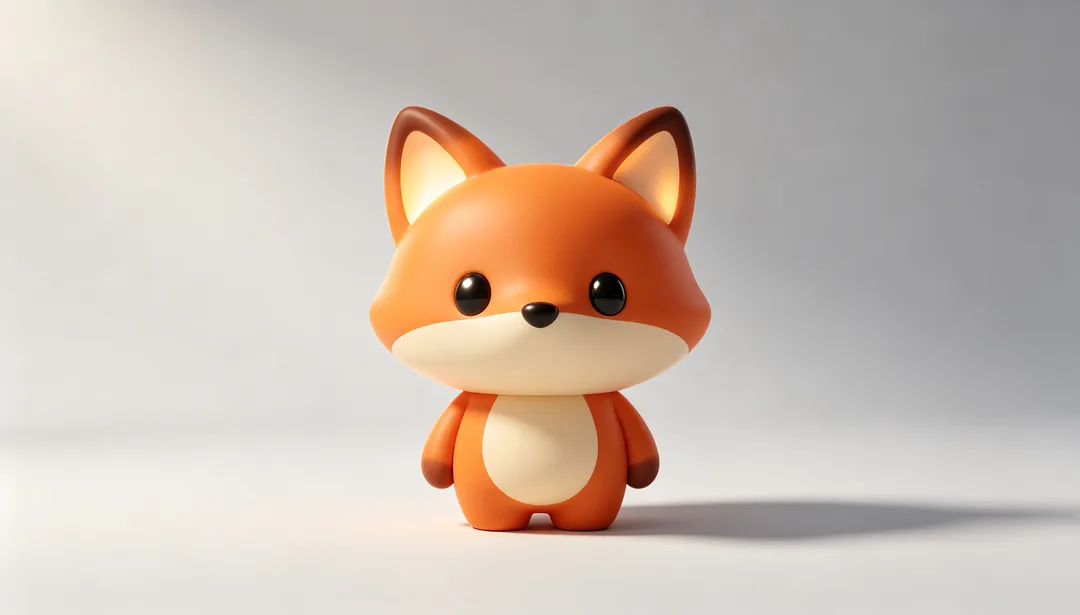
3D Rendered Mascot
A high-fidelity 3D character with rich lighting and material texture
Details: 3D Rendered Mascot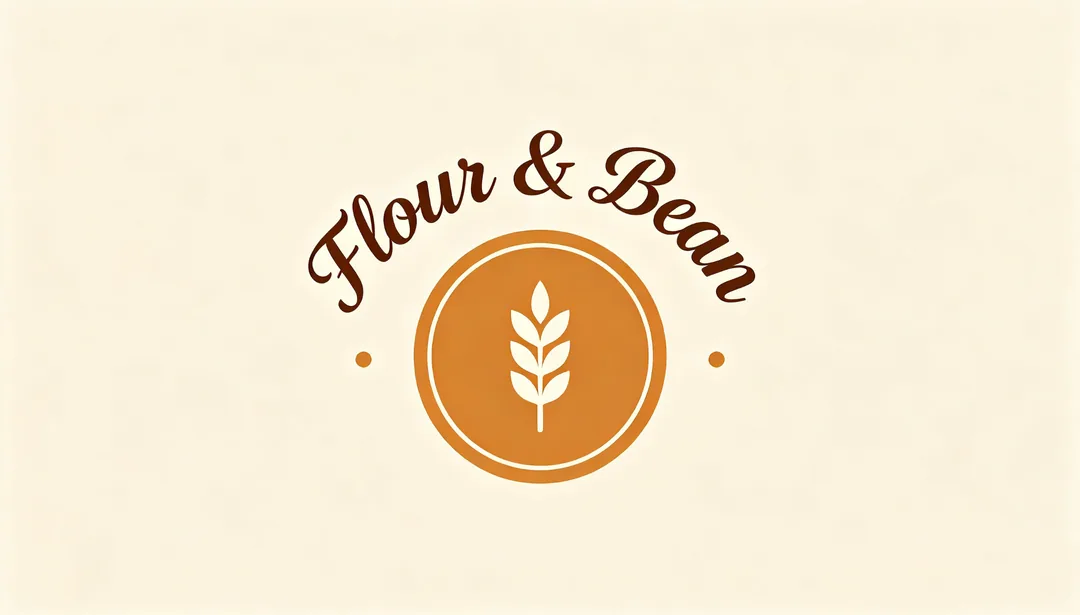
Cafe & Bakery
A handwritten script wordmark paired with a warm badge holding a coffee or wheat motif
Details: Cafe & Bakery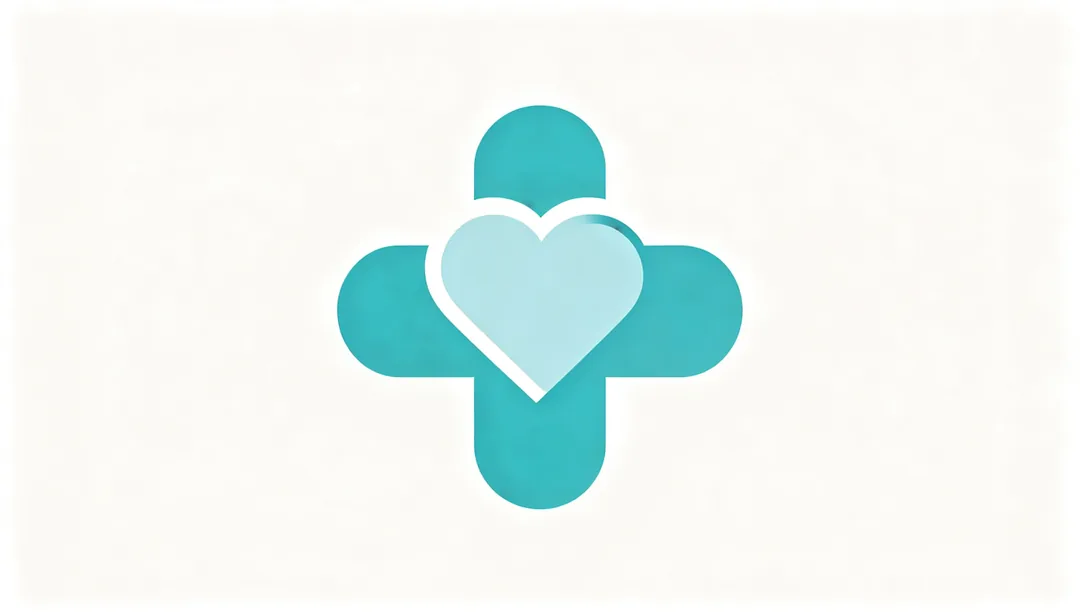
Medical Trust
Calm blue-green cross, heart, or DNA-helix motifs with rounded, steady weight
Details: Medical Trust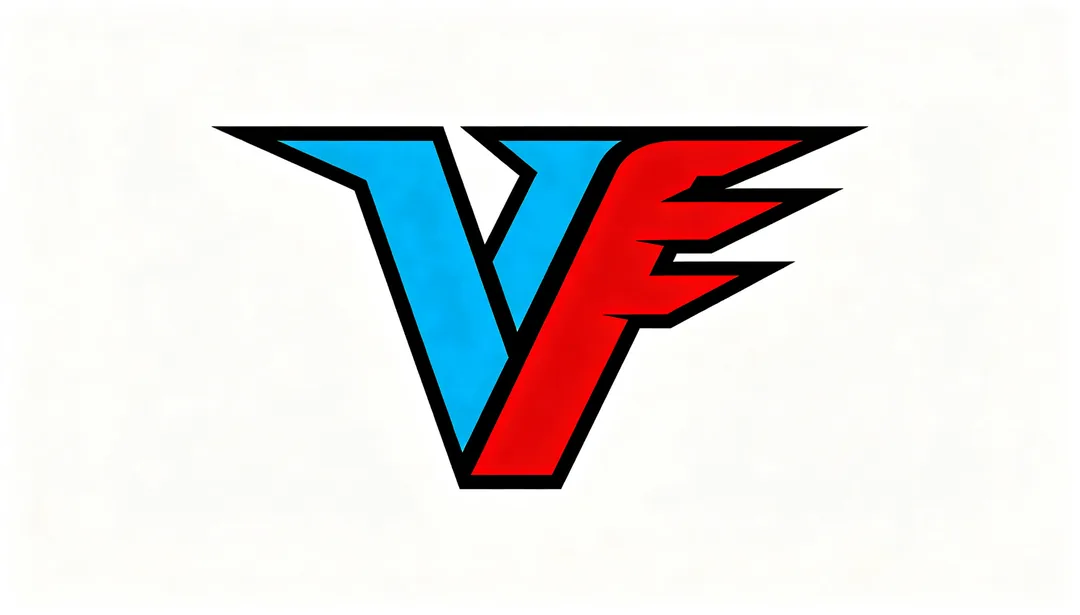
Sports Power
Diagonal slant, sharp angles, speed lines and high-saturation color for explosive athletic energy
Details: Sports Power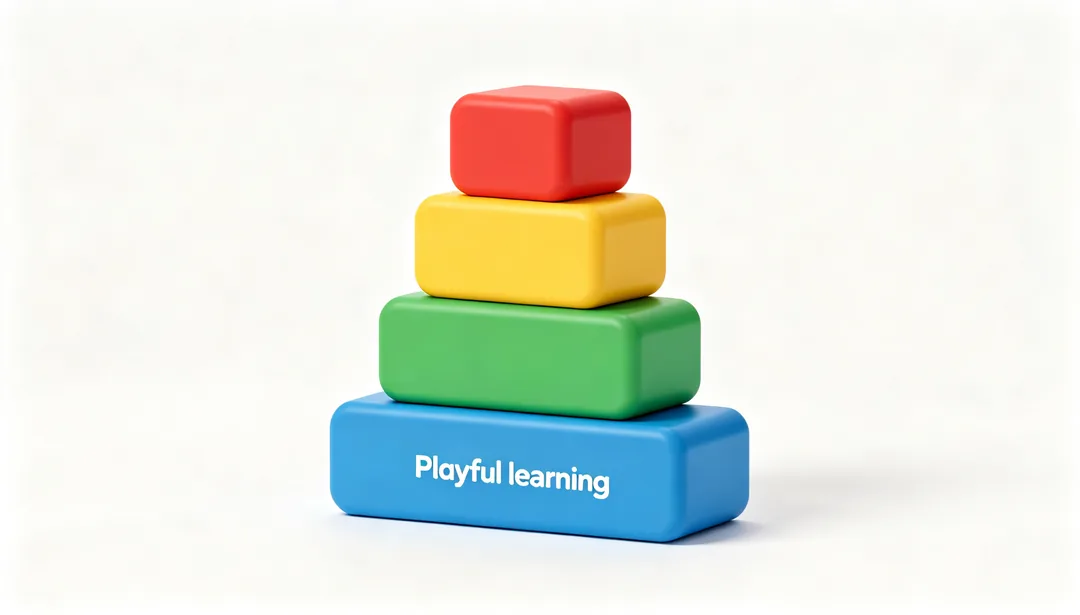
Education Play
Cheerful building-block shapes and gamified icons in a friendly typeface
Details: Education Play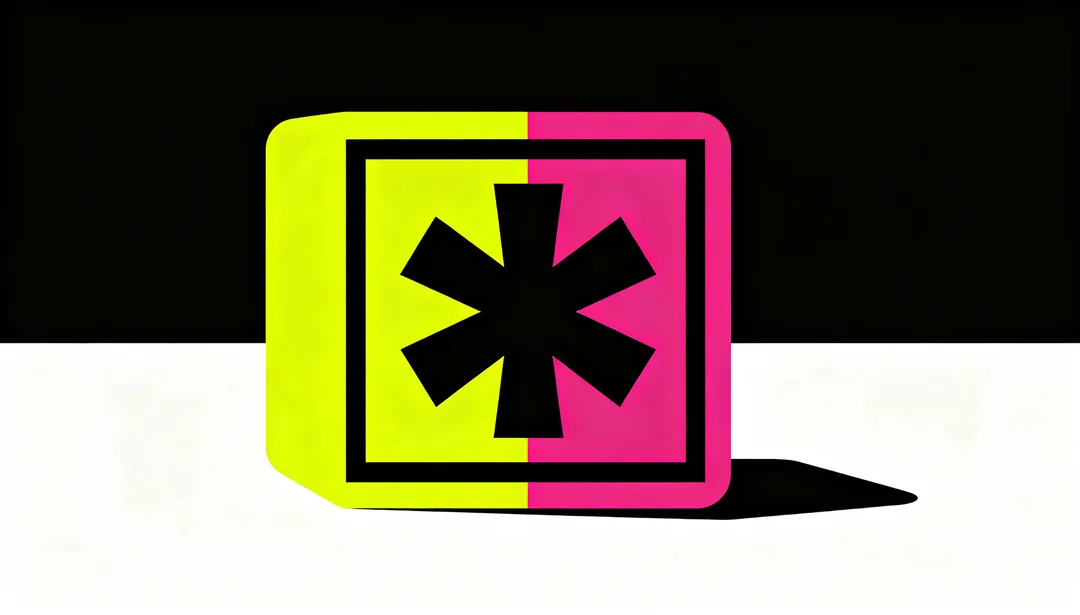
Neo Brutalist
Thick black borders, hard offset shadows and high-saturation flat color blocks
Details: Neo BrutalistAI logo styles explained
Wordmarks
A wordmark is the brand name set in distinctive type. Chunky Wordmark, Elegant Serif, Geometric Lowercase and Calligraphic Script render your name as lettering.
Monograms and emblems
A monogram interlocks initials, as in Custom Monogram. An emblem puts the name or a symbol inside a shape, as in Stamp Seal, Heraldic Crest and Vintage Badge.
Symbols and mascots
Line Minimal, Negative Space and Geometric Abstract draw a mark without lettering; Freehand Mascot, Kawaii Character and 3D Rendered Mascot give the brand a character.
What to type for an AI logo
- Start with the exact brand name, spelled the way it should appear.
- Add the industry and one or two words about tone, for example "organic bakery, warm and hand-made".
- Mention the colours you want, or the ones to avoid.
- Keep it short; the style already decides layout, type and finish.
How it works
1
Type your brand
Write the brand name and a few words about what you do. No image is needed.
2
Pick a logo style
Choose a direction: wordmark, monogram, emblem, symbol or mascot.
3
Generate and compare
Generate several versions, keep the strongest and try it in a second style to compare.